
Signum Audio BUTE Limiter 2 (Surround)
Professional music gear - detailed information and where to buy
Signum Audio
BUTE Limiter 2 (Surround)
Product Info
* Prices may vary. Check retailer for current pricing and availability.
Product Description
- Ultra-Transparent True Peak Brickwall Limiting with support for Multiple Workflows. Note: This product is the Surround Sound version. The Stereo version of Bute Limiter is also available. Ultra-Transparent Limiting BUTE Limiter 2 delivers “high fidelity
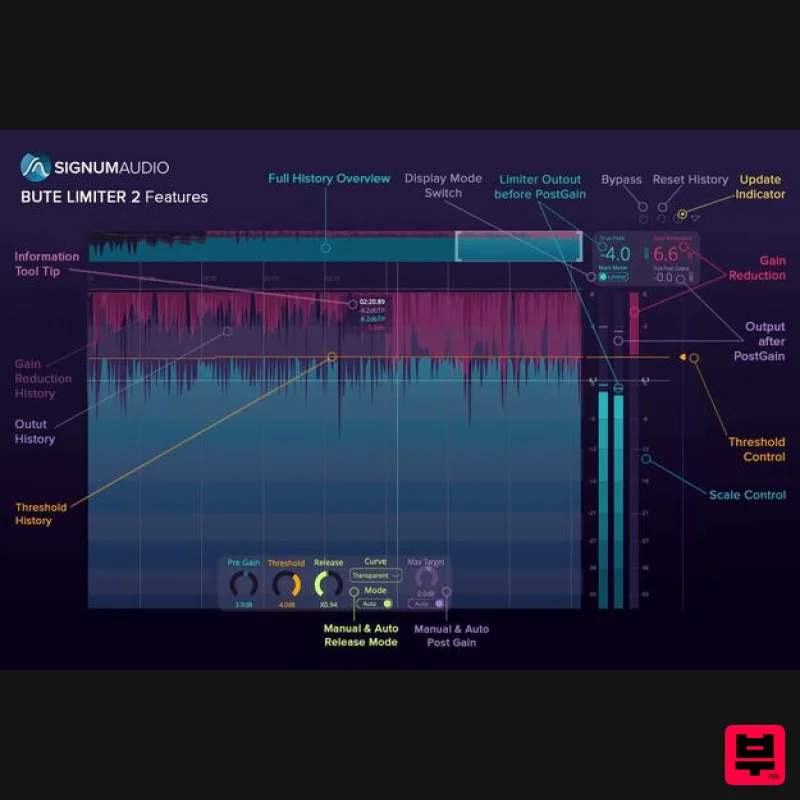
- ultra-transparent true peak brickwall limiting with a streamlined and sleek user interface”. Comprehensive yet Flexible UI Whether you’re looking for an in-depth analysis of your master or a compact readout - BUTE Limiter 2 can do it all. BUTE Limiter 2 Features a resizable history view which lets you interactively examine true peak
- gain reduction
- threshold and output readings - you can choose to see an overview of your whole master or zoom in to a particular part. If any true peak overshoots are introduced via the post gain functionality
- BUTE Limiter 2 will flag them prominently in the history with warnings. The history also supports re-metering via automatic DAW sync and will get updated if you change your limiter settings so you can see how your new settings affect your audio. Support for Multiple Workflows BUTE Limiter 2 includes a Pre Gain to push or reduce the incoming signal’s volume before Limiting as well as Post Gain that will be applied after limiting. The plugin can be configured to highlight either the limiter output or the overall output
- that is limiter output with applied Post Gain. So whether you like to push the limiter via Pre Gain like a maximiser
- or limit your signal and then use Post Gain to make up for the change in volume - BUTE Limiter 2 provides you with a streamlined display for your workflow. Features Ultra transparent true peak limiting using Signum Audios novel overshoot proof brick wall limiting algorithm Highest quality linear phase upsampling Advanced adaptive auto release 5 Different release curves PreGain
- Post-Gain and automatic Max Target functionality Three different layouts: Resizable History View
- Vertical Metering View and compact Horizontal Control View. Automatic DAW sync and re-metering to reflect adjustments. History for True Peak
- True Peak Output
- Threshold and Gain Reduction. Warning system for Post-Gain overshoots In-depth history analysis Up to 10 channel Surround Compatible with Mac (10.9 or higher)
- Windows (8.1 or higher) and 64-bit VST / AU / AAX Included with the BUTE Loudness Suite System Requirements Windows 8.1 or higher macOS 10.9 or higher Compatible with 64-bit VST / AU / AAX. Available in 2 versions: Stereo or Surround. Surround adds additional multi-channel support for up to 10 channel Atmos. Pro Tools 12.6 or higher (for the AAX version of the plugin) Kenny Clark "The limiter gives you gain reduction while maintaining a very natural sound” Moroishi Masaiki “With the advent of Bute Limiter there is no distortion
- it is transparent and can switch musical characters ... it is the first True Peak Limiter that can be used without loss of musicality. Highly recommend." Signum Audio Bute Loudness Suite Review at Music Radar Scottish developer expands its loudness analyzer: Founded by two ex-Rockstar North audio developers
- Signum Audio’s debut release was a True Peak metering plugin going by the name of Bute Loudness Analyser (£83). Bute Loudness Suite (VST/AU/AAX) is essentially the same thing with a True Pea... Read More Note: Bute Loudness Suite Stereo is used as the example. Mac Registration 1. Go to your Plugin Boutique User Account and find the URL located in the box labelled 'Serial Number' > Copy and paste the URL into your web browser and press enter. 2. You will be redirected to a shopping cart on the Signum Audio website. Check the product is correct > Click 'Checkout'. 3. Click 'Register'. 4. Enter your personal details by filling out all the fields with an asterisk (*) next to them > Click 'Register'. Note: Be sure to scroll down the page and fill out all of the relevant fields. 5. Click 'Continue'. 6. You will then be redirected back to the same checkout page as step 2 of the registration process > Click 'Checkout'. 7. Click 'Confirm'. 8. Click 'Continue'. Installation 1. You will have received an email from Signum Audio containing your license key and product download link > Go to your email and click 'Download Link'. 2. Click 'Download for Mac'. 3. Go to your downloaded installer
- double click the zip file to extract the contents and open the .pkg file to begin the installation > Click 'Continue'. 4. Click 'Continue'. 5. Click 'Agree'. 6. Click 'Continue'. 7. Click 'Continue'. 8. Click 'Install'. 9. Enter your computer Username and Password > Click 'Install Software'. 10. Click 'Close'. Activation 1. Open your newly installed plugin in your DAW > Enter your license key
- found in your email from Signum Audio and click 'Ok'. Your software is now activated and ready to use in your DAW. Windows Registration 1. Go to your Plugin Boutique User Account and find the URL located in the box labelled 'Serial Number' > Copy and paste the URL into your web browser and press enter' 2. You will be redirected to a shopping cart on the Signum Audio website. Check the product is correct > Click 'Checkout'. 3. Click 'Register'. 4. Enter your personal details by filling out all the fields with an asterisk (*) next to them > Click 'Register'. Note: Be sure to scroll down the page and fill out all of the relevant fields. 5. Click 'Continue'. 6. You will then be redirected back to the same checkout page as step 2 of the registration process > Click 'Checkout'. 7. Click 'Confirm'. 8. Click 'Continue'. Installation 1. You will have received an email from Signum Audio containing your license key and product download link > Go to your email and click 'Download Link'. 2. Click 'Download for Windows'. 3. Go to your downloaded installer
- double click the zip file to extract the contents and open the .exe file to begin the installation > Select 'I accept the agreement' and click 'Next'. 4. Click 'Next'. 5. Click 'Next'. 6. Click 'Install'. 7. Click 'Finish'. Activation 1. Open your newly installed plugin in your DAW > Enter your license key
- found in your email from Signum Audio and click 'Ok'. Your software is now activated and ready to use in your DAW.
Additional Information
About the Signum Audio BUTE Limiter 2 (Surround)
Discover the distinctive sound and feel of the Signum Audio BUTE Limiter 2 (Surround), a standout choice among Limiter.
Why Choose the Signum Audio BUTE Limiter 2 (Surround)?
- •Authentic Signum Audio craftsmanship and design
- •Versatile sound suitable for multiple musical genres
- •Professional build quality and reliable performance
- •Part of Signum Audio's respected Limiter lineup
Compare & Explore
Browse our complete selection of Signum Audio instruments or explore other Limiter options. Use our comparison tools to find the perfect match for your musical style and budget.
Similar Products
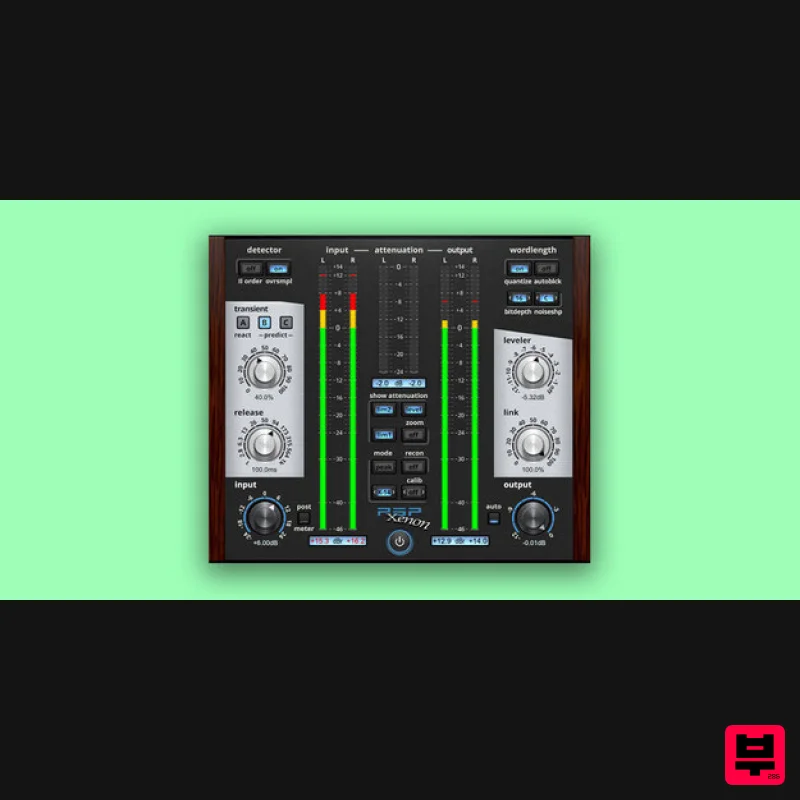
PSP Audioware PSP Xenon
Limiter
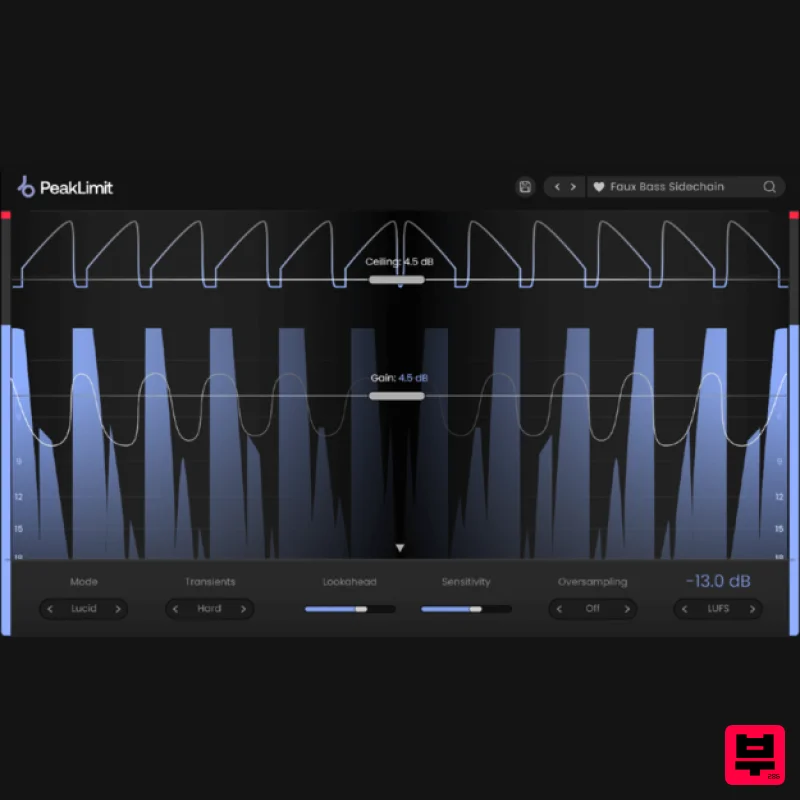
Plugin Boutique PeakLimit
Limiter

Safari Audio Lion Master
Limiter
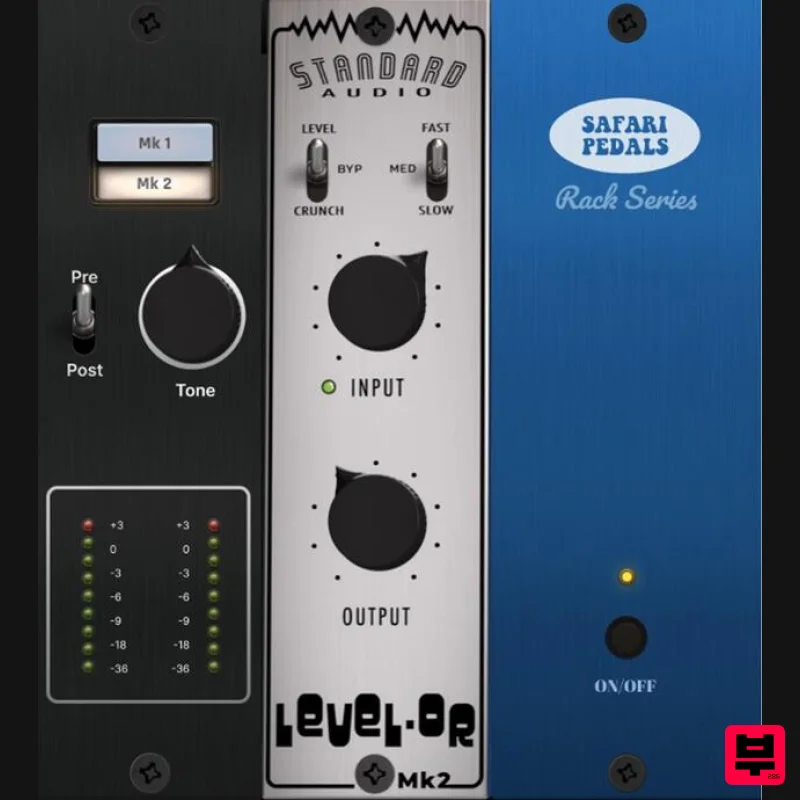
Safari Audio Standard Audio Level-Or
Limiter
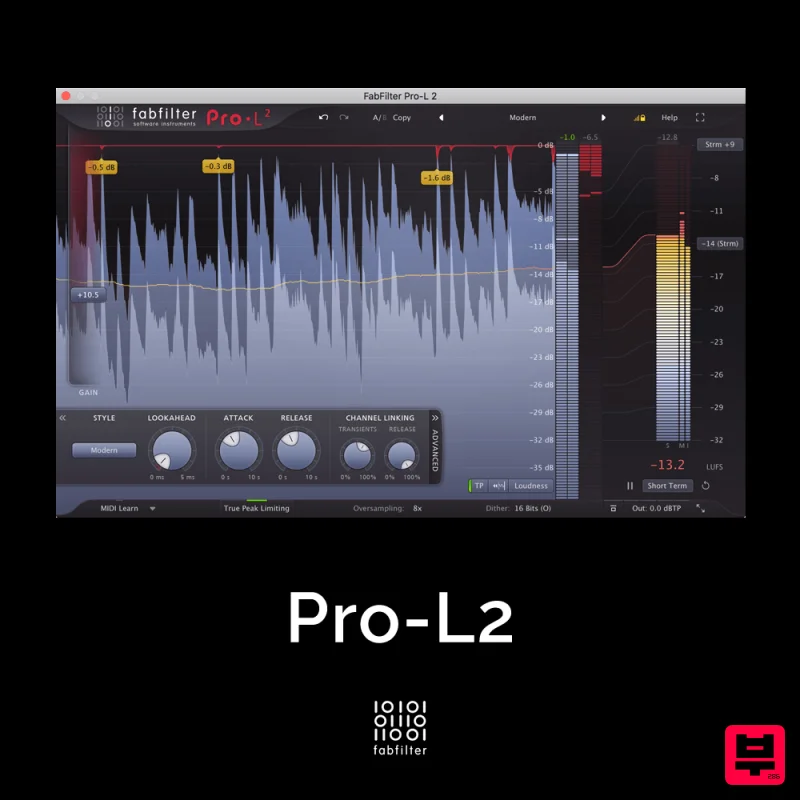
FabFilter Pro-L2
Limiter
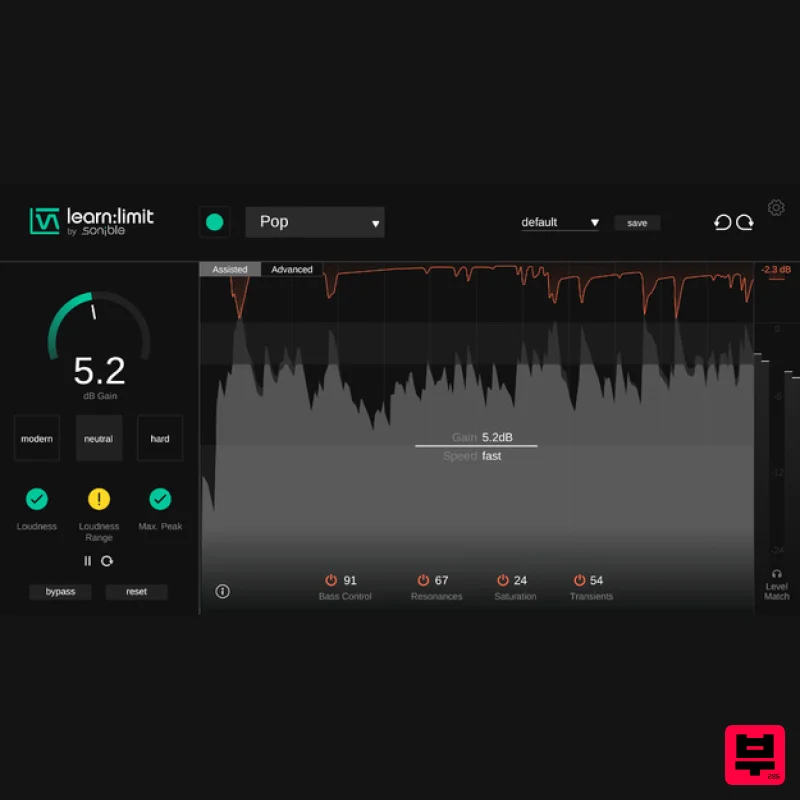
sonible learn:limit
Limiter
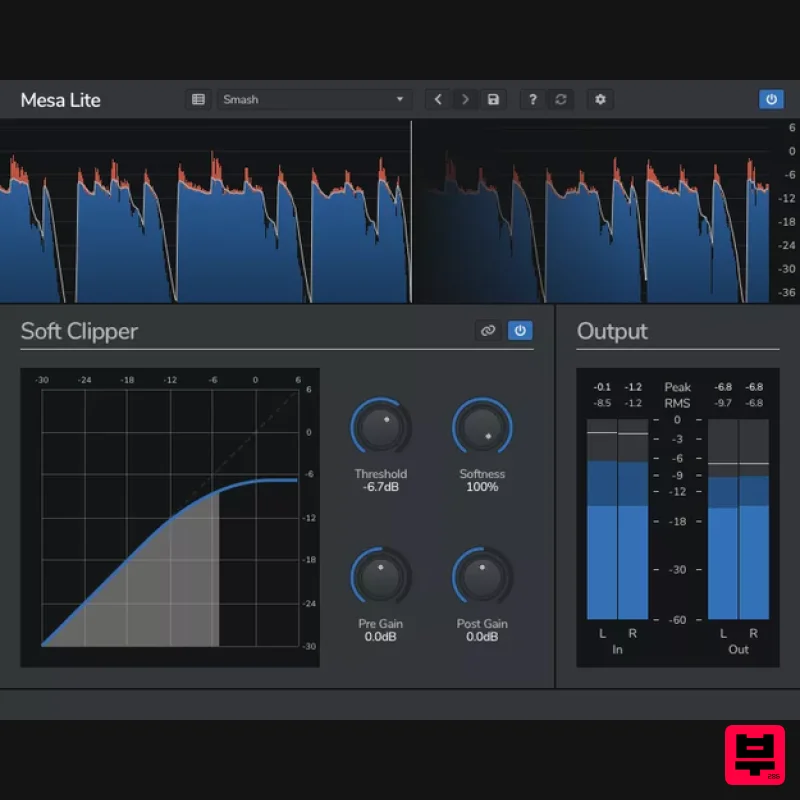
Venomode Mesa Lite
Limiter
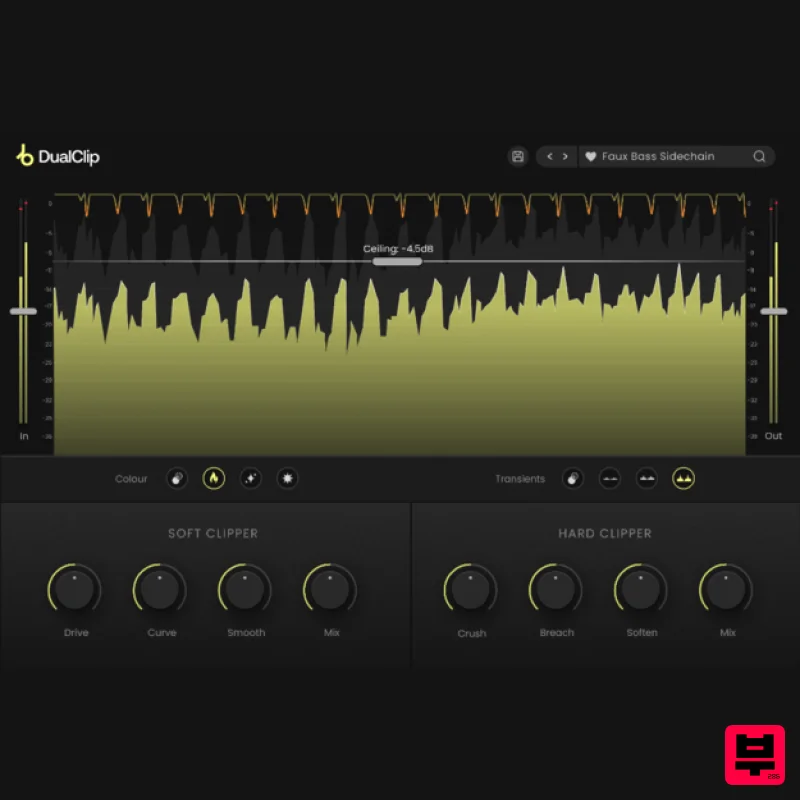
Plugin Boutique DualClip
Limiter

