
Session Loops VocalNet
Professional music gear - detailed information and where to buy
Session Loops
VocalNet
Product Info
* Prices may vary. Check retailer for current pricing and availability.
Product Description
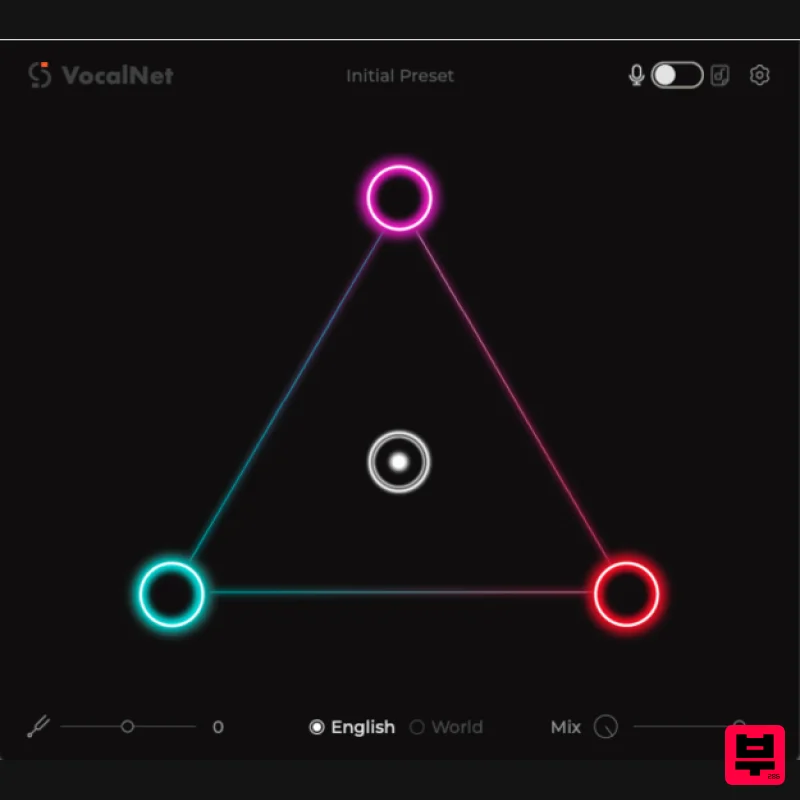
- Real-Time Voice Cloning & Transformation Plugin <iframe allow="accelerometer; autoplay; clipboard-write; encrypted-media; gyroscope; picture-in-picture; web-share" allowfullscreen="" frameborder="0" height="315" src="https: //www.youtube.com/embed/zIMh8gt_ucU?si=z-RfY8fKmwB1Dvh9" title="YouTube video player" width="560"></iframe> Clone & Transform Voices in 3 steps 1. Import Voice Samples - VocalNet analyzes the imported samples and clones them as target voices. The cleaner and less processed the samples
- the higher the quality of the transformations. 2. Transform Input Voice - Start playback on your audio track — VocalNet will convert the input in real time to match the target voices as an audio effect. 3. Morph Between Voices - Load up to three voices
- then drag the cursor to blend them into a unique tone in real time. Features Real-time voice cloning and transformation High-quality voice modeling from clean input samples Seamless real-time voice conversion during playback Supports morphing between up to 3 voice models Intuitive interface for creative voice blending Note: DrumNet is used as an example Registration 1. Head to https://sessionloops.com/account/app-buy?app-id=DrumNet
- and enter your details to create a Session Loops account
- or log in to your existing account using the button below the form. 2. Enter the redeem code (listed under 'Serial Number') from within your Plugin Boutique User Account into the box marked 'Enter a redeem or promotional code'. Click 'Apply'. 3. The redemption process is now complete. Proceed to install your product. Installation PC 1. Download the installation file from within your Plugin Boutique User Account
- and extract the contents. Launch the .exe file. 2. Click 'Next'. 3. Click 'Next'. 4. Click 'Install'. 5. Once installation has completed
- click 'Finish'. 6. DrumNet should launch automatically. If not
- open it within your DAW
- and enter your Session Loops account details
- as created during the redemption process. Click 'Register'. 7. Installation is now complete. Enjoy your software! Mac 1. Download the installation file from within your Plugin Boutique User Account
- and extract the contents. Launch the .pkg file. 2. Click 'Continue'. 3. Click 'Install'. 4. Once installation is completed
- click 'Close'. 5. Open DrumNet within your DAW
- and enter your Session Loops account details
- as created during the redemption process. Click 'Register'. 6. Installation is now complete. Enjoy your software!
Additional Information
About the Session Loops VocalNet
The Session Loops VocalNet represents excellent craftsmanship in the Vocal Processing category.
Why Choose the Session Loops VocalNet?
- •Authentic Session Loops craftsmanship and design
- •Versatile sound suitable for multiple musical genres
- •Professional build quality and reliable performance
- •Part of Session Loops's respected Vocal Processing lineup
Compare & Explore
Browse our complete selection of Session Loops instruments or explore other Vocal Processing options. Use our comparison tools to find the perfect match for your musical style and budget.
Similar Products
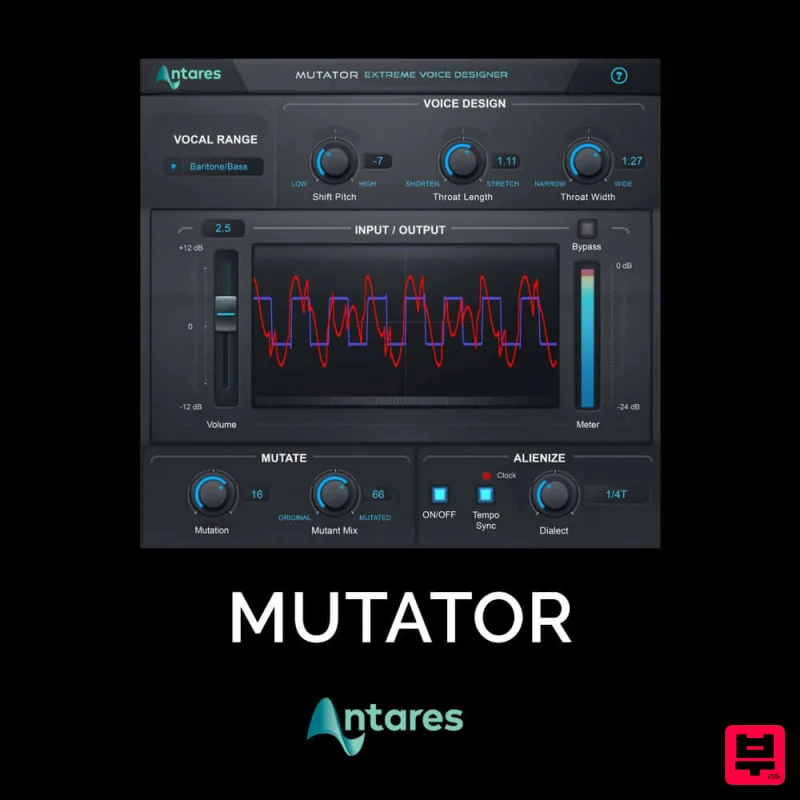
Antares MUTATOR
Vocal Processing
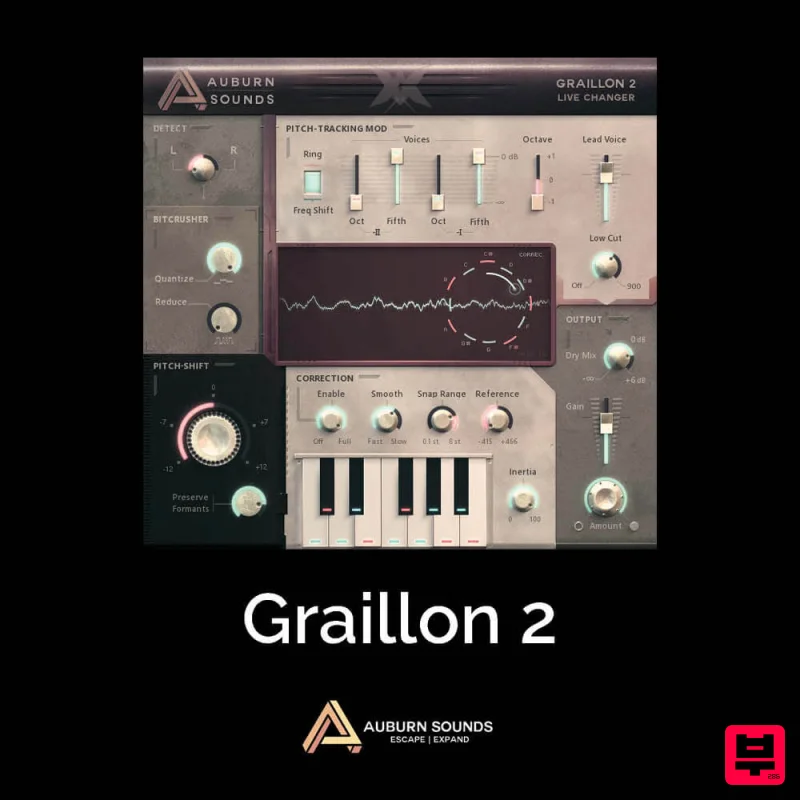
Auburn Sounds Graillon 2
Vocal Processing
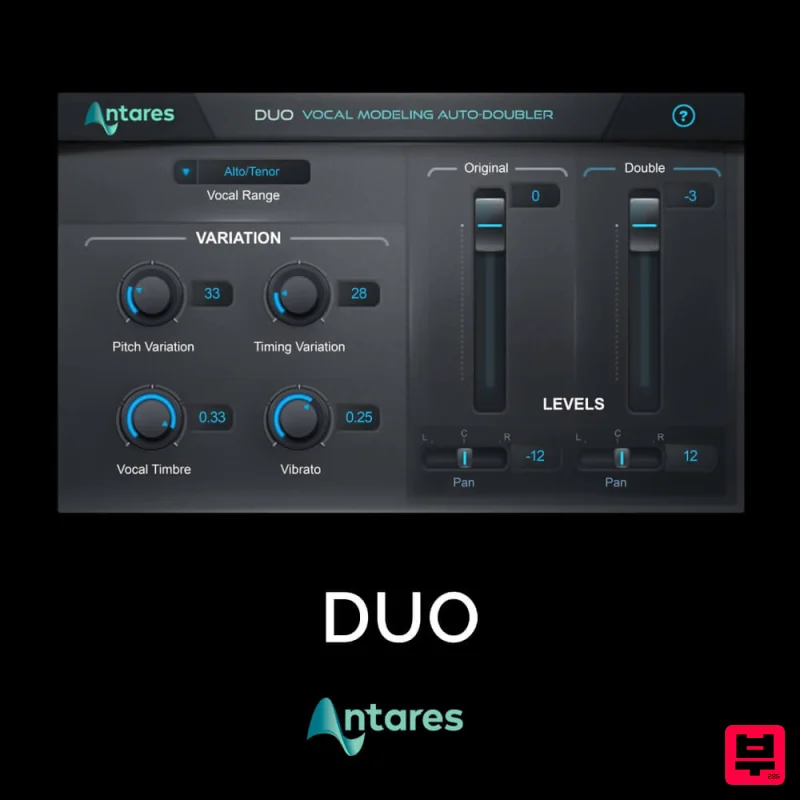
Antares DUO
Vocal Processing
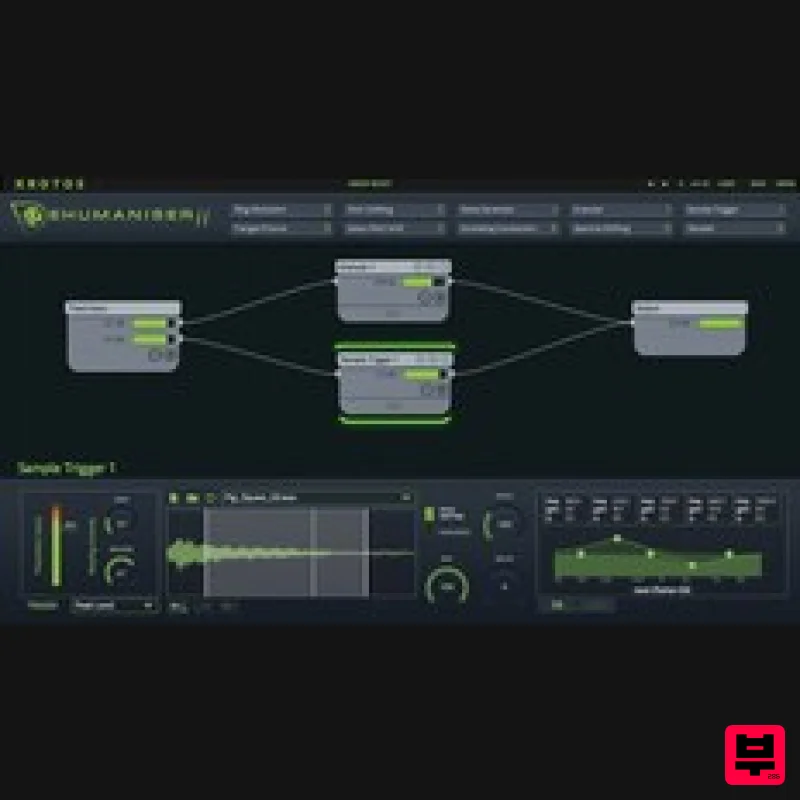
Krotos Krotos Dehumaniser 2
Vocal Processing
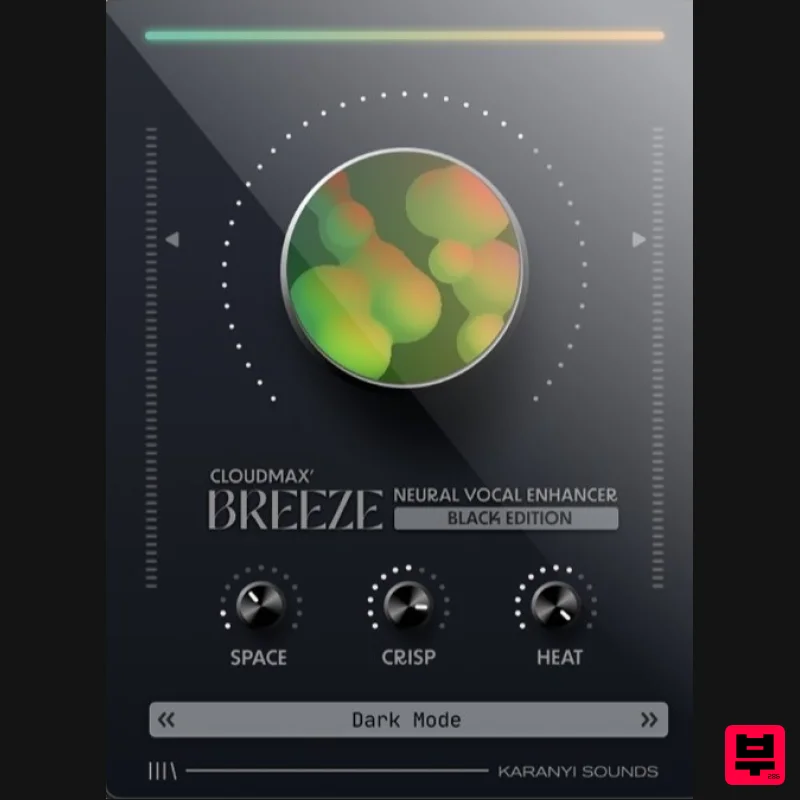
Karanyi Sounds Cloudmax Breeze Black Edition
Vocal Processing
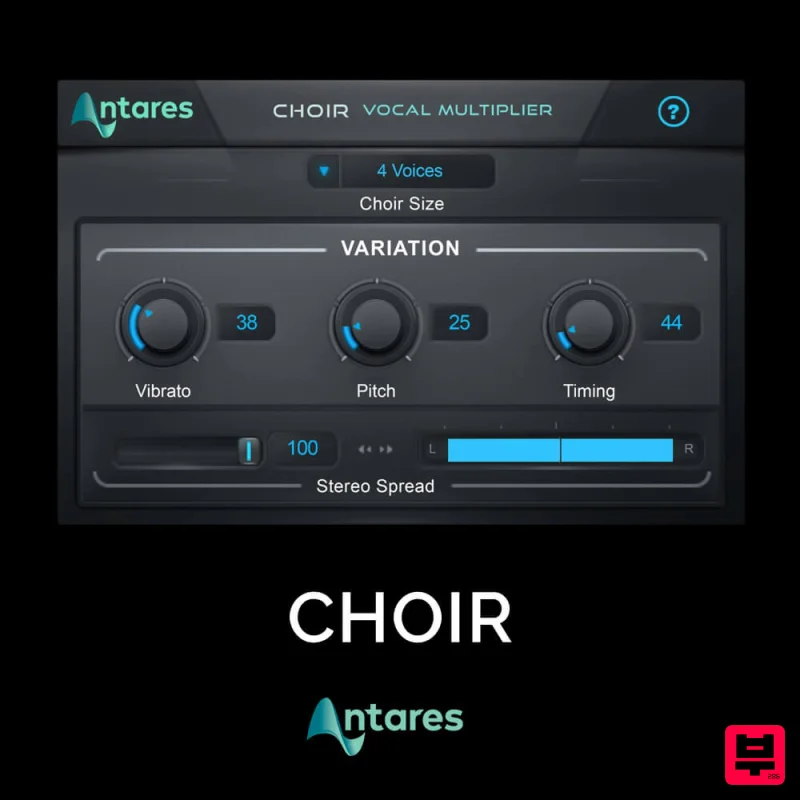
Antares CHOIR
Vocal Processing
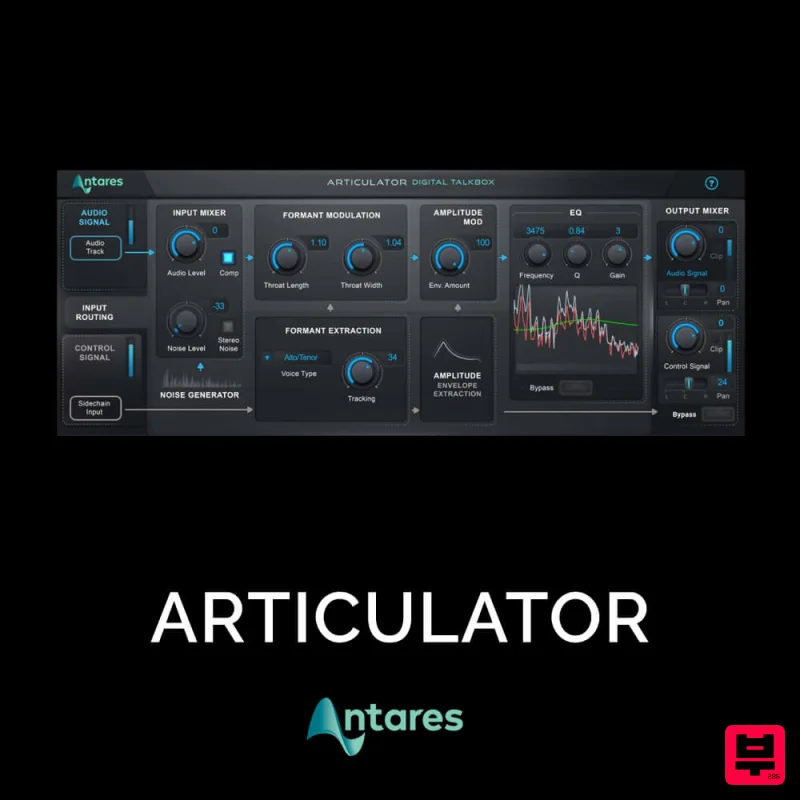
Antares ARTICULATOR
Vocal Processing
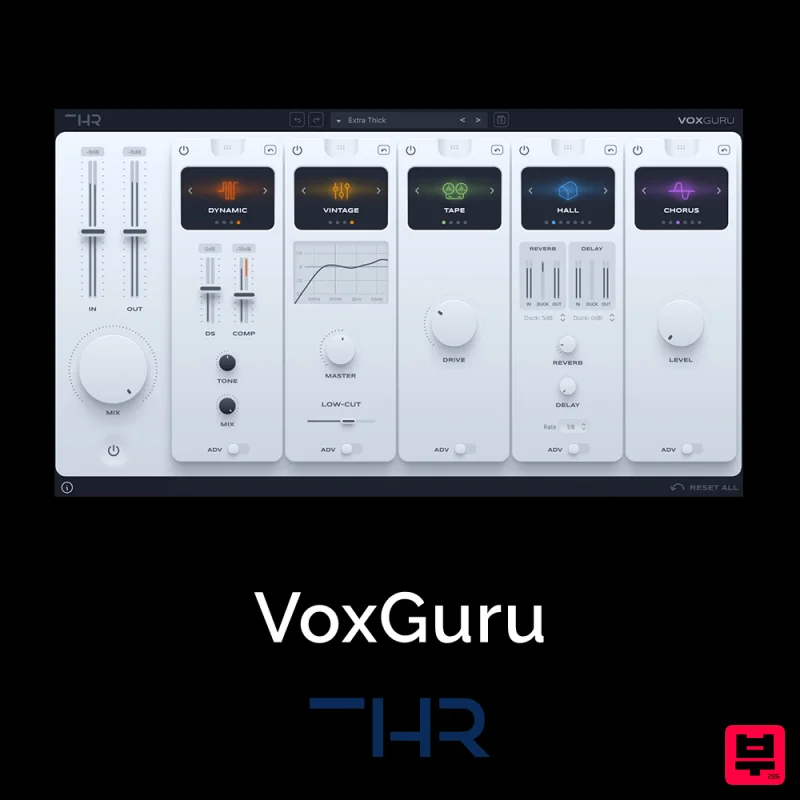
THR VoxGuru
Vocal Processing

