
Safari Audio Zebra Clipper
Professional music gear - detailed information and where to buy
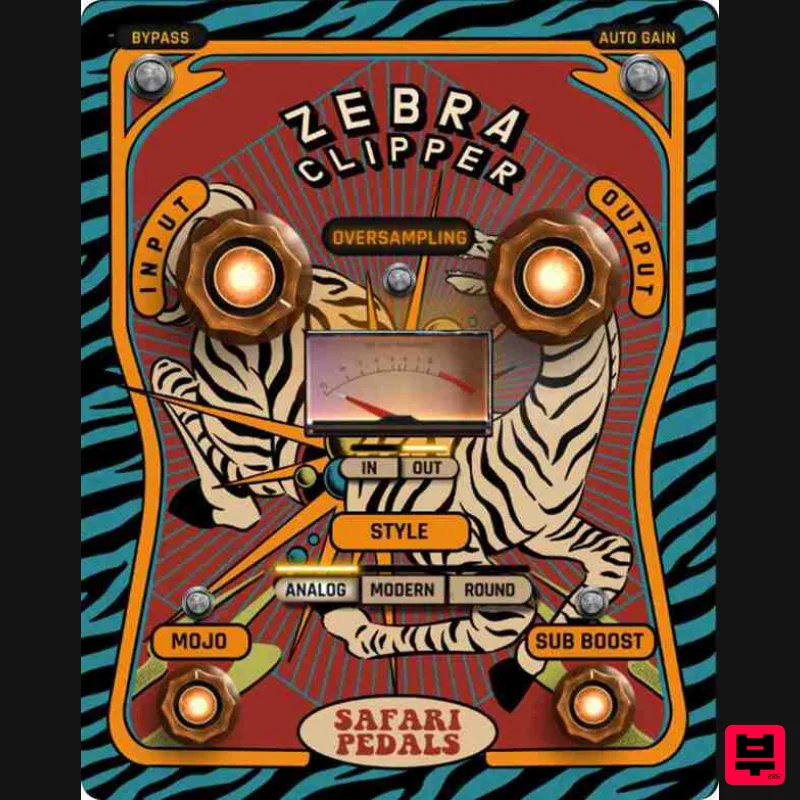
Safari Audio
Zebra Clipper
Product Info
* Prices may vary. Check retailer for current pricing and availability.
Product Description
- Precision Clipping with Character Zebra Clipper prowls through your mix
- offering precise
- controlled distortion and rich harmonics. Whether you need a subtle warmth or aggressive punch
- this versatile plugin adapts to your needs with a selection of features designed to keep your sound fierce and untamed. Clipping trims peaks
- adding harmonics and density to your tracks
- bringing energy and character. The Zebra Clipper takes this further with three distinct clipping styles
- ensuring you can shape your sound exactly how you want. Features In/Out Control – Full control over input/output levels for optimal signal management 3 Clipping Styles – Analog (vintage warmth)
- Modern (precise digital clipping)
- and Round ( saturation) Sub Boost Knob – Adds low-end punch without muddying the mix Mojo Knob – Inject harmonic magic for added richness and character Clip Amount Control – Adjust the intensity of the clipping effect Drive Knob – Push the signal harder for warm
- gritty textures Mix Control – Blend the processed and original signal for perfect balance System Requirements Formats: MacOS (VST3
- AAX) | Windows 64-bit (VST3
- AAX) Processor: 2 GHz Intel Dual Core or AMD equivalent RAM: 8GB minimum (16GB recommended) OS: Mac OS X 10.15+ / Windows 8 & Above Installation guide 1. Click DOWNLOAD in your Plugin Boutique User Account or head to https://safaripedals.com/pages/downloads 2. Click Download for your operating system 3. Open the downloaded folder For Mac users: Select the plugins you would like to install. The included installer should install the plugin’s VST3
- and AAX formats automatically
- you may need to restart your DAW to see the plugin listed. For Windows users: You will have to manually move the desired plugin formats into their respective folders. Common locations for each format are as follows: VST3: C:\Program Files\Common Files\VST3 AAX: C:\Program Files\Common Files\Avid\Audio\Plug-Ins If after restarting your DAW
- you still don’t see the plugin listed
- check your DAW’s plugin folder settings
- and be sure that the plugin is in the proper location for your software. 4. Open your DAW > launch the plugin. 5. Enter the serial number found in your Plugin Boutique User Account > click Activate Your plugin is authorised and ready to use. Enjoy!
Additional Information
About the Safari Audio Zebra Clipper
Experience the quality and tone that makes the Safari Audio Zebra Clipper a popular choice for musicians.
Why Choose the Safari Audio Zebra Clipper?
- •Authentic Safari Audio craftsmanship and design
- •Versatile sound suitable for multiple musical genres
- •Professional build quality and reliable performance
- •Part of Safari Audio's respected Limiter lineup
Compare & Explore
Browse our complete selection of Safari Audio instruments or explore other Limiter options. Use our comparison tools to find the perfect match for your musical style and budget.
Similar Products
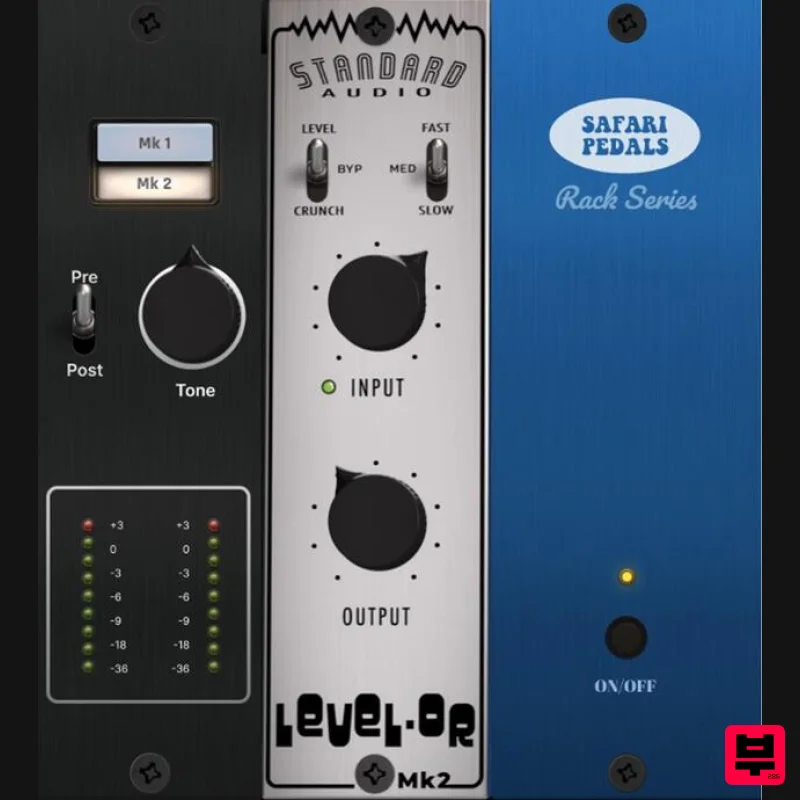
Safari Audio Standard Audio Level-Or
Limiter
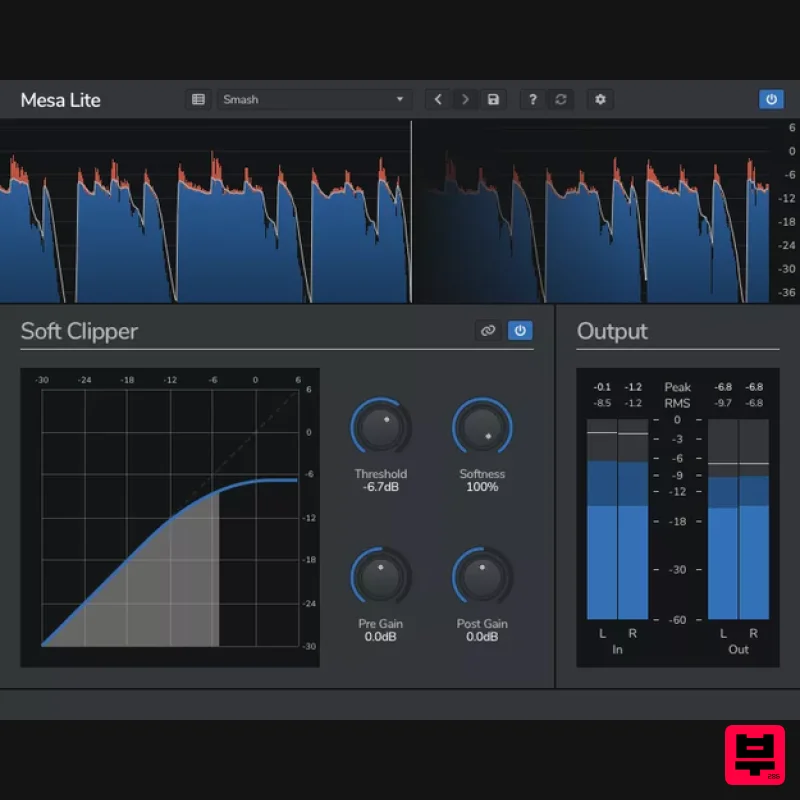
Venomode Mesa Lite
Limiter
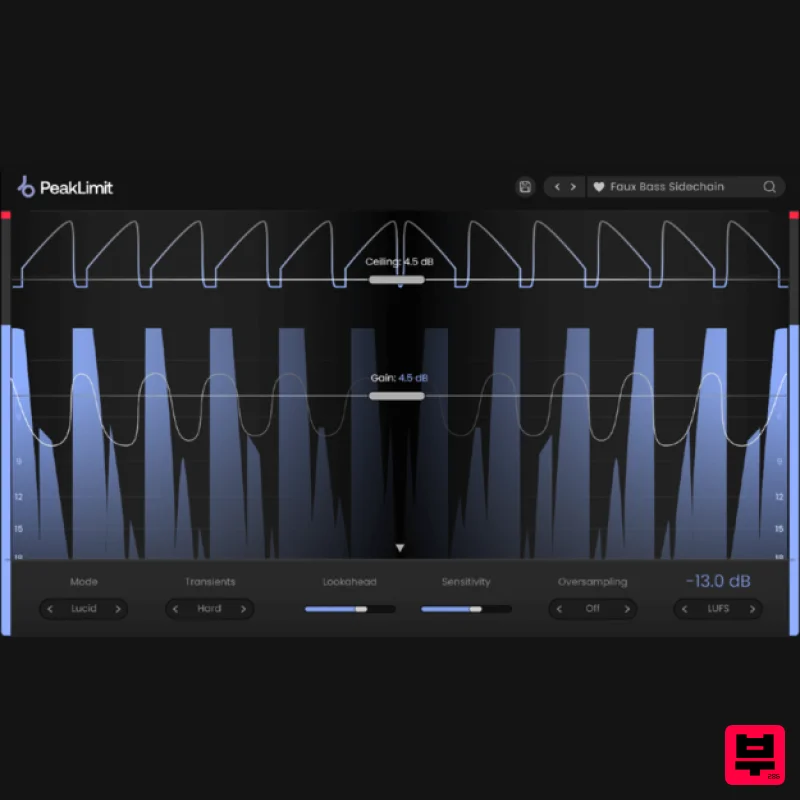
Plugin Boutique PeakLimit
Limiter
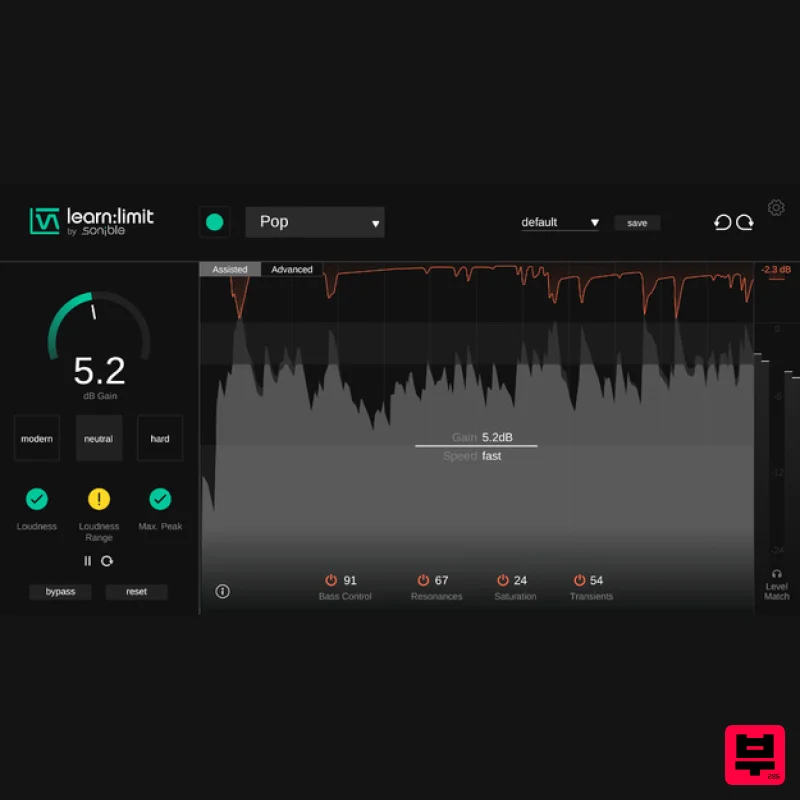
sonible learn:limit
Limiter
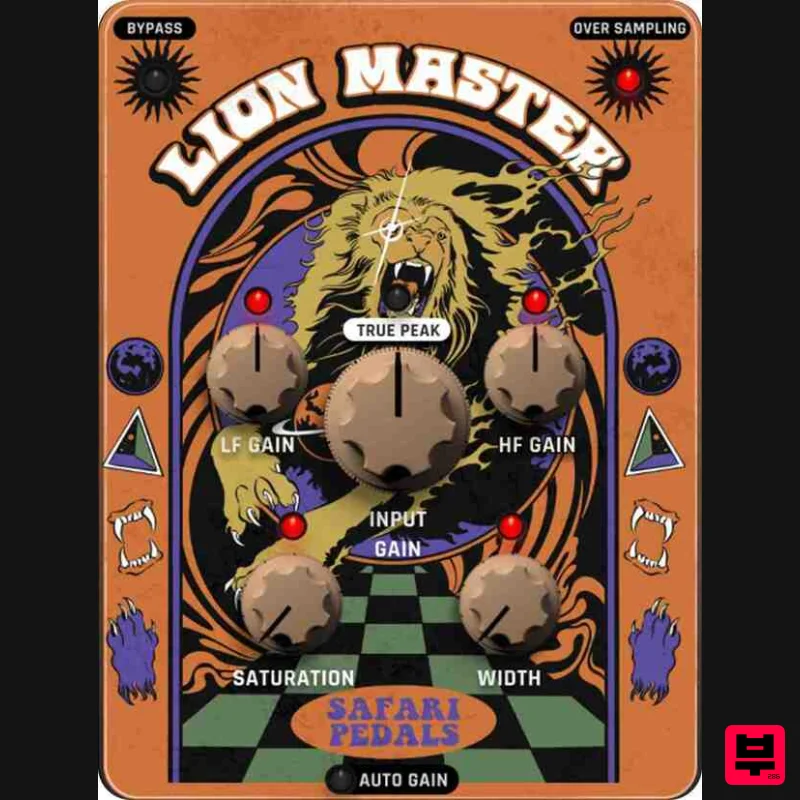
Safari Audio Lion Master
Limiter
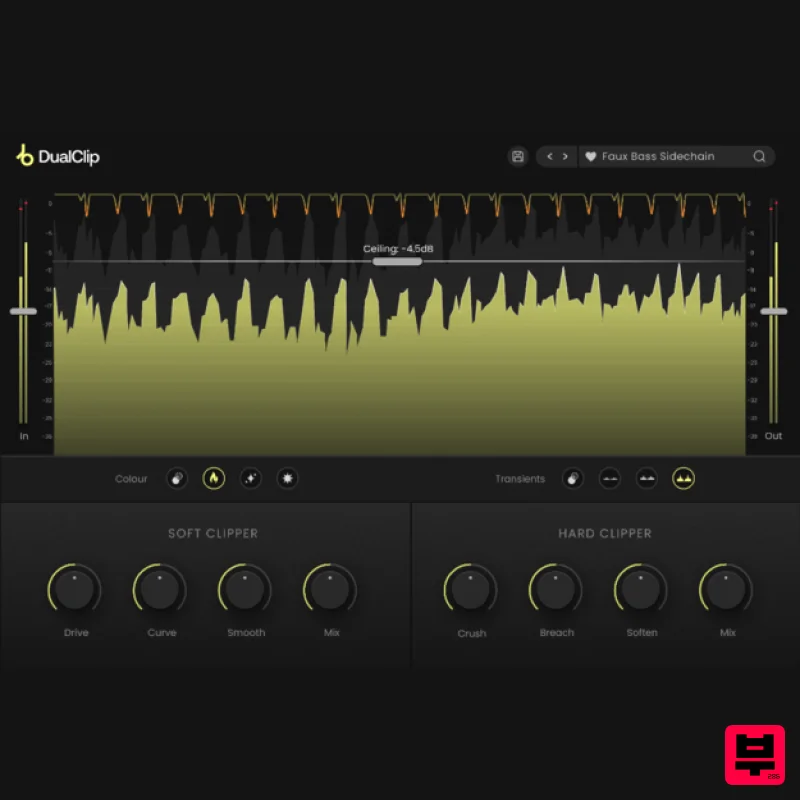
Plugin Boutique DualClip
Limiter
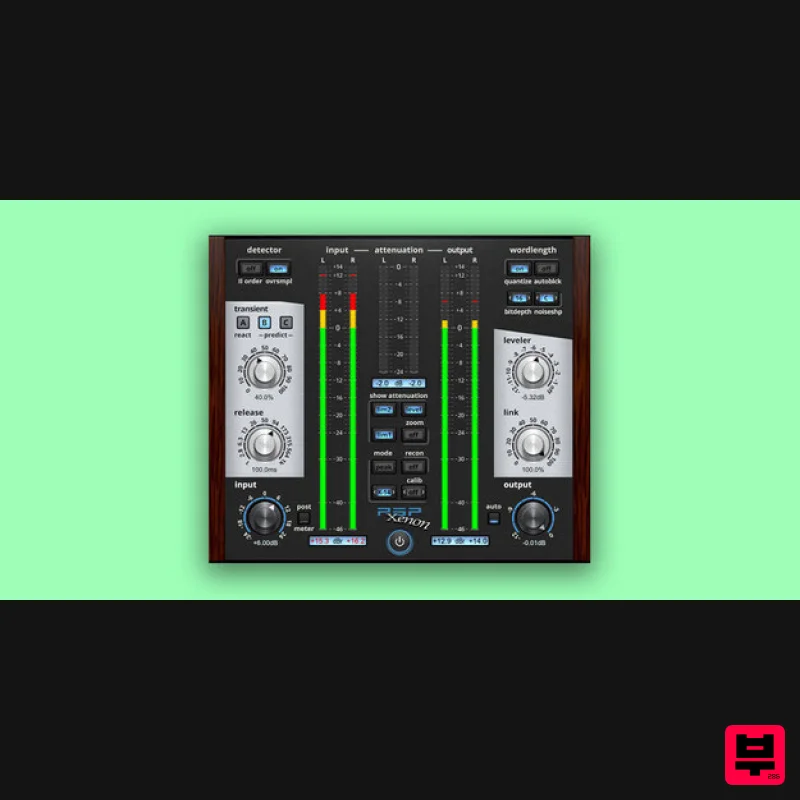
PSP Audioware PSP Xenon
Limiter
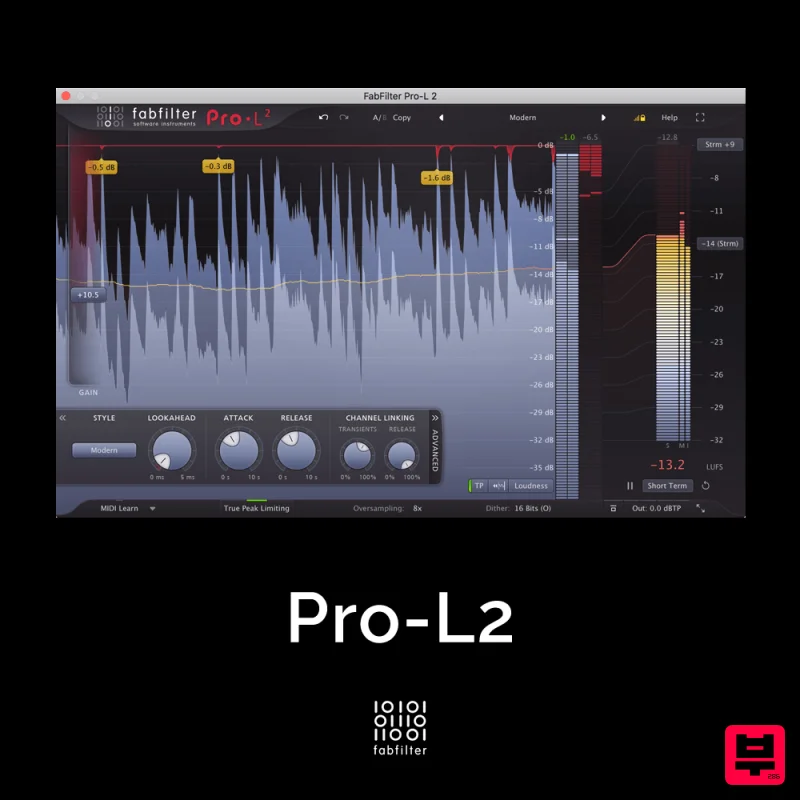
FabFilter Pro-L2
Limiter

