
Safari Audio Meaw: Assist
Professional music gear - detailed information and where to buy
Safari Audio
Meaw: Assist - AI Assistant
Product Info
* Prices may vary. Check retailer for current pricing and availability.
Product Description
- Meaw is here to help you create what you imagine. Start with a simple prompt or dive deeper with professional mixing guidance. Whether you have a mix in your mind
- lyrics you need help with
- or just a feeling you want to get out
- Meaw listens and helps you move forward. Run it like a regular plugin
- record audio into it
- or ask questions while your track is playing. Powered by our own Safari-developed Meaw AI model
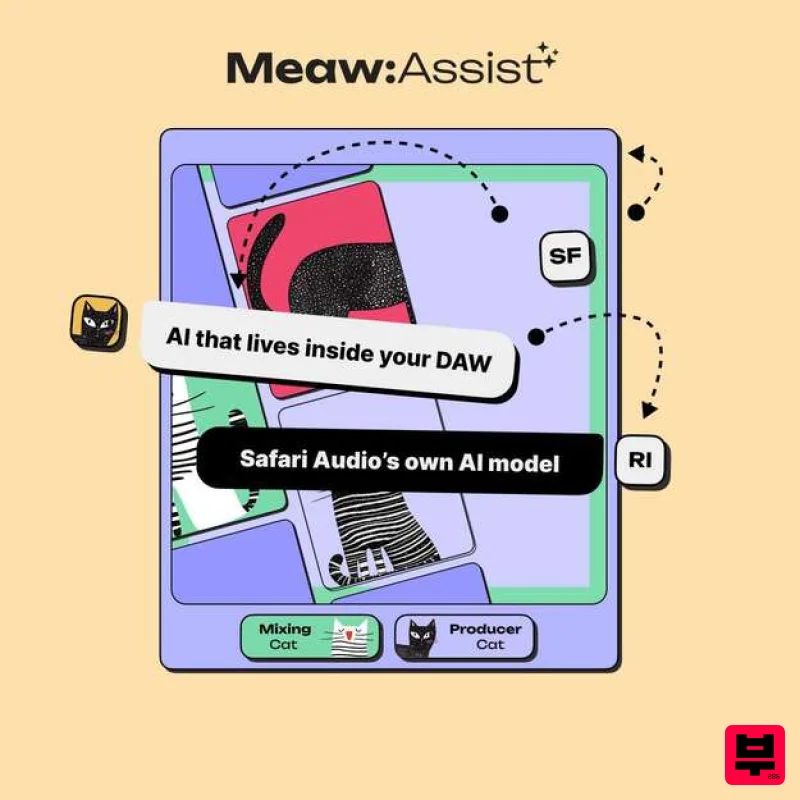
- this is the first release in a new line of creative AI tools. Features Two modes: Producer Cat for creative direction. Engineer Cat for focused mix decisions. Works with audio: Play
- record
- or loop sections of your track and get suggestions in real time. Built for music: A custom in-house model designed for real production and mixing workflows. Make your music your way
- with a little Meaw magic. Formats: MacOS (VST3
- AAX) | Windows 64-bit (VST3
- AAX) Processor: 2 GHz Intel Dual Core or AMD equivalent RAM: 8GB minimum (16GB recommended) OS: Mac OS X 10.15+ / Windows 8 & Above Installation guide 1. Click DOWNLOAD in your Plugin Boutique User Account or head to https://safaripedals.com/pages/downloads 2. Click Download for your operating system 3. Open the downloaded folder For Mac users: Select the plugins you would like to install. The included installer should install the plugin’s VST3
- and AAX formats automatically
- you may need to restart your DAW to see the plugin listed. For Windows users: You will have to manually move the desired plugin formats into their respective folders. Common locations for each format are as follows: VST3: C:\Program Files\Common Files\VST3 AAX: C:\Program Files\Common Files\Avid\Audio\Plug-Ins If after restarting your DAW
- you still don’t see the plugin listed
- check your DAW’s plugin folder settings
- and be sure that the plugin is in the proper location for your software. 4. Open your DAW > launch the plugin. 5. Enter the serial number found in your Plugin Boutique User Account > click Activate Your plugin is authorised and ready to use. Enjoy!
Additional Information
About the Safari Audio Meaw: Assist - AI Assistant
Discover the distinctive sound and feel of the Safari Audio Meaw: Assist - AI Assistant, a standout choice among Utility.
Why Choose the Safari Audio Meaw: Assist - AI Assistant?
- •Authentic Safari Audio craftsmanship and design
- •Versatile sound suitable for multiple musical genres
- •Professional build quality and reliable performance
- •Part of Safari Audio's respected Utility lineup
Compare & Explore
Browse our complete selection of Safari Audio instruments or explore other Utility options. Use our comparison tools to find the perfect match for your musical style and budget.
Similar Products

Audible Genius Building Blocks 1
Utility

Audible Genius Building Blocks 2
Utility

DDMF TheStrip
Utility

Tonalic Tonalic Arranger - 30 Day Subscription
Utility

Acoustica Spin It Again
Utility

Inphonik RX950
Utility

Blue Cat Audio Blue Cat's Connector
Utility

Soundspear Luxor
Utility

