
Rob Papen RP-EQ
Professional music gear - detailed information and where to buy
Product Description
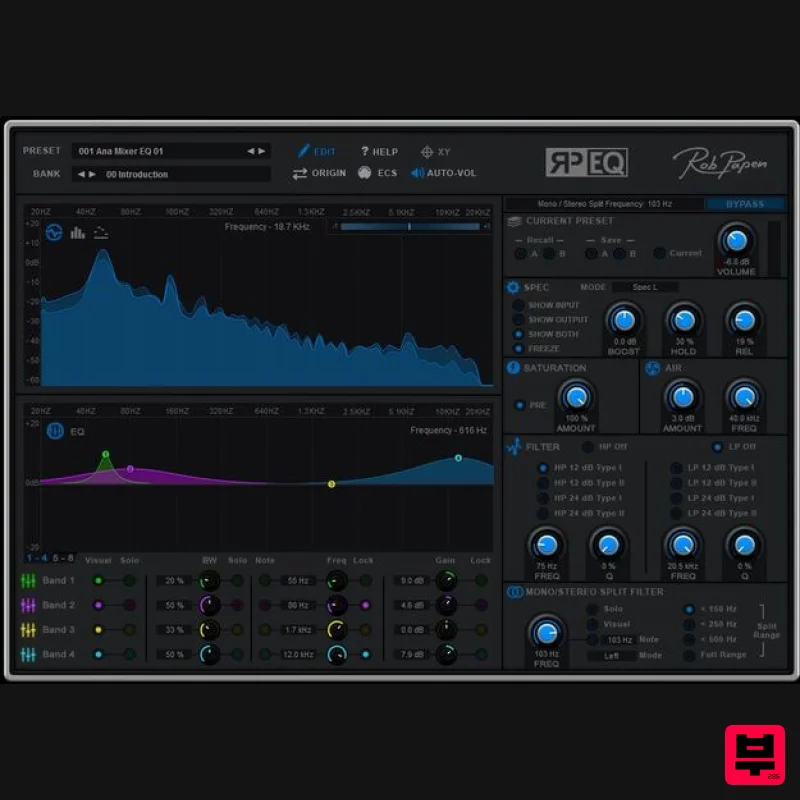
- In the virtual music world there are a countless number of different EQ’s available...so why another one? Well
- Rob Papen is all about sound and he was convinced he could add something special to the EQ plugins. When you first open RP-EQ in your DAW software you will see that it is far from a basic bread-and-butter equalizer. Unique elements were added to the core equalizer unit. The toolbox includes a Mid/Side equalizer mode and Mono/Stereo split filter which is used frequently in modern EDM/Dance music styles. The Air section is fantastic on your master channel and the proven X/Y Pad adds a dynamic and creative edge to an already very musical RP-EQ. In true Rob Papen style
- RP–EQ comes with many great presets to get you started and with the 'sound' of RP-EQ you will have a great go to plug-in for your top notch music productions! Features Presets & Banks Several banks with presets
- selectable in the upper screen section Current Presets A /B A Preset in RP-EQ has two slots
- A and B
- to store two variations of the Preset. The A and B variations are useful to compare different versions while you are editing. The current
- live
- settings can be recalled at any time via the Current button Volume Volume control with in the uppers section the 'on/off' option for 'volume correction' if volume goes over 0dB. Bypass button to hear the difference between the 'original' signal and 'RP-EQ' signal. Spectogram The RP-EQ spectrogram displays the input and output signal as an FFT Spectrogram
- a 30 band (1/3 octave) Bar Spectrogram or a 30 band (1/3 octave) Single line Spectrogram. The icons on the left hand side of the Spectrogram display switch the display mode between FFT Spectrogram
- Bar Spectrogram and the Single Line Spectrogram. Controls for 'Hold' and 'Release' of the peak lines in Bar mode. Control of 'Release' in the Single Line mode. Display mode of: Left
- Right
- Stereo or Mid/Side Additional 'gain' boost control. EQ 8 band EQ which can work in normal mode or Mid/Side mode. In Mid/Side mode
- the Bands 1-4 are for the 'Mid' signal and Bands 5-8 for the 'Side' signal. Graphic control panel and lower control panel with additional setting options for view
- solo or lock a single band. Saturation The Saturation section applies a warming effect to the sound
- based on the effect of saturated analogue tape recordings. AIR The Air section represents an additional EQ band
- which works as a booster of very high frequencies with a wide bandwidth. Its effect is perceived as giving the audio a bit more breathing space or Air. Filter A typical application of this filter section is to use the HP filter with a setting of 75 Hz to filter out any rumble or otherwise uncontrolled low-end material. The slope of the filters is selectable between 12 dB and 24 dB per octave and each filter comes in two filter types. A LP filter is a classic ingredient of any synthesizer set-up and we have added one in RP-EQ to enhance the creative application of equalisation. In combination with the XY pad
- the Filter section is the place to start for dynamic and rhythmic filter effects. Stereo/Mono Split Filter The Mono / Stereo Split Filter is able to divide the audio signal in a mono and stereo part based on a frequency. Typically
- low frequencies do not contain much spatial informationand are perceived as mono signals. Spatial placement in a stereo image is provided by the higher frequencies. The Split Filter is a great tool for contemporary music in a mix-bus configuration or for mastering. The signal post the Split Filter consists of two parts that can be processed separately: a lower frequency mono component and a higher frequency stereo component. XY section The XY Screen works as two programmable LFOs. Movement in each direction directly controls the value of one or more RP-EQ parameters. XY basics – Live / Record / Replay In Live mode you move the blue dot manually across the XY pad (use the mouse to click and drag). The position of the mouse and your dragging skills determine the X and Y value. You can also record movements on the XY pad as paths. Switch XY to Rec mod and draw a path. For as long as you keep the mouse button pressed
- RP–EQ will capture all movements as a path in its memory. After recording
- the path is ready for playback. Switch to Replay mode
- and play a note. You will see the XY indicator move across the screen according to previously recorded path. The path is saved as part of the Preset
- and is ready to go when you recall the Preset. Instead of playing a note to trigger the path playback
- the path can also be made to run freely
- or triggered manually by clicking the button adjacent to the mode Switch. System Requirements PC Windows 7/ Windows 8/ Windows 10 (32 & 64 bits) Formats: VST AAX (Note: PC AAX for PT 12 or higher) Mac OS-X 10.9 - 10.15 (64 bits only) Formats: AU VST AAX Notes: Serial/licence system with activation whilst registering the product 2nd serial for a secondary computer/laptop is available after you have registered the product’s original serial/license. Rob Fabrie "One of the highlights of the RP-EQ is that you can dial in that shiny and glossy top end to your vocals." (SubBoomBass is used as the example). Mac 1. Visit Rob Papen and create an account by selecting 'Create Account'. Note: If you already have an account set up with Ron Papen
- 'Login' to your account and skip to step 4. of the installation process. 2. Enter your personal details
- and once completed check the tick box that reads 'Yes
- I agree to Privacy Policy Rob Papen' before clicking 'Send Registration'. 3. The registration of your account has successfully been completed > select 'click here to login' to access your account area. 4. Select the 'My Products' tab
- which is located at the top-left corner of your account area. 5. Click the 'Register New' option. 6. Select the product that you have purchased
- as well as the most recent version number (which in this instance is 'Online')
- before manually entering/copying and pasting the 32-digit Serial Number that is provided within your User Account > once completed
- click the 'Save' tab to register your software. Note: Ensure that you select the correct 'Product' and 'Type'
- as well as checking that there are no spaces/mistakes when entering your Serial Number > if you receive a code error message of any kind
- refresh the web page and manually enter the digits (including the '-' hyphens) before re-clicking the 'Save' option. 7. The registration of your software has successfully completed > select the 'Download latest version: SubBoomBass' hyperlink to navigate to the software download area. 8. Select the relevant format installer download (s) in accordance with your DAW's compability specifications
- to inititiate the downloading of your purchased software. Note: The product user manual is also obtainable from this location. 9. Once the software installer file has finished downloading
- click the file entitled 'SubBoomBass_Installer.dmg' to launch the application installer application. 10. Double-click the 'SubBoomBass_Installer.pkg' application icon begin the installation process. 11. Click 'Continue' to verify the installation
- if prompted to do so. 12. Click 'Continue' once again. 13. Read through the Licence Agreement > click 'Continue' then 'Agree'. 14. Manually enter/copy and paste the original 32-digit Serial Number that you were provided with
- before clicking 'Continue' (the Serial Number is located in both your Plugin Boutique and Rob Papen User Accounts). Note: Ensure that you select the correct 'Product' and 'Type'
- as well as checkingt that there are no spaces/mistakes when entering your Serial Number > if you receive a code error message of any kind
- manually enter the digits (including the '-' hyphens) before re-clicking the 'Continue' option. 15. Review the installation before clicking 'Install'
- and then 'Continue Installation'. 16. The installation of your software has successfully completed > click 'Restart' to reboot your computer. Note: Ensure that you have saved any important work that may be open within the applications you currently have open
- before selecting the 'Restart' option. 17. After your computer has successfully restarted
- open your DAW and locate/open your newly installed/activated software VST. Note: If the software fails to appear
- rescan your DAW's Plug-in selection. The Software is now Activated and Ready for Use Within Your DAW! Windows 1. Visit Rob Papen and create an account by selecting 'Create Account'. Note: If you already have an account set up with Ron Papen
- 'Login' to your account and skip to step 4. of the installation process. 2. Enter your personal details
- and once completed check the tick box that reads 'Yes
- I agree to Privacy Policy Rob Papen' before clicking 'Send Registration'. 3. The registration of your account has successfully been completed > select 'click here to login' to access your account area. 4. Select the 'My Products' tab
- which is located at the top-left corner of your account area. 5. Click the 'Register New' option. 6. Select the product that you have purchased
- as well as the most recent version number (which in this instance is 'Online')
- before manually entering/copying and pasting the 32-digit Serial Number that is provided within your User Account > once completed
- click the 'Save' tab to register your software. Note: Ensure that you select the correct 'Product' and 'Type'
- as well as checking that there are no spaces/mistakes when entering your Serial Number > if you receive a code error message of any kind
- refresh the web page and manually enter the digits (including the '-' hyphens) before re-clicking the 'Save' option. 7. The registration of your software has successfully completed > select the 'Download latest version: SubBoomBass' hyperlink to navigate to the software download area. 8. Select the relevant format installer download (s) in accordance with your DAW's compability specifications
- to inititiate the downloading of your purchased software. Note: The product user manual is also obtainable from this location. 9. After the software installer file has finished downloading
- double-click the file entitled 'SubBoomBass_Installer' .zip folder to extract the .exe installer file. 10. Once extracted
- double-click the .exe installer file to begin the installation process > click 'Next'. 11. Read through the Licence Agreement and select 'I accept the agreement' > click 'Next'. 12. Type in your preferred User Name
- Organization and manually enter/copy and paste the original Serial Number that you were provided with
- before clicking 'Continue' (the Serial Number is located in both your Plugin Boutique and Rob Papen User Accounts). Note: Ensure that you select the correct 'Product' and 'Type'
- as well as checking that there are no spaces/mistakes when entering your Serial Number > if you receive a code error message of any kind
- manually enter the digits (including the '-' hyphens) before re-clicking the 'Next' option. 13. Select a computer VST Plug-ins folder destination in which to install/save your software to > click 'Next'. 14. Select a computer Library location in which to install/save your software to > click 'Next'. 15. Select the software format (s) that you wish to install > click 'Next'. 16. Select a Start Menu Folder to create a shortcut to your new software installation > click 'Next'. 17. Review the installation and click 'Install'. 18. The installation of your software has successfully completed > click 'Finish'. 19. After your computer has successfully restarted
- open your DAW and locate/open your newly installed/activated software VST. Note: If the software fails to appear
- rescan your DAW's Plug-in selection. The Software is now Activated and Ready for Use Within Your DAW!
Additional Information
About the Rob Papen RP-EQ
The Rob Papen RP-EQ represents excellent craftsmanship in the EQ category.
Why Choose the Rob Papen RP-EQ?
- •Authentic Rob Papen craftsmanship and design
- •Versatile sound suitable for multiple musical genres
- •Professional build quality and reliable performance
- •Part of Rob Papen's respected EQ lineup
Compare & Explore
Browse our complete selection of Rob Papen instruments or explore other EQ options. Use our comparison tools to find the perfect match for your musical style and budget.
Similar Products
FSK Audio Bark24 | Dyn
EQ
$120
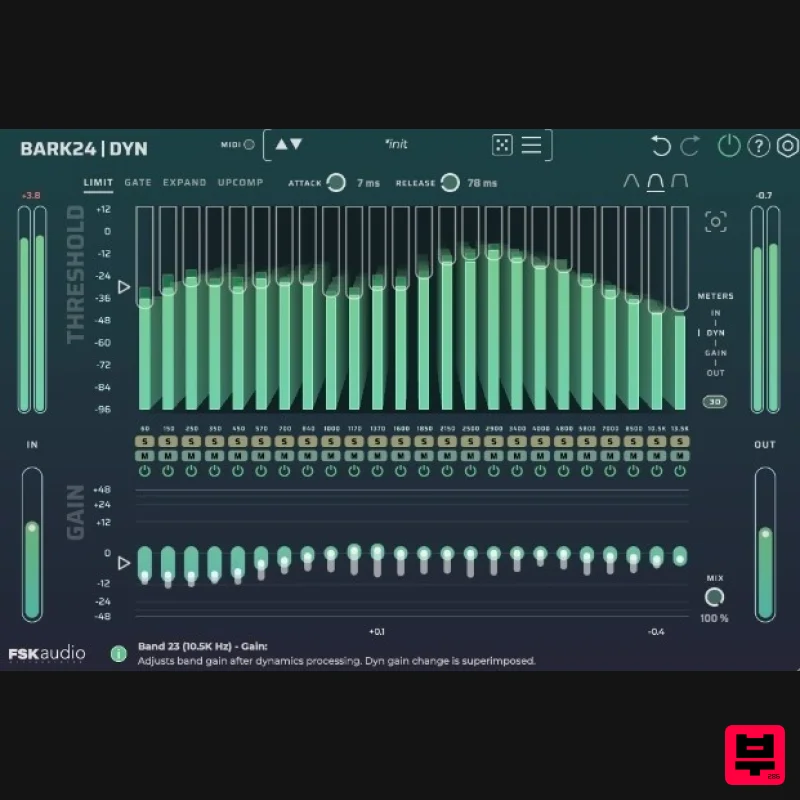
Bark24 | Dyn is a dynamic EQ that takes you far beyond a standard compressor or EQ. Based on the Bark scale - a model...
Heritage Audio MOTORCITY EQ
EQ
$104
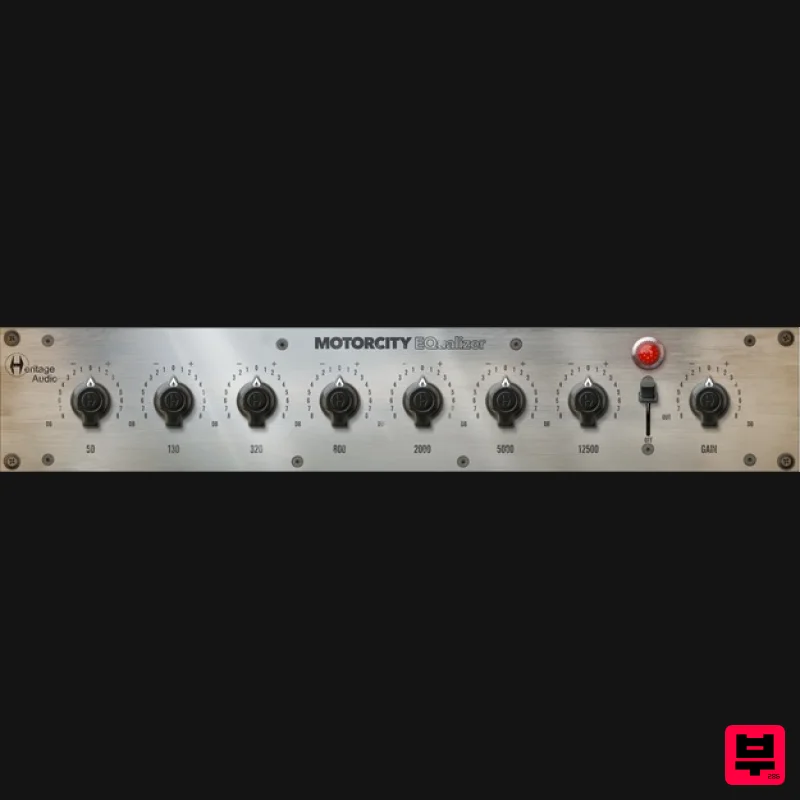
The classiest EQ ever created finally gets the thorough plugin treatment it so long deserved Recreated from the...
PSP Audioware PSP Tilt-Q
EQ
$72
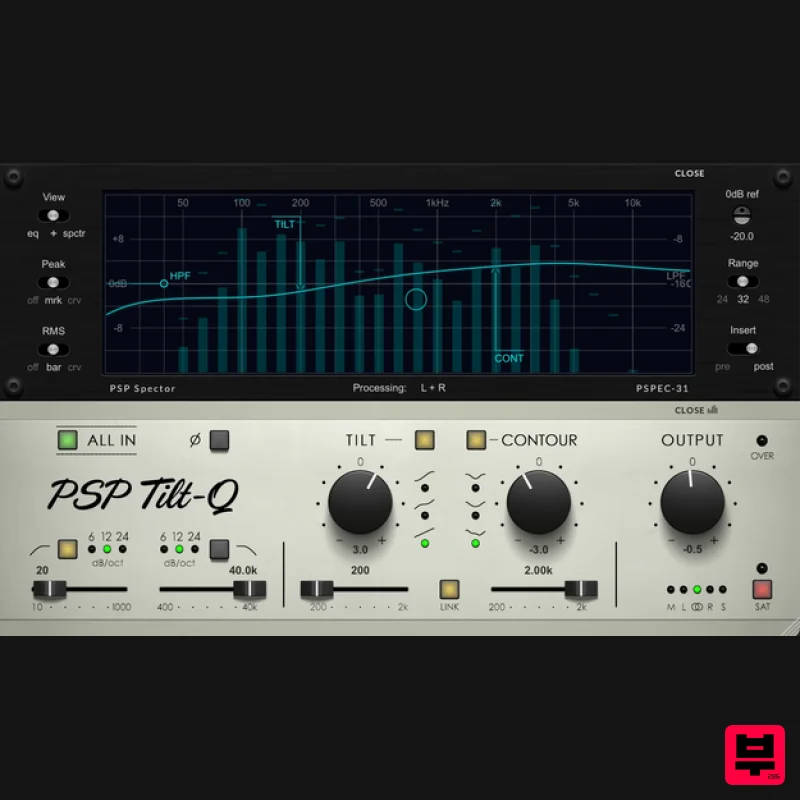
Tilt Equalizer with Three Characteristics Musical tilt EQ offering three distinct curve shapes, allowing you to quickly...
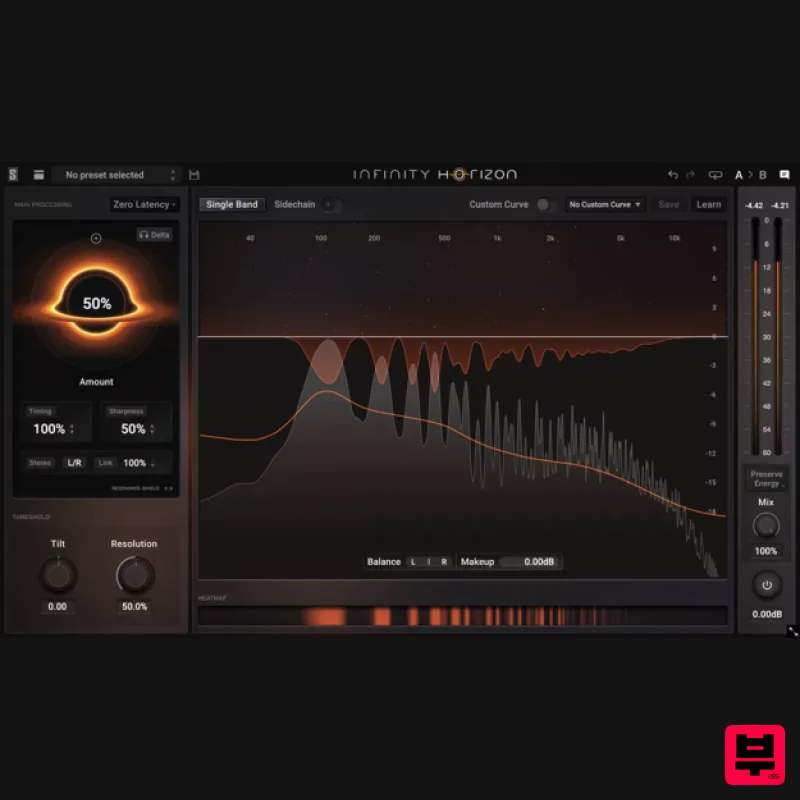
Slate Digital Infinity Horizon
EQ
$156
Rogue Frequencies Cannot Escape Infinity Horizon finds harsh frequency build ups and them in real time. If you're...
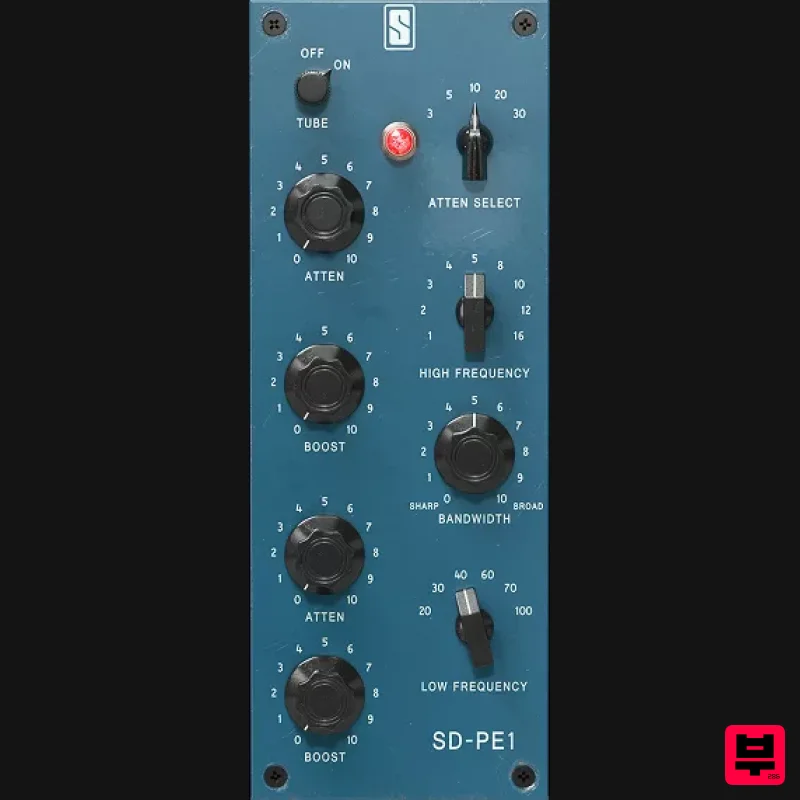
Slate Digital SD-PE1
EQ
$104
Meet SD-PE1! The most unique passive equalizer ever made joins the ever-expanding lineup of processors that make up the...
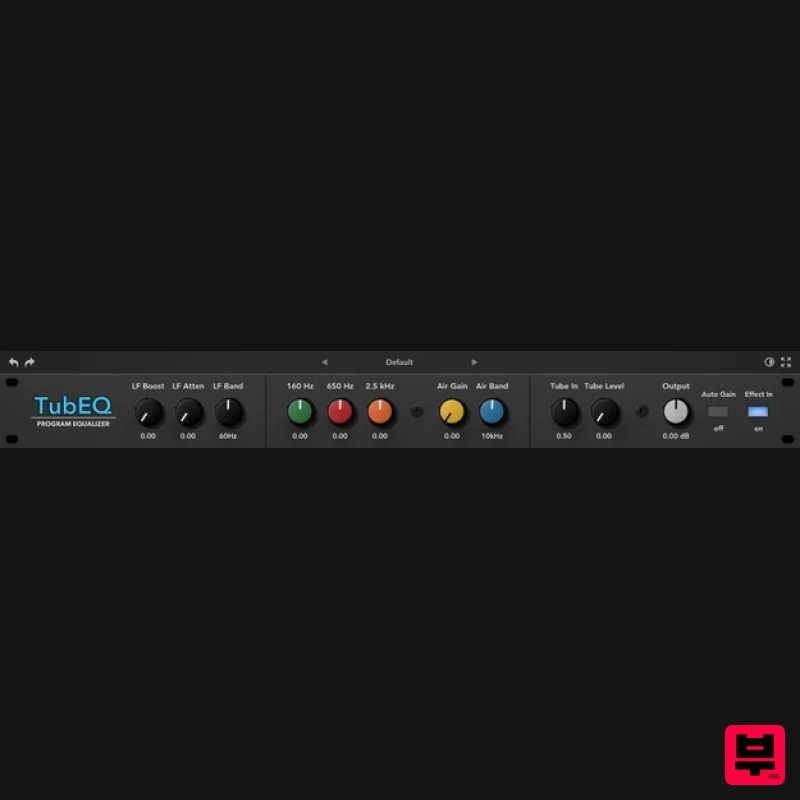
Rave Generation TubEQ
EQ
$42
TubEQ is an authentic analog equalizer plugin that combines the musical character of two legendary EQs in a single...
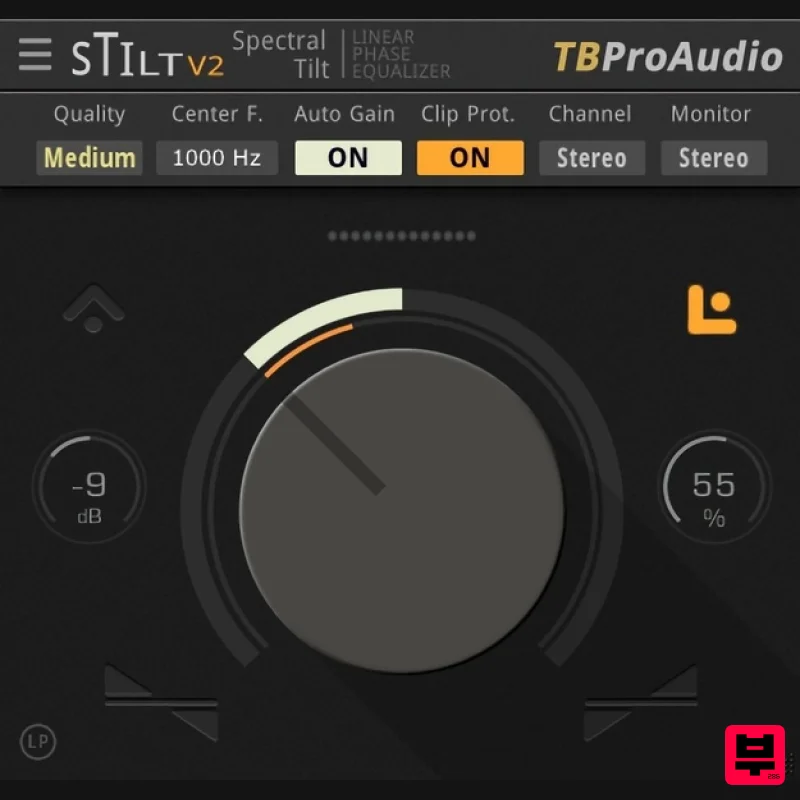
TBProAudio sTiltV2
EQ
Free
sTilt is a linear/minimum phase and IIR filter which tilts the audio spectrum around a given center frequency. Features...
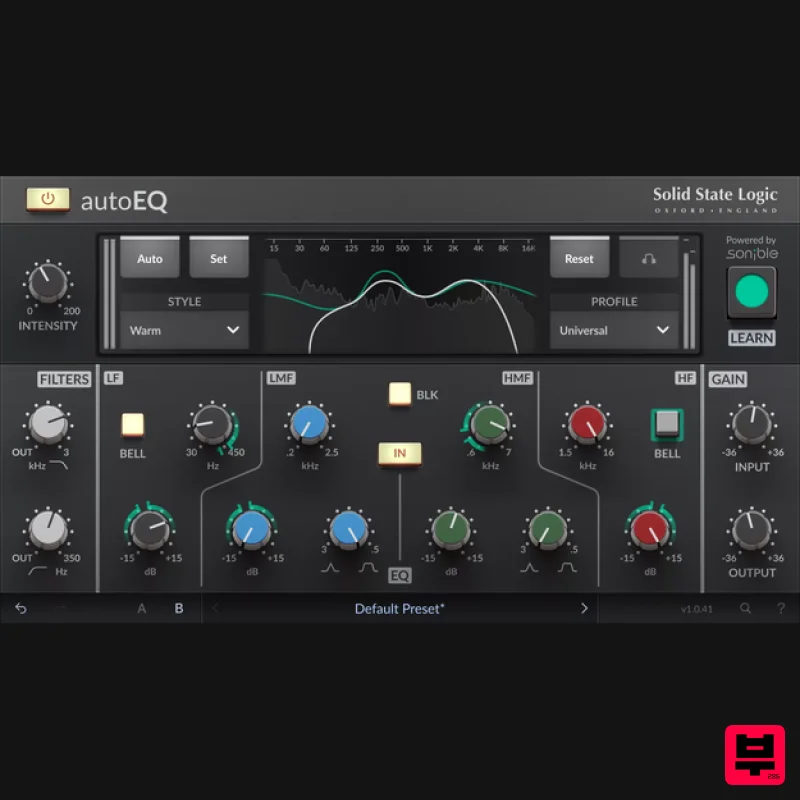
Solid State Logic SSL autoEQ
EQ
$109
SSL 4000E EQ processing with sonible AI assisted analysis Introducing autoEQ, part of the autoSeries with autoDYN and...
Frequently Asked Questions
The Rob Papen RP-EQ stands out for its exceptional Rob Papen craftsmanship and innovative design.
Yes! With its affordable price point and quality construction, it's perfect for learning eq.
Browse the similar products section to see how it stacks up against other eq.

