
Rob Papen DelSane
Professional music gear - detailed information and where to buy
Product Description
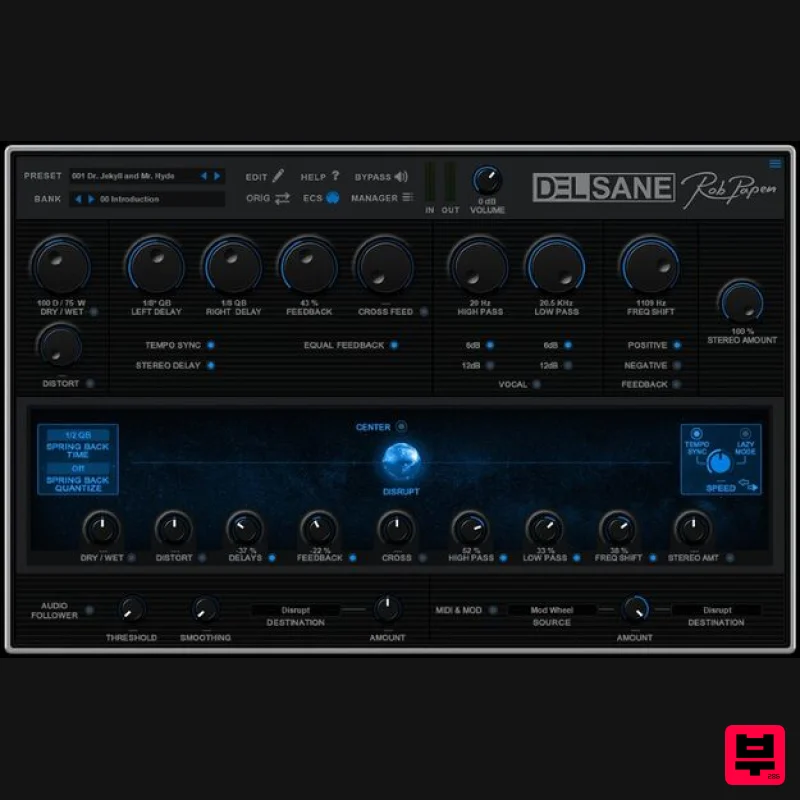
- DelSane is a delay effects plugin that offers far more than your average Delay FX – of which there are plenty available on the market today! On the one hand
- DelSane delivers a lovely sounding stereo tape delay but on the other
- it’s an insane-sounding creative tool – in short
- it’s the Dr. Jekyll and Mr. Hyde of Delay effects plugins! Features The concept of DelSane is two-sided. The first (sane) side is a Tape Delay which can be easily used as a Stereo or Mono Delay in your music production or as an insanely creative Delay FX device. Easy to understand layout with all features displayed on one screen. GUI sizes: 100%
- 125%
- 150% and 200%. The cool ‘Equal Feedback’ feature gives the Stereo Delay a equal Left and Right tail Feedback. If you need a bit of edge added to the Delay sound
- the ‘Distortion’ parameter is also available. To alienate the Delay sound even more
- Rob Papen added the ‘Frequency Shift’ feature. The creative side of DelSane is the ‘Disrupt Sphere-Slider’. This Sphere-Slider can be connected to the various Delay parameters and by moving the Sphere-Slider
- you can change multiple Delay parameters in a dynamic way. Also
- if you move the Sphere-Slider
- it can move back to the centre in a tempo-based way which Rob Papen calls the ‘Spring’ feature. Very dynamic changing Delays are possible using this ‘Disrupt’ feature! To avoid muscle pain... you also can use the ‘Lazy Mode’ so that the movement of the Sphere-Slider can be automated in different directions
- which allows you to also create Flanger
- Chorus
- or creative new types of modulation sounds. There is an ‘Audio Follower’ which can be used to influence various Delay parameters including the ‘Sphere-Slider Disrupt’ parameter itself! The ‘MIDI & MOD’ control section can be used to influence various DelSane parameters including the ‘Disrupt Sphere-Slider’! So
- either way... for a sane top-sounding Tape Delay or crazy insane changing Delay
- RP-DelSane is your go-to delay for years to come. System Requirements PC Windows 7 / 8 / 10 (32 & 64-bit) Formats: VST 2 VST 3 AAX (Note: PC AAX is for Pro Tools 12 or higher) (64-bit only) Mac OS-X 10.12 - 11 (Big Sur) (64-bit only) Formats: AU VST 2 VST 3 AAX Notes: The activation system is offline
- which means that there is no direct connection between the plugin and the robpapen.com homepage. The software can be installed on 2 of your own computer systems. (SubBoomBass is used as the example). Mac 1. Visit Rob Papen and create an account by selecting 'Create Account'. Note: If you already have an account set up with Ron Papen
- 'Login' to your account and skip to step 4. of the installation process. 2. Enter your personal details
- and once completed check the tick box that reads 'Yes
- I agree to Privacy Policy Rob Papen' before clicking 'Send Registration'. 3. The registration of your account has successfully been completed > select 'click here to login' to access your account area. 4. Select the 'My Products' tab
- which is located at the top-left corner of your account area. 5. Click the 'Register New' option. 6. Select the product that you have purchased
- as well as the most recent version number (which in this instance is 'Online')
- before manually entering/copying and pasting the 32-digit Serial Number that is provided within your User Account > once completed
- click the 'Save' tab to register your software. Note: Ensure that you select the correct 'Product' and 'Type'
- as well as checking that there are no spaces/mistakes when entering your Serial Number > if you receive a code error message of any kind
- refresh the web page and manually enter the digits (including the '-' hyphens) before re-clicking the 'Save' option. 7. The registration of your software has successfully completed > select the 'Download latest version: SubBoomBass' hyperlink to navigate to the software download area. 8. Select the relevant format installer download (s) in accordance with your DAW's compability specifications
- to inititiate the downloading of your purchased software. Note: The product user manual is also obtainable from this location. 9. Once the software installer file has finished downloading
- click the file entitled 'SubBoomBass_Installer.dmg' to launch the application installer application. 10. Double-click the 'SubBoomBass_Installer.pkg' application icon begin the installation process. 11. Click 'Continue' to verify the installation
- if prompted to do so. 12. Click 'Continue' once again. 13. Read through the Licence Agreement > click 'Continue' then 'Agree'. 14. Manually enter/copy and paste the original 32-digit Serial Number that you were provided with
- before clicking 'Continue' (the Serial Number is located in both your Plugin Boutique and Rob Papen User Accounts). Note: Ensure that you select the correct 'Product' and 'Type'
- as well as checkingt that there are no spaces/mistakes when entering your Serial Number > if you receive a code error message of any kind
- manually enter the digits (including the '-' hyphens) before re-clicking the 'Continue' option. 15. Review the installation before clicking 'Install'
- and then 'Continue Installation'. 16. The installation of your software has successfully completed > click 'Restart' to reboot your computer. Note: Ensure that you have saved any important work that may be open within the applications you currently have open
- before selecting the 'Restart' option. 17. After your computer has successfully restarted
- open your DAW and locate/open your newly installed/activated software VST. Note: If the software fails to appear
- rescan your DAW's Plug-in selection. The Software is now Activated and Ready for Use Within Your DAW! Windows 1. Visit Rob Papen and create an account by selecting 'Create Account'. Note: If you already have an account set up with Ron Papen
- 'Login' to your account and skip to step 4. of the installation process. 2. Enter your personal details
- and once completed check the tick box that reads 'Yes
- I agree to Privacy Policy Rob Papen' before clicking 'Send Registration'. 3. The registration of your account has successfully been completed > select 'click here to login' to access your account area. 4. Select the 'My Products' tab
- which is located at the top-left corner of your account area. 5. Click the 'Register New' option. 6. Select the product that you have purchased
- as well as the most recent version number (which in this instance is 'Online')
- before manually entering/copying and pasting the 32-digit Serial Number that is provided within your User Account > once completed
- click the 'Save' tab to register your software. Note: Ensure that you select the correct 'Product' and 'Type'
- as well as checking that there are no spaces/mistakes when entering your Serial Number > if you receive a code error message of any kind
- refresh the web page and manually enter the digits (including the '-' hyphens) before re-clicking the 'Save' option. 7. The registration of your software has successfully completed > select the 'Download latest version: SubBoomBass' hyperlink to navigate to the software download area. 8. Select the relevant format installer download (s) in accordance with your DAW's compability specifications
- to inititiate the downloading of your purchased software. Note: The product user manual is also obtainable from this location. 9. After the software installer file has finished downloading
- double-click the file entitled 'SubBoomBass_Installer' .zip folder to extract the .exe installer file. 10. Once extracted
- double-click the .exe installer file to begin the installation process > click 'Next'. 11. Read through the Licence Agreement and select 'I accept the agreement' > click 'Next'. 12. Type in your preferred User Name
- Organization and manually enter/copy and paste the original Serial Number that you were provided with
- before clicking 'Continue' (the Serial Number is located in both your Plugin Boutique and Rob Papen User Accounts). Note: Ensure that you select the correct 'Product' and 'Type'
- as well as checking that there are no spaces/mistakes when entering your Serial Number > if you receive a code error message of any kind
- manually enter the digits (including the '-' hyphens) before re-clicking the 'Next' option. 13. Select a computer VST Plug-ins folder destination in which to install/save your software to > click 'Next'. 14. Select a computer Library location in which to install/save your software to > click 'Next'. 15. Select the software format (s) that you wish to install > click 'Next'. 16. Select a Start Menu Folder to create a shortcut to your new software installation > click 'Next'. 17. Review the installation and click 'Install'. 18. The installation of your software has successfully completed > click 'Finish'. 19. After your computer has successfully restarted
- open your DAW and locate/open your newly installed/activated software VST. Note: If the software fails to appear
- rescan your DAW's Plug-in selection. The Software is now Activated and Ready for Use Within Your DAW!
Additional Information
About the Rob Papen DelSane
Discover the distinctive sound and feel of the Rob Papen DelSane, a standout choice among Delay.
Why Choose the Rob Papen DelSane?
- •Authentic Rob Papen craftsmanship and design
- •Versatile sound suitable for multiple musical genres
- •Professional build quality and reliable performance
- •Part of Rob Papen's respected Delay lineup
Compare & Explore
Browse our complete selection of Rob Papen instruments or explore other Delay options. Use our comparison tools to find the perfect match for your musical style and budget.
Similar Products

Korneff Audio Micro Digital Reverberator
Delay
$30
Nerdy. Easy. Super Cool. The Micro Digital Reverberator combines killer reverb and delay effects with a super friendly...
Red Sounds Mojo-Fi
Delay
$30
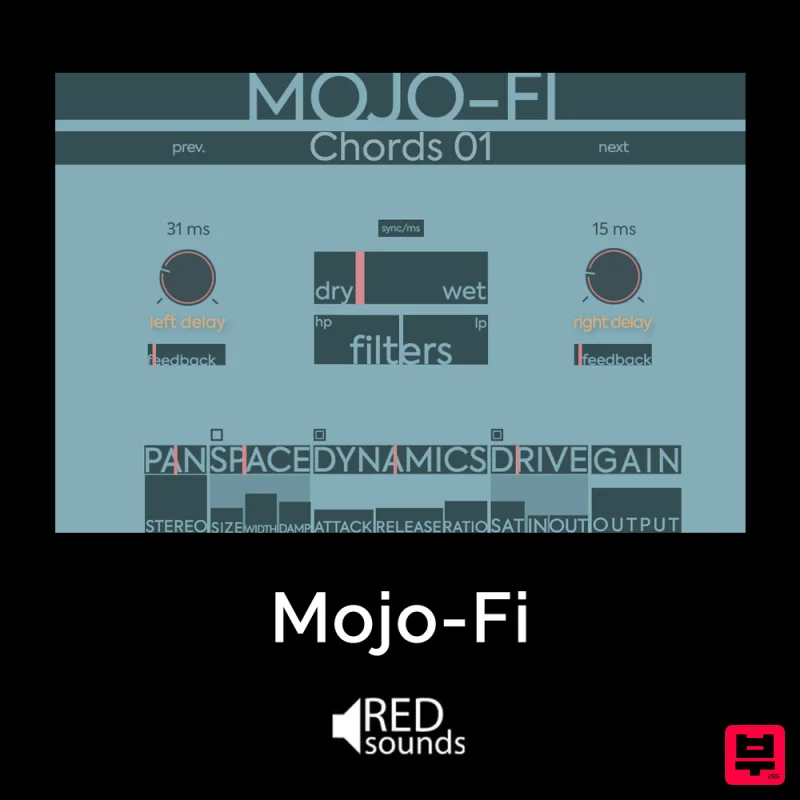
Multi-effect Delay Plugin On Steroids Great for adding life and texture to your boring soft synths, pianos, drums, and...
Phantom Sounds Analog Drift
Delay
$30
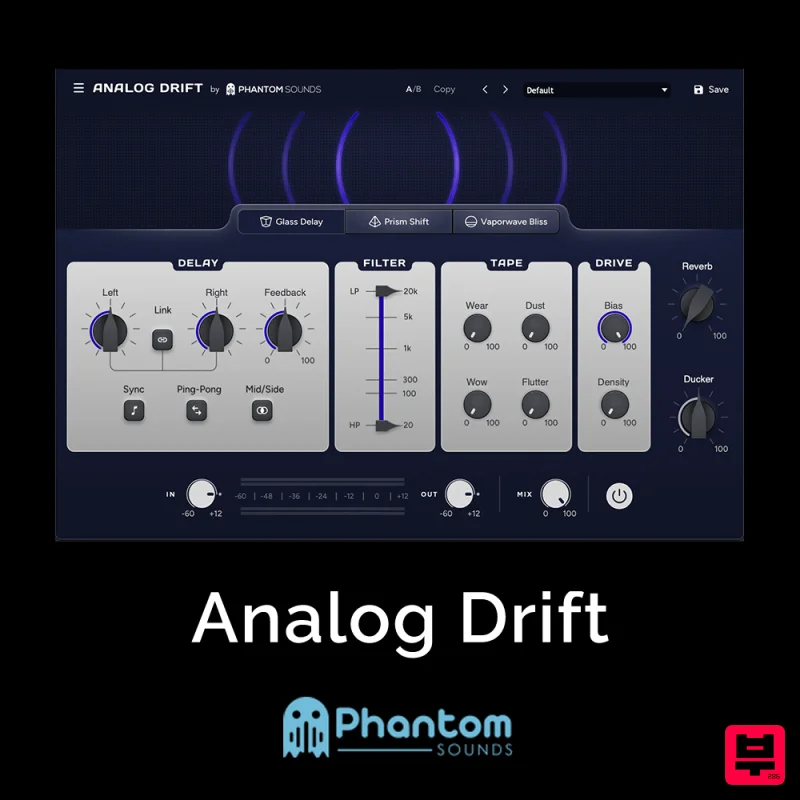
Redefine Your Sound with Distinctive Delays Analog Drift is a delay plugin that combines the pristine clarity of...
PSP Audioware PSP Lexicon PSP42x
Delay
$30
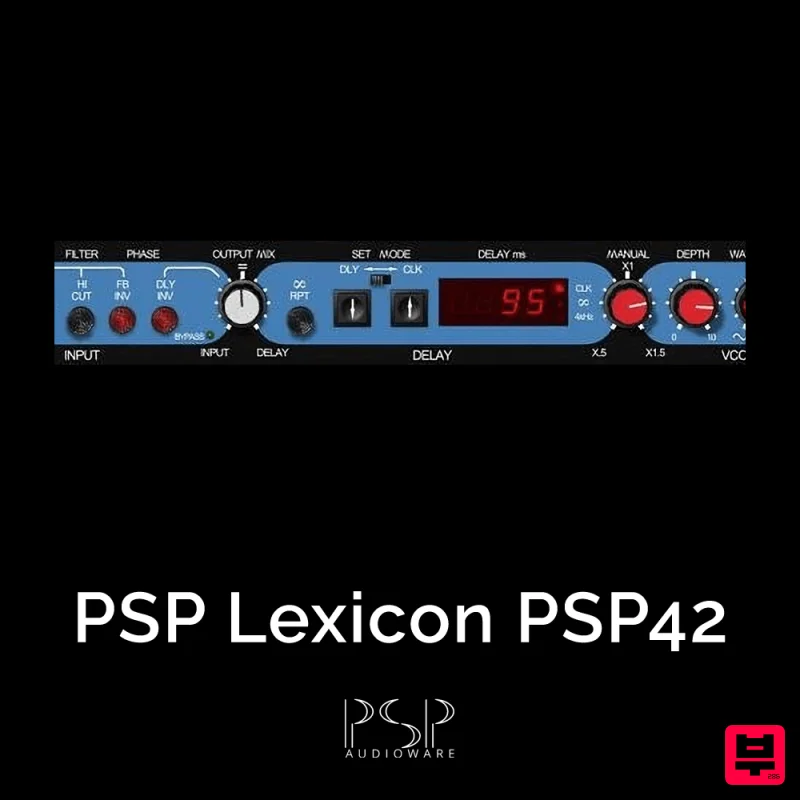
Lexicon PSP 42 is a high-quality digital stereo delay and phrase sampler plug-in based on the legendary Lexicon PCM42...
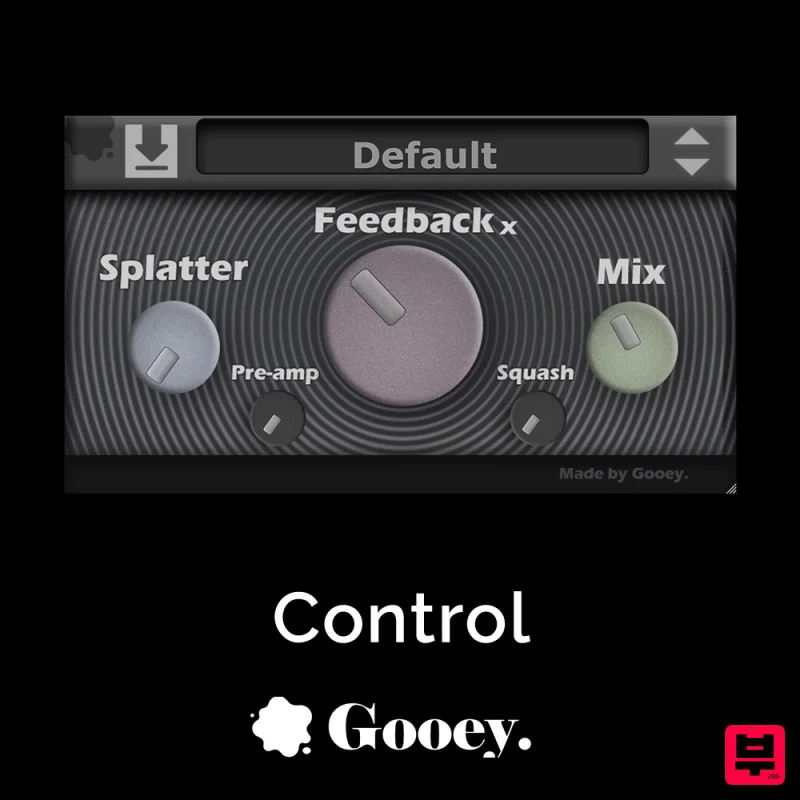
Gooey Audio Control
Delay
$30
Control by Gooey Audio is a feedback delay network plugin built for experimental sound designers, ambient composers,...
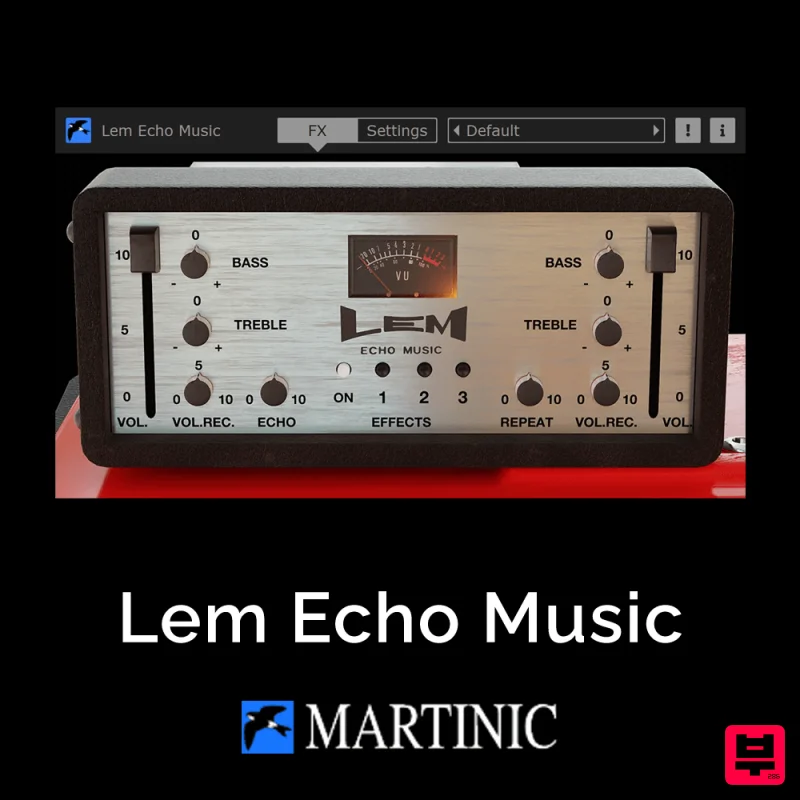
Martinic Lem Echo Music
Delay
$30
Authentic Vintage Tape Delay Emulation with Added Customization The Lem Echo Music plugin recreates the nostalgic tones...
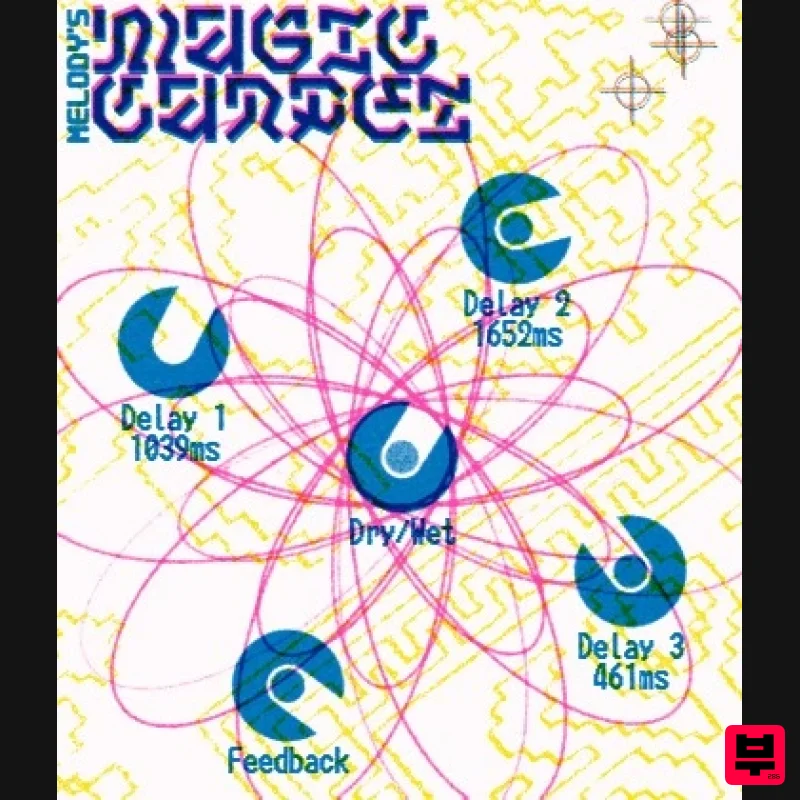
UnplugRed Magic Carpet
Delay
Free
Three delay lines with a shared feedback path, makes a delay that starts sparse but continues to get denser with each...

Beastsamples Beast-DLAY
Delay
$30
Beast-Dlay is a game-changer delay VST plugin with unprecedented processing power ready to add the hardware realism and...
Frequently Asked Questions
The Rob Papen DelSane stands out for its exceptional Rob Papen craftsmanship and innovative design.
Yes! With its affordable price point and quality construction, it's perfect for learning delay.
Browse the similar products section to see how it stacks up against other delay.

