
Reflekt Audio Sound Gadgets
Professional music gear - detailed information and where to buy
Reflekt Audio
Sound Gadgets
Product Info
* Prices may vary. Check retailer for current pricing and availability.
Product Description
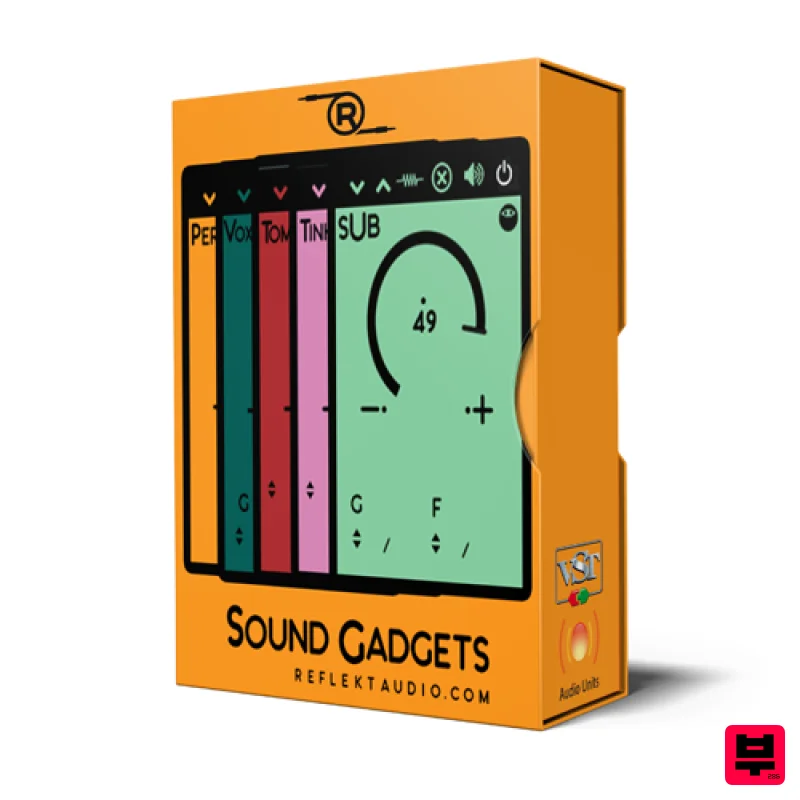
Reflekt Audio has created a plugin for producers and music makers everywhere. We are proud to present you all with the Sound Gadgets plugin. Equipped with 20 different velocity sensitive sound gadgets you will get everything you need to create music right after download. We designed this plugin to be a go-to for modern music makers as it contains one of each element such as a snare, a kick, a sub bass, an 808, a piano and much more. Features Unzipped File Size: 233MB Zipped File Size: 136MB 1 808 Gadget 1 Bass Gadget 1 Boom Gadget 1 Clap Gadget 1 Crash Gadget 1 Cym Gadget 1 Hat Gadget 1 Hit Gadget 1 Kick Gadget 1 Metal Gadget 1 OH Gadget 1 Perc Gadget 1 Piano Gadget 1 Snap Gadget 1 Snare Gadget 1 Stab Gadget 1 Sub Gadget 1 Tink Gadget 1 Tom Gadget 1 Vox Gadget Velocity Sensitive Essential Effects Per Sound Gadget System Requirements Mac/Windows Compatible Works In Most D.A.W.S (Excluding Pro Tools) Mac Installation 1. Download the .dmg file from within your Plugin Boutique User Account and open it to begin the installation > Click and drag the 'Sound Gadgets.component' and 'Sound Gadgets.vst3.vst' files into their corresponding folders. 2. Click 'Authenticate'. 3. Enter your computer Username and Password > Click 'Ok'. Your software is now installed and ready to use. Windows Installation 1. Download the .zip file from within your Plugin Boutique User Account and double-click it to extract the contents> Open the .exe file to begin the installation. 2. Click 'Ok'. 3. Click 'Yes'. 4. Choose an installation location for your product > Click 'Ok'. 5. Click 'Ok'. 6. Navigate to your installation location and open either the 32-bit or 64-bit installer > Click 'Yes'. 7. Click 'Yes'. 8. Choose the same installation location as step 4. 9. Click 'Ok'. 10. Copy the 'Sound Gadgets.dll' file and paste it in the following location - C:\Program Files\Steinberg\VSTPlugins 11. Extract the 'Sound Gadgets.instruments' file and copy the folder to the following location - C:\Program Files\Steinberg\VSTPlugins Your software is now installed and ready to use.
Additional Information
About the Reflekt Audio Sound Gadgets
Experience the quality and tone that makes the Reflekt Audio Sound Gadgets a popular choice for musicians.
Why Choose the Reflekt Audio Sound Gadgets?
- •Authentic Reflekt Audio craftsmanship and design
- •Versatile sound suitable for multiple musical genres
- •Professional build quality and reliable performance
- •Part of Reflekt Audio's respected Generator lineup
Compare & Explore
Browse our complete selection of Reflekt Audio instruments or explore other Generator options. Use our comparison tools to find the perfect match for your musical style and budget.
Similar Products
UVI Drone
Generator
UVI Unlock
Generator
LANDR LANDR Composer
Generator
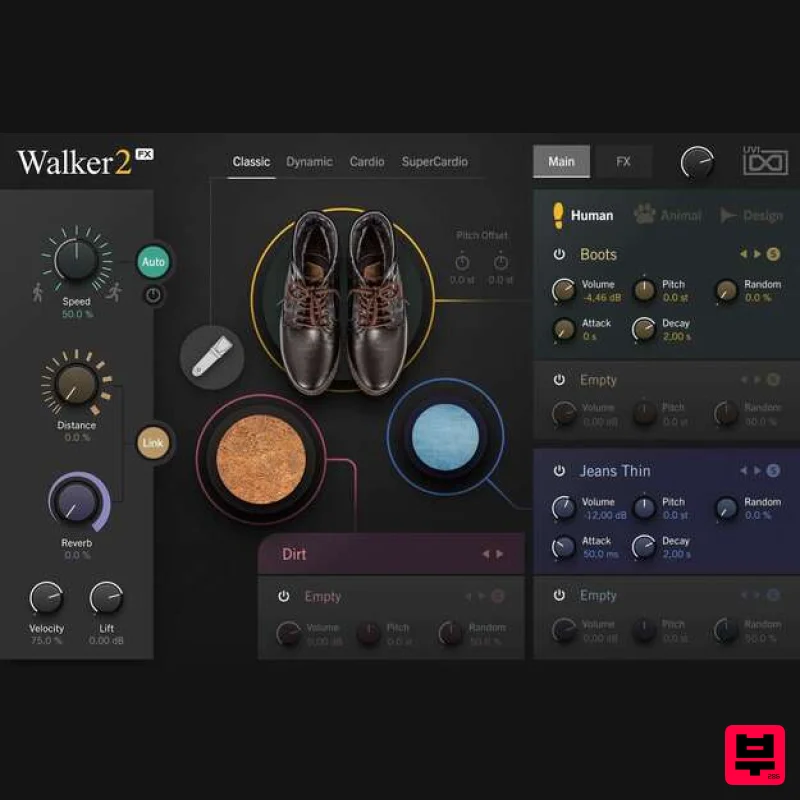
UVI Walker 2
Generator
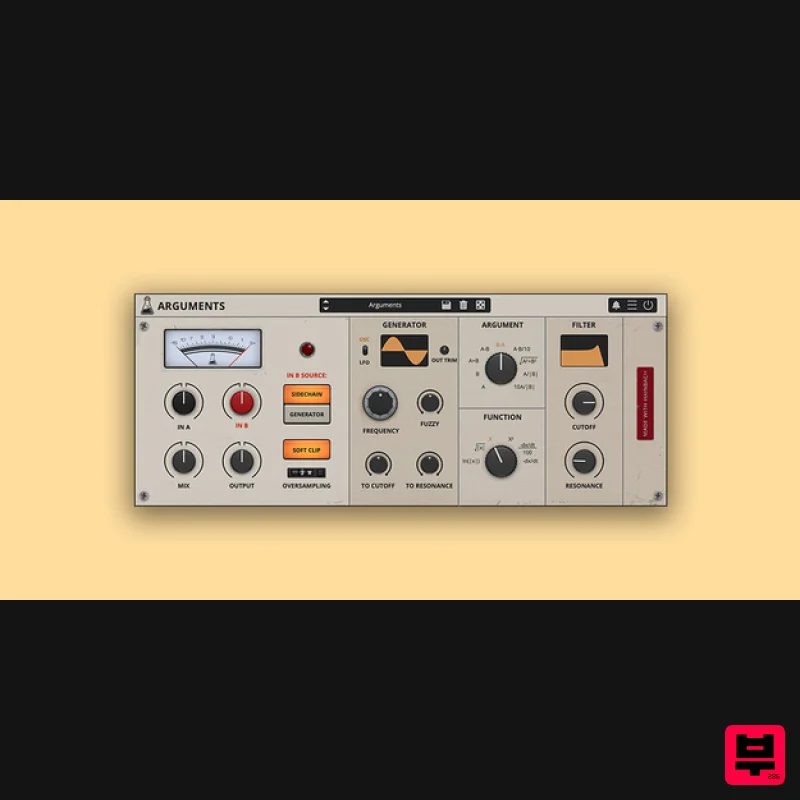
AudioThing Arguments
Generator
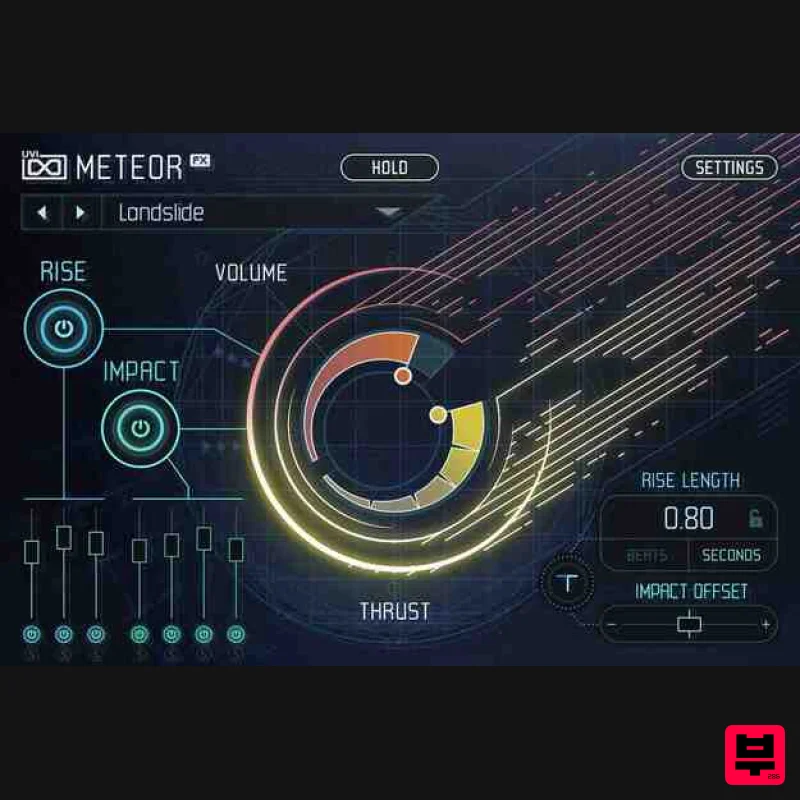
UVI Meteor
Generator
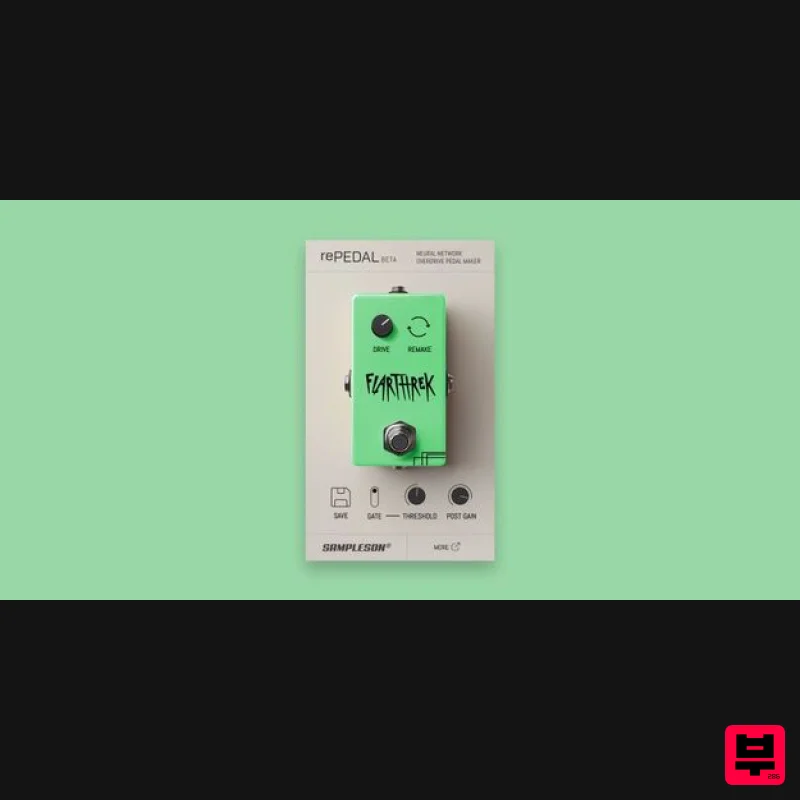
Sampleson rePEDAL
Generator
UVI Orbit
Generator

