
Pulsar Audio Echorec
Professional music gear - detailed information and where to buy
Pulsar Audio
Echorec
Product Info
* Prices may vary. Check retailer for current pricing and availability.
Product Description
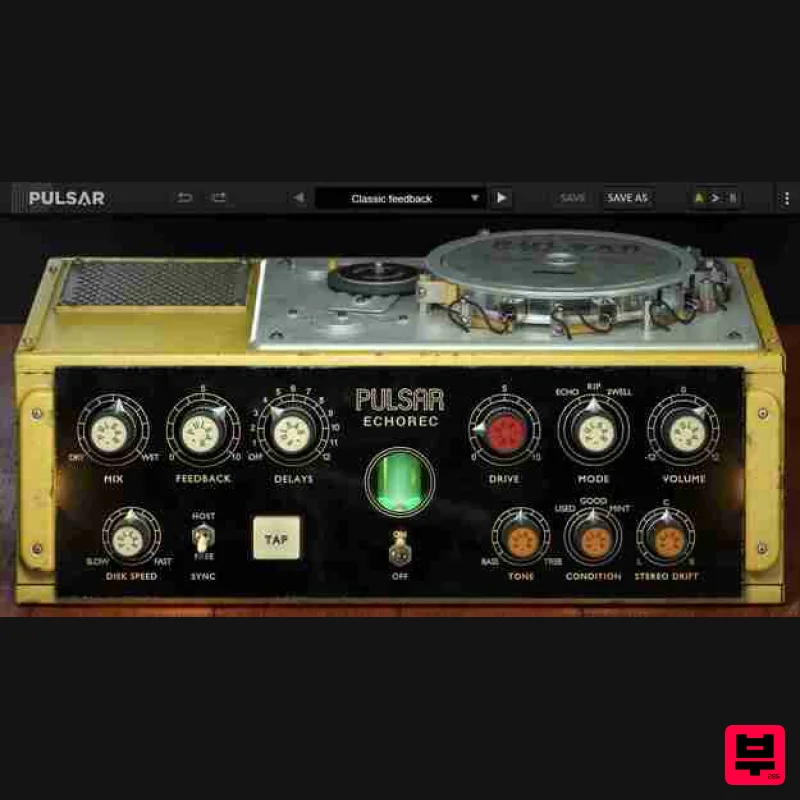
- The Pulsar Echorec is a software emulation of the iconic echo/delay unit of the same name produced by the Italian brand Binson in the 1960s. The sound of this magnetic disk delay differs from the tape delays used at the time and has largely contributed to the audio signature of many 70s bands: Pink Floyd
- The Shadows
- Jimmy Page etc. The Best Software Emulation of the Binson Echorec 2 <iframe allow="accelerometer; autoplay; clipboard-write; encrypted-media; gyroscope; picture-in-picture; web-share" allowfullscreen="" frameborder="0" height="315" src="https: //www.youtube.com/embed/nlIJh8Y2yRg?si=uNVx70HM8ejBtWhW" title="YouTube video player" width="560"></iframe> Vintage Echorec devices are known for their saturation
- self-oscillation
- and over-sound
- all shaping the music produced in the 70s. They are also
- however
- known to be fragile and difficult to maintain. The Pulsar Echorec plugin gives you a faithful emulation of this legendary echo unit; furthermore
- many workflow improvements have been added to the original
- such as the ability to change the motor speed (and so the delay time) in real-time or to sync it to any tempo
- including a tapped tempo. Three different units
- in different conditions
- have also been precisely modelled
- to have all sounds from the cleanest magnetic delay
- to the most grunge. These additions and the signature sound of the Binson Echorec 2 make this echo a must-have tool for any mixer who wants to add the subtle analogue life
- which is sorely lacking in digital delay plugins. Main Features Authentic Tube Sound The exact sound of the all-tube input section of the Binson Echorec has been precisely replicated. Special attention was paid to the modelling of pre-emphasis filters. Magnetic Field Recreation Any sound going through a magnetic device is modified in a particular way. Complex processes in the Echorec disk involving magnetic saturation and hysteresis have been precisely modelled. Stereo Drift As an improvement to the original hardware design
- Pulsar added the possibility of slightly detuning the left and right channels. The result is a large stereo echo with precisely placed repetitions. Creative Modulations Sound engineers always have their tricks. One of the coolest with the Echorec is the ability to slow the disk down with a finger
- resulting in creative pitch modulation or wow and flutter effects on the delayed signal. Three States of Wear Any Binson unit found nowadays has travelled 50 years through time. Some are in mint condition
- and some are used. During their measurements
- Pulsar found that each unit had a special colour
- and some are really nice independently from the unit condition. So they selected the three units they liked the most. Off Mode Some effects just sound incredibly good
- even when they’re not supposed to affect the sound at all. The Binson Echorec is one of these. So they carefully designed an Off mode that reproduces the colour and grit of the delayed signal
- without any delay. Windows Windows 7 with SP1 / Windows 8.1 / Windows 10 (all 64-bit only) CPU: Intel Core i3 / i5 / i7 / i9 / Xeon or AMD Quad-Core minimum Memory: 4 GB RAM & 1 GB free disk space GPU: OpengGL 2.0 compatible GPU Monitor: Minimum 1024×768 Resolution (recommended 1920×1080) & 60 Hz Refresh rate Compatible Plugin Formats (32 & 64-bit): AAX Native VST 2.4 VST 3 Mac macOS10.9 and higher (M1 Apple Silicon supported) (64-bit only) CPU: Intel Core i3 / i5 / i7 / Xeon / Apple Silicon (M1) Memory: 4 GB RAM & 1 GB free disk space GPU: OpengGL 2.0 compatible GPU Monitor: Minimum 1024×768 Resolution (recommended 1920×1080) & 60 Hz Refresh rate Compatible Plugin Formats (64-bit only): AAX Native Audio Unit VST 2.4 VST 3 Activation: You need to have an account at ilok.com to be able to use Pulsar software. The Mac version of this software is 64-bit only and will not function on 32-bit systems. Important Notes: You need to have an account at ilok.com to be able to use Pulsar software. Pulsar is used as the example. Mac iLok Registration 1. Go to the iLok website and create a new account if you are not currently registered and do not have the iLok License Manager installed on your computer. Note: Skip to the 'Pulsar Software Installation' procedure if you are already an iLok registered user. 2. Download and install the iLok License Manager. Pulsar Software Installation 1. Download the .dmg file from within your Plugin Boutique User Account and open it > Double-click the .pkg file to begin the installation. 2. Click 'Continue'. 3. Click 'Continue'. 4. Click 'Agree'. 5. Click 'Install'. 6. Enter your computer Username and Password > Click 'Install Software'. 7. Click 'Close'. iLok Activation 1. Open the iLok License Manager > Click 'Sign In'. 2. Enter your iLok User ID and Password > Click 'Sign In'. 3. Click the redeem icon in the top right-hand corner of the iLok License Manager window. 4. Enter the Activation Code in of your Plugin Boutique User Account > Click 'Next'. 5. Select your account that you wish to redeem your product to > Click 'Redeem'. 6. Click 'Ok'. 7. Select your redeemed product > Click the tick icon in the top-right hand corner of the iLok License Manager. 8. Select your computer from the list of activation locations > Click 'Activate'. 9. Click 'Ok'. Your product is now activated and ready to use within your DAW. Windows iLok Registration 1. Go to the iLok website and create a new account if you are not currently registered and do not have the iLok License Manager installed on your computer. Note: Skip to the 'Pulsar Software Installation' procedure if you are already an iLok registered user. 2. Download and install the iLok License Manager. Pulsar Software Installation 1. Download the installer file from your Plugin Boutique User Account. 2. Double-click the .zip folder to reveal the installer file > Double-click the .exe installer file to begin the installation process. 3. Select 'I Accept the Agreement' > Click 'Next'. 4. Select the components you wish to install > Click 'Next'. (Note: Untick 'PACE iLok license support' if you already have it installed on your computer). 5. Click 'Next'. 6. Click 'Install'. 7. Click 'Finish'. iLok Activation 1. Open the iLok License Manager > Click 'Sign In'. 2. Enter your iLok User ID and Password > Click 'Sign In'. 3. Click the redeem icon in the top right-hand corner of the iLok License Manager window. 4. Enter the Activation Code in of your Plugin Boutique User Account > Click 'Next'. 5. Select your account that you wish to redeem your product to > Click 'Redeem'. 6. Click 'Ok'. 7. Select your redeemed product > Click the tick icon in the top-right hand corner of the iLok License Manager. 8. Select your computer from the list of activation locations > Click 'Activate'. 9. Click 'Ok'. Your product is now activated and ready to use within your DAW.
Additional Information
About the Pulsar Audio Echorec
The Pulsar Audio Echorec combines traditional design with modern performance for Delay enthusiasts.
Why Choose the Pulsar Audio Echorec?
- •Authentic Pulsar Audio craftsmanship and design
- •Versatile sound suitable for multiple musical genres
- •Professional build quality and reliable performance
- •Part of Pulsar Audio's respected Delay lineup
Compare & Explore
Browse our complete selection of Pulsar Audio instruments or explore other Delay options. Use our comparison tools to find the perfect match for your musical style and budget.
Similar Products
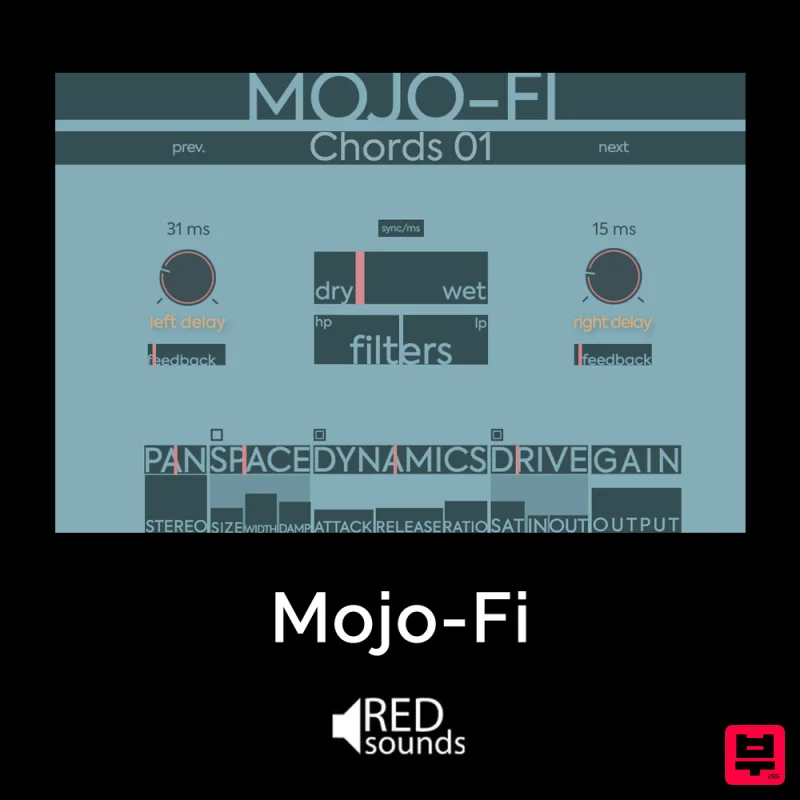
Red Sounds Mojo-Fi
Delay
$30
Multi-effect Delay Plugin On Steroids Great for adding life and texture to your boring soft synths, pianos, drums, and...
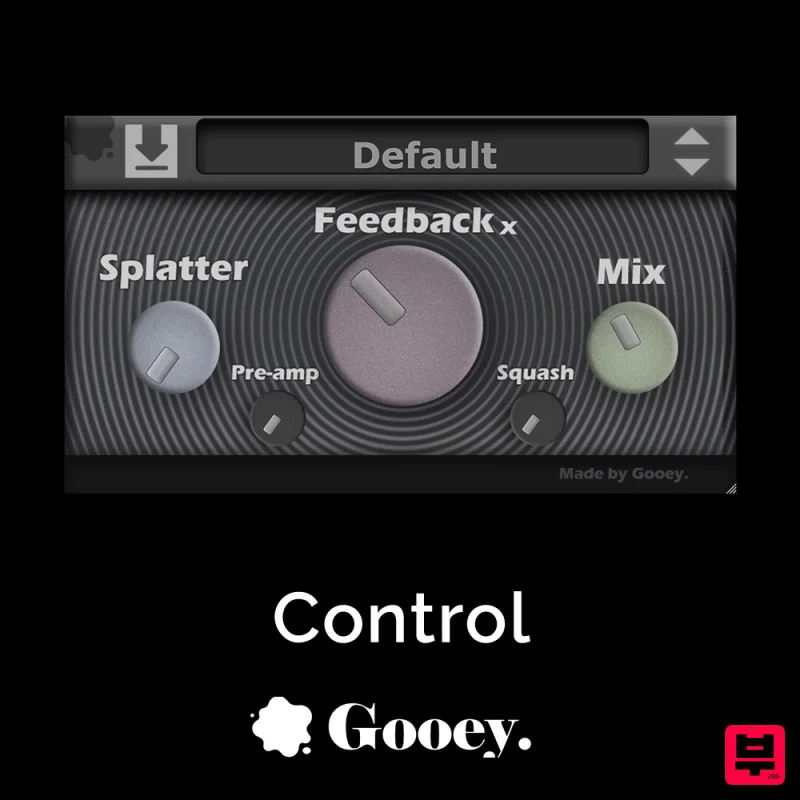
Gooey Audio Control
Delay
$30
Control by Gooey Audio is a feedback delay network plugin built for experimental sound designers, ambient composers,...

Beastsamples Beast-DLAY
Delay
$30
Beast-Dlay is a game-changer delay VST plugin with unprecedented processing power ready to add the hardware realism and...
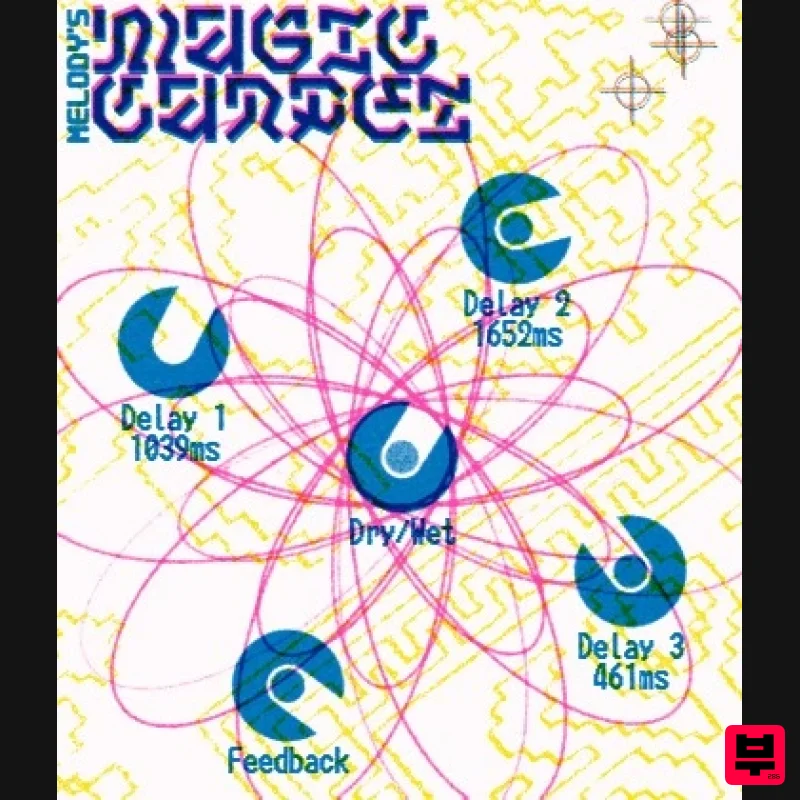
UnplugRed Magic Carpet
Delay
Free
Three delay lines with a shared feedback path, makes a delay that starts sparse but continues to get denser with each...

Korneff Audio Micro Digital Reverberator
Delay
$30
Nerdy. Easy. Super Cool. The Micro Digital Reverberator combines killer reverb and delay effects with a super friendly...
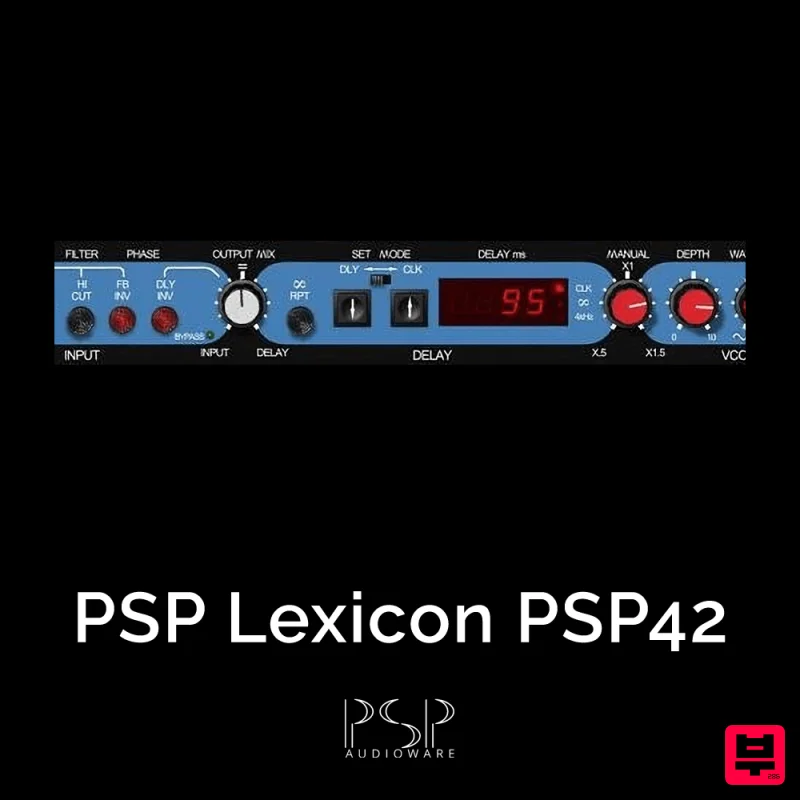
PSP Audioware PSP Lexicon PSP42x
Delay
$30
Lexicon PSP 42 is a high-quality digital stereo delay and phrase sampler plug-in based on the legendary Lexicon PCM42...

Martinic Lem Echo Music
Delay
$30
Authentic Vintage Tape Delay Emulation with Added Customization The Lem Echo Music plugin recreates the nostalgic tones...
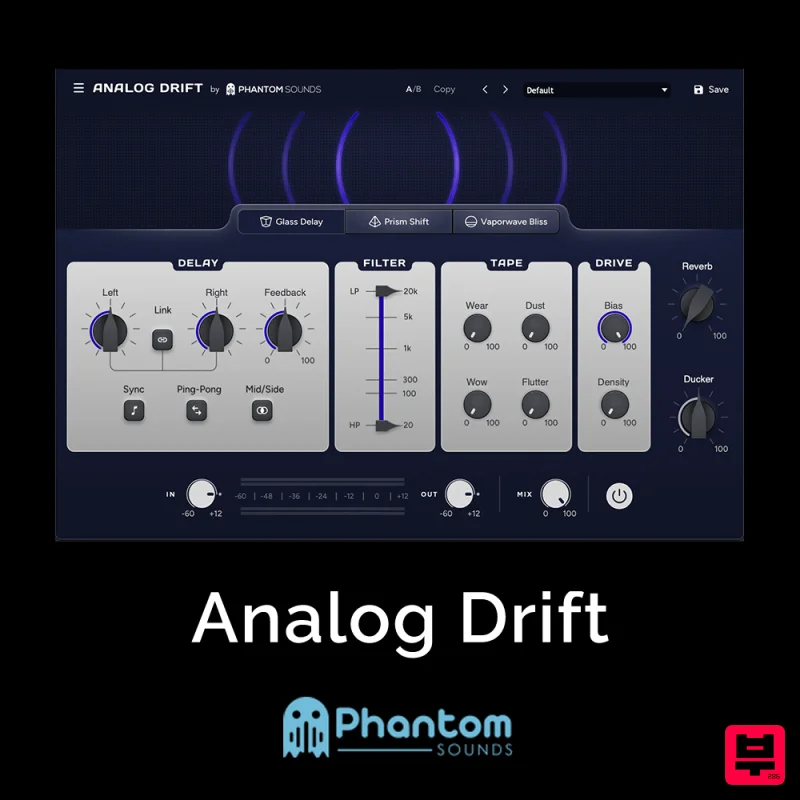
Phantom Sounds Analog Drift
Delay
$30
Redefine Your Sound with Distinctive Delays Analog Drift is a delay plugin that combines the pristine clarity of...
Frequently Asked Questions
The Pulsar Audio Echorec stands out for its exceptional Pulsar Audio craftsmanship and innovative design.
Yes! With its affordable price point and quality construction, it's perfect for learning delay.
Browse the similar products section to see how it stacks up against other delay.

