
PSP Audioware PSP stompFilter
Professional music gear - detailed information and where to buy
PSP Audioware
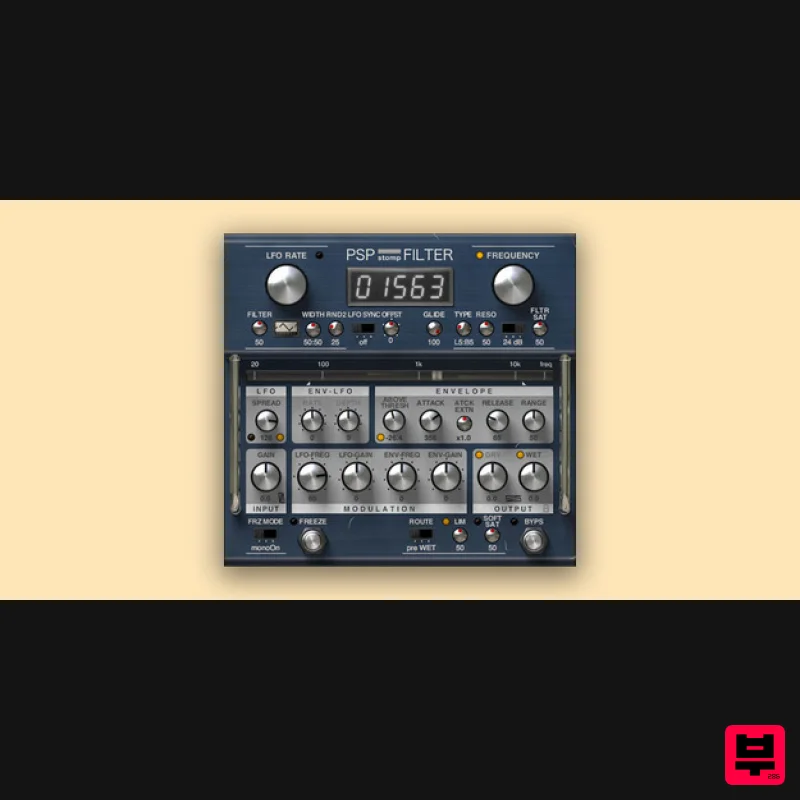
PSP stompFilter
Product Info
* Prices may vary. Check retailer for current pricing and availability.
Product Description
- PSP stompFilter is a creative tool designed to provide an exceptionally wide range of modulated filter and gain sounds. Its effects include a LFO-modulated low pass filter; auto-wah; low
- band
- or high-pass filter modes; and a compressor. Thanks to the adjustable filter type and flexible cross-modulations of the LFO by the envelope detector
- PSP stompFilter is able to provide vivid
- expressive filtering. Just a pinch of adjustable LFO randomization will provide analog-like "imperfections
- " ensuring that you will never get bored of it. System Requirements PC Windows 7 – Windows 11 VST
- VST 3 and AAX The latest iLok License Manager application installed Mac macOS 10.12 – macOS 13 Ventura (Apple Silicon Supported) VST
- VST 3
- AAX and AU The latest iLok License Manager application installed Steve Levine 'This filter is the mad LOVE child of a Mutron and a Mutator having a phatt one. It's so sensitive to your source
- even the preset with a tiny tweak will enable you to be very creative.' Count 'This super cool modulation box is great for subtly adding some movement to instruments
- or utterly transforming them into madness.' Please Note: PSP VintageWarmer2 is used as an example. Activation 1. Visit the PSP Registration Centre and create/log into your PSPaudioware account. 2. Select the Manual Product Activation link and copy and paste/manually enter the serial number that is provided with your User Account. > click 'Activate!.' 3. Your PSP product will now show up in your PSP customer account. Your 30-digit iLok activation code will also be listed under authorization (PACE). Download the relevant installer. iLok Registration 1. Go to the iLok website and create a new account if you are not currently registered and do not have the iLok Licence Manager installed on your computer. 2. Download and install the iLok License Manager. 3. Open your iLok license manager application > click 'Sign In'. 4. Enter your iLok registered User ID and password > click ‘Sign In'. 5. Once you are signed in
- click the ‘Redeem’ icon which is located at the top-right corner of the iLok Licence Manager’s interface. 6. Copy and paste/manually enter the 30-digit code from your PSP Audioware account into the available Activation Code boxes
- and then click ‘Next'. 7. Select your activation destination > Click 'Activate'. 8. Click 'Ok'. Installation Mac 1. Open the recently downloaded .dmg file to begin the installation. 2. Click 'Continue'. 3. Click 'Continue'. 4. Click 'Continue'. 5. Click 'Agree'. 6. Click 'Continue'. 7. Click 'Install'. 8. Click 'Close'. 9. Open your DAW > Open your newly installed software. Your software is now activated and ready to use. PC 1. Open the recently downloaded .exe file to begin the installation. 2. Click 'Next >'. 3. Select 'I Accept the Agreement' > Click 'Next'. 4. Click 'Next >'. 5. Click 'Next'. 6. Click 'Next'. 7. Click 'Next' to begin the installation. 8. Click 'Finish'. 9. Open your DAW > Open your newly installed software. Your software is now activated and ready to use.
Additional Information
About the PSP Audioware PSP stompFilter
The PSP Audioware PSP stompFilter combines traditional design with modern performance for Filter enthusiasts.
Why Choose the PSP Audioware PSP stompFilter?
- •Authentic PSP Audioware craftsmanship and design
- •Versatile sound suitable for multiple musical genres
- •Professional build quality and reliable performance
- •Part of PSP Audioware's respected Filter lineup
Compare & Explore
Browse our complete selection of PSP Audioware instruments or explore other Filter options. Use our comparison tools to find the perfect match for your musical style and budget.
Similar Products
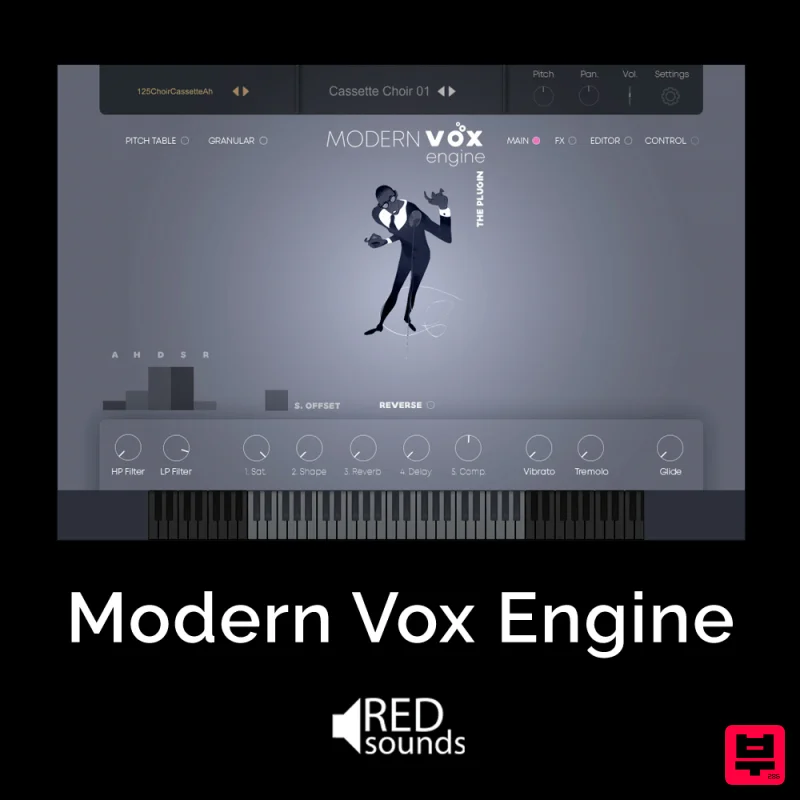
Red Sounds Modern Vox Engine
Filter
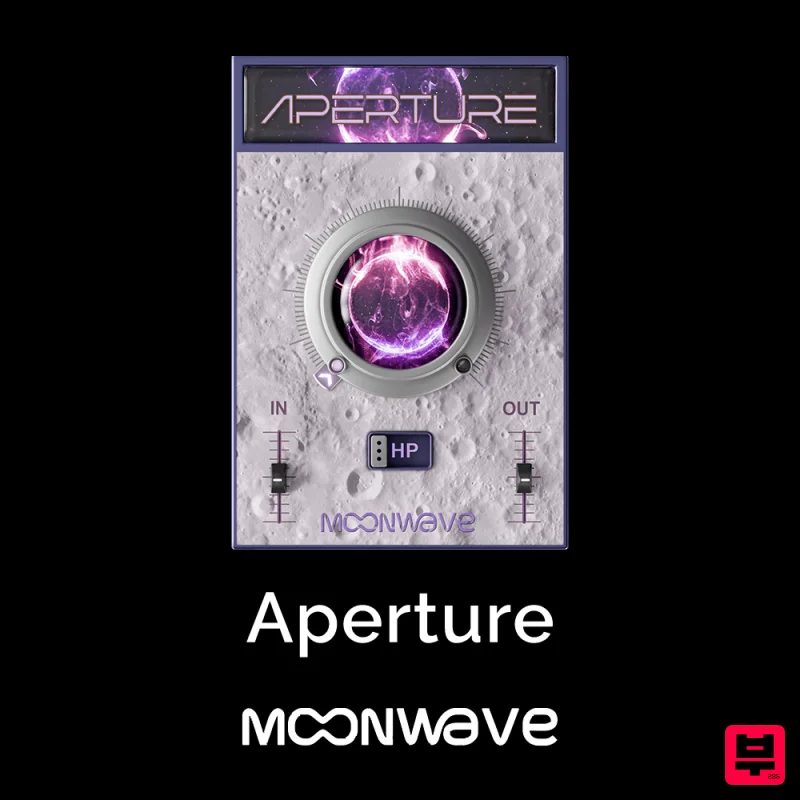
Moonwave Aperture
Filter
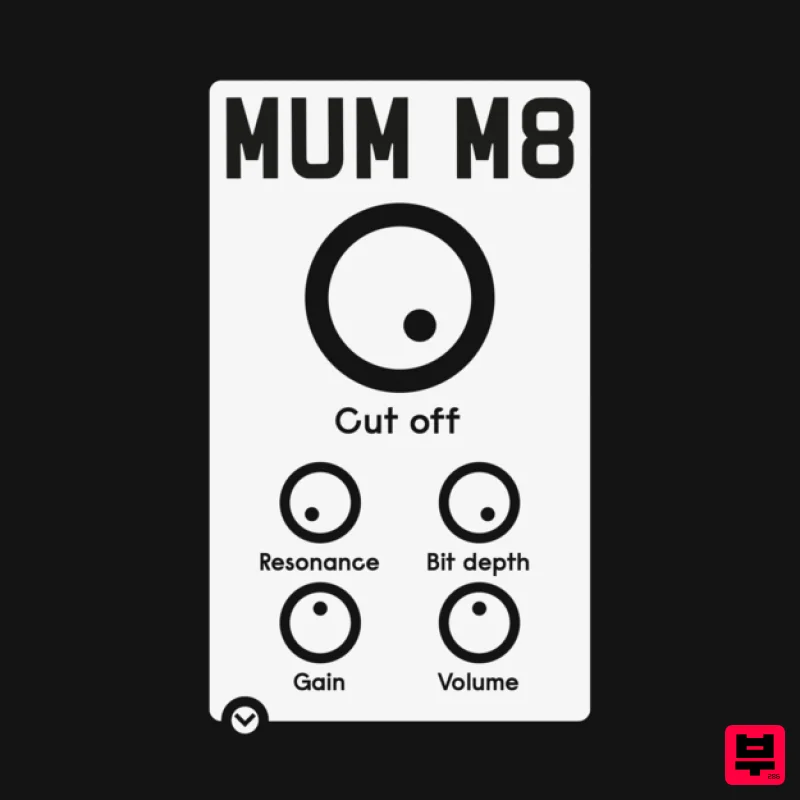
ALM / Busy Circuits MUM M8 DSP
Filter
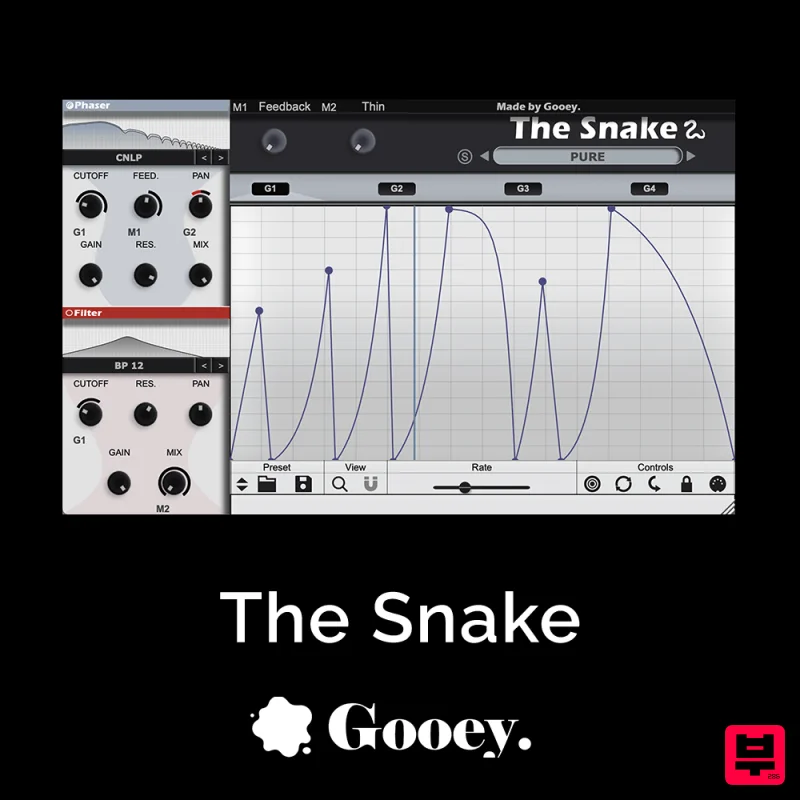
Gooey Audio The Snake
Filter
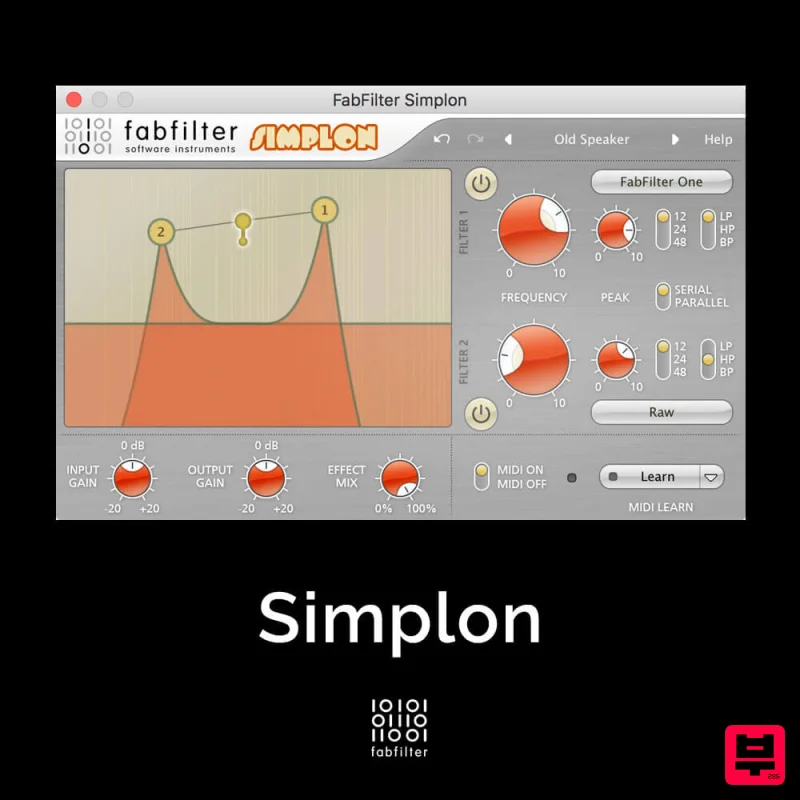
FabFilter Simplon
Filter
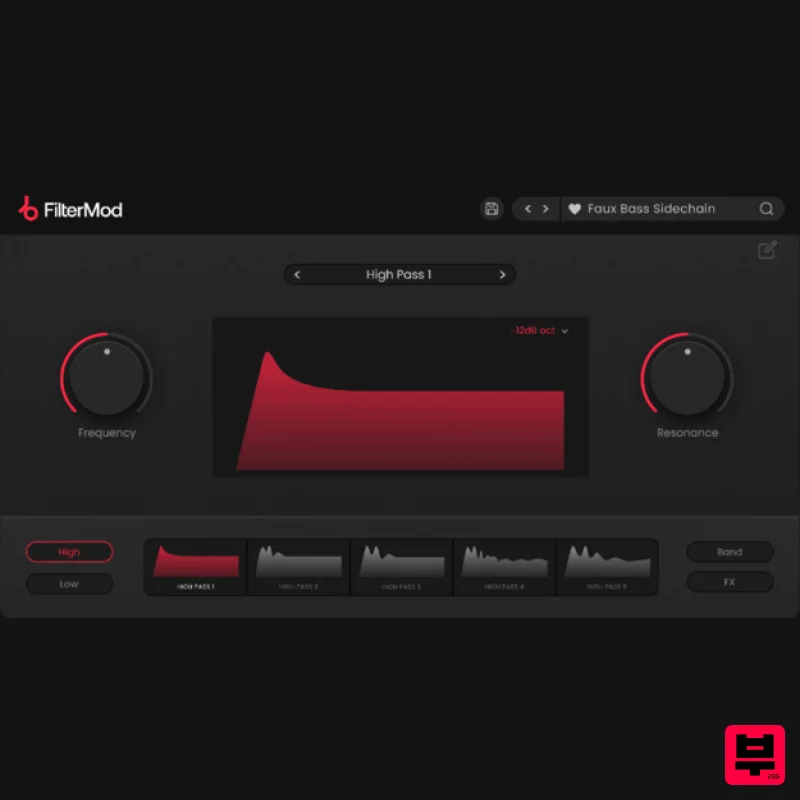
Plugin Boutique FilterMod
Filter

NoiseAsh Action Filter
Filter
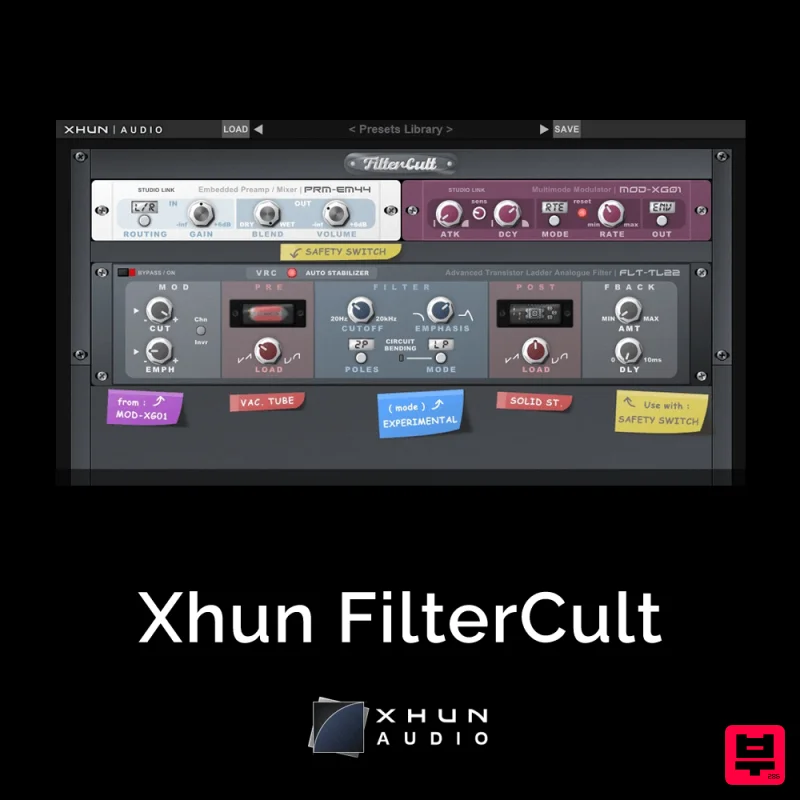
XHUN Audio Xhun FilterCult
Filter

