
PSP Audioware PSP ConsoleQ
Professional music gear - detailed information and where to buy
PSP Audioware
PSP ConsoleQ
Product Info
* Prices may vary. Check retailer for current pricing and availability.
Product Description
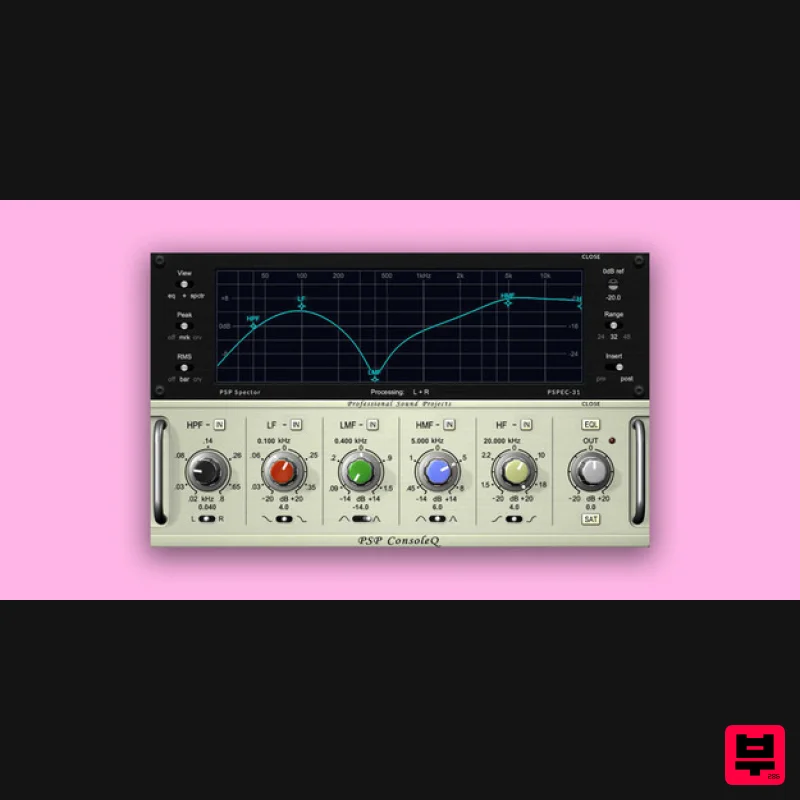
- PSP ConsoleQ is a British console-style equalizer
- designed to provide an analog EQ experience in both sound and operation. It’s perfect for whenever an engineer wants to fix or shape audio
- or make tracks stand out in a mix
- regardless of the source. PSP ConsoleQ version 2 now takes the experience even further
- with adjustable frequency control for all bands. To go with this
- the user interface has added numerical value displays for precise settings. In addition
- there's now a new way to look at and interact with PSP ConsoleQ. The PSP Spector PSPEC-31 pop-up module offers a 31-band realtime analyzer with multiple display options
- and has a graphical user interface to control multiple EQ settings at once on any band with just one click. PSP ConsoleQ is CPU efficient enough to be used at every stage of the creative process
- from composition through tracking to final production/mixing/mastering. Whenever you want quick musical results
- we are confident this equalizer will do the job with musical style and grace – and now it's more precise
- more informative
- and easier to use than ever. Features Four bands of equalization: shelving Low and High Pass Filters and peaking Low Mid and High Mid filter bands with adjustable gain-following Q values. Equalization can be applied to either or both input channels. LF and HF can be set to act as peaking filters rather than shelves. FAT double sampling: In PSP ConsoleQ
- FAT is automatically switched on for low (below 50 kHz) sample rates
- and off for higher sample rates. This ensures accurate processing independent of the sample rate. 64-bit double precision floating point math for ultra-low cumulative errors in the filters – no more worrying about piling up noise as you engage more filters! An optional second-generation SAT (for SATuration) option in the output of each plug-in. This not only protects against digital clipping in software or hardware that comes after the plug-in
- but it also adds a overdriven sound to hard-driven signals. The SAT algorithm is located after the output level control in the plug-in’s internal chain
- and its ceiling reference level is set to a fraction of dB below 0 dBFS. All actual parameter values like gain
- frequency
- or Q may differ from displayed values. This is a typical feature of analog equalizers. A 30-band bar analyzer with optional spectrum curve display mode. System Requirements: PC: VST: Windows 7 – Windows 11 64 bit VST compatible application VST3: Windows 7 – Windows 11 64 bit VST compatible application AAX: Windows 7 – Windows 11 Pro Tools 64-bit macOS Intel or macOS Silicon AudioUnit macOS 10.12 – macOS 13 Ventura 64-bit AudioUnit compatible host application VST macOS 10.12 – macOS 13 Ventura 64-bit VST compatible application VST3 macOS 10.12 – macOS 13 Ventura 64-bit VST3 compatible host application AAX macOS 10.12 – macOS 13 Ventura Pro Tools 64-bit Please Note: PSP VintageWarmer2 is used as an example. Activation 1. Visit the PSP Registration Centre and create/log into your PSPaudioware account. 2. Select the Manual Product Activation link and copy and paste/manually enter the serial number that is provided with your User Account. > click 'Activate!.' 3. Your PSP product will now show up in your PSP customer account. Your 30-digit iLok activation code will also be listed under authorization (PACE). Download the relevant installer. iLok Registration 1. Go to the iLok website and create a new account if you are not currently registered and do not have the iLok Licence Manager installed on your computer. 2. Download and install the iLok License Manager. 3. Open your iLok license manager application > click 'Sign In'. 4. Enter your iLok registered User ID and password > click ‘Sign In'. 5. Once you are signed in
- click the ‘Redeem’ icon which is located at the top-right corner of the iLok Licence Manager’s interface. 6. Copy and paste/manually enter the 30-digit code from your PSP Audioware account into the available Activation Code boxes
- and then click ‘Next'. 7. Select your activation destination > Click 'Activate'. 8. Click 'Ok'. Installation Mac 1. Open the recently downloaded .dmg file to begin the installation. 2. Click 'Continue'. 3. Click 'Continue'. 4. Click 'Continue'. 5. Click 'Agree'. 6. Click 'Continue'. 7. Click 'Install'. 8. Click 'Close'. 9. Open your DAW > Open your newly installed software. Your software is now activated and ready to use. PC 1. Open the recently downloaded .exe file to begin the installation. 2. Click 'Next >'. 3. Select 'I Accept the Agreement' > Click 'Next'. 4. Click 'Next >'. 5. Click 'Next'. 6. Click 'Next'. 7. Click 'Next' to begin the installation. 8. Click 'Finish'. 9. Open your DAW > Open your newly installed software. Your software is now activated and ready to use.
Additional Information
About the PSP Audioware PSP ConsoleQ
Experience the quality and tone that makes the PSP Audioware PSP ConsoleQ a popular choice for musicians.
Why Choose the PSP Audioware PSP ConsoleQ?
- •Authentic PSP Audioware craftsmanship and design
- •Versatile sound suitable for multiple musical genres
- •Professional build quality and reliable performance
- •Part of PSP Audioware's respected EQ lineup
Compare & Explore
Browse our complete selection of PSP Audioware instruments or explore other EQ options. Use our comparison tools to find the perfect match for your musical style and budget.
Similar Products
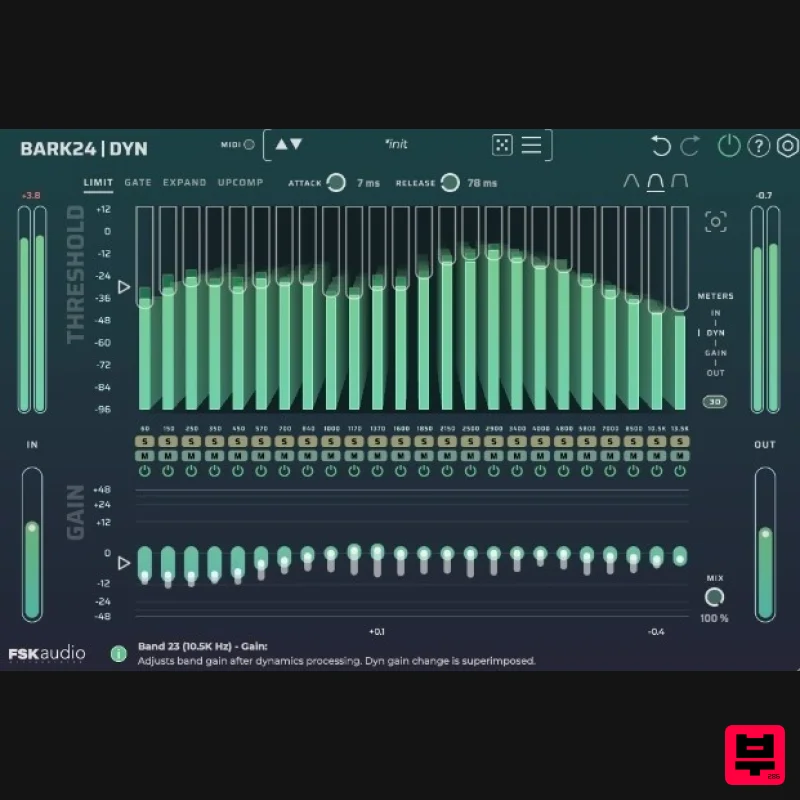
FSK Audio Bark24 | Dyn
EQ
$120
Bark24 | Dyn is a dynamic EQ that takes you far beyond a standard compressor or EQ. Based on the Bark scale - a model...
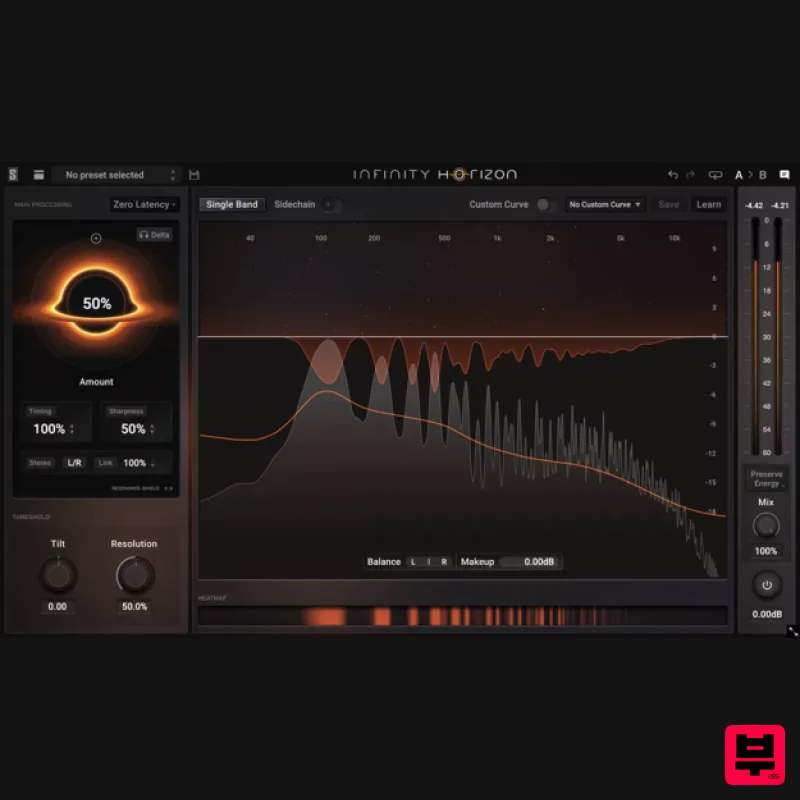
Slate Digital Infinity Horizon
EQ
$156
Rogue Frequencies Cannot Escape Infinity Horizon finds harsh frequency build ups and them in real time. If you're...
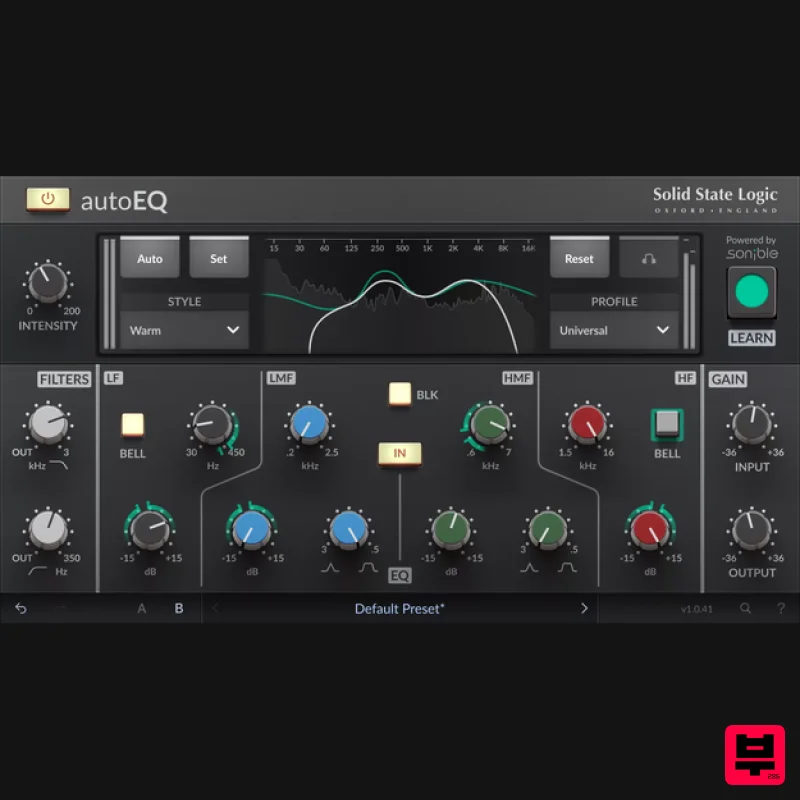
Solid State Logic SSL autoEQ
EQ
$109
SSL 4000E EQ processing with sonible AI assisted analysis Introducing autoEQ, part of the autoSeries with autoDYN and...
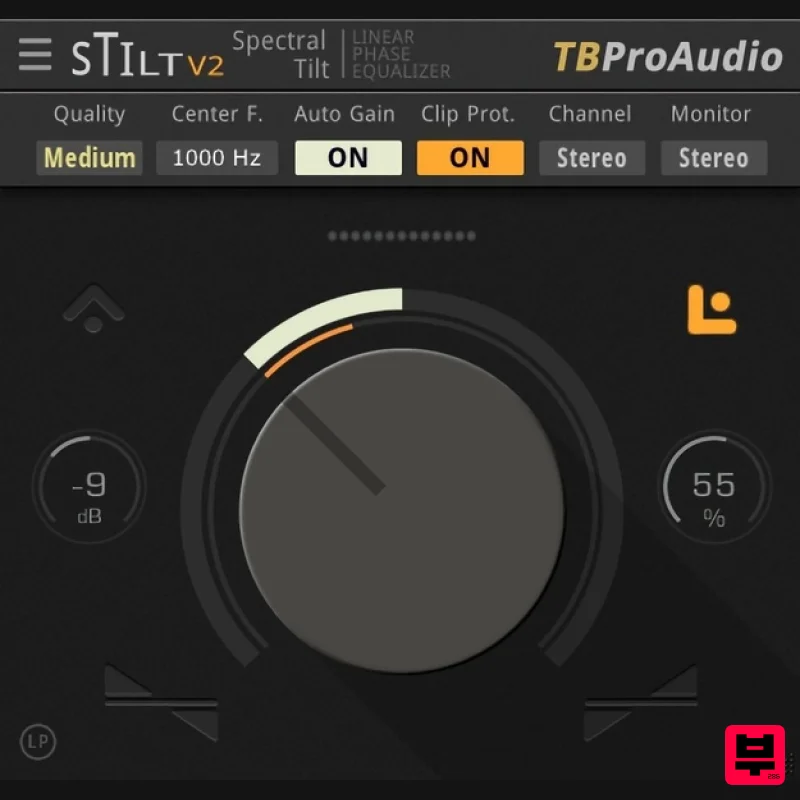
TBProAudio sTiltV2
EQ
Free
sTilt is a linear/minimum phase and IIR filter which tilts the audio spectrum around a given center frequency. Features...
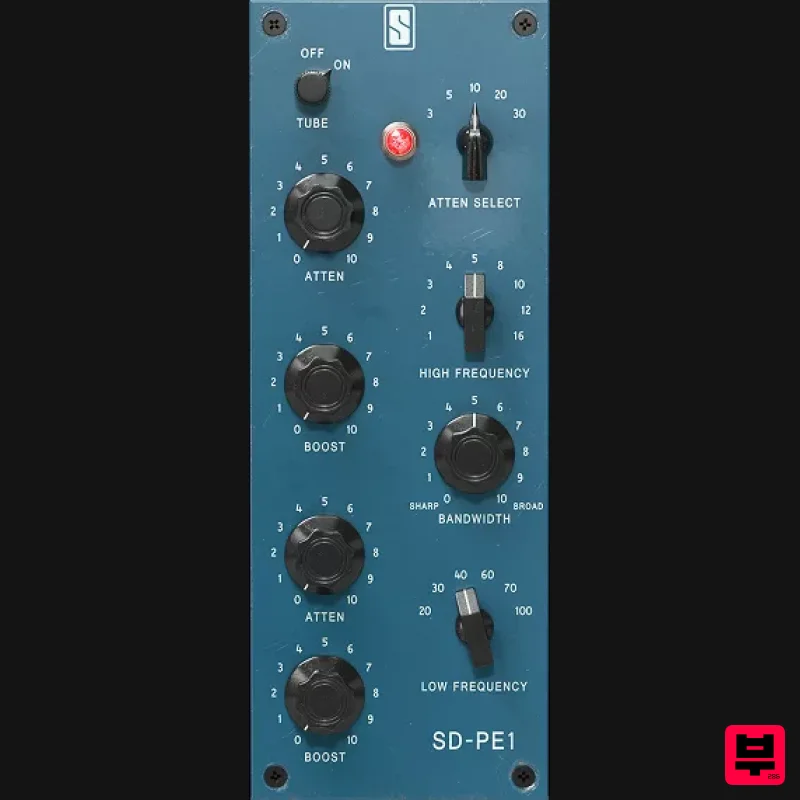
Slate Digital SD-PE1
EQ
$104
Meet SD-PE1! The most unique passive equalizer ever made joins the ever-expanding lineup of processors that make up the...
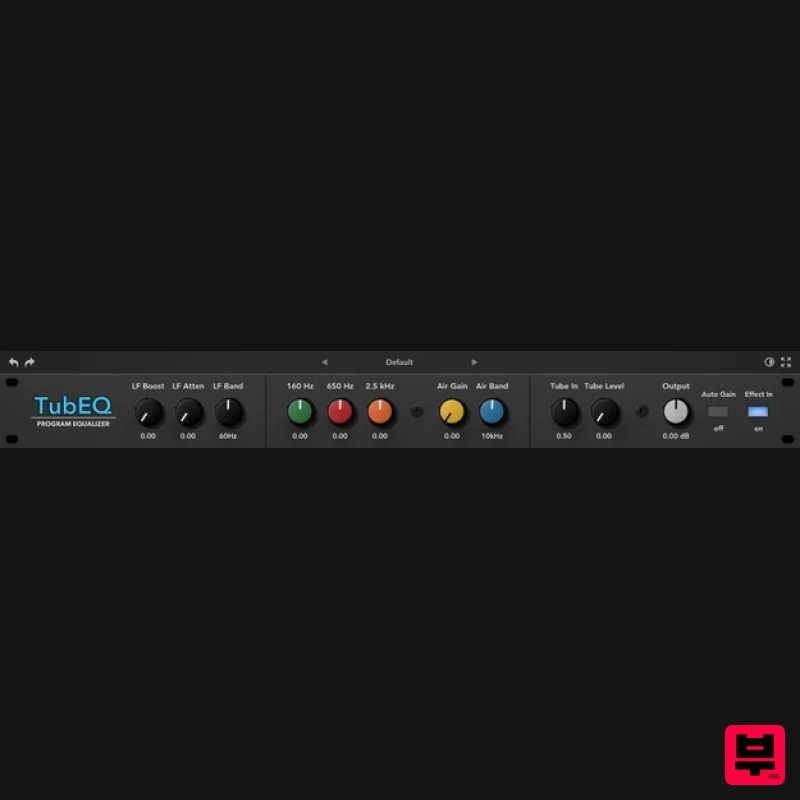
Rave Generation TubEQ
EQ
$42
TubEQ is an authentic analog equalizer plugin that combines the musical character of two legendary EQs in a single...
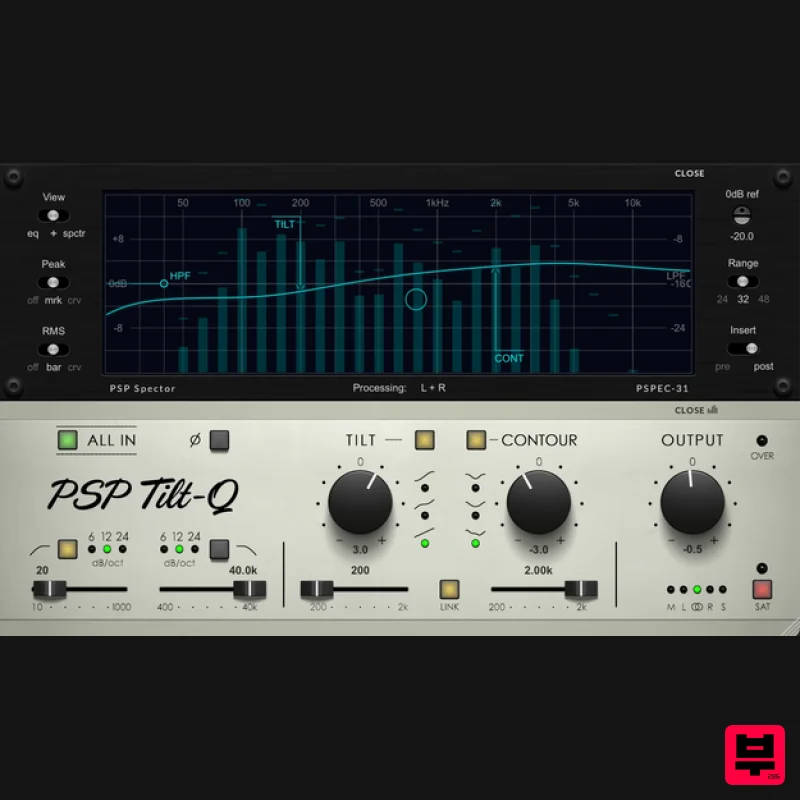
PSP Audioware PSP Tilt-Q
EQ
$72
Tilt Equalizer with Three Characteristics Musical tilt EQ offering three distinct curve shapes, allowing you to quickly...
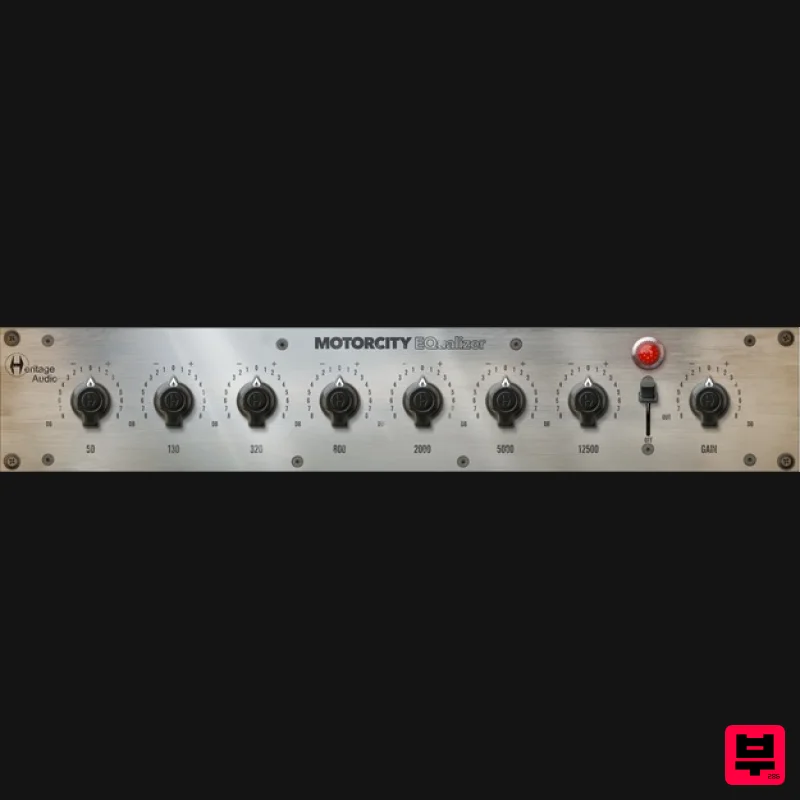
Heritage Audio MOTORCITY EQ
EQ
$104
The classiest EQ ever created finally gets the thorough plugin treatment it so long deserved Recreated from the...
Frequently Asked Questions
The PSP Audioware PSP ConsoleQ stands out for its exceptional PSP Audioware craftsmanship and innovative design.
Yes! With its affordable price point and quality construction, it's perfect for learning eq.
Browse the similar products section to see how it stacks up against other eq.

