
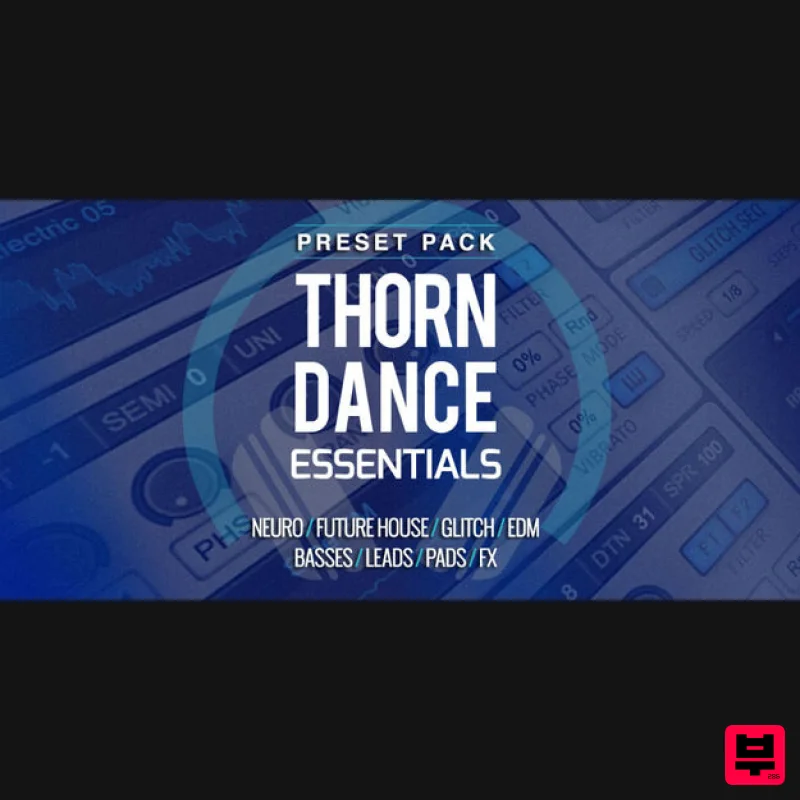
Producertech Thorn Preset Pack
Professional music gear - detailed information and where to buy
Producertech
Thorn Preset Pack
Product Info
* Prices may vary. Check retailer for current pricing and availability.
Product Description
- Producertech presents a mighty expansion pack of classic and cutting-edge sounds for DS Audio’s Thorn
- making full use of its spectral-synthesising and glitch-sequencing capabilities. Stabs
- drones and developing atmospheric textures all feature in this set of 64 presets
- which are a great supplement to the factory library
- for producers of any style. Patch types included are basses
- leads
- pads
- arps and sequences
- FX and percussion
- so an assortment of one-shot and continuous rhythmic sounds. For an example of the presets in the pack
- check out the demo track
- made entirely (excluding drums) with sounds from this essential expansion. <iframe frameborder="0" height="150" src="https://w.soundcloud.com/player/?url=https%3A//api.soundcloud.com/tracks/549448806&color=%23ff5500&auto_play=false&hide_related=false&show_comments=true&show_user=true&show_reposts=false&show_teaser=true&visual=true" width="100%"></iframe> Features 20 Bass 14 Lead 10 Pad 8 Arp 5 Glitch 4 FX 3 Perc Note: Tantra Presets are used as the example. Mac 1. Download the .zip file from your Plugin Boutique User Account > Double-click it to extract the contents. 2. Copy the following folders: 'Factory Expansion 1' 'Factory Expansion 2' 'Factory Expansion 3' 3. Navigate to this file path: Macintosh HD/Library/Application Support/Dmitry Sches/Tantra/Plug-In Presets 4. Paste the presets in this folder. 5. Open Tantra in your DAW > click the Presets bar at the top right corner of the plugin to view the newly installed presets. Your presets are now installed and ready to use! Windows 1. Download the .zip file from your Plugin Boutique User Account > Double-click it to extract the contents. 2. Copy the following folders: 'Factory Expansion 1' 'Factory Expansion 2' 'Factory Expansion 3' 3. Navigate to this file path: C:\Users\[Your Name]\Documents\Dmitry Sches\Tantra\Plug-In Presets 4. Paste the presets in this folder. 5. Open Tantra in your DAW > click the Presets bar at the top right corner of the plugin to view the newly installed presets. Your presets are now installed and ready to use!
Additional Information
About the Producertech Thorn Preset Pack
The Producertech Thorn Preset Pack represents excellent craftsmanship in the Synth Presets category.
Why Choose the Producertech Thorn Preset Pack?
- •Authentic Producertech craftsmanship and design
- •Versatile sound suitable for multiple musical genres
- •Professional build quality and reliable performance
- •Part of Producertech's respected Synth Presets lineup
Compare & Explore
Browse our complete selection of Producertech instruments or explore other Synth Presets options. Use our comparison tools to find the perfect match for your musical style and budget.
Similar Products

W. A. Production Cinematic Synths for Babylon 2
Synth Presets

Resonance Sound UK Speed Garage Vol. 1 for Serum 2
Synth Presets
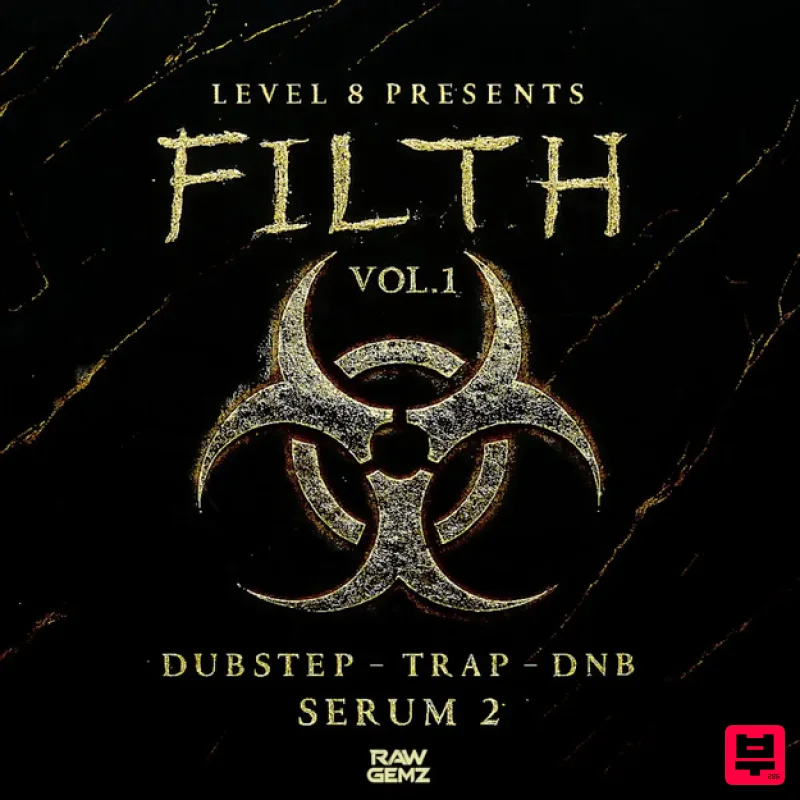
Resonance Sound FILTH Vol. 1 for Serum 2
Synth Presets

W. A. Production Melodic Techno for InstaComposer 3
Synth Presets

Resonance Sound Stranger Serum Synths Vol. 1 for Serum 2
Synth Presets
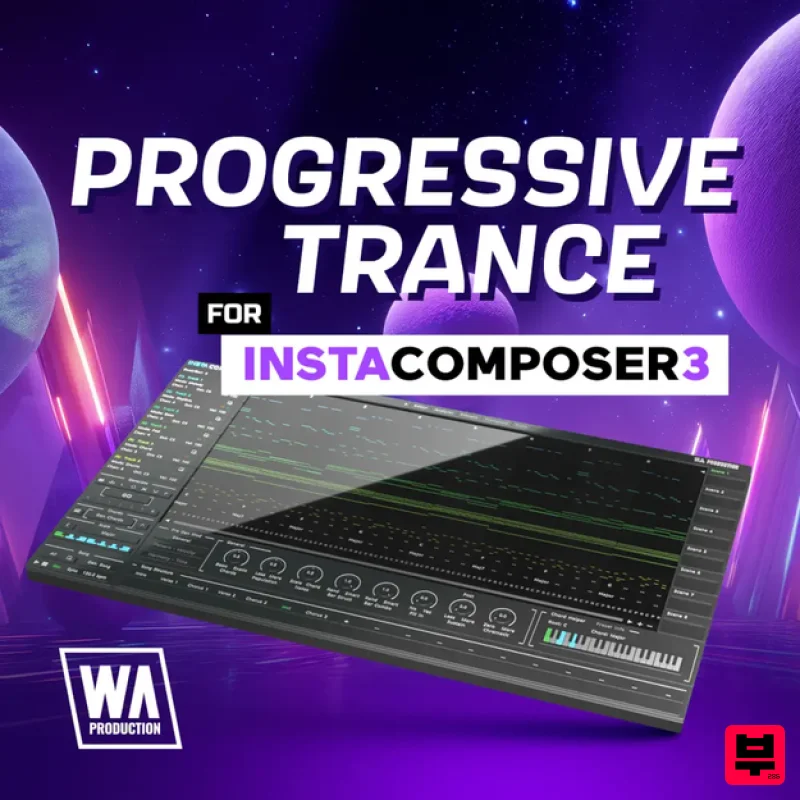
W. A. Production Progressive Trance for InstaComposer 3
Synth Presets

W. A. Production Progressive House for Babylon 2
Synth Presets

Resonance Sound Main Stage Techno Vol. 1 for Serum 2
Synth Presets

