
PROCESS.AUDIO Spicerack
Professional music gear - detailed information and where to buy
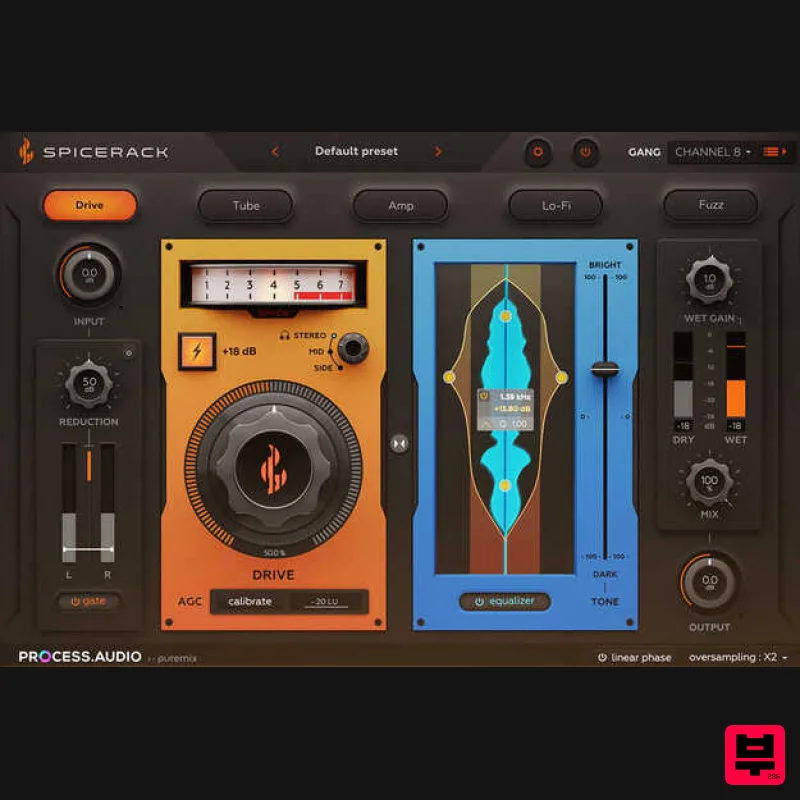
PROCESS.AUDIO
Spicerack
Product Info
* Prices may vary. Check retailer for current pricing and availability.
Product Description
- .iframe-container{ position: relative; width: 100%; padding-bottom: 56.25%; height: 0; } .iframe-container iframe{ position: absolute; top:0; left: 0; width: 100%; height: 100%; } Creative Distortion <iframe allow="accelerometer; autoplay; clipboard-write; encrypted-media; gyroscope; picture-in-picture; web-share" allowfullscreen="" frameborder="0" height="315" src="https://www.youtube.com/embed/0N1bn11aaHE?si=Pe0dnPQ7o4_-Gt12" title="YouTube video player" width="560"></iframe> Dreamt-up
- designed
- and finely-tuned by award-winning engineers
- Spicerack reimagines the conventional approach to audio saturation and distortion
- elevating the process to new heights of creativity. Spicerack features five completely different flavors of harmonic distortion to saturate
- distort
- shape or texturize your sounds. Those five algorithms have been carefully developed and tuned to provide a wide color palette that is truly useful for every producer and mixing engineer. In that respect
- Spicerack picks up where other saturation plugins left off. Using the true linear phase technology developed for PROCESS.AUDIO’s ubiquitous first plugin ‘Sugar’
- Spicerack yields unprecedented results when blending wet and dry signals
- making no compromise on the quality of your audio material
- a first for parallel saturation plugins. Spicerack’s interface was designed to dial-in the right amount of saturation as fast as possible with minimum brain share. The unique Auto Gain Compensation and Calibration features make for a Drive knob ranging from subtle saturation to aggressive distortion with no level jumps. Other Spicerack key features include Console Remote
- a unique protocol allowing inter- plugin communication and remote control
- and a very creative audio Gate circuit that helps morph Spicerack’s distortion effects from conventional all out chaos to precise sound design tools. Features 5 mastering grade
- phase accurate distortion algorithms Low CPU consumption Auto gain compensation for perfect gain staging Intuitive vertical linear phase EQ Console Remote interface to control all instances from one single instance Gate control on the distorted signal path System Requirements Mac macOS 10.9 - macOS 12 Monterey (64-bit only) Apple Silicon or Intel Core i5 @ 1.7 – 2.2 GHz or better CPU speed 8 GB RAM or better AU
- VST and Standalone formats Decibel uses OpenGL GPU acceleration and requires a modern Nvidia or ATI Radeon graphics card - Older cards not optimized for OpenGL will overload your CPU iLok account for authorisation - iLok Cloud or Physical (iLok 2+) Windows Windows 7 - Windows 10 (64-bit only) Intel Core i5 @ 1.7 – 2.2 GHz or better CPU speed 8 GB RAM or better AAX
- and Standalone formats Decibel uses OpenGL GPU acceleration and requires a modern Nvidia or ATI Radeon graphics card - Older cards not optimized for OpenGL will overload your CPU iLok account for authorisation - iLok Cloud or Physical (iLok 2+) License Redemption 1. Follow this link to the PROCESS.AUDIO redeem page > Enter your details to create a new PROCESS.AUDIO account > Click 'REGISTER'. 2. Enter the serial number found in your Plugin Boutique account. Click 'GET YOUR PRODUCT(S)'. 3. This screen confirms which product you are attempting to redeem > Click 'GET YOUR PRODUCT(S)'. 4. This screen confirms that the code has been successfully redeemed to your account > Click 'REDEEM YOUR PLUG-IN LICENSE(S)'. 5. Locate the account activation email from your inbox > Click 'ACTIVATE YOUR ACCOUNT'. 6. Navigate back to your PROCESS.AUDIO My Licenses page. 7. Click 'REDEEM LICENSE'. 8. Enter your iLok Account ID > Click 'REDEEM LICENSE'. 9. This page confirms that you have successfully redeemed your license to your iLok account > Click 'CLOSE'. 10. Launch your iLok License Manager and log in > Navigate to the 'Available' tab > Locate your new license > Drag the license to your iLok Cloud Session (Or physical iLok2+) on the left-hand menu. 11. This screen confirms a successful activation of the license > Click 'OK'. 12. Navigate back to your PROCESS.AUDIO My Licenses page > Click 'DOWNLOAD PLUGIN'. 13. Select the appropriate format for your system to download the installer. Mac Installation 1. Launch the installer 'Decibel_X_X_X_macos.pkg'. 2. Click 'Continue'. 3. Click 'Continue'. 4. Click 'Agree'. 5. Click 'Continue'. 6. Confirm which plugin formats you wish to install > Click 'Continue'. 7. Click 'Install'. 8. Enter your system password > Click 'Install Software'. 9. Click 'Close'. 10. Launch your DAW > Insert Decibel on a new Audio Track. Your software is now installed and ready to use. Windows Installation 1. Launch the installer 'Decibel_X_X_X_win.exe'. 2. Click 'Next'. 3. Click 'I accept the agreement' > Click 'Next'. 4. Confirm which plugin formats you wish to install > Click 'Next'. 5. Click 'Next'. 6. Click 'Install'. 7. Click 'Finish'. 8. Launch your DAW > Insert Decibel on a new Audio Track. Your software is now installed and ready to use.
Additional Information
About the PROCESS.AUDIO Spicerack
Discover the distinctive sound and feel of the PROCESS.AUDIO Spicerack, a standout choice among Saturation.
Why Choose the PROCESS.AUDIO Spicerack?
- •Authentic PROCESS.AUDIO craftsmanship and design
- •Versatile sound suitable for multiple musical genres
- •Professional build quality and reliable performance
- •Part of PROCESS.AUDIO's respected Saturation lineup
Compare & Explore
Browse our complete selection of PROCESS.AUDIO instruments or explore other Saturation options. Use our comparison tools to find the perfect match for your musical style and budget.
Similar Products
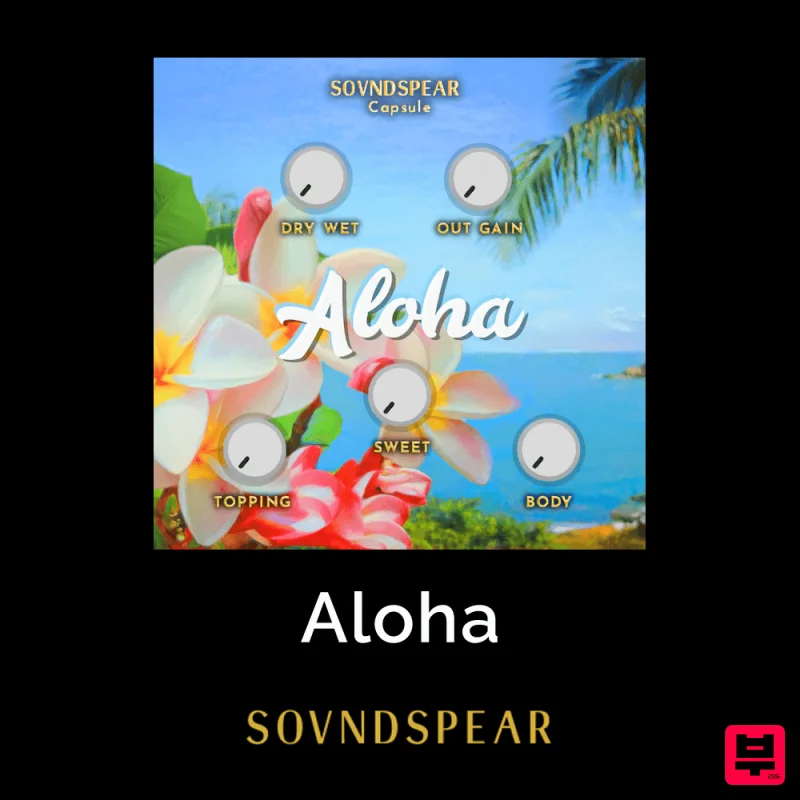
Soundspear Aloha
Saturation
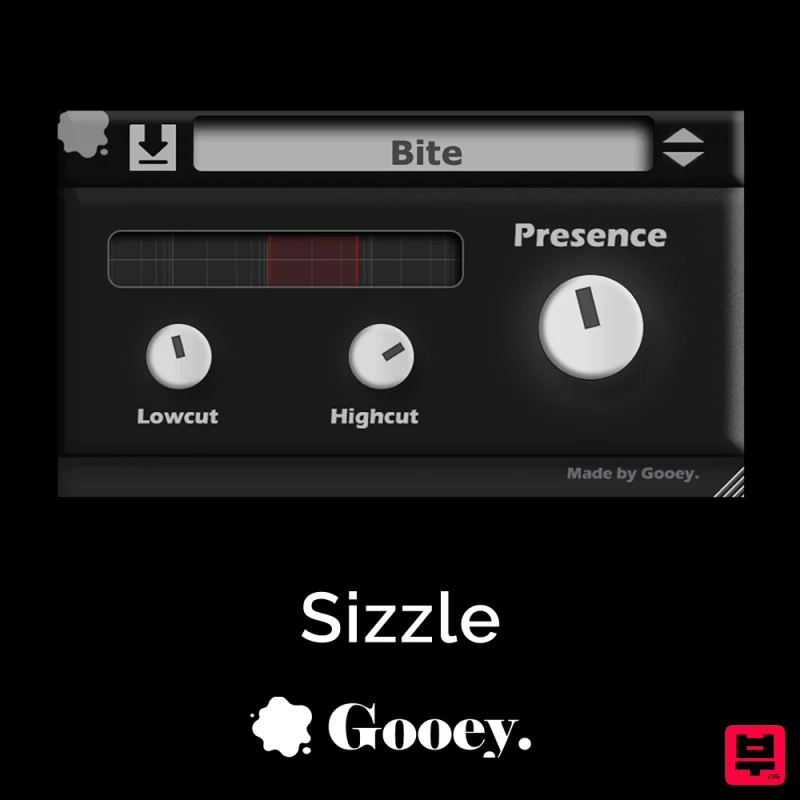
Gooey Audio Sizzle
Saturation
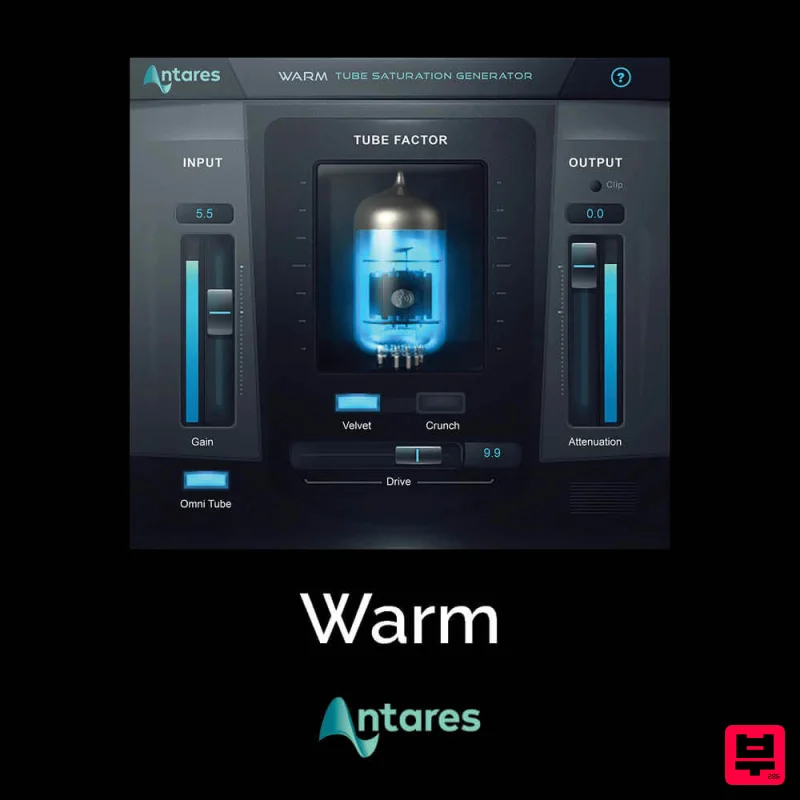
Antares Warm
Saturation
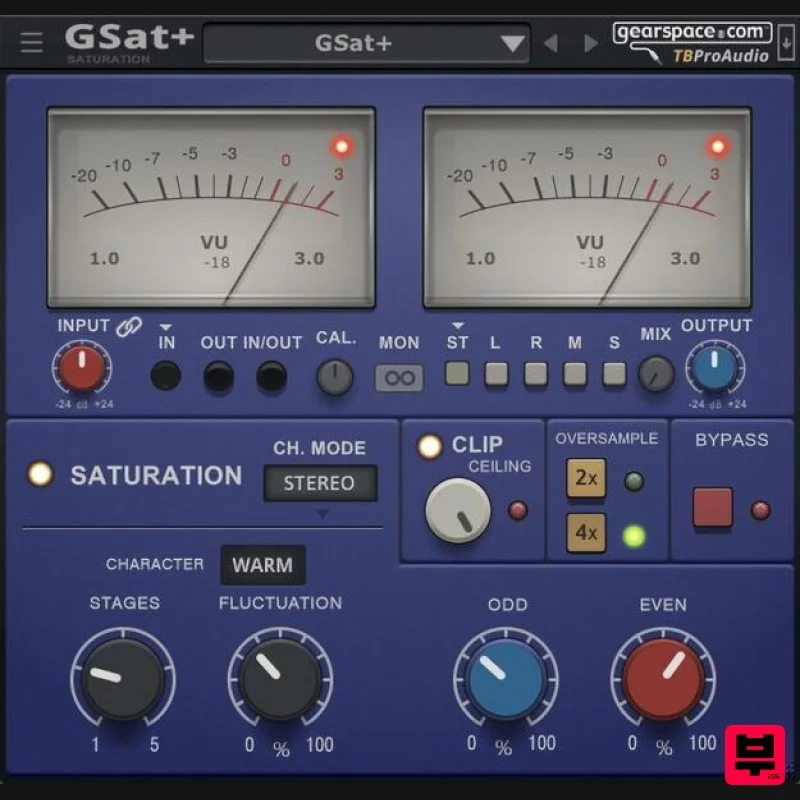
TBProAudio GSat+
Saturation
UnplugRed Red Bass
Saturation
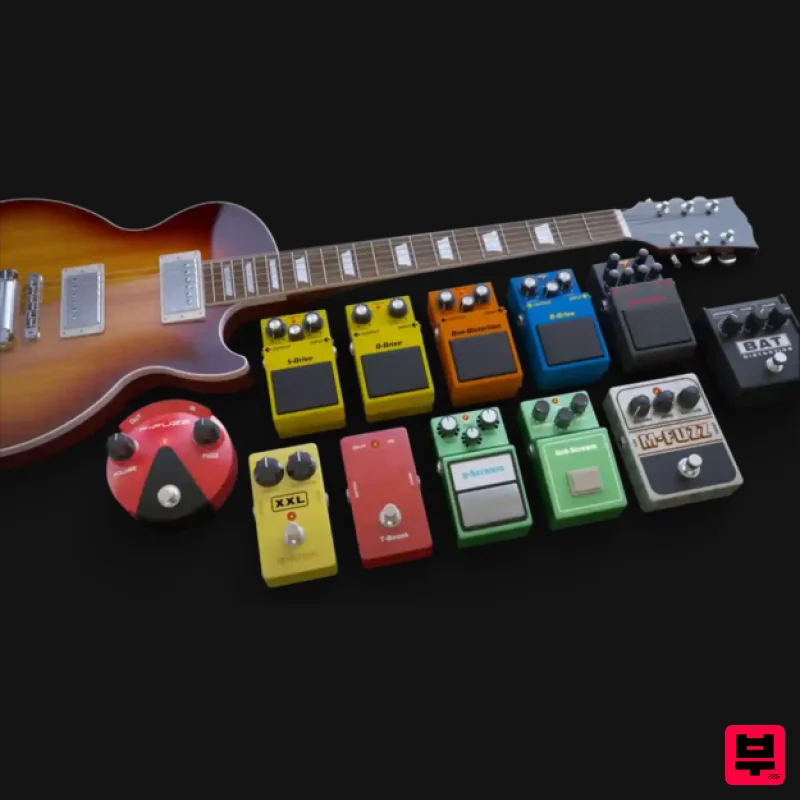
Audified MultiDrive PRO
Saturation
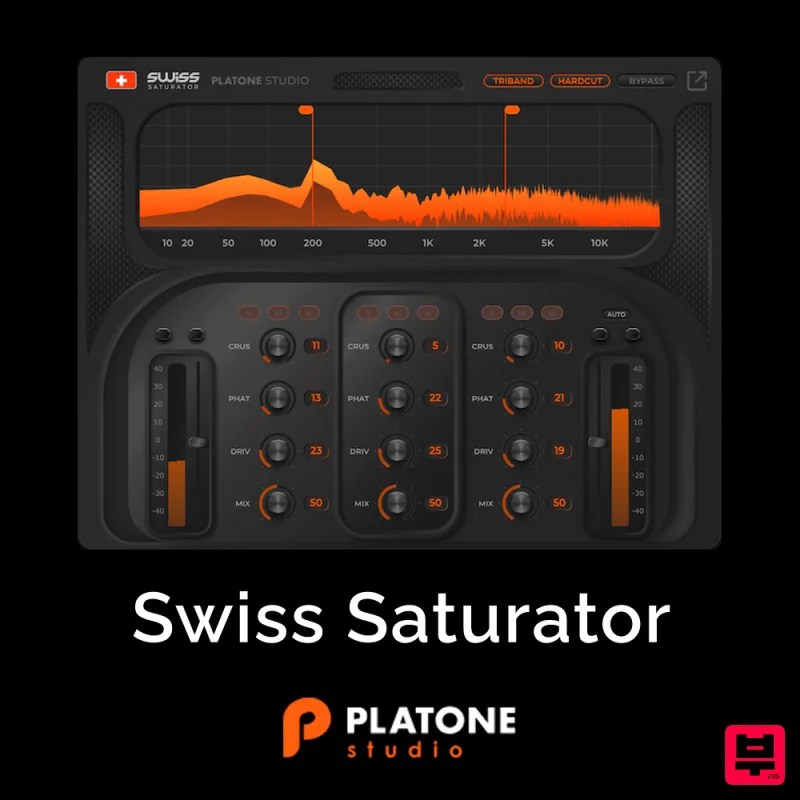
Platone Studio Swiss Saturator
Saturation
SIMPLE Plugins SIMPLE Saturator
Saturation

