
PLUGINS THAT KNOCK KNOCK Clipper
Professional music gear - detailed information and where to buy
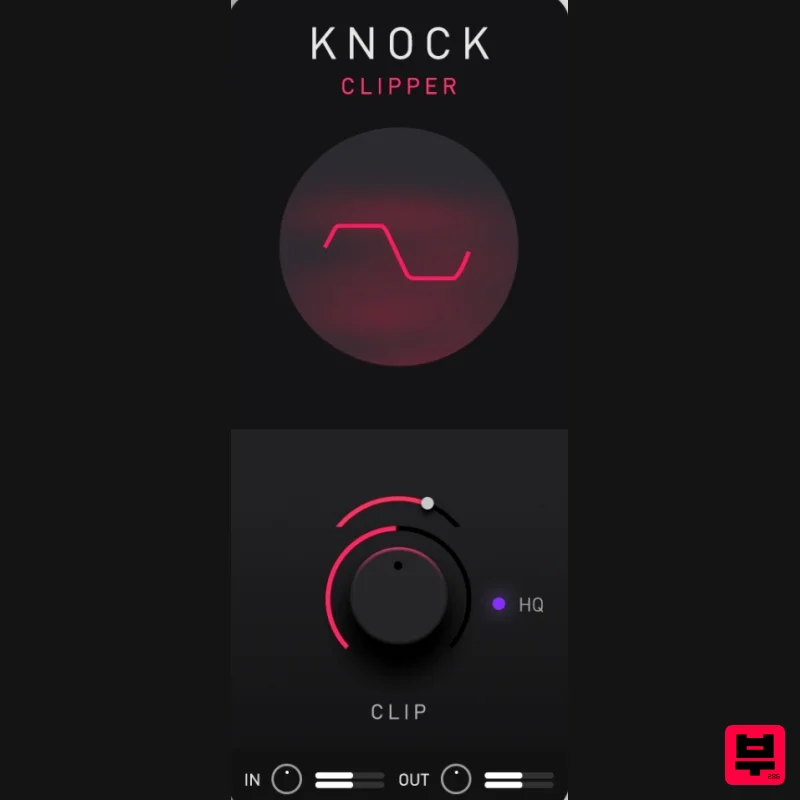
PLUGINS THAT KNOCK
KNOCK Clipper
Product Info
* Prices may vary. Check retailer for current pricing and availability.
Product Description
- KNOCK Clipper is a premium quality
- user adjustable hard/soft clipper designed by DECAP. It is the CLIP module from his acclaimed plugin
- KNOCK. It is inspired by the signature sound of his popular drum kit series DRUMS THAT KNOCK
- which has helped shaped the sonics of modern music. Push your drums hard without ever going above 0db to give your drums a warm
- aggressive tone reminiscent of pushing vintage analogue gear into "the red". Select a harder clip curve for a more aggressive tone
- or a softer clip curve for a rounder tone. KNOCK Clipper has an optional high-quality mode to enable oversampling. Features The Exact Clipper from DECAP’s Acclaimed KNOCK Plugin User Adjustable Hard / Soft Clipper Lightweight on CPU Easy to Use Never Go Above 0db System Requirements Mac macOS 10.15 and later (Intel / M1 Apple Silicon supported) (64-bit only) AU
- VST3
- AAX Intel Core i5
- Xeon
- Apple M1 8 GB RAM required (16 GB recommended) 500 MB Minimum Hard Disk Space Windows Windows 10 and later (64-bit only) VST3
- AAX 8 GB RAM required (16 GB recommended) Intel Core i5
- Xeon (all Gen 5 and above)
- AMD Quad Core 500 MB Minimum Hard Disk Space Note: KNOCK Clipper is supported by all major DAWs in 64-bit VST3
- AU and AAX formats. Important note: When accessing this software via a Rent to Own plan or the Beatport Studio membership
- it's installed and run through the Beatport Access portal. An internet connection is required every 30 days to validate your license. Please Note: KNOCK has been used as an example. Registration 1. Go to https://plugins-that-knock.myshopify.com/products/knockclipper-pluginboutique 2. Once the page has opened
- enter your access code
- then click 'REDEEM'. 3. Enter your name
- email and the license key found in your Plugin Boutique User Account. 4. Check you email for the link to your product download. Mac Installation 1. Once the download is complete
- extract and open the ZIP folder you just downloaded > Double-click the KNOCK.pkg installer file. 2. Click 'Continue'. 3. Click 'Install'. 4. Click 'Close'. 5. Open KNOCK in your DAW > Enter the serial number you were given when registering > Click 'SUBMIT'. Your software is now activated and ready to use in your DAW! Windows Installation 1. Once the download is complete
- extract and open the ZIP folder you just downloaded > Double-click the KNOCK .exe installer file. 2. Click 'Next'. 3. Choose your installation path > Click 'Next'. 4. Select which plugin formats you would like to install > Click 'Next' 5. Click 'Install'. 6. Click 'Finish'. 7. Open KNOCK in your DAW > Enter the serial number you were given when registering > Click 'SUBMIT'. . Your software is now activated and ready to use in your DAW!
Additional Information
About the PLUGINS THAT KNOCK KNOCK Clipper
Experience the quality and tone that makes the PLUGINS THAT KNOCK KNOCK Clipper a popular choice for musicians.
Why Choose the PLUGINS THAT KNOCK KNOCK Clipper?
- •Authentic PLUGINS THAT KNOCK craftsmanship and design
- •Versatile sound suitable for multiple musical genres
- •Professional build quality and reliable performance
- •Part of PLUGINS THAT KNOCK's respected Limiter lineup
Compare & Explore
Browse our complete selection of PLUGINS THAT KNOCK instruments or explore other Limiter options. Use our comparison tools to find the perfect match for your musical style and budget.
Similar Products
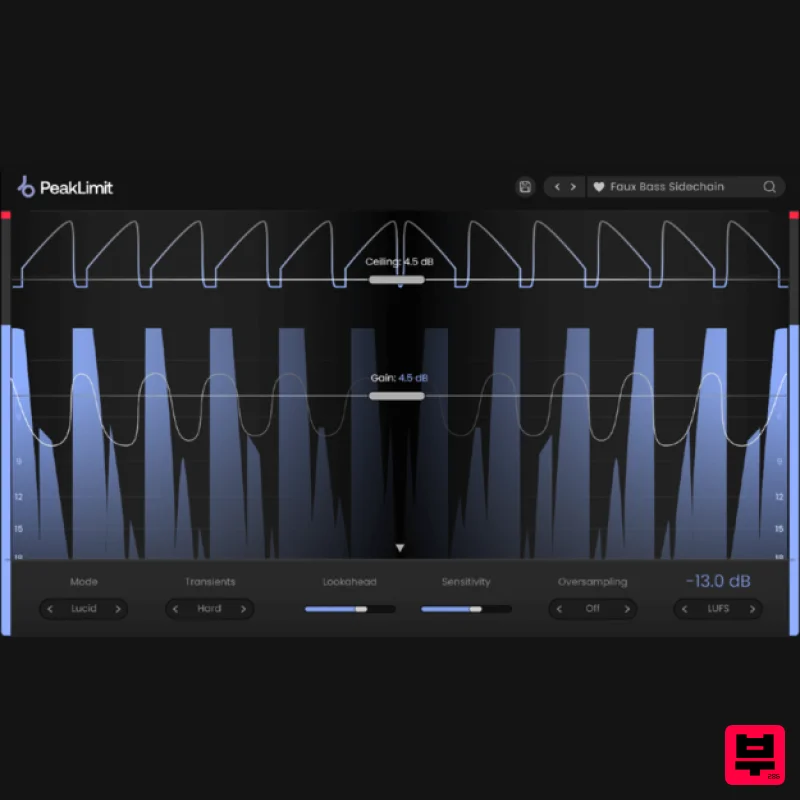
Plugin Boutique PeakLimit
Limiter
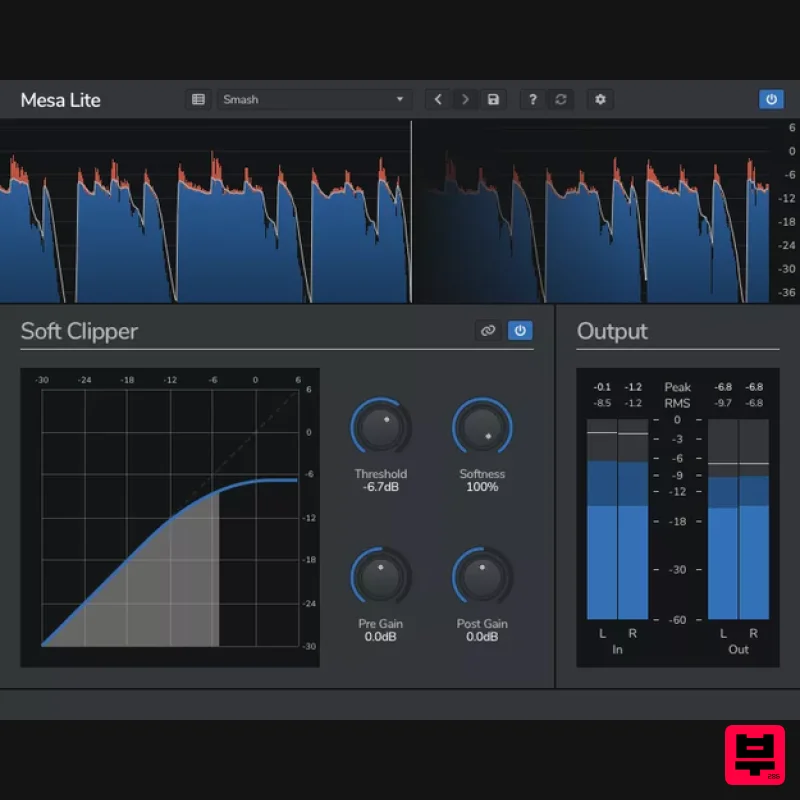
Venomode Mesa Lite
Limiter
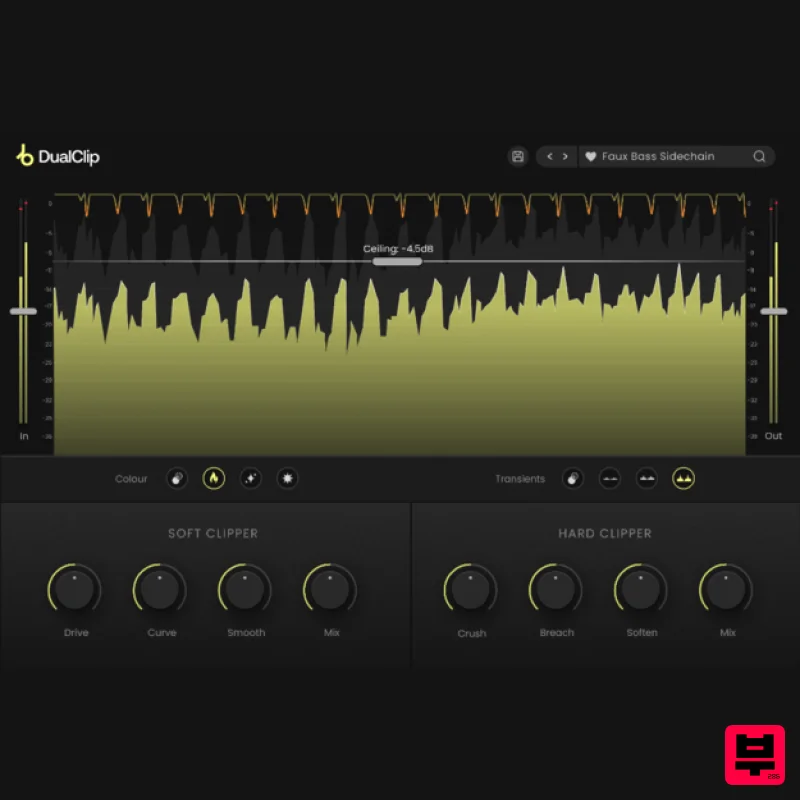
Plugin Boutique DualClip
Limiter
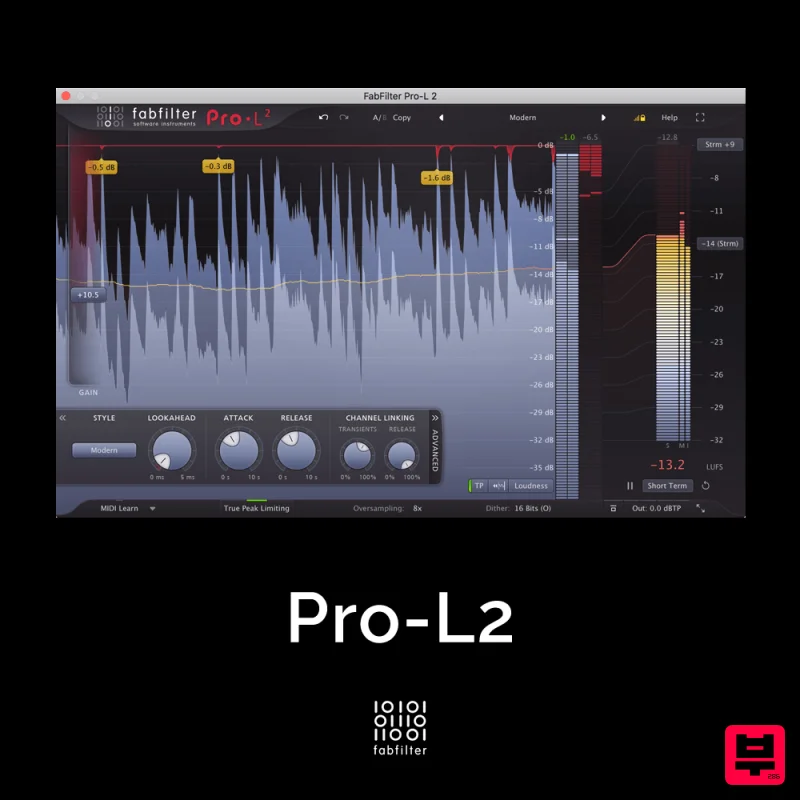
FabFilter Pro-L2
Limiter
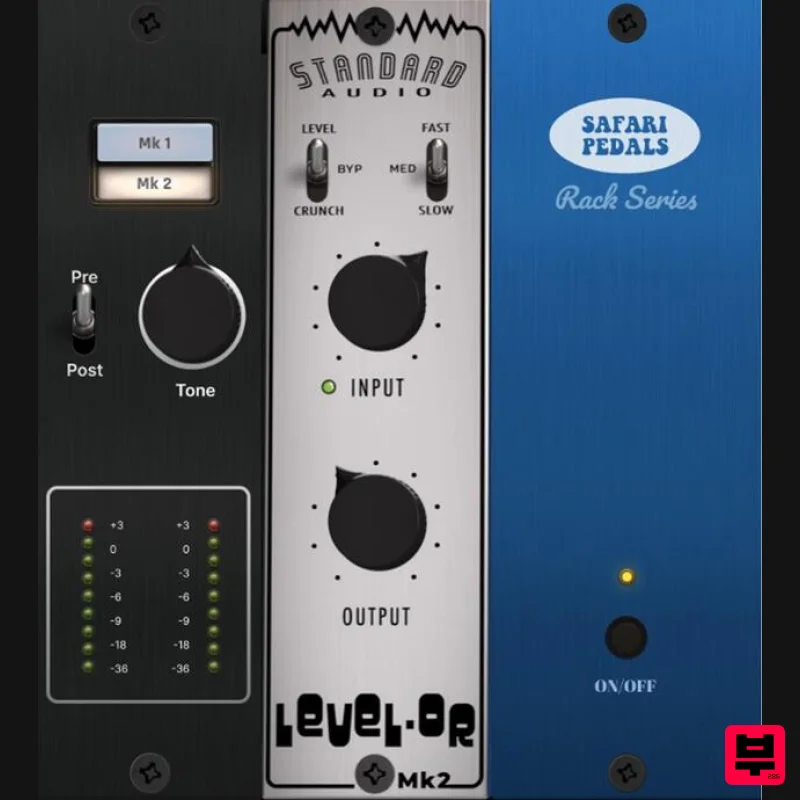
Safari Audio Standard Audio Level-Or
Limiter
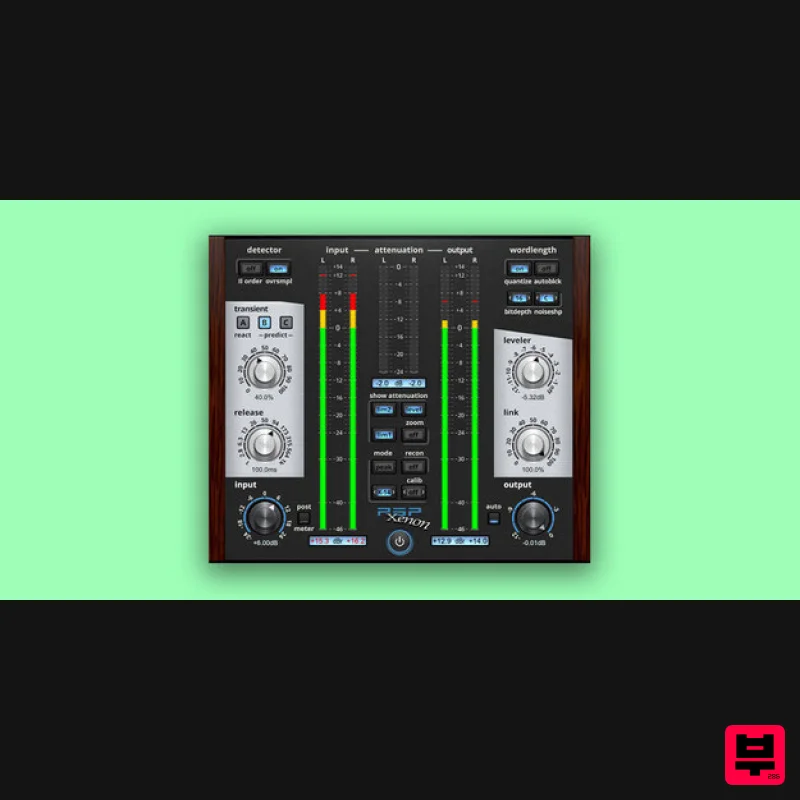
PSP Audioware PSP Xenon
Limiter
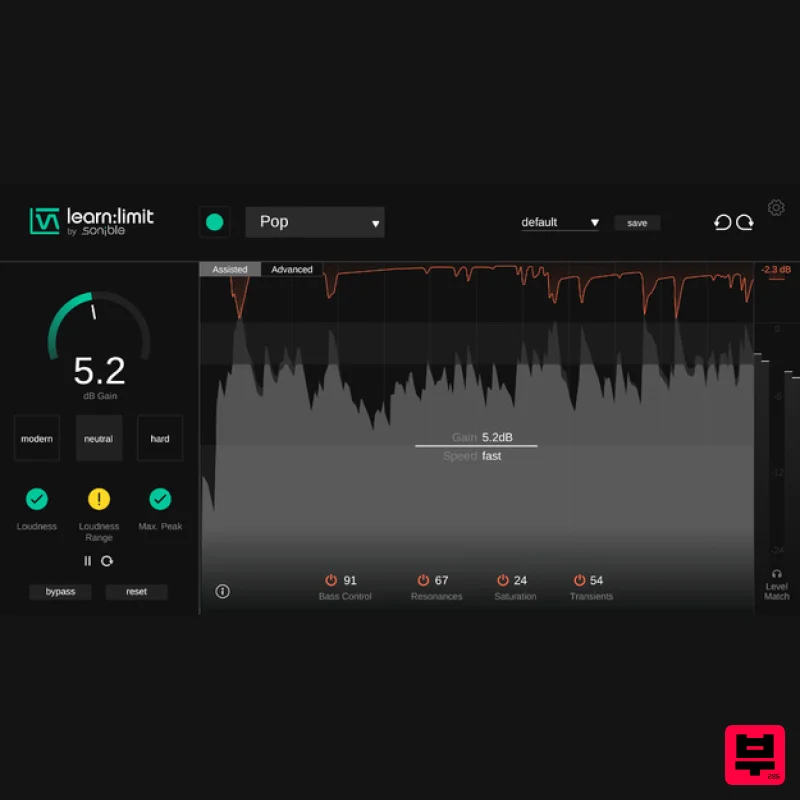
sonible learn:limit
Limiter
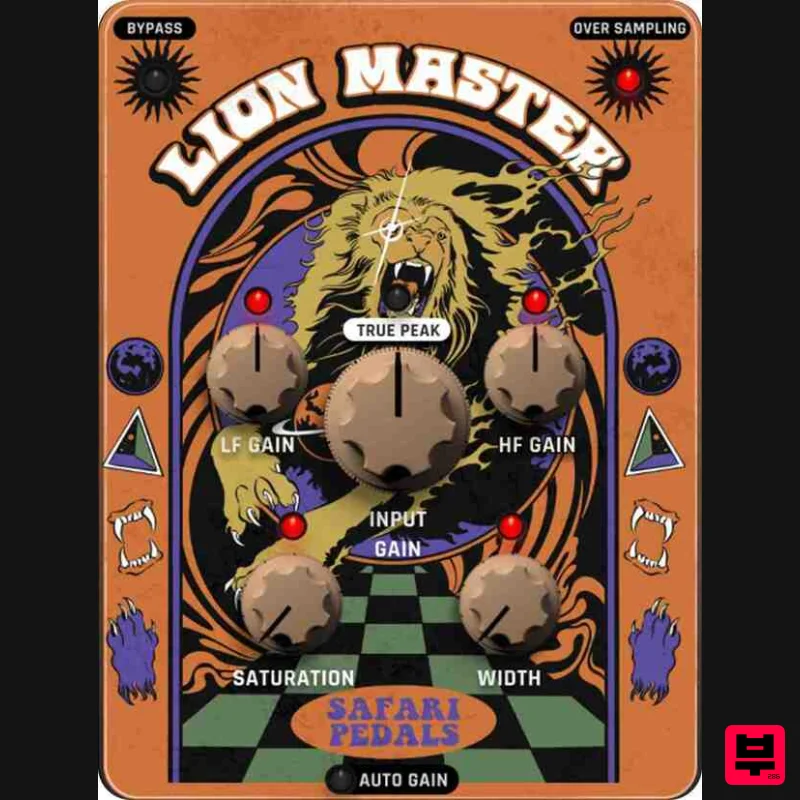
Safari Audio Lion Master
Limiter

