
Plugin Boutique ShapeMod
Professional music gear - detailed information and where to buy
Plugin Boutique
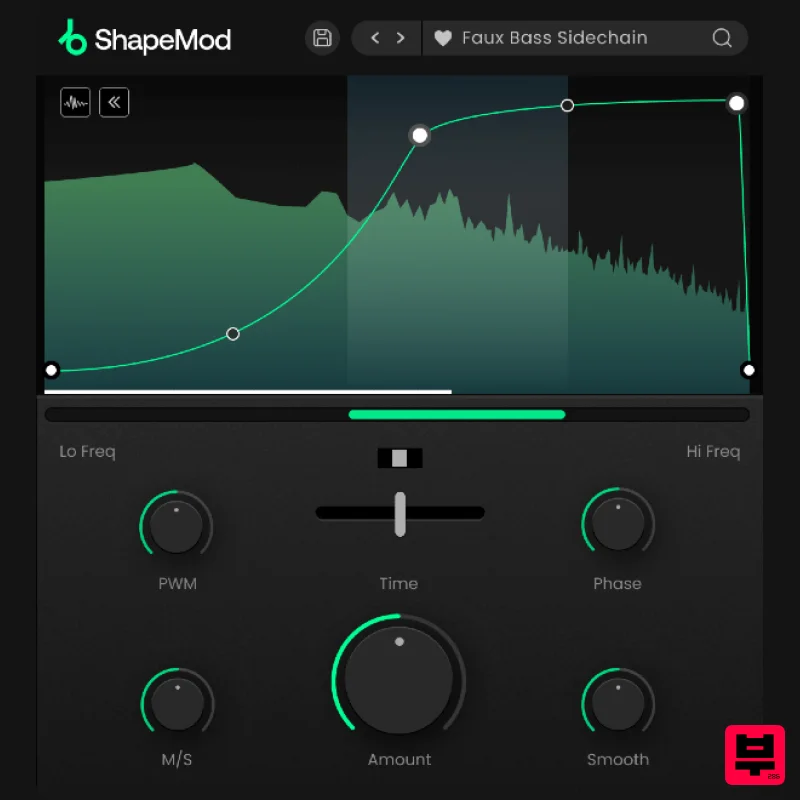
ShapeMod
Product Info
* Prices may vary. Check retailer for current pricing and availability.
Product Description
- Instant Volume Ducking ShapeMod is a volume modulation plugin that provides full flexibility to achieve modern volume ducking effects in seconds. <iframe frameborder="0" height="315" src="https: //www.youtube.com/embed/ojX46QZENe0?" width="560"></iframe> Introducing: ShapeMod What can ShapeMod do? Create ducking effects on any sound to add rhythm to your audio. Quickly add sidechain-style volume ducking to bass. Add movement to synth chords and arpeggios. Create tension and release during key moments of a track. Rhythmically filter out unwanted frequencies. Full Control Over Your Sound Within ShapeMod's main envelope section
- you can design the exact volume ducking shape for your sound to follow. With no limit to the number of possible modulation nodes
- you can draw the shape in intricate detail
- before using the hi and lo frequency sliders to focus the ducking on a specific frequency band. Create pumping sidechain bass effects in time with your kick drum
- draw repeating tremolo effects for synths & pads
- map out precise rhythmic gating effects
- and much more. Tweak the Modulation Once you've drawn your modulation shape
- you can dial in the depth of the effect using the Amount control and set the time interval of the envelope to determine how long the envelope takes to complete a cycle. Set rapid stutter effects on 1/6th notes
- or build a slow and evolving volume swell over 16 bars
- or anything in between. For in-depth editing
- adjust the mid/side balance of the effect
- adjust the phase of the envelope to change the start point
- or introduce pulse width modulation to add an analogue feel to the effect. Features Volume modulation envelope with an unlimited possible number of nodes. Time Syncing from 1/32 to 32 Bars with straight
- dotted or triplet rhythms. Display your signal as a spectrum analyser or a moving waveform. Unlinked Envelope start and end points. Flip control to reverse the direction of the envelope playback. Focus the volume shaping to a specific frequency band. Eliminate pops and clicks with the control. Mid/side balance control to focus the effect on the mid or side signal. Pulse Width Modulation control that creates a more analogue feel. 75 Presets System Requirements macOS macOS 10.15 or higher. Natively compatible with Apple Silicon Plugin Formats: VST
- VST3
- Standalone DAW's Supported: Ableton Live
- Pro Tools
- Logic Pro
- FL Studio
- Cubase
- Nuendo
- Reaper
- Reason + more. Compatibility: 64-bit compatible only. Windows Windows 7 or higher Plugin formats: VST
- VST3
- Standalone DAWs supported: Ableton Live
- Pro Tools
- FL Studio
- Cubase
- Nuendo
- Reaper
- Reason + more. Compatibility: 64-bit compatible only. Important note: When accessing this software via a Rent to Own plan or the Beatport Studio membership
- it's installed and run through the Beatport Access portal. An internet connection is required every 30 days to validate your license. PC Please note: If you already have Beatport Access installed
- skip to step 7. 1. Click download in your Plugin Boutique User Account to download the Beatport Access installer > Run the .exe file. 2. Click 'I accept the agreement' > Click 'Next'. 3. Click 'Next'. 4. Click 'Next'. 5. Click 'Install'. 6. Click 'Finish'. 7. Open Beatport Access. 8. Enter your Plugin Boutique account details > Click 'LOGIN'. 9. Locate your products in the 'My Products' section > Click 'DOWNLOAD' to begin the installation process (you will need to repeat this for each plugin you wish to install). 10. Click 'I accept the agreement' > Click 'Next'. 11. Click 'Next'. 12. Click 'Next'. 13. Click 'Next'. 14. Click 'Next'. 15. Click 'Install'. 16. Click 'Finish'. Your software is now activated and ready to use in your DAW! Mac Please note: If you already have Beatport Access installed
- skip to step 7. 1. Click download in your Plugin Boutique User Account to download the Beatport Access installer > Run the .pkg file. 2. Click 'Continue'. 3. Click 'Continue'. 4. Click 'Agree'. 5. Click 'Install'. 6. Click 'Close'. 7. Open Beatport Access > Enter your Plugin Boutique account details and click 'LOGIN'. 8. Locate your products in the 'My Products' section > Click 'DOWNLOAD' to begin the installation process (you will need to repeat this for each plugin you wish to install). 9. Click 'Continue'. 10. Click 'Continue'. 11. Click 'Agree'. 12. Click 'Install'. 13. Click 'Close'. Your software is now activated and ready to use in your DAW!
Additional Information
About the Plugin Boutique ShapeMod
The Plugin Boutique ShapeMod represents excellent craftsmanship in the Envelope Shaper category.
Why Choose the Plugin Boutique ShapeMod?
- •Authentic Plugin Boutique craftsmanship and design
- •Versatile sound suitable for multiple musical genres
- •Professional build quality and reliable performance
- •Part of Plugin Boutique's respected Envelope Shaper lineup
Compare & Explore
Browse our complete selection of Plugin Boutique instruments or explore other Envelope Shaper options. Use our comparison tools to find the perfect match for your musical style and budget.
Similar Products
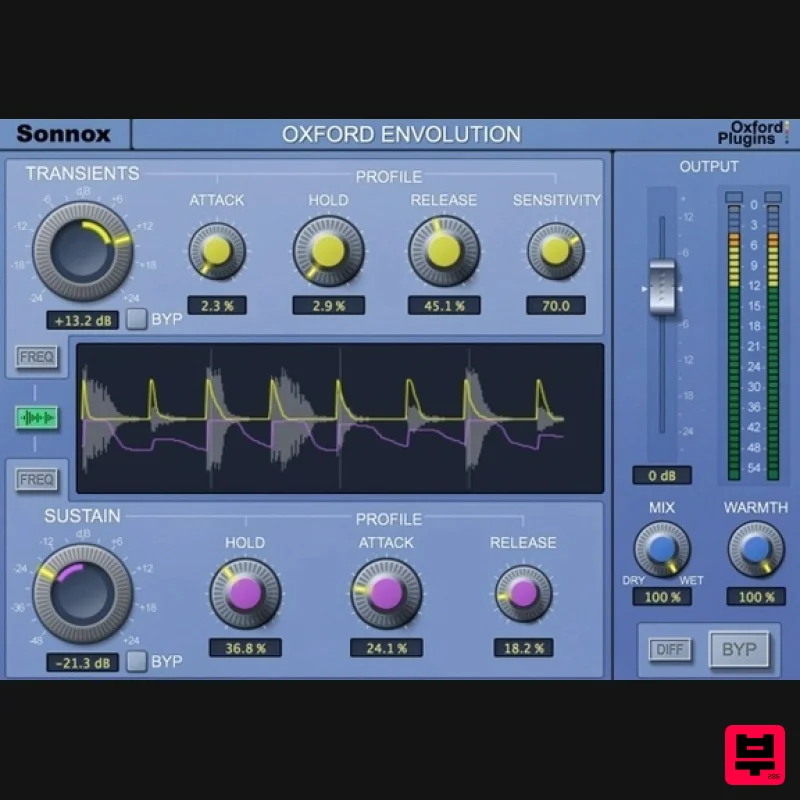
Sonnox Oxford Envolution - HDX
Envelope Shaper
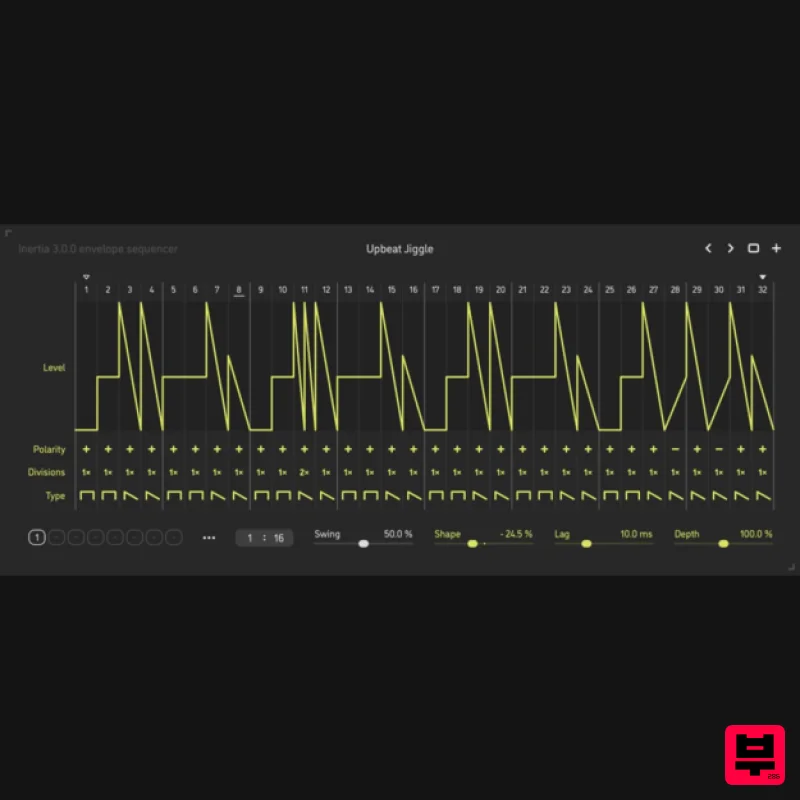
Sinevibes Inertia v3
Envelope Shaper
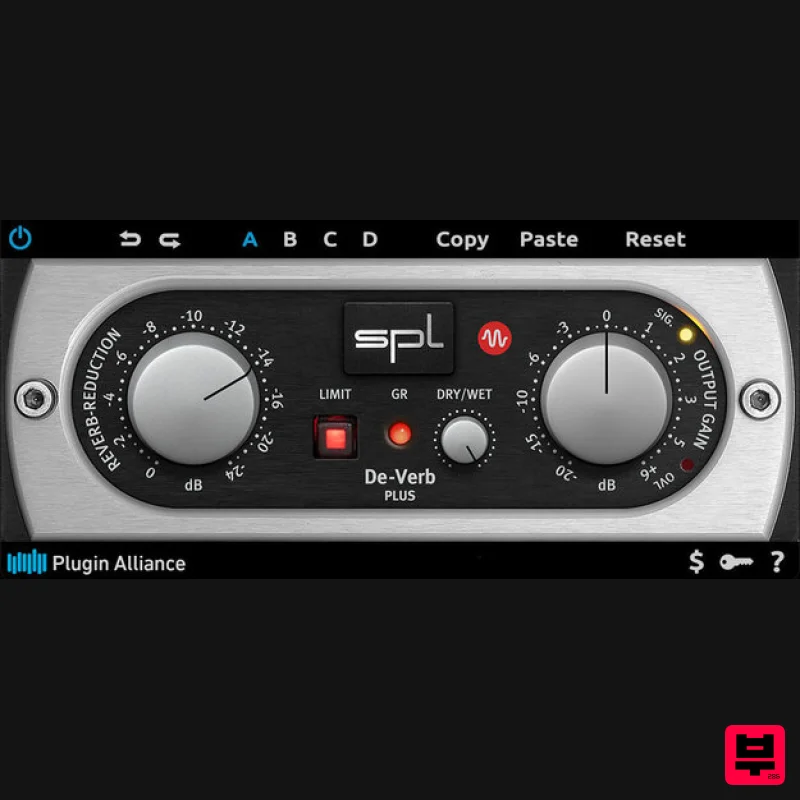
Plugin Alliance SPL De-Verb Plus
Envelope Shaper
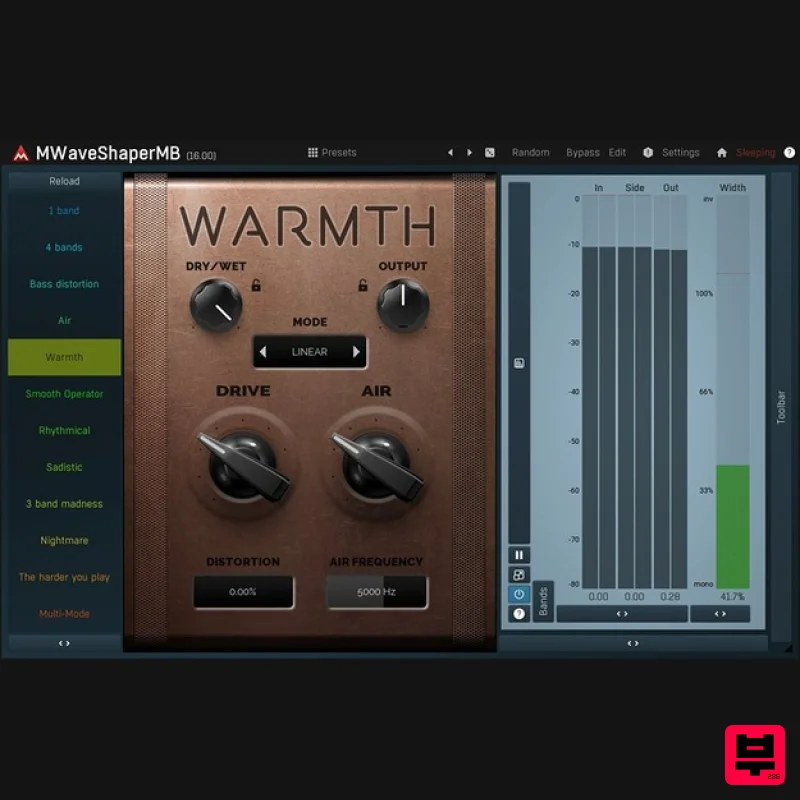
MeldaProduction MWaveShaperMB
Envelope Shaper
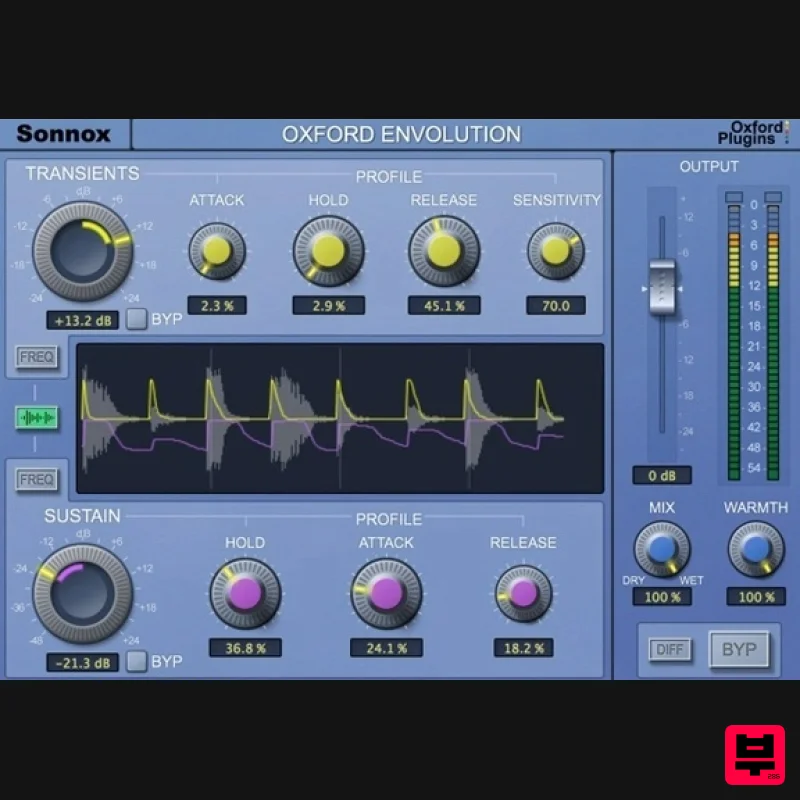
Sonnox Oxford Envolution
Envelope Shaper
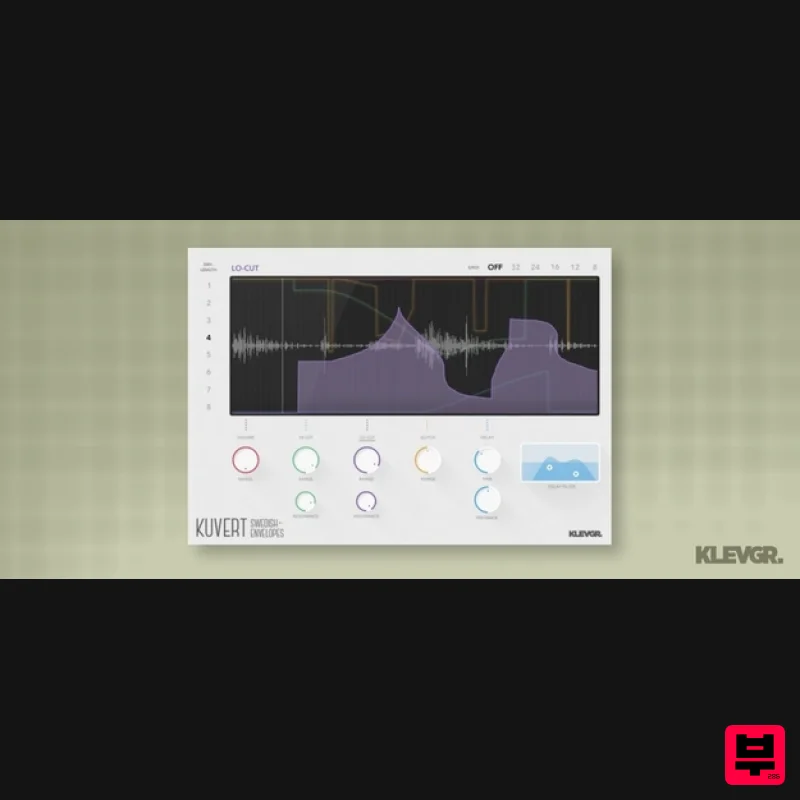
Klevgrand Kuvert
Envelope Shaper
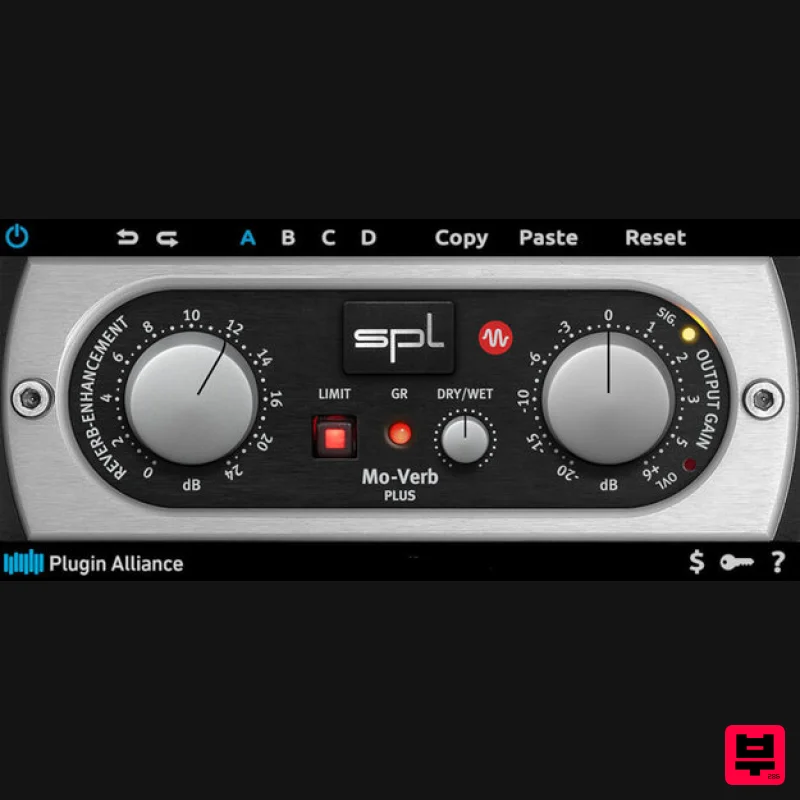
Plugin Alliance SPL Mo-Verb Plus
Envelope Shaper
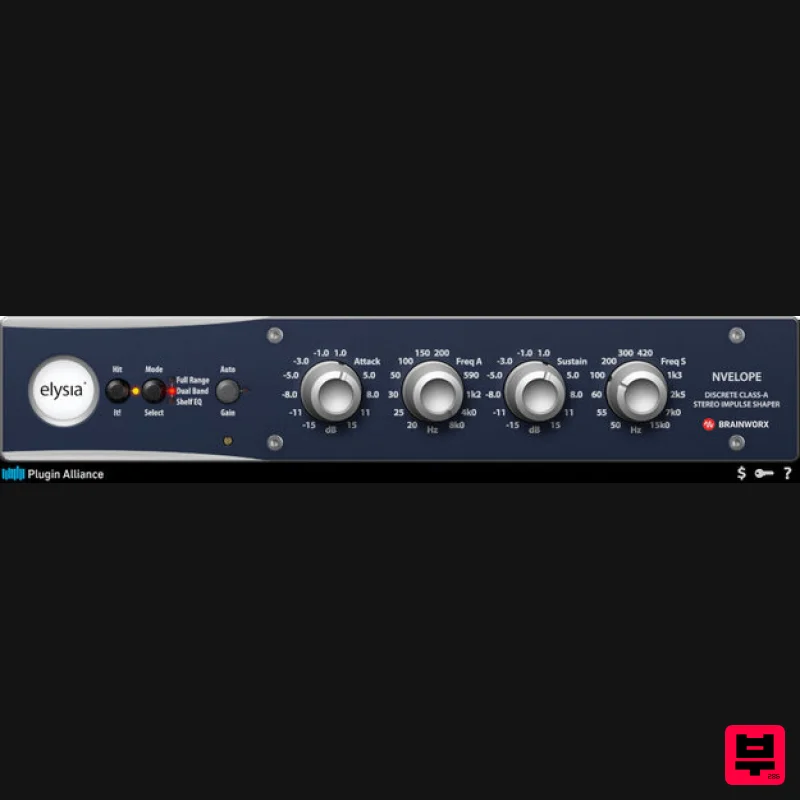
Plugin Alliance Elysia Nvelope
Envelope Shaper

