
Plugin Boutique Presets WaveOSC Expansion Pack: Modern Trap
Professional music gear - detailed information and where to buy
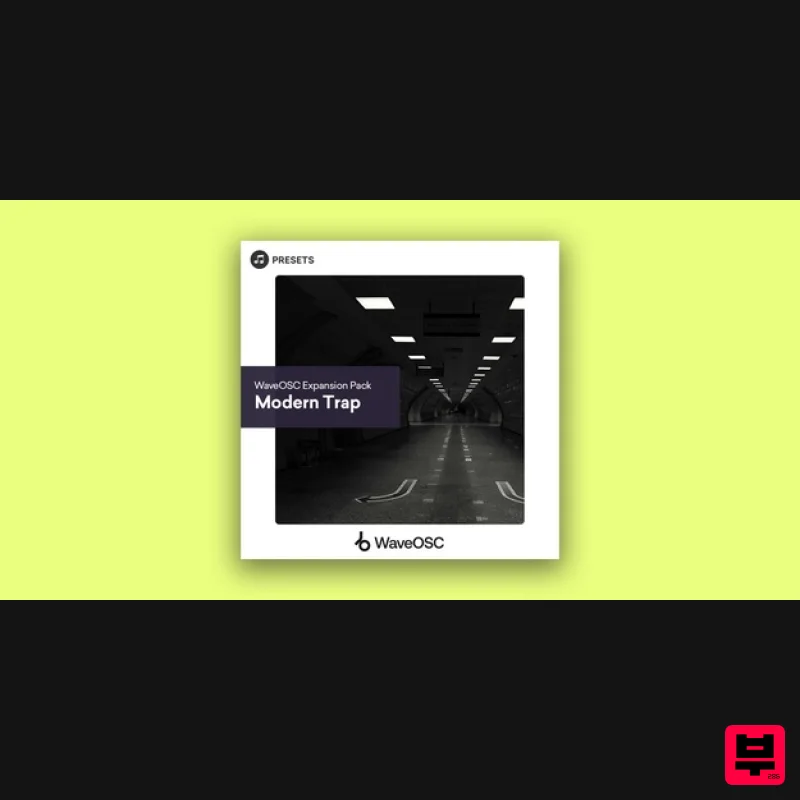
Plugin Boutique Presets
WaveOSC Expansion Pack: Modern Trap
Product Info
* Prices may vary. Check retailer for current pricing and availability.
Product Description
- Windows Down. Volume Up. Arm yourself with the ultimate arsenal of sounds to dominate the trap scene. Trap Essentials for WaveOSC delivers a sonic powerhouse of hard-hitting drums
- menacing basslines
- and soaring melodies. Unleash your creativity and craft tracks that rattle the windows. Modern Trap for WaveOSC brings a versatile palette of sounds to your fingertips
- ensuring your tracks maintain that unmistakable trap energy
- grit
- and finesse. Features 20 deep bass presets 5 FX presets 3 rich key presets 13 punchy leads 10 atmospheric pads 10 crisp pluck presets 3 seamless transition presets System Requirements Requires an existing copy of WaveOSC to use. Mac 1. Head to your Plugin Boutique User Account
- and download the correct package for your system. Extract the .zip file to your system. 2. Open a new Finder window
- and navigate to the following path: 'Macintosh HD > Users > [YOUR USER PROFILE]'. 3. Use the keyboard shortcut 'Command
- Shift
- . (period)' to expose hidden folders
- including 'Library'. 4. Navigate further to the following path: 'Macintosh HD > Users > [YOUR USER PROFILE] > Library > Plugin Boutique > WaveOSC > Presets'. 5. Drag and drop
- or otherwise move/copy the Presets folder from within the download package obtained in step 1 to this location. 6. Launch WaveOSC within your DAW
- and enjoy your presets! Windows 1. Head to your Plugin Boutique User Account
- and download the correct package for your system. Extract the .zip file to your system. 2. Open a new Explorer window
- and head to the following path: 'This PC > Windows (C:)'. 3. In the top of your Explorer window
- click 'View'
- and check the tickbox marked 'Hidden items'
- enabling the viewing of hidden folders. 4. Navigate further to the following path: 'This PC > Windows (C:)' > ProgramData > Plugin Boutique > WaveOSC > Presets'. 5. Drag and drop
- or otherwise move/copy the Presets folder from within the download package obtained in step 1 to this location. 6. Launch WaveOSC within your DAW
- and enjoy your presets!
Additional Information
About the Plugin Boutique Presets WaveOSC Expansion Pack: Modern Trap
Experience the quality and tone that makes the Plugin Boutique Presets WaveOSC Expansion Pack: Modern Trap a popular choice for musicians.
Why Choose the Plugin Boutique Presets WaveOSC Expansion Pack: Modern Trap?
- •Authentic Plugin Boutique Presets craftsmanship and design
- •Versatile sound suitable for multiple musical genres
- •Professional build quality and reliable performance
- •Part of Plugin Boutique Presets's respected Synth Presets lineup
Compare & Explore
Browse our complete selection of Plugin Boutique Presets instruments or explore other Synth Presets options. Use our comparison tools to find the perfect match for your musical style and budget.
Similar Products

W. A. Production Cinematic Synths for Babylon 2
Synth Presets

W. A. Production Progressive Trance for InstaComposer 3
Synth Presets

Resonance Sound UK Speed Garage Vol. 1 for Serum 2
Synth Presets
Resonance Sound FILTH Vol. 1 for Serum 2
Synth Presets

W. A. Production Melodic Techno for InstaComposer 3
Synth Presets

W. A. Production Progressive House for Babylon 2
Synth Presets

Resonance Sound Main Stage Techno Vol. 1 for Serum 2
Synth Presets

Resonance Sound Stranger Serum Synths Vol. 1 for Serum 2
Synth Presets

