
Plugin Boutique Presets Serum Expansion Pack: Light
Professional music gear - detailed information and where to buy
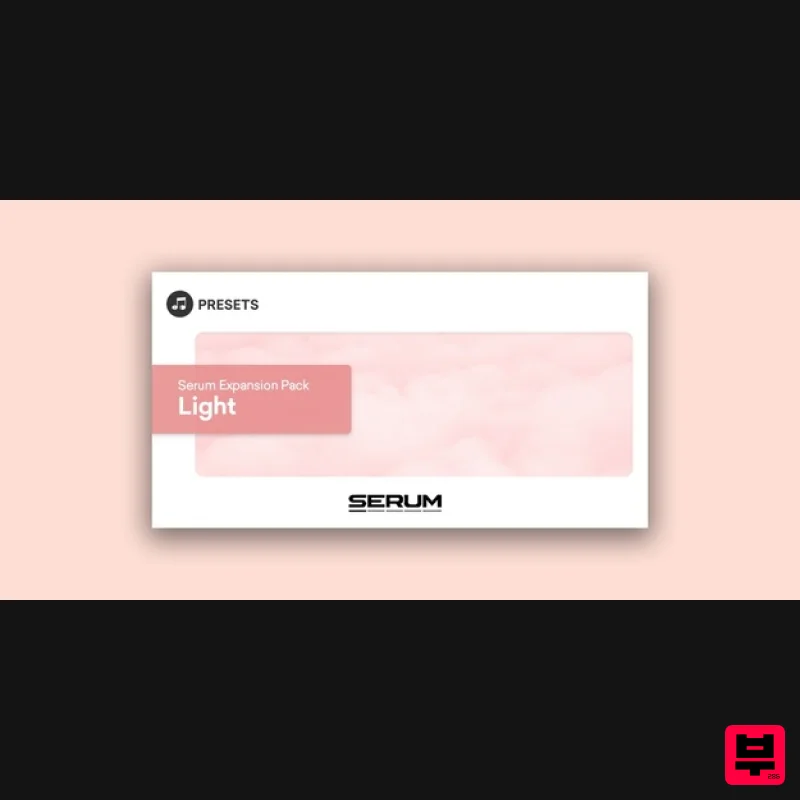
Plugin Boutique Presets
Serum Expansion Pack: Light
Product Info
* Prices may vary. Check retailer for current pricing and availability.
Product Description
- Please note: These presets are compatible with Serum v1 and v2 Plugin Boutique presents Serum Expansion Pack: Light. Serum Expansion Pack: Light contains 64 expertly crafted presets to let your music shine in genres such as chill-out
- trip-hop
- ambient electronica
- melodic techno and much more. This pack will bring a ton of melodic instruments to play with
- plucks
- tuned percussion
- bells
- keys and leads
- as well as pads
- chord stabs and even some motion elements
- FX and textures to create beautiful sonic structures. Features 8 Basses 11 Leads 5 Bells 5 Plucks 8 Percussions 3 Brasses 2 Keys 4 Stabs 5 Motion 2 Organs 6 Pads 3 Textures 2 FX System Requirements Xfer Records Serum (latest version) is required. Note: Serum Future Bass Essentials is used as the example. 1. Download the .zip folder from within your User Account
- and double-click it to reveal its contents. 2. Save the main folder entitled 'Serum_Future Bass Essentials' to a computer location of choice
- e.g documents or to an external hard drive. 3. Open Serum within your DAW > you need to begin by loading the patches into the ‘Serum Presets’ folder which can be located by clicking ‘Menu’ tab. Note: The 'Menu' tab is located at the top-right corner of Serum's user interface. 4. Click the ‘Show Serum Presets folder’ option > this will open the location of Serum’s entire available content within the 'Serum Preset' folder directory. 5. Locate the ‘Presets’ folder
- then the ‘User’ folder contained within it > you now need to locate the 'Serum Presets' sub-folder within the 'Serum_Future Bass Essentials' folder
- before copying the 'Serum Presets' to the ‘User’ directory. 6. Close and reopen Serum before clicking the ‘Browser’ folder icon/tab (as highlighted by the yellow arrow below) on the left-side of the ‘Menu’ tab
- and you will then see your presets in the list (as shown below). Double-click your preferred preset to load it into Serum. The Presets are now Ready for Use Within Serum!
Additional Information
About the Plugin Boutique Presets Serum Expansion Pack: Light
Discover the distinctive sound and feel of the Plugin Boutique Presets Serum Expansion Pack: Light, a standout choice among Synth Presets.
Why Choose the Plugin Boutique Presets Serum Expansion Pack: Light?
- •Authentic Plugin Boutique Presets craftsmanship and design
- •Versatile sound suitable for multiple musical genres
- •Professional build quality and reliable performance
- •Part of Plugin Boutique Presets's respected Synth Presets lineup
Compare & Explore
Browse our complete selection of Plugin Boutique Presets instruments or explore other Synth Presets options. Use our comparison tools to find the perfect match for your musical style and budget.
Similar Products
W. A. Production Melodic Techno for InstaComposer 3
Synth Presets
W. A. Production Progressive House for Babylon 2
Synth Presets

Resonance Sound Main Stage Techno Vol. 1 for Serum 2
Synth Presets

Resonance Sound UK Speed Garage Vol. 1 for Serum 2
Synth Presets

Resonance Sound Stranger Serum Synths Vol. 1 for Serum 2
Synth Presets
Resonance Sound FILTH Vol. 1 for Serum 2
Synth Presets

W. A. Production Cinematic Synths for Babylon 2
Synth Presets
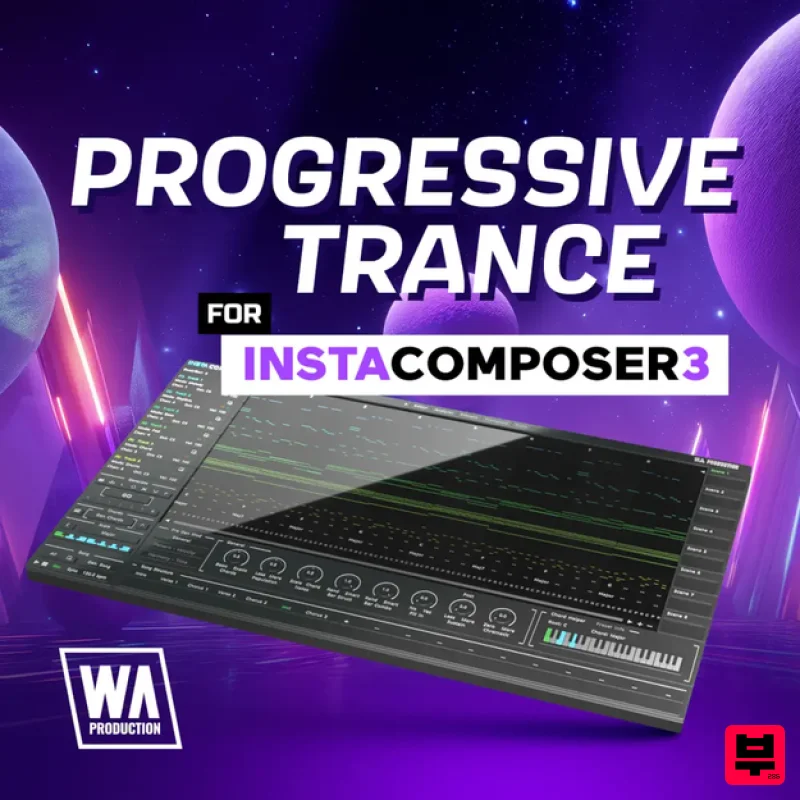
W. A. Production Progressive Trance for InstaComposer 3
Synth Presets

