
Plugin Boutique Presets Serum Expansion Pack: Hype
Professional music gear - detailed information and where to buy
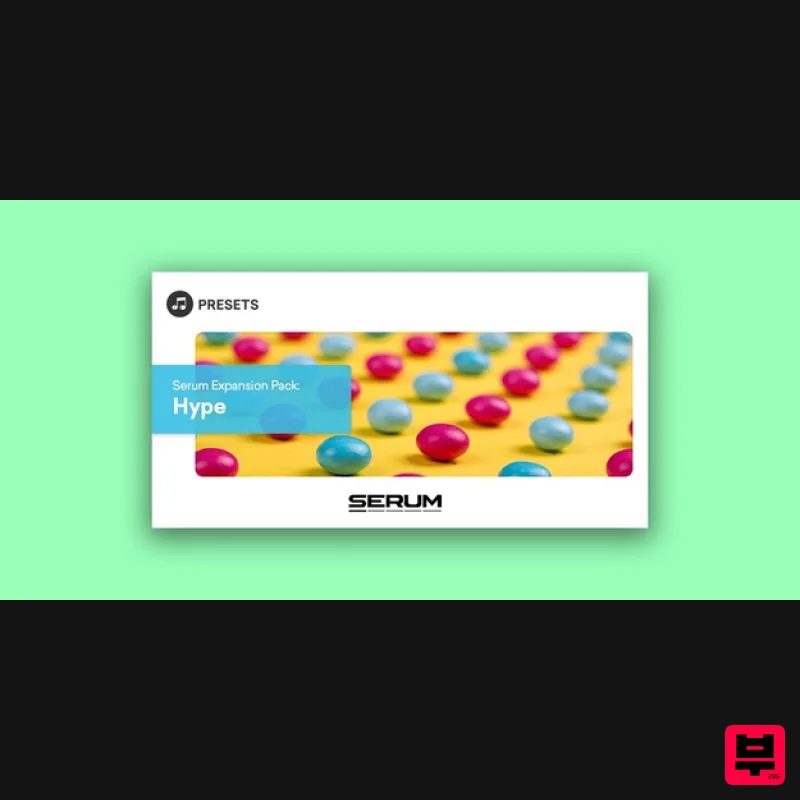
Plugin Boutique Presets
Serum Expansion Pack: Hype
Product Info
* Prices may vary. Check retailer for current pricing and availability.
Product Description
- Please note: These presets are compatible with Serum v1 and v2 Introducing Serum Expansion Pack: Hype
- a pristine collection of vibrant
- punchy sounds for the best-selling software synth
- Serum. Built using the full range of Serum's capabilities
- this pack has been designed to capture the full sonic capabilities of Serum
- providing a brand new set of sounds for adding a touch of flavour and hype to your productions. Focusing on low-end first and foremost
- this pack includes 30 incredible 808 presets to provide that all-important foundation for your next track. The preset pack also includes chords
- leads and plucks to spark inspiration for creating compelling harmonies and memorable melodies in your tracks. Features 64 presets for Xfer Records Serum 30 x 808s 7 x Chords 20 x Leads 7 x Plucks System Requirements The latest version of Xfer Records Serum Please note: Cinematic Serum is used as an example as the installation process is identical for all expansions. 1. Download the .zip folder from within your User Account
- and double-click it to reveal its contents. 2. Save the main folder to a computer location of choice
- e.g documents or to an external hard drive. 3. Open Serum within your DAW > you need to begin by loading the patches into the ‘Serum Presets’ folder which can be located by clicking ‘Menu’ tab. Note: The 'Menu' tab is located at the top-right corner of Serum's user interface. 4. Click the ‘Show Serum Presets folder’ option > this will open the location of Serum’s entire available content within the 'Serum Preset' folder directory. 5. Locate the ‘Presets’ folder
- then the ‘User’ folder contained within it > Copy and paste the folder titled ' Cinematic Serum' into the 'User' folder. 6. Locate the 'Noise' folder > Copy and paste the folder titled ' Cinematic Serum Noises' into the 'Noises' folder. 7. Close and reopen Serum before clicking the ‘Browser’ folder icon/tab (as highlighted by the yellow arrow below) on the left-side of the ‘Menu’ tab
- and you will then see your presets in the list (as shown below). Double-click your preferred preset to load it into Serum. The Presets are now Ready for Use Within Serum!
Additional Information
About the Plugin Boutique Presets Serum Expansion Pack: Hype
The Plugin Boutique Presets Serum Expansion Pack: Hype represents excellent craftsmanship in the Synth Presets category.
Why Choose the Plugin Boutique Presets Serum Expansion Pack: Hype?
- •Authentic Plugin Boutique Presets craftsmanship and design
- •Versatile sound suitable for multiple musical genres
- •Professional build quality and reliable performance
- •Part of Plugin Boutique Presets's respected Synth Presets lineup
Compare & Explore
Browse our complete selection of Plugin Boutique Presets instruments or explore other Synth Presets options. Use our comparison tools to find the perfect match for your musical style and budget.
Similar Products

W. A. Production Cinematic Synths for Babylon 2
Synth Presets
Resonance Sound FILTH Vol. 1 for Serum 2
Synth Presets
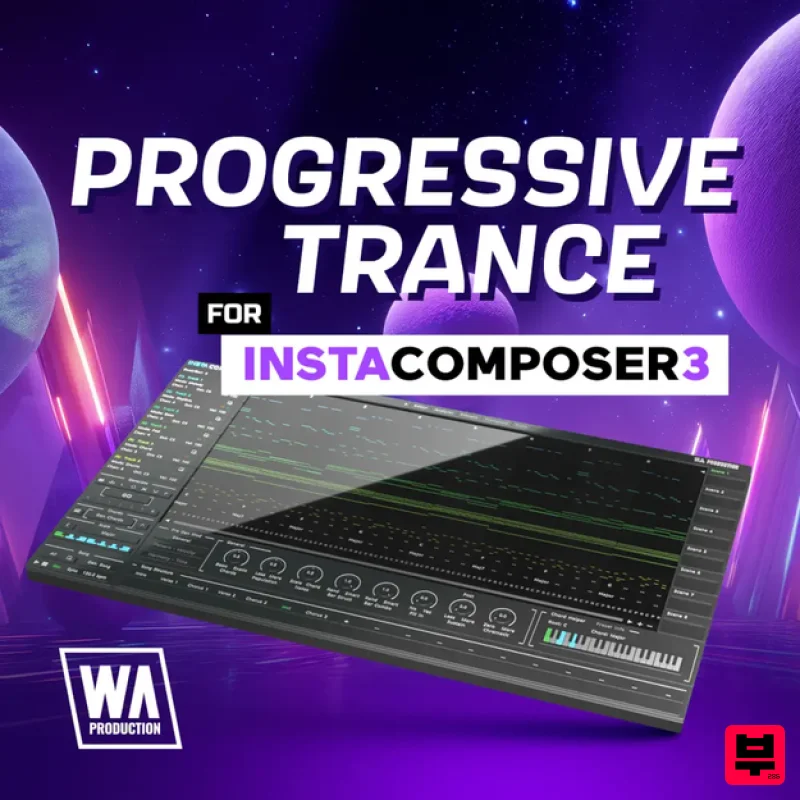
W. A. Production Progressive Trance for InstaComposer 3
Synth Presets

Resonance Sound UK Speed Garage Vol. 1 for Serum 2
Synth Presets
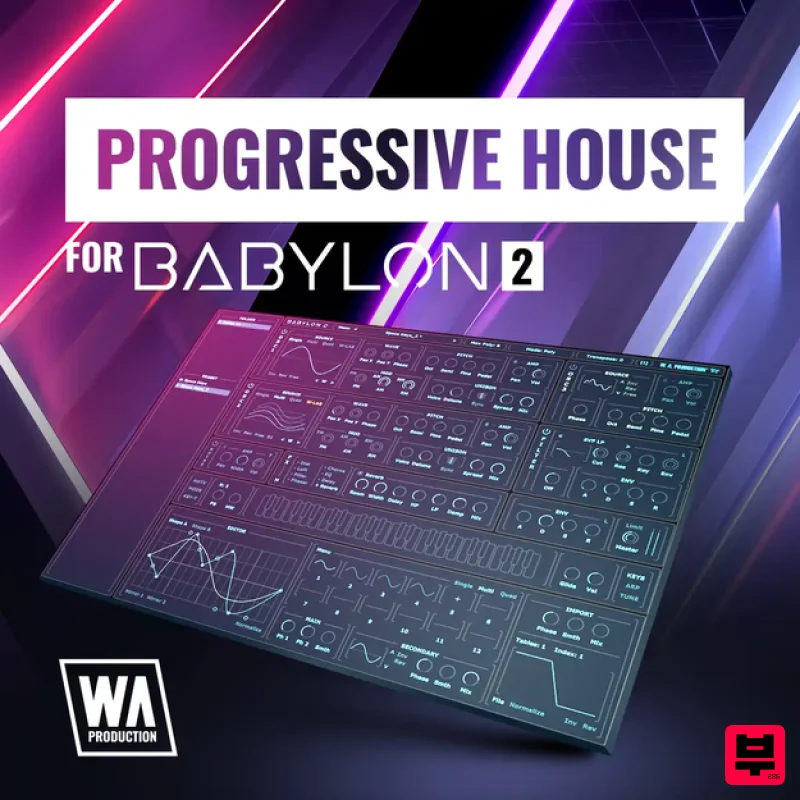
W. A. Production Progressive House for Babylon 2
Synth Presets

Resonance Sound Stranger Serum Synths Vol. 1 for Serum 2
Synth Presets
W. A. Production Melodic Techno for InstaComposer 3
Synth Presets

Resonance Sound Main Stage Techno Vol. 1 for Serum 2
Synth Presets

