
Plugin Boutique Presets Diva Expansion Pack: Ambient Depths
Professional music gear - detailed information and where to buy
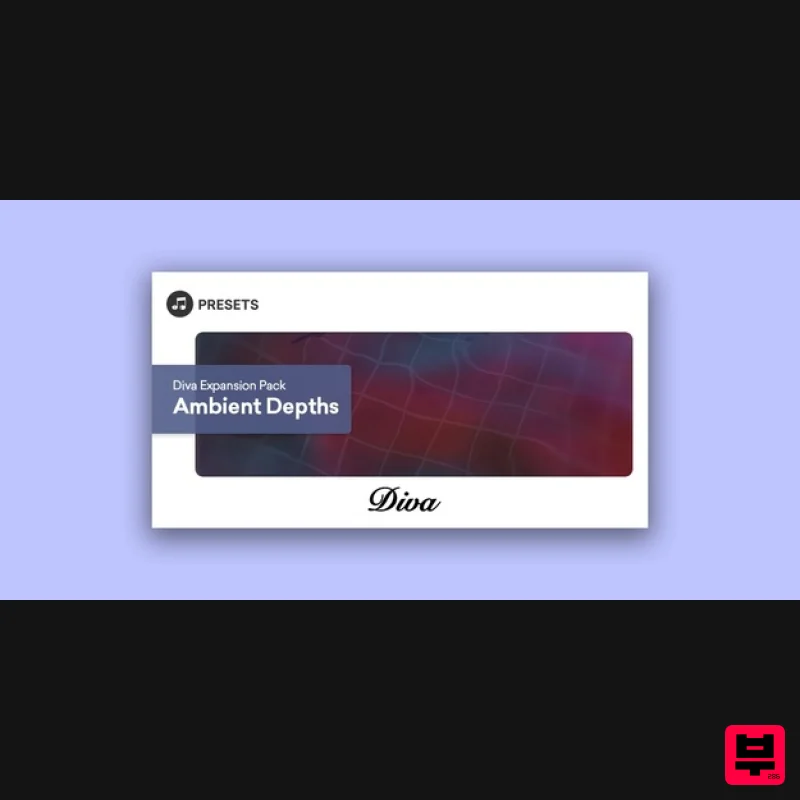
Plugin Boutique Presets
Diva Expansion Pack: Ambient Depths
Product Info
* Prices may vary. Check retailer for current pricing and availability.
Product Description
Plugin Boutique presents Diva Expansion Pack: Ambient Depths. Diva Expansion Pack: Ambient Depths contains 64 expertly crafted presets to allow you to create unique, expressive and colourful shades of ambient music. This pack will help you build vast epic soundscapes out of evolving pads, earthy basses, chilling keys, spacious arpeggios, powerful leads and cinematic effects. Features 8 Arps 12 Basses 8 FX 10 Keys 10 Leads 16 Pads System Requirements u-he Diva (latest version) is required. Please Note: AZS Transitions Vol.1 is used as an example. Mac 1. Download the preset pack from within your Plugin Boutique User Account > double-click the .zip file to extract the contents. 2. Locate the extracted folder that contains the .h2p files > Right-click the folder and click 'Copy'. 3. Open your DAW > Launch DIVA > Click the 'PRESETS' tab. 4. Navigate to 'Local' > Right-click the folder > Click 'Open in finder'. 5. The presets folder will be automatically opened > Click 'Edit' from the toolbar > Select 'Paste Item'. 6. Navigate back to DIVA > Right-click 'Local' > Select 'Refresh'. 7. The preset pack is now installed > Select the preset pack folder from the left-hand menu > Select your desired patch. Your presets are now installed and ready to use. Windows 1. Download the preset pack from within your Plugin Boutique User Account > double-click the .zip file to extract the contents. 2. Locate the extracted folder that contains the .h2p files > Right-click the folder and click 'Copy'. 3. Open your DAW > Launch DIVA > Click the 'PRESETS' tab. 4. Navigate to 'Local' > Right-click the folder > Click 'Open in explorer'. 5. The presets folder will be automatically opened > Right-click and select 'Paste'. 6. Navigate back to DIVA > Right-click 'Local' > Select 'Refresh'. 7. The preset pack is now installed > Select the preset pack folder from the left-hand menu > Select your desired patch. Your presets are now installed and ready to use.
Additional Information
About the Plugin Boutique Presets Diva Expansion Pack: Ambient Depths
The Plugin Boutique Presets Diva Expansion Pack: Ambient Depths combines traditional design with modern performance for Synth Presets enthusiasts.
Why Choose the Plugin Boutique Presets Diva Expansion Pack: Ambient Depths?
- •Authentic Plugin Boutique Presets craftsmanship and design
- •Versatile sound suitable for multiple musical genres
- •Professional build quality and reliable performance
- •Part of Plugin Boutique Presets's respected Synth Presets lineup
Compare & Explore
Browse our complete selection of Plugin Boutique Presets instruments or explore other Synth Presets options. Use our comparison tools to find the perfect match for your musical style and budget.
Similar Products

Resonance Sound Stranger Serum Synths Vol. 1 for Serum 2
Synth Presets
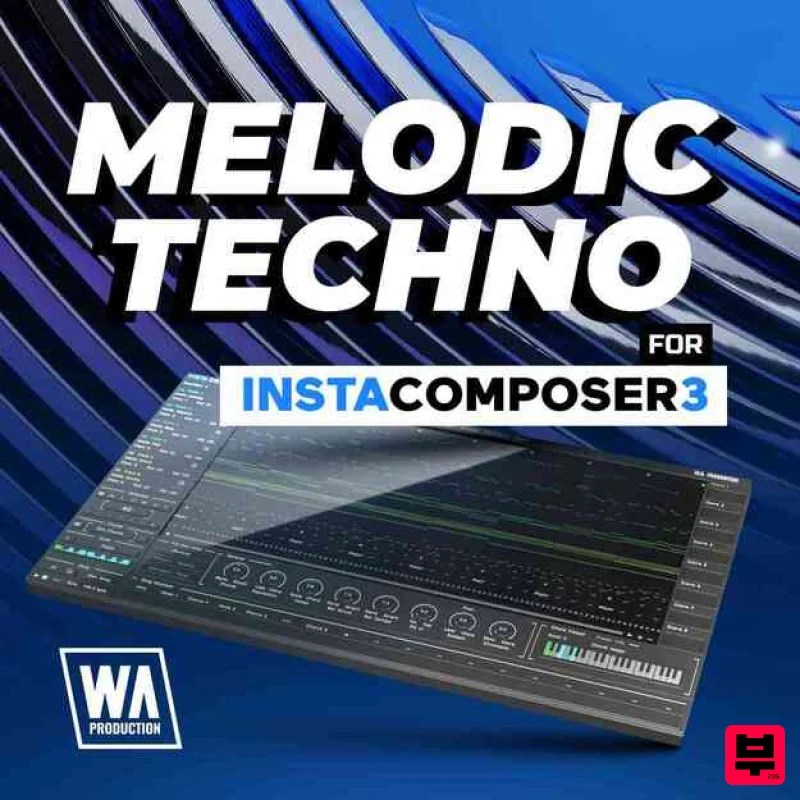
W. A. Production Melodic Techno for InstaComposer 3
Synth Presets

Resonance Sound Main Stage Techno Vol. 1 for Serum 2
Synth Presets
Resonance Sound FILTH Vol. 1 for Serum 2
Synth Presets
Resonance Sound UK Speed Garage Vol. 1 for Serum 2
Synth Presets

W. A. Production Cinematic Synths for Babylon 2
Synth Presets
W. A. Production Progressive House for Babylon 2
Synth Presets
W. A. Production Progressive Trance for InstaComposer 3
Synth Presets

