
Plugin Boutique BigKick Expansion
Professional music gear - detailed information and where to buy
Plugin Boutique
BigKick Expansion - Dusty S950 Kicks
Product Info
* Prices may vary. Check retailer for current pricing and availability.
Product Description
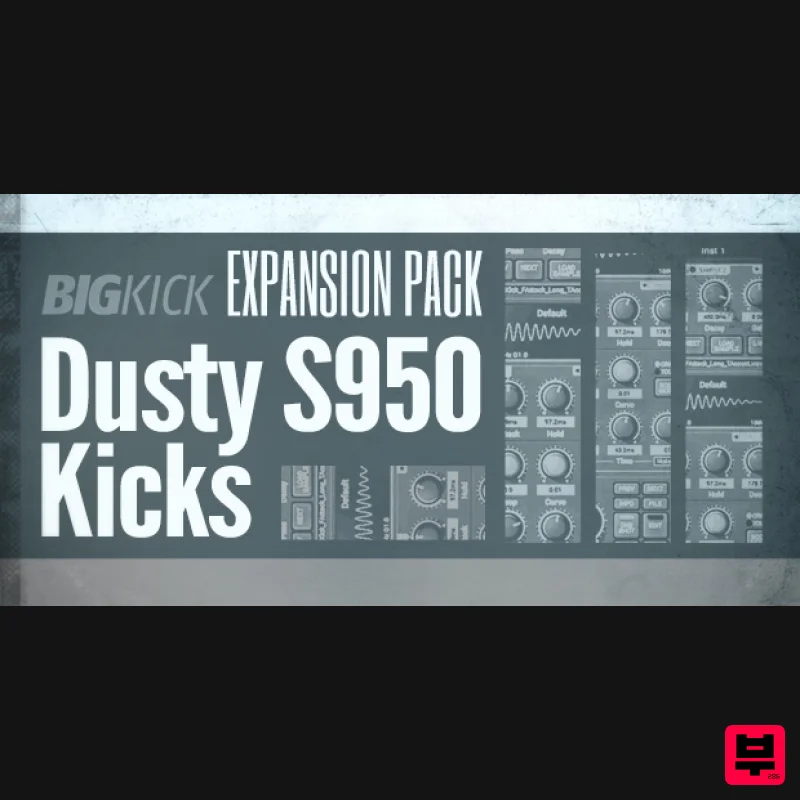
- Dusty S950 Kicks is a collection of 64 tailored kick drum presets for the BigKick drum generator. These focused presets have been created using a combination of a classic tape machine and the iconic S950 12-bit sampler from the 80’s which was pioneered by the likes of Fatboy Slim
- Moby
- Depeche Mode
- DJ Premiere & Q Tip. These vintage tools have added depth and character to the kicks which have then been layered in BigKick to create a collection of authentic and full-bodied presets ready to be used in a range of genres from Hip Hop
- Lounge
- House & Drum & Bass and more. The S950 is known for its rich
- powerful
- warm
- dirty sound which still proves popular in today's modern productions and now you can achieve the same well rounded characteristic tones in your own music. You can expect precise and professional quality to all 64 presets. Use the kicks straight from BigKick
- or get creative with its parameters to create your own unique sounds for your productions. Check out the audio demo to hear a selection of these in action. Features 64 crafted kick drum presets 32 attack hits 32 attack presets Simply load in your presets with the new BigKick Preset Manager System Requirements The full version of BigKick is required to run this expansion pack Important Note: Plugin Boutique's BigKick Drum Generator is required to run this software! Note: Kilholm expansion used as the example. Mac 1. Download the .zip folder from within your User Account
- and double-click it to open and reveal its contents. 2. Open BigKick within your DAW and click the ‘Info’ tab. 3. Click ‘Yes’ to confirm that you wish to install the expansion pack. 4. Locate the .big file from within the extracted folder and click ‘Open’. 5. Click ‘Yes’ to confirm that you wish to install the expansion pack. 6. Once the installation is complete you will receive this message > click ‘OK’ to finish the installation. The Expansion Pack is now Ready for Use Within BigKick! Windows 1. Download the .zip folder from within your User Account
- and double-click it to open and reveal its contents. 2. Open BigKick within your DAW and click the ‘Info’ tab. 3. Click ‘Install Add-On Packs’. 4. Locate the .big file from within the extracted folder and click ‘Open’. 5. Click ‘Yes’ to confirm that you wish to install the expansion pack. 6. Once the installation is complete you will receive this message > click ‘OK’ to finish the installation. The Expansion Pack is now Ready for Use Within BigKick!
Additional Information
About the Plugin Boutique BigKick Expansion - Dusty S950 Kicks
Discover the distinctive sound and feel of the Plugin Boutique BigKick Expansion - Dusty S950 Kicks, a standout choice among Expansion Packs.
Why Choose the Plugin Boutique BigKick Expansion - Dusty S950 Kicks?
- •Authentic Plugin Boutique craftsmanship and design
- •Versatile sound suitable for multiple musical genres
- •Professional build quality and reliable performance
- •Part of Plugin Boutique's respected Expansion Packs lineup
Compare & Explore
Browse our complete selection of Plugin Boutique instruments or explore other Expansion Packs options. Use our comparison tools to find the perfect match for your musical style and budget.
Similar Products

Tracktion Langweil 150 Expansion Pack (for Attracktive)
Expansion Packs

Tracktion Taurinorum Expansion Pack (for Attracktive)
Expansion Packs

Tracktion Poly-One Expansion Pack (for Attracktive)
Expansion Packs

Tracktion Stonegrabber D-232 Expansion Pack (for Attracktive)
Expansion Packs

Tracktion SA-1000 Expansion Pack (for Attracktive)
Expansion Packs

Tracktion DG-8000 Expansion Pack (for Attracktive)
Expansion Packs

Tracktion Suitcase in a Box Expansion Pack (for Attracktive)
Expansion Packs

Tracktion SH-20 Expansion Pack (for Attracktive)
Expansion Packs

