
NUGEN Audio Visualizer
Professional music gear - detailed information and where to buy
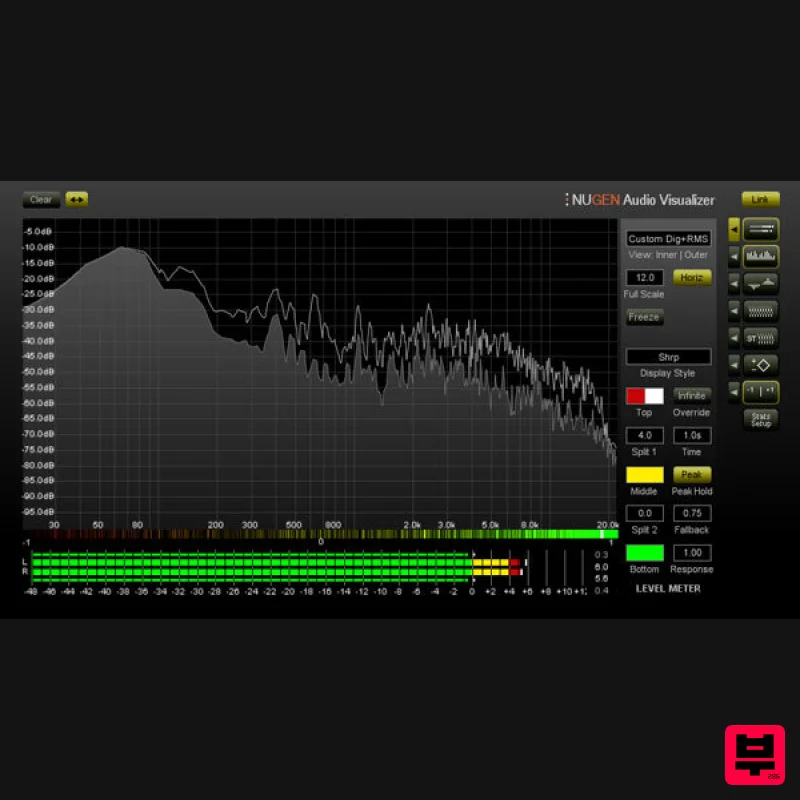
NUGEN Audio
Visualizer
Product Info
* Prices may vary. Check retailer for current pricing and availability.
Product Description
- Measure
- Understand
- Correct. Visualizer gives you Indispensable Audio Analysis for Quality Audio Production
- with a Standardised Reference Set of Professional Tools that let you Work Faster
- Avoid Mistakes
- Repeat Past Success and Leverage the Success of Others. Powerful
- flexible Audio Analysis
- giving you immediate access to precisely the information you need
- when you need it
- through a unique
- intelligent window system. Single Intelligent Window System Visualizer’s unique intelligent window facility lets you select multiple view combinations
- automatically resizing and aligning windows to maximise legibility and cross referencing information across screens. No need to switch between plugins to get the combination of views you want. User configurable presets let you switch instantly between setups and interface sizes to build the workflow that suits you. Applications Recording Calibration - Lining up Setting levels - Broadcast standards Mic'ing Up - Phase cancellation Stereo field - Problem frequencies Studio acoustics - Minimising noise Checking signal paths - Problem solving Mixing Low end control - Hidden frequencies Notching out - Placing vocals Fundamental frequencies - Characteristic frequencies Masking - EQing problem frequencies Stereo placement - Transferable mix standards Mastering A|B reference material - Sonic fingerprinting Stereo spread - EQ distribution Phase relationships - Low frequency analysis Examining dynamics - Contextural analysis Frequency response - Speaker relationships Power distribution - Broadcast standards Headroom/Level capacity - Phase handling Comprehensive Audio Analysis Multiple level meters (Peak/RMS/K12/K14/K20 etc.) FFT Spectrum Analysis Stereo Spectrum Analysis Spectrogram Stereo Spectrogram Vector Scope Stereoscope Stereo Bias meter Correlation Meter Correlation by frequency Stats and Parameters module Comparison Mode Comparison mode allows the direct comparison of two sources within a single Visualizer interface
- utilising overlay
- side-by-side and differential views. Ideal for examining the difference before and after a mastering signal chain or for comparing spectra in preparation for EQ matching or notching out. Detailed User Configuration Resizeable Interface Intelligent window optimization Optimized control selection Frequency zoom and scroll dB Zoom and scroll Peak hold control Colour selection FFT window selection RMS window adjustment Optimized resource use Intelligent Window System This unique facility allows the selection of multiple view combinations
- resizing and aligning windows to maximize legibility and cross referencing information across screens. There is no need to switch plugin for a different combination
- and presets (user configurable) allow instant switching between setups and interface size enabling unparalleled work flow enhancements and intuitive operation. System Requirements Available Formats AAX
- VST3
- AU and AudioSuite in both 64-bit and 32-bit versions. RTAS is also available as 32-bit only. The Visualizer HDX extension enables support for Avid AAX DSP Hybrid operation. Visualizer is also available as a stand alone application for Windows and OSX. Mac OSX 10.6.x
- 512 MB RAM Windows XP or above
- 512 MB RAM Martin Walker "I can honestly say that within a day of receiving NuGen Audio's Visualizer I was using it almost exclusively." NUGEN Audio Installation 1. Visit https: //www.nugenaudio.com/register.php and create a new account > enter your email address and License Code (found in your Plugin Boutique User Account). 2. Check your email > Click the link that reads ‘Complete license registration’. 3. Read the following information and click ‘My Account’. 4. Create a password > Click ‘Login’. 5. Once you have confirmed your account
- fill in the form which greets you. 6. Select your operating system. 7. Your licence can be viewed under the ‘My Licenses’ Tab. Note: If you wish to activate your Plugin using an iLok
- click ‘Convert To iLok’. 8. Click on the MY DOWNLOADS tab and download the full version of your plugin. 9. After the file has downloaded
- run the installer. 10. Read the software licence agreement and if happy
- click AGREE. 11. Select where you wish to install the plugin and click CONTINUE. 12. Select which component you wish to be installed and click CONTINUE. 13. Check you have enough space on your computer to install and if so
- click INSTALL. 14. Once the installation concludes
- open the plugin within your DAW. 15. Once the plugin is open within your DAW
- click USE LICENCE. 16. Click ON-LINE 17. Enter your licence code and click APPLY LICENCE. 18. Once your licence has been entered
- click YES to confirm you wish to licence to your machine. 19. You have now successfully licenced your plugin! PLEASE NOTE: If you wish to activate your licence onto your iLok dongle and not your machine
- please click CONVERT TO ILOK at stage 7.
Additional Information
About the NUGEN Audio Visualizer
The NUGEN Audio Visualizer combines traditional design with modern performance for Metering enthusiasts.
Why Choose the NUGEN Audio Visualizer ?
- •Authentic NUGEN Audio craftsmanship and design
- •Versatile sound suitable for multiple musical genres
- •Professional build quality and reliable performance
- •Part of NUGEN Audio's respected Metering lineup
Compare & Explore
Browse our complete selection of NUGEN Audio instruments or explore other Metering options. Use our comparison tools to find the perfect match for your musical style and budget.
Similar Products
MeterPlugs Dynameter 2
Metering
Plugin Alliance SPL HawkEye
Metering
IK Multimedia Full Metering
Metering
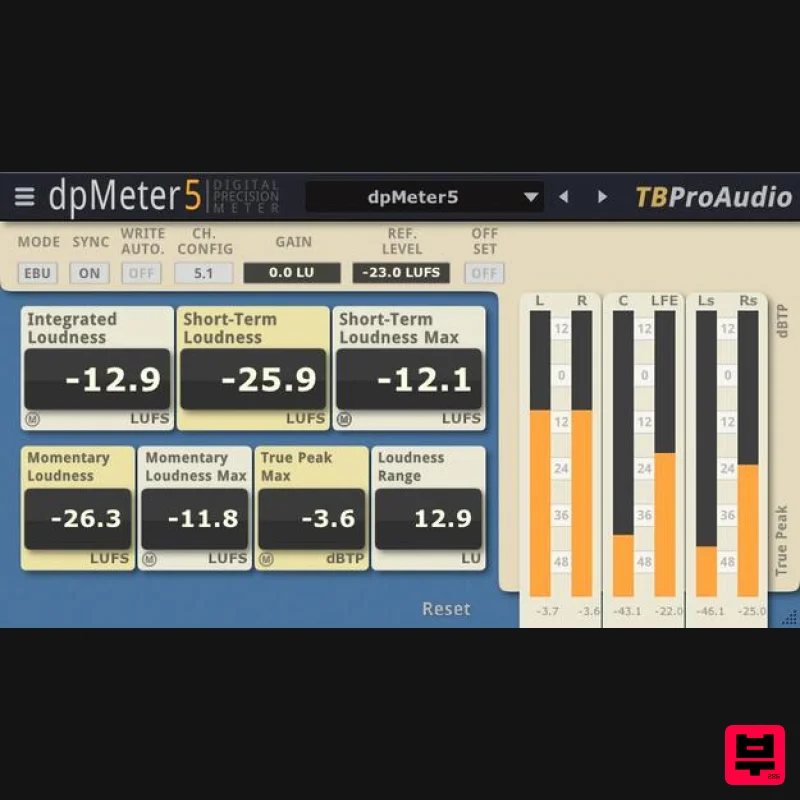
TBProAudio dpMeter5
Metering
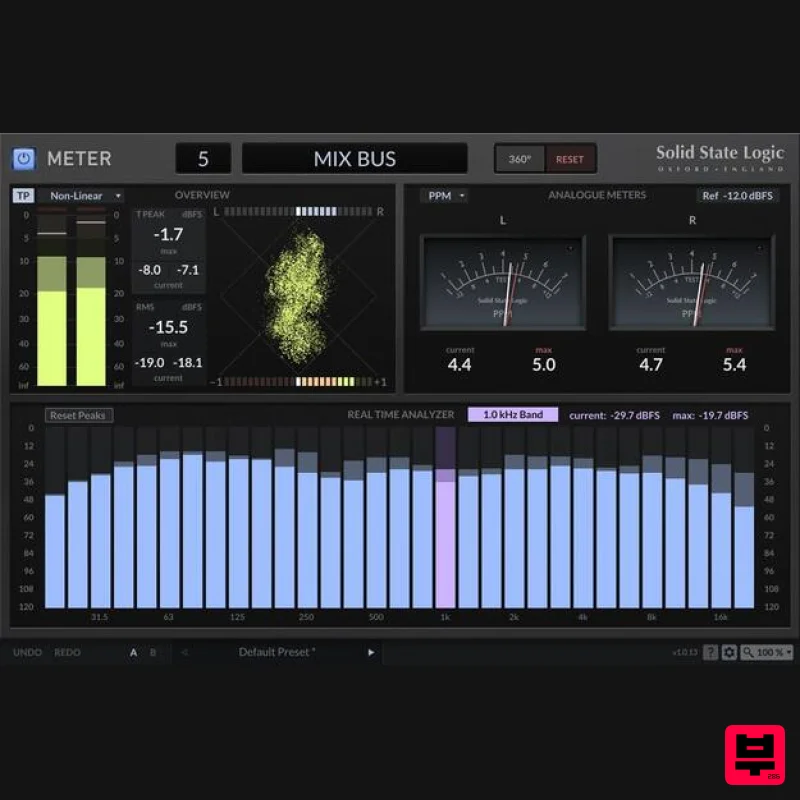
Solid State Logic SSL Meter
Metering
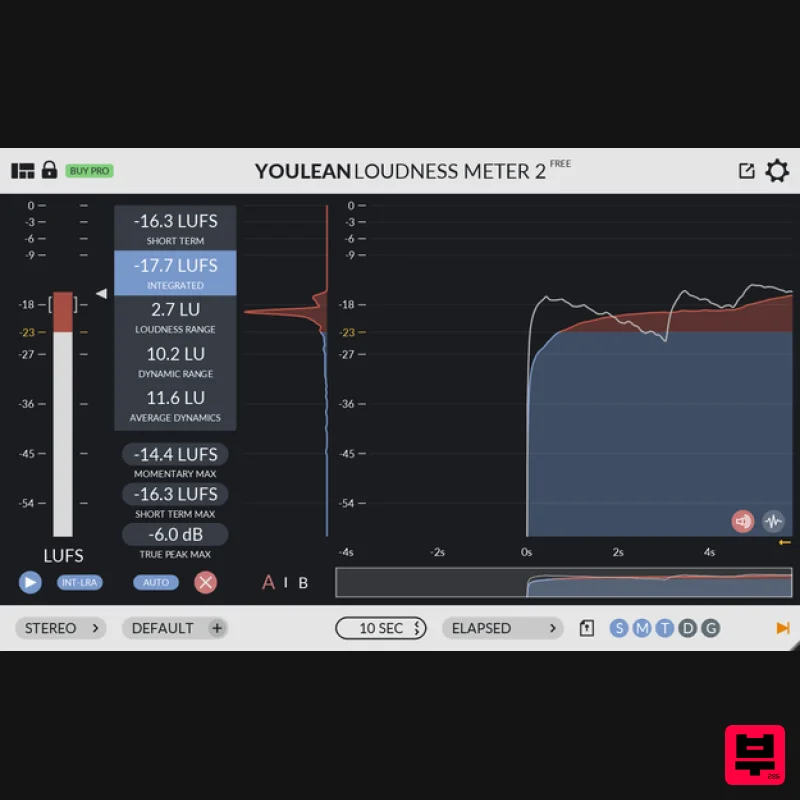
Youlean Youlean Loudness Meter
Metering
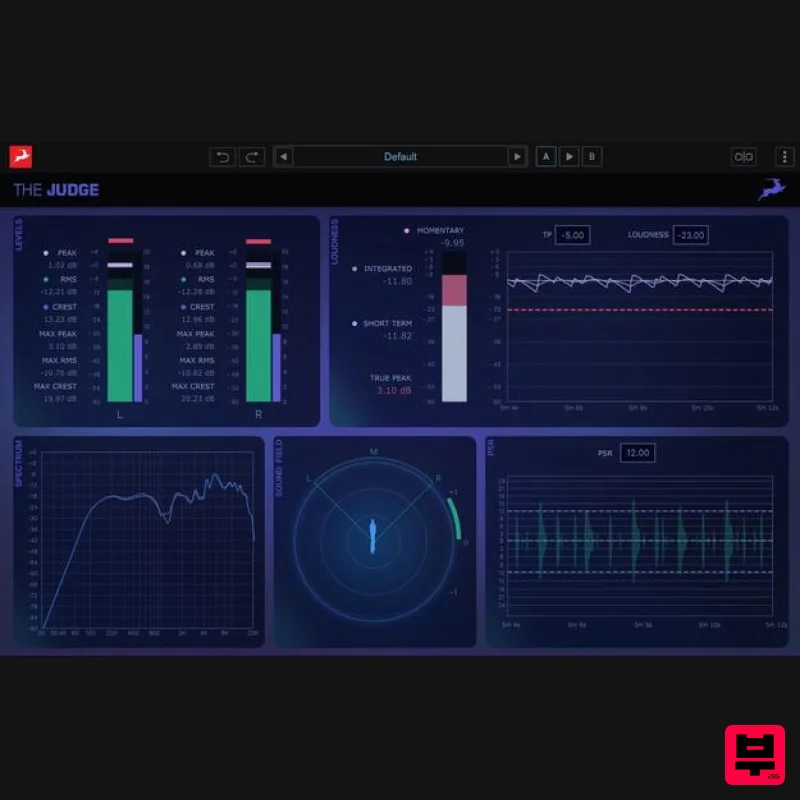
Antelope Audio The Judge
Metering
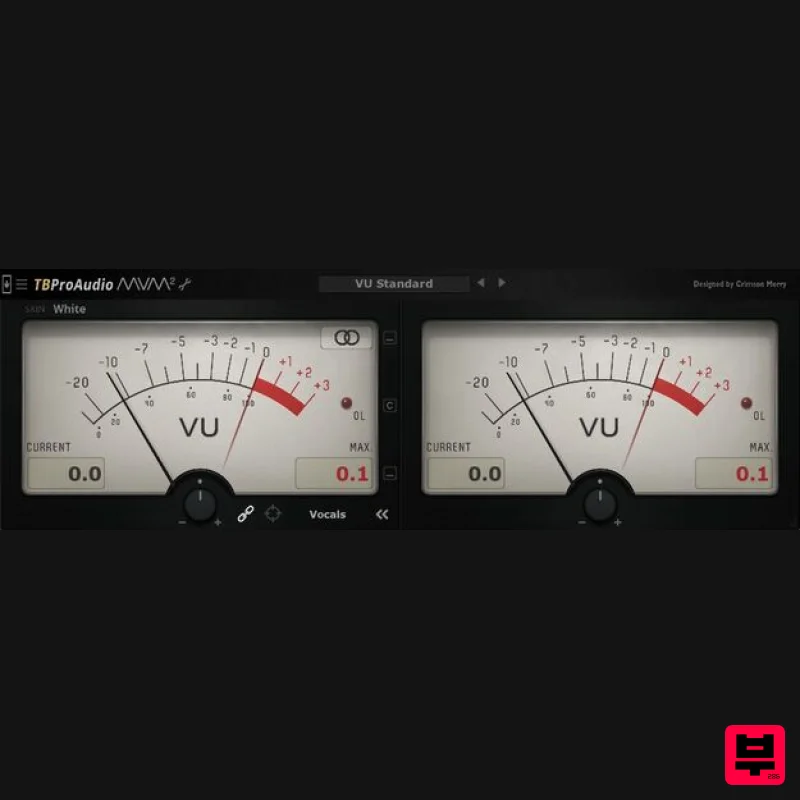
TBProAudio mvMeter2
Metering

