
NUGEN Audio Stereoplacer
Professional music gear - detailed information and where to buy
NUGEN Audio
Stereoplacer
Product Info
* Prices may vary. Check retailer for current pricing and availability.
Product Description
- Pan Control for the 21st Century. Choose the frequencies you want to fix and move them anywhere
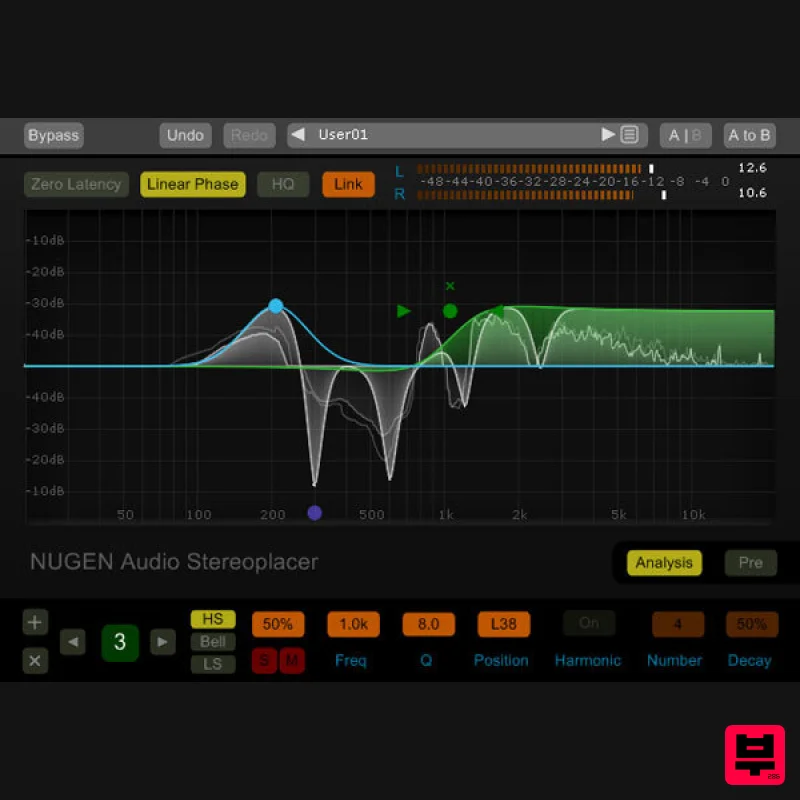
- leaving the rest of the stereo image intact. Make improvements in any area of the sound stage without causing problems elsewhere. Stereoplacer gives you precise control you just can’t get within a traditional mix setup. Focus in on the frequencies you want to move using the intuitive solo controls and then tweak/fix/align them in the stereo panorama without affecting any other regions - simple
- quick and effective! Stereoplacer is an advanced fine-tune parametric balancing control. You can tune each band into specific frequencies and move the frequency content around in the stereo sound stage. Just choose the position you want
- and let Stereoplacer take care of preserving the balance of the original sounds. With fully adjustable curves (bell
- high and low shelving and even additional linked-harmonic overtones) you can redistribute stereo information with subtlety
- or make powerful corrections – even moving hard-panned frequencies from one side to the other – without affecting the overall level balance of the material. Applications Mix | Sound design Panning sounds with low frequency content without affecting the low end Adjusting the position of sounds in sample loops Fixing poor mic. placement Moving specific problem frequencies away from key lead sounds as an alternative to EQ Dealing with harmonically complex synth sounds Addressing issues on FX laden tracks Creative and complex soundfield distribution A sophisticated approach to double tracking stereo distribution Capturing and positioning harmonically rich percussive sounds Mastering | Post | Restoration Gentle linear phase adjustment of entire mixes Re-positioning of specific elements Extrapolation of poorly positioned instruments 'Side switching' and re-balancing Shifting of problem elements whilst leaving the rest of the soundfield intact Detailed alignment of low frequency information Enhance Recordings Add stereo detail to mono recordings Leaves original character intact Highly mono compatible Unique stereo positioning technology Restore and Correct Original Material Fix poor original recordings Follow visual queues Isolate specifics in complex composite sources Clear Intuitive Operation Dynamic visual feedback Analogous parametric operation Automated harmonic capture Dedicated filter audition options System Requirements Available Formats AAX
- VST3
- AU and AudioSuite in both 64-bit and 32-bit versions. RTAS is also available as 32-bit only. Mac OSX 10.6.x
- 512 MB RAM Windows XP or above
- 512 MB RAM NUGEN Audio Installation 1. Visit https: //www.nugenaudio.com/register.php and create a new account > enter your email address and License Code (found in your Plugin Boutique User Account). 2. Check your email > Click the link that reads ‘Complete license registration’. 3. Read the following information and click ‘My Account’. 4. Create a password > Click ‘Login’. 5. Once you have confirmed your account
- fill in the form which greets you. 6. Select your operating system. 7. Your licence can be viewed under the ‘My Licenses’ Tab. Note: If you wish to activate your Plugin using an iLok
- click ‘Convert To iLok’. 8. Click on the MY DOWNLOADS tab and download the full version of your plugin. 9. After the file has downloaded
- run the installer. 10. Read the software licence agreement and if happy
- click AGREE. 11. Select where you wish to install the plugin and click CONTINUE. 12. Select which component you wish to be installed and click CONTINUE. 13. Check you have enough space on your computer to install and if so
- click INSTALL. 14. Once the installation concludes
- open the plugin within your DAW. 15. Once the plugin is open within your DAW
- click USE LICENCE. 16. Click ON-LINE 17. Enter your licence code and click APPLY LICENCE. 18. Once your licence has been entered
- click YES to confirm you wish to licence to your machine. 19. You have now successfully licenced your plugin! PLEASE NOTE: If you wish to activate your licence onto your iLok dongle and not your machine
- please click CONVERT TO ILOK at stage 7.
Additional Information
About the NUGEN Audio Stereoplacer
The NUGEN Audio Stereoplacer represents excellent craftsmanship in the EQ category.
Why Choose the NUGEN Audio Stereoplacer ?
- •Authentic NUGEN Audio craftsmanship and design
- •Versatile sound suitable for multiple musical genres
- •Professional build quality and reliable performance
- •Part of NUGEN Audio's respected EQ lineup
Compare & Explore
Browse our complete selection of NUGEN Audio instruments or explore other EQ options. Use our comparison tools to find the perfect match for your musical style and budget.
Similar Products
Slate Digital Infinity Horizon
EQ
$156
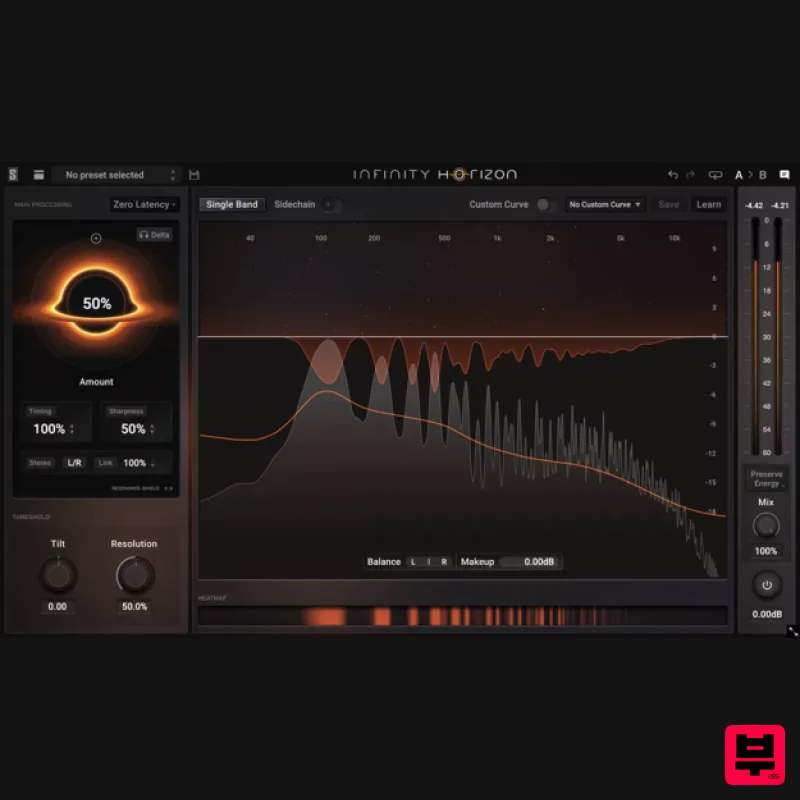
Rogue Frequencies Cannot Escape Infinity Horizon finds harsh frequency build ups and them in real time. If you're...
Heritage Audio MOTORCITY EQ
EQ
$104
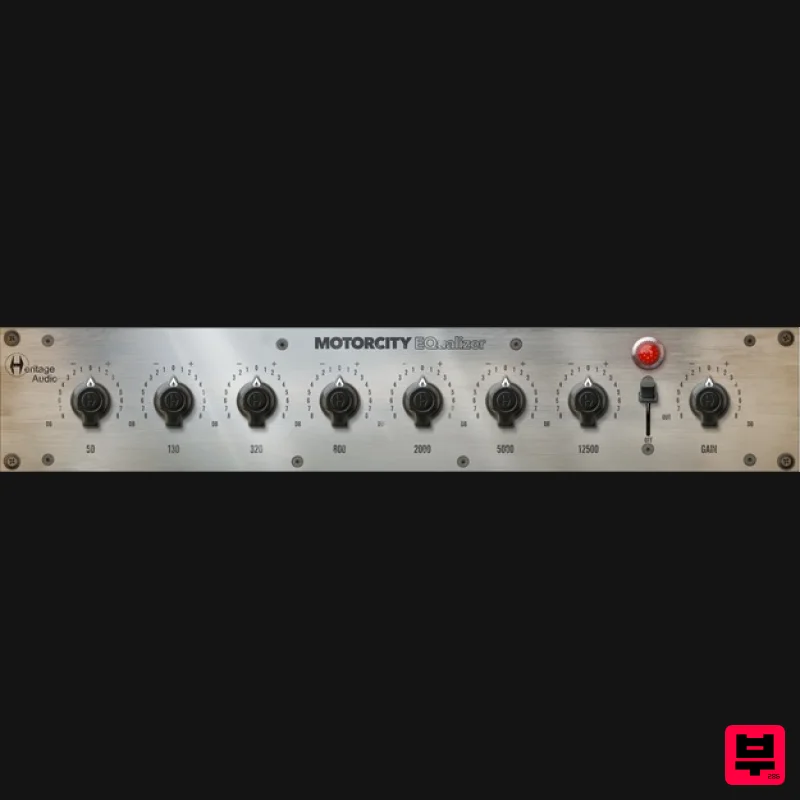
The classiest EQ ever created finally gets the thorough plugin treatment it so long deserved Recreated from the...
Solid State Logic SSL autoEQ
EQ
$109
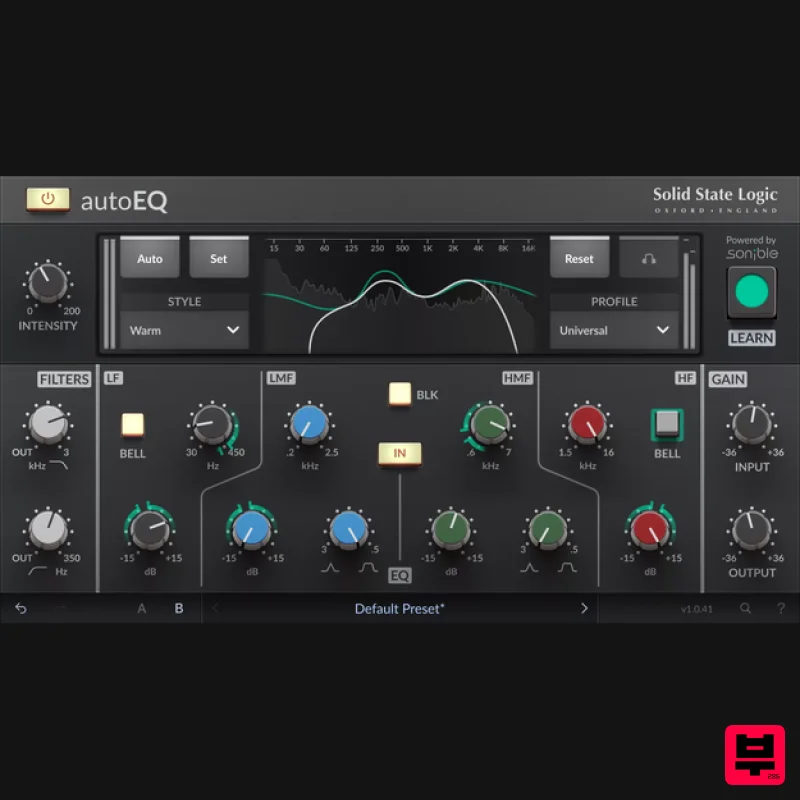
SSL 4000E EQ processing with sonible AI assisted analysis Introducing autoEQ, part of the autoSeries with autoDYN and...
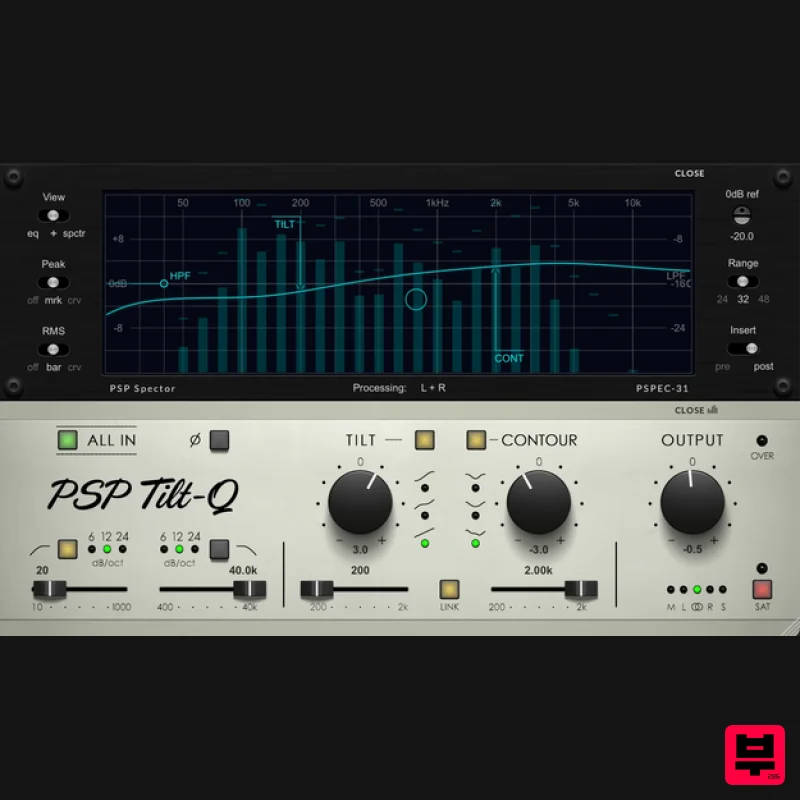
PSP Audioware PSP Tilt-Q
EQ
$72
Tilt Equalizer with Three Characteristics Musical tilt EQ offering three distinct curve shapes, allowing you to quickly...
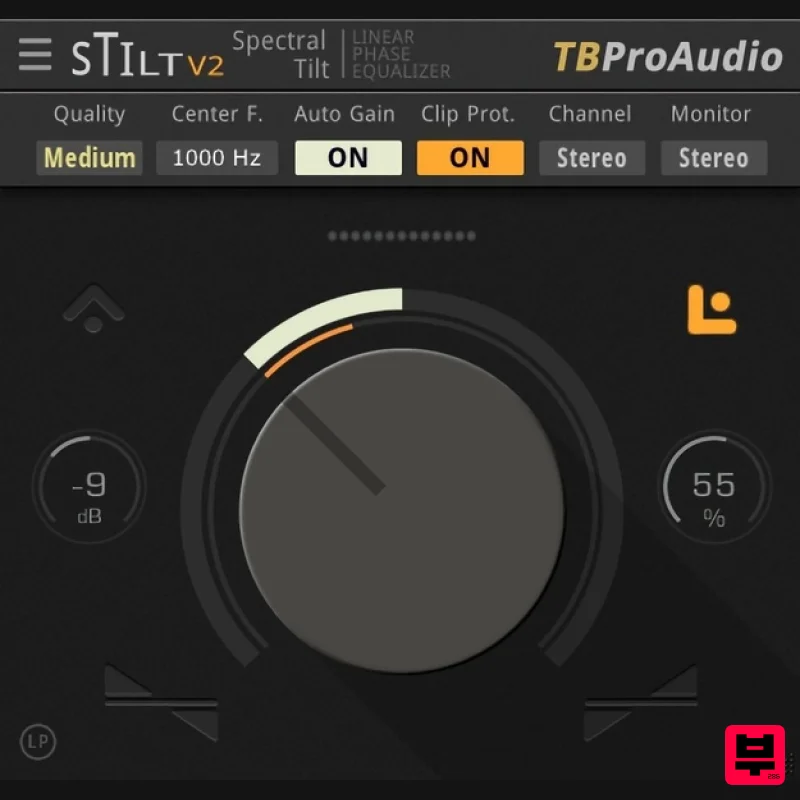
TBProAudio sTiltV2
EQ
Free
sTilt is a linear/minimum phase and IIR filter which tilts the audio spectrum around a given center frequency. Features...
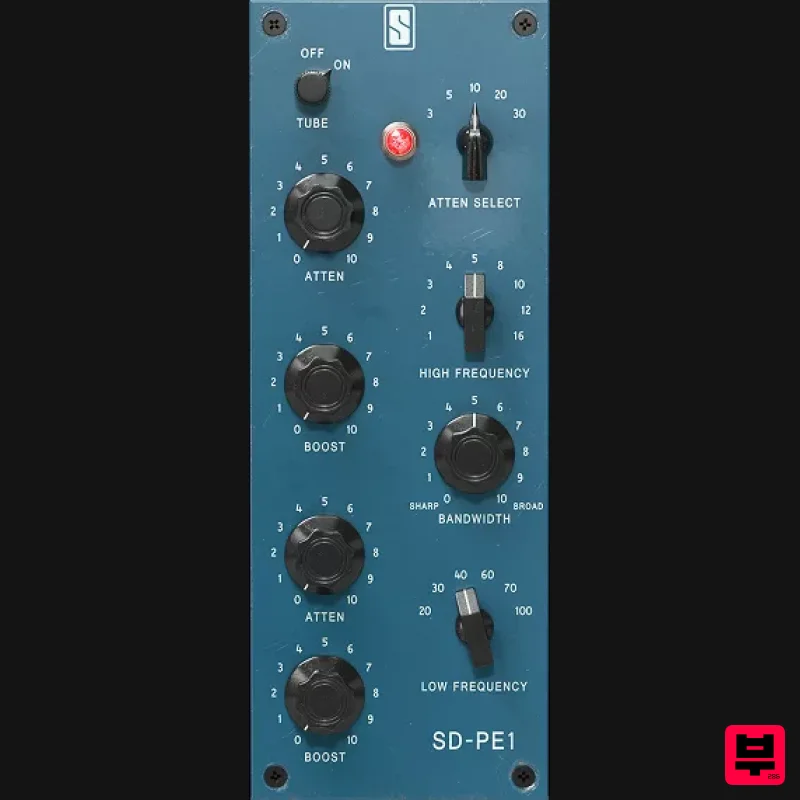
Slate Digital SD-PE1
EQ
$104
Meet SD-PE1! The most unique passive equalizer ever made joins the ever-expanding lineup of processors that make up the...
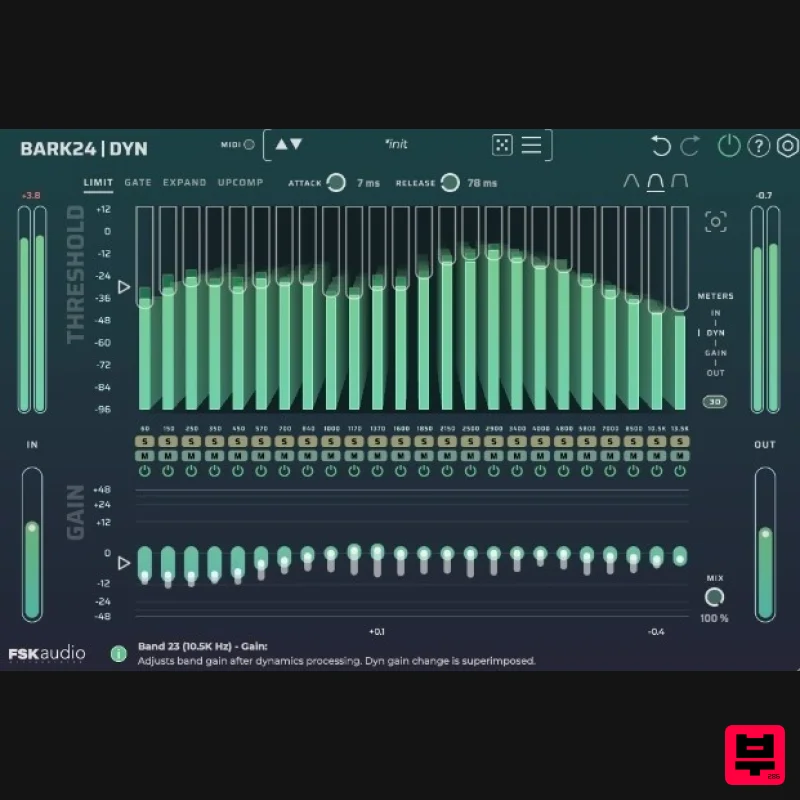
FSK Audio Bark24 | Dyn
EQ
$120
Bark24 | Dyn is a dynamic EQ that takes you far beyond a standard compressor or EQ. Based on the Bark scale - a model...
Rave Generation TubEQ
EQ
$42
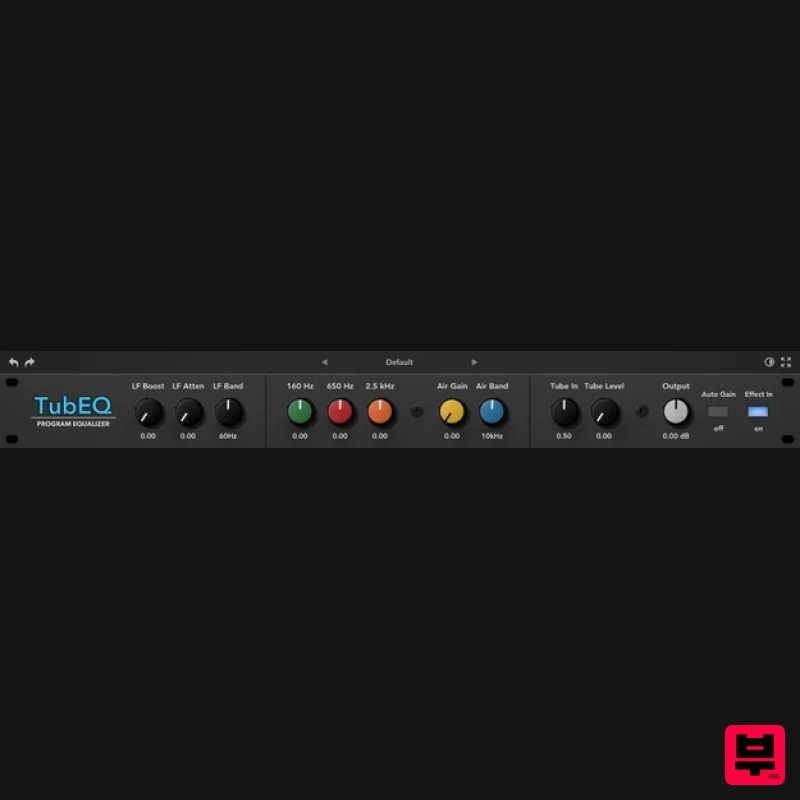
TubEQ is an authentic analog equalizer plugin that combines the musical character of two legendary EQs in a single...
Frequently Asked Questions
The NUGEN Audio Stereoplacer stands out for its exceptional NUGEN Audio craftsmanship and innovative design.
Yes! With its affordable price point and quality construction, it's perfect for learning eq.
Browse the similar products section to see how it stacks up against other eq.

