
NUGEN Audio SEQ-S
Professional music gear - detailed information and where to buy
NUGEN Audio
SEQ-S
Product Info
* Prices may vary. Check retailer for current pricing and availability.
Product Description
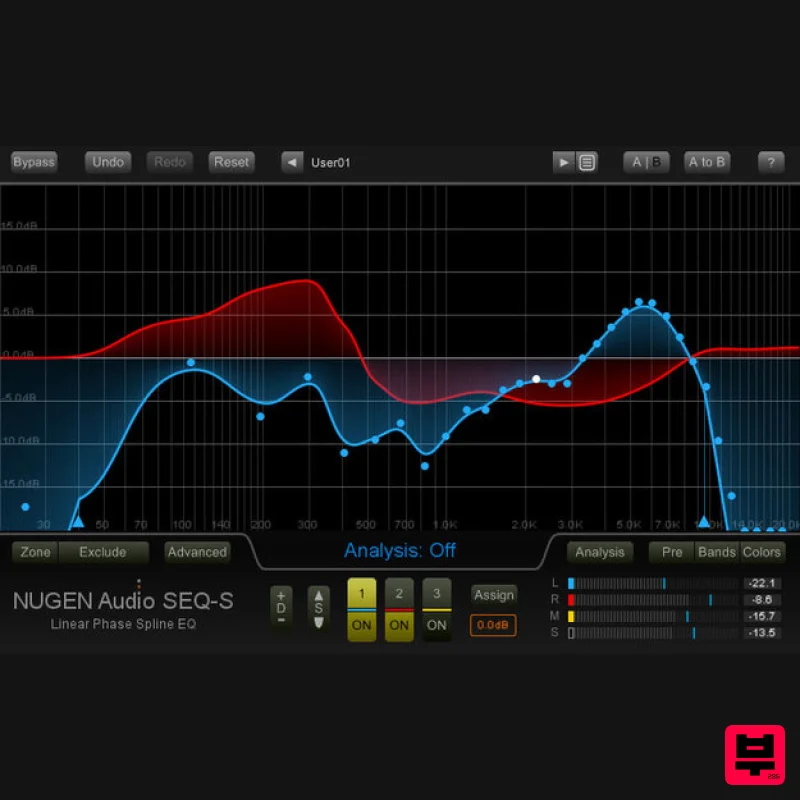
- Powerful Sonic Sculpting SEQ-S delivers sculpting power beyond any other EQ. The resizable direct-draw interface makes it easy to quickly fine-tune your audio
- with incredible resolution that you can’t get with a traditional parametric interface. The 3 independent EQ curves can be individually assigned to channels across the surround panorama
- giving complete control over your spatial environment
- with access to stereo
- mid/side
- 5.1 and 7.1 surround sound operation. Unparalleled Flexibility Linear phase spline EQ Curve scaling and Zoomable and resizable interface No phase Dynamic EQ morphs Frequency node locking Psychoacoustic banding Match EQ presets Fluid EQ Morphing SEQ-S is capable of fluid filter morphs
- introducing a wealth of new options ranging from controlled scene transitions up to groundbreaking creative sound design. Seamless transitions between different environments
- creative morphs and tempo-locked effects are easily achieved
- with full dynamic visual feedback. Intuitive EQ Matching Use SEQ-S to capture the flavour of a piece of source audio and match it to your current work – great for restoration work
- and as a reference for mastering. Or use this match technique on individual tracks to unify different takes
- microphone positions
- and more. Plus
- by inverting the match EQ curve
- you can achieve a minimally invasive technique for carving out space in a complex mix where traditional EQs won’t cut it. For Music Production Fine-tune and correct your sound with flexible
- detailed envelopes difficult to achieve with a traditional parametric EQ. Plus
- take advantage of independent left/right and mid/side operation
- even within the same plug-in instance. Use EQ matching to gently push your sound toward reference material or dive into new creative spheres with filter morphing and tempo locked effects. Ideal for both corrective mix work and gentle mastering polish. For Post and Broadcast Precise corrections which would be very time consuming with a traditional parametric interface are a breeze with SEQ-S’s flexible nodes and direct draw interface. Match 'invert' makes it quick and easy to find space for dialogue in a busy soundtrack
- avoiding heavy-handed EQ or intrusive ducking. Typical Applications Independent control of left/right
- mid/side & surround channels EQ matching Fluid EQ morphing Creating 'perfect space' for vocals or dialogue Surround compatibility up to 7.1 for post & movie production System Requirements Mac Mac OSX 10.9 and above 512 MB RAM 64-bit only Available in 64-bit AAX
- VST3
- AU & AudioSuite Formats Windows Windows Vista and above 512 MB RAM 64-bit only Available in 64-bit AAX
- VST3 & AudioSuite Formats NUGEN Audio Installation 1. Visit https: //www.nugenaudio.com/register.php and create a new account > enter your email address and License Code (found in your Plugin Boutique User Account). 2. Check your email > Click the link that reads ‘Complete license registration’. 3. Read the following information and click ‘My Account’. 4. Create a password > Click ‘Login’. 5. Once you have confirmed your account
- fill in the form which greets you. 6. Select your operating system. 7. Your licence can be viewed under the ‘My Licenses’ Tab. Note: If you wish to activate your Plugin using an iLok
- click ‘Convert To iLok’. 8. Click on the MY DOWNLOADS tab and download the full version of your plugin. 9. After the file has downloaded
- run the installer. 10. Read the software licence agreement and if happy
- click AGREE. 11. Select where you wish to install the plugin and click CONTINUE. 12. Select which component you wish to be installed and click CONTINUE. 13. Check you have enough space on your computer to install and if so
- click INSTALL. 14. Once the installation concludes
- open the plugin within your DAW. 15. Once the plugin is open within your DAW
- click USE LICENCE. 16. Click ON-LINE 17. Enter your licence code and click APPLY LICENCE. 18. Once your licence has been entered
- click YES to confirm you wish to licence to your machine. 19. You have now successfully licenced your plugin! PLEASE NOTE: If you wish to activate your licence onto your iLok dongle and not your machine
- please click CONVERT TO ILOK at stage 7.
Additional Information
About the NUGEN Audio SEQ-S
Experience the quality and tone that makes the NUGEN Audio SEQ-S a popular choice for musicians.
Why Choose the NUGEN Audio SEQ-S ?
- •Authentic NUGEN Audio craftsmanship and design
- •Versatile sound suitable for multiple musical genres
- •Professional build quality and reliable performance
- •Part of NUGEN Audio's respected EQ lineup
Compare & Explore
Browse our complete selection of NUGEN Audio instruments or explore other EQ options. Use our comparison tools to find the perfect match for your musical style and budget.
Similar Products
TBProAudio sTiltV2
EQ
Free
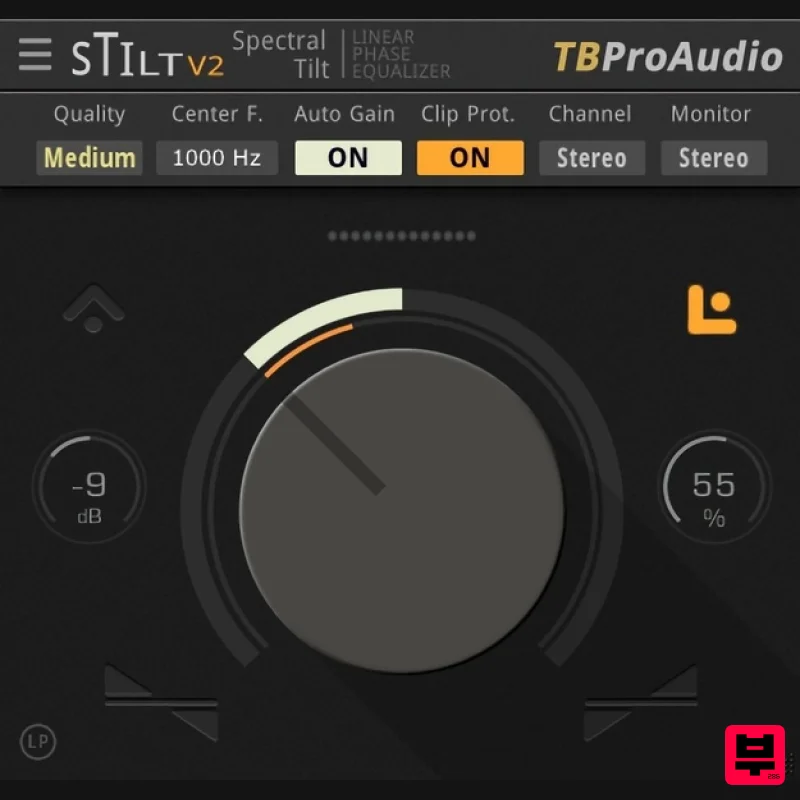
sTilt is a linear/minimum phase and IIR filter which tilts the audio spectrum around a given center frequency. Features...
PSP Audioware PSP Tilt-Q
EQ
$72
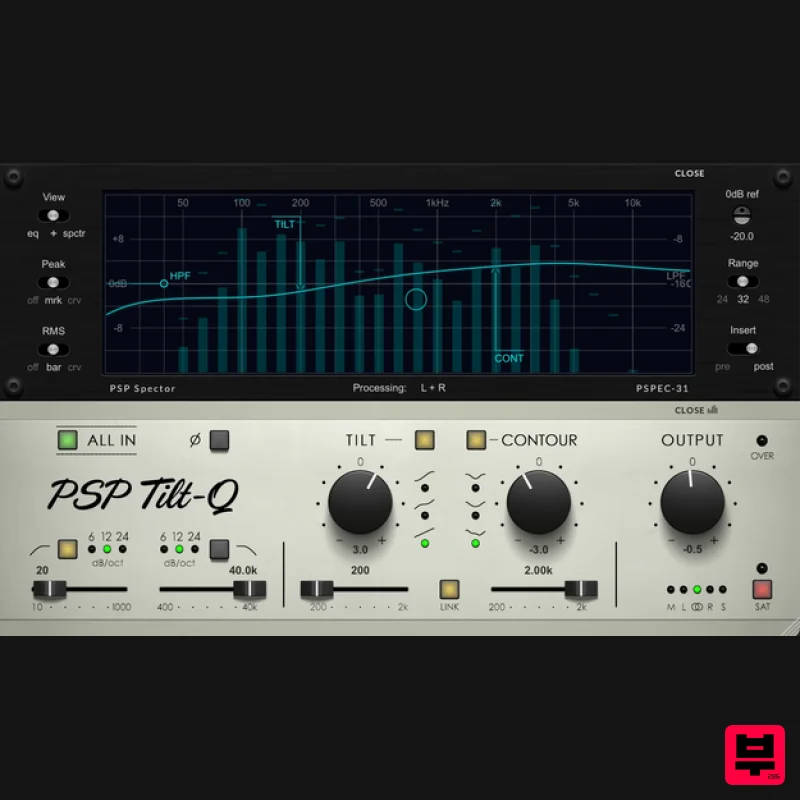
Tilt Equalizer with Three Characteristics Musical tilt EQ offering three distinct curve shapes, allowing you to quickly...
Solid State Logic SSL autoEQ
EQ
$109
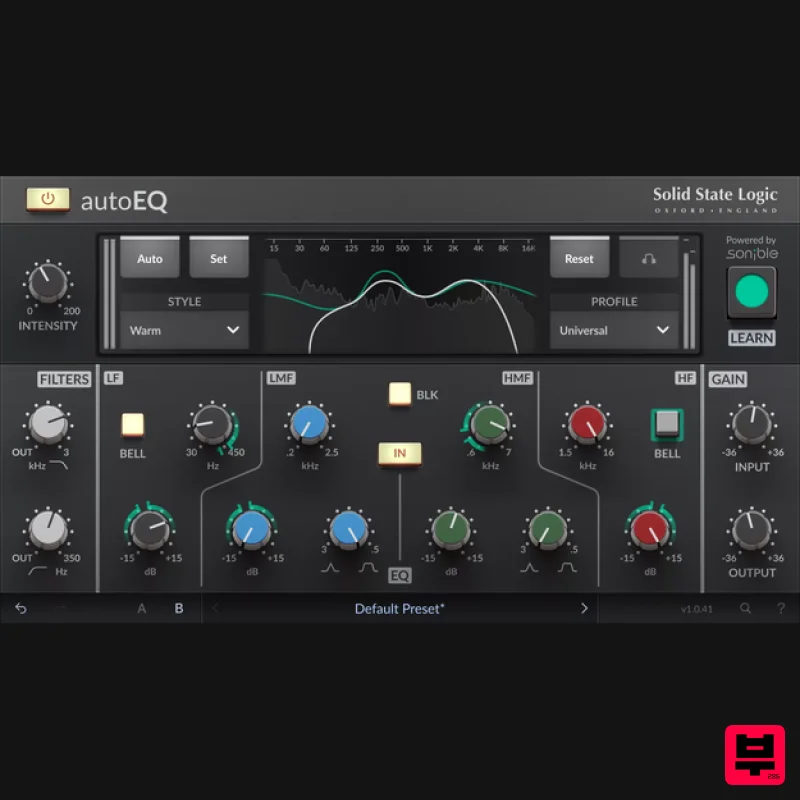
SSL 4000E EQ processing with sonible AI assisted analysis Introducing autoEQ, part of the autoSeries with autoDYN and...
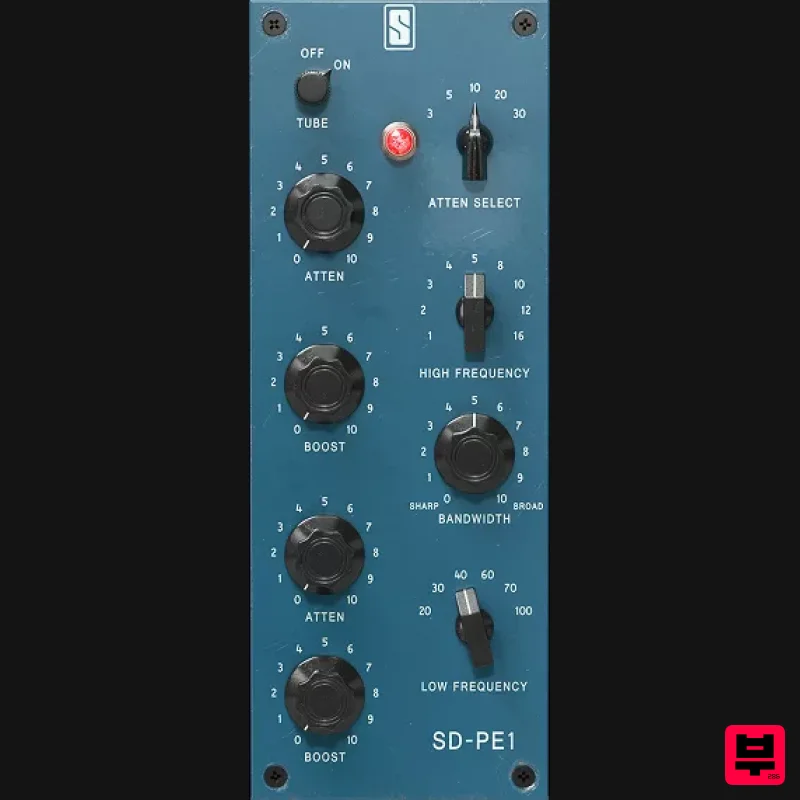
Slate Digital SD-PE1
EQ
$104
Meet SD-PE1! The most unique passive equalizer ever made joins the ever-expanding lineup of processors that make up the...
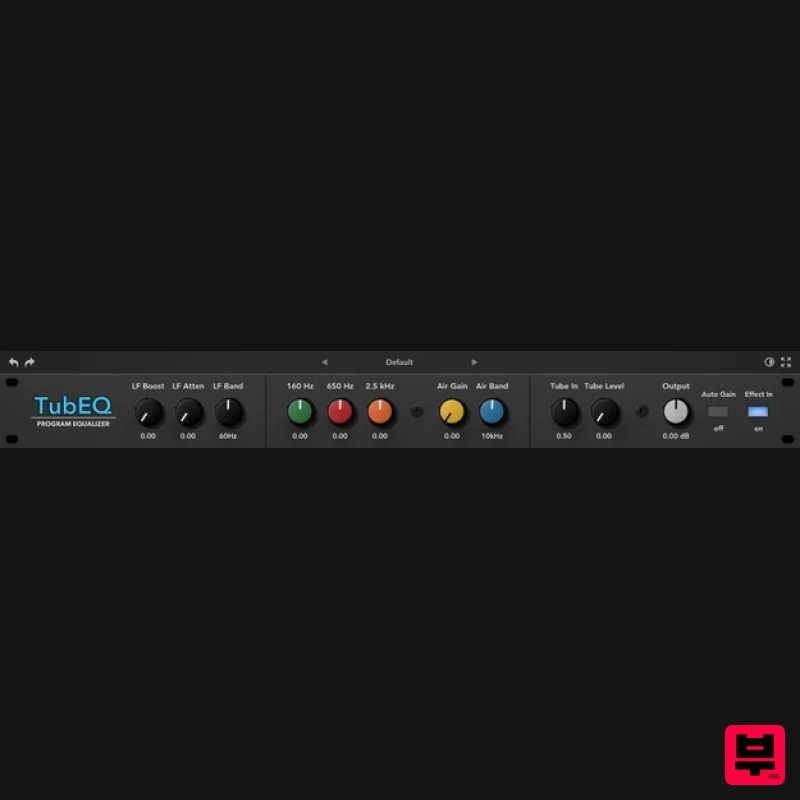
Rave Generation TubEQ
EQ
$42
TubEQ is an authentic analog equalizer plugin that combines the musical character of two legendary EQs in a single...
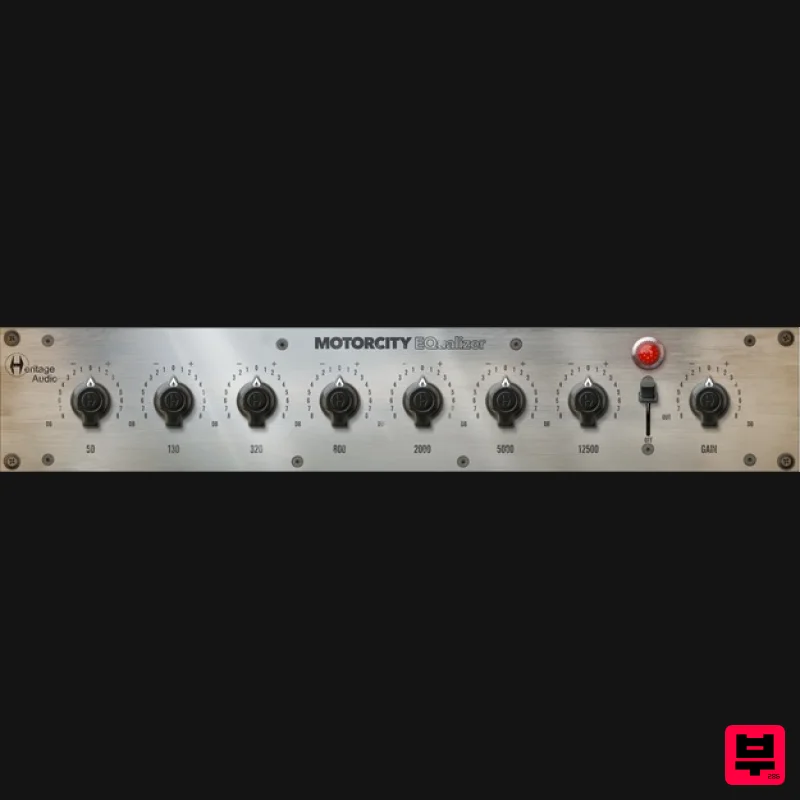
Heritage Audio MOTORCITY EQ
EQ
$104
The classiest EQ ever created finally gets the thorough plugin treatment it so long deserved Recreated from the...
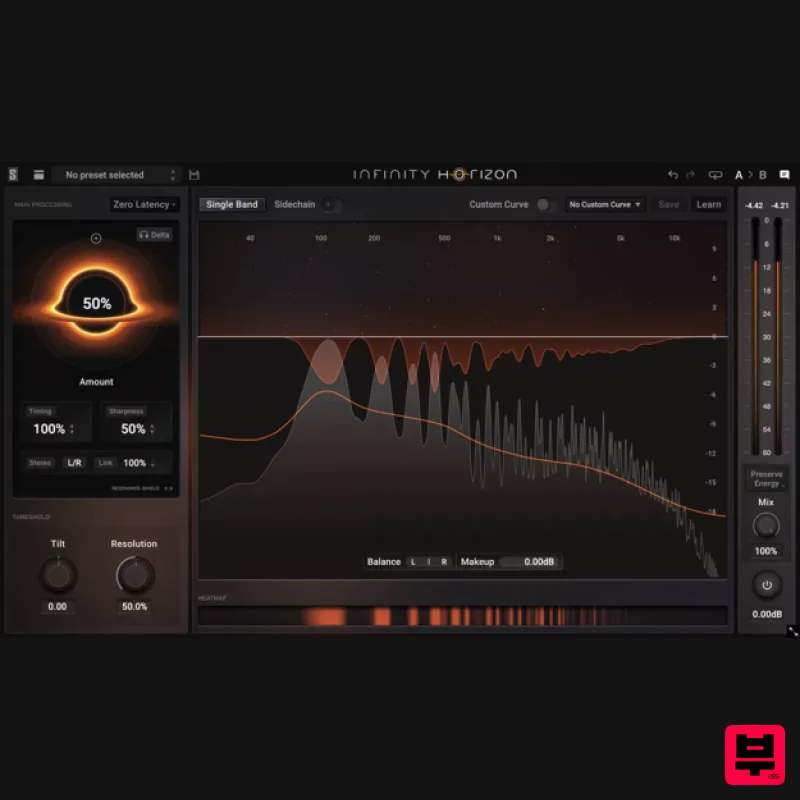
Slate Digital Infinity Horizon
EQ
$156
Rogue Frequencies Cannot Escape Infinity Horizon finds harsh frequency build ups and them in real time. If you're...
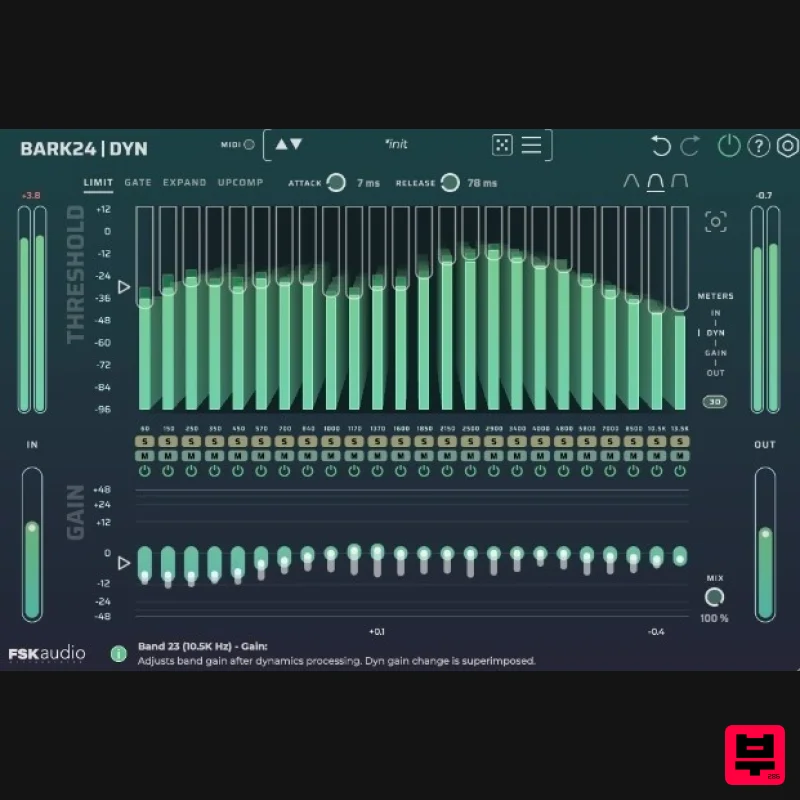
FSK Audio Bark24 | Dyn
EQ
$120
Bark24 | Dyn is a dynamic EQ that takes you far beyond a standard compressor or EQ. Based on the Bark scale - a model...
Frequently Asked Questions
The NUGEN Audio SEQ-S stands out for its exceptional NUGEN Audio craftsmanship and innovative design.
Yes! With its affordable price point and quality construction, it's perfect for learning eq.
Browse the similar products section to see how it stacks up against other eq.

