
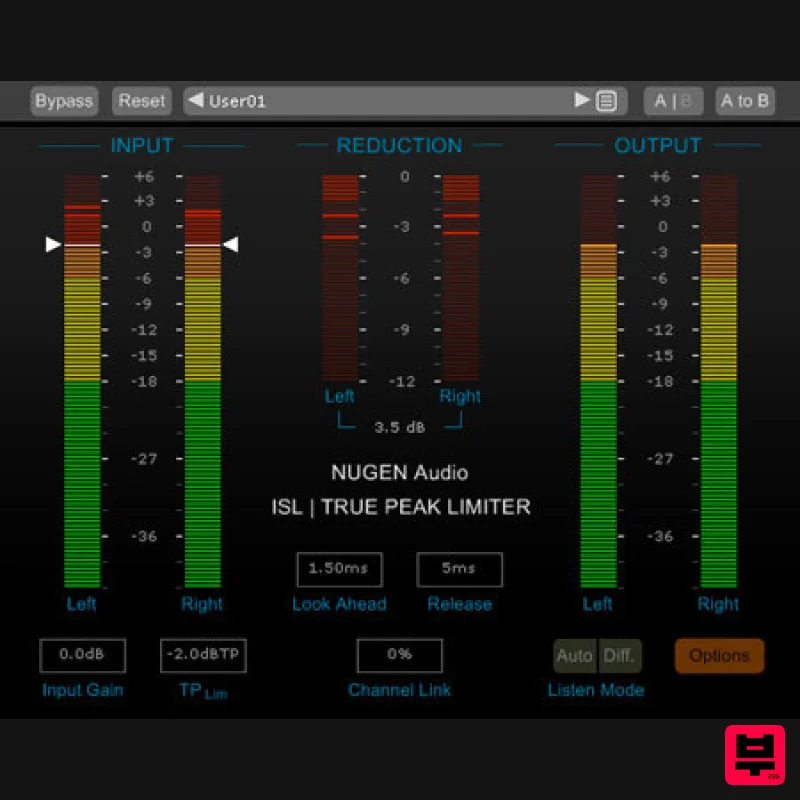
NUGEN Audio ISL 2
Professional music gear - detailed information and where to buy
NUGEN Audio
ISL 2
Product Info
* Prices may vary. Check retailer for current pricing and availability.
Product Description
- World class
- broadcast quality limiting is an essential requirement for any audio production
- and the latest standards also demand true-peak compliance. ISL delivers both
- giving you superb sound with complete confidence about meeting the standards. No need to second guess your sample-peak limiter time and again
- or deliberately increase headroom to avoid a downstream problem. Just dial in your true-peak limit and let ISL take care of the rest. Pristine Quality True-Peak Limiting ISL is a transparent look-ahead limiter designed to allow you to get on with creative audio production while it takes care of true-peak compliance for you. ISL uses the standardised true-peak algorithms of ITU-R B.S. 1770 and related standards\(including Apple ‘Mastered for iTunes’ true-peak detection)
- and is suitable for the control of audio for Post Production and Broadcast applications. True-peak limiting can also be used to ensure that down-stream Codecs (mp3
- AAC etc.) do not introduce distortion into the signal. Powerful Processing and Visualisations With unique Steering and Ducking meters
- ISL2 guides you to the perfect settings. Whether you are preserving directional integrity
- atmospheric ambience or taming a surround centre channel
- ISL2 gives you the information and control you need to achieve your objective with ease. New processing enhancements assess the incoming audio for frequency content and automatically take care of those minor adjustments required when LF content drives the limiter
- delivering increased transparency whilst maintaining our renowned reputation of intuitive operation. Applications Post Production & Broadcast audio Audio Mastering Loudness compliance 'Mastered for iTunes' intersample clip monitoring Protection for downstream compression Preserving quality for streaming/podcast Inter-sample clip management Transparent True Peak Limiting Adjust adjustable look ahead Two stage
- non-linear adaptive algorithm Adjustable channel linking Includes iTunes True Peak option Standard Compliant Compatible with ITU-R BS. 1770 True brick-wall limited output Mono through 7.1 surround compatible Clear
- Intuitive Operation Intelligent adaptive algorithm Clear metering Multiple diagnostic listen modes Reliable Metering Accurate
- standard compliant I/O metering Precise direct numeric maxima Adjustable ballistics and colour splits System Requirements Available Formats AAX
- VST3
- AU and AudioSuite in both 64-bit and 32-bit versions. RTAS is also available as 32-bit only. AAX DSP version supports 7.1 audio up to 48Khz and 4 channels at 96kHz. Mac OSX 10.6.x
- 512 MB RAM Windows XP or above
- 512 MB RAM NUGEN Audio Installation 1. Visit https: //www.nugenaudio.com/register.php and create a new account > enter your email address and License Code (found in your Plugin Boutique User Account). 2. Check your email > Click the link that reads ‘Complete license registration’. 3. Read the following information and click ‘My Account’. 4. Create a password > Click ‘Login’. 5. Once you have confirmed your account
- fill in the form which greets you. 6. Select your operating system. 7. Your licence can be viewed under the ‘My Licenses’ Tab. Note: If you wish to activate your Plugin using an iLok
- click ‘Convert To iLok’. 8. Click on the MY DOWNLOADS tab and download the full version of your plugin. 9. After the file has downloaded
- run the installer. 10. Read the software licence agreement and if happy
- click AGREE. 11. Select where you wish to install the plugin and click CONTINUE. 12. Select which component you wish to be installed and click CONTINUE. 13. Check you have enough space on your computer to install and if so
- click INSTALL. 14. Once the installation concludes
- open the plugin within your DAW. 15. Once the plugin is open within your DAW
- click USE LICENCE. 16. Click ON-LINE 17. Enter your licence code and click APPLY LICENCE. 18. Once your licence has been entered
- click YES to confirm you wish to licence to your machine. 19. You have now successfully licenced your plugin! PLEASE NOTE: If you wish to activate your licence onto your iLok dongle and not your machine
- please click CONVERT TO ILOK at stage 7.
Additional Information
About the NUGEN Audio ISL 2
Experience the quality and tone that makes the NUGEN Audio ISL 2 a popular choice for musicians.
Why Choose the NUGEN Audio ISL 2 ?
- •Authentic NUGEN Audio craftsmanship and design
- •Versatile sound suitable for multiple musical genres
- •Professional build quality and reliable performance
- •Part of NUGEN Audio's respected Limiter lineup
Compare & Explore
Browse our complete selection of NUGEN Audio instruments or explore other Limiter options. Use our comparison tools to find the perfect match for your musical style and budget.
Similar Products
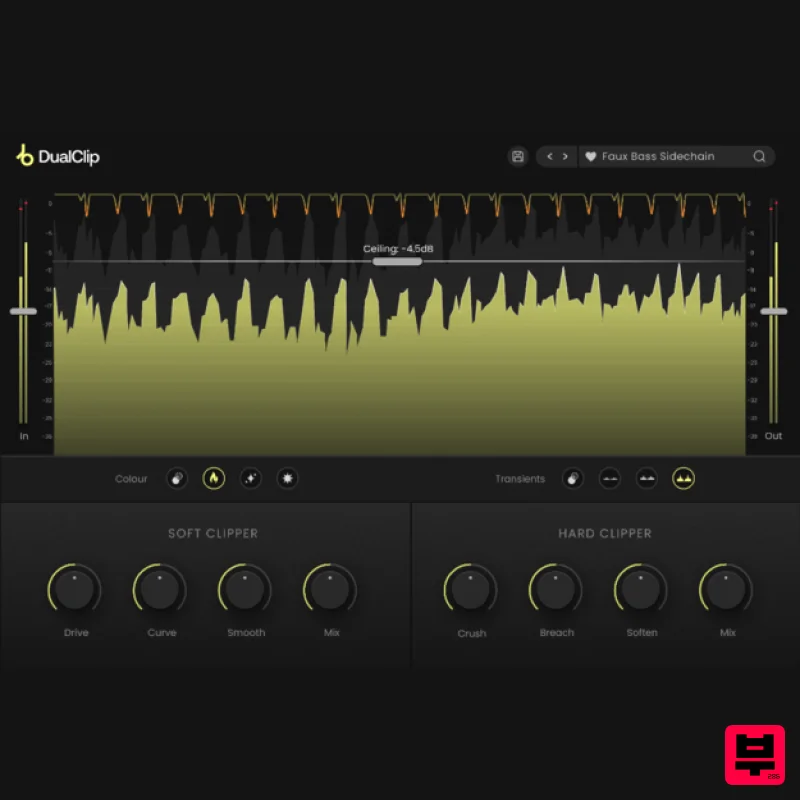
Plugin Boutique DualClip
Limiter
$62
Loudness with Colour Clippers are an essential tool for achieving a huge range of saturation effects. They can...
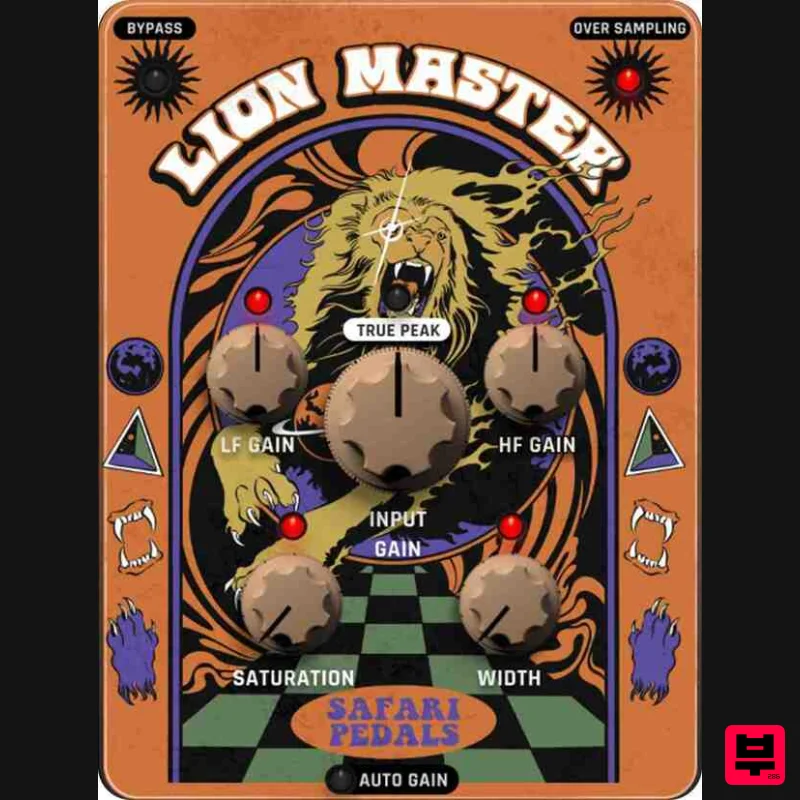
Safari Audio Lion Master
Limiter
$51
Precision Limiting with Saturation & Width Control Lion Master by Safari Audio is a powerful limiter designed for...
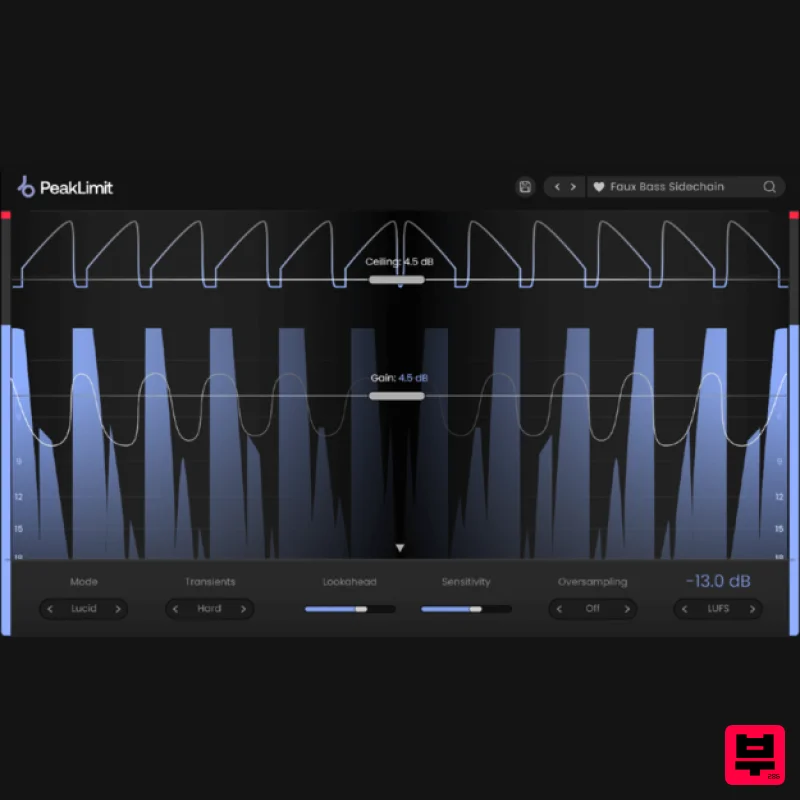
Plugin Boutique PeakLimit
Limiter
$62
Complete your Mastering Chain Before a track is complete and ready for commercial release, the mix has to go through...
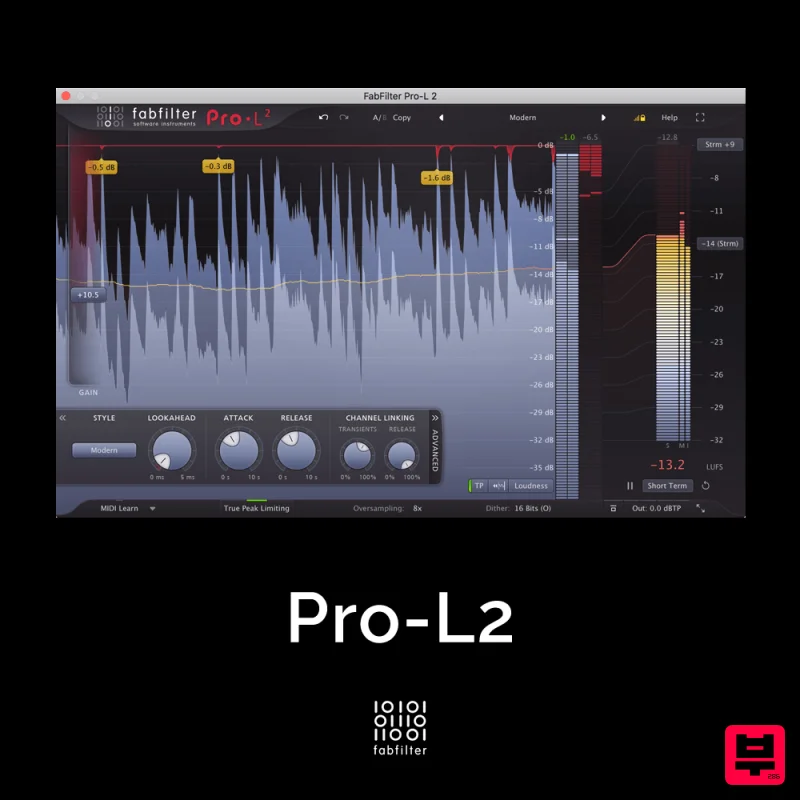
FabFilter Pro-L2
Limiter
$30
A true peak limiter is an essential tool for every mastering or mixing engineer. Are you looking for a professional,...
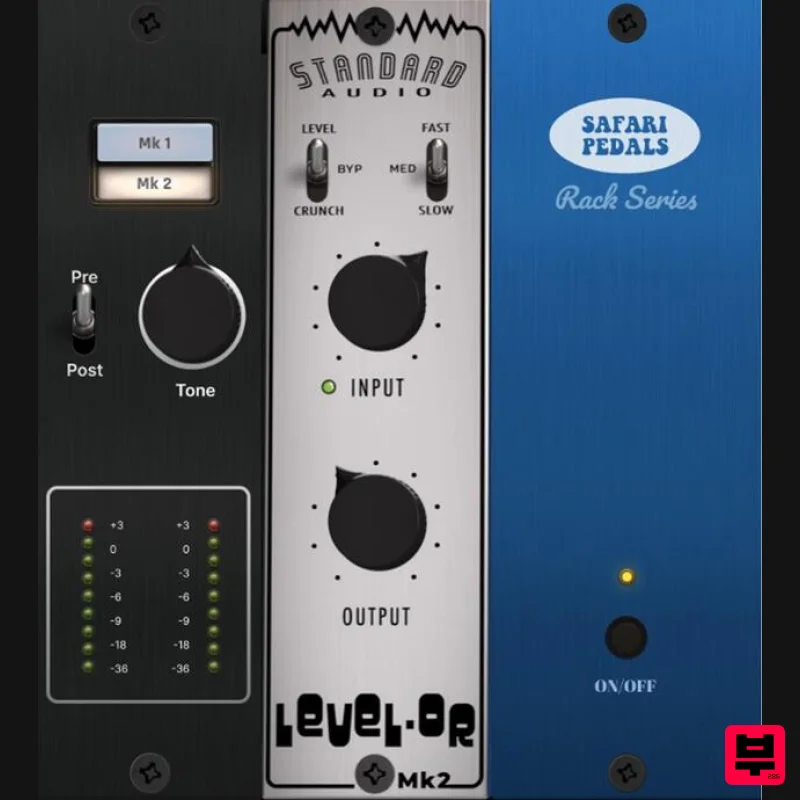
Safari Audio Standard Audio Level-Or
Limiter
$51
Level-Or by Standard Audio x Safari Audio Level-Or is a fierce character compressor/limiter based on the cult-classic...
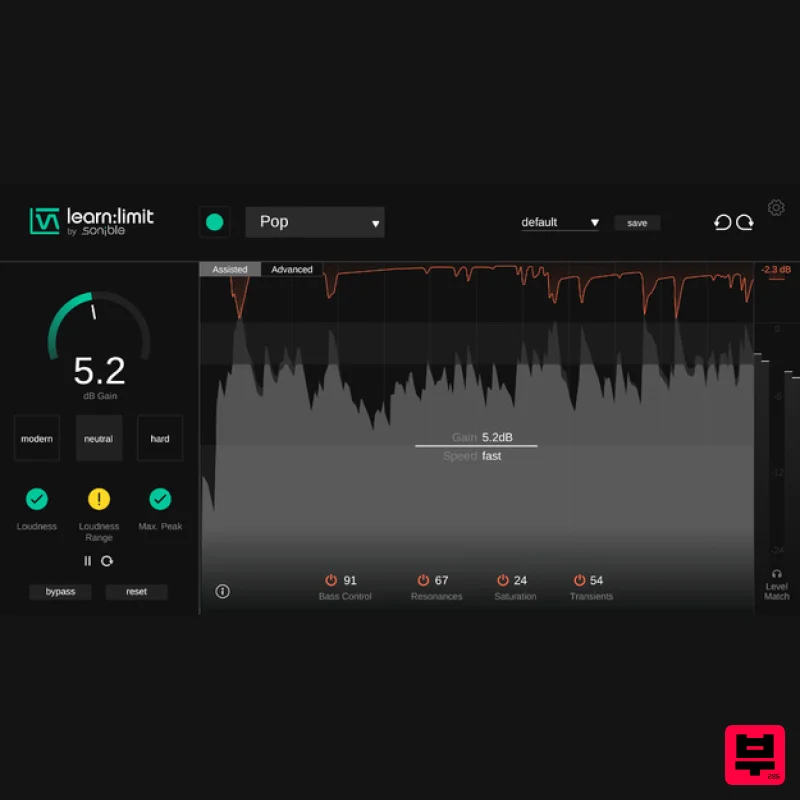
sonible learn:limit
Limiter
$72
An intelligent limiter with built-in loudness monitoring and educational hints learn:limit uses AI to set optimal...
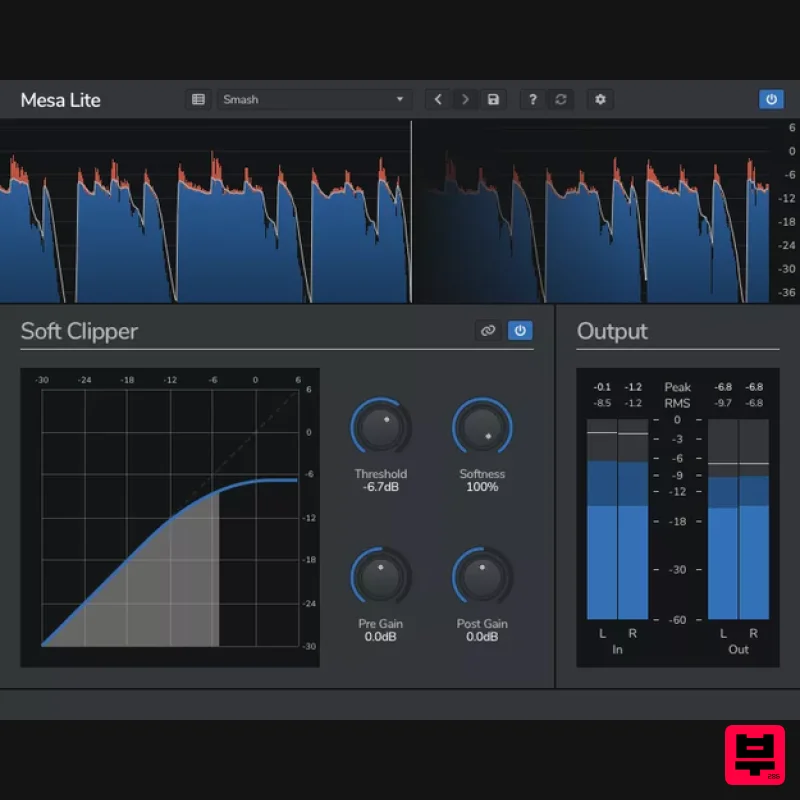
Venomode Mesa Lite
Limiter
Free
Control peaks and increase loudness without pumping Mesa is a free soft clipper designed to increase loudness and...
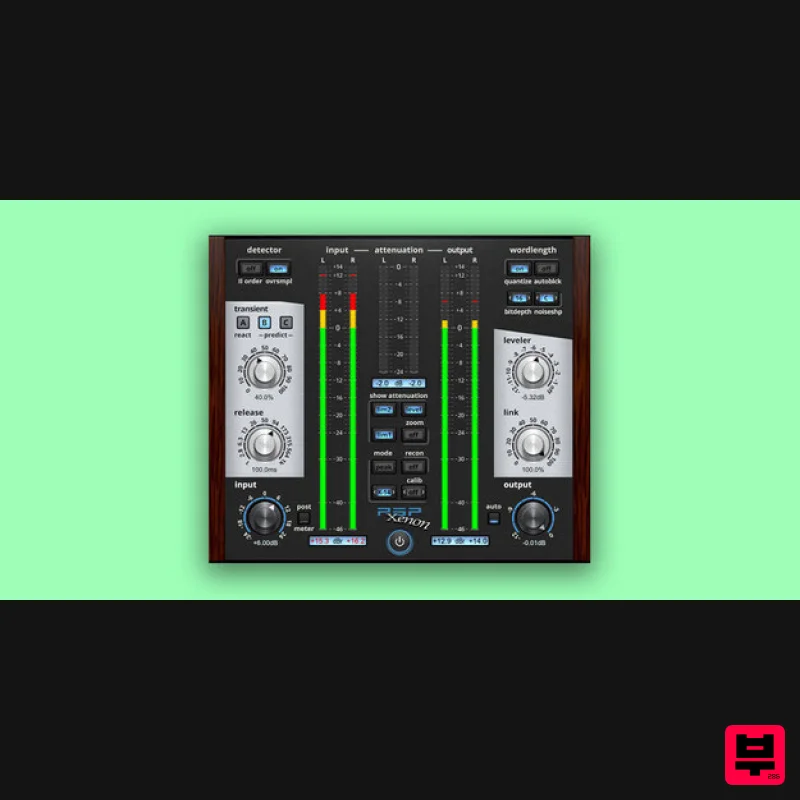
PSP Audioware PSP Xenon
Limiter
$208
PSP Xenon is a full band, dual-stage limiter plug-in featuring an integrated leveler, advanced K-System metering, and...
Frequently Asked Questions
The NUGEN Audio ISL 2 stands out for its exceptional NUGEN Audio craftsmanship and innovative design.
Yes! With its affordable price point and quality construction, it's perfect for learning limiter.
Browse the similar products section to see how it stacks up against other limiter.

