
Node Audio Tonebank
Professional music gear - detailed information and where to buy
Node Audio
Tonebank
Product Info
* Prices may vary. Check retailer for current pricing and availability.
Product Description
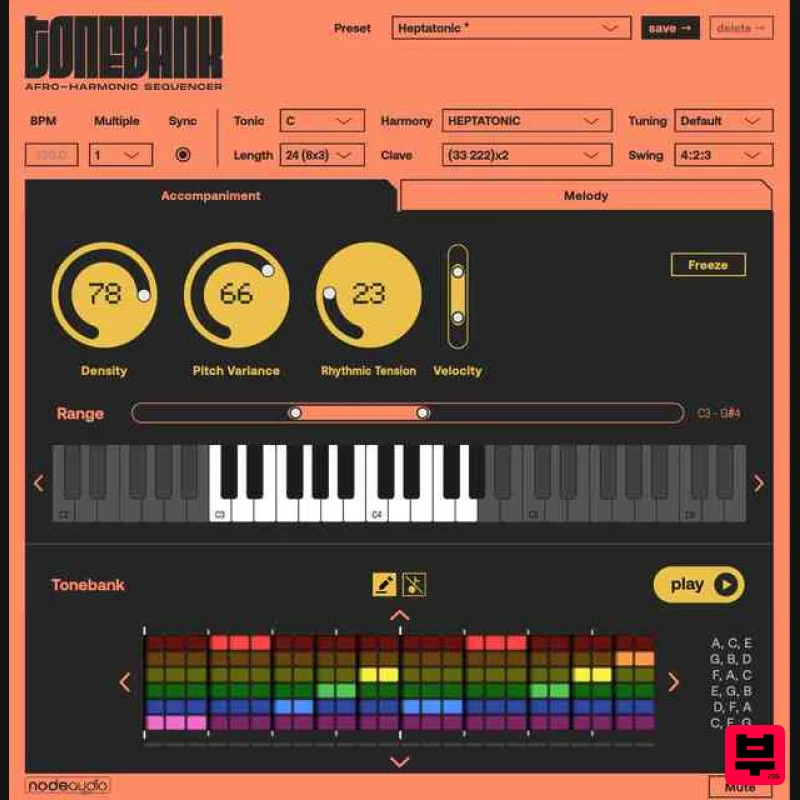
- An intelligent MIDI sequencer that generates melodies
- basslines
- and textures with built-in groove Create Irresistible Grooves That Make People Move Tonebank is an intelligent MIDI sequencer that generates melodies
- basslines
- and textures with built-in groove and structural strength. Instead of relying on simplistic arpeggios or random generation
- Tonebank improvises inside rhythmically patterned harmonic loops—bringing logic from ancient traditions to your DAW. Whether you're producing techno
- house
- hip-hop
- ambient
- or experimental music
- Tonebank helps you quickly create musical ideas that are lively
- interesting
- and ready to shape into your productions. The Problem with Most MIDI Tools Most arpeggiators give you predictable
- lifeless patterns. Most generative tools give you chaos. Tonebank is different—it uses proven rhythmic and harmonic strategies to create sequences that have natural movement
- tension
- and release. The result? Musical phrases that sound intentional
- not random. How Tonebank Works Tonebank improvises inside rhythmically patterned harmonic loops
- using organizational principles from traditional African music systems: 15 Harmonic Systems - Different chord sets (2-6 chords) that create distinct musical flavours Clave Patterns - Rhythmic structures where your harmonic changes occur Accompaniment Mode - Intelligent arpeggiator with control over density
- pitch variance
- rhythmic tension
- and velocity Melody Mode - Generates phrases mimicking spoken language patterns with natural phrasing and rests Swing Patterns - Wide range of groove templates from straight to heavily swung (1: 1
- and triplet grooves) Custom Harmony Editor The new Harmony Editor allows you to build custom chord sets of up to six rows
- input notes via an on-screen keyboard or MIDI
- and save harmonies for reuse. This makes Tonebank useful as a composition tool for any style of music. You can now define exactly the harmonic language Tonebank improvises within. Pitch Sliders Move sliders up and down to adjust individual pitches within the harmonic framework
- and see exactly which note will play at each position. Each slider has its own automatable parameter
- so you can record adjustments for later editing or map them to a MIDI controller for live performance. Notes can also be activated or deactivated
- giving you precise control over the rhythmic density of your patterns. MIDI Control of Tonic Tonebank’s Tonic — the root note that governs all harmonic output — can now be changed in real time via incoming MIDI notes. This opens the door to live key changes within a performance or arrangement. When Sync Instances is enabled
- a Tonic change on one instance propagates to all linked instances
- keeping your entire ensemble in the same key. Tie Notes A new row of Tie buttons beneath the grid lets you overlap the end of one note with the start of the next. This is particularly useful for monophonic instruments where you want slides
- glides or portamento effects — great for 303 style basslines. Custom Clave Editor The Clave — the rhythmic backbone that determines where harmonic changes occur — can now be user-defined. Accessible from the Clave dropdown via “Edit…”
- this lets you create rhythmic structures beyond the built-in patterns
- opening up new possibilities for asymmetric metres and unconventional groove frameworks. Features 16 built-in harmonic systems (pentatonic
- hexatonic
- heptatonic and overtone-based) plus custom user-defined harmonies Loop mode — intelligent arpeggiator with control over density
- pitch variance
- rhythmic tension and velocity Melody mode — generates phrases mimicking spoken and sung language patterns with natural phrasing and rests Custom Harmony editor — add your own chords and harmonies into Tonebank Pitch Sliders — direct visual control of every note in a sequence
- fully automatable MIDI Tonic control — change key in real time via MIDI input Tie notes — create slides
- glides and portamento effects Custom Clave editor — define your own rhythmic frameworks Multiple clave and swing patterns including asymmetric metres and micro-timing variations Alternative tunings — EDO
- just intonation and harmonic tunings with MPE support Multi-instance synchronisation — build musical conversations between instruments Generate / Freeze — lock patterns you love
- or let them evolve DAW sync with selectable tempo ratios Record MIDI output for editing in your project Formats: VST3 Audio Unit (AU) CLAP AAX Compatible DAWs: Ableton Live (VST3 only - AU version not compatible with Live) Logic Pro X FL Studio Bitwig Reaper Studio One Cubase Pro Tools And other VST3/AU/CLAP compatible hosts Operating Systems: macOS 10.15 Windows 7 / 10 / 11 (64-bit only) Linux Note: Entonal Studio is used as an example here. 1. Click Download from your Plugin Boutique Library 2. Install the plugin 3. Open the plugin in your DAW > enter your email > enter the license key found in your Plugin Boutique Library > click Activate Your plugin is now authorised and ready to use!
Additional Information
About the Node Audio Tonebank
Experience the quality and tone that makes the Node Audio Tonebank a popular choice for musicians.
Why Choose the Node Audio Tonebank?
- •Authentic Node Audio craftsmanship and design
- •Versatile sound suitable for multiple musical genres
- •Professional build quality and reliable performance
- •Part of Node Audio's respected Sequencer lineup
Compare & Explore
Browse our complete selection of Node Audio instruments or explore other Sequencer options. Use our comparison tools to find the perfect match for your musical style and budget.
Similar Products
Sinevibes Switch v3
Sequencer
Harvest Plugins Harvest Mini
Sequencer
Audiomodern Freezr
Sequencer
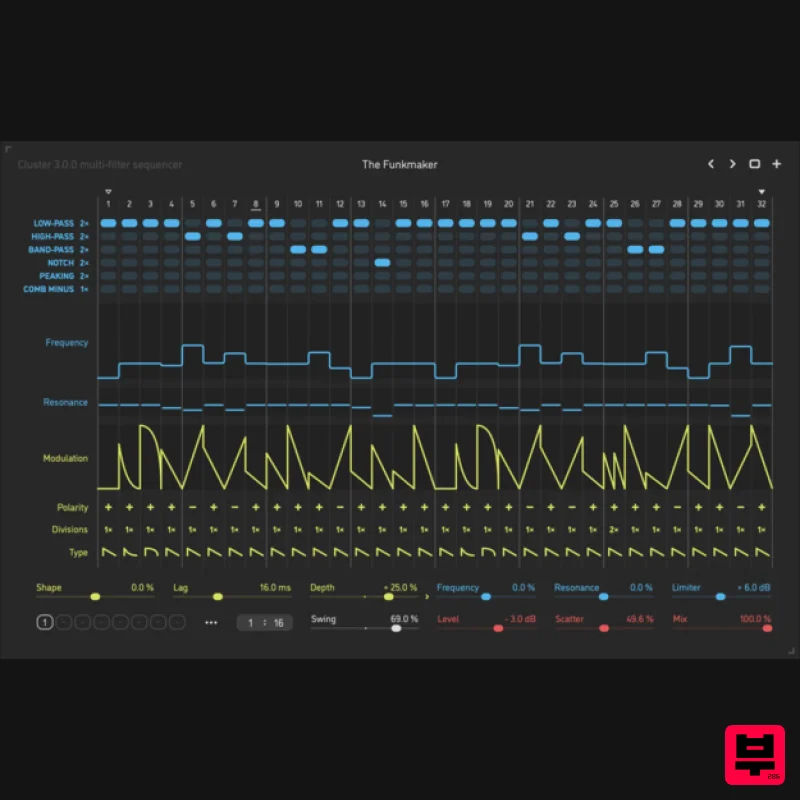
Sinevibes Cluster v3
Sequencer
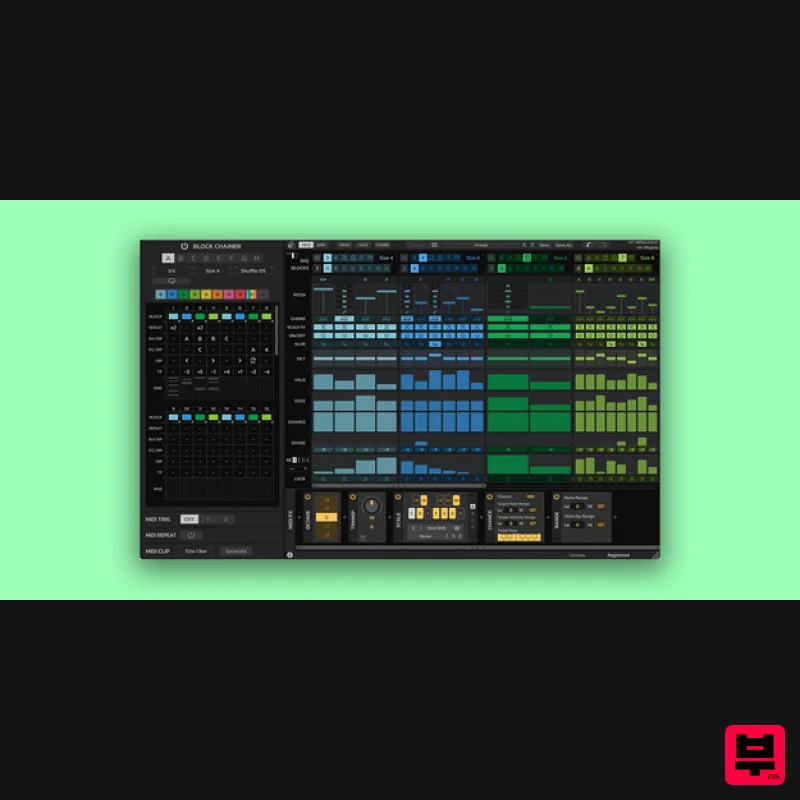
HY-Plugins HY-MPS3
Sequencer
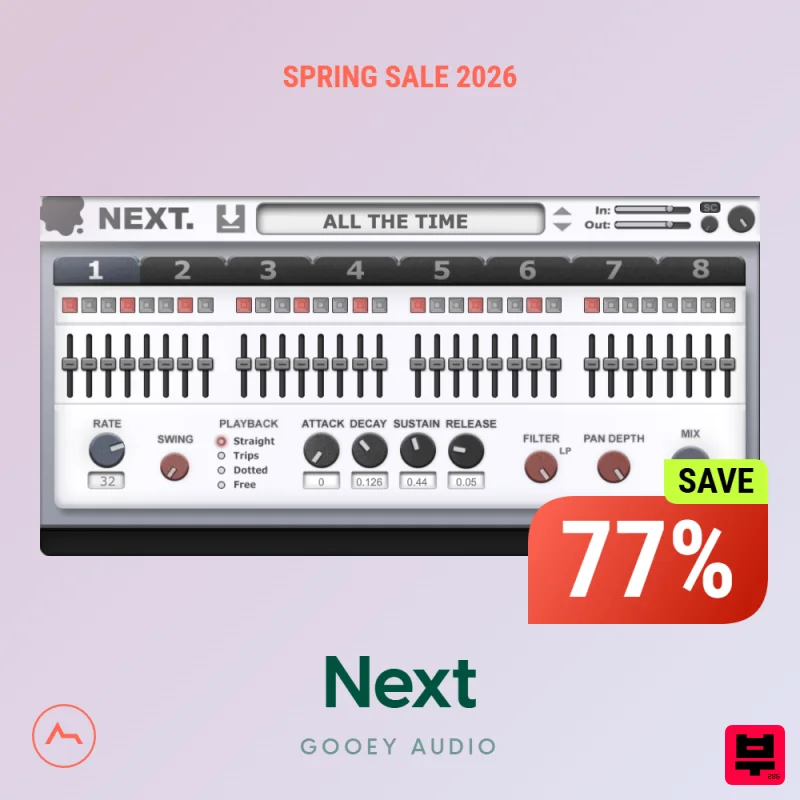
Gooey Audio Next
Sequencer
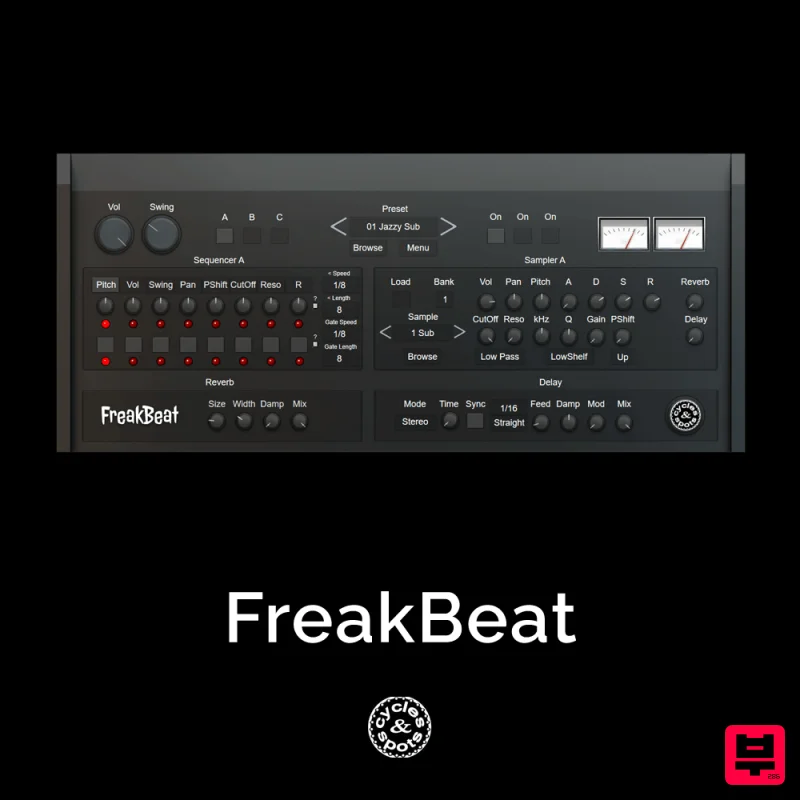
Cycles & Spots FreakBeat
Sequencer
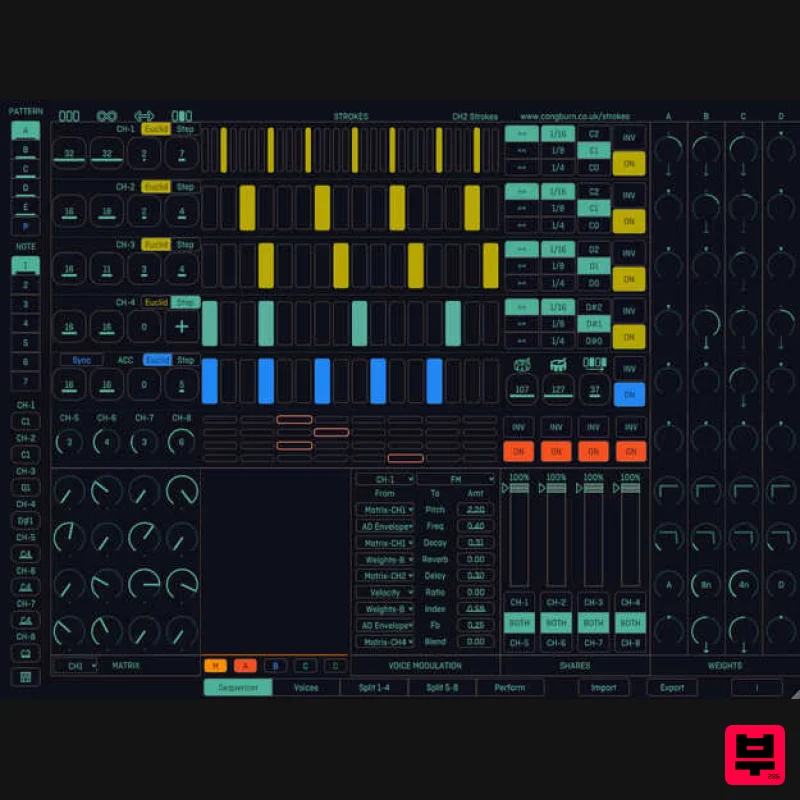
Cong Burn Strokes
Sequencer

