
Native Instruments Studio Drummer
Professional music gear - detailed information and where to buy
Native Instruments
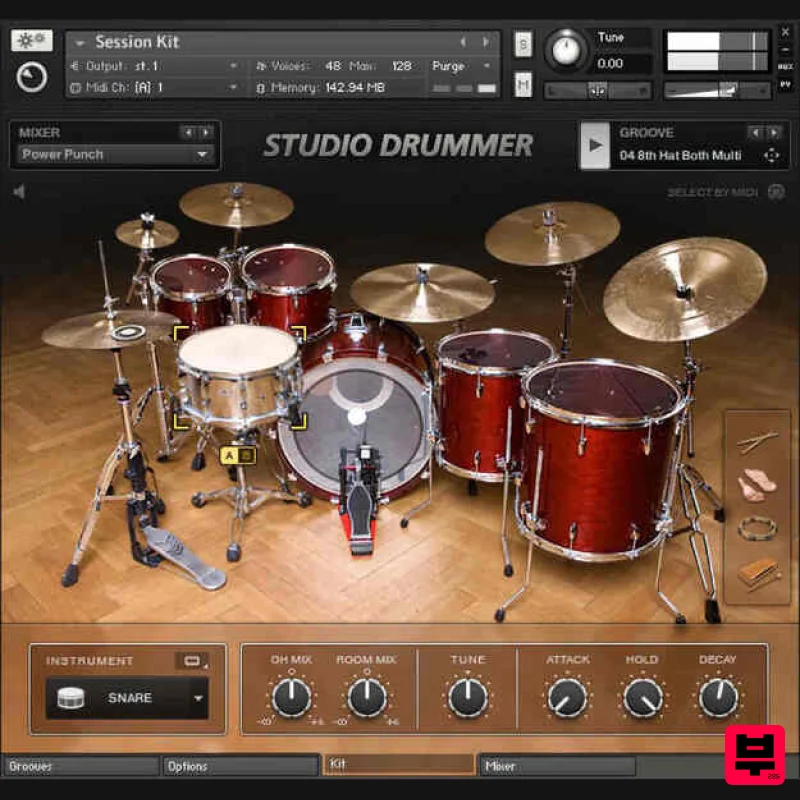
Studio Drummer
Product Info
* Prices may vary. Check retailer for current pricing and availability.
Product Description
- STUDIO DRUMMER is the perfect realization of a drummer in software
- with everything you need to create realistic acoustic drum tracks — top-of-the-line drum kits
- detailed mixing options
- and a ready-to-go groove library
- packed with authentic beats of all colors and flavors. It's much more than state-of-the-art sampled drums. Thanks to more than 3
- 300 authentic grooves
- STUDIO DRUMMER makes it easy for anyone to produce lifelike
- dynamic drum tracks. And the on-board mixer and powerful effects deliver enough usability
- versatility and tweakability to meet the demands of eclectic modern producers. System Requirements FREE Kontakt 7 Player or Kontakt 7 or higher is required to use this instrument Note: Massive is used as an example. Windows 1. Download the .zip installer file from your Plugin Boutique User Account. 2. Double-click the extracted .exe file to begin the installation process > click ‘Run’. 3. Read the welcome message > click 'Next'. 4. Click 'Next' to begin the installation. 5. Native Access has now been installed > Click 'Finish'. 6. Open Native Access > Create a new Native ID if you do not have one already. If you do
- skip ahead to step 8. 7. You will then receive an email with a confirmation link > Open the email and click 'CONFIRM EMAIL'. 8. Log in to Native Access with your Native ID. 9. Click 'Add a serial'. 10. Enter your Serial Number found in your Plugin Boutique User Account > Click 'ADD SERIAL'. 11. Once your serial has been registered
- click 'VIEW PRODUCTS NOT INSTALLED'. 12. Click the 'Not installed' tab > Locate Massive > Click 'INSTALL'. Your software is now activated and ready for use within your DAW. Mac 1. Download the .dmg installer file from your Plugin Boutique User Account. 2. Double-click the .dmg file to install Native Access. 3. Open Native Acces > Create a new Native ID if you do not have one already. If you do
- skip ahead to step 5. 4. You will then receive an email with a confirmation link > Open the email and click 'CONFIRM EMAIL'. 5. Log in to Native Access with your Native ID. 6. Click 'Add a serial' 7. Enter your Serial Number found in your Plugin Boutique User Account > Click 'ADD SERIAL'. 8. Click the 'Not installed' tab > Locate Massive > Click 'INSTALL'. Your software is now activated and ready for use within your DAW.
Additional Information
About the Native Instruments Studio Drummer
The Native Instruments Studio Drummer represents excellent craftsmanship in the Drum Machine category.
Why Choose the Native Instruments Studio Drummer?
- •Authentic Native Instruments craftsmanship and design
- •Versatile sound suitable for multiple musical genres
- •Professional build quality and reliable performance
- •Part of Native Instruments's respected Drum Machine lineup
Compare & Explore
Browse our complete selection of Native Instruments instruments or explore other Drum Machine options. Use our comparison tools to find the perfect match for your musical style and budget.
Similar Products
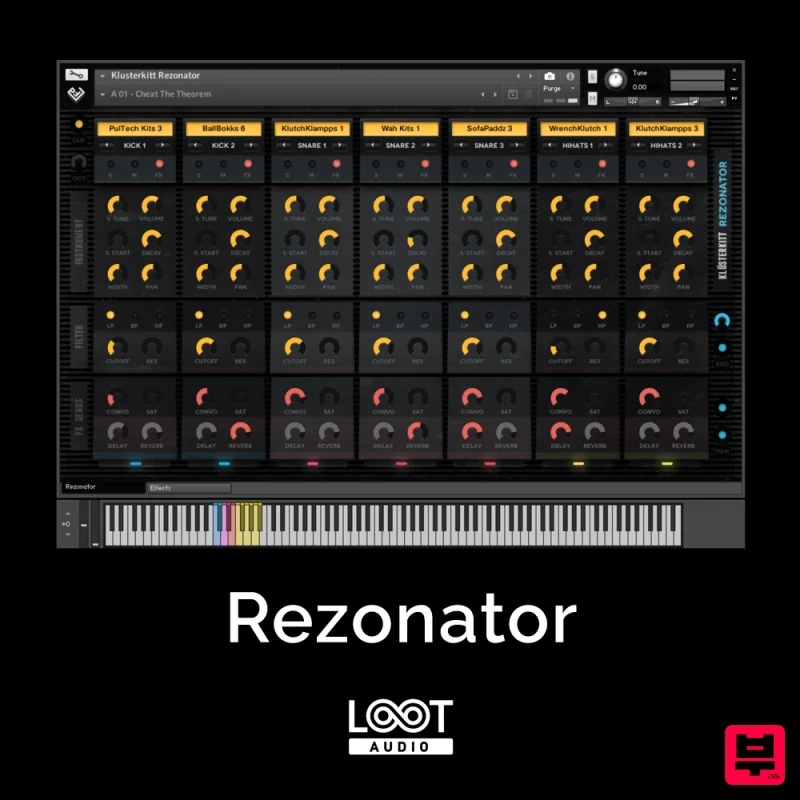
Loot Audio Rezonator
Drum Machine
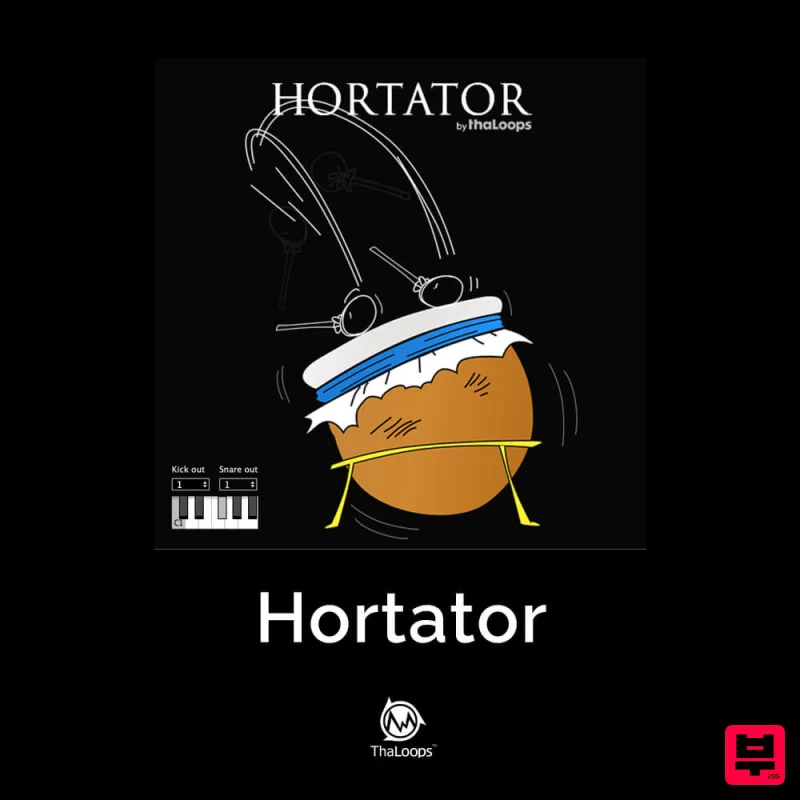
ThaLoops Hortator
Drum Machine
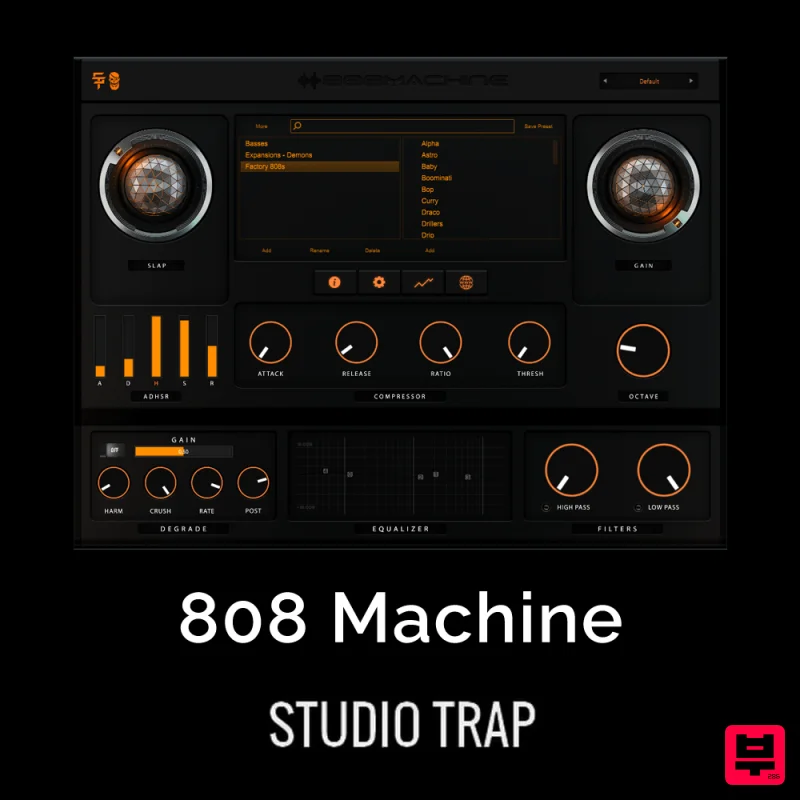
Studio Trap 808 Machine
Drum Machine
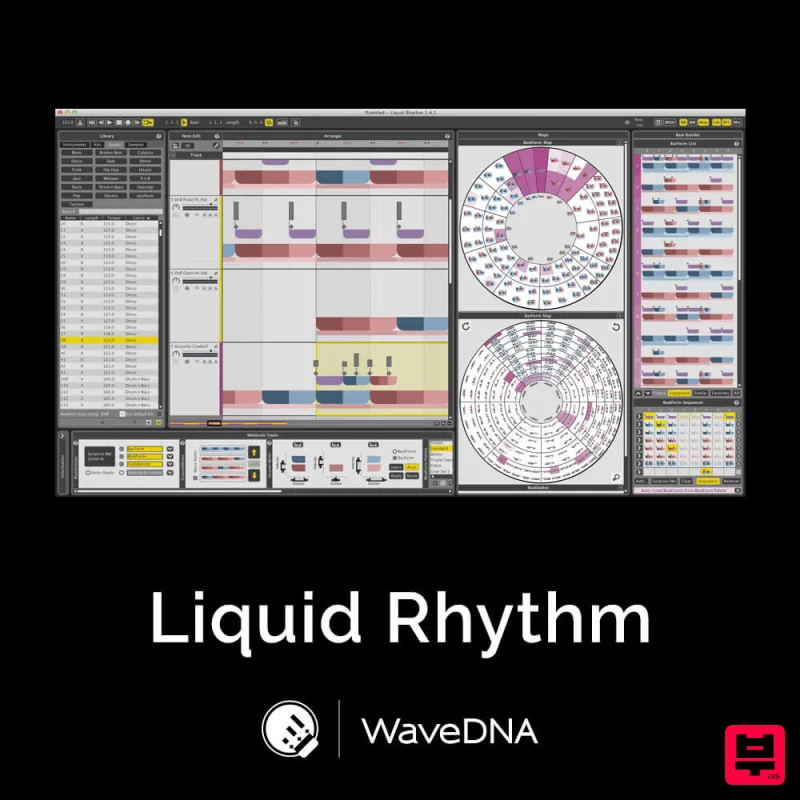
WaveDNA Liquid Rhythm
Drum Machine
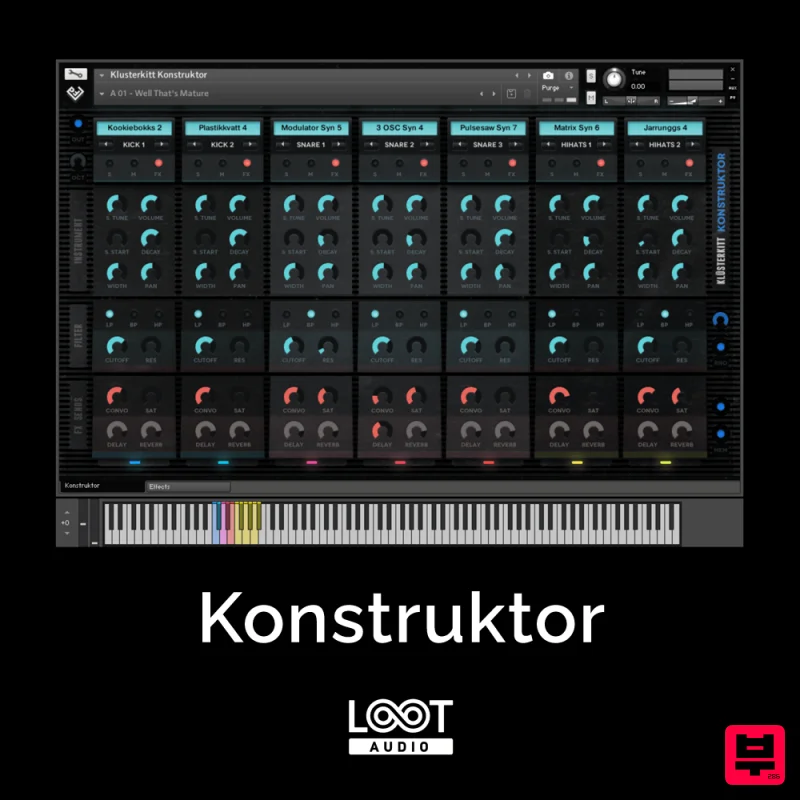
Loot Audio Konstruktor
Drum Machine
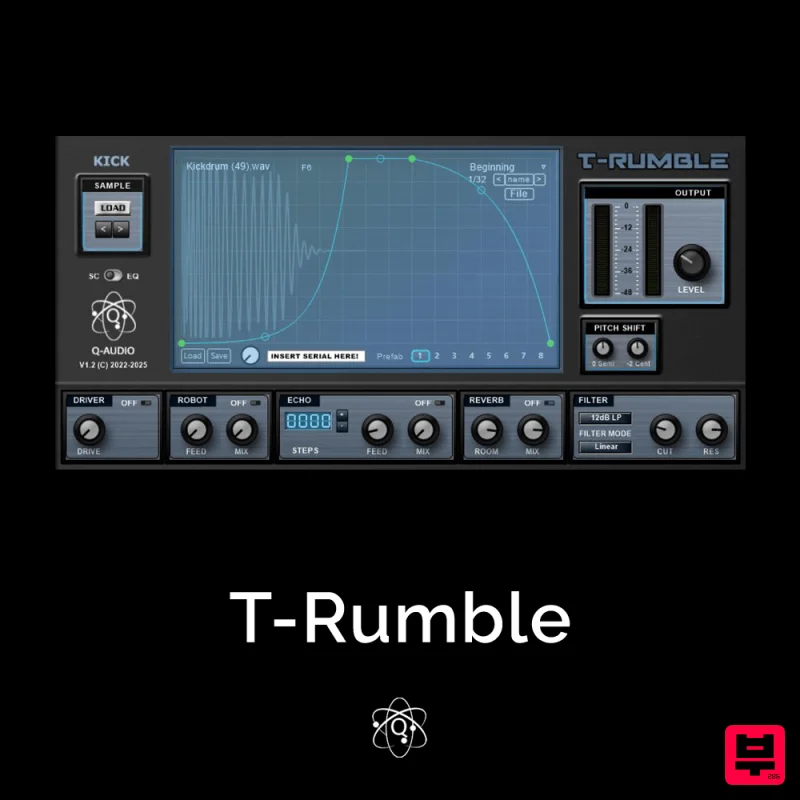
Q-Audio T-Rumble
Drum Machine
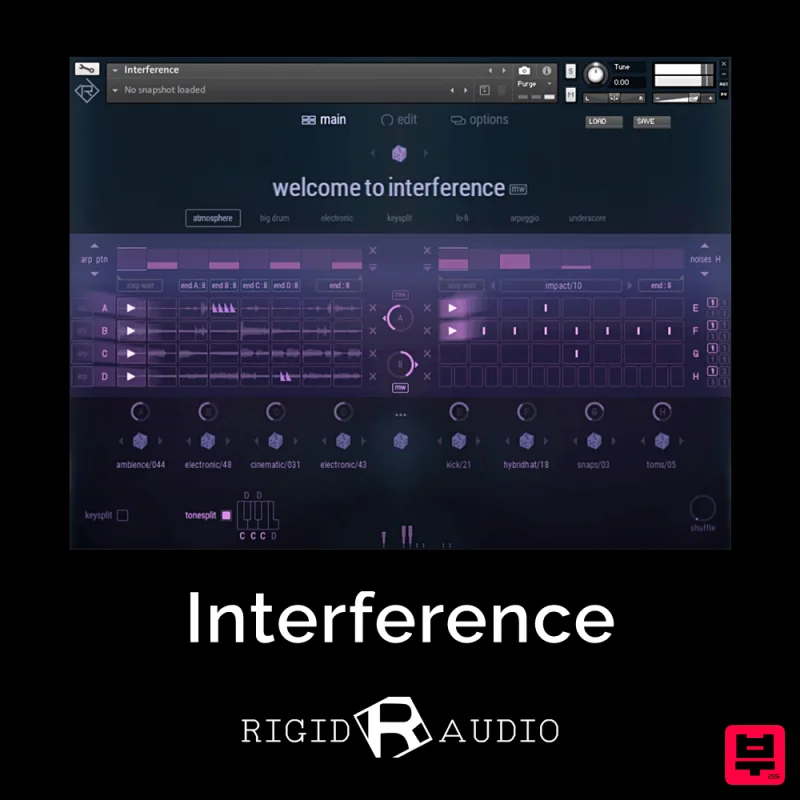
Rigid Audio Interference
Drum Machine
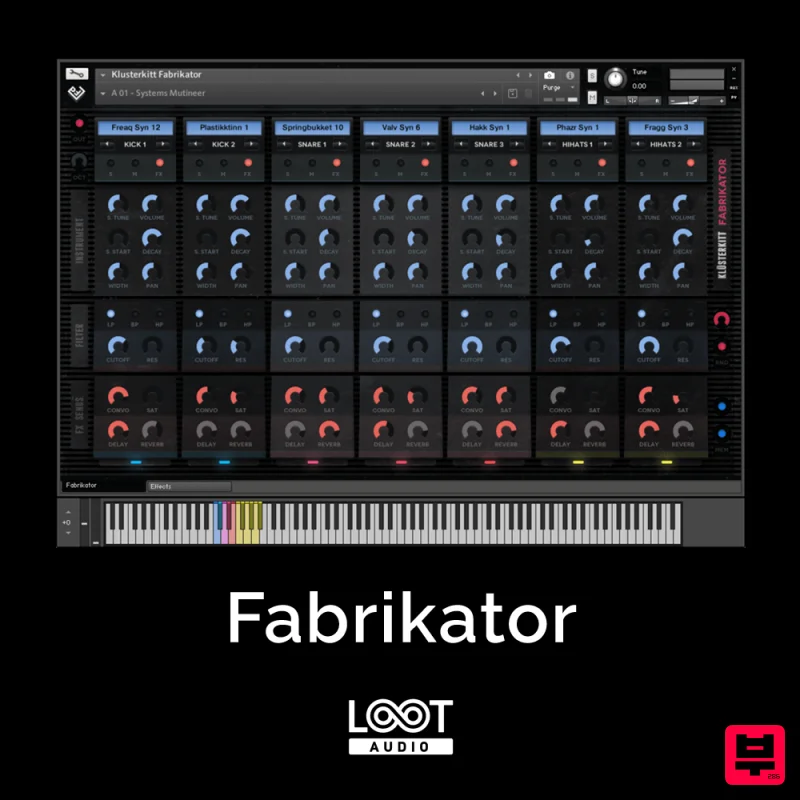
Loot Audio Fabrikator
Drum Machine

