
Native Instruments Maschine 3 Update
Professional music gear - detailed information and where to buy
Native Instruments
Maschine 3 Update
Product Info
* Prices may vary. Check retailer for current pricing and availability.
Product Description
- IMPORTANT NOTE: This is an update product for owners of Maschine 1-2. The full version of Maschine 3 Bundle is also avaialble. This is the software-only version for updaters and comes without the new Maschine Central library and additional software package. Maschine is all about getting your musical ideas flowing. It’s a hybrid music production platform that merges beat-making and sampling with DAW features and it’s ideal for everything from quick sketches to full-track production. Maschine 3 is the latest generation of Maschine software. It introduces hotly-requested features like stem separation
- MIDI editing
- per-scene tempo adjustments
- and much more. Use it as a standalone production tool or pair it with Maschine hardware to get hands on. High-quality Stem Separation The same algorithmic power found in iZotope's Ozone
- and NI's Traktor Pro 4 has now arrived in Maschine. Stem separation lets you split any track into vocal
- bass
- drums
- and other instruments. Reimagine any audio and explore a world of new sampling possibilities. Premium Sounds Beyond Maschine Central
- Maschine 3 opens up even more creative opportunities when combined with other parts of the NI ecosystem. Use the new features alongside thousands of premium virtual instruments from NI and our partner developers
- with a deep level of hardware integration thanks to NKS technology. Plus
- Expansions offer incredible quality sound packs for a huge range of different genres. Features An ultra-fast
- tag-based browser makes sorting instruments and sounds easy Gather ideas
- plan performance
- mix things up
- and experiment in the Ideas view A clip-based pattern sequencer for editing patterns
- nudging notes
- changing velocity
- recording modulation
- and more Record ideas into the Sampler Editor with various dynamic recording modes Chop and shape sound with Maschine Sampler A powerful mixer lets you adjust group and sound channel levels with one knob [NEW] Stem separation for splitting any audio file into vocals
- bass
- drums
- and other instruments powered by iZotope’s legendary RX technology [NEW] A suite of MIDI editing tools including split
- join
- erase
- mute
- MIDI notes
- keyboard shortcuts
- computer keyboard
- audible MIDI note previews
- and more [NEW] Bounce In Place lets you render sounds
- patterns
- and ideas as audio
- saving CPU power and opening up new creative possibilities [NEW] Set custom tempos per-scene for deep control over track flow and live performance [NEW] Support for compressed file formats – users can now import MP3
- FLAC
- and OGG files [NEW] Basic integration with Kontrol S-Series MK3 including transport controls and on-keyboard display of Maschine modules and NKS map 24 mix effects and 8 performance effects for spontaneous
- tactile control in recording or live performance Six monophonic drum plugins with 29 sound engines for any percussive sound you need including 9 kicks
- 9 snares
- 3 hi hats
- 3 toms
- 3 percussion
- 2 cymbals System Requirements Mac macOS 13
- 15 (latest update) Apple Silicon (native mode or using Rosetta 2)
- 4 GB RAM (8 GB recommended) 9 GB free disk space for Maschine software. USB 2.0 compatible Port for using compatible Maschine and Kontrol Hardware. An Internet connection is required to download and activate Maschine software. Once installed and activated
- all products can be used offline. Graphics hardware support for Direct 3D 11.1 (Feature Level 11_0) or higher on Windows-based systems. Supported Interfaces: Stand-alone
- VST3
- Audio Units (64-bit)
- AAX 64
- ASIO
- CoreAudio
- and WASAPI. PC Windows 10 (64-bit
- latest Service Pack) or Windows 11 (latest Service Pack) Intel Core i5 or equivalent X86 CPU 9 GB free disk space for Maschine software. USB 2.0 compatible Port for using compatible Maschine and Kontrol Hardware. An Internet connection is required to download and activate Maschine software. Once installed and activated
- all products can be used offline. Graphics hardware support for Direct 3D 11.1 (Feature Level 11_0) or higher on Windows-based systems. Supported Interfaces: Stand-alone
- VST3
- Audio Units (64-bit)
- AAX 64
- ASIO
- CoreAudio
- and WASAPI. Compatibility Maschine 3 functions without hardware but also works with the following controllers: Maschine Mikro MK3
- Maschine MK3
- Maschine Studio
- and Maschine+ in controller mode Maschine Jam is supported by Maschine 3 but without an update to the browser interface Compatibility for Maschine 3 with Maschine+ in standalone mode will be added ASAP. Currently projects created on Maschine+
- in Maschine 2 format
- will open in Maschine 3 but not vice versa. Note: Massive is used as an example. Windows 1. Download the .zip installer file from your Plugin Boutique User Account. 2. Double-click the extracted .exe file to begin the installation process > click ‘Run’. 3. Read the welcome message > click 'Next'. 4. Click 'Next' to begin the installation. 5. Native Access has now been installed > Click 'Finish'. 6. Open Native Access > Create a new Native ID if you do not have one already. If you do
- skip ahead to step 8. 7. You will then receive an email with a confirmation link > Open the email and click 'CONFIRM EMAIL'. 8. Log in to Native Access with your Native ID. 9. Click 'Add a serial'. 10. Enter your Serial Number found in your Plugin Boutique User Account > Click 'ADD SERIAL'. 11. Once your serial has been registered
- click 'VIEW PRODUCTS NOT INSTALLED'. 12. Click the 'Not installed' tab > Locate Massive > Click 'INSTALL'. Your software is now activated and ready for use within your DAW. Mac 1. Download the .dmg installer file from your Plugin Boutique User Account. 2. Double-click the .dmg file to install Native Access. 3. Open Native Acces > Create a new Native ID if you do not have one already. If you do
- skip ahead to step 5. 4. You will then receive an email with a confirmation link > Open the email and click 'CONFIRM EMAIL'. 5. Log in to Native Access with your Native ID. 6. Click 'Add a serial' 7. Enter your Serial Number found in your Plugin Boutique User Account > Click 'ADD SERIAL'. 8. Click the 'Not installed' tab > Locate Massive > Click 'INSTALL'. Your software is now activated and ready for use within your DAW.
Additional Information
About the Native Instruments Maschine 3 Update
The Native Instruments Maschine 3 Update combines traditional design with modern performance for DAW enthusiasts.
Why Choose the Native Instruments Maschine 3 Update?
- •Authentic Native Instruments craftsmanship and design
- •Versatile sound suitable for multiple musical genres
- •Professional build quality and reliable performance
- •Part of Native Instruments's respected DAW lineup
Compare & Explore
Browse our complete selection of Native Instruments instruments or explore other DAW options. Use our comparison tools to find the perfect match for your musical style and budget.
Similar Products
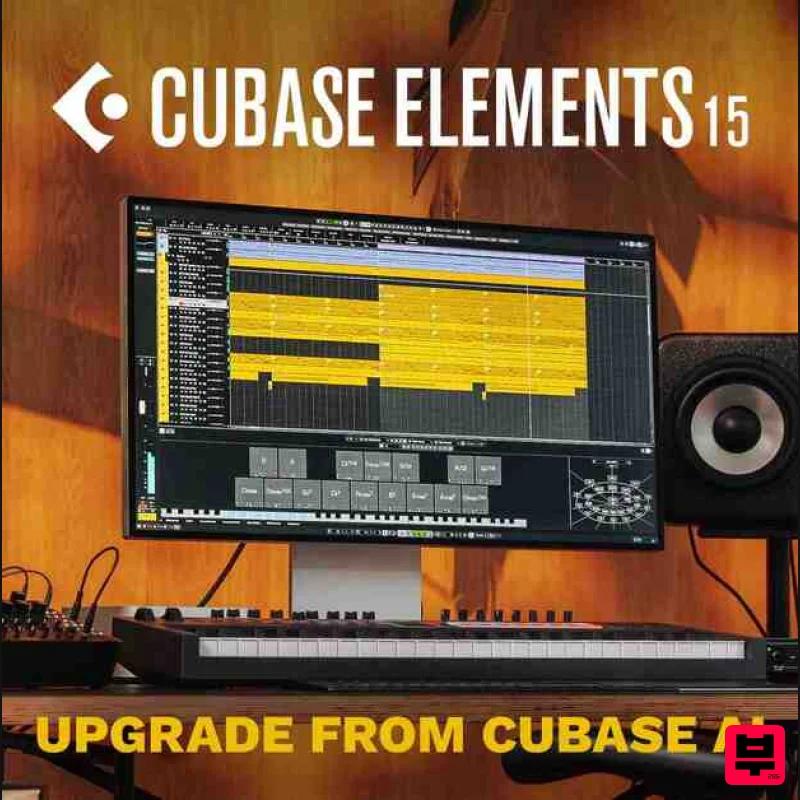
Steinberg Cubase Elements 15 Educational
DAW
$49
Important Note: This is an educational version and requires proof of educational status after purchase, the standard...
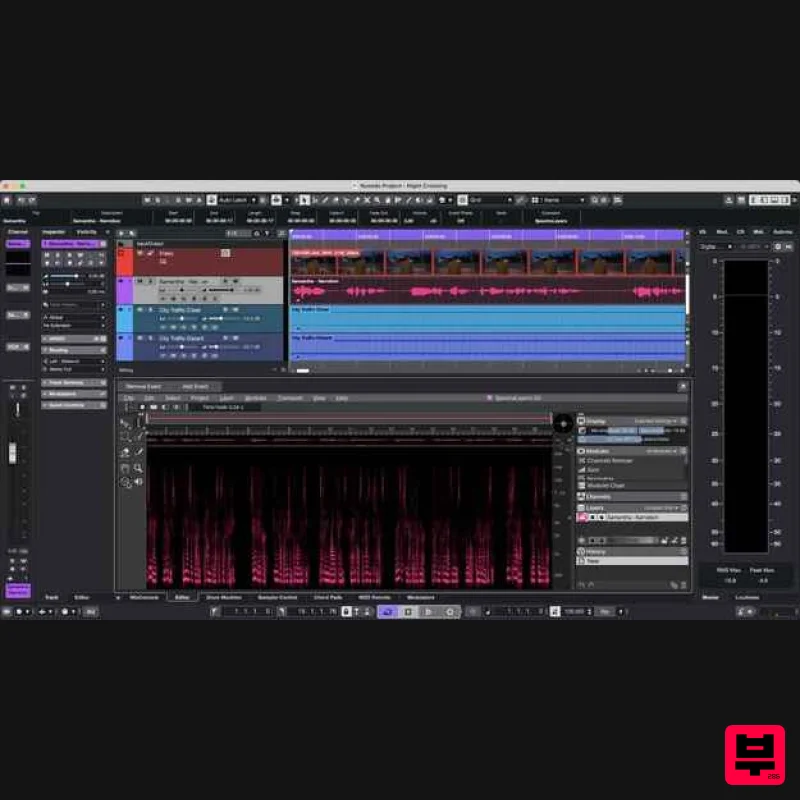
Steinberg Nuendo 15 Educational Edition
DAW
$522
Important Note: This is an educational version and requires proof of educational status after purchase, the standard...
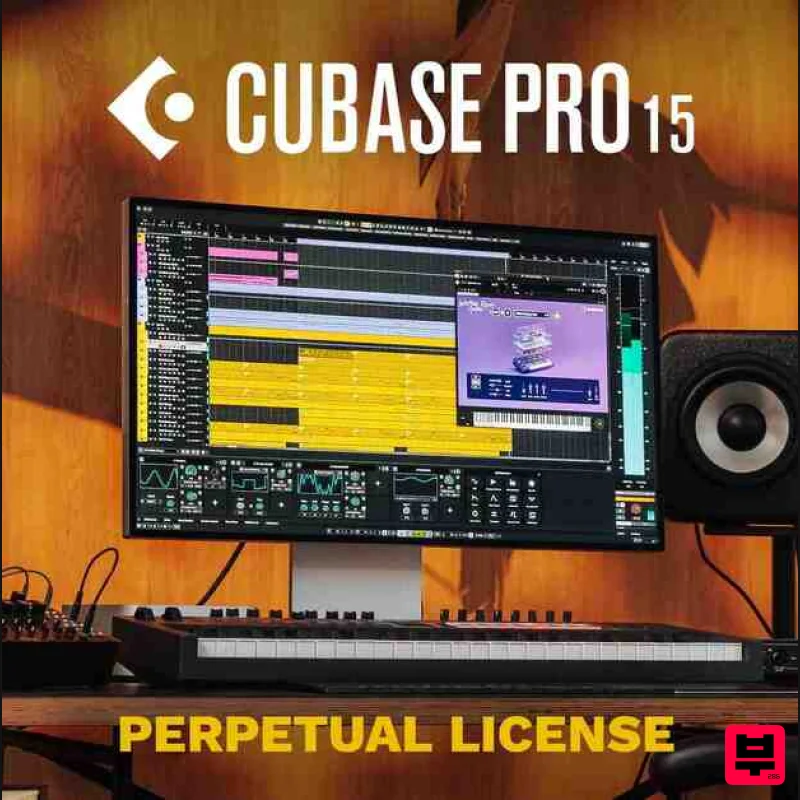
Steinberg Cubase Pro 15 Educational
DAW
$263
Important Note: This is an educational version and requires proof of educational status after purchase, the standard...
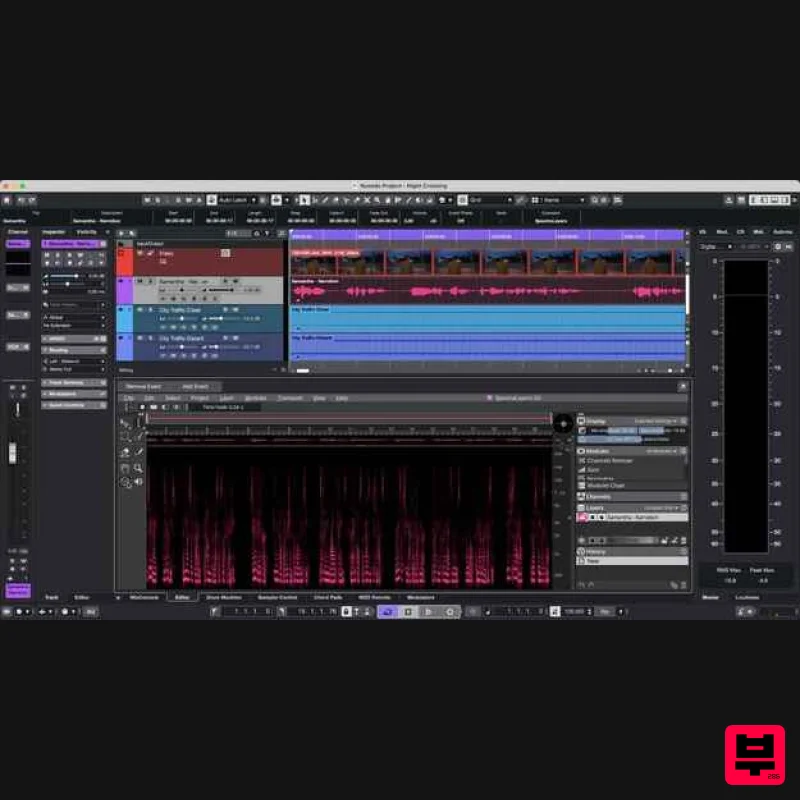
Steinberg Nuendo 15
DAW
$1,045
The new evolution in audio post-production Nuendo 15 represents the next evolution in audio post-production, offering...
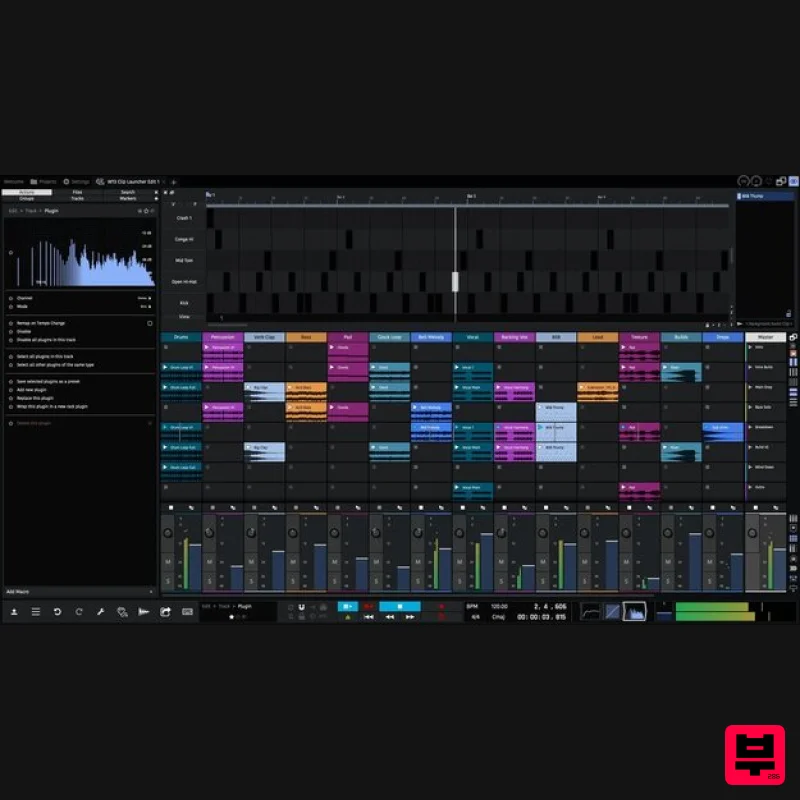
Tracktion Waveform Pro 13
DAW
$187
The most creative, inspirational and affordable digital audio workstation ever created; Waveform is laser focused on...
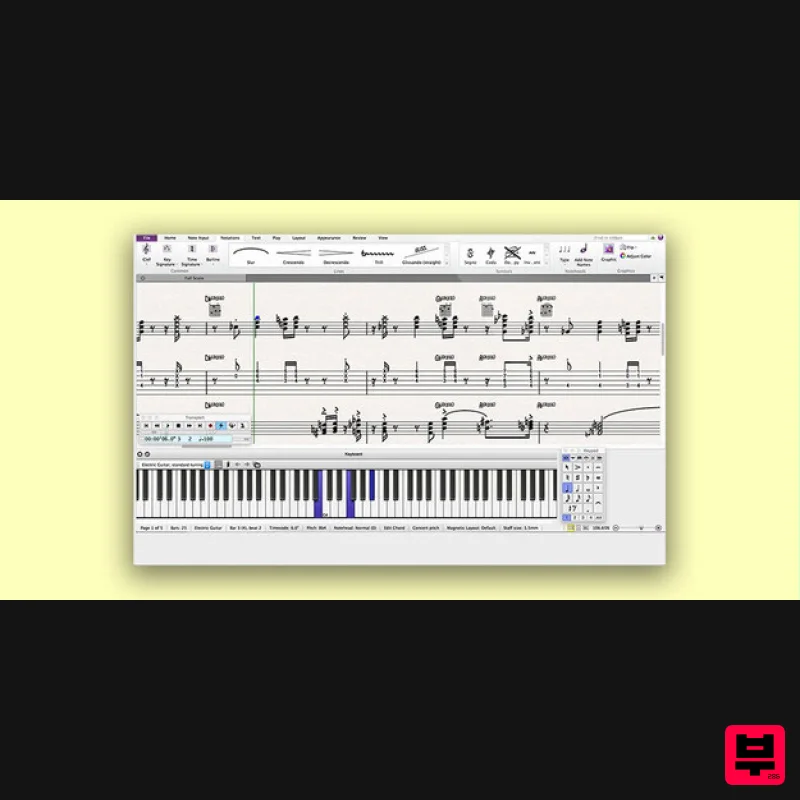
Avid Sibelius Ultimate 1 Year Subscription Educational Version
DAW
$149
Important Note: This is an educationally discounted version of Sibelius Ultimate 1 Year Subscription and is available...
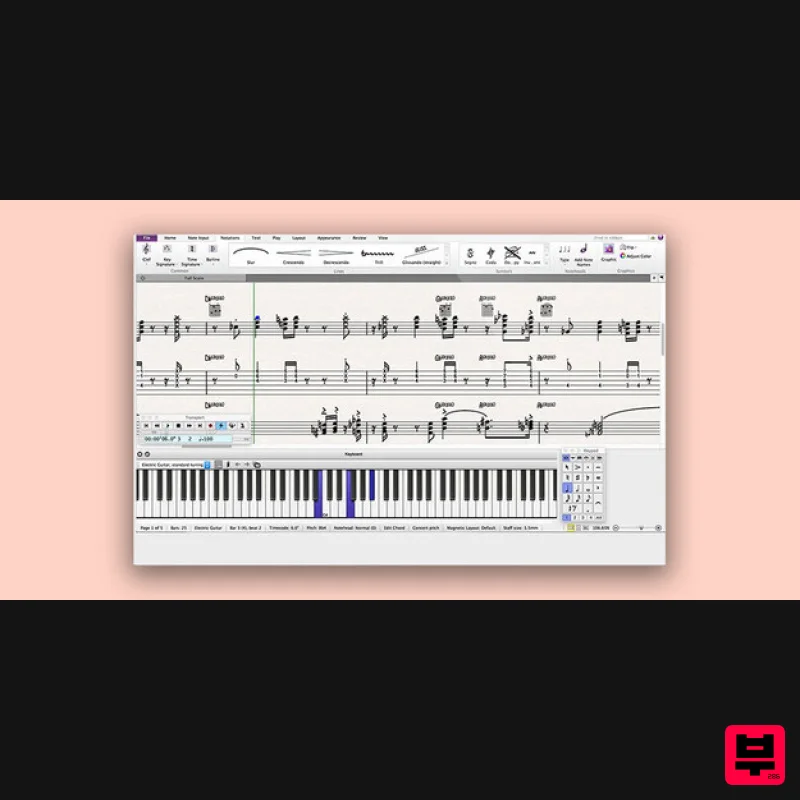
Avid Sibelius Artist 1 Year Subscription
DAW
$119
Please Note: All of the differences between versions of Sibelius can be found in detail HERE. Empowering Creative...
Frequently Asked Questions
The Native Instruments Maschine 3 Update stands out for its exceptional Native Instruments craftsmanship and innovative design.
Yes! With its affordable price point and quality construction, it's perfect for learning daw.
Browse the similar products section to see how it stacks up against other daw.

