
MOK Filtryg
Professional music gear - detailed information and where to buy
Product Description
- Dual Filter Performance Effect Make The Cut Filtryg is a professional dual filter effect
- ready to create new dimensions of rhythmic and timbral expressiveness in your mix. The integrated Envelope Follower
- audio range LFOs
- and MIDI Keyboard Tracking
- all react seamlessly to both your playing and your source audio
- making for an inspired filter effect that fully integrates with your performance. Pure Filter Filtryg features three time-honored filter types: A 12dB State Variable Filter running in series or parallel
- a 24dB Ladder
- and multiple modes of Biquad Filter
- each providing their own distinct personality and character. The State Variable Filter is continuously morph-able from Lowpass to Highpass with Bandpass or Notch in-between
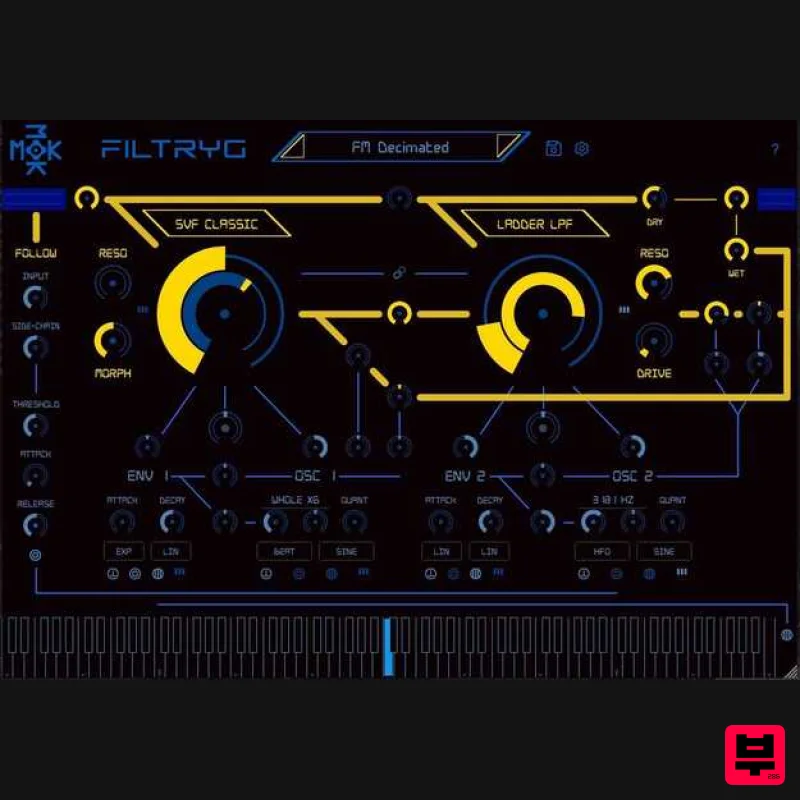
- while the Ladder and Biquad feed a Drive control for extra punch and crunch. Reanimate Your Sound Filtryg's visually striking interface offers a knob-based control surface
- familiar to synthesists and producers alike. The audio path
- modulation routes
- and their respective controls are all plainly visible and understandable from the front panel
- enabling intuitive and speedy effect programming. Use the wide range LFOs
- Envelope Follower
- and even MIDI Keyboard Tracking to create wild modulations
- or simply automate any FILTRYG parameter directly from your plugin host. Customize Your Vibe MOX wants everyone to feel at home using Filtryg. Translate the UI into one of 34 languages
- including Klingon
- Old Norse and Sanskrit. Choose between 13 themes
- from striking high-contrast colors to subdued hues that are easy on the eyes and accessible for users with color blindness. Features Dual filter configuration in Series
- Parallel
- or Mixed combination 12 dB State Variable Filter
- 24 dB Ladder Filter
- and multimode Biquad Filter Morph and Drive knobs for dynamic filter variation Audio rate Filter FM enables unusual harmonic generation Keytrack modulation for controlling the effect via keyboard performance True Envelope Follower for creating sidechain pumping effects Tempo synchronized LFOs and threshold triggered Envelope modulations System Requirements Mac VST
- VST3
- AAX macOS 10.9 or Later 64-bit Intel or Apple Processor 2GB RAM (4GB Recommended) PC VST
- VST3
- AAX Windows 7
- 10 32-bit and 64-bit Intel Core 2 Duo 2GHz Processor 2GB RAM (4GB Recommended) Note: Filtryg is used as an example. Registration 1. Click the Download button in your Plugin Boutique account or go to https://mok.com/. 2. Click 'Create Account' (if you already have a MOK account
- enter your details
- log in and skip to step 4). 3. Enter your details > Click 'Create Account' 4. Once you are logged in
- navigate to the 'Redeem Code' page or access it at https: //mok.com/redeem.php > Enter the license key from your Plugin Boutique account. 5. Filtryg is now associated with your MOK account. 6. Go to "My Software Products" within your MOK User Account or find it here - https://mok.com/account.php > Click 'Filtryg'. 7. Select your Operating System > Click on the file to download. Mac Installation 1. Download the installer from within your Plugin Boutique User Account and double-click the .zip file to extract the contents > Open the .pkg file to begin the installation process. 2. Click 'Continue'. 3. Click 'Continue'. 4. Click 'Agree'. 5. Click 'Install'. 6. Click 'Close'. Activation 1. Open your DAW and open the plugin > Click 'Not Activated'. 2. Click 'Activate'. 3. Enter your MOK account details > Click 'Activate'. 4. Filtryg has now been authorised > Click 'OK'. Your software is now authorised and ready for use! Windows Installation 1. Download the .zip folder from your Plugin Boutique account > Double-click it to extract the .exe installer file. 2. Double-click the installer file to start the installation process > Read the License Agreement > Select 'I accept the agreement' > Click 'Next'. 3. Confirm the install location > Click 'Next'. 4. Confirm the 32-bit & 64-bit install locations > Click 'Next'. 5. Select which plugin formats you would like to install > Click 'Next'. If you're unsure
- please leave all boxes ticked
- or check out our Help Centre article for more information - Plugin Formats Explained (VST
- etc) 6. Click 'Install'. 7. Flitryg is now installed on your system > Click 'Finish'. Activation 1. Open your DAW and open the plugin > Click 'Not Activated'. 2. Click 'Activate'. 3. Enter your MOK account details > Click 'Activate'. 4. Filtryg has now been authorised > Click 'OK'. Your software is now authorised and ready for use!
Additional Information
About the MOK Filtryg
Discover the distinctive sound and feel of the MOK Filtryg, a standout choice among Filter.
Why Choose the MOK Filtryg?
- •Authentic MOK craftsmanship and design
- •Versatile sound suitable for multiple musical genres
- •Professional build quality and reliable performance
- •Part of MOK's respected Filter lineup
Compare & Explore
Browse our complete selection of MOK instruments or explore other Filter options. Use our comparison tools to find the perfect match for your musical style and budget.
Similar Products
Moonwave Aperture
Filter
$30
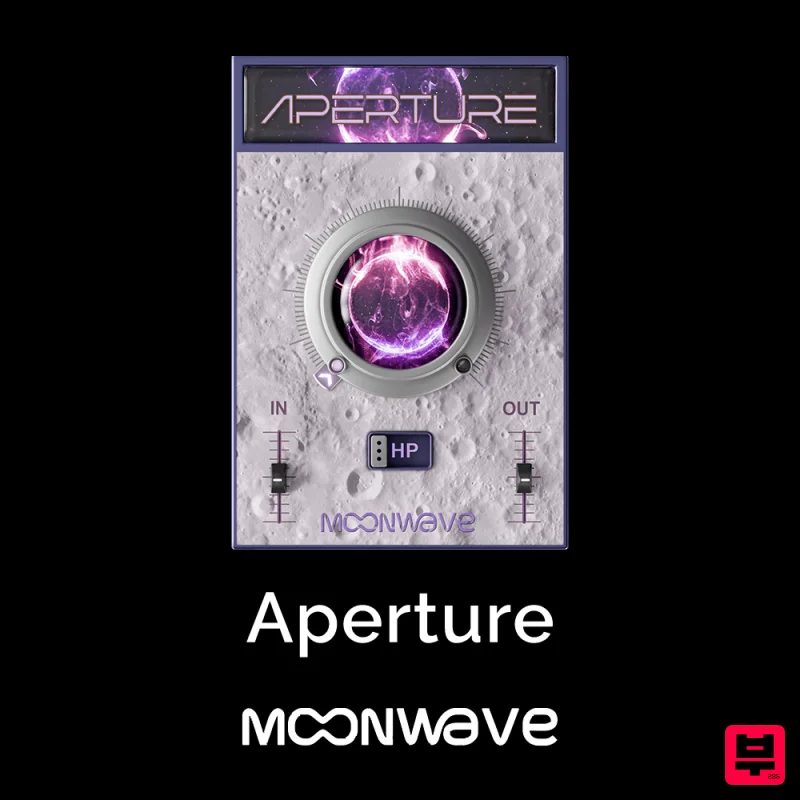
Shape The Horizon Of Sound Unlock the gateway to precision filtering with Aperture, a powerful tool designed to give...
Plugin Boutique FilterMod
Filter
$51
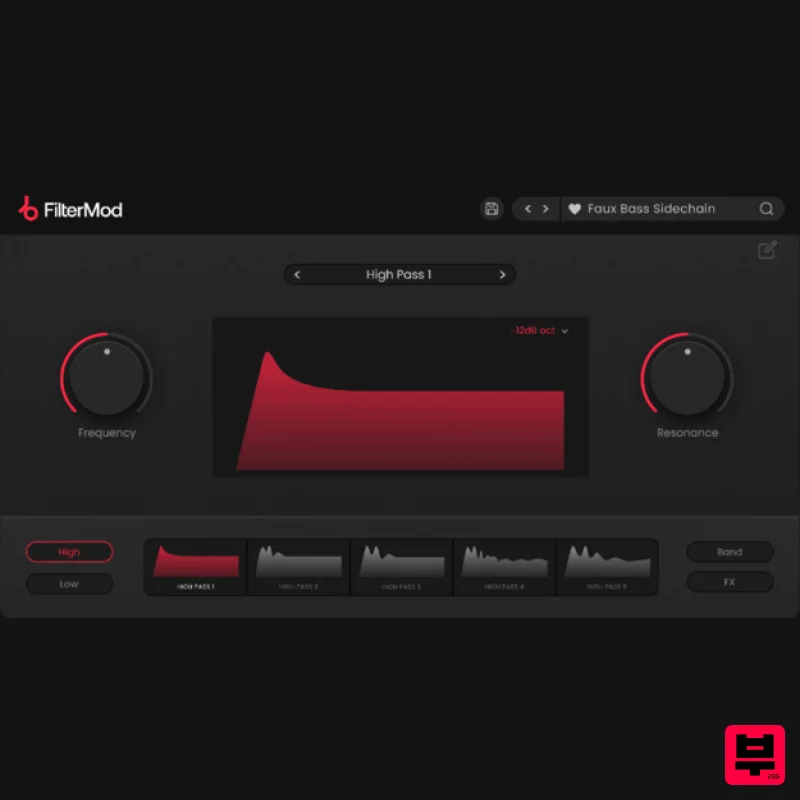
Animate your Filtering Whether it's drums, bass, synths, pads or vocals, filtering is a key element of the production...
FabFilter Simplon
Filter
$30
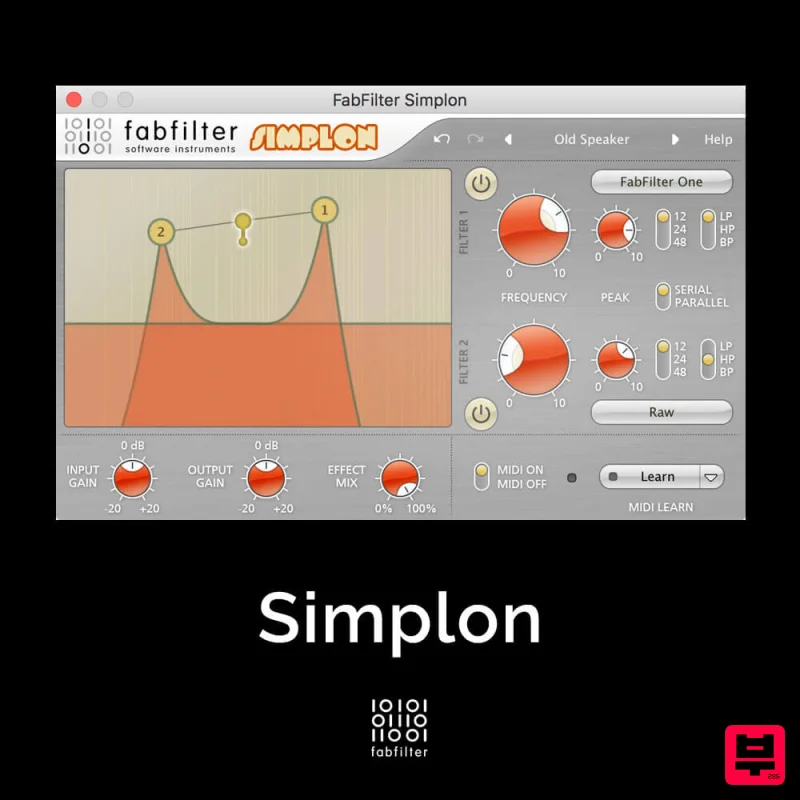
Unique Filters, Easy Display FabFilter Simplon is a simplified version of FabFilter Volcano 2 with two independent...
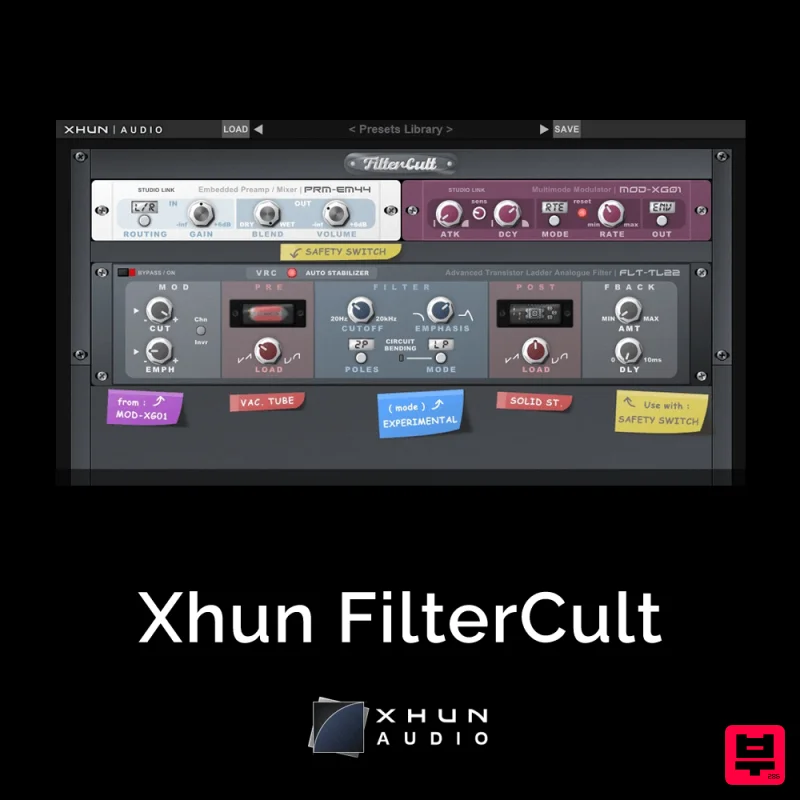
XHUN Audio Xhun FilterCult
Filter
$30
FilterCult is an accurate simulation of the infamous and iconic transistor ladder analogue filter, meticulously...
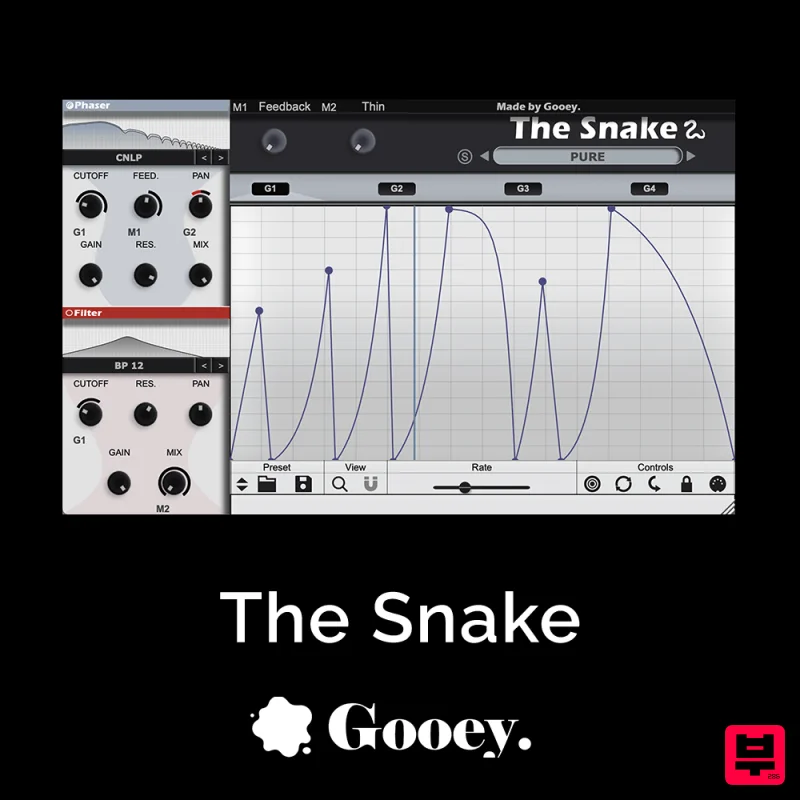
Gooey Audio The Snake
Filter
$30
The Snake has a venomous bite with colorful comb filters, phasers, and more. With The Snake you can widen the stereo...

NoiseAsh Action Filter
Filter
$30
ANALOG FILTER ADDICTION With tons of classic filter models, unique advanced modulation options and convincing analog...
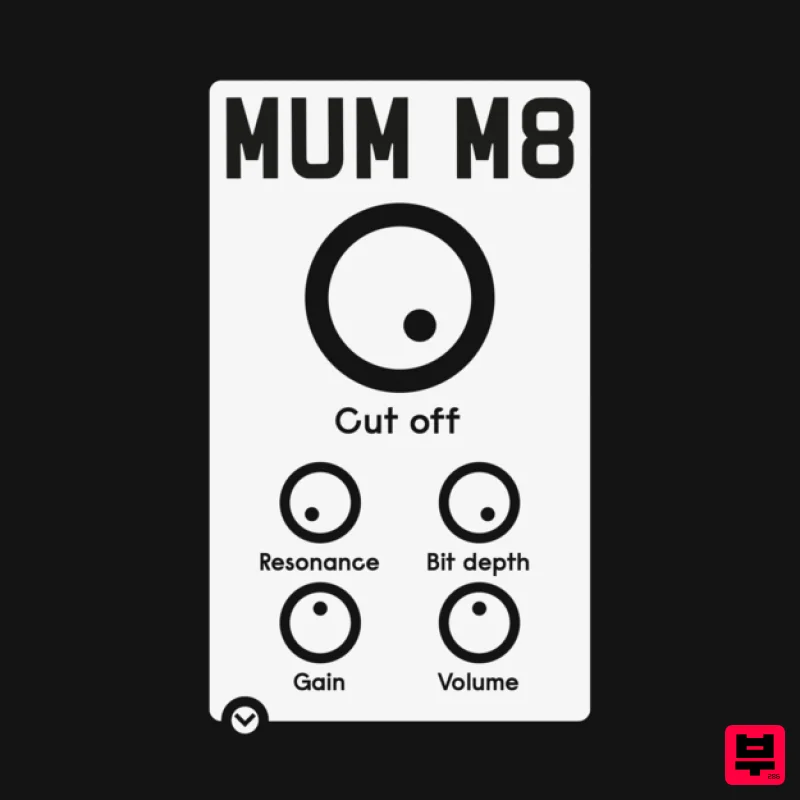
ALM / Busy Circuits MUM M8 DSP
Filter
$10
‘MUM M8 DSP’ is a low pass filter plug-in emulating the filter used in the classic Akai S950 12 bit sampler with...

Red Sounds Modern Vox Engine
Filter
$30
Please welcome a collaboration. Red Sounds x Channel Robot. Over a year in development. We recorded vocal samples for 5...
Frequently Asked Questions
The MOK Filtryg stands out for its exceptional MOK craftsmanship and innovative design.
Yes! With its affordable price point and quality construction, it's perfect for learning filter.
Browse the similar products section to see how it stacks up against other filter.

