
Minimal Audio Rift 2.0
Professional music gear - detailed information and where to buy
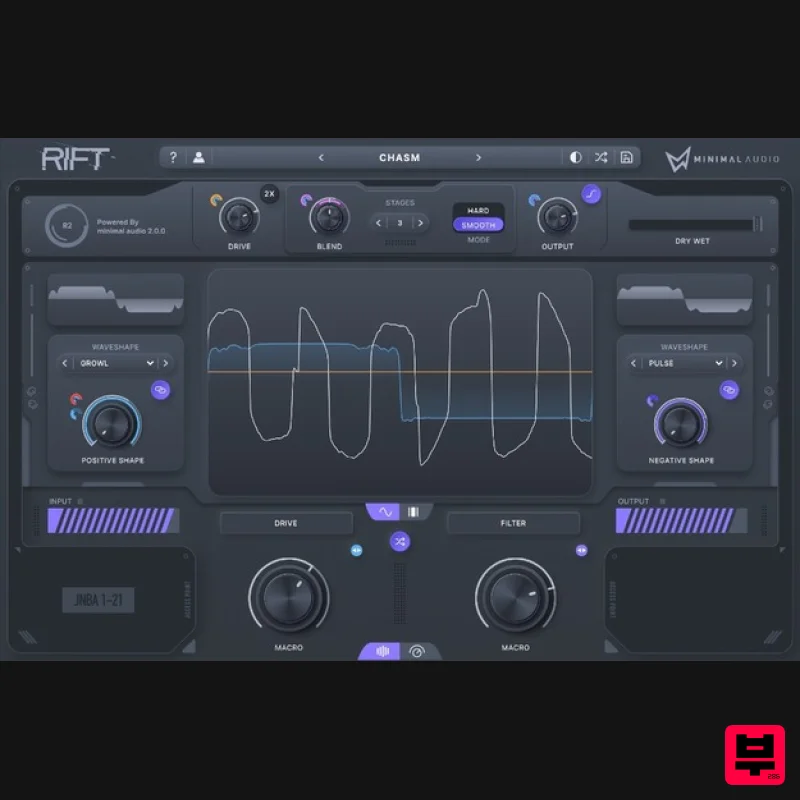
Minimal Audio
Rift 2.0
Product Info
* Prices may vary. Check retailer for current pricing and availability.
Product Description
- Cutting-Edge Hybrid Distortion Minimal Audio has packed even more into their flagship product. Introducing an all-new experience with dark mode and multiband features. A New Type Of Distortion Is Here Rift's groundbreaking effects
- extensive modulation
- and all-around musical mindset put sought-after sounds at your fingertips. Flexible Multi-Band Effects Send any combination of distortion
- feedback
- and filtering through the multi-band crossover to keep the effect exactly where you want. Dark Mode Now built for night owls. Switch between light and dark modes with the click of a button. Multi-Polar Processing Engine Create massive distortion effects and animated harmonic movements with unprecedented control. Far Beyond Traditional Distortion Physical modelling feedback and advanced morphing filters make Rift much more than another multi-effect plugin. Tune Absolutely Everything Intuitive pitch snapping
- scale presets
- and MIDI tracking blur the line between effect and instrument. Powerful Curve Sequencing Effortlessly draw modulation shapes and assign them to any parameter. Save and load presets
- randomize
- edit
- and undo. Endless Preset Library Get inspired by 400+ presets and intelligently randomize them into infinite variations Features 400+ presets with deep macro control Easy-to-use Play View and extensive Advanced View A ground-breaking multi-polar distortion engine 30 distortion types and up to 6 stages of processing Physical modelling feedback and delay State-of-the-art morphing filters Flexible multi-band effects routing Powerful modulation sequencing Pitch snapping
- transposition
- and MIDI tracking Beautifully designed dark and light UI modes Intelligent randomization for endless preset variation In-app tooltips make learning Rift a breeze High-quality oversampling CPU-optimized algorithms and more System Requirements Mac macOS 10.9 or higher (64-bit only) AU
- VST3
- AAX Windows Windows 10 or higher (64-bit only) VST
- VST3
- AAX Please Note: An internet connection is required for activation. Awards Computer Music Magazine "[Rift is] one of the best distortions we’ve used." Sound On Sound "Rift is powerful
- creative
- deep and full of sonic possibilities." Odd Kid Out "Rift has become my go-to plugin for distortion and redux effects. I can’t imagine using anything else at this point." Important Note: Minimal Audio - Rift is used as an example. Serial Code Redemption 1. Visit https://www.minimal.audio/activations/new 2. Enter email address & password into the corresponding areas. N.B if you do not already have a Minimal Audio account then you can still use this form to create one. 3. Enter redemption code
- which is available within your Plugin Boutique User Account > Click the 'Apply' Button. 4. Scroll down to 'Software' and locate the 'Downloads' section > Click to download the correct installer file. Windows Installation & Activation 1. Open the installer .exe file and allow the app to make changes to your device. 2. Select 'I accept the agreement' > Click 'Next'. 3. Confirm the location of the User Manual > Click 'Next'. 4. Confirm the location of your VST3 Plugin Directory > Click 'Next'. 5. Confirm the location of your VST2 Plugin Directory > Click 'Next'. 6. Select components to be installed > Click 'Next'. 7. Click 'Install'. 8. Click 'Finish'. 9. Open the plugin inside of your DAW. If the is not showing
- rescan your list of plugins in your DAW. 10. Click 'Login' > Enter the details of your Minimal Audio account > Click 'Submit'. Your software is now activated and ready to use inside of your DAW! Mac Installation & Activation 1. Open the installer .pkg file > Click 'Continue'. 2. Read the software Licence Agreement > Click 'Continue'. 3. Select the disk location you wish to install software on > Click 'Continue'. 4. Click 'Install' > Enter system password. 5. The software has now been installed > Click 'Close'. 6. Open the plugin inside of your DAW. If it is not showing
- rescan your list of plugins in your DAW. 7. Click 'Login' > Enter the details of your Minimal Audio account > Click 'Submit'. Your software is now activated and ready to use inside of your DAW!
Additional Information
About the Minimal Audio Rift 2.0
Discover the distinctive sound and feel of the Minimal Audio Rift 2.0, a standout choice among Distortion.
Why Choose the Minimal Audio Rift 2.0?
- •Authentic Minimal Audio craftsmanship and design
- •Versatile sound suitable for multiple musical genres
- •Professional build quality and reliable performance
- •Part of Minimal Audio's respected Distortion lineup
Compare & Explore
Browse our complete selection of Minimal Audio instruments or explore other Distortion options. Use our comparison tools to find the perfect match for your musical style and budget.
Similar Products
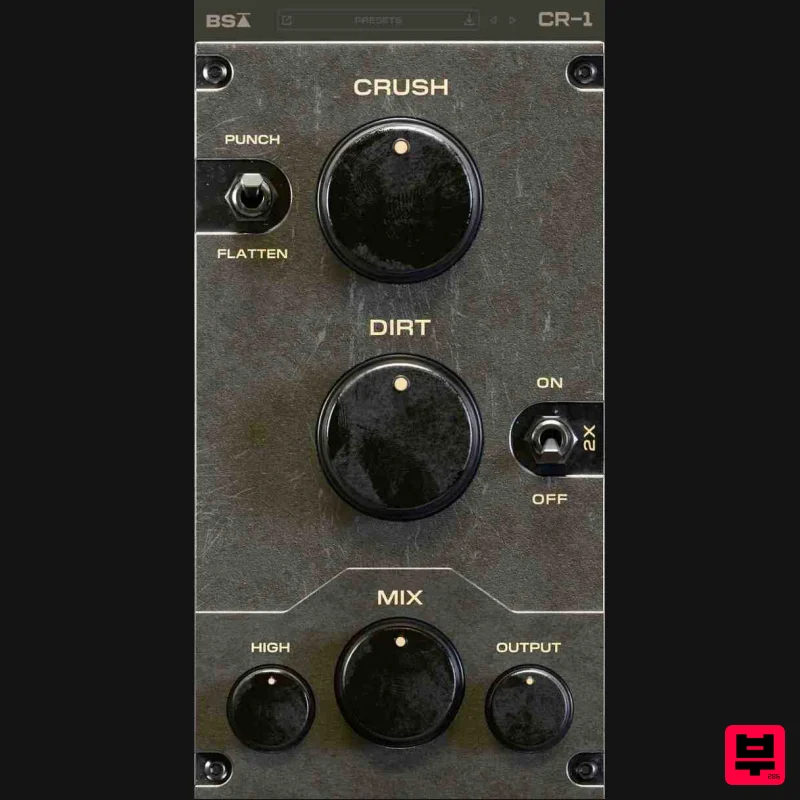
Black Salt Audio CR-1
Distortion
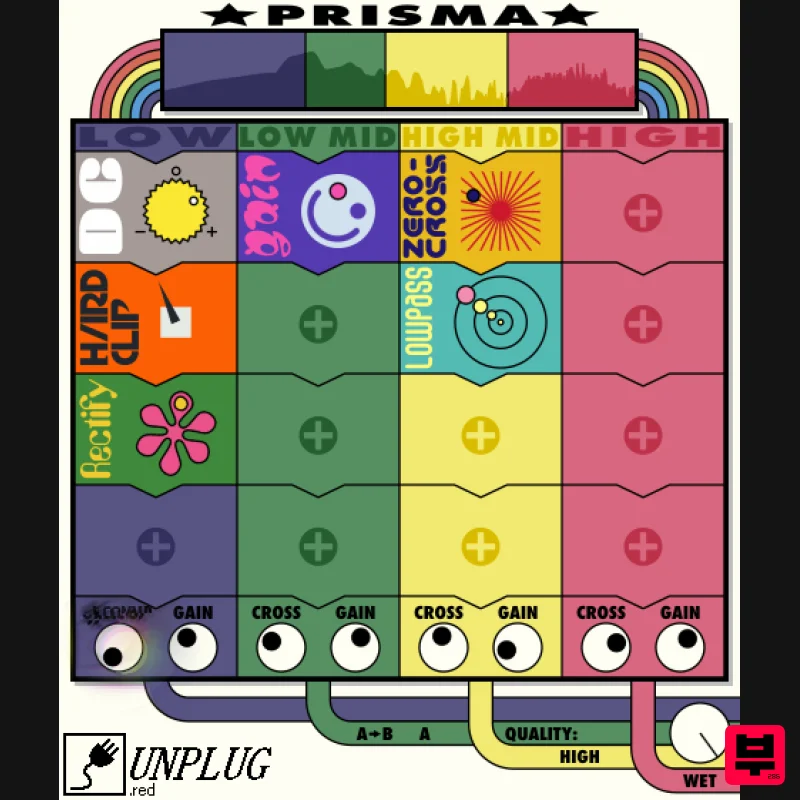
UnplugRed Prisma
Distortion
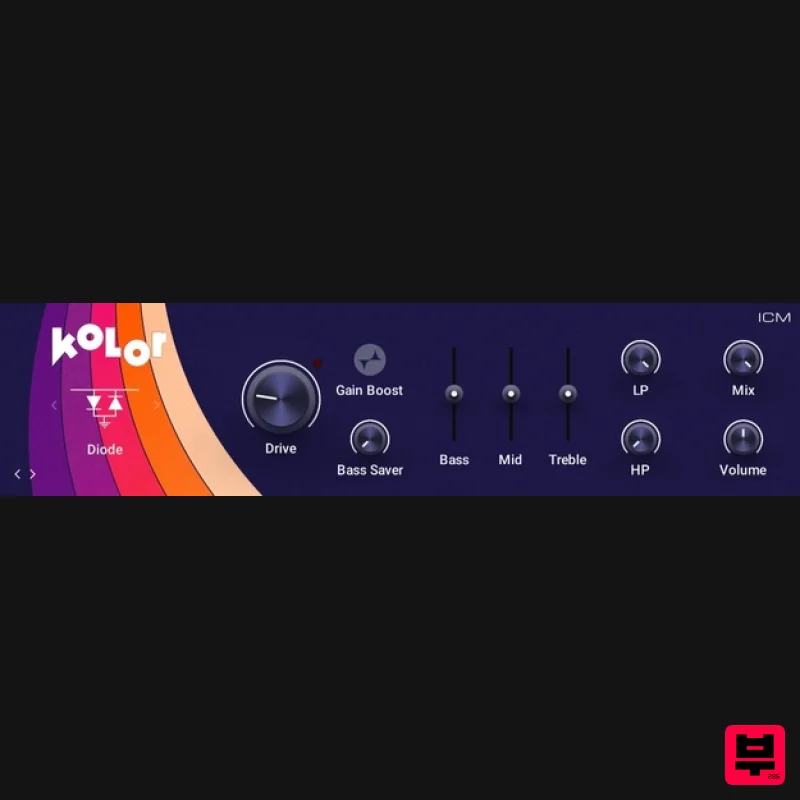
Native Instruments Kolor
Distortion
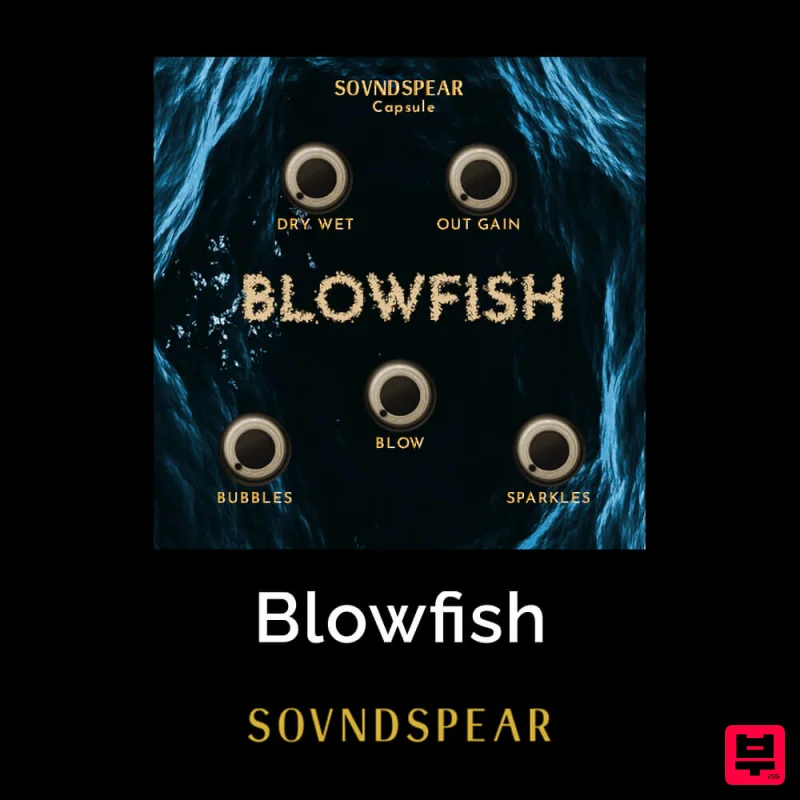
Soundspear Blowfish
Distortion
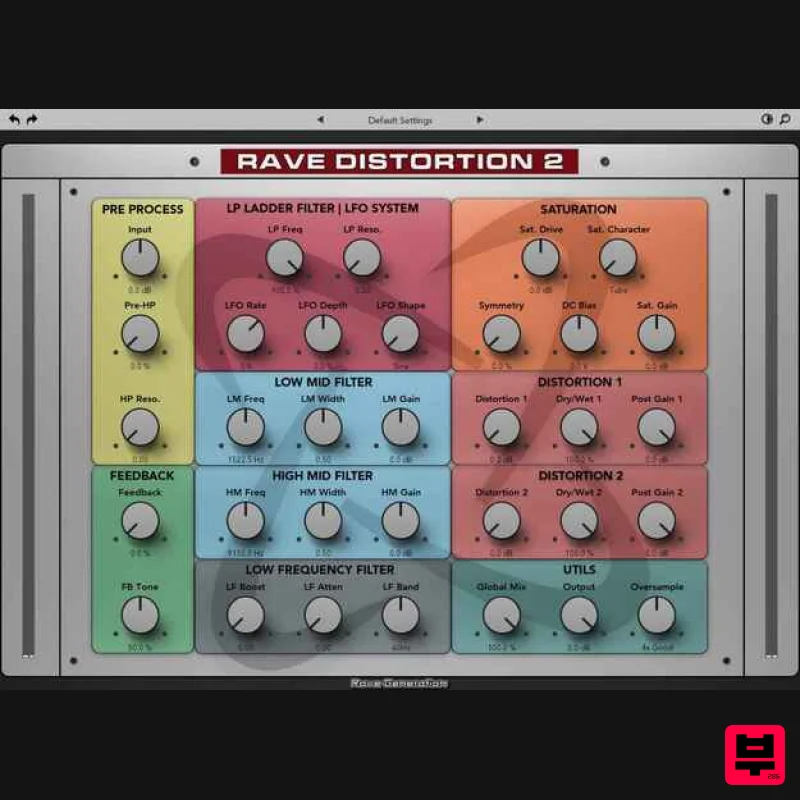
Rave Generation Rave Distortion 2
Distortion
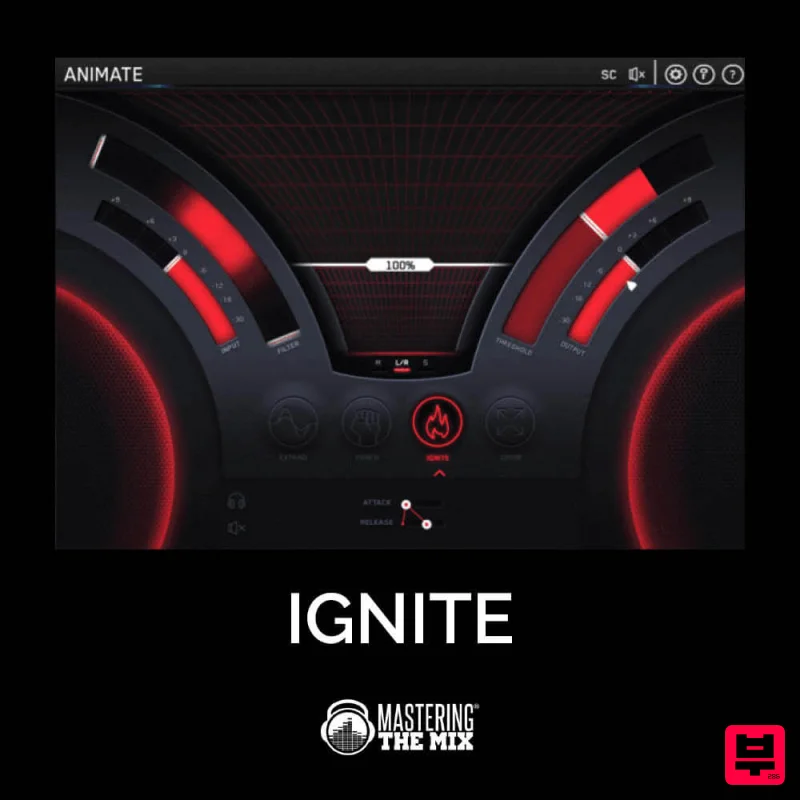
Mastering The Mix IGNITE
Distortion
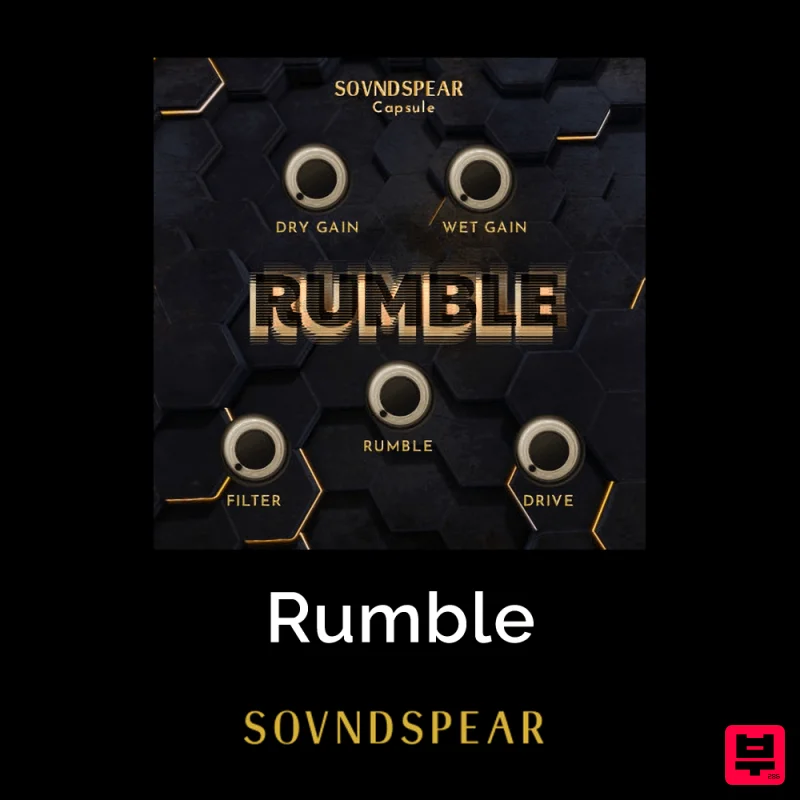
Soundspear Rumble
Distortion
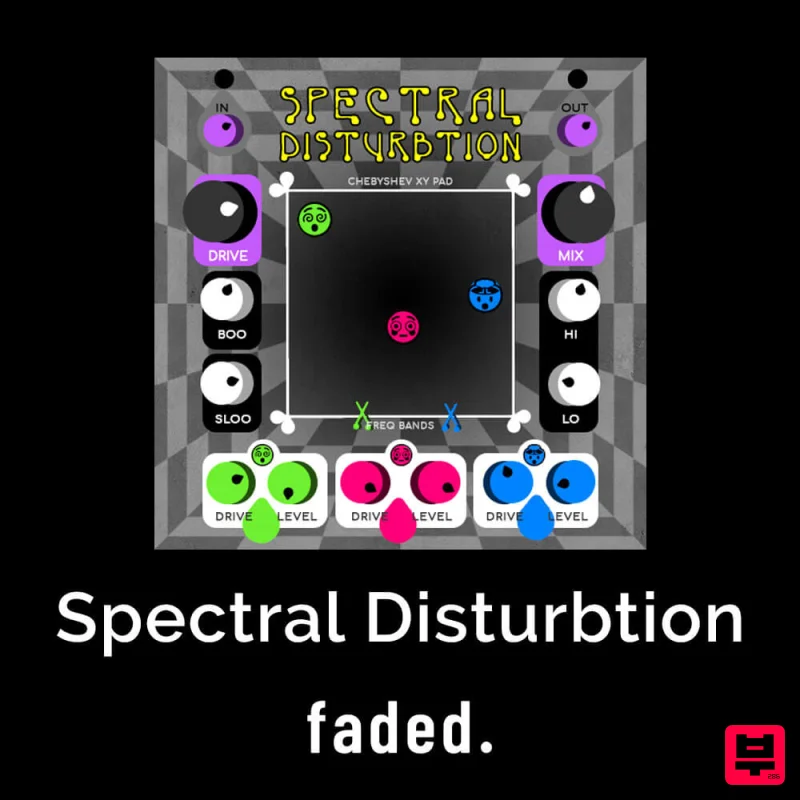
Faded Instruments Spectral Disturbtion
Distortion

