
Minimal Audio Motion (Rift Expansion Pack)
Professional music gear - detailed information and where to buy
Minimal Audio
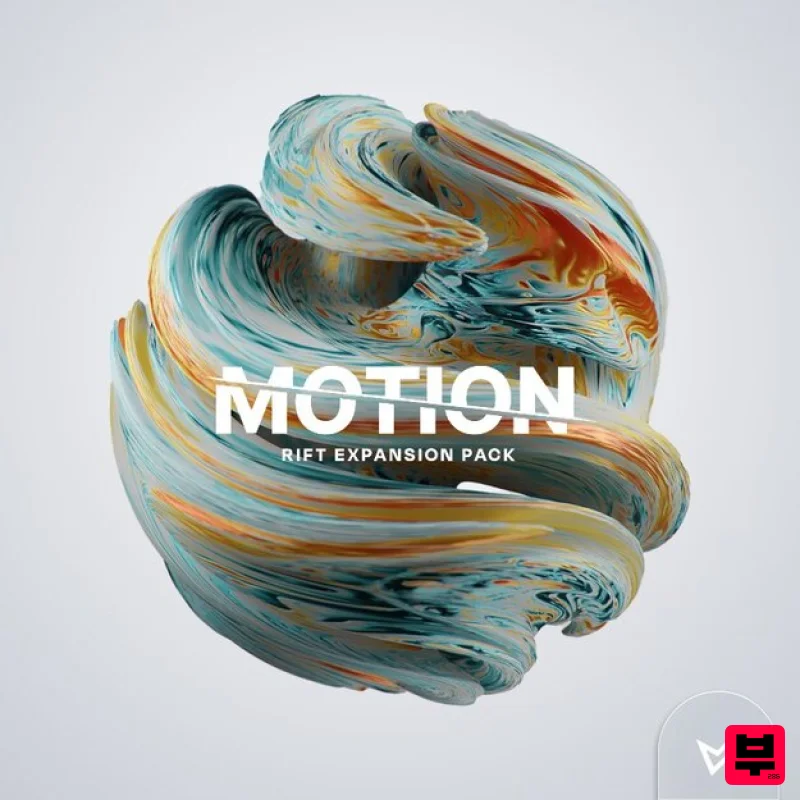
Motion (Rift Expansion Pack)
Product Info
* Prices may vary. Check retailer for current pricing and availability.
Product Description
- Expressive Presets for Rift Motion harnesses Rift's powerful sequencing to unite harmonic movement
- tuned feedback
- and mutating filters - infusing static sounds with unparalleled groove
- energy
- and musicality. Motion offers 120 beautifully crafted presets made to transform your sounds into immersive sequences. Pushing Rift's Limits Included in Motion are four stylized sub-packs: Energy
- Nuance
- Harmony
- and Data. Each one provides fresh inspiration
- and together
- they offer a huge variety of modern sounds that work for all styles of music - Drum & Bass
- Dubstep
- Lo-fi Hip-Hop
- Techno
- and beyond. The perfect companion to Rift's factory presets
- Motion pushes the boundaries of movement and rhythm in a way that will immediately get you in the groove. Features 120 Presets 30 High-Energy Grooves 30 Lush Textural Movements 30 Tuned Melodic Sequences 30 Futuristic Rhythms 30 Rift Curve Shapes System Requirements. Rift is required in order to use the included presets in this expansion pack. Registration 1. Go to your Plugin Boutique User Account and click 'DOWNLOAD'. 2. Enter your email address
- password and 'Redeem Code' found in your Plugin Boutique User Account > click 'Apply'. If you already have a Minimal Audio account
- simply Log In. 3. Within your Minimal Audio account
- go to 'Expansion Packs' > click 'Mac Installer'. Installation 1. Double-click the downloaded 'Motion.pkg' file to begin the installation process. 2. Click 'Continue'. 3. Read through the software license agreement
- select 'Continue' > click 'Agree'. 4. Select your preferred install location > click 'Install'. 5. Click 'Close' to exit the setup window. 6. Open your DAW and launch 'Rift'. Your new Expansion Pack Presets are now ready for you to use! Windows Registration 1. Go to your Plugin Boutique User Account and click 'DOWNLOAD'. 2. Enter your email address
- password and 'Redeem Code' found in your Plugin Boutique User Account > click 'Apply'. If you already have a Minimal Audio account
- simply log in. 3. Within your Minimal Audio account
- go to 'Expansion Packs' > click 'Windows Installer'. Installation 1. Double-click the 'Motion.exe' file to begin the installation process. 2. Read through the license agreement
- select 'I accept the agreement' > click 'Next'. 3. Click 'Install'. 4. Click 'Finish' to exit the setup window. 5. Open your DAW and launch 'Rift'. Your new Expansion Pack Presets are now ready for you to use!
Additional Information
About the Minimal Audio Motion (Rift Expansion Pack)
Discover the distinctive sound and feel of the Minimal Audio Motion (Rift Expansion Pack), a standout choice among Expansion Packs.
Why Choose the Minimal Audio Motion (Rift Expansion Pack)?
- •Authentic Minimal Audio craftsmanship and design
- •Versatile sound suitable for multiple musical genres
- •Professional build quality and reliable performance
- •Part of Minimal Audio's respected Expansion Packs lineup
Compare & Explore
Browse our complete selection of Minimal Audio instruments or explore other Expansion Packs options. Use our comparison tools to find the perfect match for your musical style and budget.
Similar Products

Tracktion DG-8000 Expansion Pack (for Attracktive)
Expansion Packs

Tracktion Stonegrabber D-232 Expansion Pack (for Attracktive)
Expansion Packs

Tracktion SA-1000 Expansion Pack (for Attracktive)
Expansion Packs

Tracktion Suitcase in a Box Expansion Pack (for Attracktive)
Expansion Packs

Tracktion Taurinorum Expansion Pack (for Attracktive)
Expansion Packs

Tracktion Langweil 150 Expansion Pack (for Attracktive)
Expansion Packs

Tracktion Poly-One Expansion Pack (for Attracktive)
Expansion Packs

Tracktion SH-20 Expansion Pack (for Attracktive)
Expansion Packs

