
Mellowmuse LM1V Limiter
Professional music gear - detailed information and where to buy
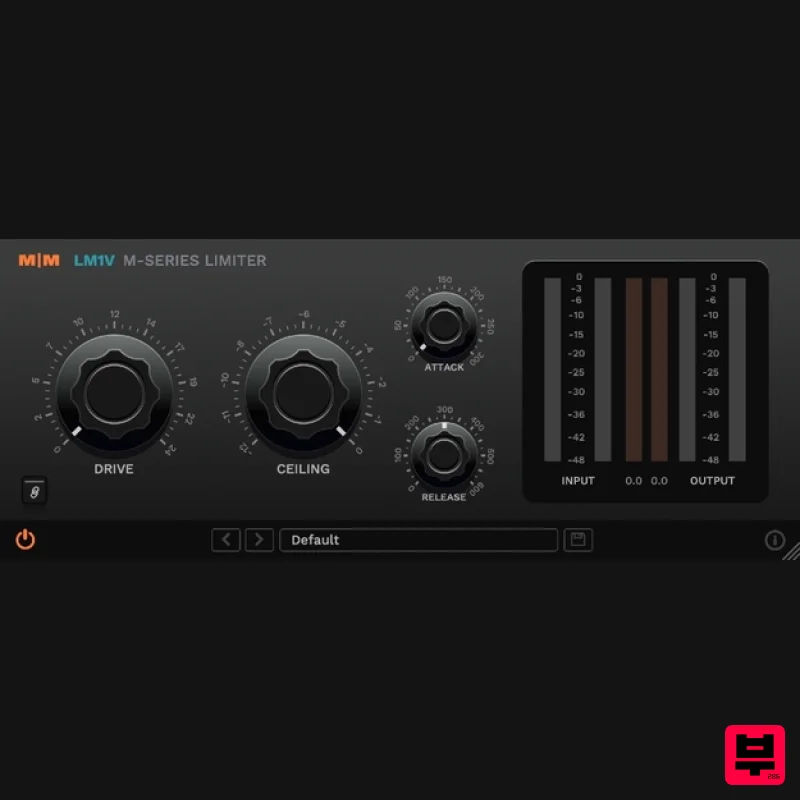
Mellowmuse
LM1V Limiter
Product Info
* Prices may vary. Check retailer for current pricing and availability.
Product Description
- LM1V is an analogue modelled brick-wall limiter
- with 8x oversampling and inter-sample peak detection. It is able to achieve high loudness levels with a minimum of distortion. Results are always extremely musical. Separate attack
- release and stereo link controls
- allow a wide range of settings
- from near clipping to limiting
- all without excessive pumping or artefacts. While inter-sample peak detection catches overs to keep output levels firmly in place. LM1V is equally at home processing individual tracks as it is on the mix bus. Features Low distortion multi-stage design. Inter-sample peak detection. Variable attack 0 - 10 ms. Variable release 0 - 2 secs. Input Gain 0 - 20dB. Output ceiling -20 - 0dB. Stereo unlink. 8x oversampled. 64bit internal processing. System Requirements Windows 10 or above. Mac OSX 10.9 or above. 64-bit only. VST
- VST3
- AU and AAX. Important Note: CS1V Console Channel is used as the example. Mac Installation 1. Download the .pkg file from within your Plugin Boutique User Account and double-click it to extract the contents. 2. Open the .dmg file to begin the installation > Click 'Continue'. 3. Click 'Continue'. 4. Click 'Agree'. 5. Click 'Install'. 6. Click 'Close'. Activation 1. Open CS1V inside of your DAW > Click the i icon at the bottom right of the GUI. 2. Enter your email address and the serial number found within your Plugin Boutique User Account > press Enter on your keyboard. 3. Click the i icon again to close the registration information. Your plugin is now authorised and ready for use in your DAW! Windows Installation 1. Download the .zip file from within your Plugin Boutique User Account and double-click it to extract the contents. 2. Open the .exe file to begin the installation > Select 'I Accept the Agreement' and click 'Next'. 3. Check that the location of your VST3 folder is correct > Click 'Next'. 4. Check that the location of your VST2 folder is correct > Click 'Next'. 5. Click 'Next'. 6. Click 'Install'. 7. Click 'Finish'. Activation 1. Open CS1V inside of your DAW > Click the i icon at the bottom right of the GUI. 2. Enter your email address and the serial number found within your Plugin Boutique User Account > press Enter on your keyboard. 3. Click the i icon again to close the registration information. Your plugin is now authorised and ready for use in your DAW!
Additional Information
About the Mellowmuse LM1V Limiter
The Mellowmuse LM1V Limiter represents excellent craftsmanship in the Limiter category.
Why Choose the Mellowmuse LM1V Limiter?
- •Authentic Mellowmuse craftsmanship and design
- •Versatile sound suitable for multiple musical genres
- •Professional build quality and reliable performance
- •Part of Mellowmuse's respected Limiter lineup
Compare & Explore
Browse our complete selection of Mellowmuse instruments or explore other Limiter options. Use our comparison tools to find the perfect match for your musical style and budget.
Similar Products
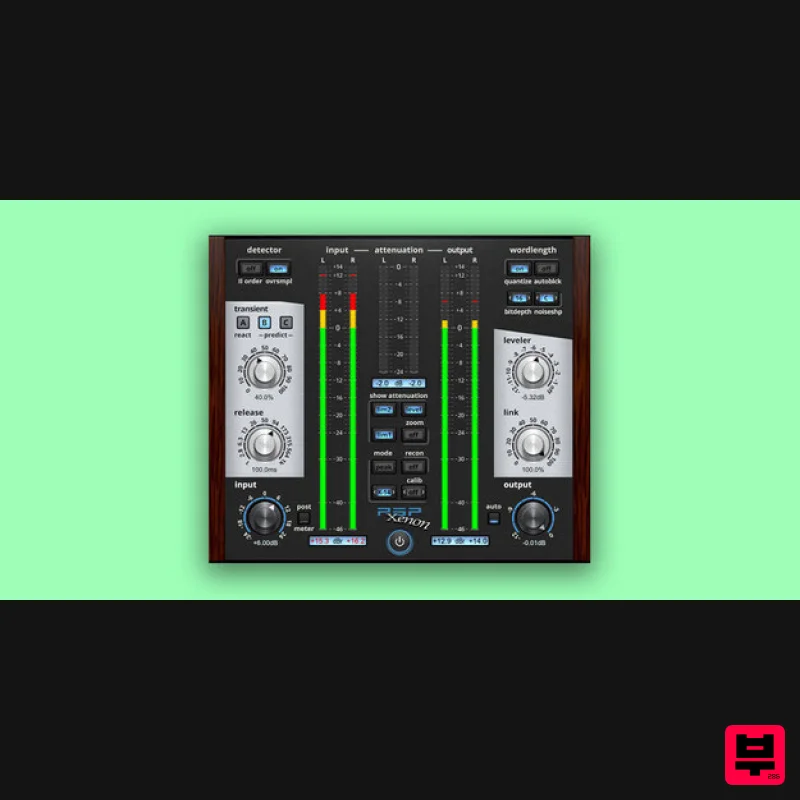
PSP Audioware PSP Xenon
Limiter
$208
PSP Xenon is a full band, dual-stage limiter plug-in featuring an integrated leveler, advanced K-System metering, and...
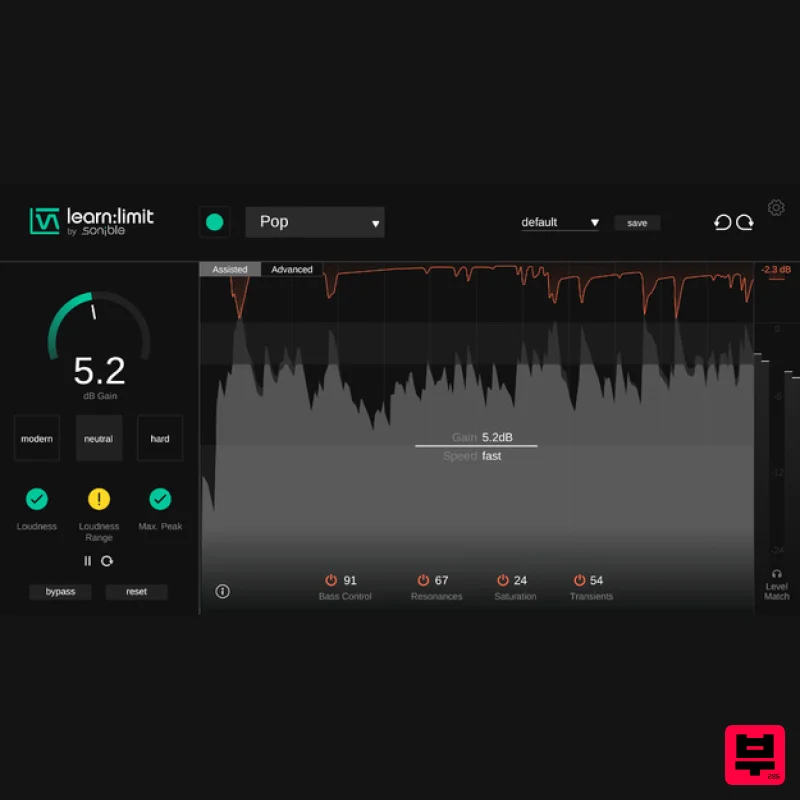
sonible learn:limit
Limiter
$72
An intelligent limiter with built-in loudness monitoring and educational hints learn:limit uses AI to set optimal...
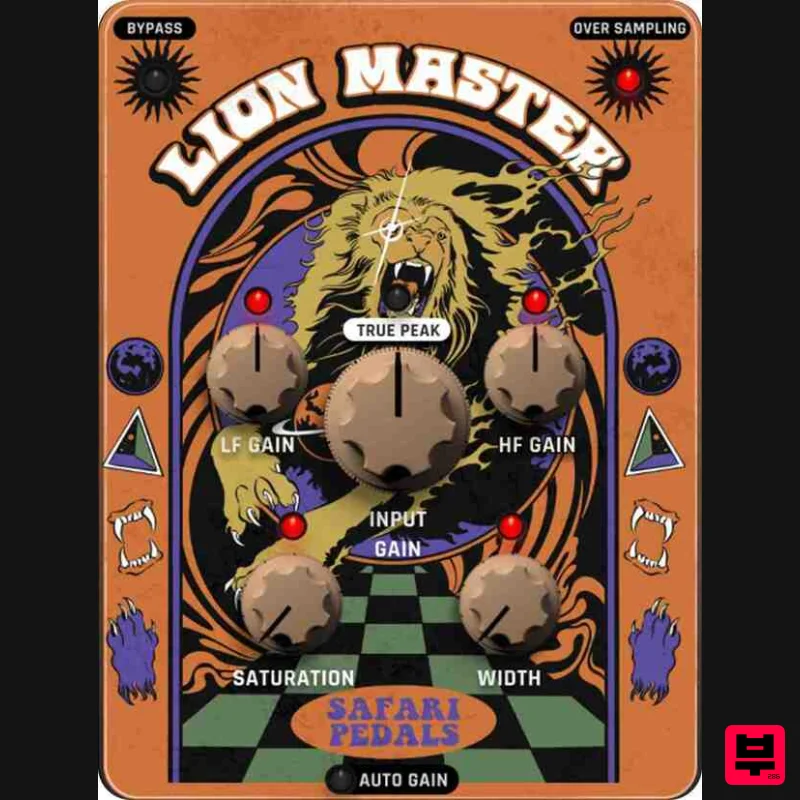
Safari Audio Lion Master
Limiter
$51
Precision Limiting with Saturation & Width Control Lion Master by Safari Audio is a powerful limiter designed for...
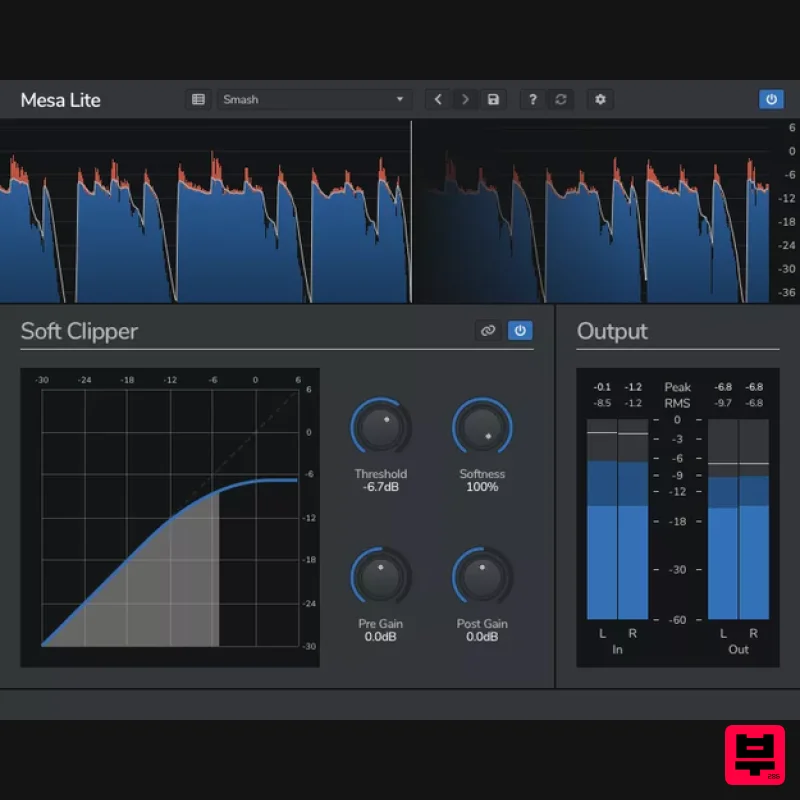
Venomode Mesa Lite
Limiter
Free
Control peaks and increase loudness without pumping Mesa is a free soft clipper designed to increase loudness and...
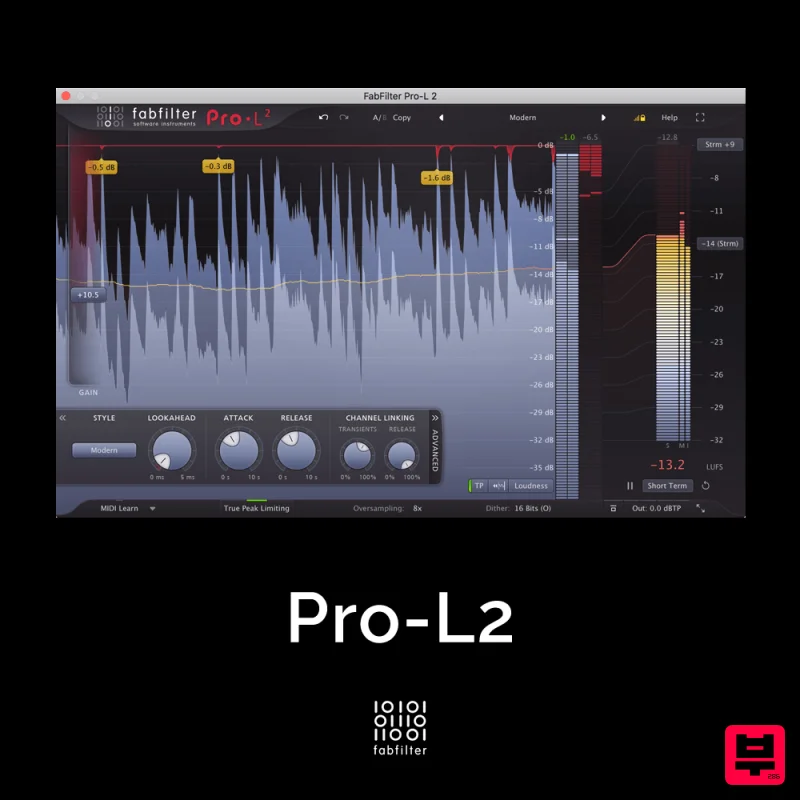
FabFilter Pro-L2
Limiter
$30
A true peak limiter is an essential tool for every mastering or mixing engineer. Are you looking for a professional,...
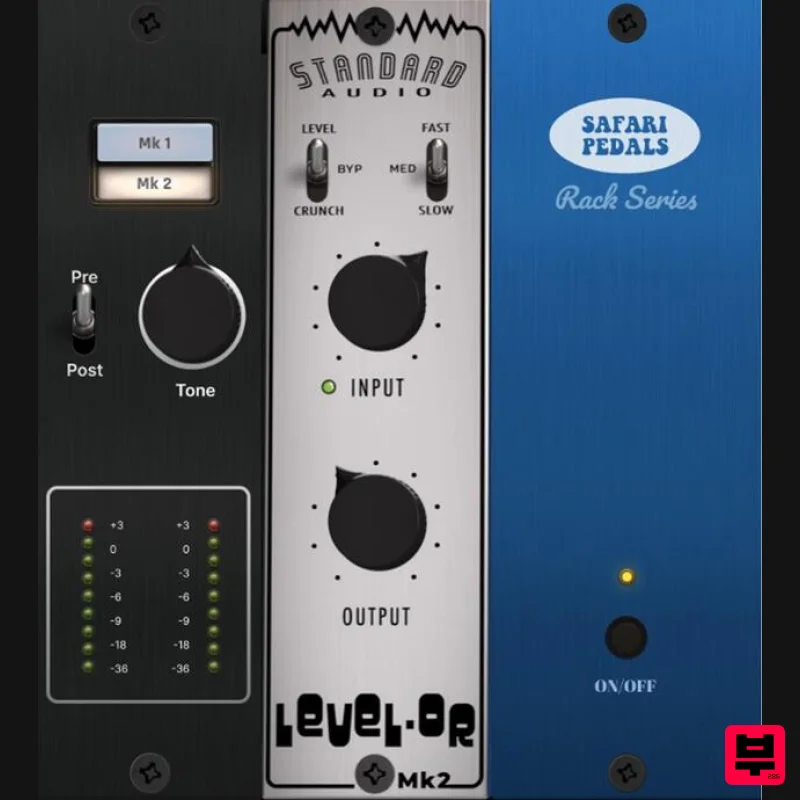
Safari Audio Standard Audio Level-Or
Limiter
$51
Level-Or by Standard Audio x Safari Audio Level-Or is a fierce character compressor/limiter based on the cult-classic...
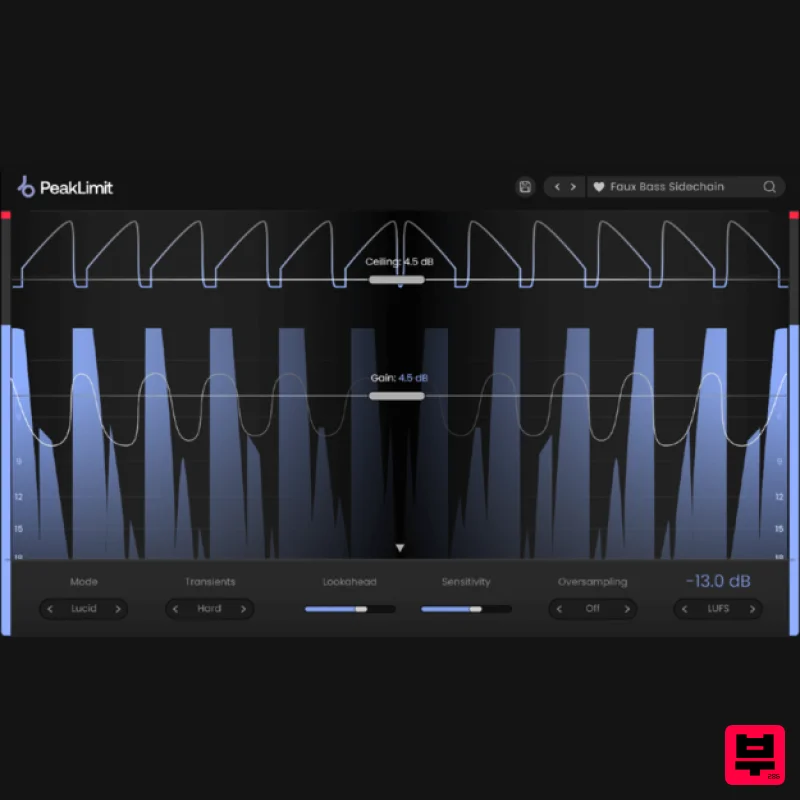
Plugin Boutique PeakLimit
Limiter
$62
Complete your Mastering Chain Before a track is complete and ready for commercial release, the mix has to go through...
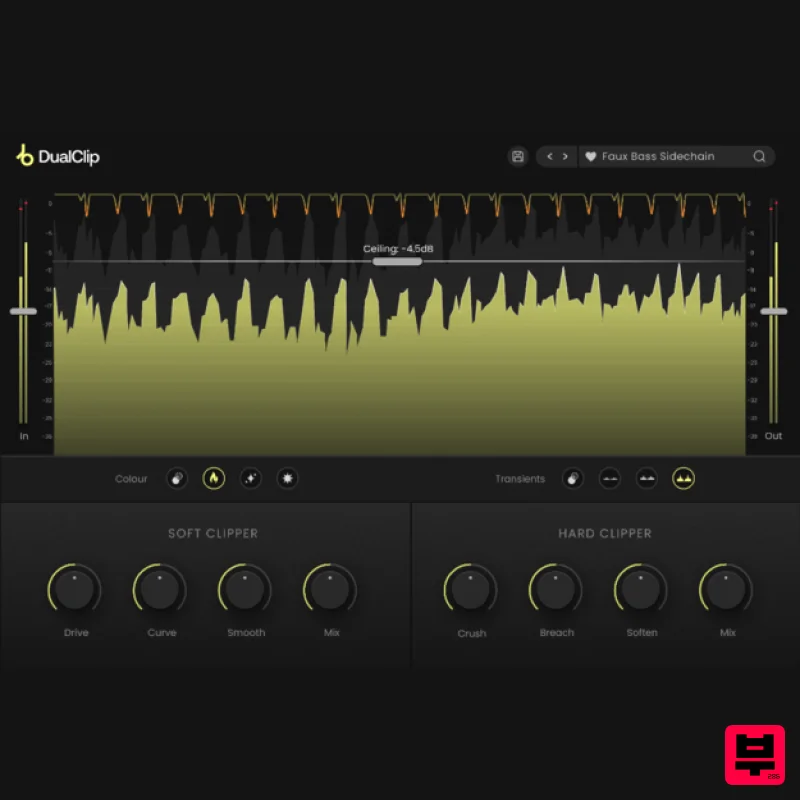
Plugin Boutique DualClip
Limiter
$62
Loudness with Colour Clippers are an essential tool for achieving a huge range of saturation effects. They can...
Frequently Asked Questions
The Mellowmuse LM1V Limiter stands out for its exceptional Mellowmuse craftsmanship and innovative design.
Yes! With its affordable price point and quality construction, it's perfect for learning limiter.
Browse the similar products section to see how it stacks up against other limiter.

