
Mellowmuse EQ2V Equalizer
Professional music gear - detailed information and where to buy
Mellowmuse
EQ2V Equalizer
Product Info
* Prices may vary. Check retailer for current pricing and availability.
Product Description
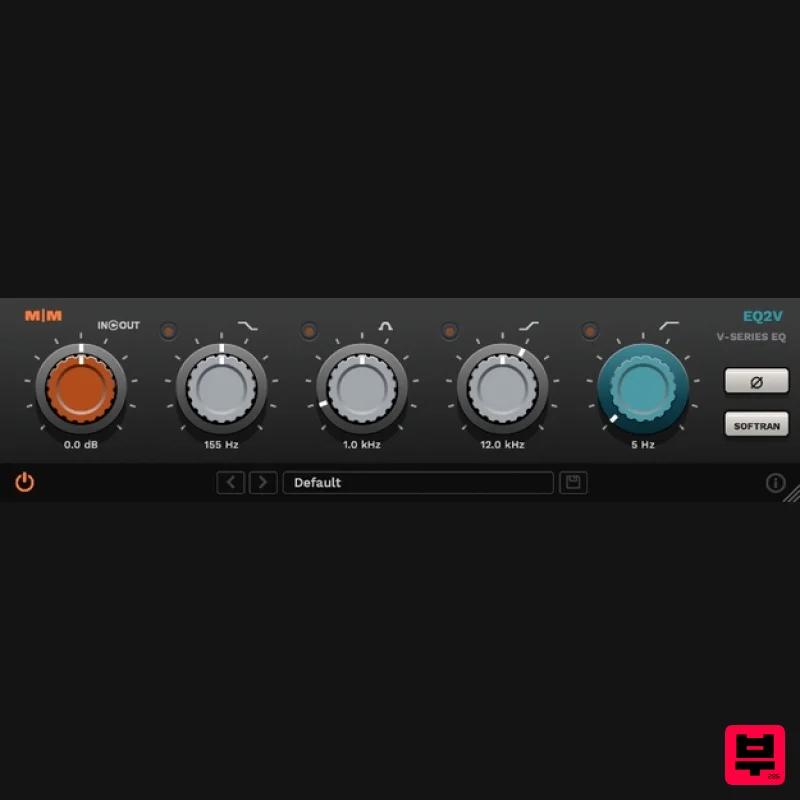
The EQ2V is a vintage styled equalizer that recreates the weight and colour of its classic hardware counterparts. Harmonic colouration increases with input and eq gain, adding depth and warmth to any material. The SofTran feature is useful for taming signals with sharp transient peaks like snare and high hats, especially after boosting the highs. All equalization and saturation algorithms are oversampled, using 64bit internal processing for superior clarity and resolution. Features Analogue modelled saturation. Transient softener to tame percussive transients. Low Shelf: 35hz - 300hz. Mid Band: 300hz - 8.0k. High Shelf: 8.0k - 16.0k. High Pass: 0hz - 400hz. Bypass per band. Phase switch. 4x Oversampled. 64bit internal processing. System Requirements Windows 10 or above. Mac OSX 10.9 or above. 64-bit only. VST, VST3, AU and AAX. Important Note: CS1V Console Channel is used as the example. Mac Installation 1. Download the .pkg file from within your Plugin Boutique User Account and double-click it to extract the contents. 2. Open the .dmg file to begin the installation > Click 'Continue'. 3. Click 'Continue'. 4. Click 'Agree'. 5. Click 'Install'. 6. Click 'Close'. Activation 1. Open CS1V inside of your DAW > Click the i icon at the bottom right of the GUI. 2. Enter your email address and the serial number found within your Plugin Boutique User Account > press Enter on your keyboard. 3. Click the i icon again to close the registration information. Your plugin is now authorised and ready for use in your DAW! Windows Installation 1. Download the .zip file from within your Plugin Boutique User Account and double-click it to extract the contents. 2. Open the .exe file to begin the installation > Select 'I Accept the Agreement' and click 'Next'. 3. Check that the location of your VST3 folder is correct > Click 'Next'. 4. Check that the location of your VST2 folder is correct > Click 'Next'. 5. Click 'Next'. 6. Click 'Install'. 7. Click 'Finish'. Activation 1. Open CS1V inside of your DAW > Click the i icon at the bottom right of the GUI. 2. Enter your email address and the serial number found within your Plugin Boutique User Account > press Enter on your keyboard. 3. Click the i icon again to close the registration information. Your plugin is now authorised and ready for use in your DAW!
Additional Information
About the Mellowmuse EQ2V Equalizer
Experience the quality and tone that makes the Mellowmuse EQ2V Equalizer a popular choice for musicians.
Why Choose the Mellowmuse EQ2V Equalizer?
- •Authentic Mellowmuse craftsmanship and design
- •Versatile sound suitable for multiple musical genres
- •Professional build quality and reliable performance
- •Part of Mellowmuse's respected EQ lineup
Compare & Explore
Browse our complete selection of Mellowmuse instruments or explore other EQ options. Use our comparison tools to find the perfect match for your musical style and budget.
Similar Products
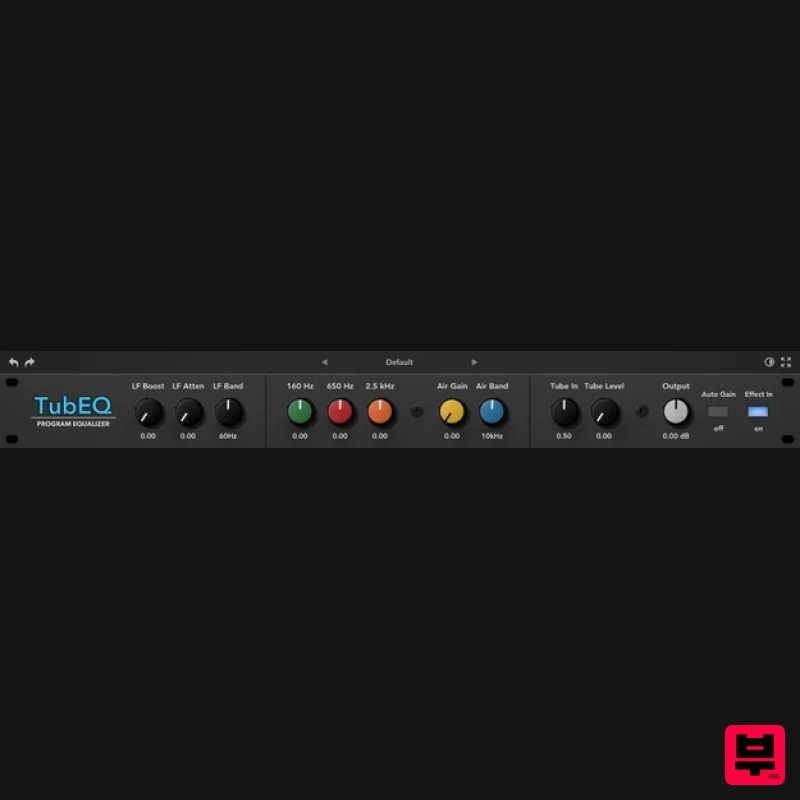
Rave Generation TubEQ
EQ
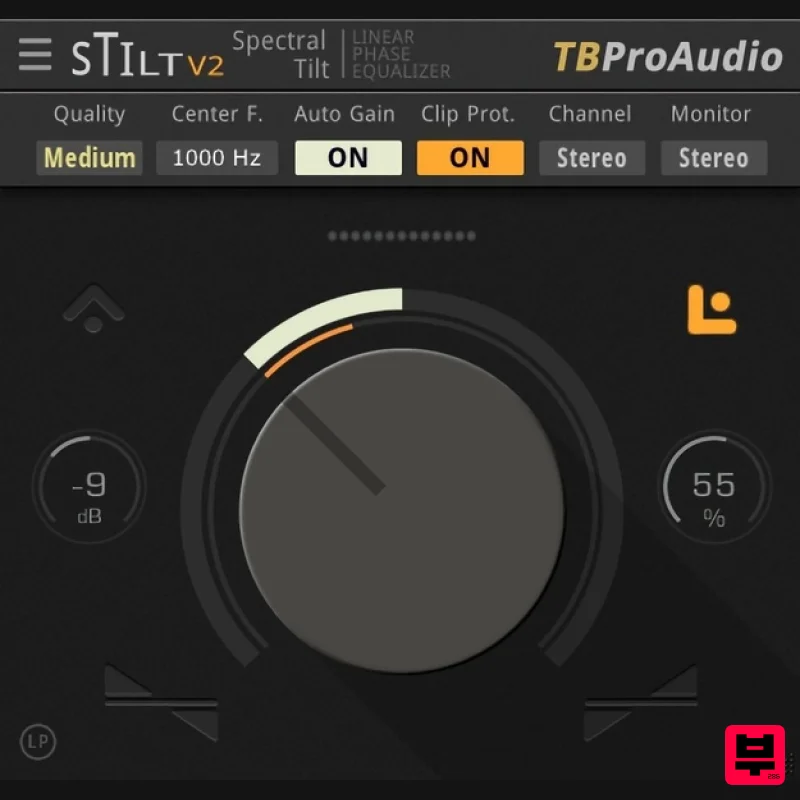
TBProAudio sTiltV2
EQ
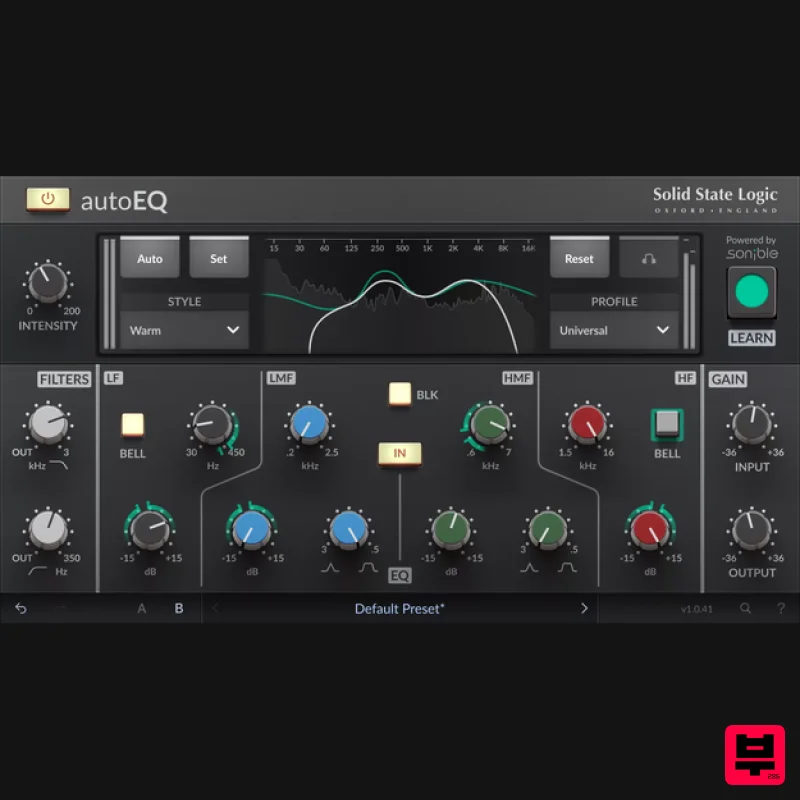
Solid State Logic SSL autoEQ
EQ
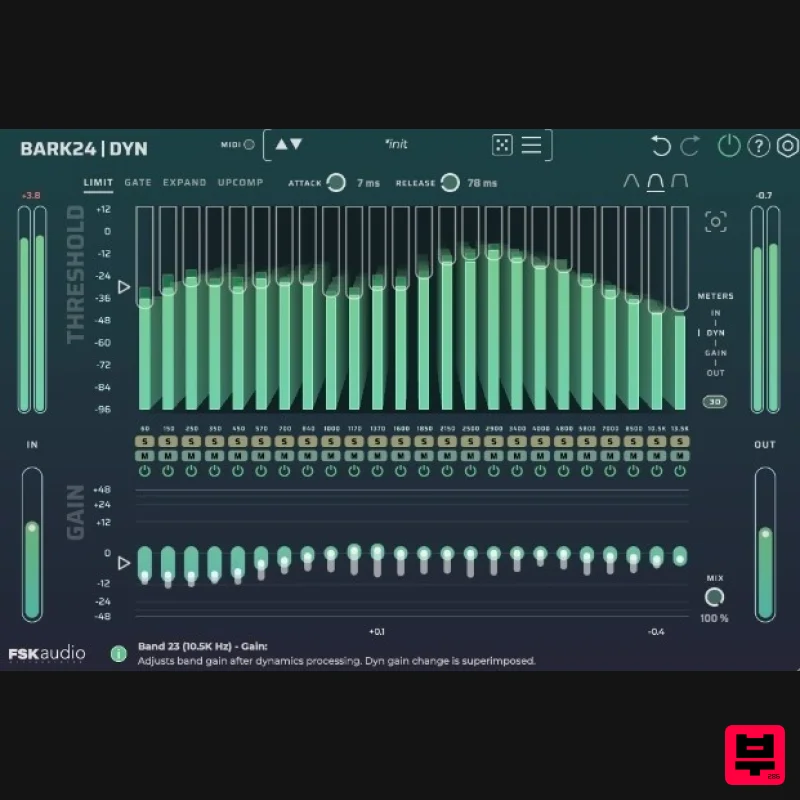
FSK Audio Bark24 | Dyn
EQ
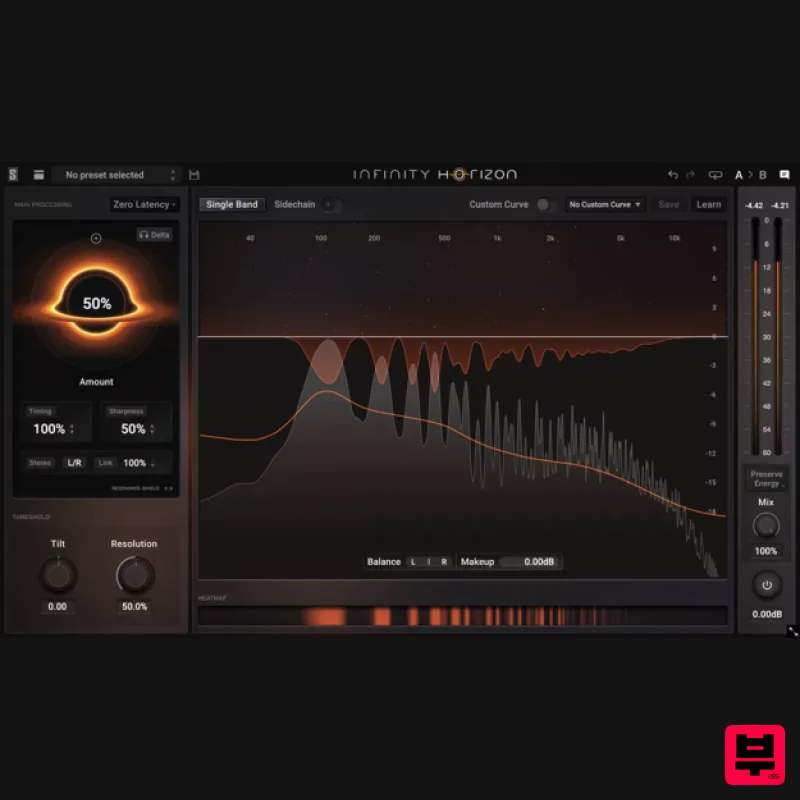
Slate Digital Infinity Horizon
EQ
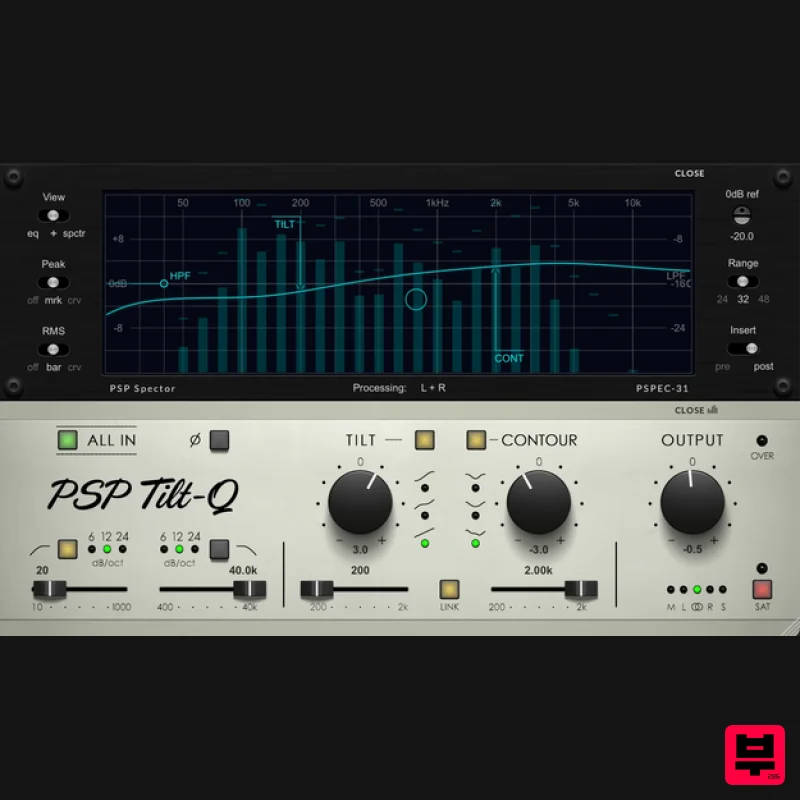
PSP Audioware PSP Tilt-Q
EQ
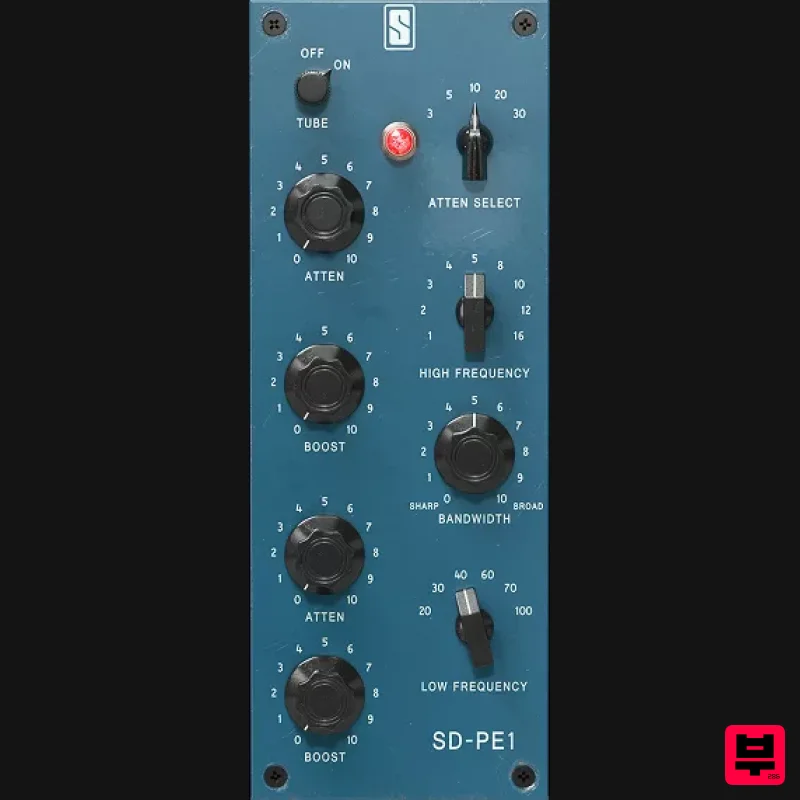
Slate Digital SD-PE1
EQ
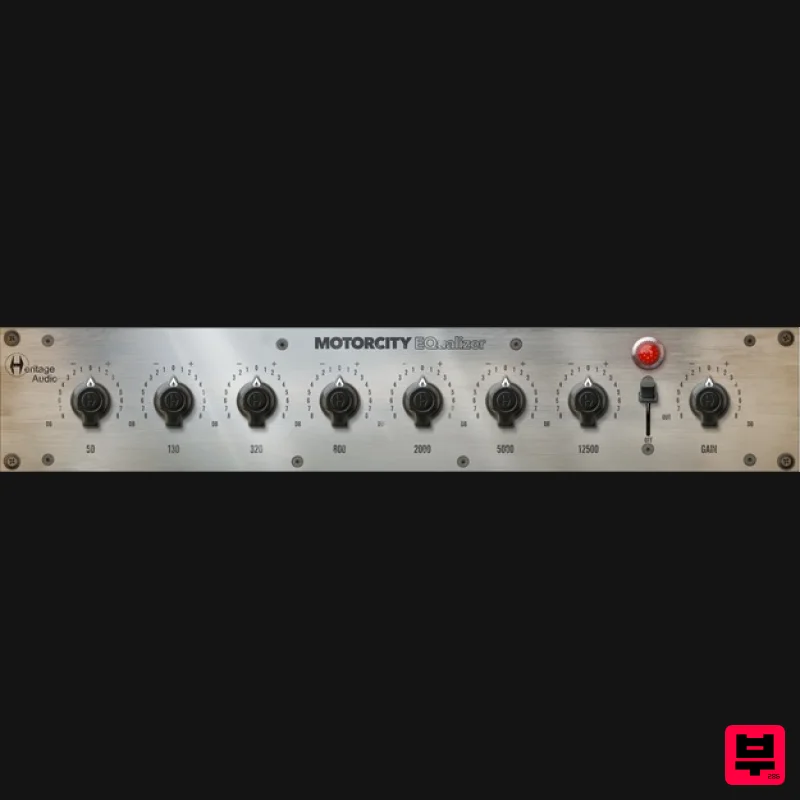
Heritage Audio MOTORCITY EQ
EQ

