
Mellowmuse CS1V Console Channel
Professional music gear - detailed information and where to buy
Mellowmuse
CS1V Console Channel
Product Info
* Prices may vary. Check retailer for current pricing and availability.
Product Description
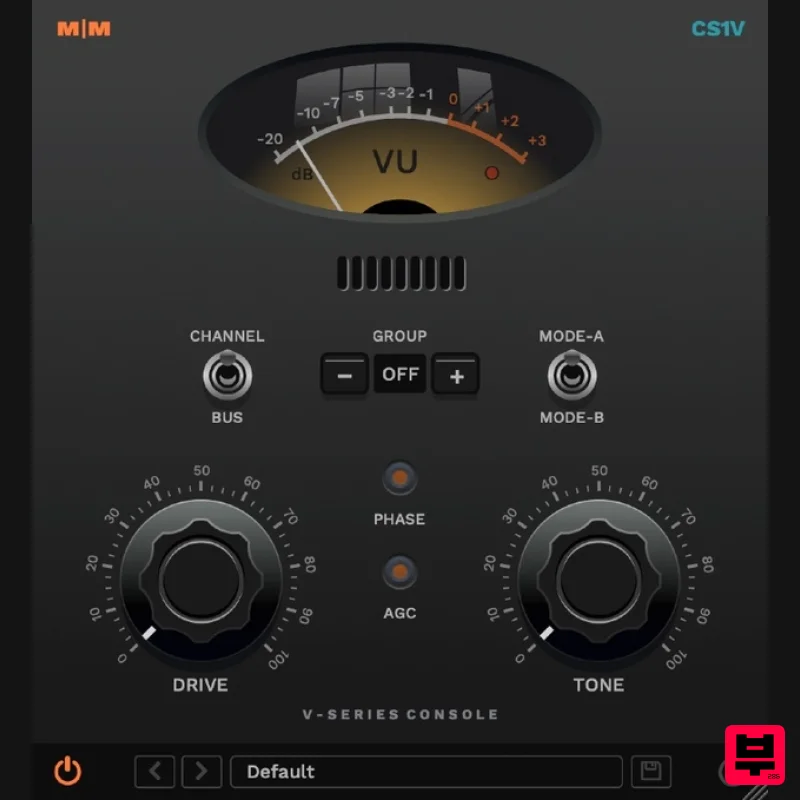
- CS1V brings the warmth and depth of an analogue console to your tracks and mixes. Drive increases the level of saturation. Tone adjusts pre-amp character; darker and heavier in the low range anti-clockwise
- and progressively brighter high-end harmonic boost clockwise. There are two selectable preamp modes: A is darker in character overall
- while B has a flatter frequency response. The default "Channel" mode is intended for mono tracks. When inserted on stereo tracks or aux
- the "Buss" setting can be used to add a subtle amount of crosstalk
- as in a hardware mixer. Engaging the automatic gain control (AGC) attenuates the output to match the source volume. The Group control allows all instances with the same number to be controlled as a group
- making ensemble changes easy. Features Variable input drive and preamp tone. Phase switch. VU metering. 4x oversampling. Control multiple instance groups. 64bit internal processing. System Requirements Windows 10 or above Mac OSX 10.9 or above 64-bit only VST
- VST3
- AU and AAX Mac Installation 1. Download the .pkg file from within your Plugin Boutique User Account and double-click it to extract the contents. 2. Open the .dmg file to begin the installation > Click 'Continue'. 3. Click 'Continue'. 4. Click 'Agree'. 5. Click 'Install'. 6. Click 'Close'. Activation 1. Open CS1V inside of your DAW > Click the i icon at the bottom right of the GUI. 2. Enter your email address and the serial number found within your Plugin Boutique User Account > press Enter on your keyboard. 3. Click the i icon again to close the registration information. Your plugin is now authorised and ready for use in your DAW! Windows Installation 1. Download the .zip file from within your Plugin Boutique User Account and double-click it to extract the contents. 2. Open the .exe file to begin the installation > Select 'I Accept the Agreement' and click 'Next'. 3. Check that the location of your VST3 folder is correct > Click 'Next'. 4. Check that the location of your VST2 folder is correct > Click 'Next'. 5. Click 'Next'. 6. Click 'Install'. 7. Click 'Finish'. Activation 1. Open CS1V inside of your DAW > Click the i icon at the bottom right of the GUI. 2. Enter your email address and the serial number found within your Plugin Boutique User Account > press Enter on your keyboard. 3. Click the i icon again to close the registration information. Your plugin is now authorised and ready for use in your DAW!
Additional Information
About the Mellowmuse CS1V Console Channel
The Mellowmuse CS1V Console Channel represents excellent craftsmanship in the Preamp category.
Why Choose the Mellowmuse CS1V Console Channel?
- •Authentic Mellowmuse craftsmanship and design
- •Versatile sound suitable for multiple musical genres
- •Professional build quality and reliable performance
- •Part of Mellowmuse's respected Preamp lineup
Compare & Explore
Browse our complete selection of Mellowmuse instruments or explore other Preamp options. Use our comparison tools to find the perfect match for your musical style and budget.
Similar Products
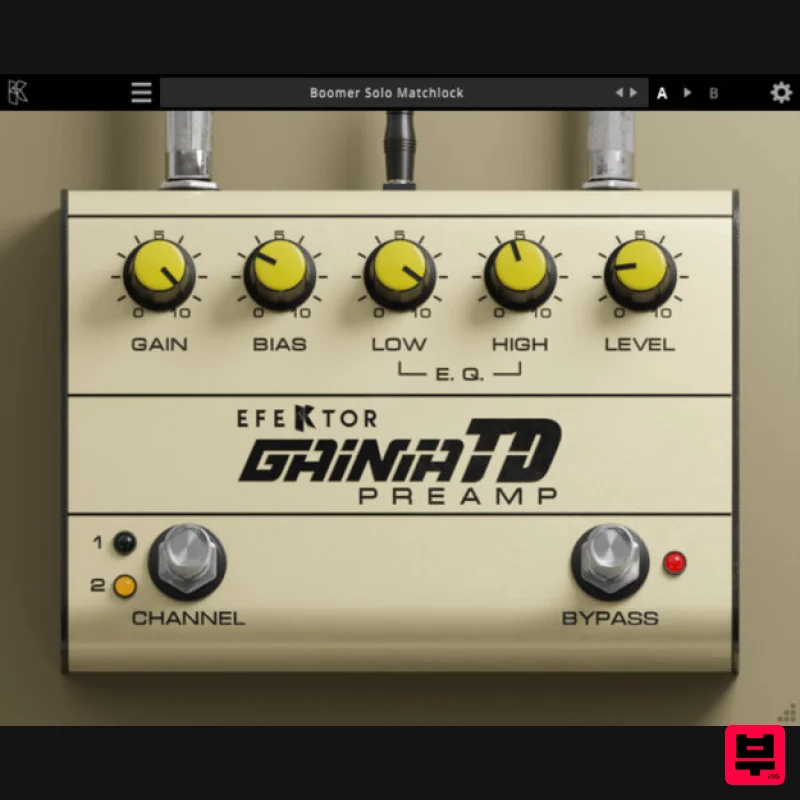
Kuassa EFEKTOR Gainia TD + FREE Pillar Power Amp
Preamp
$20
EFEKTOR Gainia TD Dual channel tube driven preamp with bias control Kuassa Efektor Gainia-TD is a guitar pedal effect...
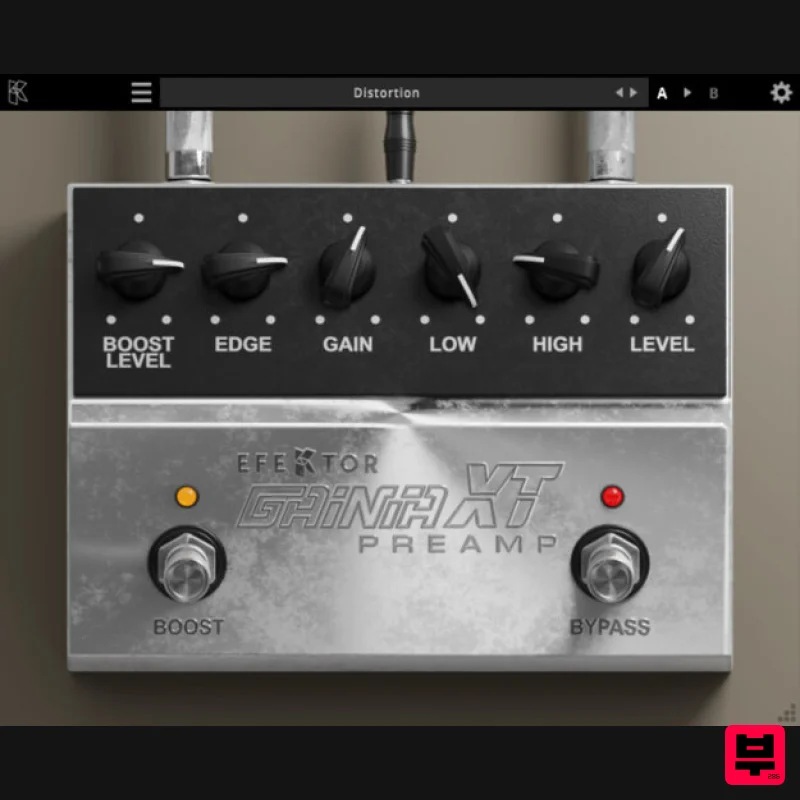
Kuassa EFEKTOR Gainia XT + FREE Pillar Power Amp
Preamp
$20
EFEKTOR Gainia XT Versatile mid to high gain preamp with boost and edge control Kuassa Efektor Gainia-XT is a...
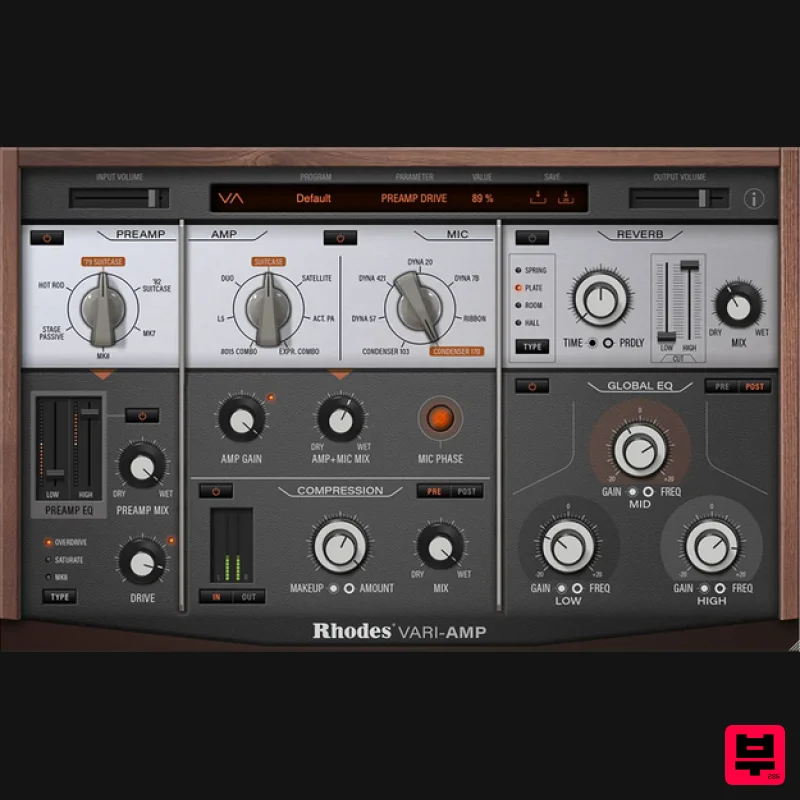
Rhodes Vari-Amp
Preamp
$72
Take your tone shaping into a new world of sonic character. Introducing Rhodes Vari-Amp - a first-of-its-kind character...
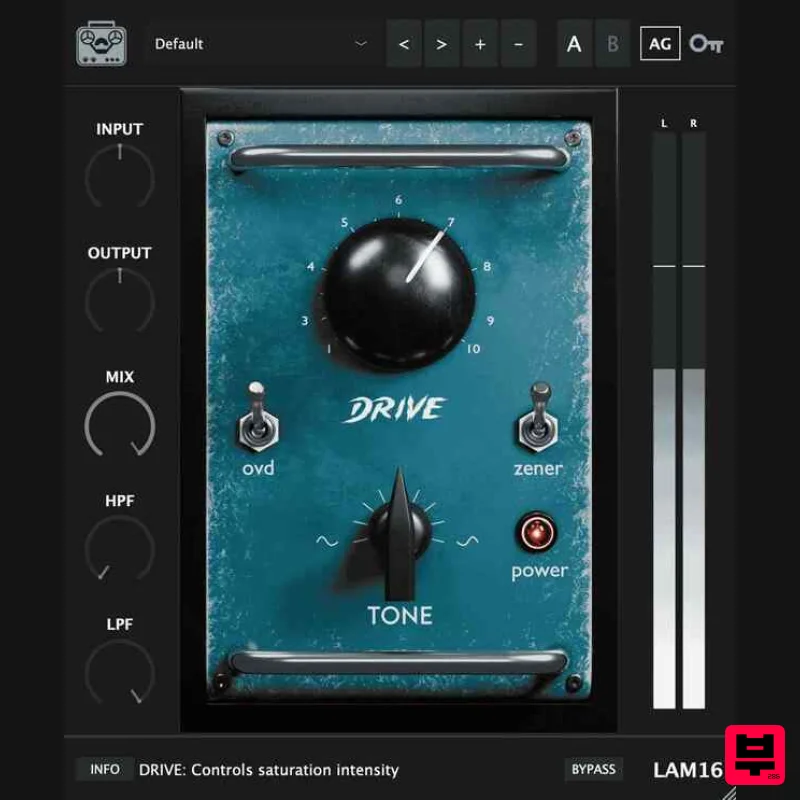
Tone Empire LAM16
Preamp
$49
The Langevin AM16 Legacy The sound of classic records—instantly Capitol Records' Secret Weapon The LAM16 faithfully...
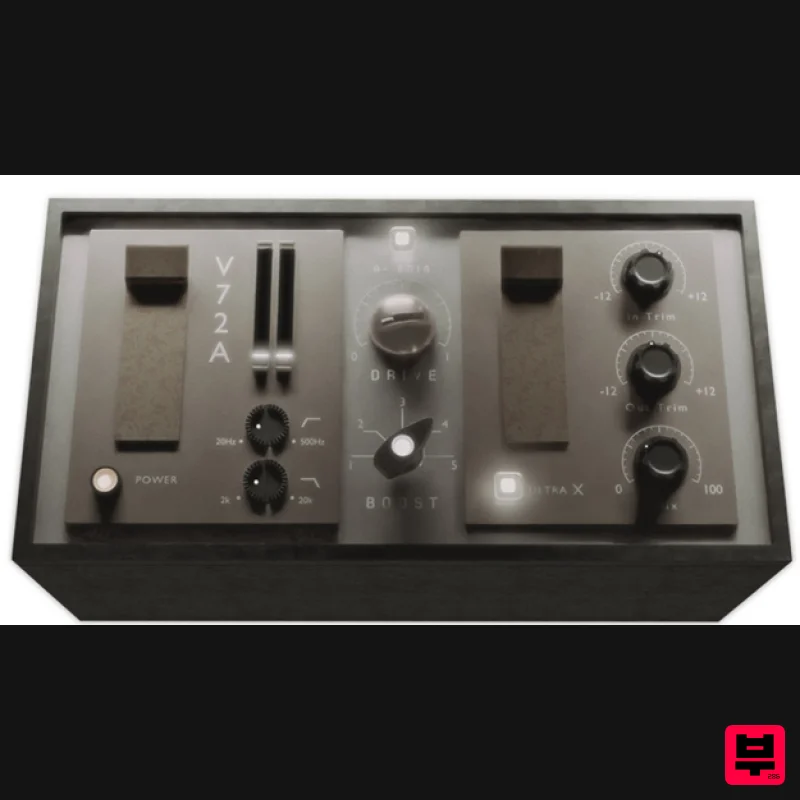
Tone Empire TF-72a V2
Preamp
$75
Please note: Owners of TF-72a V1 are entitled to a free upgrade to V2, please check your Tone Empire account for the...
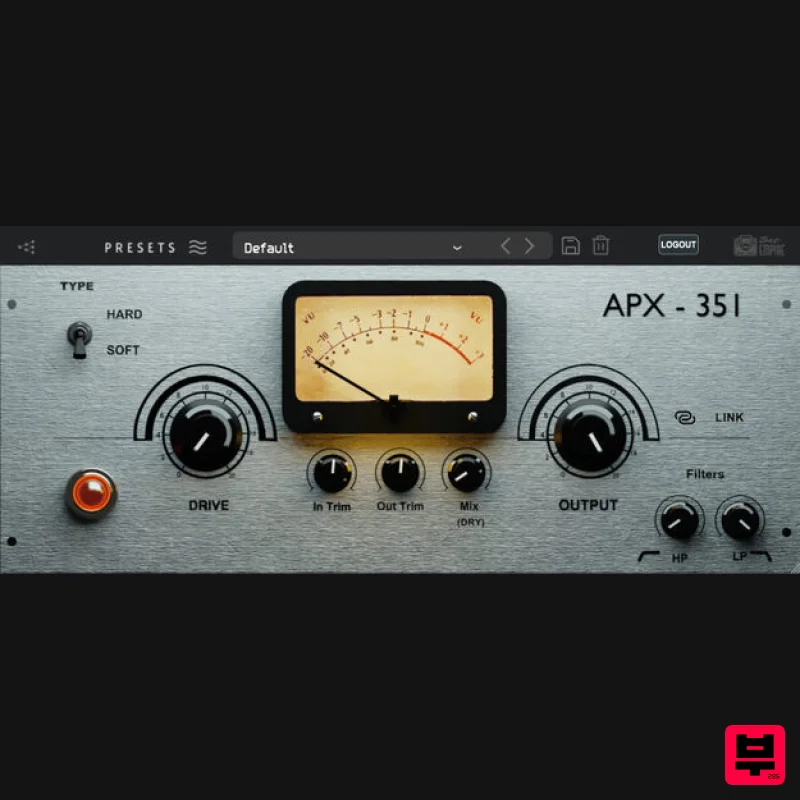
Tone Empire APX 351
Preamp
$58
The Holy Grail Tube Pre-Amp Introducing the latest innovation in audio processing technology – a meticulously...
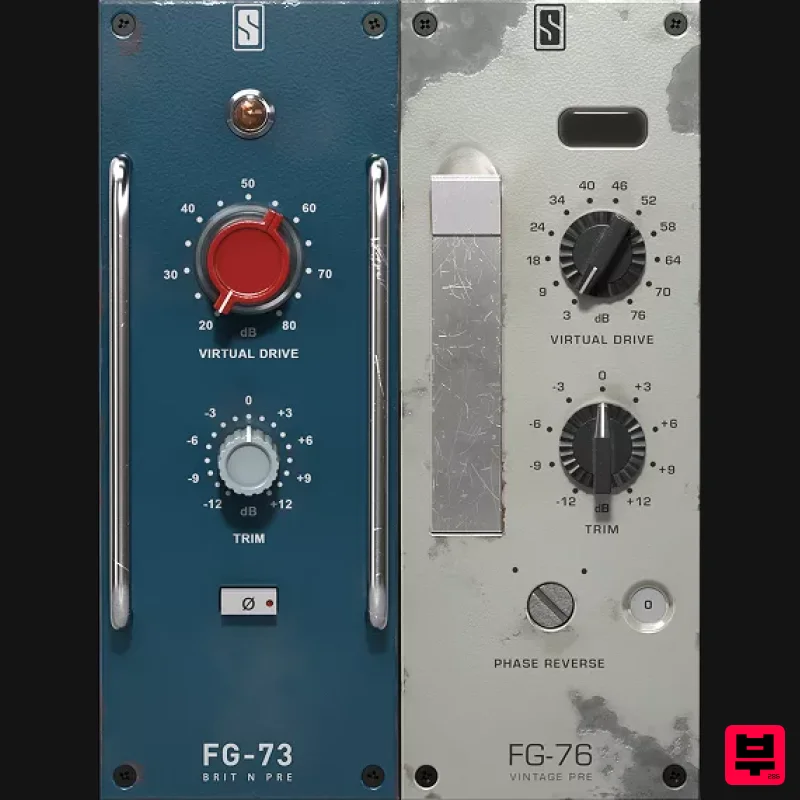
Slate Digital Virtual Preamp Collection
Preamp
$51
Two Analog Modeled Vintage Preamps The Slate Digital VIRTUAL PREAMP COLLECTION brings the authentic tone of two of...
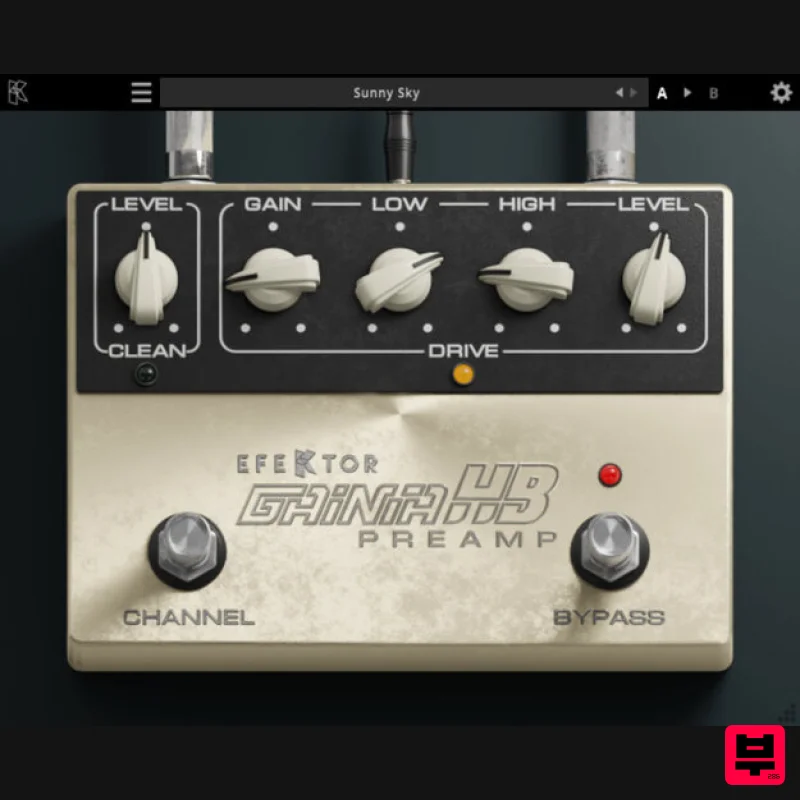
Kuassa EFEKTOR Gainia HB + FREE Pillar Power Amp
Preamp
$20
EFEKTOR Gainia HB Hot preamp box with clean and drive channel Kuassa Efektor Gainia-HB is a guitar effects plugin that...
Frequently Asked Questions
The Mellowmuse CS1V Console Channel stands out for its exceptional Mellowmuse craftsmanship and innovative design.
Yes! With its affordable price point and quality construction, it's perfect for learning preamp.
Browse the similar products section to see how it stacks up against other preamp.

