
MeldaProduction MCombMB
Professional music gear - detailed information and where to buy
MeldaProduction
MCombMB
Product Info
* Prices may vary. Check retailer for current pricing and availability.
Product Description
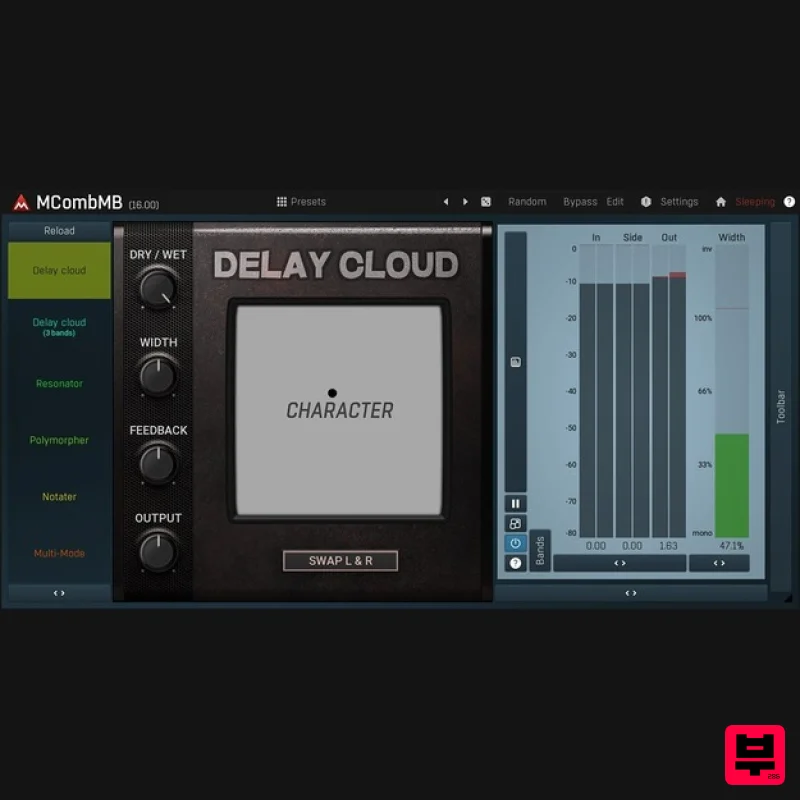
- 4 Extraordinary Filters in Each Band With MCombMB you have up to six bands
- each with up to 4 filters. You can have them in series
- in parallel
- or just mix it somehow. Each filter has an adjustable feedback with band pass and even a limiter! You can also invert phase in each channel to get quite some unique stereo width. And most of that is easily accessible using the easy-to-use graphical editor. And that is just a beginning... Modulation Heaven Love the sound of our plugins
- but wish there were some way to quickly create motion in your sequences? Enter Melda modulation heaven. Modulate any parameter from our unique set of modulation sources
- which includes LFOs
- audio level followers
- envelope generators
- randomizer
- and pitch detectors. MeldaProduction Goodies You can also expect to find the standard MeldaProduction goodies: 16x upsampling
- surround support as well as other channel modes
- A-H presets for easy comparisons
- and our easy to use integrated help system. Features The most advanced user interface on the market - stylable
- resizable
- GPU accelerated Unique visualisation engine with classic meters and time graphs 1-6 fully configurable independent bands 4 exceptionally versatile modulators Adjustable oscillator shape technology 4 multiparameters M/S
- single channel
- up to 8 channels surround processing... randomisation Automatic gain compensation (AGC) Safety limiter Sync interpolation Adjustable up-sampling 1x-16x MIDI controllers with MIDI learn Very fast
- optimised for SSE/SSE2/SSE3 processors Global preset management and online preset exchange Supports VST
- VST3
- AU and AAX interfaces on Windows & Mac No dongle nor internet access is required for activation Free-for-life updates System Requirements Windows Windows 8 / 10 / 11 (64-bit) VST / VST3 / AAX compatible host (64-bit) Intel/AMD processor with SSE2 support macOS macOS 10.14 and newer (64-bit) VST / VST3 / AU / AAX compatible host Intel/AMD/M1 processor with SSE2 support Native Apple Silicon ARM CPU support Note: Please check your product PDF documentation for more information and installation instructions. Please Note: MPowerSynth is used as an example. Activation 1. Click download in your Plugin Boutique User Account or go to https://www.meldaproduction.com/downloads. 2. Download the relevant installer > Complete the installation process. 3. Go to https://www.meldaproduction.com/register/ > Fill out the requested details and click 'Create Account' > Skip to step 4 if you already have an account. 4. Open the MPluginManager > Click 'Sign in' in the top right corner. 5. Enter your MeldaProduction details > Click 'Ok'. 6. Navigate to the 'LICENCES & ACTIVATION' tab > Click 'Redeem serial code from a reseller'. 7. Enter the serial found in your Plugin Boutique User Account > Click 'Ok'. 8. Navigate back to the 'PLUGINS' tab
- locate your plugin and click on it > Once highlighted
- click 'INSTALL / CHANGE' to install the plugin. Your plugin is now activated and ready to be used within your DAW!
Additional Information
About the MeldaProduction MCombMB
Experience the quality and tone that makes the MeldaProduction MCombMB a popular choice for musicians.
Why Choose the MeldaProduction MCombMB?
- •Authentic MeldaProduction craftsmanship and design
- •Versatile sound suitable for multiple musical genres
- •Professional build quality and reliable performance
- •Part of MeldaProduction's respected Filter lineup
Compare & Explore
Browse our complete selection of MeldaProduction instruments or explore other Filter options. Use our comparison tools to find the perfect match for your musical style and budget.
Similar Products
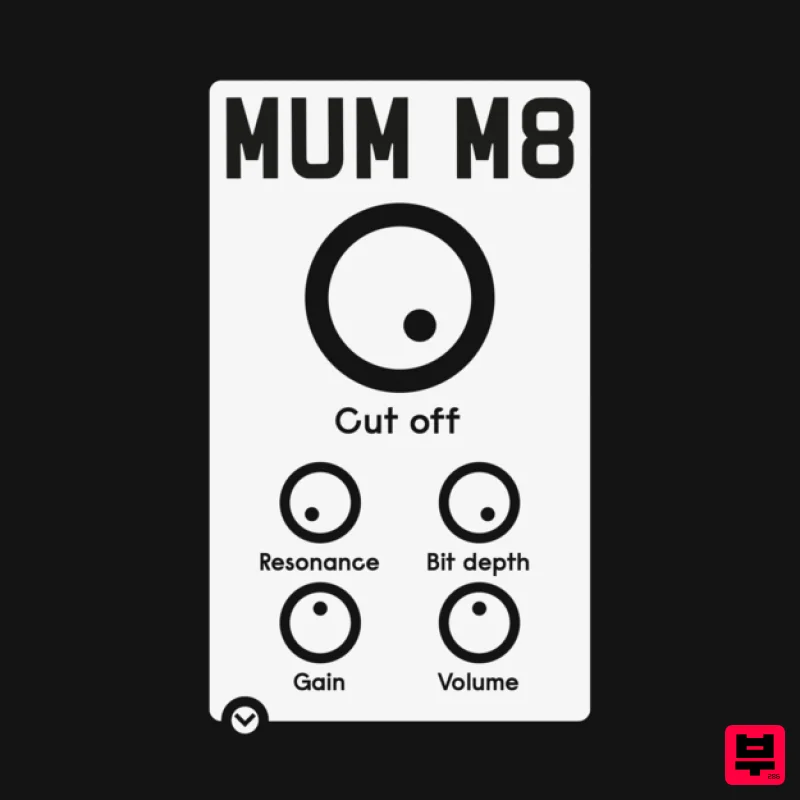
ALM / Busy Circuits MUM M8 DSP
Filter
$10
‘MUM M8 DSP’ is a low pass filter plug-in emulating the filter used in the classic Akai S950 12 bit sampler with...
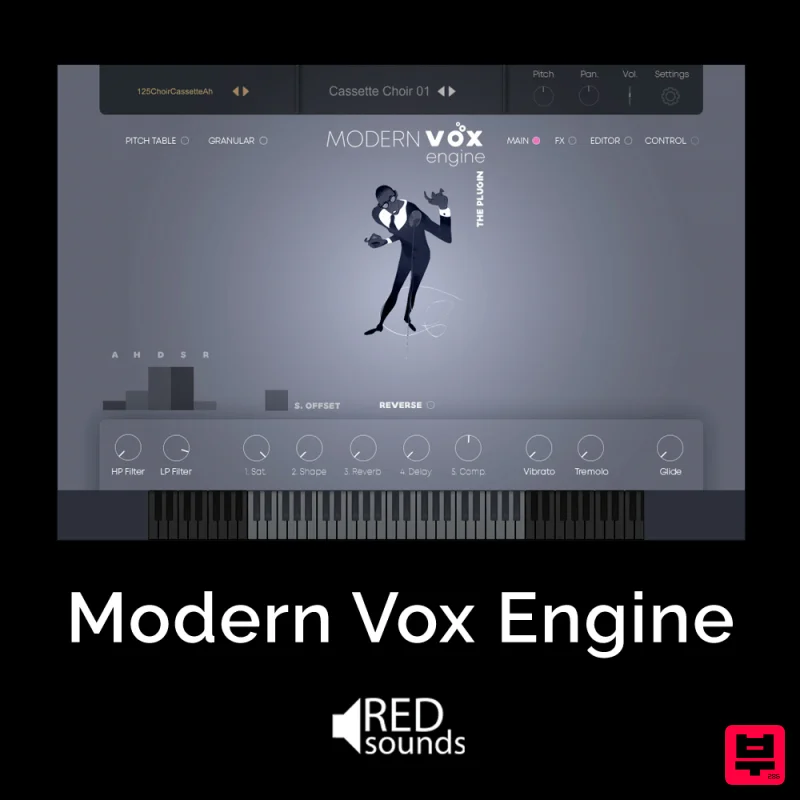
Red Sounds Modern Vox Engine
Filter
$30
Please welcome a collaboration. Red Sounds x Channel Robot. Over a year in development. We recorded vocal samples for 5...
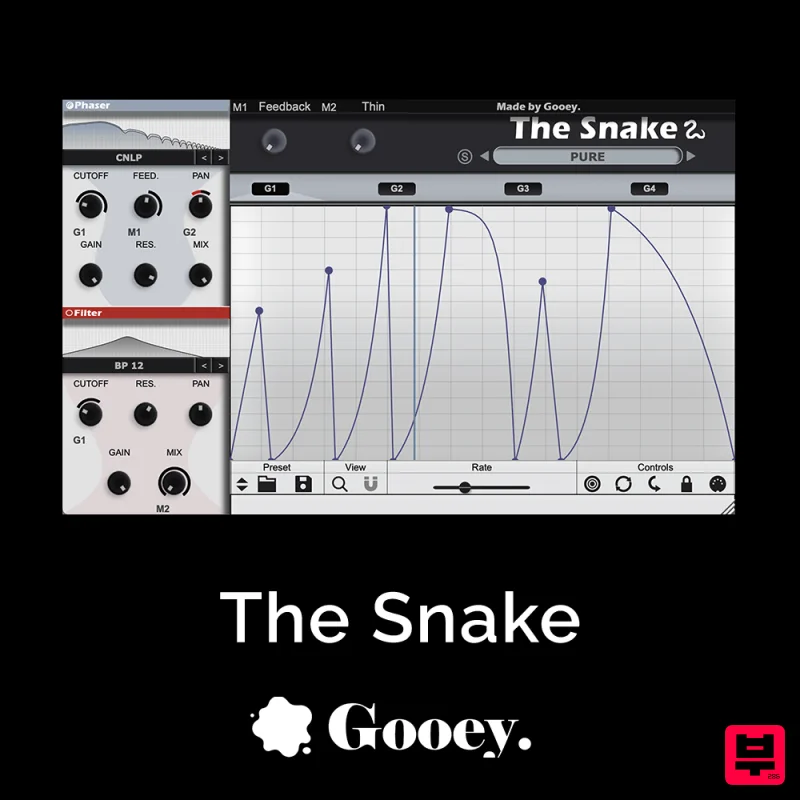
Gooey Audio The Snake
Filter
$30
The Snake has a venomous bite with colorful comb filters, phasers, and more. With The Snake you can widen the stereo...
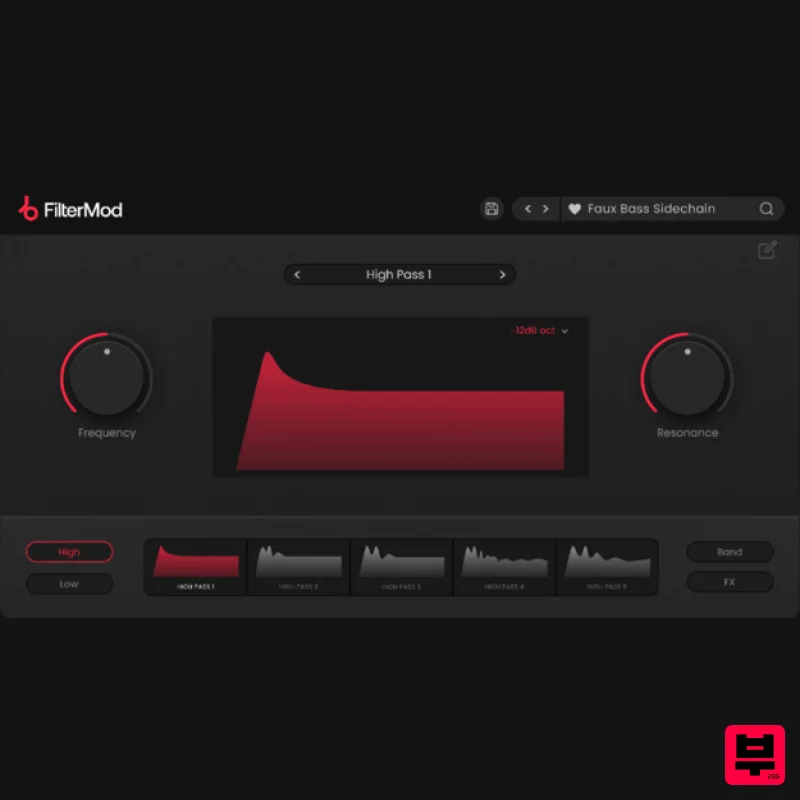
Plugin Boutique FilterMod
Filter
$51
Animate your Filtering Whether it's drums, bass, synths, pads or vocals, filtering is a key element of the production...
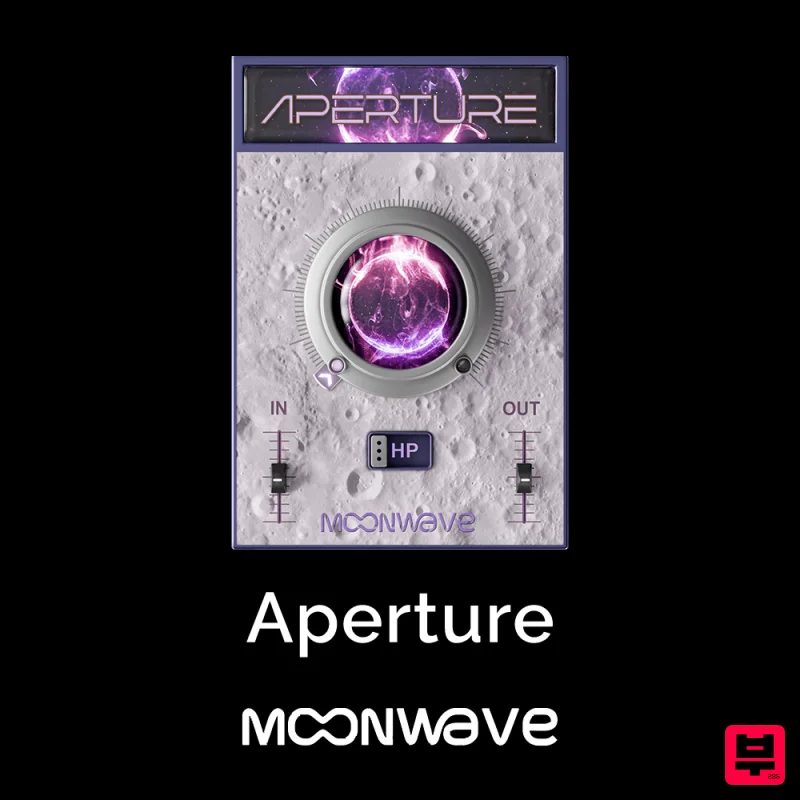
Moonwave Aperture
Filter
$30
Shape The Horizon Of Sound Unlock the gateway to precision filtering with Aperture, a powerful tool designed to give...
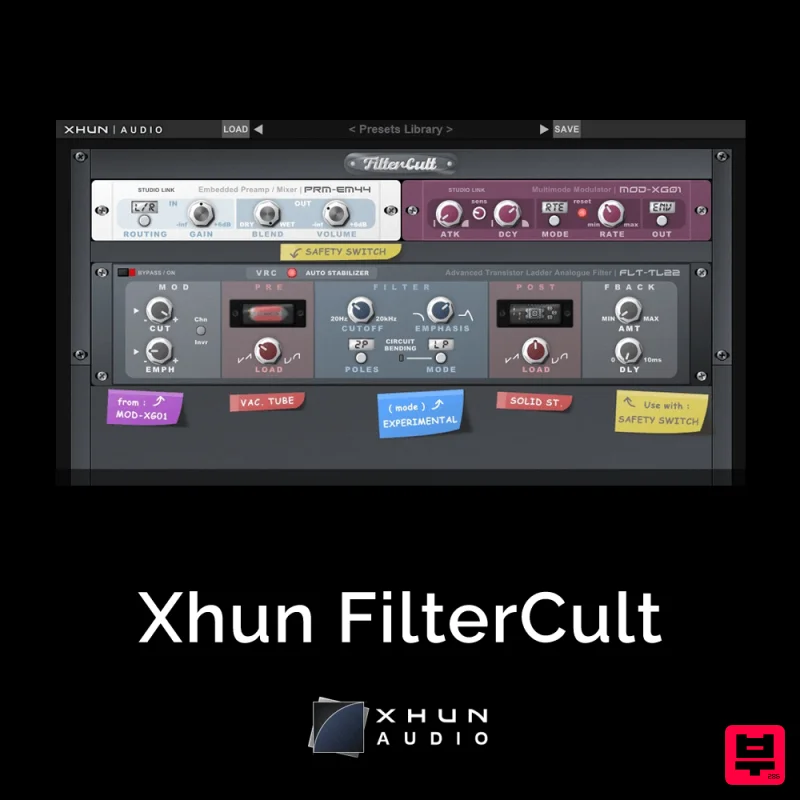
XHUN Audio Xhun FilterCult
Filter
$30
FilterCult is an accurate simulation of the infamous and iconic transistor ladder analogue filter, meticulously...
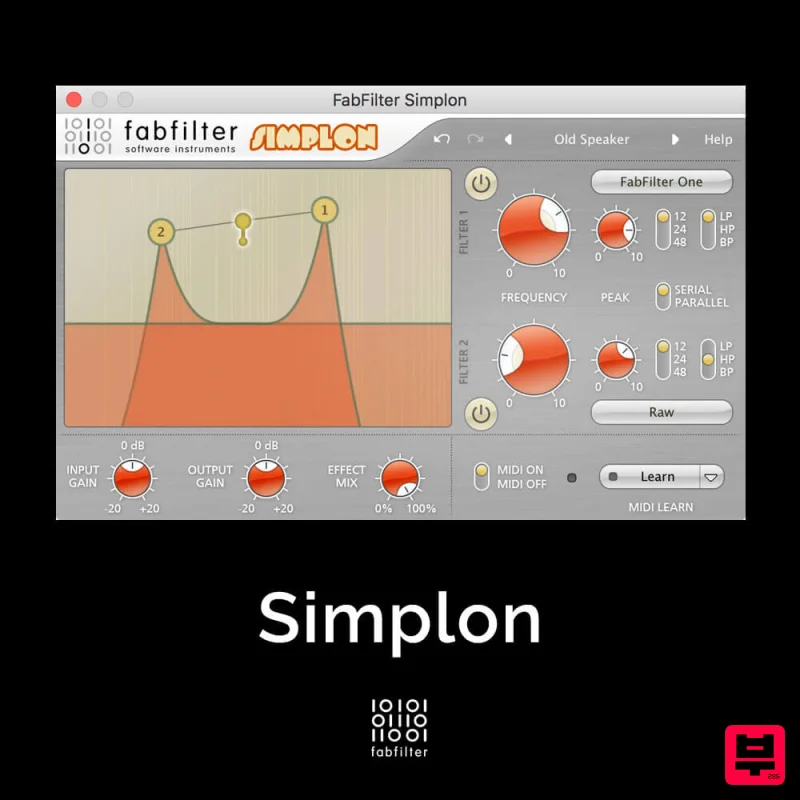
FabFilter Simplon
Filter
$30
Unique Filters, Easy Display FabFilter Simplon is a simplified version of FabFilter Volcano 2 with two independent...

NoiseAsh Action Filter
Filter
$30
ANALOG FILTER ADDICTION With tons of classic filter models, unique advanced modulation options and convincing analog...
Frequently Asked Questions
The MeldaProduction MCombMB stands out for its exceptional MeldaProduction craftsmanship and innovative design.
Yes! With its affordable price point and quality construction, it's perfect for learning filter.
Browse the similar products section to see how it stacks up against other filter.

