
MeldaProduction MAutoVolume
Professional music gear - detailed information and where to buy
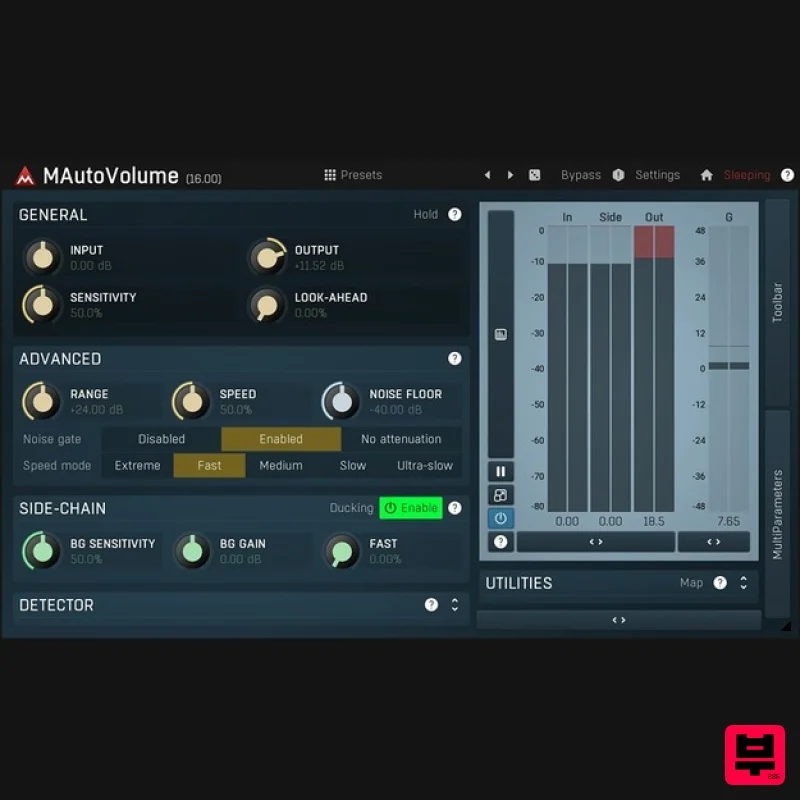
MeldaProduction
MAutoVolume
Product Info
* Prices may vary. Check retailer for current pricing and availability.
Product Description
- Vocals
- bass
- solo guitars
- saxophones. They all deserve to be on top of the mix all the time. To accomplish this
- some engineers used compressors
- others automated faders. Now you have MAutoVolume
- which does the job for you with almost no effort and with unbelievable audio quality. MAutoVolume Will Adapt to your Mix How many times did the main vocal sit just right in the mix and suddenly it didn't? Feed everything except for the vocal to the MAutoVolume side-chain and the plugin will ensure it will always sit on top of the mix. MeldaProduction Goodies As usual you get the standard MeldaProduction goodies: up to 16x upsampling
- surround and other channel modes
- A-H presets for speeding up your workflow
- an integrated help system plus much more! Features The most advanced user interface on the market - stylable
- resizable
- GPU accelerated Unique visualisation engine with classic meters and time graphs exceptionally versatile modulators Adjustable oscillator shape technology 4 multiparameters M/S
- single channel
- up to 8 channels surround processing... randomisation Automatic gain compensation (AGC) Safety limiter Adjustable up-sampling 1x-16x MIDI controllers with MIDI learn Very fast
- optimised for SSE/SSE2/SSE3 processors Global preset management and online preset exchange Supports VST
- VST3
- AU and AAX interfaces on Windows & Mac
- both 32-bit and 64-bit No dongle nor internet access is required for activation Free-for-life updates System Requirements Windows Windows 8 / 10 / 11 (64-bit) VST / VST3 / AAX compatible host (64-bit) Intel/AMD processor with SSE2 support macOS macOS 10.14 and newer (64-bit) VST / VST3 / AU / AAX compatible host Intel/AMD/M1 processor with SSE2 support Native Apple Silicon ARM CPU support Note: Please check your product PDF documentation for more information and installation instructions. Please Note: MPowerSynth is used as an example. Activation 1. Click download in your Plugin Boutique User Account or go to https://www.meldaproduction.com/downloads. 2. Download the relevant installer > Complete the installation process. 3. Go to https://www.meldaproduction.com/register/ > Fill out the requested details and click 'Create Account' > Skip to step 4 if you already have an account. 4. Open the MPluginManager > Click 'Sign in' in the top right corner. 5. Enter your MeldaProduction details > Click 'Ok'. 6. Navigate to the 'LICENCES & ACTIVATION' tab > Click 'Redeem serial code from a reseller'. 7. Enter the serial found in your Plugin Boutique User Account > Click 'Ok'. 8. Navigate back to the 'PLUGINS' tab
- locate your plugin and click on it > Once highlighted
- click 'INSTALL / CHANGE' to install the plugin. Your plugin is now activated and ready to be used within your DAW!
Additional Information
About the MeldaProduction MAutoVolume
Discover the distinctive sound and feel of the MeldaProduction MAutoVolume, a standout choice among Gain.
Why Choose the MeldaProduction MAutoVolume?
- •Authentic MeldaProduction craftsmanship and design
- •Versatile sound suitable for multiple musical genres
- •Professional build quality and reliable performance
- •Part of MeldaProduction's respected Gain lineup
Compare & Explore
Browse our complete selection of MeldaProduction instruments or explore other Gain options. Use our comparison tools to find the perfect match for your musical style and budget.
Similar Products
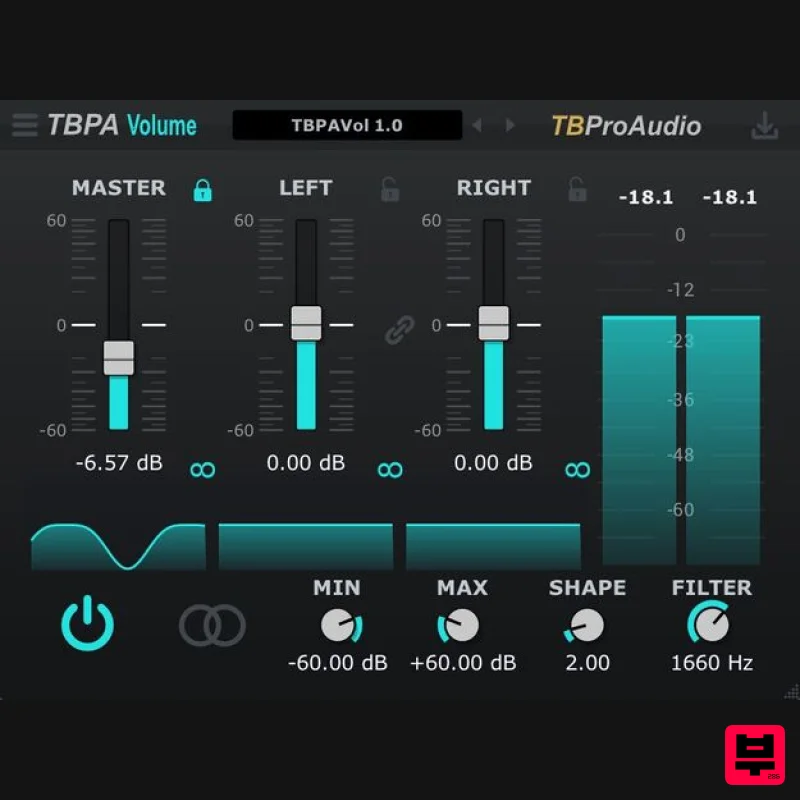
TBProAudio TBPA Volume
Gain
Free
Suppresses aliasing during high-frequency gain changes TBPA Volume allows you to control the volume of the audio signal...
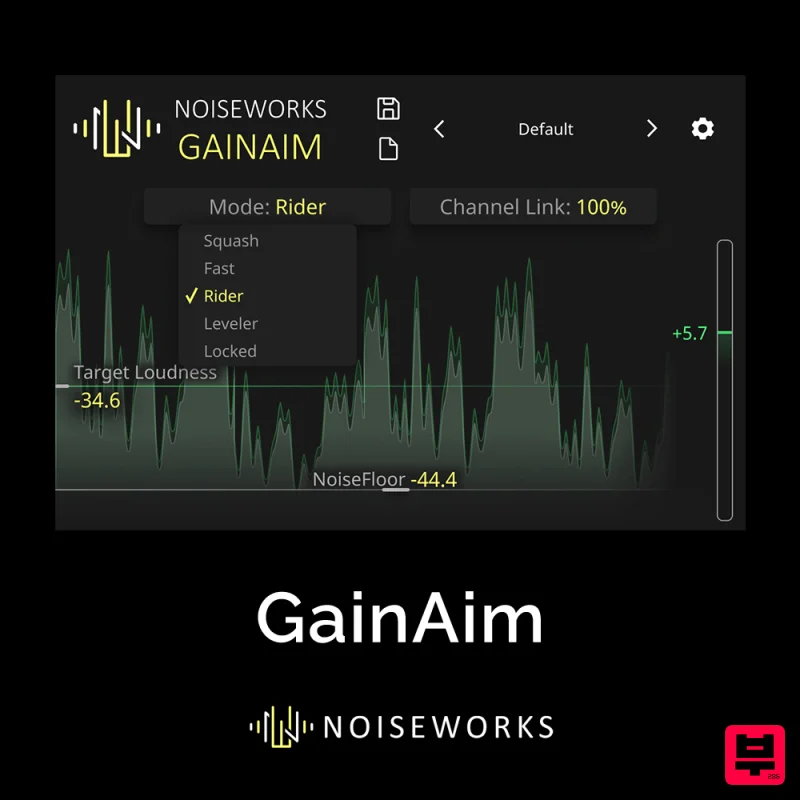
NoiseWorks GainAim
Gain
$30
Inspired by cutting-edge vocal rider technology, GainAim delivers studio‑grade gain riding and loudness control in...
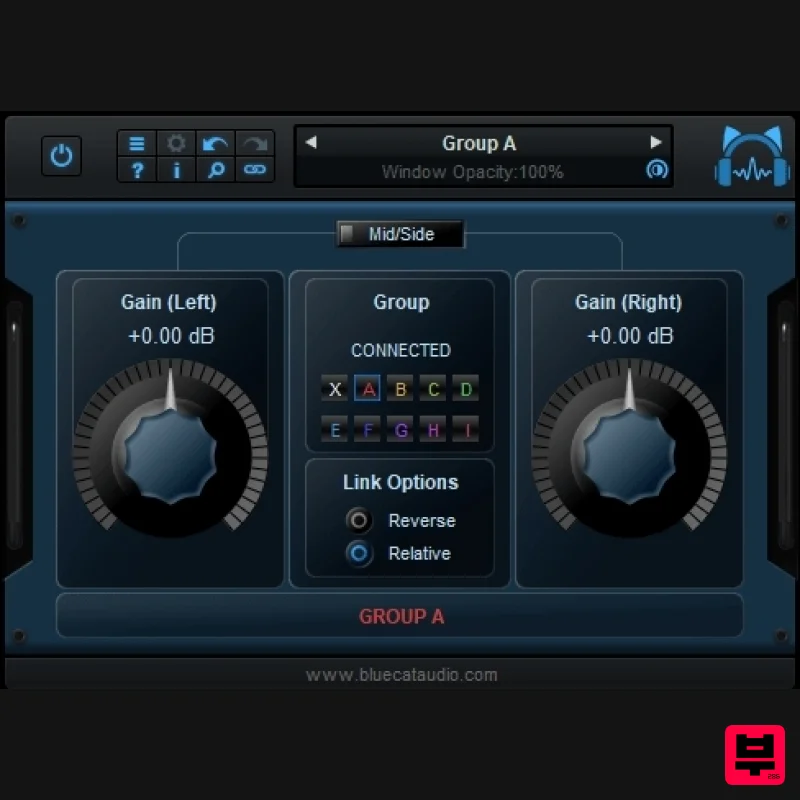
Blue Cat Audio Blue Cat's Gain Suite
Gain
Free
This plug-in suite is a series of gain utilities which let you control the volume of one or several audio tracks in...
Frequently Asked Questions
The MeldaProduction MAutoVolume stands out for its exceptional MeldaProduction craftsmanship and innovative design.
Yes! With its affordable price point and quality construction, it's perfect for learning gain.
Browse the similar products section to see how it stacks up against other gain.

