
MeldaProduction MAnalyzer
Professional music gear - detailed information and where to buy
MeldaProduction
MAnalyzer
Product Info
* Prices may vary. Check retailer for current pricing and availability.
Product Description
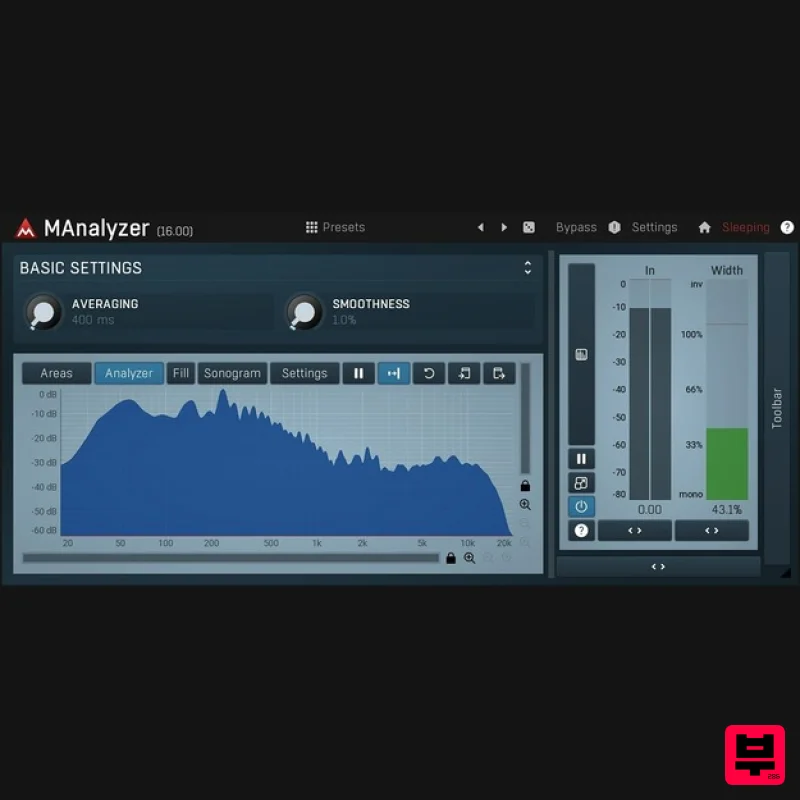
- MAnalyzer Spectral analyzer and sonogram measuring average
- infinite average
- temporary maximum and infinite maximum. spreads energy between ranges of frequencies for perfect optical recognition. Prefiltering providing for example equal loudness contours
- which therefore implements a simplified human hearing. Super-resolution improves resolution in low frequencies
- but keeps the speed of higher frequencies. Standard FFT analyzers have poor resolution in low frequencies due to logarithmical scale of human auditory system. Super-resolution fixes this problem and provides high resolution in both high and low frequencies. Deharmonization reduces harmonics leaving only fundamentals
- which is great for identifying relevant frequencies. Magnitude normalization for better optical comparison. Freeze mode. Copy/paste to clipboard to compare in another analyzer window. FFT sizes from 1024 to 16384. Overlapping and adjustable windows for maximal precision. Global preset management - using a title button you can save your settings
- which are shared on the computer
- so you can easily access them in another songs. System Requirements Windows Windows 8 / 10 / 11 (64-bit) VST / VST3 / AAX compatible host (64-bit) Intel/AMD processor with SSE2 support macOS macOS 10.14 and newer (64-bit) VST / VST3 / AU / AAX compatible host Intel/AMD/M1 processor with SSE2 support Native Apple Silicon ARM CPU support Note: Please check your product PDF documentation for more information and installation instructions. Awards MeldaProduction Installation 1. Visit https://www.meldaproduction.com/download.php to download the latest MeldaProduction installer. 2. Once downloaded
- run the installer. Click NEXT. 3. Read the Software Licence Agreement and check the box to agree to the licence terms. Click NEXT. 4. Select which components you wish to install by checking/un-checking each box. Click NEXT. 5. Select which plugins you wish to install
- and then click NEXT. 6. Select where you wish to install your products VST plugins then click NEXT (Windows only). 7. When the installer has concluded
- click EXIT.
Additional Information
About the MeldaProduction MAnalyzer
The MeldaProduction MAnalyzer combines traditional design with modern performance for Spectral Analysis enthusiasts.
Why Choose the MeldaProduction MAnalyzer?
- •Authentic MeldaProduction craftsmanship and design
- •Versatile sound suitable for multiple musical genres
- •Professional build quality and reliable performance
- •Part of MeldaProduction's respected Spectral Analysis lineup
Compare & Explore
Browse our complete selection of MeldaProduction instruments or explore other Spectral Analysis options. Use our comparison tools to find the perfect match for your musical style and budget.
Similar Products
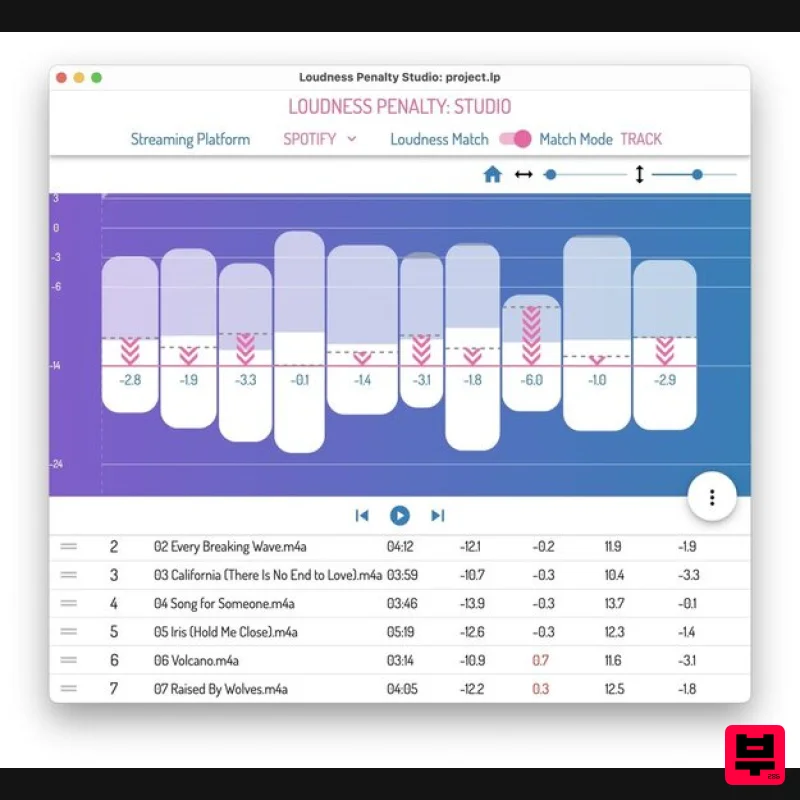
MeterPlugs Loudness Penalty Studio
Spectral Analysis
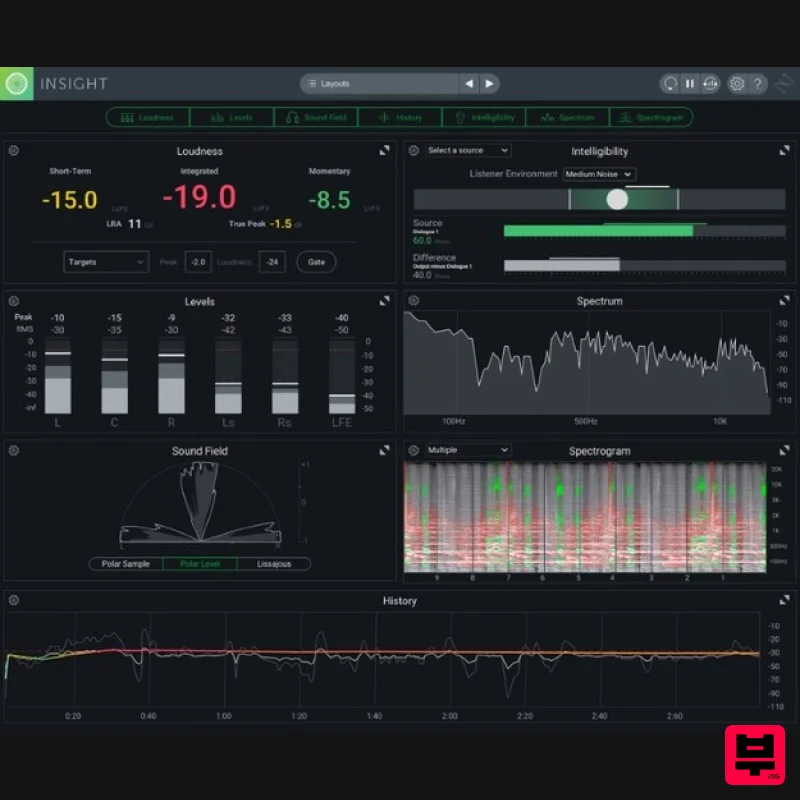
iZotope Insight 2 Educational Version
Spectral Analysis
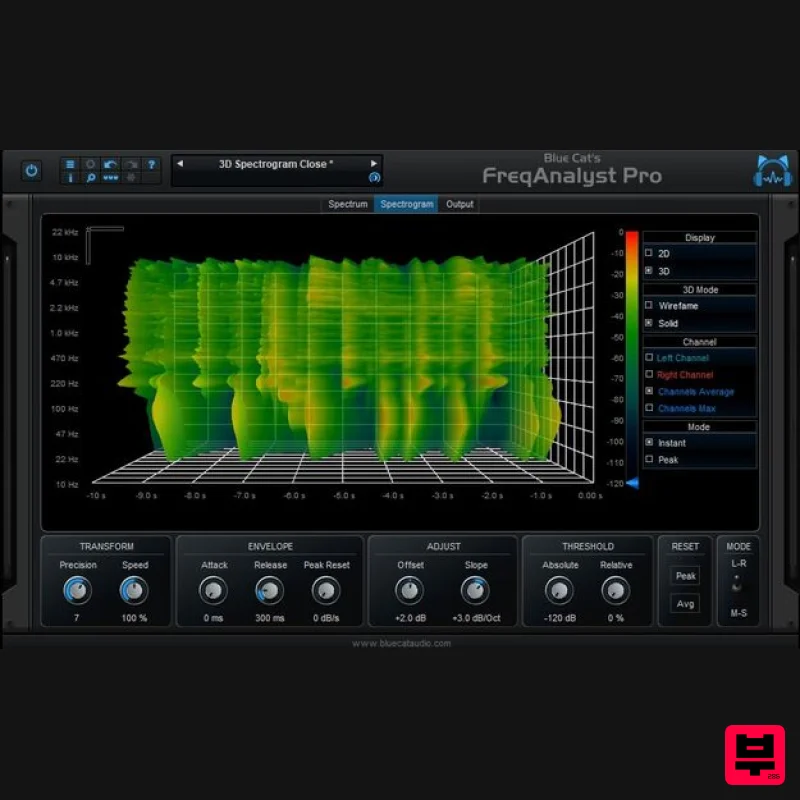
Blue Cat Audio Blue Cat's FreqAnalyst Pro
Spectral Analysis
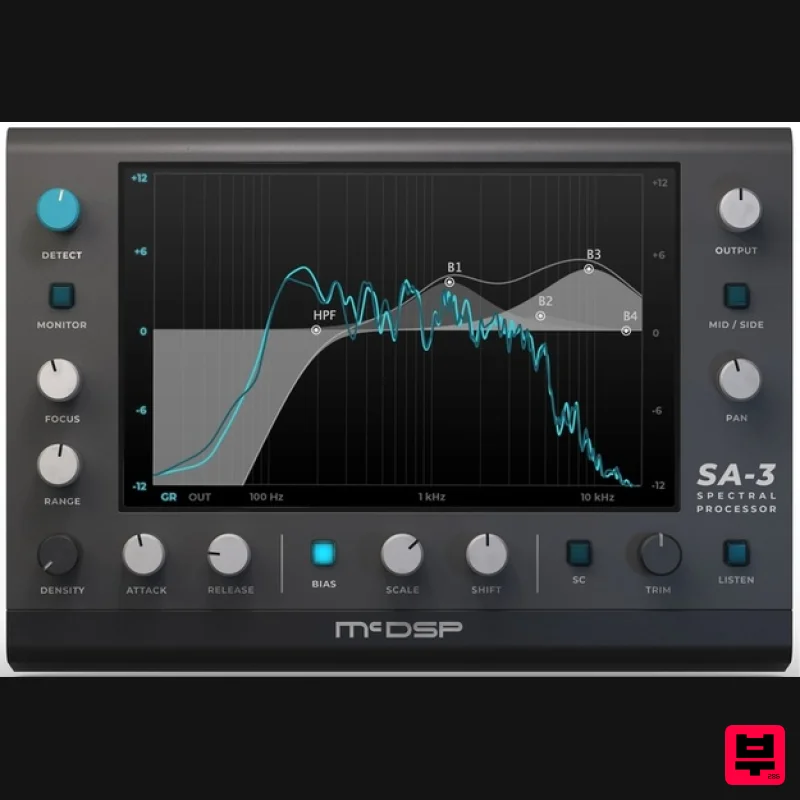
McDSP SA-3 Spectral Processor
Spectral Analysis
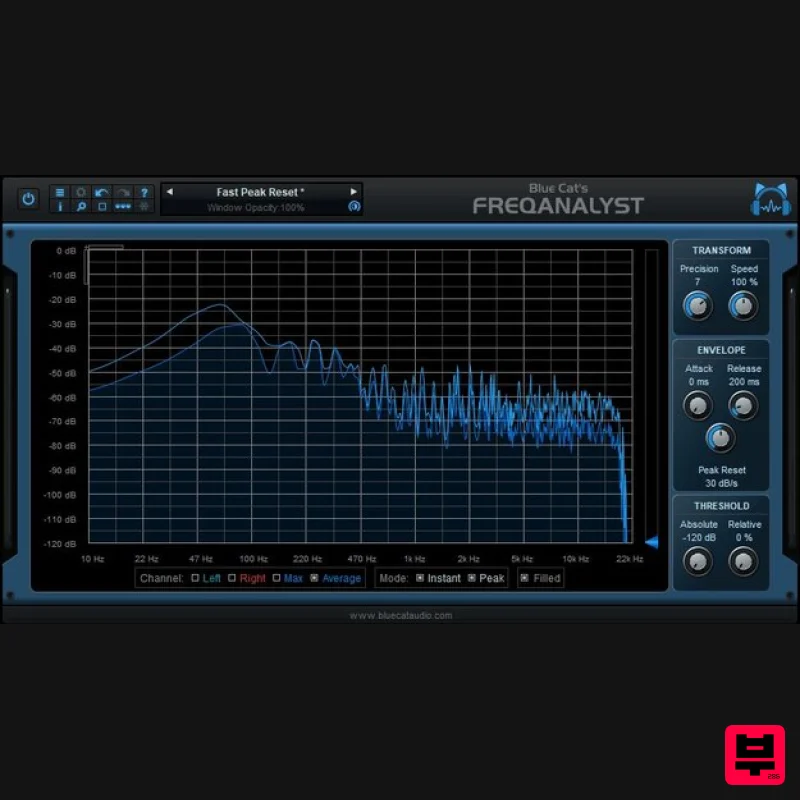
Blue Cat Audio Blue Cat's FreqAnalyst
Spectral Analysis
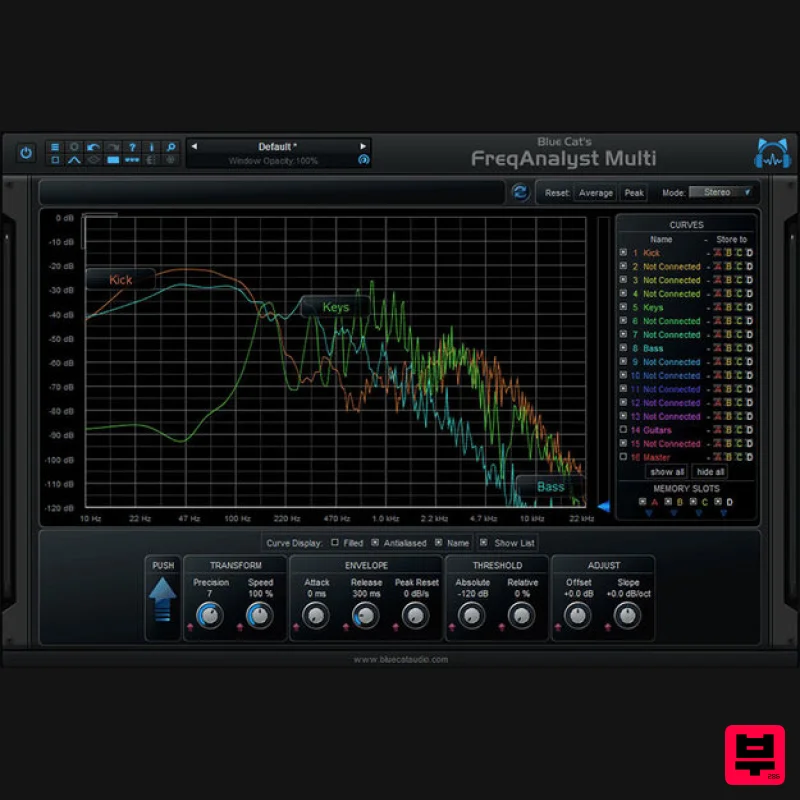
Blue Cat Audio Blue Cat's FreqAnalyst Multi
Spectral Analysis
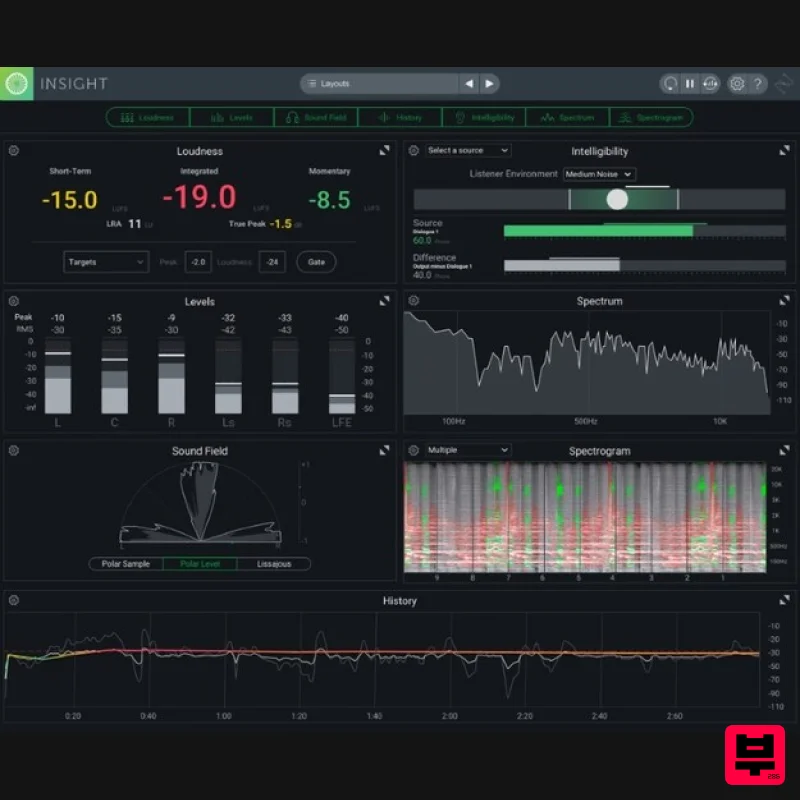
iZotope Insight 2
Spectral Analysis
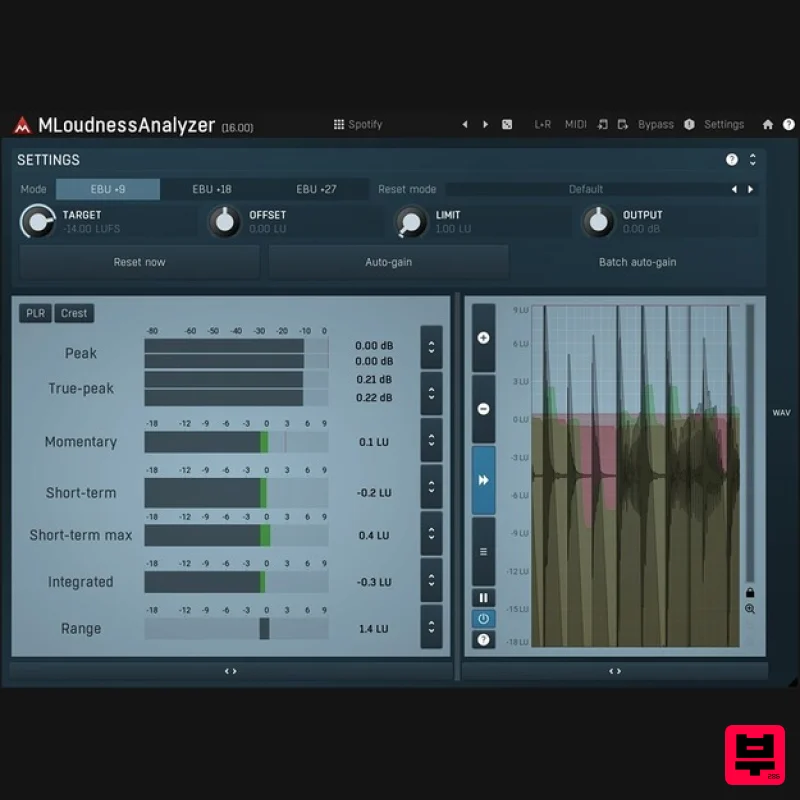
MeldaProduction MLoudnessAnalyzer
Spectral Analysis

