
McDSP Channel G Native v7
Professional music gear - detailed information and where to buy
McDSP
Channel G Native v7
Product Info
* Prices may vary. Check retailer for current pricing and availability.
Product Description
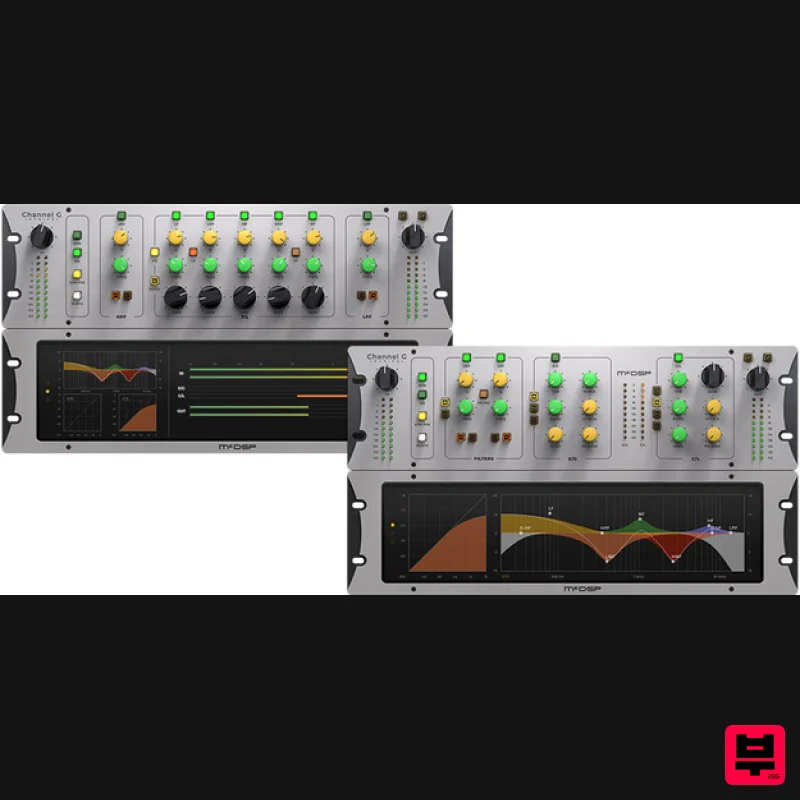
- Note: This product is the Native version. The HD version for AAX DSP users is also available. Channel G delivers the big board sound with unprecedented flexibility and seamless integration with Avid control surfaces including S6
- D-Control
- D-Command
- and VENUE Live sound systems including S3L and S6L. Channel G is 3 plug-ins: G Dynamics – a fully featured console style dynamics section with an Expander/Gate
- Compressor/Limiter
- and a versatile filter section G Equalizer – a five-band professional grade console style EQ with a versatile filter section G Console – a combination of the G Dynamics and G Equalizer configurations All Channel G configurations feature calibration modes for music
- post production
- and models of the world’s most popular analog mixing desks. Features Optimization for Apple Silicon and Latest Intel Processors Two activations per license / subscription High definition updated user interfaces New presets Zero Latency Algorithms Double Precision Processing Real Time Analyzers Multi-mode filters (high pass
- low pass
- notch) with selectable slopes of 6 to 24 dB/Oct Full-featured Expander/Gate
- Compressor/Limiter Five-band EQ with shelving and parametric sections Compressor/Limiter operation pre or post EQ section Analog Saturation modeling Mono and stereo versions System Requirements Mac macOS 10.13 or higher (64-bit only) (macOS 12 Monterey compatible) McDSP plugins run natively on Intel and M1 Apple Silicon processors McDSP HD plugins support AAX DSP plugin format
- AAX Native
- and VST3 plugin formats McDSP plugins support Mac OS 10.13.x (High Sierra)
- 10.14.x (Mojave)
- 10.15.x (Catalina)
- 11.x (Big Sur)
- 12.x (Monterey)
- and Windows 10 Mac OS version 10.12.x (Sierra) may work but is not officially supported. Earlier Mac OS versions are not officially supported Windows Windows 7
- 8 & 10 (64-bit only) HD v7 Software Support AAX DSP AAX Native Audio Units (AU) VST3 Compatible DAW's McDSP HD and Native plugins are compatible with Pro Tools
- Logic Pro
- Cubase
- Nuendo
- Ableton Live
- LUNA
- Reaper
- Sonar
- Studio One
- and other DAWs that support AAX
- and/or VST3 plugin formats As of v7.0
- VST is no longer supported. VST versions of v6 McDSP plugins will no longer be updated and will be uninstalled McDSP HD plugins also support the VENUE S6L systems. McDSP VENUE plugins are packaged in a VENUE specific installer available on the McDSP website. Activation: McDSP plugins require an iLok2 or iLok3 USB Key
- or an iLok License Manager account and iLok Cloud for activation. Important note: McDSP plugins require an iLok2 or iLok3 USB Key
- or a FREE iLok License Manager account and iLok Cloud session for authorisation. Each McDSP v7 plugin contains two activations per authorisation. Tape Op “From the sheer number of jobs it can perform to the broad range of sonic ground it can cover
- Channel G comes very close to being the only plug-in you ever need to do great mixes.” EC-300 Echo Collection is used as an example. Please Note: You must have an account at ilok.com to be able to use the trial and purchased versions of any McDSP software. iLok Registration 1. Go to the iLok website and create a new account if you are not currently registered and do not have the iLok Licence Manager installed on your computer. Note: Skip to the 'iLok Activation' procedure if you are already an iLok registered user. 2. Download and install the iLok License Manager. iLok Activation 1. Open your iLok license manager application > click 'Sign In'. 2. Enter your iLok registered User ID and password > click ‘Sign In'. 3. Navigate to 'Licenses'. Click 'Redeem Activation Code'. 4. Copy and paste the 30-digit code from your Plugin Boutique User Account into the available Activation Code boxes > Click ‘Next'. 5. In the top-left corner of the application
- click 'File > Open Cloud Session' to activate your license to the iLok cloud. 6. Navigate to the 'Available' tab > Locate your new license > Drag the license to your iLok Cloud Session on the left-hand menu. Mac Software Installation 1. Download the installer file from your Plugin Boutique User Account. 2. Double-click the .zip folder to reveal the installer file. 3. Double-click the .pkg installer file to begin the installation process > Click 'Continue'. 4. Read through the information > Click 'Continue'. 5. Read through the license agreement > Click 'Continue'. 6. Click 'Agree'. 7. Click 'Install'. 8. Enter your system password > Click 'Install Software'. 9. Installation is now complete > Click 'Close'. 10. Open the software within your DAW. Your software is now installed
- activated
- and ready to use. Windows Software Installation 1. Download the installer file from your Plugin Boutique User Account. 2. Double-click the .zip folder to reveal the installer file. 3. Double-click the extracted .exe installer file to begin the installation process > click 'Next'. 4. Read through the information and select 'I accept the terms of the licence agreement' > click 'Next'. 5. Select your formats to be installed > click 'Next'. 6. Select a location for presets to be installed (default is recommended) > click 'Next'. 7. Click 'Install'. 8. Installation is now complete > Click 'Finish'. 9. Open the software within your DAW. Your software is now installed
- activated
- and ready to use.
Additional Information
About the McDSP Channel G Native v7
The McDSP Channel G Native v7 represents excellent craftsmanship in the Channel Strip category.
Why Choose the McDSP Channel G Native v7?
- •Authentic McDSP craftsmanship and design
- •Versatile sound suitable for multiple musical genres
- •Professional build quality and reliable performance
- •Part of McDSP's respected Channel Strip lineup
Compare & Explore
Browse our complete selection of McDSP instruments or explore other Channel Strip options. Use our comparison tools to find the perfect match for your musical style and budget.
Similar Products
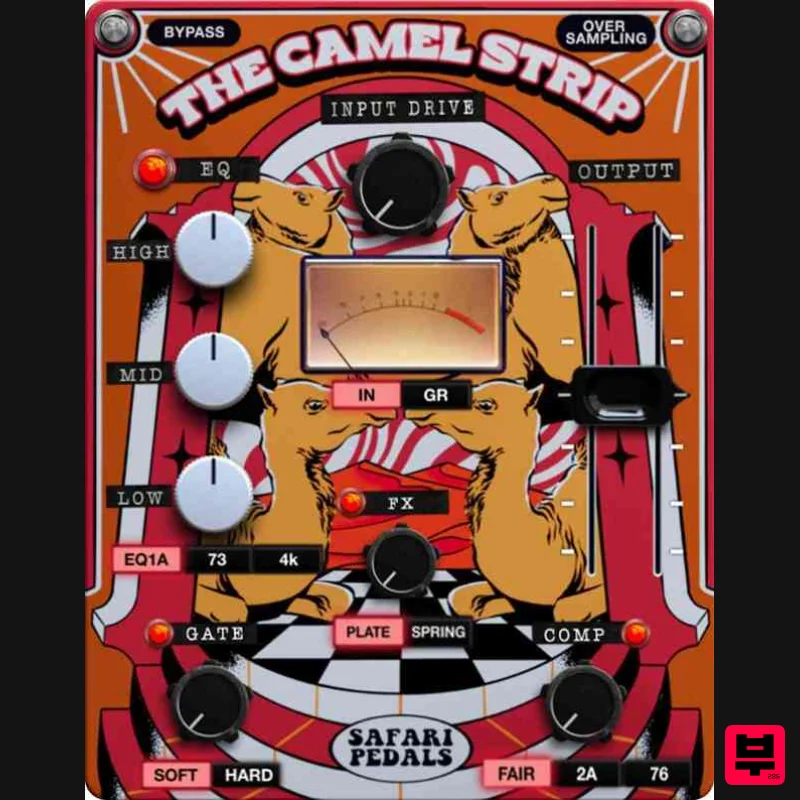
Safari Audio The Camel Strip
Channel Strip
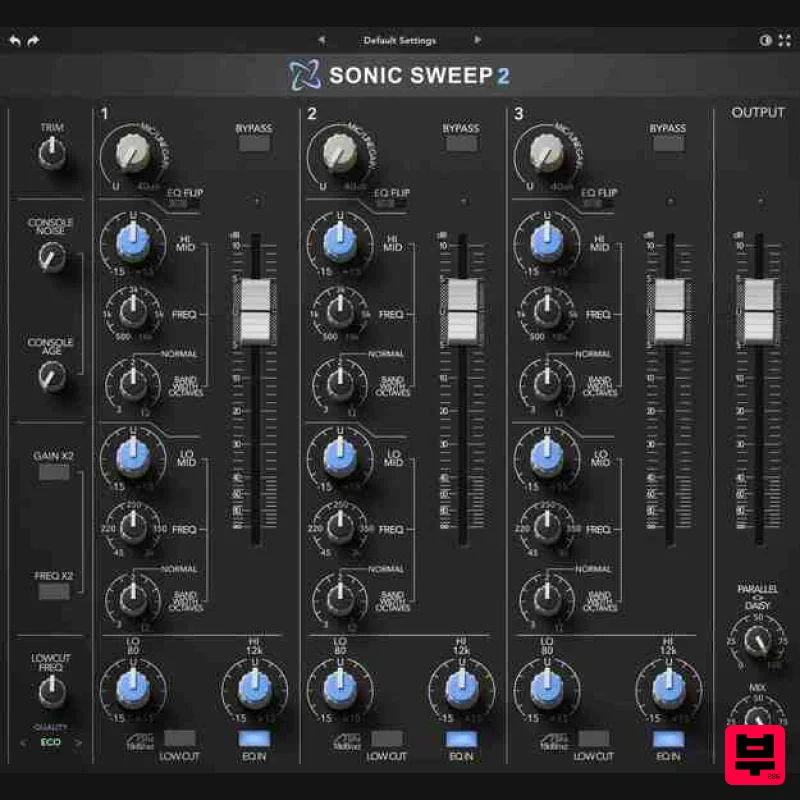
Rave Generation Sonic Sweep 2
Channel Strip
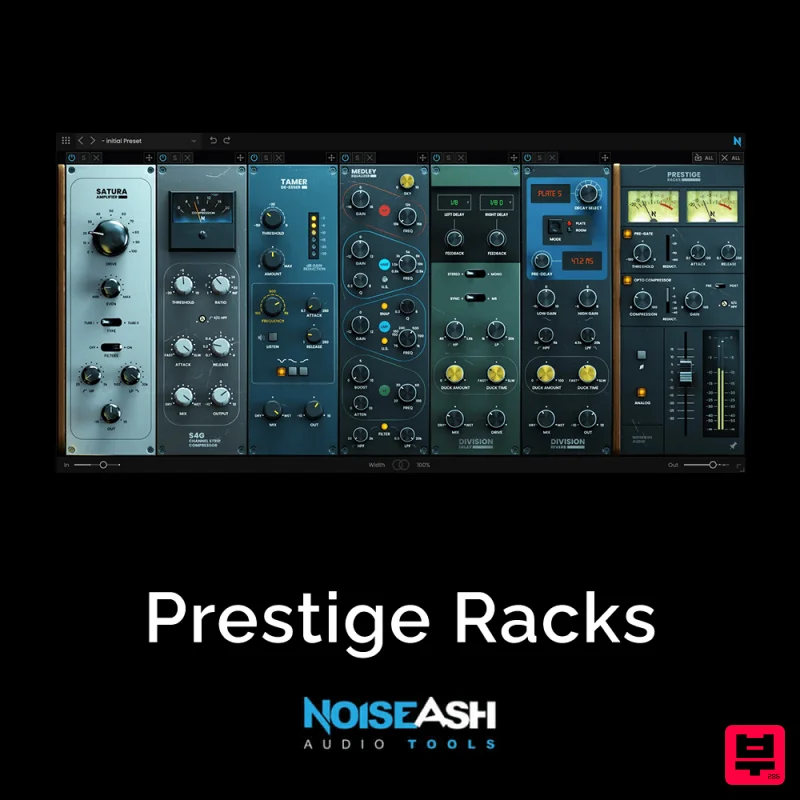
NoiseAsh Prestige Racks
Channel Strip
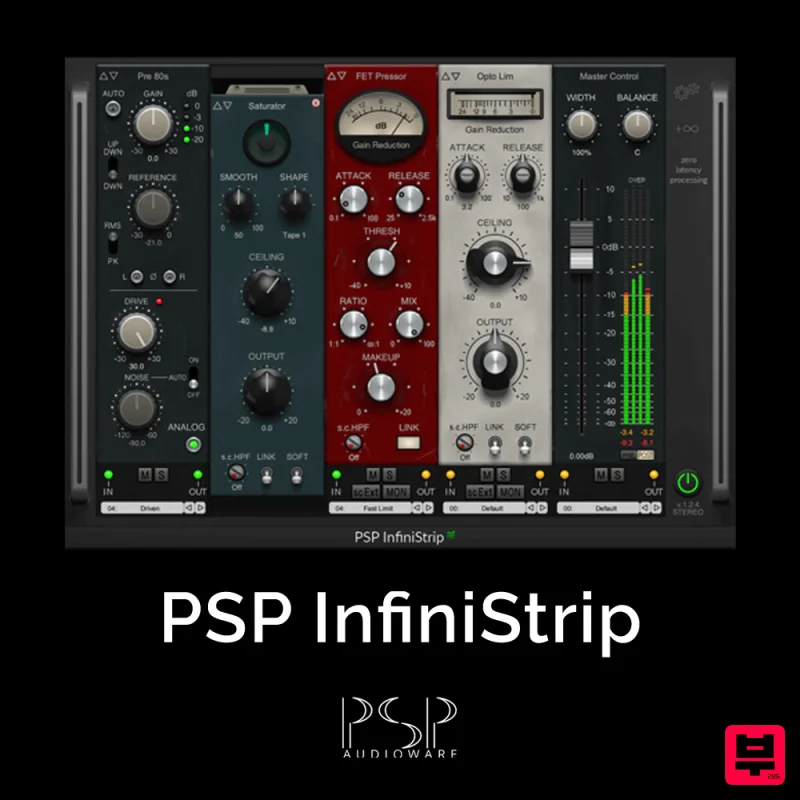
PSP Audioware PSP InfiniStrip
Channel Strip
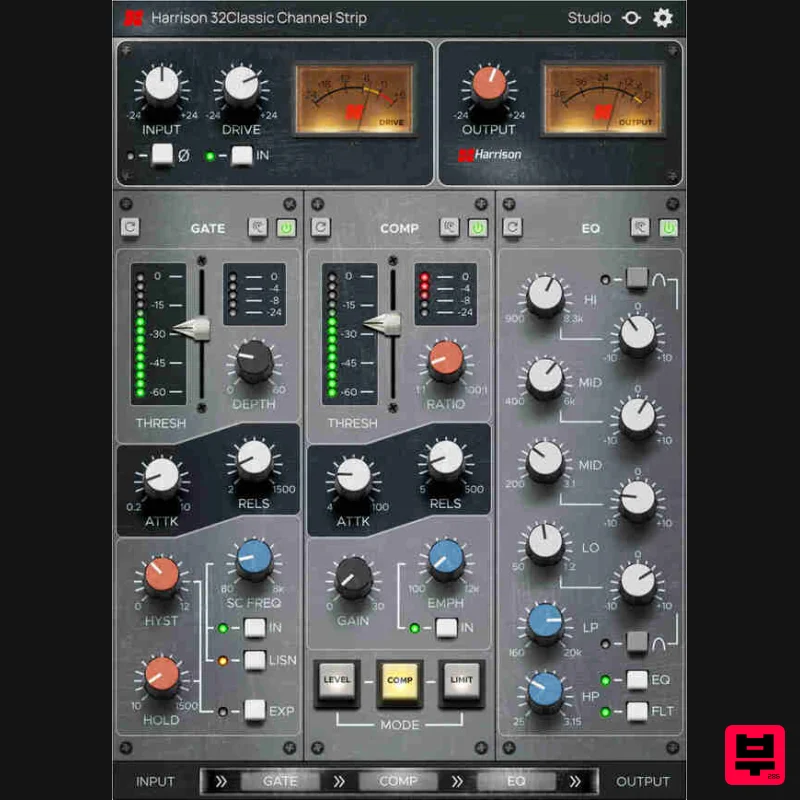
Harrison Consoles 32Classic Channel
Channel Strip
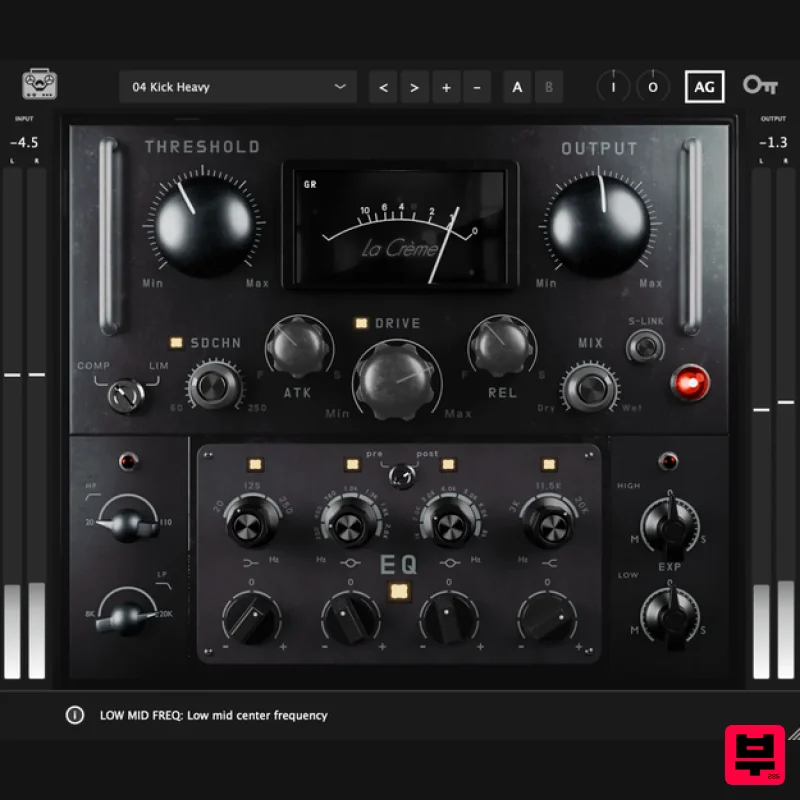
Tone Empire La Crème 3
Channel Strip
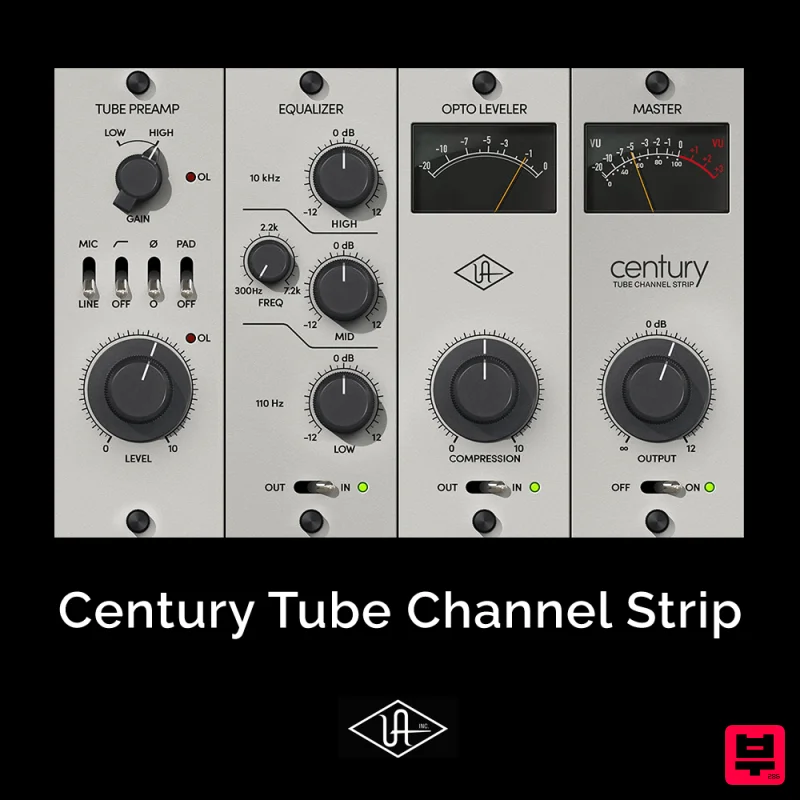
Universal Audio Century Tube Channel Strip
Channel Strip
PSP Audioware PSP InfiniStrip Earth Edition
Channel Strip

