
McDSP 4040 Retro Limiter HD v7
Professional music gear - detailed information and where to buy
Product Description
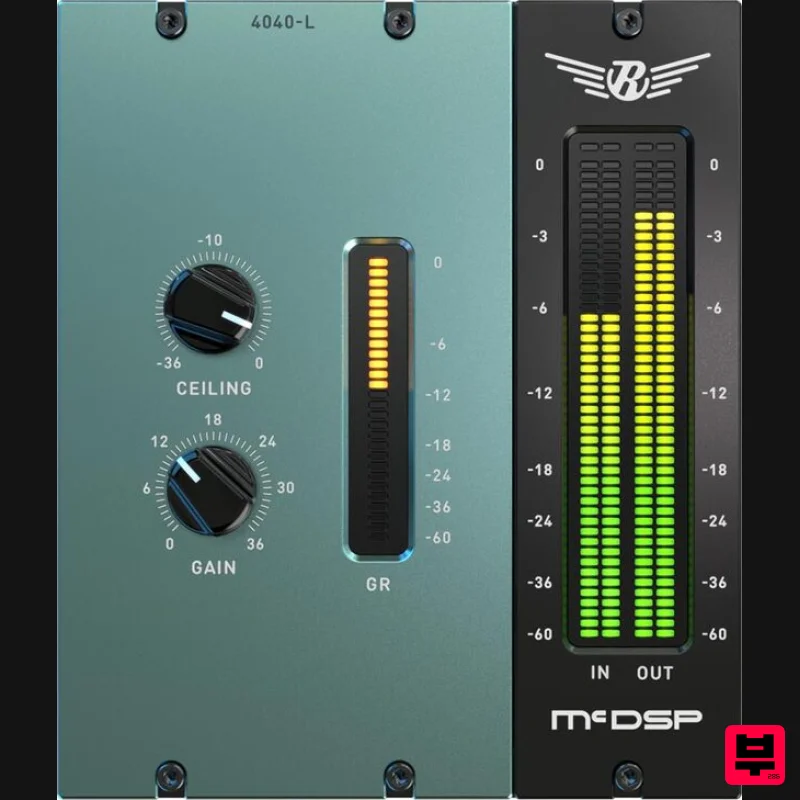
- INote: This product is the HD version for AAX DSP users. The Native version is also available. The 4040 Retro Limiter combines a look-ahead brick wall limiter function with several subjective treatments to make the limiting action subtle
- and yet vintage. All Retro plugins use a McDSP designed output stage topology to eliminate digital clipping at any output level and produce a distortion characteristic. This feature is in addition to the analogue saturation modelling that has made McDSP famous over the last decade. Retro plug-ins are a line of ‘classics’ that can live up to their own name without emulating something else. Features Optimization for Apple Silicon and Latest Intel Processors Two activations per license / subscription High definition updated user interfaces New presets Zero Latency Algorithms Double Precision Processing Unique original algorithms with transparent yet vintage sound Anti-Clip Output Stage Topology Analog Saturation Modeling Mono and stereo versions Up to 36 dB of signal gain System Requirements Mac macOS 10.13 or higher (64-bit only) (macOS 12 Monterey compatible) McDSP plugins run natively on Intel and M1 Apple Silicon processors McDSP HD plugins support AAX DSP plugin format
- AAX Native
- and VST3 plugin formats McDSP plugins support Mac OS 10.13.x (High Sierra)
- 10.14.x (Mojave)
- 10.15.x (Catalina)
- 11.x (Big Sur)
- 12.x (Monterey)
- and Windows 10 Mac OS version 10.12.x (Sierra) may work but is not officially supported. Earlier Mac OS versions are not officially supported Windows Windows 7
- 8 & 10 (64-bit only) HD v7 Software Support AAX DSP AAX Native Audio Units (AU) VST3 Compatible DAW's McDSP HD and Native plugins are compatible with Pro Tools
- Logic Pro
- Cubase
- Nuendo
- Ableton Live
- LUNA
- Reaper
- Sonar
- Studio One
- and other DAWs that support AAX
- and/or VST3 plugin formats As of v7.0
- VST is no longer supported. VST versions of v6 McDSP plugins will no longer be updated and will be uninstalled McDSP HD plugins also support the VENUE S6L systems. McDSP VENUE plugins are packaged in a VENUE specific installer available on the McDSP website. Activation: McDSP plugins require an iLok2 or iLok3 USB Key
- or an iLok License Manager account and iLok Cloud for activation. Important note: McDSP plugins require an iLok2 or iLok3 USB Key
- or a FREE iLok License Manager account and iLok Cloud session for authorisation. Each McDSP v7 plugin contains two activations per authorisation. Delicious Audio “Acoustic and electric guitars got beefy; drums got bold and good sounds were obtained with minimal fuss.” EC-300 Echo Collection is used as an example. Please Note: You must have an account at ilok.com to be able to use the trial and purchased versions of any McDSP software. iLok Registration 1. Go to the iLok website and create a new account if you are not currently registered and do not have the iLok Licence Manager installed on your computer. Note: Skip to the 'iLok Activation' procedure if you are already an iLok registered user. 2. Download and install the iLok License Manager. iLok Activation 1. Open your iLok license manager application > click 'Sign In'. 2. Enter your iLok registered User ID and password > click ‘Sign In'. 3. Navigate to 'Licenses'. Click 'Redeem Activation Code'. 4. Copy and paste the 30-digit code from your Plugin Boutique User Account into the available Activation Code boxes > Click ‘Next'. 5. In the top-left corner of the application
- click 'File > Open Cloud Session' to activate your license to the iLok cloud. 6. Navigate to the 'Available' tab > Locate your new license > Drag the license to your iLok Cloud Session on the left-hand menu. Mac Software Installation 1. Download the installer file from your Plugin Boutique User Account. 2. Double-click the .zip folder to reveal the installer file. 3. Double-click the .pkg installer file to begin the installation process > Click 'Continue'. 4. Read through the information > Click 'Continue'. 5. Read through the license agreement > Click 'Continue'. 6. Click 'Agree'. 7. Click 'Install'. 8. Enter your system password > Click 'Install Software'. 9. Installation is now complete > Click 'Close'. 10. Open the software within your DAW. Your software is now installed
- activated
- and ready to use. Windows Software Installation 1. Download the installer file from your Plugin Boutique User Account. 2. Double-click the .zip folder to reveal the installer file. 3. Double-click the extracted .exe installer file to begin the installation process > click 'Next'. 4. Read through the information and select 'I accept the terms of the licence agreement' > click 'Next'. 5. Select your formats to be installed > click 'Next'. 6. Select a location for presets to be installed (default is recommended) > click 'Next'. 7. Click 'Install'. 8. Installation is now complete > Click 'Finish'. 9. Open the software within your DAW. Your software is now installed
- activated
- and ready to use.
Additional Information
About the McDSP 4040 Retro Limiter HD v7
The McDSP 4040 Retro Limiter HD v7 combines traditional design with modern performance for Limiter enthusiasts.
Why Choose the McDSP 4040 Retro Limiter HD v7?
- •Authentic McDSP craftsmanship and design
- •Versatile sound suitable for multiple musical genres
- •Professional build quality and reliable performance
- •Part of McDSP's respected Limiter lineup
Compare & Explore
Browse our complete selection of McDSP instruments or explore other Limiter options. Use our comparison tools to find the perfect match for your musical style and budget.
Similar Products
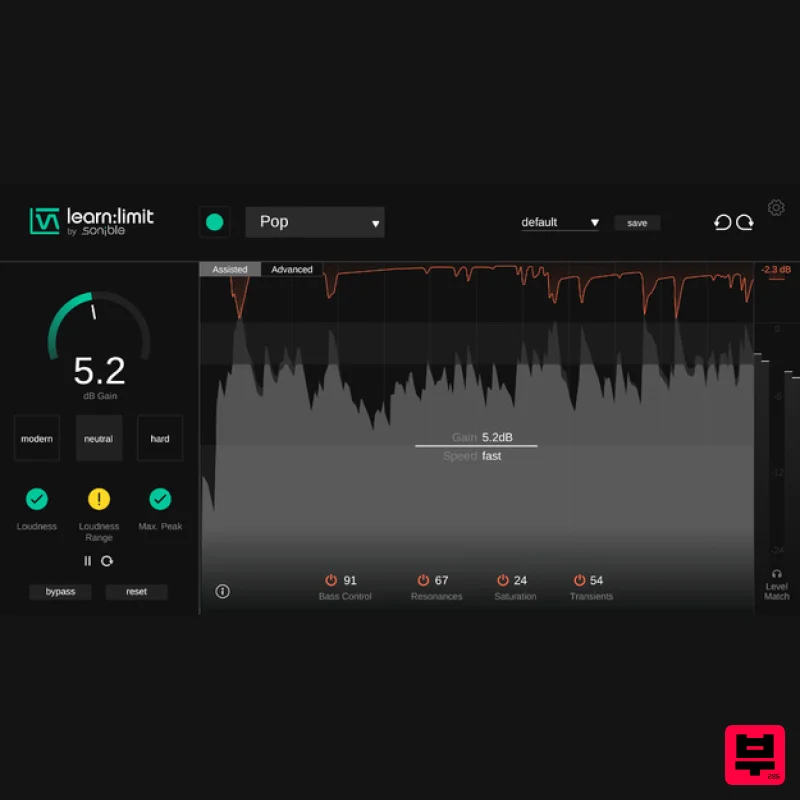
sonible learn:limit
Limiter
$72
An intelligent limiter with built-in loudness monitoring and educational hints learn:limit uses AI to set optimal...
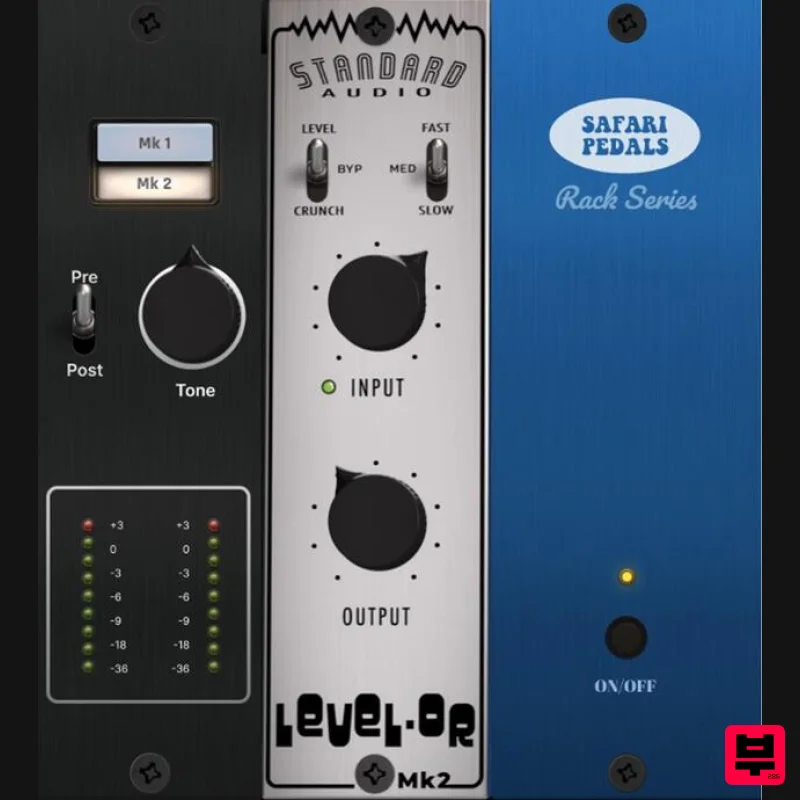
Safari Audio Standard Audio Level-Or
Limiter
$51
Level-Or by Standard Audio x Safari Audio Level-Or is a fierce character compressor/limiter based on the cult-classic...
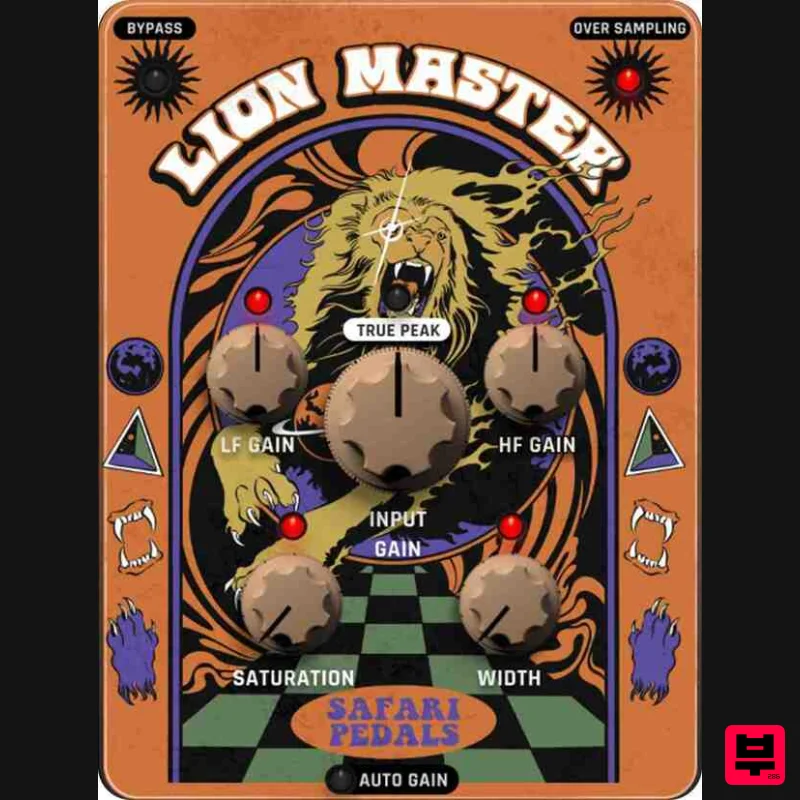
Safari Audio Lion Master
Limiter
$51
Precision Limiting with Saturation & Width Control Lion Master by Safari Audio is a powerful limiter designed for...
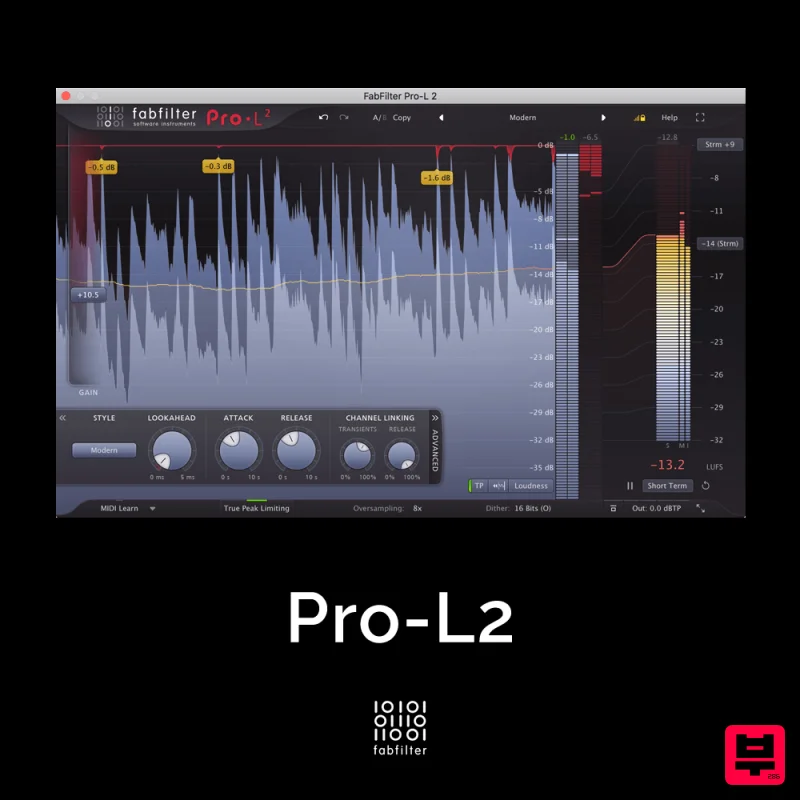
FabFilter Pro-L2
Limiter
$30
A true peak limiter is an essential tool for every mastering or mixing engineer. Are you looking for a professional,...
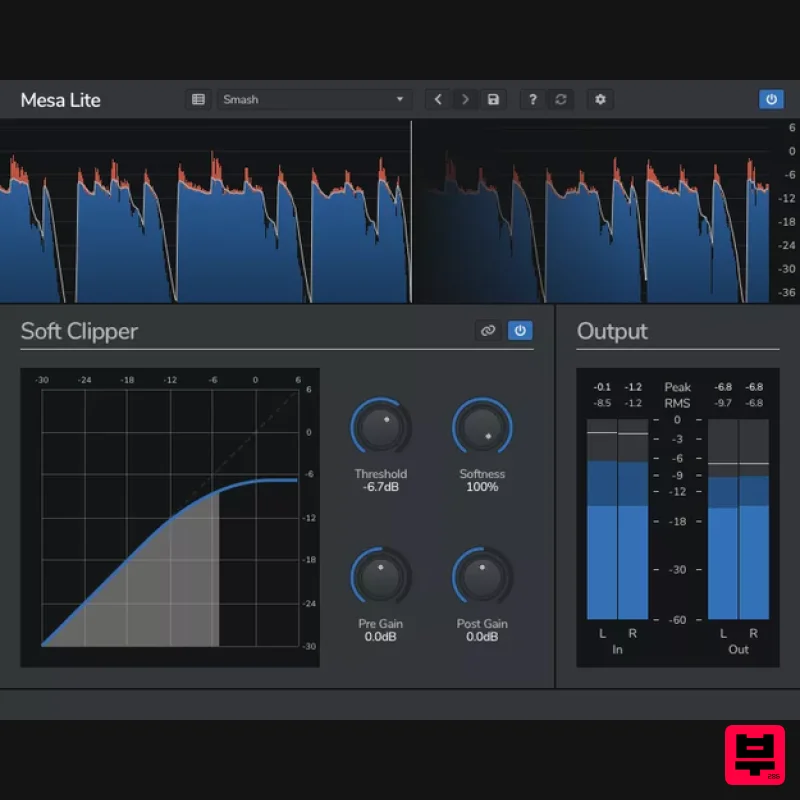
Venomode Mesa Lite
Limiter
Free
Control peaks and increase loudness without pumping Mesa is a free soft clipper designed to increase loudness and...
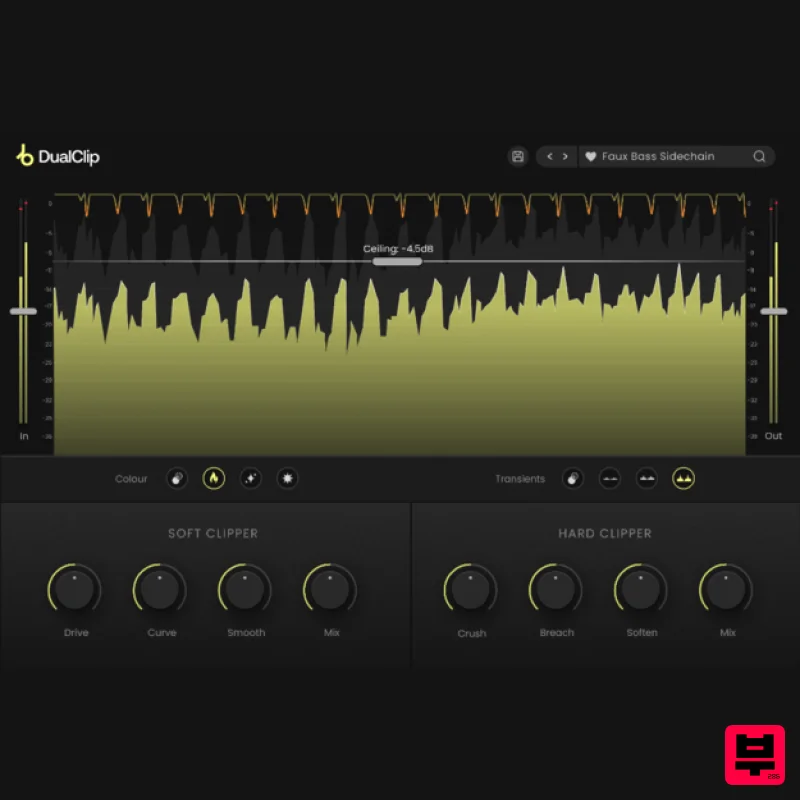
Plugin Boutique DualClip
Limiter
$62
Loudness with Colour Clippers are an essential tool for achieving a huge range of saturation effects. They can...
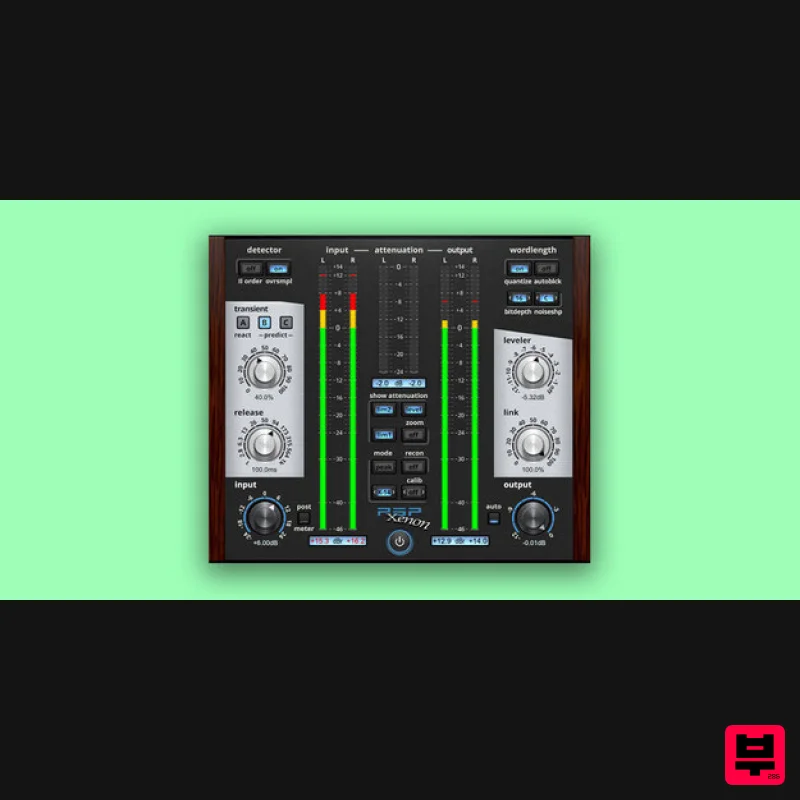
PSP Audioware PSP Xenon
Limiter
$208
PSP Xenon is a full band, dual-stage limiter plug-in featuring an integrated leveler, advanced K-System metering, and...
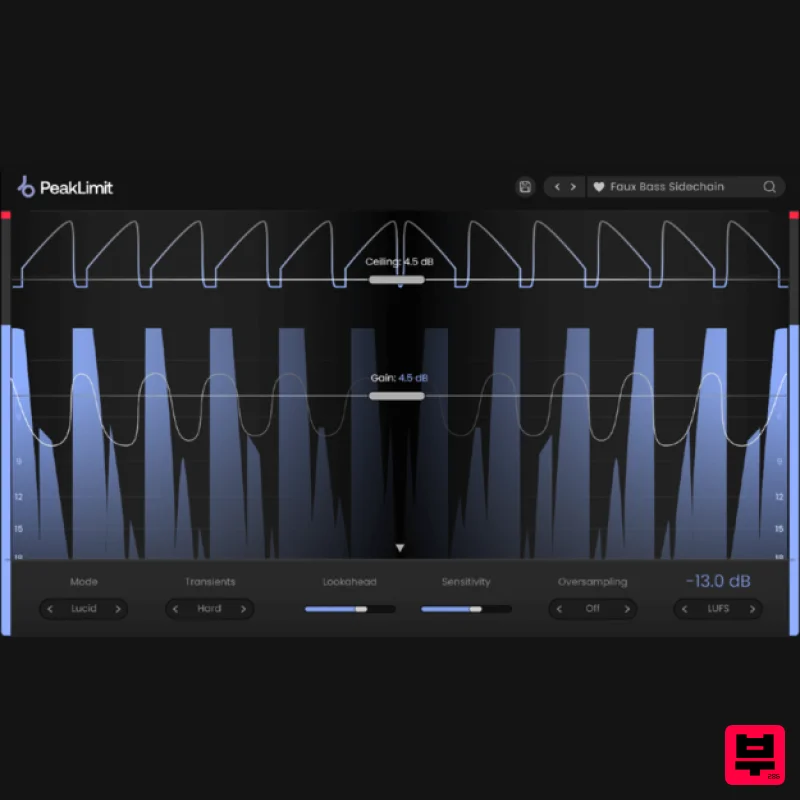
Plugin Boutique PeakLimit
Limiter
$62
Complete your Mastering Chain Before a track is complete and ready for commercial release, the mix has to go through...
Frequently Asked Questions
The McDSP 4040 Retro Limiter HD v7 stands out for its exceptional McDSP craftsmanship and innovative design.
Yes! With its affordable price point and quality construction, it's perfect for learning limiter.
Browse the similar products section to see how it stacks up against other limiter.

