
Mastering The Mix REFERENCE 2
Professional music gear - detailed information and where to buy
Mastering The Mix
REFERENCE 2
Product Info
* Prices may vary. Check retailer for current pricing and availability.
Product Description
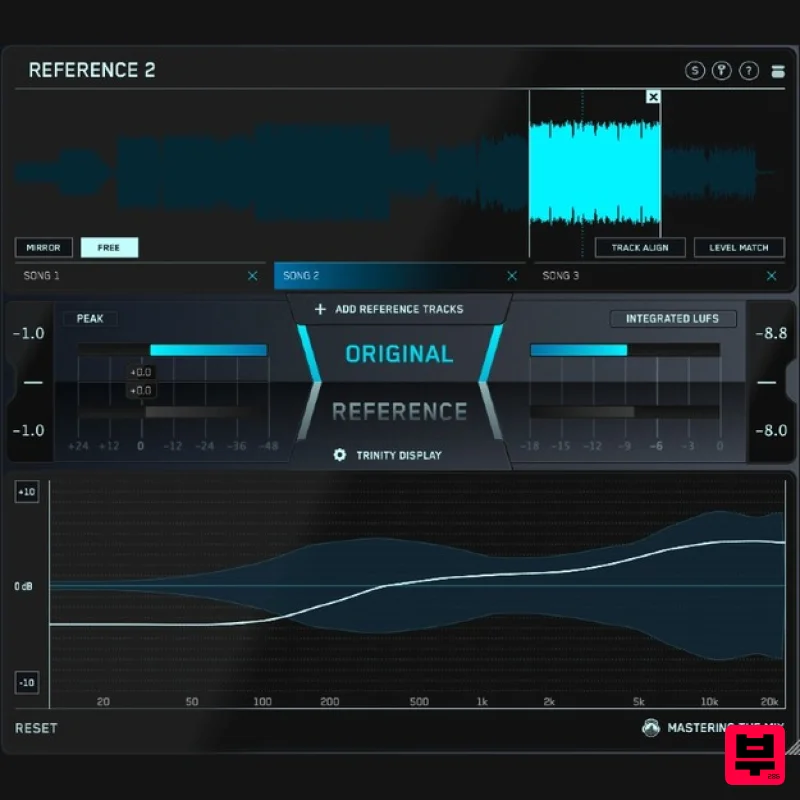
- Get closer than ever to the sound of your favourite mixes. Ever felt your mix didn’t sound as good as your reference tracks? It can be frustrating not knowing exactly how to get your music comparable to your favourite mixes. That’s why Mastering The Mix created REFERENCE. It’s packed with powerful tools and never seen before insights to help you get closer than ever to the sound of your favourite music. Key Benefits Compare your mix or master to up to 12 reference tracks and create multiple loops so you can quickly compare various sections of your track to your reference. Instantly and accurately match the loudness of your track and your references. This is crucial for a fair comparison and for making informed decisions on how to shape your sound. Visual and actionable insights to make matching the true peak
- loudness
- EQ balance
- punch
- and stereo width of your reference tracks easier than ever. Includes an additional source plugin called REFSEND that allows you to bypass entire FX chains to make loudness-matched A/B comparisons. How To Use REFERENCE 2 1. Load Your References Load up an instance of REFERENCE as the final plugin on your master bus. REFERENCE should come after your metering plugin but before any speaker / headphone calibration software (if you use it). Drag and drop the reference tracks you want to use onto the Wave Transport. 2. Level Match Your mix will most likely be a lot quieter than your reference tracks giving you the misconception that it has a weaker bass and less clarity in the high frequencies. The Level Match button will allow you to compare your mix to the reference tracks without bias
- allowing you to make informed mixing decisions. 3. Gain Insights The visuals in the Trinity Display show you how your EQ balance
- stereo width and compression compares to your reference track. You can also click to solo a frequency band allowing you to zone in on the intricate differences between your mix and your references. System Requirements Mac: OS X 10.15 or higher. 64-bit AU
- VST3 or AAX host. Apple Silicon Native (64-bit only) Windows: Windows 10 or higher 64-bit VST3 or 64-bit AAX host (64-bit only) Please note: AAX compatible with Pro Tools 11 and later only. Important note: When accessing this software via a Rent to Own plan or the Beatport Studio membership
- it's installed and run through the Beatport Access portal. An internet connection is required every 30 days to validate your license. Bedroom Producers Blog "REFERENCE 2 is a tool which makes comparing audio tracks quick and easy
- but also offers a set of sophisticated analysis features
- which would be much more complicated and time-consuming to achieve with other existing tools." Dirty South "Just bought REFERENCE 2... which is incredible and I absolutely love it!" Shaun Frank "I love how it lets me see the areas that need improvement in my mix almost instantly and has drastically shortened the time it takes me to produce finished tracks." Note: ANIMATE is used as the example. Mac 1. Download the .zip file from within your Plugin Boutique User Account and double-click it to extract the contents > Open the .pkg file to begin the installation > Click 'Next'. 2. Select 'I accept the agreement' > Click 'Next'. 3. Select the components for the product you wish to install > Click 'Next'. 4. Click 'Next'. 5. Click 'Finish'. Activation 1. Open your recently installed plugin within your DAW > Click the Key icon
- located in the top-right hand corner of the plugin window. 2. Enter the 24-digit serial number
- located within your Plugin Boutique User Account > Click 'AUTHORISE'. 3. Click 'Close'. Your software is now activated and ready to use within your DAW. Windows Installation 1. Download the .zip file from within your Plugin Boutique User Account and double-click it to extract the contents > Open the .exe file to begin the installation > Click 'Next'. 2. Select 'I accept the agreement' > Click 'Next'. 3. Select the components for the product you wish to install > Click 'Next'. 4. Click 'Next'. 5. Click 'Finish'. Activation 1. Open your recently installed plugin within your DAW > Click the Key icon
- located in the top-right hand corner of the plugin window. 2. Enter the 24-digit serial number
- located within your Plugin Boutique User Account > Click 'AUTHORISE'. 3. Click 'Close'. Your software is now activated and ready to use within your DAW.
Additional Information
About the Mastering The Mix REFERENCE 2
The Mastering The Mix REFERENCE 2 combines traditional design with modern performance for Referencing Tools enthusiasts.
Why Choose the Mastering The Mix REFERENCE 2?
- •Authentic Mastering The Mix craftsmanship and design
- •Versatile sound suitable for multiple musical genres
- •Professional build quality and reliable performance
- •Part of Mastering The Mix's respected Referencing Tools lineup
Compare & Explore
Browse our complete selection of Mastering The Mix instruments or explore other Referencing Tools options. Use our comparison tools to find the perfect match for your musical style and budget.
Similar Products
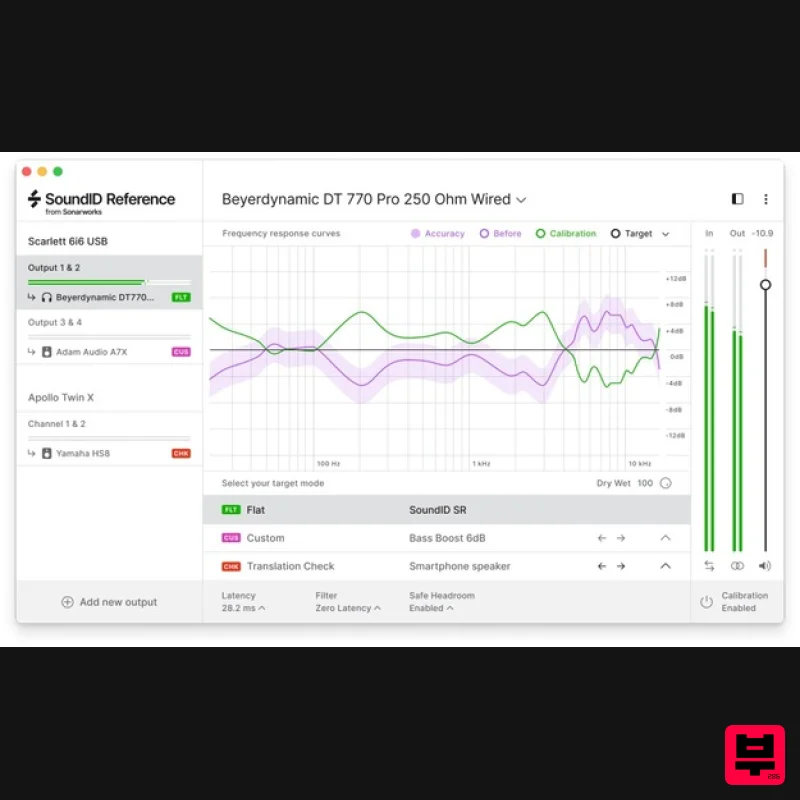
Sonarworks SoundID Reference for Headphones
Referencing Tools
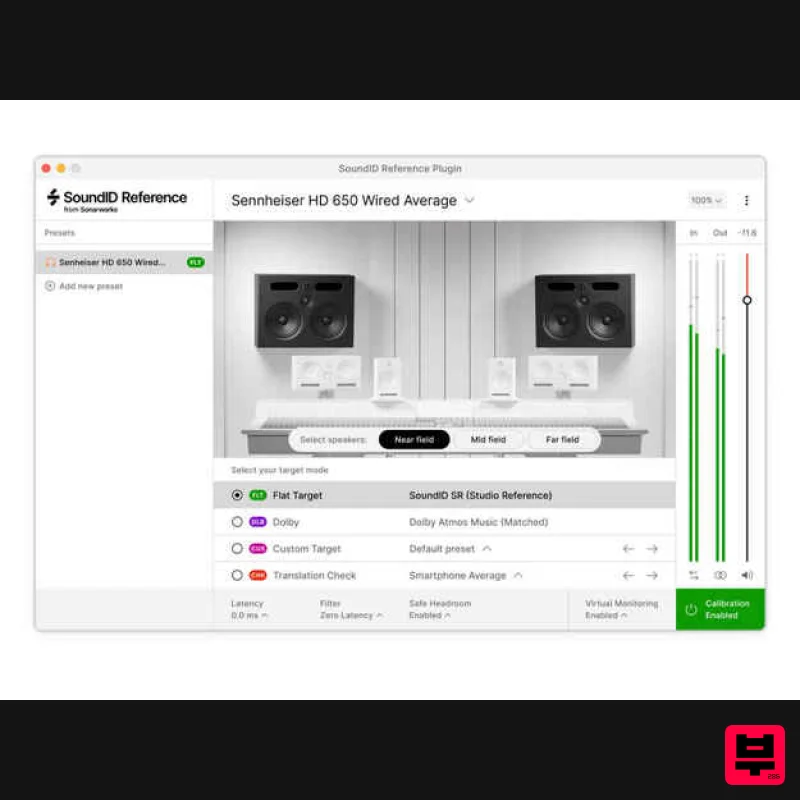
Sonarworks Virtual Monitoring Add-On for SoundID Reference
Referencing Tools
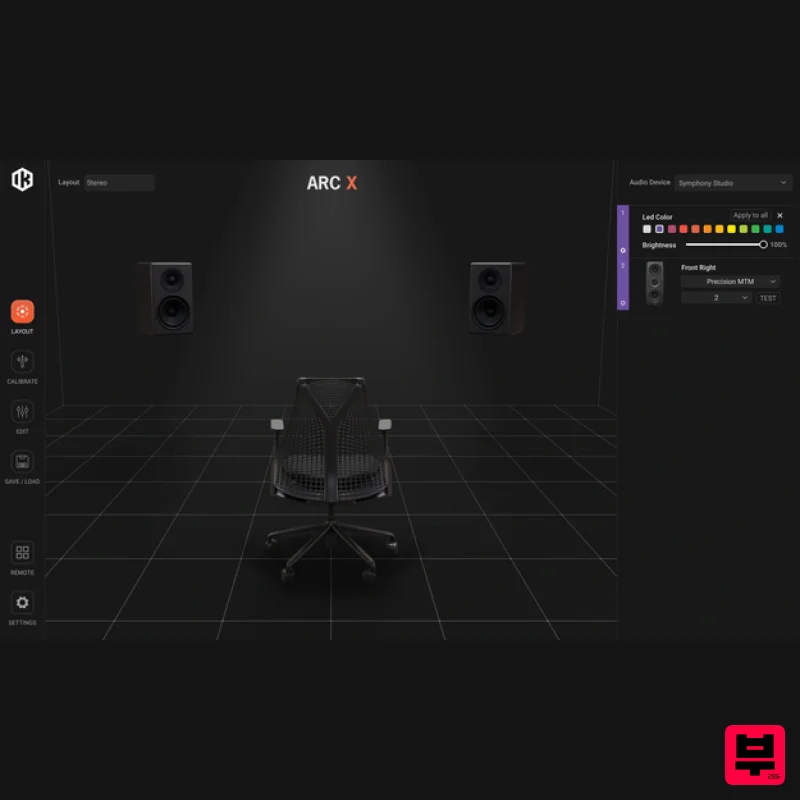
IK Multimedia ARC X
Referencing Tools
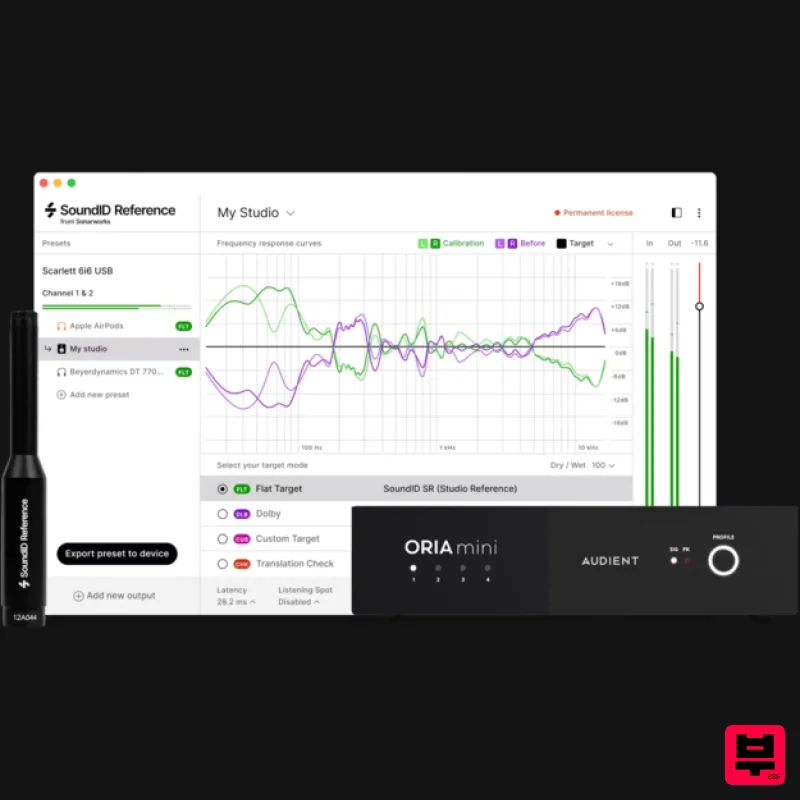
Sonarworks SoundID Reference Add-on for ORIA Mini
Referencing Tools
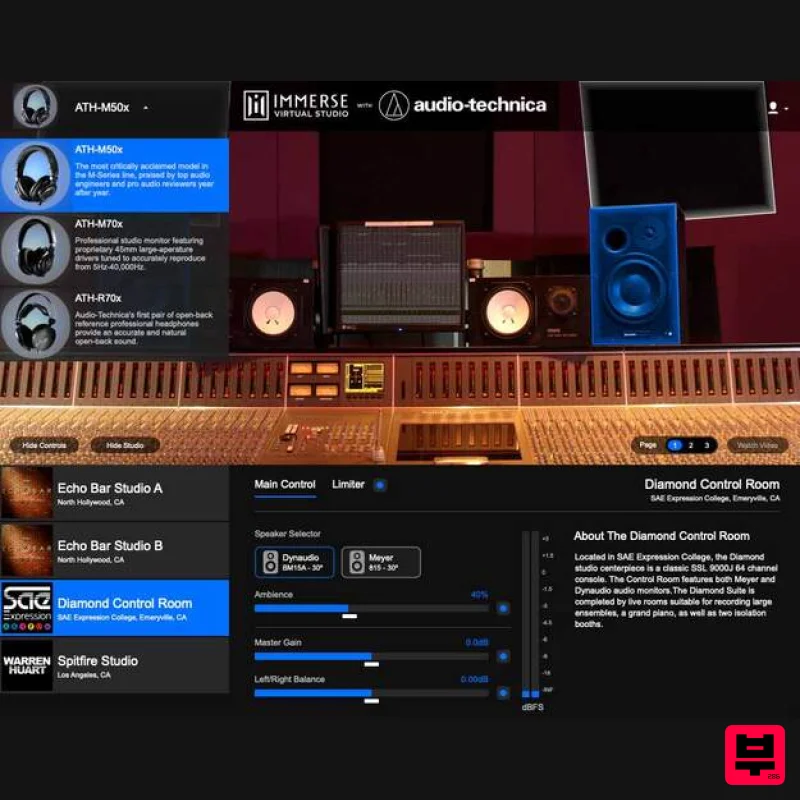
Embody Immerse Virtual Studio | Audio-Technica
Referencing Tools
iZotope iZotope Audiolens
Referencing Tools
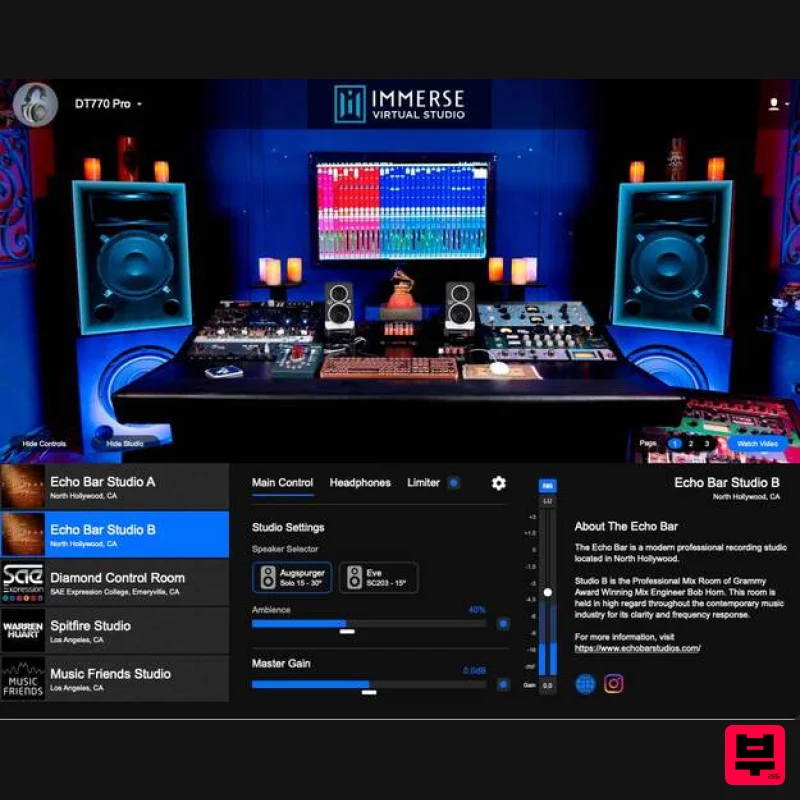
Embody Immerse Virtual Studio | All Access
Referencing Tools
Sonarworks Sonarworks SoundID Reference
Referencing Tools

