
Mastering The Mix LIMITER
Professional music gear - detailed information and where to buy
Mastering The Mix
LIMITER
Product Info
* Prices may vary. Check retailer for current pricing and availability.
Product Description
- Master your track like a pro Don't let bad limiter settings un-do hours of hard mixing work... LIMITER is a great-sounding
- mastering plugin that analyses your audio and suggests the best settings for your music. Avoid the hassle and create incredible sounding masters in less time with LIMITER. Load up an instance of LIMITER on your master channel and select your preset (i.e Loud
- Spotify
- Apple Music
- etc). Monitor the loudest section of your track
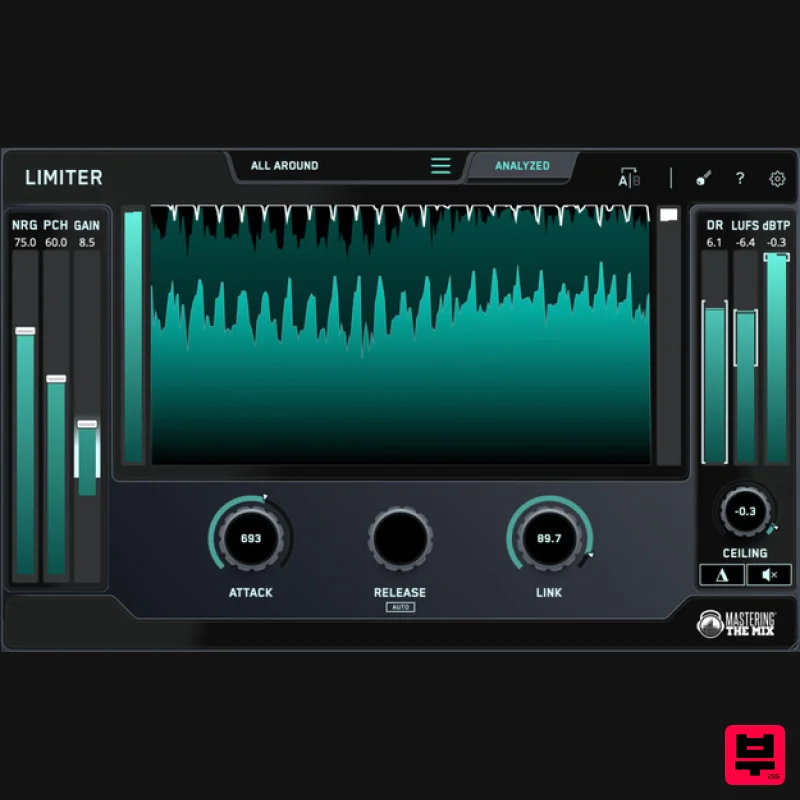
- and click analyze. You’ll see a target range on the input gain slider showing you what gain adjustment is needed to achieve your sonic goal. You’ll also see target arrows on the other controls to help you optimize your sound. You can dial in rich harmonic distortion using the NRG slider
- and enhance your transients with the PCH slider. This drives more perceived loudness and punch to help mitigate the effects of limiting. LIMITER provides great sounding limiting that gives you incredible transparency and clarity (especially in the low-end)
- even when mastering loud! Great sounding masters in 3 steps Step 1. Load up an instance of LIMITER on your master channel and select your preset
- such as Loud
- Spotify
- or Apple Music. Step 2. Monitor the loudest section of your track
- and click analyze. You’ll see a target range highlighted on the input gain slider showing you what gain adjustment is suggested to achieve your sonic goal. You’ll also see target arrows on the attack
- release
- link
- and ceiling knobs
- helping you optimize those settings to suit your music. Step 3. Set the gain slider¹ within the highlighted target range
- then adjust the attack²
- link³
- and ceiling⁴ knobs to match the suggestions based on LIMITER's analysis. We recommend leaving ‘Release’ on auto for the most musical result. Hear The Difference LIMITER gives your masters dramatically improved clarity in the low-end compared to other limiters. When running a 100Hz sine wave through LIMITER
- a market- limiter
- and a €299 limiter
- we can see that Mastering The Mix's LIMITER produces considerably less harmonic distortion. In this test the harmonic distortion was 20dB to 40dB less
- giving an audibly cleaner sound. System Requirements Mac: OS X 10.15 or higher. 64-bit AU
- VST3 or AAX host. Apple Silicon Native (64-bit only) Windows: Windows 10 or higher 64-bit VST3 or 64-bit AAX host (64-bit only) Please note: AAX compatible with Pro Tools 11 and later only. Important note: When accessing this software via a Rent to Own plan or the Beatport Studio membership
- it's installed and run through the Beatport Access portal. An internet connection is required every 30 days to validate your license. Mac 1. Download the .zip file from within your Plugin Boutique User Account and double-click it to extract the contents > Open the .pkg file to begin the installation > Click 'Next'. 2. Select 'I accept the agreement' > Click 'Next'. 3. Select the components for the product you wish to install > Click 'Next'. 4. Click 'Next'. 5. Click 'Finish'. Activation 1. Open your recently installed plugin within your DAW > Click the Key icon
- located in the top-right hand corner of the plugin window. 2. Enter the 24-digit serial number
- located within your Plugin Boutique User Account > Click 'AUTHORISE'. 3. Click 'Close'. Your software is now activated and ready to use within your DAW. Windows Installation 1. Download the .zip file from within your Plugin Boutique User Account and double-click it to extract the contents > Open the .exe file to begin the installation > Click 'Next'. 2. Select 'I accept the agreement' > Click 'Next'. 3. Select the components for the product you wish to install > Click 'Next'. 4. Click 'Next'. 5. Click 'Finish'. Activation 1. Open your recently installed plugin within your DAW > Click the Key icon
- located in the top-right hand corner of the plugin window. 2. Enter the 24-digit serial number
- located within your Plugin Boutique User Account > Click 'AUTHORISE'. 3. Click 'Close'. Your software is now activated and ready to use within your DAW.
Additional Information
About the Mastering The Mix LIMITER
The Mastering The Mix LIMITER combines traditional design with modern performance for Dynamics Processor enthusiasts.
Why Choose the Mastering The Mix LIMITER?
- •Authentic Mastering The Mix craftsmanship and design
- •Versatile sound suitable for multiple musical genres
- •Professional build quality and reliable performance
- •Part of Mastering The Mix's respected Dynamics Processor lineup
Compare & Explore
Browse our complete selection of Mastering The Mix instruments or explore other Dynamics Processor options. Use our comparison tools to find the perfect match for your musical style and budget.
Similar Products
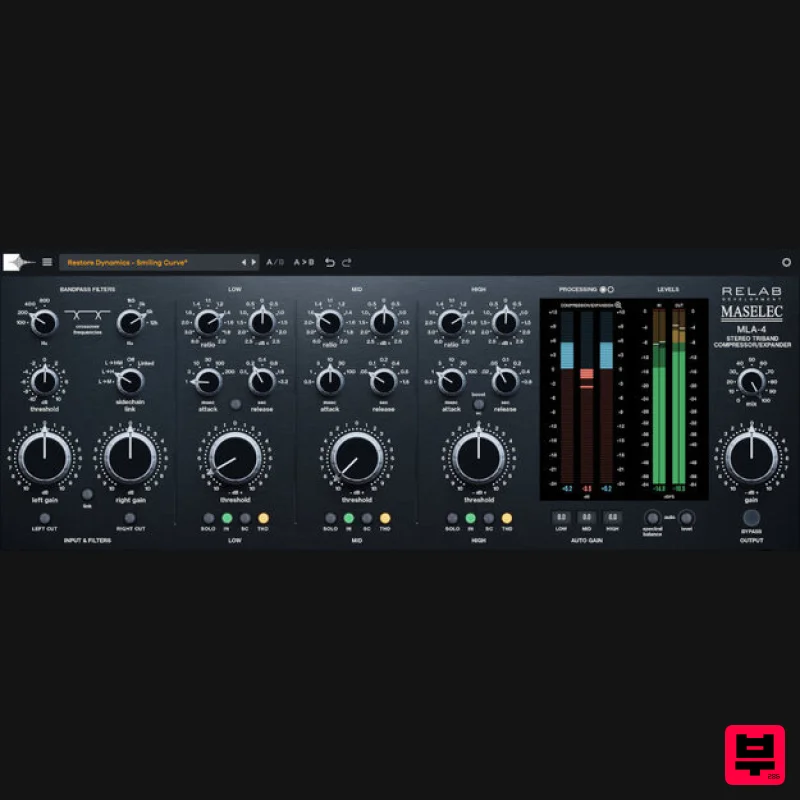
Relab Development Maselec MLA-4
Dynamics Processor
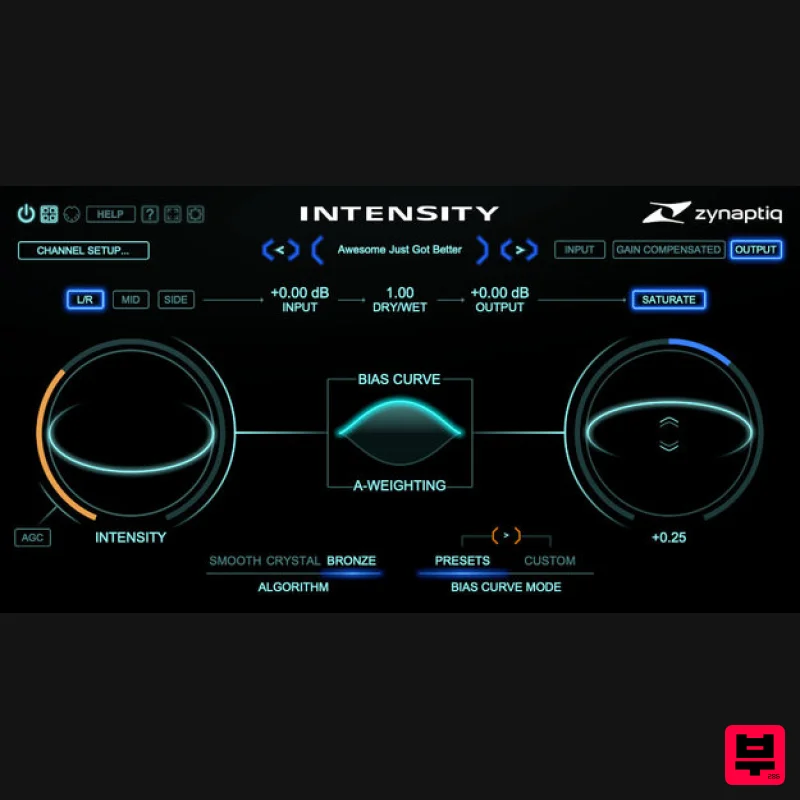
Zynaptiq INTENSITY 2
Dynamics Processor
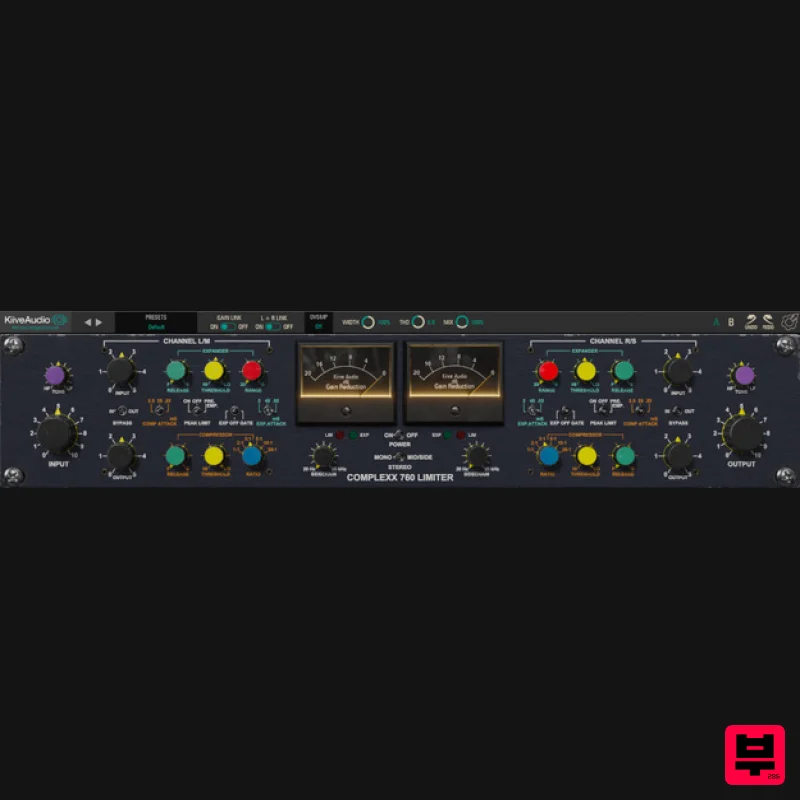
Kiive Audio Complexx
Dynamics Processor
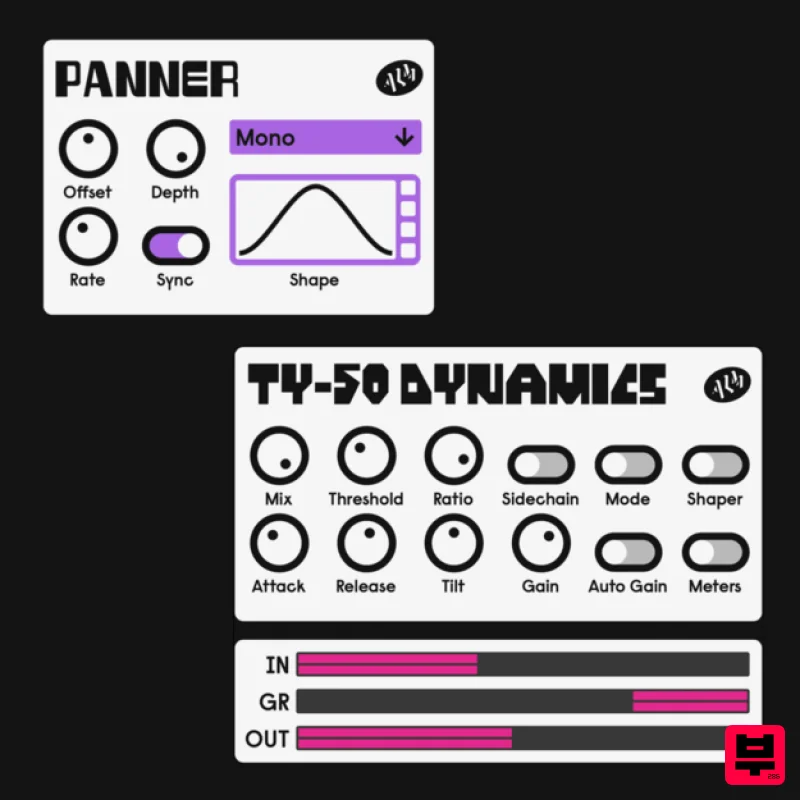
ALM / Busy Circuits MFX Dynamics
Dynamics Processor
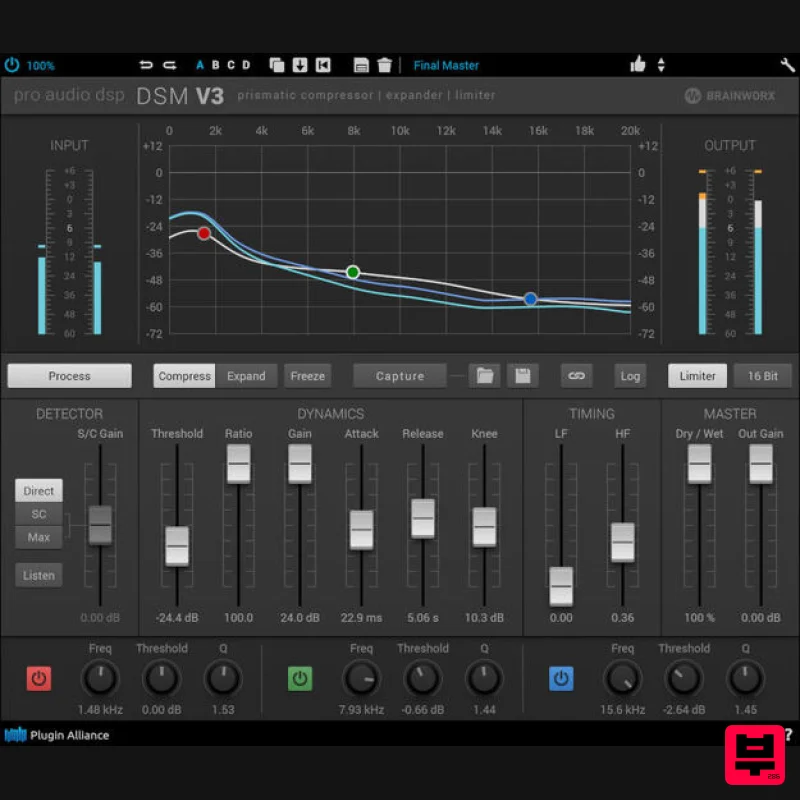
Plugin Alliance ProAudioDSP DSM V3
Dynamics Processor
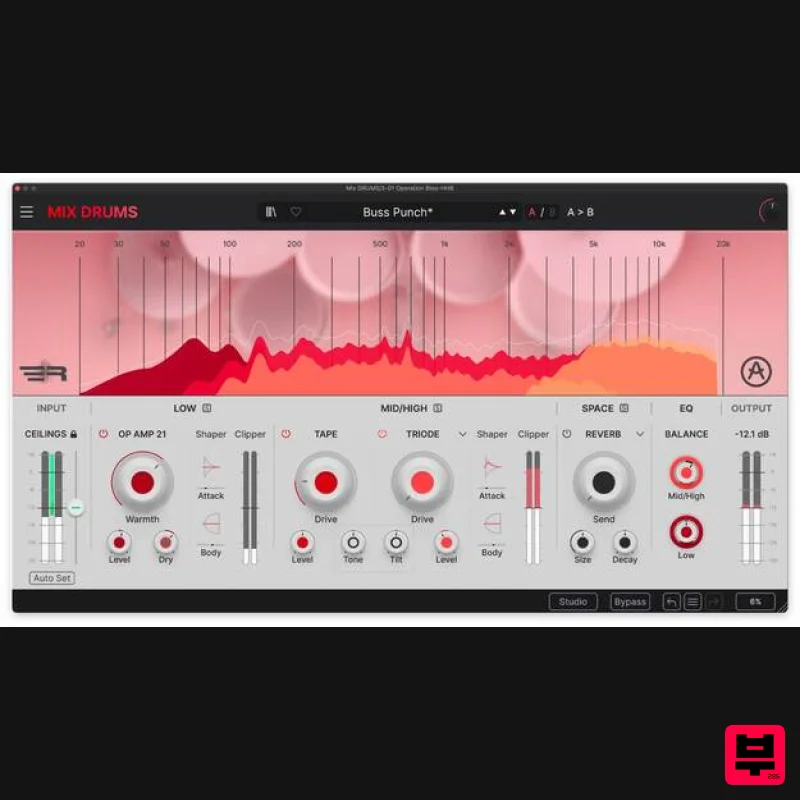
Arturia Mix DRUMS
Dynamics Processor
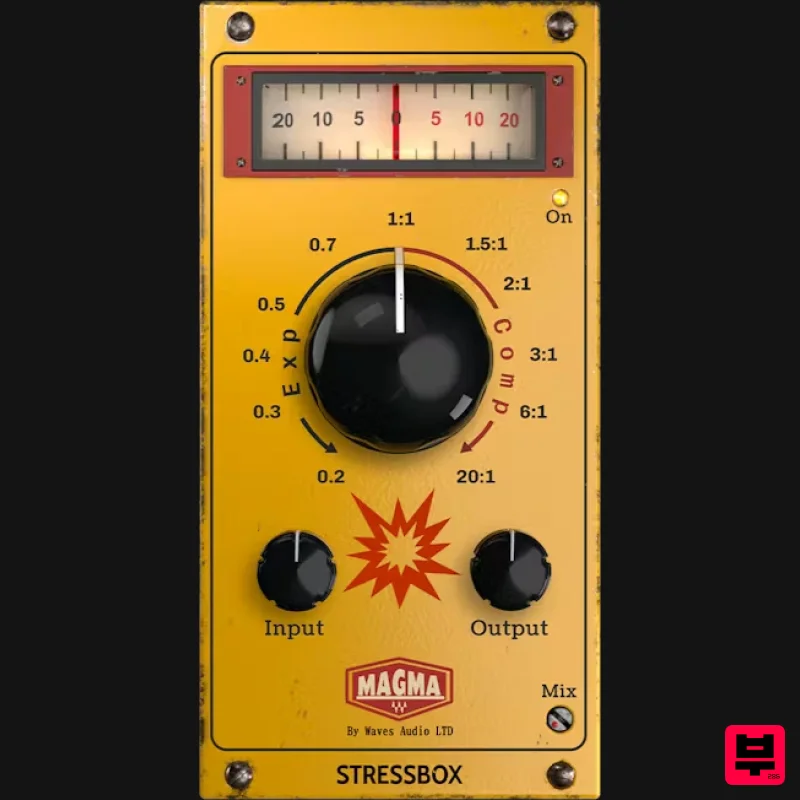
Waves Magma StressBox
Dynamics Processor
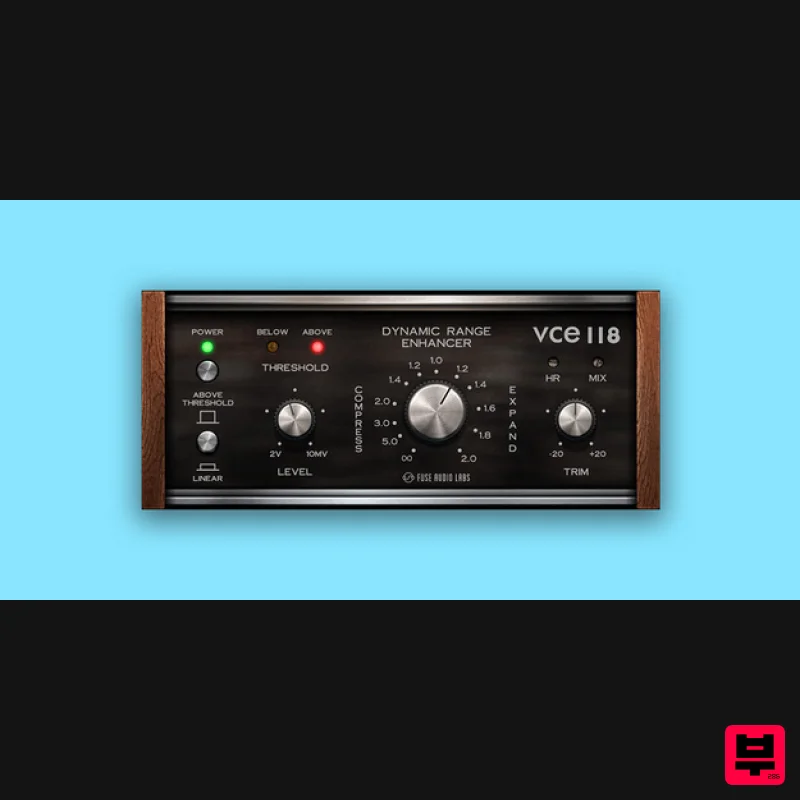
Fuse Audio Labs VCE-118 – Dynamic Range Enhancer
Dynamics Processor

