
Mastering The Mix FUSER
Professional music gear - detailed information and where to buy
Mastering The Mix
FUSER
Product Info
* Prices may vary. Check retailer for current pricing and availability.
Product Description
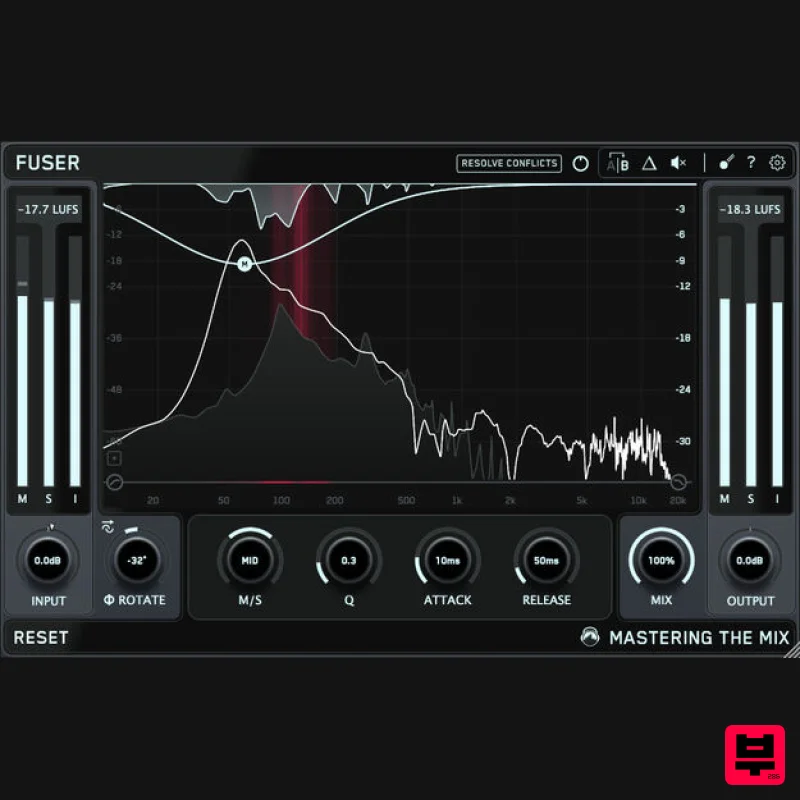
- FUSER is the ultimate solution for creating sonic clarity in messy mixes. FUSER resolves conflicting channels by assisting you in adjusting volume balance
- enhancing phase optimization
- and implementing intelligent mid-side sidechain ducking With FUSER's 'Conflict Detection' and groundbreaking 'Resolve Conflicts' feature
- you'll effortlessly find a great starting point to fix those audio clashes without overdoing it. Features Clear Sound
- Simplified: FUSER swiftly and transparently resolves conflicting audio sources for a defined mix. Sonic Clarity Redefined: Conquer mix complexities with FUSER's multi-angle approach – volume balance
- phase optimization
- and side-chain ducking. Intelligent Fixing: Experience effortless conflict resolution with FUSER's "Resolve Conflicts" feature – your personal mixing engineer in a plugin. Elevate Every Element: From kick and bass balance to guitars and vocals
- FUSER crafts space for standout sounds
- ensuring your mix's focal point shines. Effortless Start: Set up FUSER easily; resolve clashes by adding it as the final plugin in your chain
- then sidechain your focal channel. Visual Precision: FUSER's intuitive interface offers visual clarity through mid-side conflict hotspots
- guiding you to make the best decisions. Take Control: Dial in the ideal settings with manual node creation
- fine-tuning parameters for a tight and controlled sound. Perfect Layering: FUSER's Phase Analyze feature automatically identifies and sets the optimal phase rotation ensuring minimal phase cancellation when layering similar sounds such as kicks and basses. Achieve Balance: The input gain level match pointer ensures impeccable relative volume balance
- a crucial step for your mix's success. <iframe allow="accelerometer; autoplay; clipboard-write; encrypted-media; gyroscope; picture-in-picture; web-share" allowfullscreen="" frameborder="0" height="315" src="https://www.youtube.com/embed/9_3CVs02-Ls?si=uC3ZZ8ymCr9mECwp" title="YouTube video player" width="560"></iframe> Mac: OS X 10.15 or higher. 64-bit AU
- VST3 or AAX host. Apple Silicon Native (64-bit only) Windows: Windows 10 or higher 64-bit VST3 or 64-bit AAX host (64-bit only) Please note: AAX compatible with Pro Tools 11 and later only. Important note: When accessing this software via a Rent to Own plan or the Beatport Studio membership
- it's installed and run through the Beatport Access portal. An internet connection is required every 30 days to validate your license. Mac 1. Download the .zip file from within your Plugin Boutique User Account and double-click it to extract the contents > Open the .pkg file to begin the installation > Click 'Next'. 2. Select 'I accept the agreement' > Click 'Next'. 3. Select the components for the product you wish to install > Click 'Next'. 4. Click 'Next'. 5. Click 'Finish'. Activation 1. Open your recently installed plugin within your DAW > Click the Key icon
- located in the top-right hand corner of the plugin window. 2. Enter the 24-digit serial number
- located within your Plugin Boutique User Account > Click 'AUTHORISE'. 3. Click 'Close'. Your software is now activated and ready to use within your DAW. Windows Installation 1. Download the .zip file from within your Plugin Boutique User Account and double-click it to extract the contents > Open the .exe file to begin the installation > Click 'Next'. 2. Select 'I accept the agreement' > Click 'Next'. 3. Select the components for the product you wish to install > Click 'Next'. 4. Click 'Next'. 5. Click 'Finish'. Activation 1. Open your recently installed plugin within your DAW > Click the Key icon
- located in the top-right hand corner of the plugin window. 2. Enter the 24-digit serial number
- located within your Plugin Boutique User Account > Click 'AUTHORISE'. 3. Click 'Close'. Your software is now activated and ready to use within your DAW.
Additional Information
About the Mastering The Mix FUSER
The Mastering The Mix FUSER represents excellent craftsmanship in the Dynamics Processor category.
Why Choose the Mastering The Mix FUSER?
- •Authentic Mastering The Mix craftsmanship and design
- •Versatile sound suitable for multiple musical genres
- •Professional build quality and reliable performance
- •Part of Mastering The Mix's respected Dynamics Processor lineup
Compare & Explore
Browse our complete selection of Mastering The Mix instruments or explore other Dynamics Processor options. Use our comparison tools to find the perfect match for your musical style and budget.
Similar Products
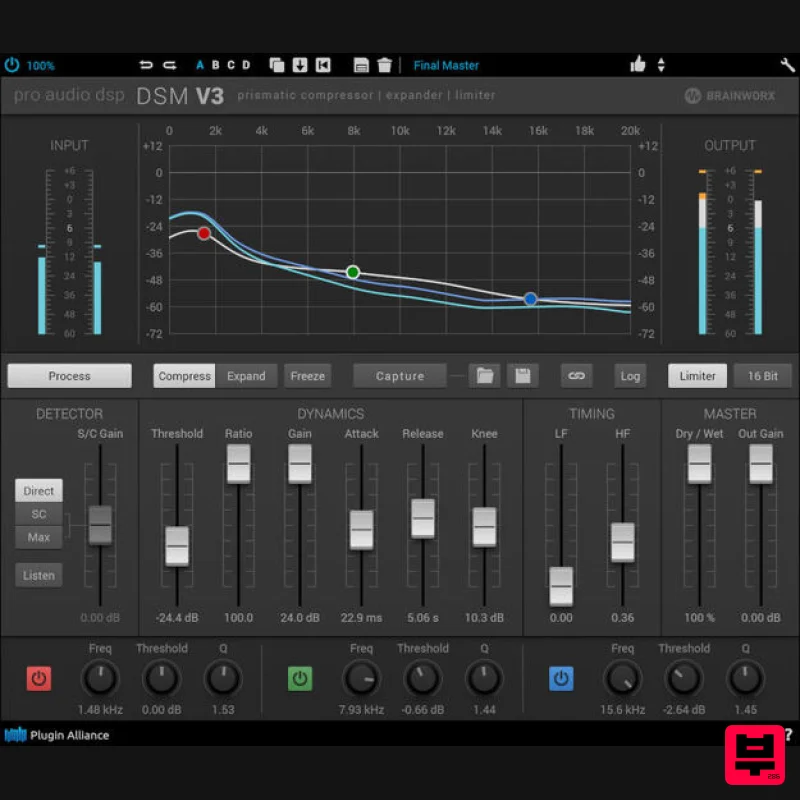
Plugin Alliance ProAudioDSP DSM V3
Dynamics Processor
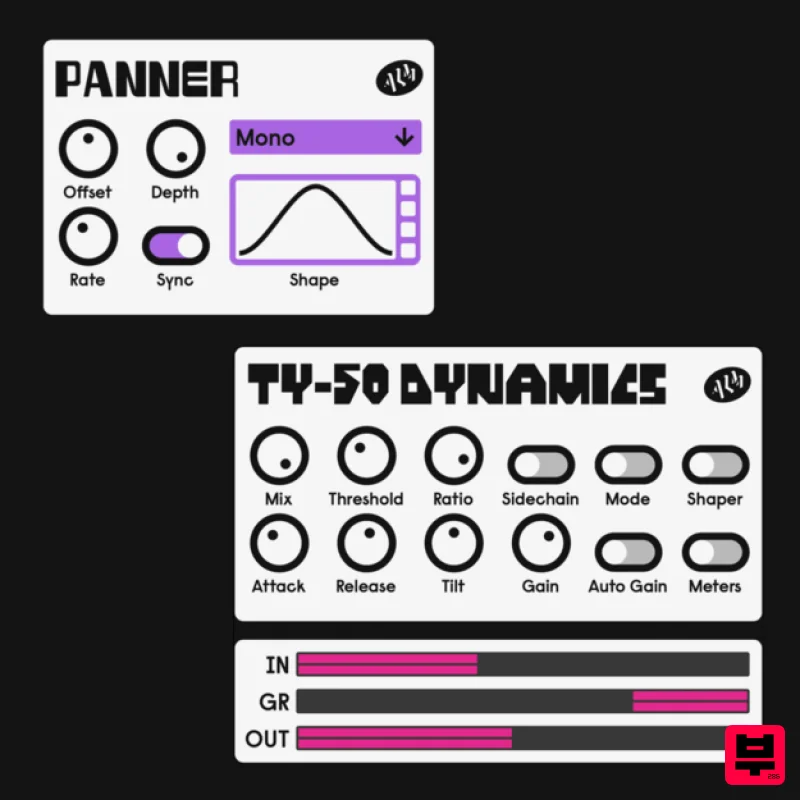
ALM / Busy Circuits MFX Dynamics
Dynamics Processor
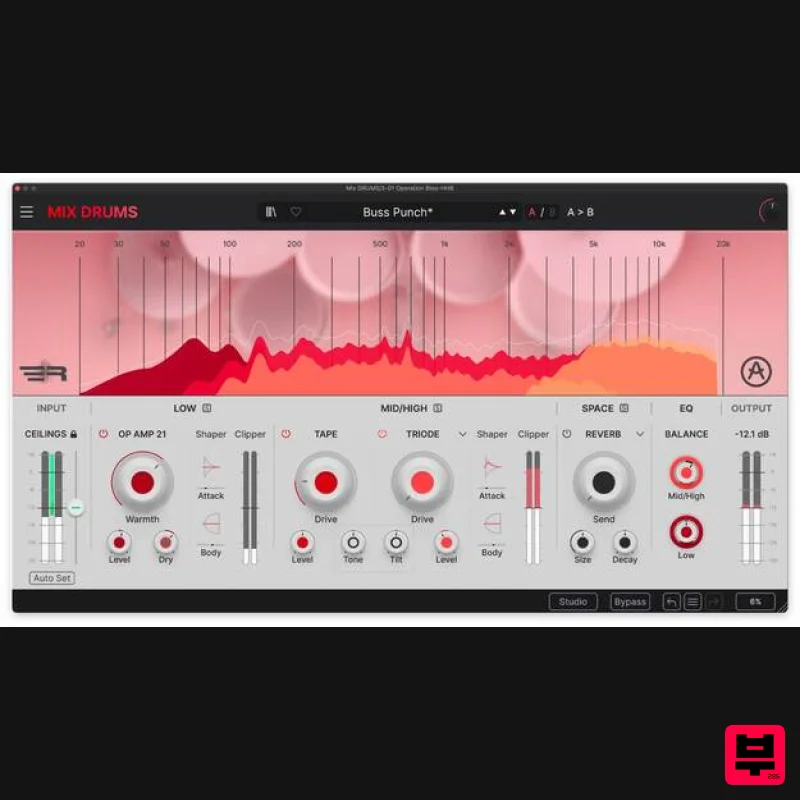
Arturia Mix DRUMS
Dynamics Processor
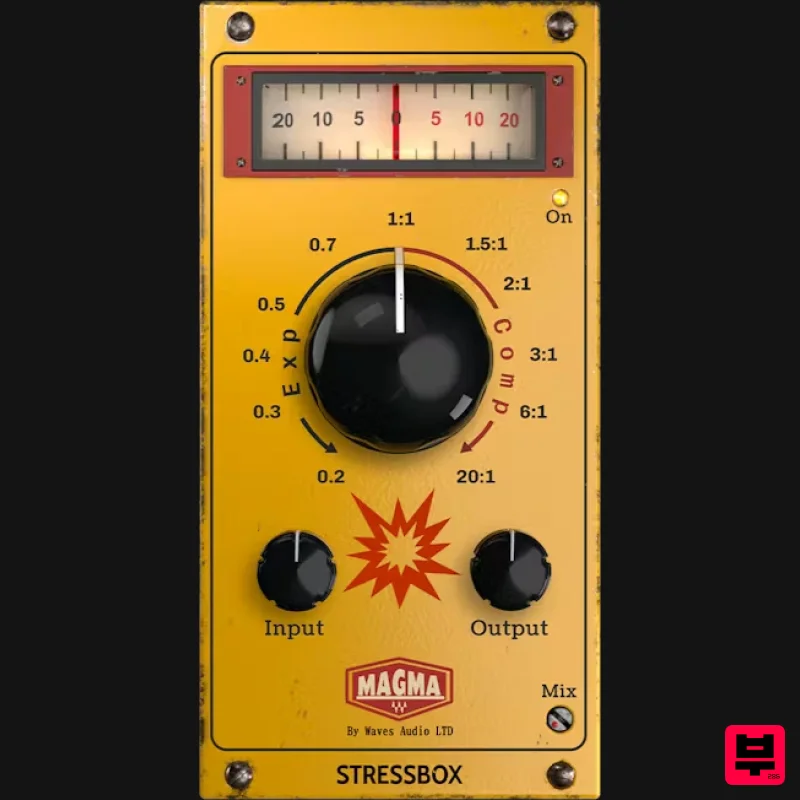
Waves Magma StressBox
Dynamics Processor
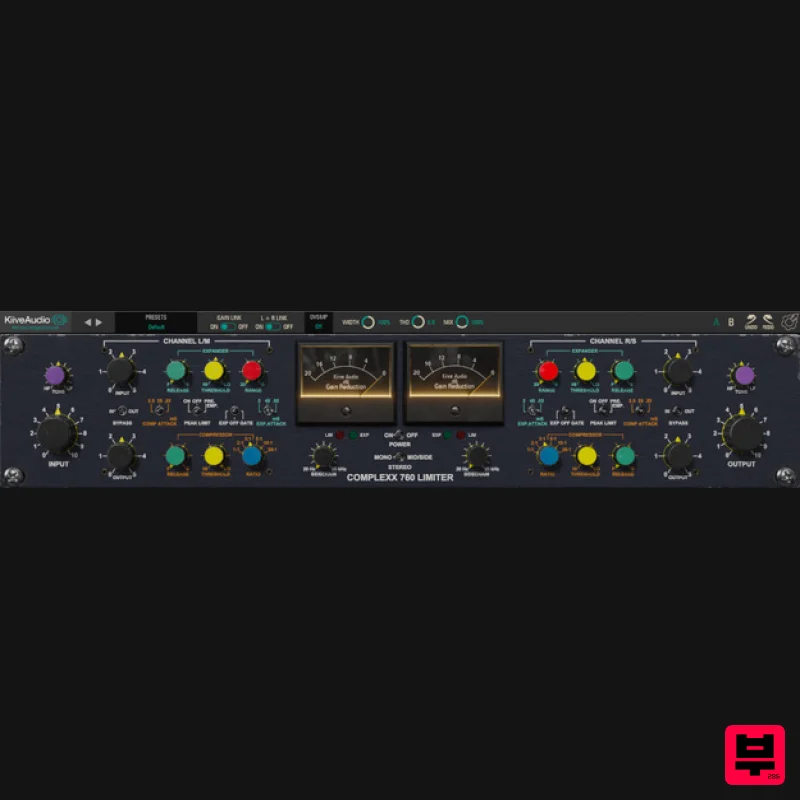
Kiive Audio Complexx
Dynamics Processor
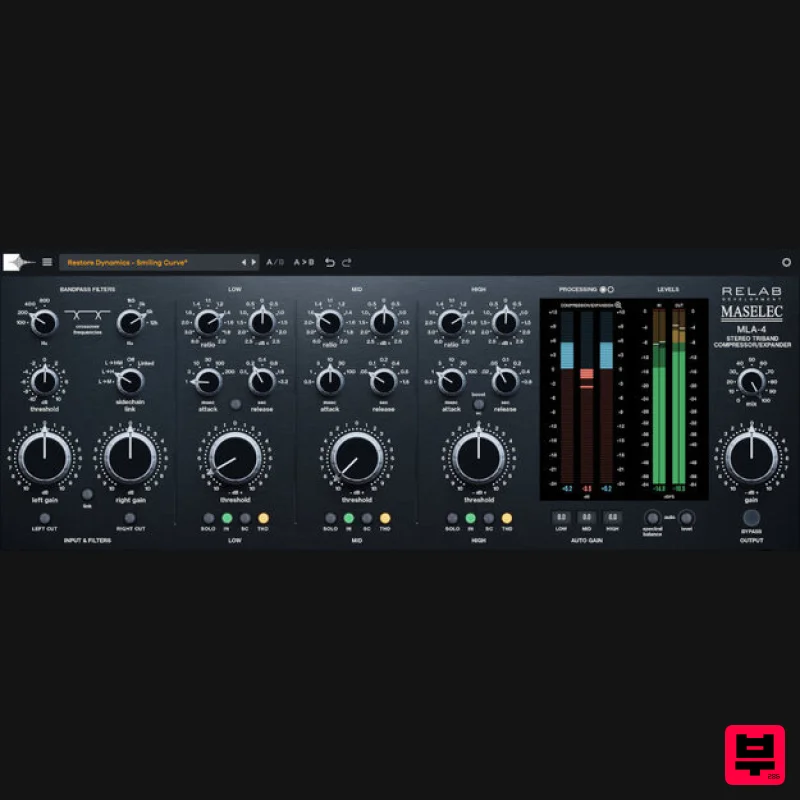
Relab Development Maselec MLA-4
Dynamics Processor
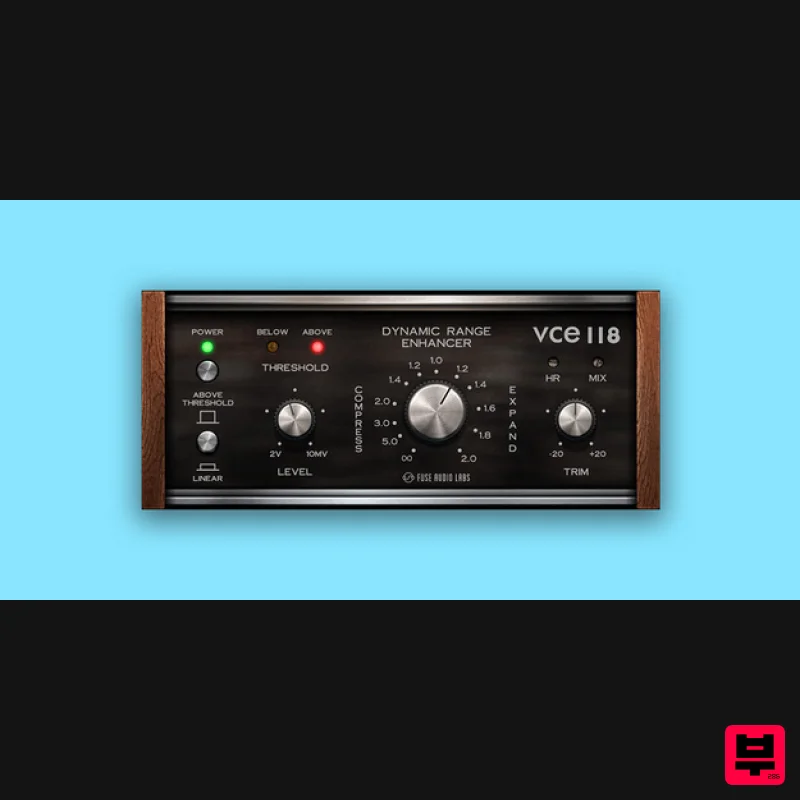
Fuse Audio Labs VCE-118 – Dynamic Range Enhancer
Dynamics Processor
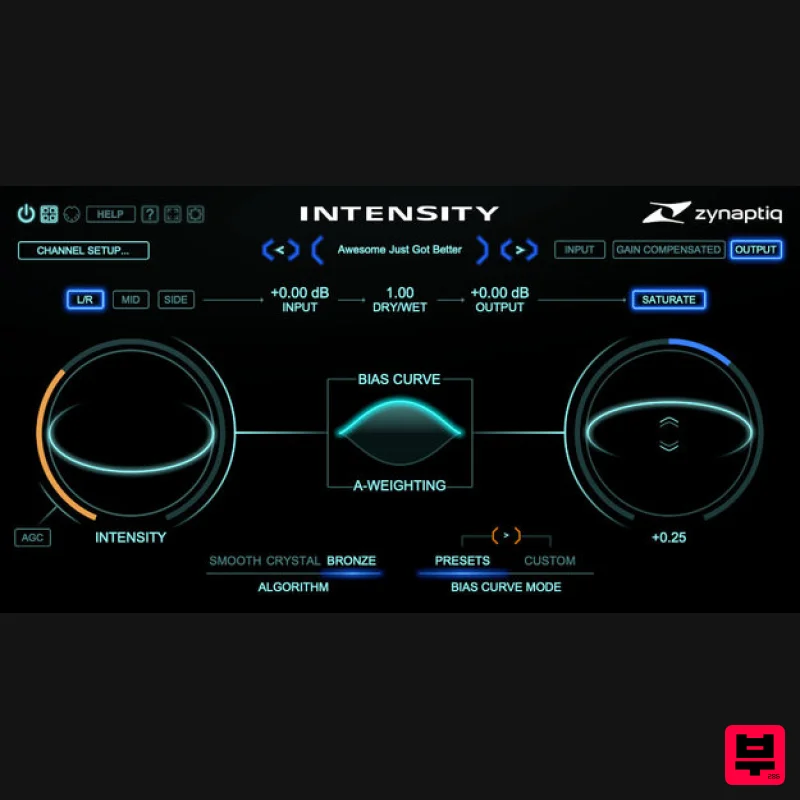
Zynaptiq INTENSITY 2
Dynamics Processor

