
Mastering The Mix EXPOSE 2
Professional music gear - detailed information and where to buy
Mastering The Mix
EXPOSE 2
Product Info
* Prices may vary. Check retailer for current pricing and availability.
Product Description
- Please Note: An upgrade is also available for previous owners of EXPOSE 1. Please Note: This is a standalone product
- not a plugin and as such will not work within a DAW. Release Your Music with Confidence EXPOSE 2 is a standalone audio quality control application that helps you identify issues with your music. So many tracks get distributed with a poor EQ balance
- true peak clipping
- over-compression
- phase issues
- and more. Mastering the Mix wants you to catch these issues before it's too late. With EXPOSE 2
- you can deliver the best listening experience and release your music with confidence. How Will EXPOSE Transform Your Music Productions? Overview - Drop your music into EXPOSE to identify any technical issues before releasing it to the world. Problem Solved - So many tracks get distributed with a poor EQ balance
- true peak clipping
- over-compression
- phase issues
- and more. It takes 3 seconds to identify these issues in EXPOSE before it's too late. Get Started - Open EXPOSE (it’s a standalone app
- so you won't need a DAW) then drag and drop your music into it. Select the preset based on your distribution method (streaming
- club
- etc). The analysis feedback gives you specific feedback on how to resolve the issues and optimize your music for release within your DAW. Highlight 1 - Helps you hit your technical goals
- whether you’re aiming for a super-loud club master
- or trying to optimize your music to sound great on streaming sites. Highlight 2 - See how the average tonal balance of your song compares to your reference track
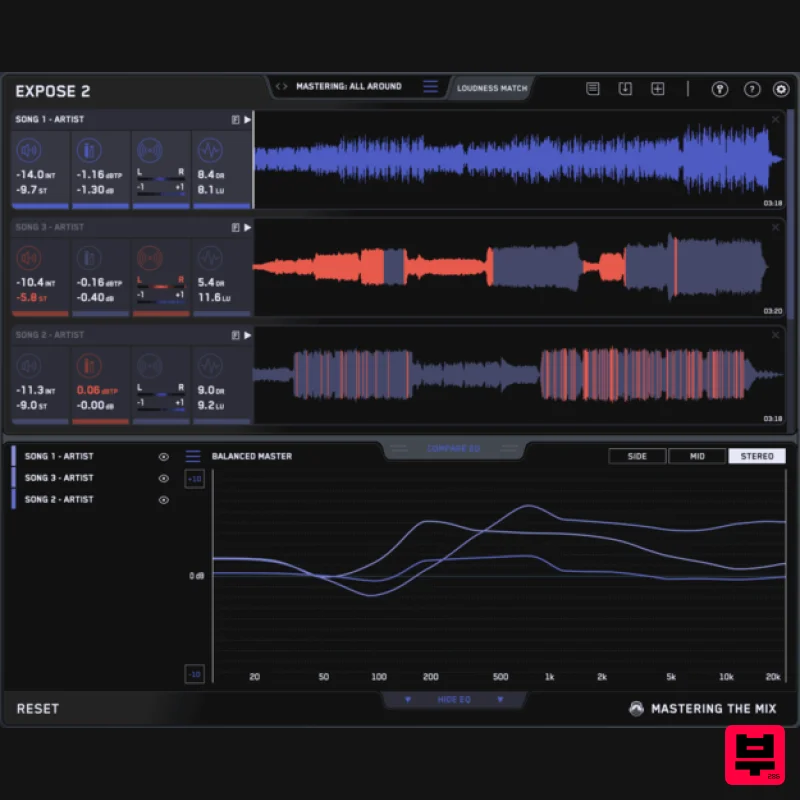
- or our genre-specific presets. All of which were created using sonic profiles from commercially successful tracks. How to use EXPOSE 2 in 6 Simple Steps 1. Load A Track - Open the application and drag your audio onto the dashboard. 2. Select A Preset - Select where your audio will be heard at the top
- such as Spotify
- Youtube
- CD etc. Then select your tonal balance profile by loading a reference track or choosing from the presets. 3. Readings - The four sections give you detailed information about the loudness
- peaks
- stereo/phase information
- and dynamic range of your audio. You can create a loop to see the readings of specific sections of your song. 4. Identify Issues - If EXPOSE detects that issues would arise
- the section icon will turn red. Click on the section icon to isolate the issues on the waveform to see the exact location of the issues. The analysis feedback will give you specific guidance to help you hit your technical goals
- whether you’re aiming for a super-loud master
- or trying to optimize your music to sound great on streaming sites. 5. Check Your Tonal Balance - Compare EQ shows how your average tonal balance compares to your imported reference track. Or you can select a genre-specific preset
- all of which were created using sonic profiles from commercially successful tracks. Anything within ±3dB represents a very similar tonal balance. Anything greater than ±6dB would represent a considerable difference in tonal balance and you may wish to make adjustments. 6. Loudness Match and Playback - You can click the play icon or hit the spacebar to preview the audio. Click Loudness Match to normalize all audio to the same perceived volume for unbiased comparison. Features Compare EQ shows how your average tonal balance compares to your imported reference track. Or you can select a genre-specific preset
- all of which were created using sonic profiles from commercially successful tracks. This will allow you to check that your music aligns with your sonic goals and isn’t too muddy
- dull
- thin
- or harsh before releasing. Loudness Match normalizes the playback of all tracks in EXPOSE using a LUFS algorithm. The human ear perceives louder music to have a fuller bass and more clarity in the high frequencies. Loudness matching removes this bias and enables you to make more informed decisions for your music. Analysis Feedback gives you specific guidance on how to adjust your audio to get the sound you’re looking for. This helps you hit your technical goals
- whether you’re aiming for a super-loud club master
- or trying to optimize your music to sound great on streaming sites. (27 presets
- and 5 user preset slots) User Interface with user experience and workflow improvements. Get the technical details of your track in seconds. (LUFS Integrated
- Short-term
- decibels true-peak
- left-right heat map
- phase heat map
- dynamic range
- loudness range) When issues have been detected the readouts and waveform are highlighted to show you exactly where the issue is. Measurements Include: Integrated LUFS Short Term LUFS Decibels True Peak (16X Oversampling) Sample Peak Left / Right heat map Correlation heat map Short Term Dynamic Range Loudness Range System Requirements Mac: OS X 10.15 or higher. Standalone. Apple Silicon Native (64-bit only) Windows: Windows 10 or higher Standalone (64-bit only) Important note: When accessing this software via a Rent to Own plan or the Beatport Studio membership
- it's installed and run through the Beatport Access portal. An internet connection is required every 30 days to validate your license. Audio Plugin Guy "EXPOSE is a very useful analysis tool to have when you’re preparing files to send for mastering or publication and can save you being disappointed with the sound of your music once it’s online." Producer Spot "EXPOSE convinces as a practical and inexpensive tool for the final quality control of songs... The tool can also help you to find your own reference values for a dynamic and lively mastering and to detect stereo problems." Bobby Owsinski "It’s always good to know what your mix will sound like on one of these services
- and that’s exactly what Mastering The Mix’s new EXPOSE quality control app does
- and much more." Note: ANIMATE is used as the example. Mac 1. Download the .zip file from within your Plugin Boutique User Account and double-click it to extract the contents > Open the .pkg file to begin the installation > Click 'Next'. 2. Select 'I accept the agreement' > Click 'Next'. 3. Select the components for the product you wish to install > Click 'Next'. 4. Click 'Next'. 5. Click 'Finish'. Activation 1. Open your recently installed software > Click the Key icon
- located in the top-right hand corner of the plugin window. 2. Enter the 24-digit serial number
- located within your Plugin Boutique User Account > Click 'AUTHORISE'. 3. Click 'Close'. Your software is now activated and ready to use. Windows Installation 1. Download the .zip file from within your Plugin Boutique User Account and double-click it to extract the contents > Open the .exe file to begin the installation > Click 'Next'. 2. Select 'I accept the agreement' > Click 'Next'. 3. Select the components for the product you wish to install > Click 'Next'. 4. Click 'Next'. 5. Click 'Finish'. Activation 1. Open your recently installed software > Click the Key icon
- located in the top-right hand corner of the plugin window. 2. Enter the 24-digit serial number
- located within your Plugin Boutique User Account > Click 'AUTHORISE'. 3. Click 'Close'. Your software is now activated and ready to use.
Additional Information
About the Mastering The Mix EXPOSE 2
Experience the quality and tone that makes the Mastering The Mix EXPOSE 2 a popular choice for musicians.
Why Choose the Mastering The Mix EXPOSE 2?
- •Authentic Mastering The Mix craftsmanship and design
- •Versatile sound suitable for multiple musical genres
- •Professional build quality and reliable performance
- •Part of Mastering The Mix's respected Referencing Tools lineup
Compare & Explore
Browse our complete selection of Mastering The Mix instruments or explore other Referencing Tools options. Use our comparison tools to find the perfect match for your musical style and budget.
Similar Products
Sonarworks SoundID Reference for Headphones
Referencing Tools
Embody Immerse Virtual Studio | All Access
Referencing Tools
Sonarworks Sonarworks SoundID Reference
Referencing Tools
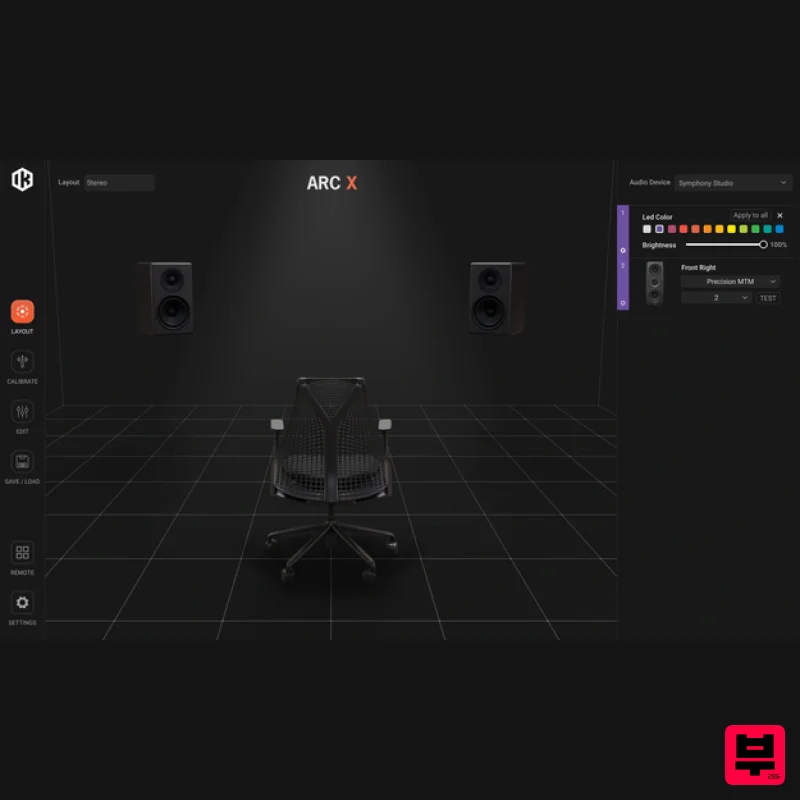
IK Multimedia ARC X
Referencing Tools
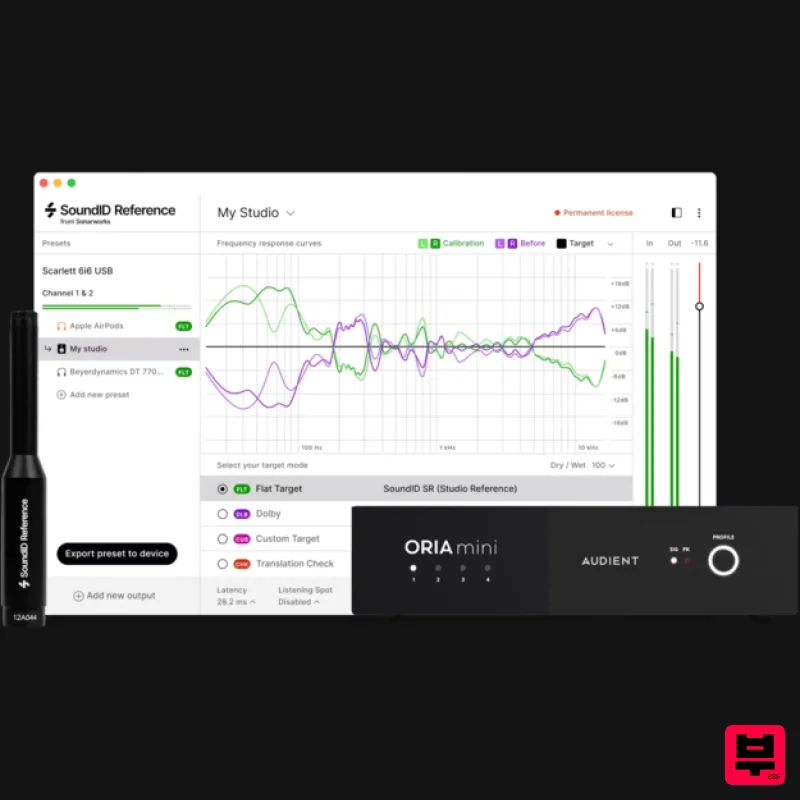
Sonarworks SoundID Reference Add-on for ORIA Mini
Referencing Tools
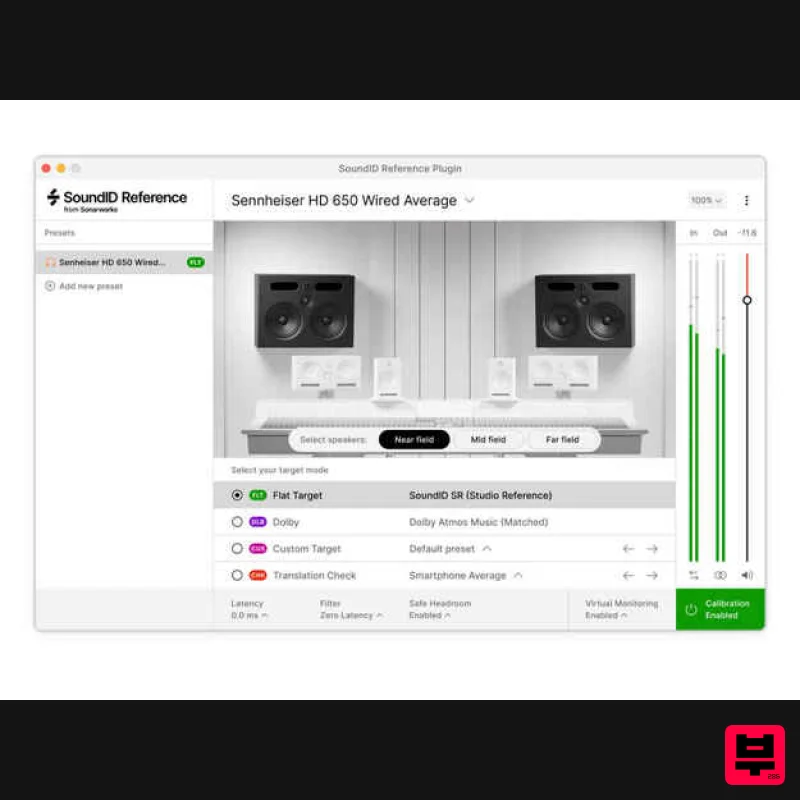
Sonarworks Virtual Monitoring Add-On for SoundID Reference
Referencing Tools
iZotope iZotope Audiolens
Referencing Tools
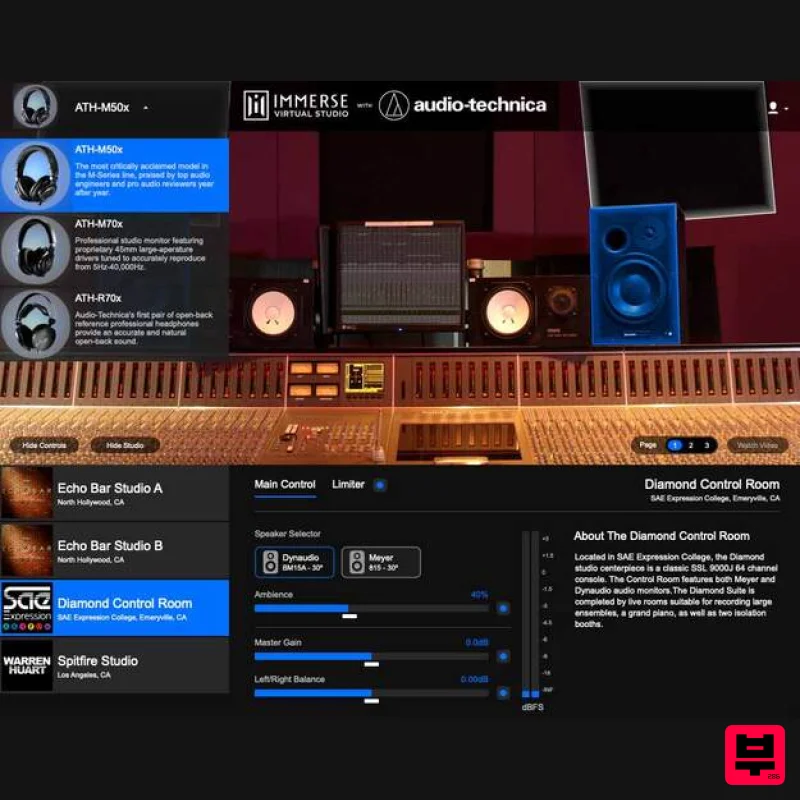
Embody Immerse Virtual Studio | Audio-Technica
Referencing Tools

