
MAAT SantaCruzEQ6
Professional music gear - detailed information and where to buy
Product Description
- SantaCruzEQ6 6 precision variations on “analog
- ” all in one affordable EQ. Beautiful analog Architectures
- up to six
- that will ramp up your reputation. Yes
- Your Blueness Why develop yet one more minimum phase parametric equalizer (PEQ) when there’s already hundreds on the market? The answer is simple…’ Cuz there was room for improvement! It was customers of the original LinearPhase PEQ Red and Orange who asked Algorithmix to develop a classic EQ
- for recording and mixing tasks
- with unparalleled purity and transparency. Over several years
- Dr Christoph closely analyzed many of the best out there and compiled a vast knowledge base of analogue EQ best practices. Cherry-picking from that
- he implemented not just one or two
- but an entire collection of trad minimal phase EQs. The result? A distillation of analogue antecedents
- while others are based on new ideas. You're sure to enjoy these six variations of blue
- newly revised by MAAT
- and find your favourite sound. The Not So Dirty Half-Dozen MAAT wanted to lift analogue to another level
- so they reverse-engineered a variety of well-respected hardware EQs
- creating idealized digital versions from that inspiration. Rather than models or simulations that carry analogue baggage
- SantaCruzEQ has no noise
- distortion or other secondary effects inherited from analogue. SantaCruzEQ6 is the most complete collection of classic equalizer architectures ever assembled into one package. You get precise
- idealized examples of legendary analogue equalizer circuitry
- complemented by progressive new models. Whether it’s vintage
- modern
- or experimental
- SantaCruzEQ is a sonic sandbox for every mixing and mastering engineer to mess around in. BFF The equalizer is perhaps the oldest and the most popular of sound processing tools. From its earliest days
- the main function was correction or enhancement by boosting or cutting certain frequencies. For a century
- engineers have developed countless equalizers. A few became legends
- MAAT's thEQorange is one. The most popular version in recording and post is the parametric equalizer or PEQ
- first perfected by Massenburg in 1972. It offers maximum flexibility with only three controls. Properly used
- the PEQ is a powerful tool and the best friend of every audio engineer in the quest for the perfect sound. As Spidey (and Voltaire) always reminds us though
- “With great power comes great responsibility.” When designed by a clueless or cost-constrained software engineer
- it can be your greatest sonic enemy. Choice Is Good SantaCruzEQ6
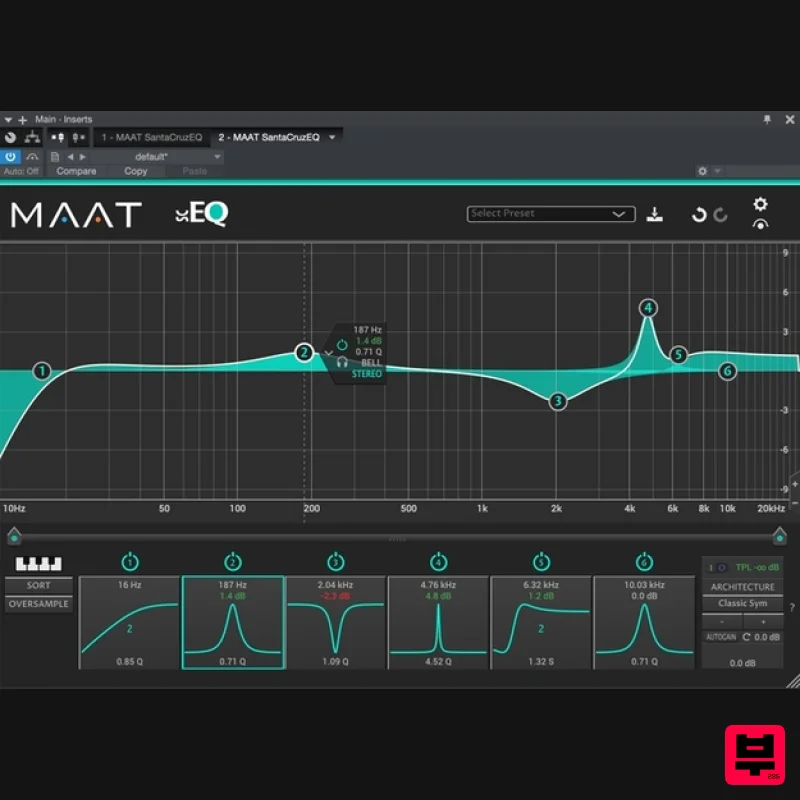
- with 6 architectures; all six below: Classic Sym Series symmetrical
- almost constant Q bell — common mix desk & outboard gear topology
- try on “surgical” applications Classic Asym Series asymmetrical — Old Skool
- boost like № 1 but with narrower cut Proportional 1 Series proportional — More musical than constant Q
- especially for mixing and post. Bells are wider at <6dB and narrower at >6dB Proportional 2 Series proportional — Like 03 but with bigger changes at large gain settings > ±6dB
- try on vocals Proportional 3 Series proportional — Like 03 but with extra-wide bells at gain settings
- from 0 to 3dB Const-Q Asym Series asymmetrical
- constant Q — Boost like № 1
- cut like № 5 (extra wide)
- as found in some USA products & mixers Constant Q is more for surgical applications
- while proportional EQs are best when combining multiple overlapping Sections. As a point of reference
- Pultec
- Masselec and Avalon EQs are all of the proportional type. Note that all 6 topologies are normalized to have exactly the same bell shape at 6dB of boost. This allows you to easily compare the sound of each architecture. Better By Design SantaCruzEQ is built on the belief that exceptional fidelity
- enhanced workflows and less visual fatigue are hallmarks of better quality toolsets. MAAT's reliance on hard science and focused research balanced by in-depth listening and customer feedback redefines audio tools for you and your fellow hardcore media professionals worldwide. Features SantaCruzEQ borrows the innovative code from both Algorithmix’s original PEQ Blue and MAAT own thEQblue remix
- wrapping it in a modern
- higher fidelity environment designed to help you be more productive. The most complete collection of classic analogue equalizer emulations Six different equalizer types; in total
- 10 serial & 2 parallel Up to 6 PEQ styles for every job: classic
- vintage
- modern and unconventional Different Q characteristics: classic
- constant–Q
- proportional
- ideal–Q and special True high-resolution emulation of analogue equalizers
- not modelling: no added noise
- distortion or other non–linearities Support for up to 384 kHz sample rate
- suitable for HRA and game production and post Extended centre frequency up to 80 kHz for filtering and correction in the ultrasonic Bell filters in all PEQ types are normalized to look identically at +6.02 dB of gain and Q of 0.71
- ideal for quick comparisons between types Six Sections total
- with four having freely assignable parametric filter variants: bell; multi-order high & low shelf; multi-order high & low cut “Outer” Sections
- the first and last
- offer multi-order high & low shelf and multi-order high & low cut Extremely low noise and low nonlinear distortion algorithms result in residual THD+N significantly lower than 24-bit quantization noise Adjustable Q Factor for bell filters Adjustable slope for shelving and cut filters Multiple low and high cut filters can be overlapped to achieve brickwall slopes Very low noise and distortion upsampling for analogue–like filters at baseband sample rates Insane 80 bit double precision internals virtually eliminate rounding errors and resulting distortion Resizable and zoomable frequency response graphing for precise adjustments Parameter editing via numerical fields or directly on the Graph Presets for quick setup comparison Several instances
- each with different PEQ architectures
- can be opened simultaneously Band grouping function lets you simultaneously alter ƒ
- Q and gain for multiple Sections ƒ lock function when you’ve found your resonant frequency and want to alter just Q or gain True Peak metering alerts you to TP overs Sort button rearranges Sections in order
- from low to high ƒ
- with a single click Applications With a very wide range of choices
- you are ready to tackle any job with a subtle or obvious approach. Tracking
- mixing & mastering HRA post including ultrasonic tailoring Broadcast production & post Game production Reinforcement: microphone response improvement
- speaker deficiencies correction
- acoustic compensation Sound design & enhancement Restoration & correction of transmission losses Iron Maiden The contribution of distortion to the specific sound of a particular analogue equalizer caused by its respective electronics is largely what makes it “good.” Usually
- though
- non–linear distortion
- horrific group delay and other deficiencies produce more “nasty” than “magic.” MAAT's philosophy
- for PEQ design
- has always been to make filters as precise and clean as possible. For controlled distortion
- MAAT recommends high-quality tape emulation
- a well-made pedal or other carefully applied studio magic. Comprehensive With SantaCruzEQ6
- you can call up six Sections from one of the six architectures available. For the first and last Sections
- choose from a selection of shelving or cut filters. For the ten centre Sections
- choose from nine freely assignable filter types
- including bell
- first and second-order low or high shelf along with first and second-order low or high cut. The most significant filter types bearing the equalizer name are bells. Set to a particular Q
- different bells change their bandwidth depending on the amount of boost or cut making comparison difficult between architectures. But wait
- MAAT has made it easy… Comparing Architectures In order to make meaningful comparisons of different typologies
- all six equalizer architectures are normalized to have exactly the same bell shape for +6dB of gain. If you listen to a bell filter at +6.02dB and a Q of 0.71
- you will get the same audible result for all architecture types. This normalization of the Q or Quality Factor is a unique MAAT feature and distinguishes MAAT's typologies from their analogue antecedents because many of the originals have undefined Q definitions due to the limitation of analogue technology. The normalization allows you to compare the different EQ architectures in SantaCruzEQ with ease. BTW
- a single minimal phase bell filter with identical shape will sound the same regardless of architecture. The difference between architecture becomes obvious when you have activated more bells and other topologies so that they start to interact with each other. This will reveal the different characteristics of each architecture
- in terms of phase interaction and different gain and Q relationships. Classics All The Classic Symmetrical is the most popular bell shape used in many mixers and outboard equalizers. It is almost “constant Q.” That is
- as resonant frequency changes
- the bandwidth changes
- widening as the frequency goes from low to high to maintain a constant ratio of centre frequency divided by bandwidth. Constant Q is roughly the way our hearing perceives an EQ’s effect. The three Proportional PEQs emulate bell characteristics which change their bandwidth proportional to their boost or cut. Many think they behave more musically as you don’t have to correct the Q after every amplitude change. There are also three other constant–Q equalizers available
- with characteristics similar to some classic American brands. SantaCruzEQ also offers two proprietary constant–Q varieties. The first
- Constant-Q Ideal
- is a perfect version of the Classic Symmetrical equalizer
- having exactly the same bandwidth at any amplitude within its range of Q. This is measured 3 dB below maximum amplitude at and above +6 dB of boost. Such PEQs are impossible to implement in the analogue domain
- hence the “ideal” name. Another speciality variety is the Constant-Q New
- which follows a new Q definition. It preserves exactly the same bandwidth at half of the maximum amplitude for all amplitude values. Unlike the classic Q definition
- this includes the range below 6 dB of boost. Due to its amplitude/bandwidth dependency in terms of a classic Q definition
- this new kind of constant-Q PEQ could also be thought of as a member of the proportional group. Finally
- MAAT emulated two vintage parallel equalizers. With parallel construction
- the main input feeds every filter in parallel
- with each filter’s output being summed together for the final composite output. With a series implementation
- filters are cascaded; each fed from the output of the previous filter. Unlike a series parametric equalizer (almost all parameters are serial)
- parallel–connected filters combine or cascade differently. They also behave differently in terms of phase. Their special interactive behaviour between bands is offset by a pleasing sonic character. MAAT's Parallel LC emulates old skool parallel passive PEQ circuitry built with inductors and capacitors. The Parallel Feed-Forward/Feedback topology emulates the feed-forward/feedback designs still popular in low noise analogue graphic EQs. While the feed-forward path is trivial to implement
- the feedback path is impossible to implement in traditional digital signal processing
- because of the need for so-called “delay–free” feedback loops. In SantaCruzEQ
- MAAT apply a unique and very elaborate technique for true emulation of delay-free feedback. The result is a characteristic sound and perfectly complementary filters for boost and cut. The Filter Library In SantaCruzEQ
- not only are various bell-shaped filters available but also different kinds of shelving filters. Nine of the series equalizers use a special shelving design characterized by a cut–off frequency defined in the middle of the transition region. MAAT found these filter definitions more intuitive than the classical “–3 dB below maximum.” The old skool definition is only used in the Classic Asymmetrical architecture in order to conform to its analogue antecedent. All 2nd order shelving filters have a Q adjustment to emulate vintage characteristics
- with their inherent and specific bumps at higher slopes. Also
- the parallel equalizers are equipped with respective shelving filters shapes that are typical of old parallel PEQs. They also have interacting bands as did their analogue predecessors. Every complex PEQ is equipped with cut filters. With SantaCruzEQ
- each of the six equalizer topologies can provide 1st and 2nd order cuts. The 2nd order filters have a Q adjustment to create a resonant filter response and can be combined to provide very steep “brickwall” slopes by cascading several Sections. Best of Both Worlds SantaCruzEQ is a creative equalizer tool combining the best of both the analogue and digital domains. To avoid bell filter asymmetry at high frequencies for baseband sample rates
- typical of many digital equalizers
- MAAT have applied reference-quality upsampling
- which automatically kicks in for 44.1 or 48 kHz. By using proprietary filter algorithms
- they have achieved a huge dynamic range
- as well as extremely low noise and distortion. This yields unparalleled sonic purity
- impossible for any analogue circuitry. MAAT suggest leaving the oversampling option always on so as to get the “analogue” missing from other brand’s EQs. Summary Fully parametric minimum phase EQ for complete control 80-bit internal precision blows away the competition for sound quality Up to six unique idealized architectures
- derived from analogue circuitry Broad choice of cut
- shelf and bell topologies AutoGain for effortless A/B comparisons Proprietary oversampling for “analogue” sound at 44.1 and 48k Supports sample rates from 44.1 to 384 kHz System Requirements Operating Systems macOS 10.9 or newer (64-bit only) Windows 7 and newer (32 & 64-bit) Supported Platforms AAX (Pro Tools 10.3.10 and newer) AU
- VST 2
- VST 3 Sample rates from 44.1 to 384 kHz Note: DRMeter MkII is used as the example Mac Installation 1. Download the .zip folder from your Plugin Boutique User Account and double-click it's contents. 2. Double-click the .dmg installer file to begin the installation process > Click 'Continue'. 3. Enter your name and Email > Click 'Register'. 4. Click 'Continue'. 5. Click 'Continue'. 6. Click 'Continue'. 7. Click 'Agree'. 8. Click 'Continue'. 9. Click 'Install'. 10. Click 'Close'. Mac Online Activation 1. Open MAAT DRMeter MKII as a standalone or inside of your DAW. > Click 'Activate/Deactivate License'. 2. Enter the Product Key that can be found in your Plugin Boutique User Account > Click 'Activate Online'. 3. Click 'Ok'. Your software has now been activated and is ready for use! Mac Offline Activation 1. Open MAAT DRMeter MKII as a standalone or inside of your DAW. > Click 'Activate/Deactivate License'. 2. Enter the Product Key that can be found in your Plugin Boutique User Account > Click 'Create License Request'. 3. Click 'OK'. 4. Choose a location for the License Request File to be saved > Click 'Open'. 5. Email the License Request File to [email protected] 6. Once you have received the .maatc confirmation file from MAAT open MAAT DRMeter MKII > Click 'Activate/Deactivate License'. 2. Click 'Activate Offline'. 3. Click 'OK'. 4. Find the .maatc confirmation file sent from MAAT > Click 'Open'. 5. Click 'Ok'. Your software has now been activated and is ready for use! Windows Installation 1. Download the .zip folder from your Plugin Boutique User Account and double-click it's contents. 2. Double-click the .exe installer file to begin the installation process. 3. Enter your name and Email > Click 'Register'. 4. Select 'I accept the agreement' > Click 'Next'. 5. Click 'Next'. 6. Click 'Next'. 7. Click 'Next'. 8. Click 'Next'. 9. Select the components you would like to install > Click 'Next'. 10. Click 'Install'. 11. Click 'Finish'. Windows Online Activation 1. Open MAAT DRMeter MKII as a standalone or inside of your DAW. > Click 'Activate/Deactivate License'. 2. Enter the Product Key that can be found in your Plugin Boutique User Account > Click 'Activate Online'. 3. Click 'Ok'. Your software has now been activated and is ready for use! Windows Offline Activation 1. Open MAAT DRMeter MKII as a standalone or inside of your DAW. > Click 'Activate/Deactivate License'. 2. Enter the Product Key that can be found in your Plugin Boutique User Account > Click 'Create License Request'. 3. Click 'OK'. 4. Choose a location for the License Request File to be saved > Click 'OK'. 5. Click 'OK' and email the License Request File to [email protected] 6. Once you have received the .maatc confirmation file
- open MAAT DRMeter MKII > Click 'Activate/Deactivate License'. 2. Click 'Activate Offline'. 3. Click 'OK'. 4. Find the .maatc confirmation file sent from MAAT > Click 'Open'. 5. Click 'Ok'. Your software has now been activated and is ready for use!
Additional Information
About the MAAT SantaCruzEQ6
The MAAT SantaCruzEQ6 combines traditional design with modern performance for EQ enthusiasts.
Why Choose the MAAT SantaCruzEQ6?
- •Authentic MAAT craftsmanship and design
- •Versatile sound suitable for multiple musical genres
- •Professional build quality and reliable performance
- •Part of MAAT's respected EQ lineup
Compare & Explore
Browse our complete selection of MAAT instruments or explore other EQ options. Use our comparison tools to find the perfect match for your musical style and budget.
Similar Products
Slate Digital Infinity Horizon
EQ
$156
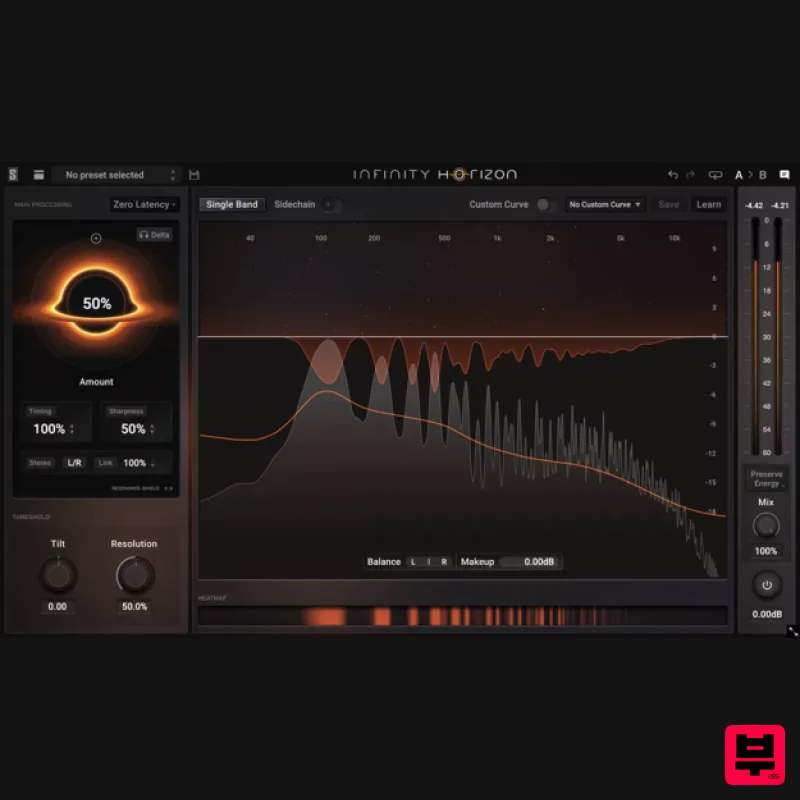
Rogue Frequencies Cannot Escape Infinity Horizon finds harsh frequency build ups and them in real time. If you're...
TBProAudio sTiltV2
EQ
Free
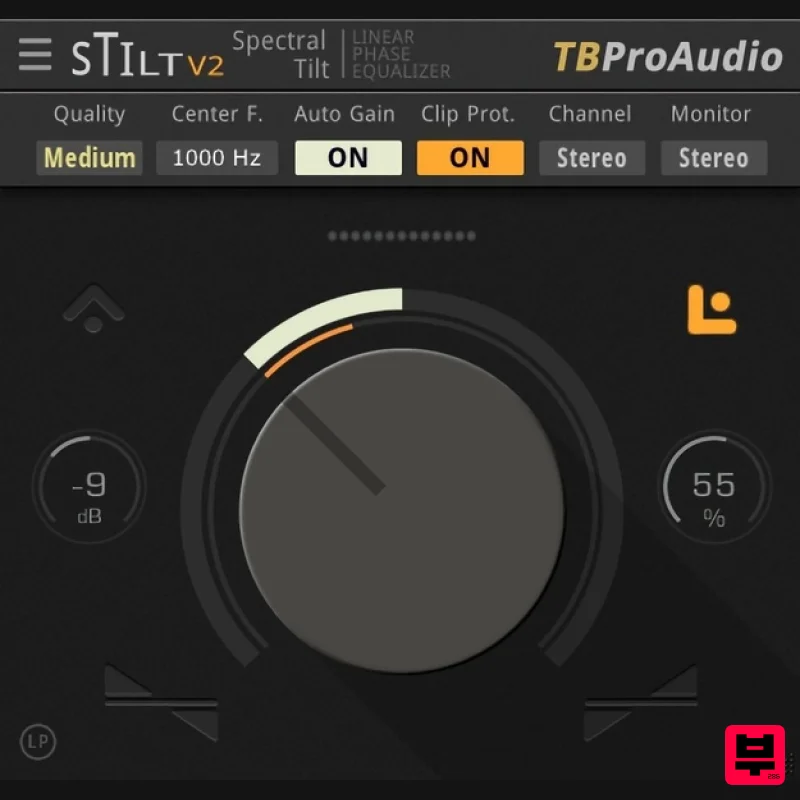
sTilt is a linear/minimum phase and IIR filter which tilts the audio spectrum around a given center frequency. Features...
Rave Generation TubEQ
EQ
$42
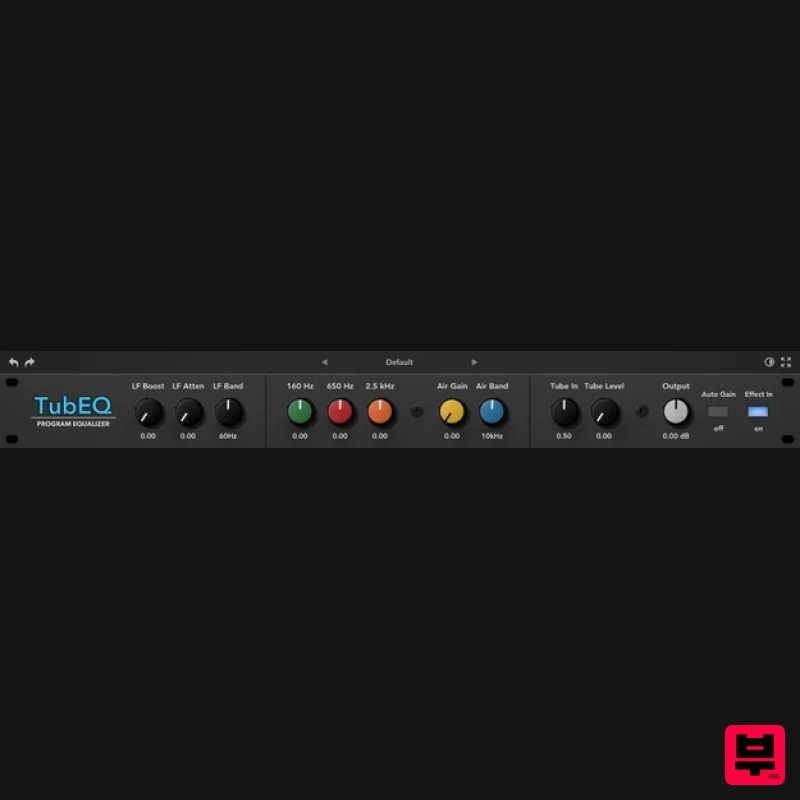
TubEQ is an authentic analog equalizer plugin that combines the musical character of two legendary EQs in a single...
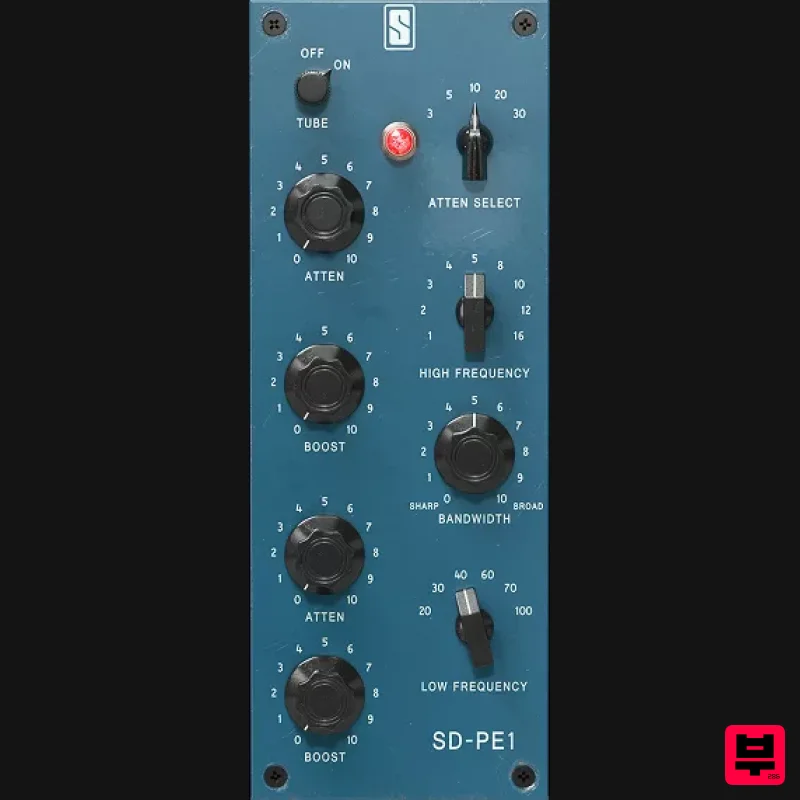
Slate Digital SD-PE1
EQ
$104
Meet SD-PE1! The most unique passive equalizer ever made joins the ever-expanding lineup of processors that make up the...
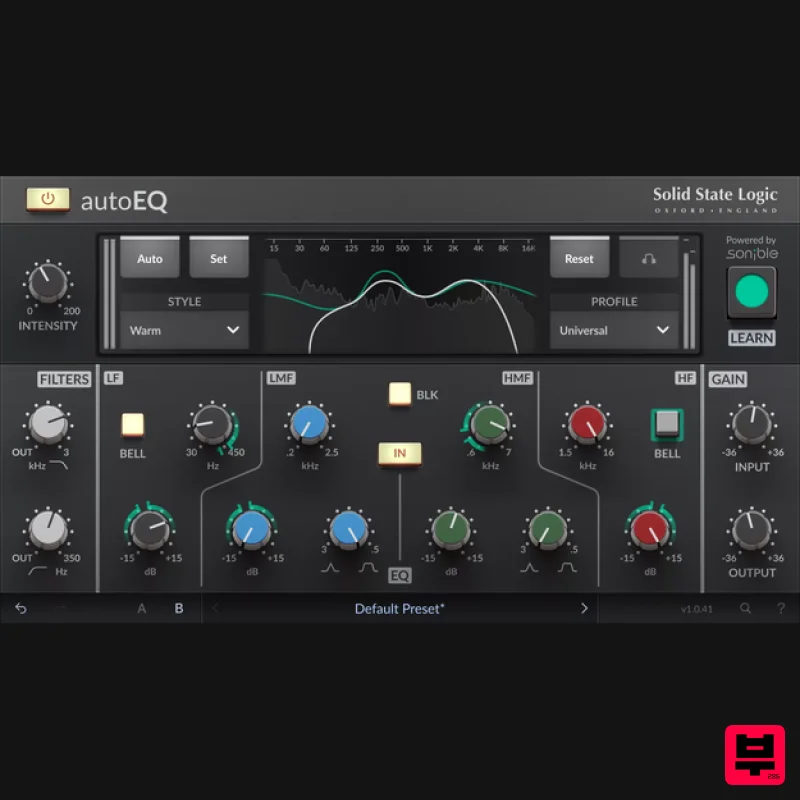
Solid State Logic SSL autoEQ
EQ
$109
SSL 4000E EQ processing with sonible AI assisted analysis Introducing autoEQ, part of the autoSeries with autoDYN and...
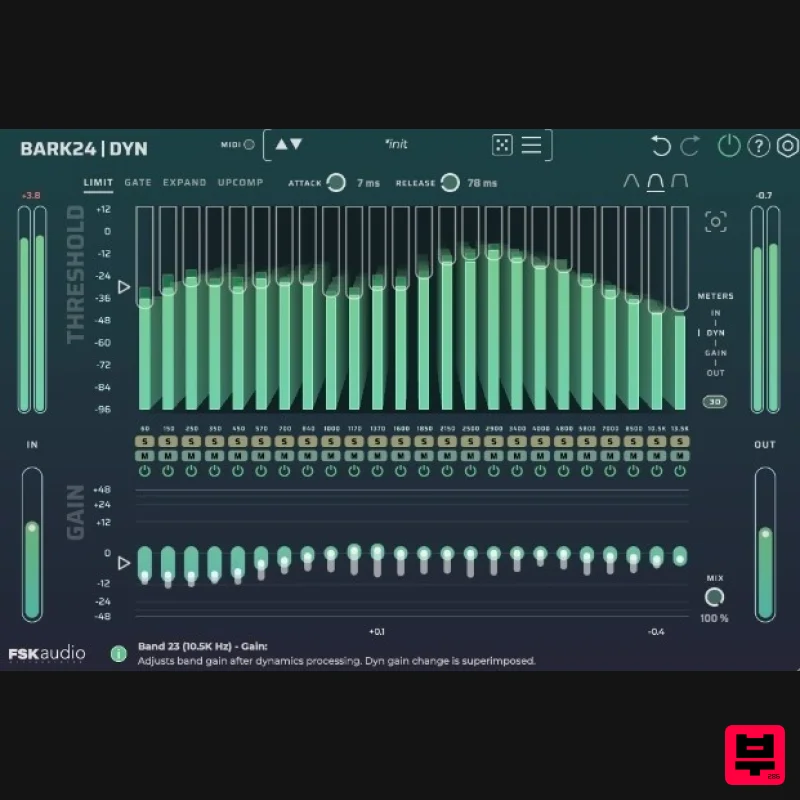
FSK Audio Bark24 | Dyn
EQ
$120
Bark24 | Dyn is a dynamic EQ that takes you far beyond a standard compressor or EQ. Based on the Bark scale - a model...
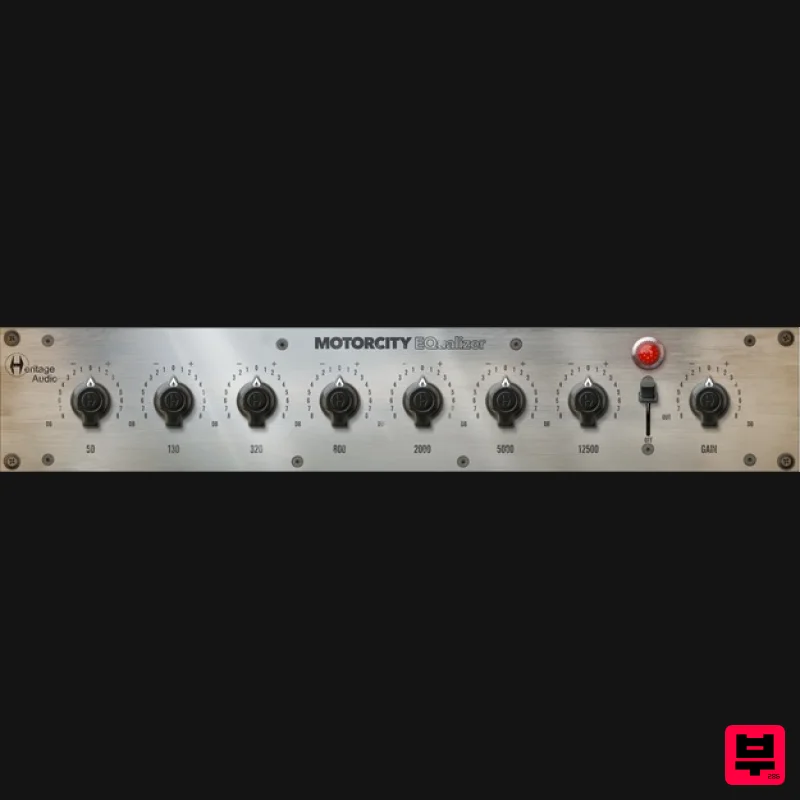
Heritage Audio MOTORCITY EQ
EQ
$104
The classiest EQ ever created finally gets the thorough plugin treatment it so long deserved Recreated from the...
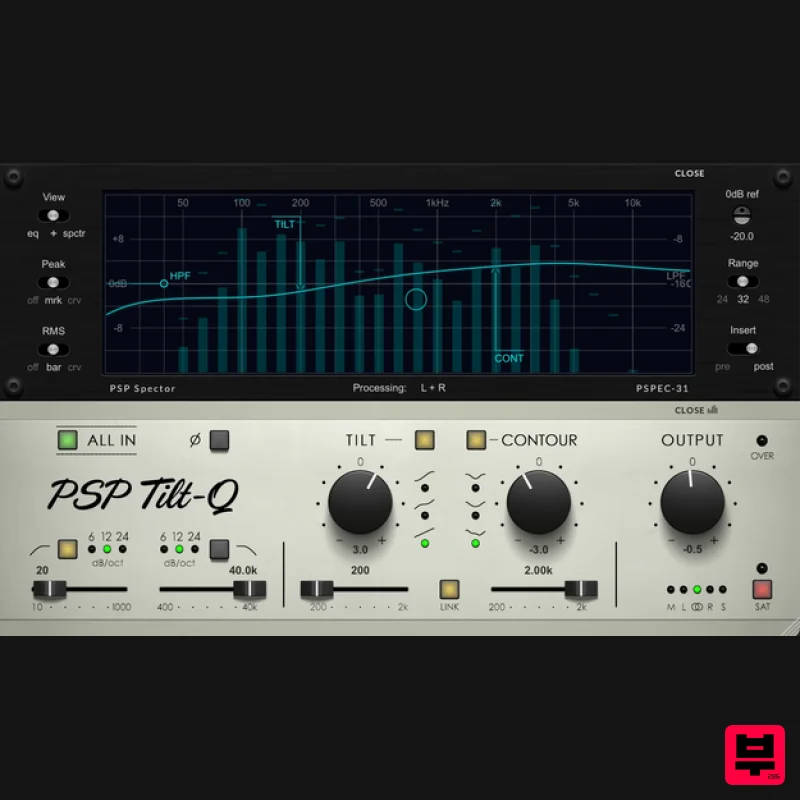
PSP Audioware PSP Tilt-Q
EQ
$72
Tilt Equalizer with Three Characteristics Musical tilt EQ offering three distinct curve shapes, allowing you to quickly...
Frequently Asked Questions
The MAAT SantaCruzEQ6 stands out for its exceptional MAAT craftsmanship and innovative design.
Yes! With its affordable price point and quality construction, it's perfect for learning eq.
Browse the similar products section to see how it stacks up against other eq.

