
MAAT DROffline MkII
Professional music gear - detailed information and where to buy
Product Description
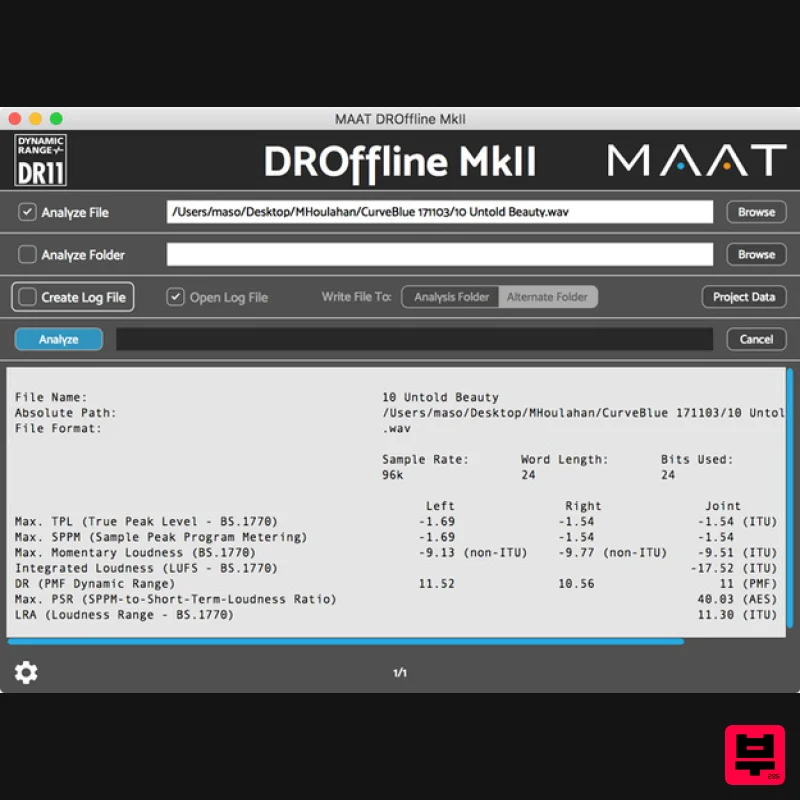
- DROffline MkII File Analyzer The official DRi (integrated Dynamic Range) and R 128/A85 measurement app
- plus a whole lot more! MAAT’s DROffline MkII is the batch measurement companion application to their official DRMeter MkII real-time DR + R128 measurement plugin. Measure R128 Loudness
- DRi & More MAAT’s DROffline MkII batch measurement app is the only software that automatically measures all mandated R 128 parameters
- along with official DRi and a host of key metrics that your DAW may not display. All this in the background and out of your way. Offering essential options for musically justified
- file-based metering
- DROffline MkII offers 24 different measurements
- including integrated DRi Dynamic Range and PSR
- the emerging Sample Peak–to–Short Term Loudness Ratio. One file can be evaluated
- or an entire directory can be measured in batch mode
- all in the background while you continue to work. DROffline MkII generates both plain text and tab-delimited text logs
- with optional engineer and studio metadata
- so you can hand your clients good looking reports that they can use for replication
- distribution and as documentation for post
- provenance
- or chain of evidence. Attention Pro Tool & Logic users! DROffline MkII offers easy access to all audio statistics and metadata
- with an instant drag & drop interface. Speaking of drag & drop
- DRO2 works in conjunction with DRMeter MkII to run measurements when you drop an audio file onto a DRM2 instance in your DAW. What is DR? The DR algorithm
- related to PLR (Peak–to–Loudness Ratio) or “crest factor
- ” specifically measures the dynamic density or lack of dynamics caused by overly aggressive dynamic compression and limiting. Although the companion DRMeter MkII provides a manual measurement of the "official" integrated DR or DRi
- only DROffline and DROffline MkII can generate official values automatically and in the background. The complete DR metering system
- composed of the real-time DRMeter MkII plus the DROffline MkII batch processor
- was created by Friedemann Tischmeyer to address the need to generate a repeatable
- easy to understand numeric value. Seeing a meaningful and easy to understand indication of dynamic range inspires users to back away from hyper-compression. Is there a good reason to use DR? Unlike R128 and BS. 1770 meters
- DR measures dynamic range from the perspective of a music engineer’s needs. In contrast
- R128 and 1770 are designed to control loudness for commercials
- not measure dynamic range for music
- especially pop music. DR isn’t designed for broadcast loudness control
- it’s purpose is to gauge the amount of dynamic range reduction or the absence of dynamic range contrast. Designed by a member of the EBU ploud committee
- the same body that created R128
- DR informs an engineer about how much the mix has been “stepped on
- ” dynamic range-wise
- not about “will it pass through a broadcast chain without loudness reduction?” Divide & Conquer Bringing forward the legacy of the PMF’s legendary TT Dynamic Range metering system
- DROffline MkII works with all current international Loudness metrics plus emerging measurement techniques that provide more meaningful numbers than R128 methods alone. Granted
- R128 or A/85 is essential for all modern pro workflows
- but other Loudness meters only provide half the story. The companion DRMeter MkII is a plug-in that manually generates DRi values when applied to the loudest passages in a track
- and is the perfect real-time complement to DROffline MkII for quickly estimating both Loudness and subjective loudness. Features Loudness Measurements: Mandated R128 & A/85 Maximum True Peak (joint measurement as per ITU) Maximum Momentary (joint measurement as per ITU) Maximum Short–Term (joint measurement as per ITU) Integrated Loudness (joint measurement as per ITU) Loudness Range (joint measurement as per ITU) File Metadata: Additional Informative Metrics File Name Absolute Path File Format Sample Rate Word Length Bits Used (filled) Loudness Measurements: Supplemental DRi (joint measurement as per PMF) DRi LEFT DRi RIGHT Maximum True Peak LEFT Maximum True Peak RIGHT Maximum Momentary LEFT Maximum Momentary RIGHT Maximum Short–Term LEFT Maximum Short–Term RIGHT Maximum Sample Peak (SPPM) LEFT Maximum Sample Peak (SPPM) RIGHT Maximum Sample Peak (SPPM joint measurement) Minimum PSR (Sample Peak–to–Short–Term Loudness joint measurement as per AES) RMS LEFT RMS RIGHT Miscellaneous: Comprehensive
- Modern & Fast Cross-platform Fast local background processing More accurate than many other “measurement” products More secure than cloud services 44.1 to 384 kHz sample rate LPCM (WAV
- AIFF) or Lossless (FLAC
- ALAC) Additional Features: Official DRi
- R128
- RMS Channel–specific measurements Full file metadata System Requirements macOS 10.9 or newer (Universal Binary 2) (64-bit only) Windows 7 and newer (32 & 64-bit) Supported Formats: LPCM
- ALAC
- FLAC file formats Sample rates from 44.1 to 384 kHz Word lengths from 16 - 24 bit fixed + 32-bit floating-point Important Note: This product is available in Standalone format only. Note: DRMeter MkII is used as the example Mac Installation 1. Download the .zip folder from your Plugin Boutique User Account and double-click it's contents. 2. Double-click the .dmg installer file to begin the installation process > Click 'Continue'. 3. Enter your name and Email > Click 'Register'. 4. Click 'Continue'. 5. Click 'Continue'. 6. Click 'Continue'. 7. Click 'Agree'. 8. Click 'Continue'. 9. Click 'Install'. 10. Click 'Close'. Mac Online Activation 1. Open MAAT DRMeter MKII as a standalone or inside of your DAW. > Click 'Activate/Deactivate License'. 2. Enter the Product Key that can be found in your Plugin Boutique User Account > Click 'Activate Online'. 3. Click 'Ok'. Your software has now been activated and is ready for use! Mac Offline Activation 1. Open MAAT DRMeter MKII as a standalone or inside of your DAW. > Click 'Activate/Deactivate License'. 2. Enter the Product Key that can be found in your Plugin Boutique User Account > Click 'Create License Request'. 3. Click 'OK'. 4. Choose a location for the License Request File to be saved > Click 'Open'. 5. Email the License Request File to [email protected] 6. Once you have received the .maatc confirmation file from MAAT open MAAT DRMeter MKII > Click 'Activate/Deactivate License'. 2. Click 'Activate Offline'. 3. Click 'OK'. 4. Find the .maatc confirmation file sent from MAAT > Click 'Open'. 5. Click 'Ok'. Your software has now been activated and is ready for use! Windows Installation 1. Download the .zip folder from your Plugin Boutique User Account and double-click it's contents. 2. Double-click the .exe installer file to begin the installation process. 3. Enter your name and Email > Click 'Register'. 4. Select 'I accept the agreement' > Click 'Next'. 5. Click 'Next'. 6. Click 'Next'. 7. Click 'Next'. 8. Click 'Next'. 9. Select the components you would like to install > Click 'Next'. 10. Click 'Install'. 11. Click 'Finish'. Windows Online Activation 1. Open MAAT DRMeter MKII as a standalone or inside of your DAW. > Click 'Activate/Deactivate License'. 2. Enter the Product Key that can be found in your Plugin Boutique User Account > Click 'Activate Online'. 3. Click 'Ok'. Your software has now been activated and is ready for use! Windows Offline Activation 1. Open MAAT DRMeter MKII as a standalone or inside of your DAW. > Click 'Activate/Deactivate License'. 2. Enter the Product Key that can be found in your Plugin Boutique User Account > Click 'Create License Request'. 3. Click 'OK'. 4. Choose a location for the License Request File to be saved > Click 'OK'. 5. Click 'OK' and email the License Request File to [email protected] 6. Once you have received the .maatc confirmation file
- open MAAT DRMeter MKII > Click 'Activate/Deactivate License'. 2. Click 'Activate Offline'. 3. Click 'OK'. 4. Find the .maatc confirmation file sent from MAAT > Click 'Open'. 5. Click 'Ok'. Your software has now been activated and is ready for use!
Additional Information
About the MAAT DROffline MkII
The MAAT DROffline MkII represents excellent craftsmanship in the Metering category.
Why Choose the MAAT DROffline MkII?
- •Authentic MAAT craftsmanship and design
- •Versatile sound suitable for multiple musical genres
- •Professional build quality and reliable performance
- •Part of MAAT's respected Metering lineup
Compare & Explore
Browse our complete selection of MAAT instruments or explore other Metering options. Use our comparison tools to find the perfect match for your musical style and budget.
Similar Products
IK Multimedia Full Metering
Metering
$125
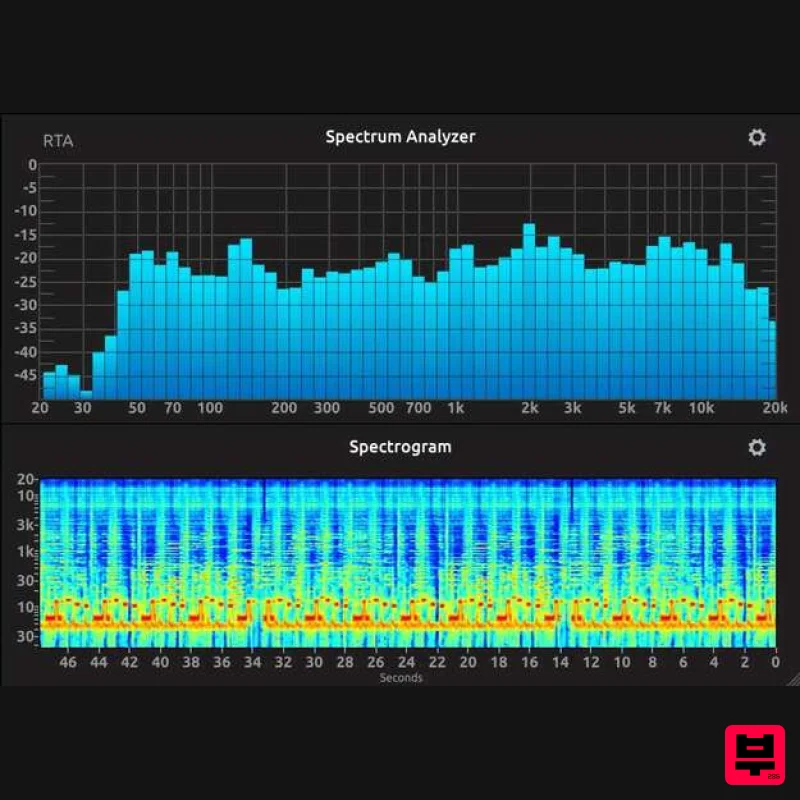
Complete Metering Suite New broadcast-ready metering suite T-RackS 6 includes a redesigned and comprehensive suite of...
Antelope Audio The Judge
Metering
$156
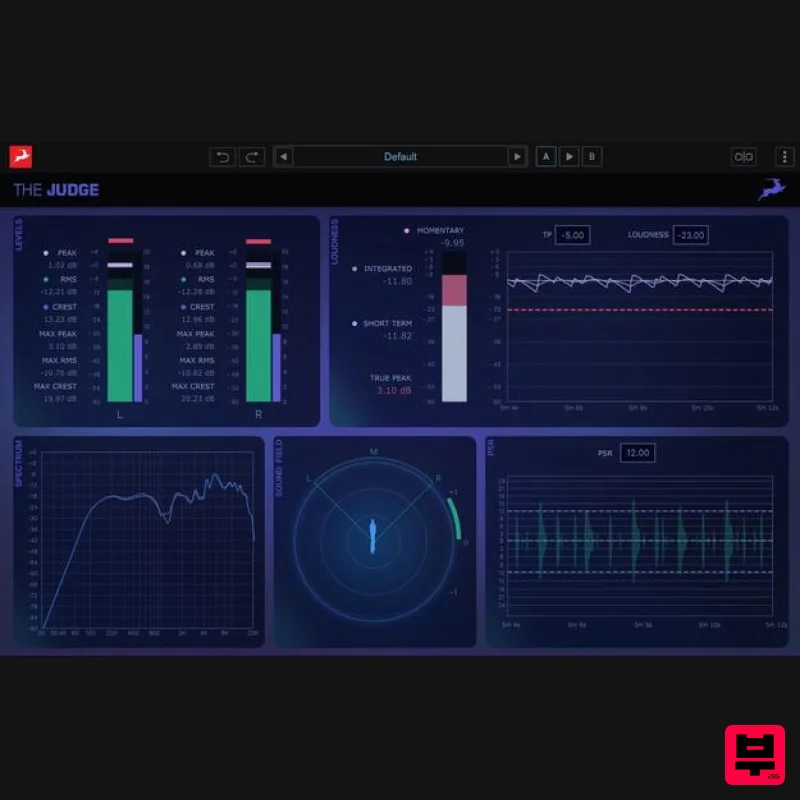
The Judge is a next-generation spectral analysis and monitoring plugin designed to give producers and engineers...
MeterPlugs Dynameter 2
Metering
$84
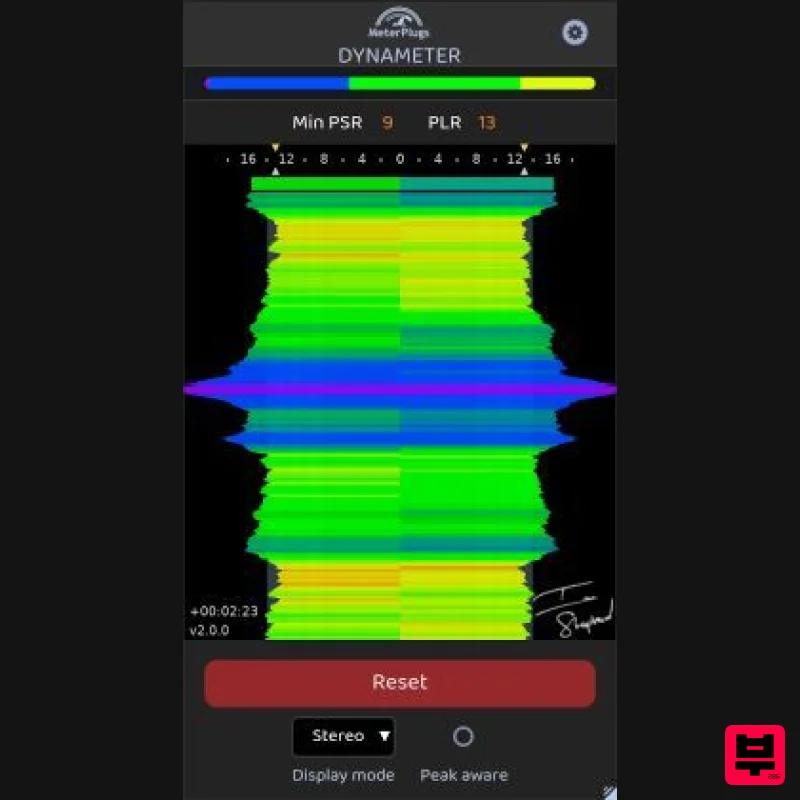
Discover the density and dynamics of your audio - in realtime Stop Worrying About Loudness. Start Succeeding With...
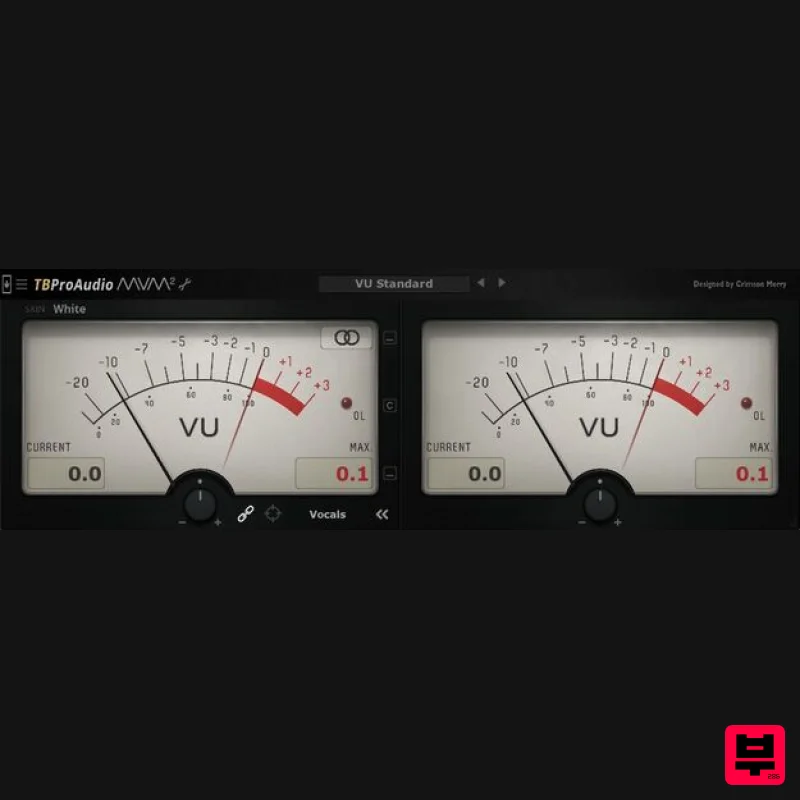
TBProAudio mvMeter2
Metering
Free
mvMeter is a multivariable meter including RMS, EBUR128, VU and PPM measurement. mvMeter2 is the successor of mvMeter...
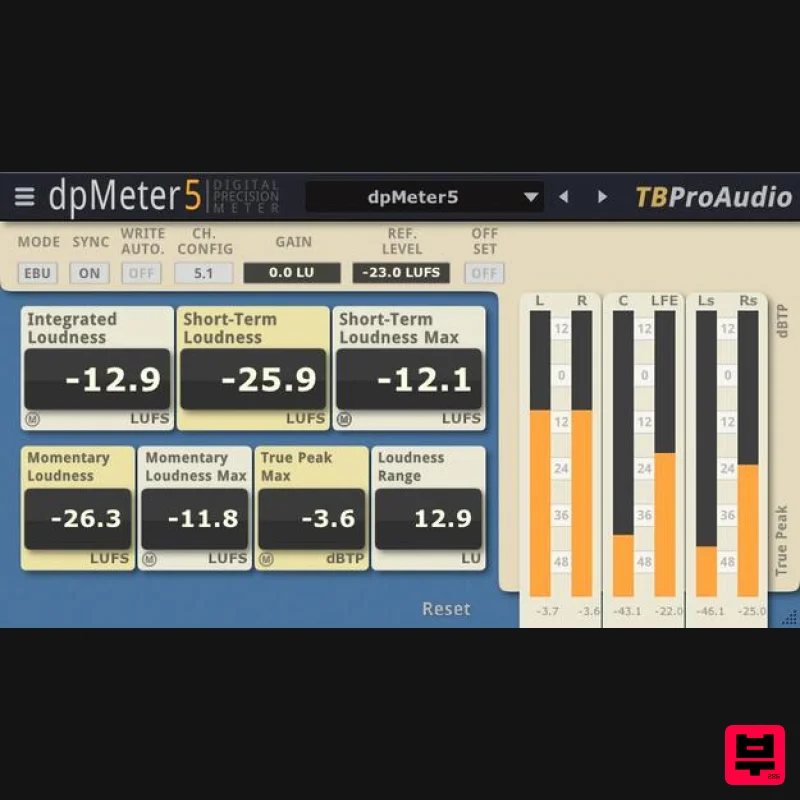
TBProAudio dpMeter5
Metering
Free
dpMeter is a precise digital audio multi-channel meter including RMS, EBU R 128, Dialog gated and TruePeak...
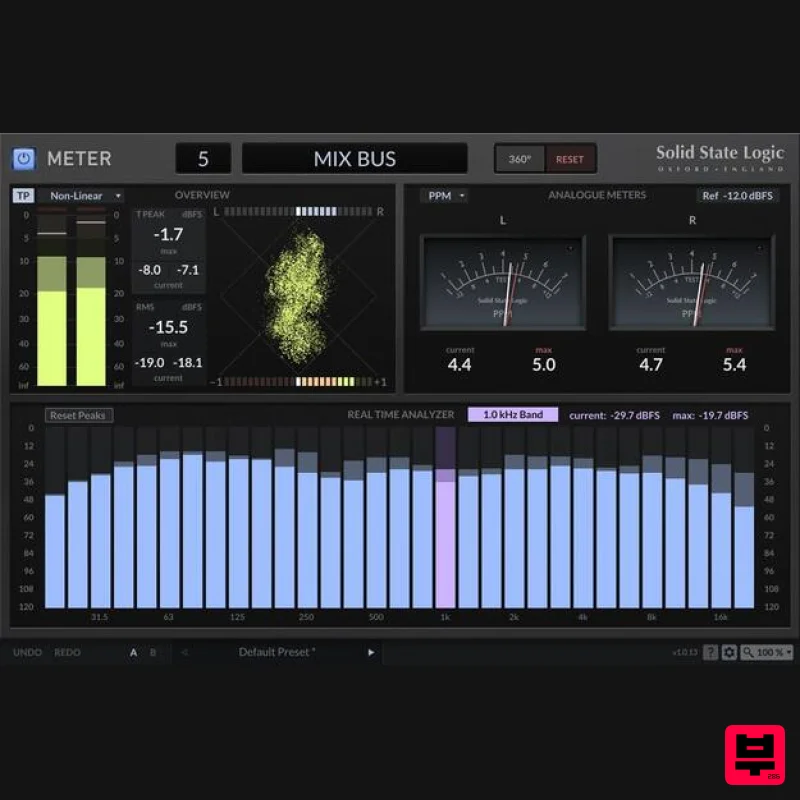
Solid State Logic SSL Meter
Metering
$53
See Your Sonic Universe Enhance your audio engineering capabilities with the SSL Meter plug-in, an essential set of...
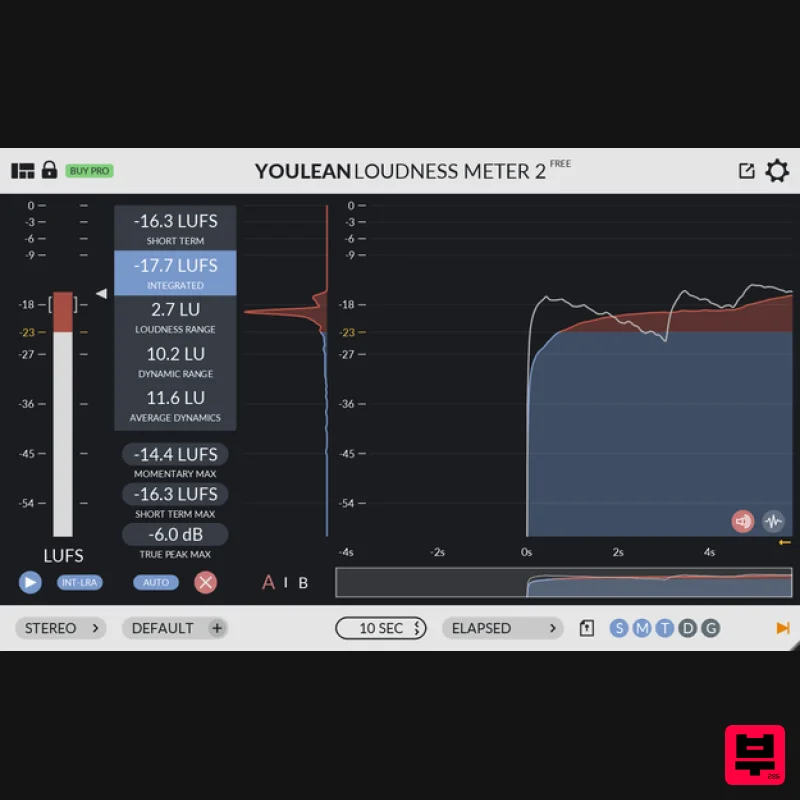
Youlean Youlean Loudness Meter
Metering
Free
Youlean Loudness Meter Free Version has everything you need to measure the true perceived loudness of your audio....
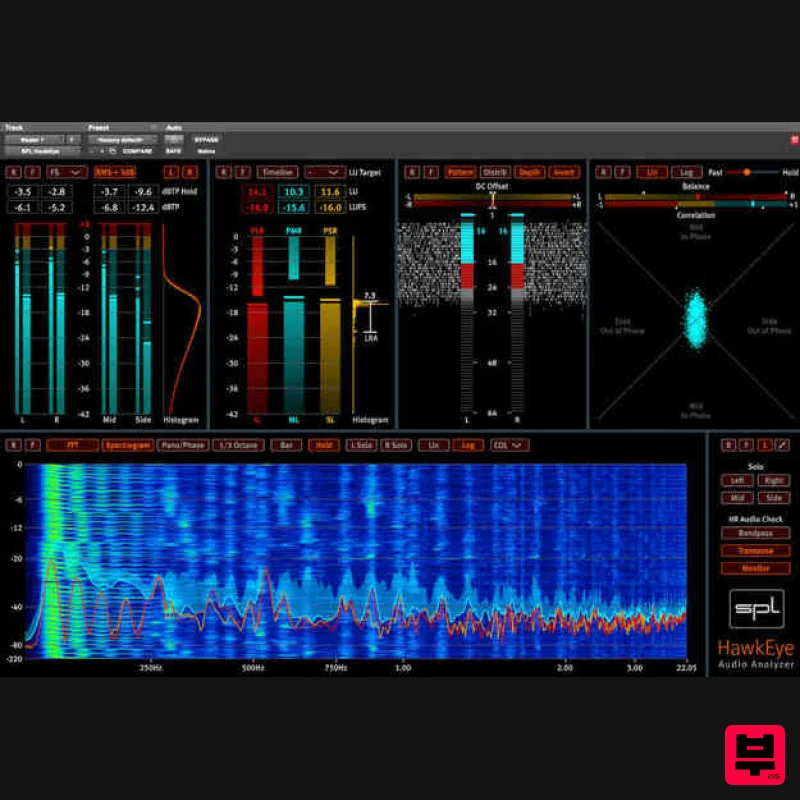
Plugin Alliance SPL HawkEye
Metering
$54
Visualize Your Mixes SPL HawkEye includes a versatile set of audio measurement instruments. Access a Level Meter,...
Frequently Asked Questions
The MAAT DROffline MkII stands out for its exceptional MAAT craftsmanship and innovative design.
Yes! With its affordable price point and quality construction, it's perfect for learning metering.
Browse the similar products section to see how it stacks up against other metering.

