
MAAT 2BusControl
Professional music gear - detailed information and where to buy
Product Description
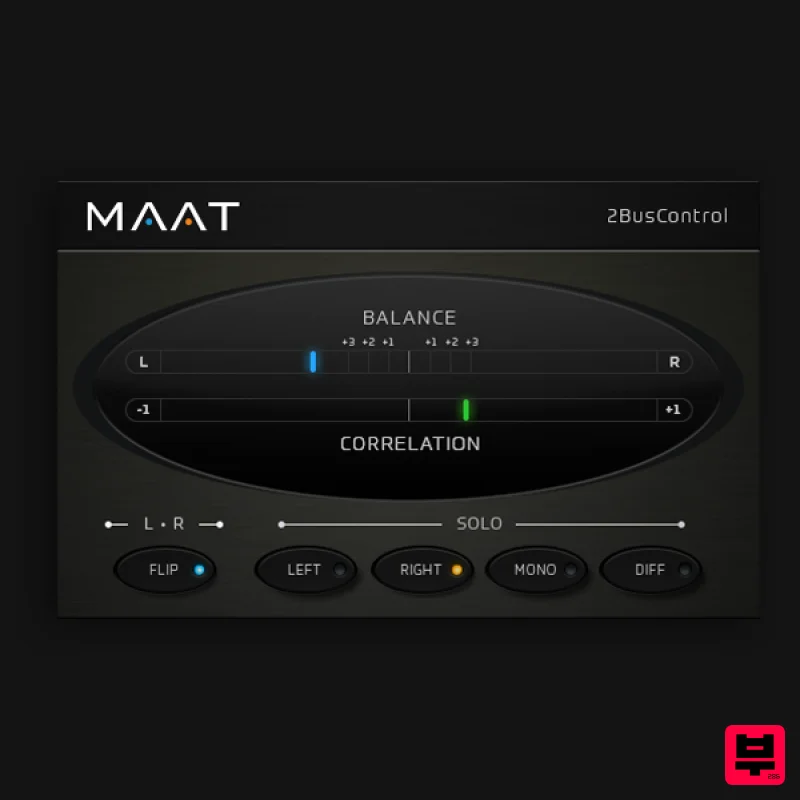
- Free comprehensive stereo master monitoring & metering plug-in! A free universal L/R plus MONO/DIFF monitor control and Balance/Correlation metering plug-in for stereo bus masters. Introduction Available for all major plug-in formats
- including VST/VST3 and AAX for macOS and Windows plus Audio Units for Mac OS
- 2BusControl offers five essential options for specialized monitoring modes plus highly responsive and user- friendly metering for left/right balance and correlation. Solo is available post-metering with a single button push. Traditional left/right soloing (as phantom centre) can be chosen
- or the equally useful MONO/DIFF(erence) or M/S (Mid/Side) rendering of the soloed signal. In addition
- the stereo perspective can be swapped or flipped with the left and right channels changing places. Each solo control is a single button
- allowing you to check placement and amplitude easily for all aspects of your mix. Usable metering is another essential for any engineer
- and options are equally practical
- with stereo balance and inter-channel correlation occupying the upper half of the user interface. Unlike prior products that provide similar metering functions
- 2BusControl´s measurement and display algorithms adhere to our guiding philosophy of enhancing your workflow and improving ergonomics through careful attention to the way you actually work. Ballistics are meticulously tuned to achieve the best match between the aural impression you hear
- and the optical rendering by the meters. All of 2BusControl´s functionality is wrapped in an information-rich yet visually unobtrusive user interface that occupies only a slice of screen real estate. Likewise
- the plug-in is "lightweight" demanding a minimum of CPU resources so it won´t slow down your host. As an introduction to everyone in the audio community
- we’re giving you this free and rather useful plug-in. Thanks for visiting
- and we hope to be working with you more in the future! Features & Specifications: Essential - 2BusControl delivers indispensable monitoring controls
- plus visually expressive metering. Light Weight - 2BusControl is economical of both screen real estate and host computer resources. Universal - 2BusControl works on macOS and Windows
- across all modern plug-in formats. Low Cost - 2BusControl is free! It’s our way of introducing you to all the good stuff we’re building at MAAT… Supported Formats: AAX (Pro Tools 10.3.10 and newer) AU VST2/3 M/W Sample rates from 44.1 to 384 kHz System Requirements Mac: macOS 10.9 and newer
- Universal Binary 2
- 64 bit only. PC: Windows 7 and newer
- 32 & 64 bit. Note: RSPhaseShifter is used as the example Windows Installation 1. Download the PC installer file from your User Account. 2. Once downloaded
- double-click on the zip folder to extract and reveal its contents. 3. Double-click on the installer file to begin the installation process. 4. Tick the available box to ‘Agree to the Licence Terms and Conditions’ > click ‘Next'. 5. Read through the information > click ‘Next'. 6. Confirm 32 bit VST2 plugin directory > click ‘Next'. 7. Confirm 64 bit VST2 plugin directory > click ‘Next'. 8. Select which components to install > click ‘Next'. 9. Review the set up > click 'Install' 10. Click 'Finish' 11. Locate and open the software within your DAW. Note: Restart your DAW and rescan your plugin selection
- in order to show the new installation (in the event it fails to appear). 12. The plugin will be ready to use
- enjoy! Mac Installation 1. Download the Mac installer file from your User Account. 2. Double-click on the installer file to begin the installation process. 3. Tick the available box to ‘Agree to the Licence Terms and Conditions’ > click ‘Continue'. 4. Read through the information > click ‘Continue'. 5. Confirm the license agreement > click ‘Continue'. 6. Select destination > click ‘Continue'. 7. Confirm install > click ‘Continue'. 8. Click 'Install'. 9. Click 'Restart'. 10. Locate and open the software within your DAW. Note: Restart your DAW and rescan your plugin selection
- in order to show the new installation (in the event it fails to appear). 11. The plugin will be ready to use
- enjoy!
Additional Information
About the MAAT 2BusControl
The MAAT 2BusControl represents excellent craftsmanship in the Metering category.
Why Choose the MAAT 2BusControl?
- •Authentic MAAT craftsmanship and design
- •Versatile sound suitable for multiple musical genres
- •Professional build quality and reliable performance
- •Part of MAAT's respected Metering lineup
Compare & Explore
Browse our complete selection of MAAT instruments or explore other Metering options. Use our comparison tools to find the perfect match for your musical style and budget.
Similar Products
IK Multimedia Full Metering
Metering
$125
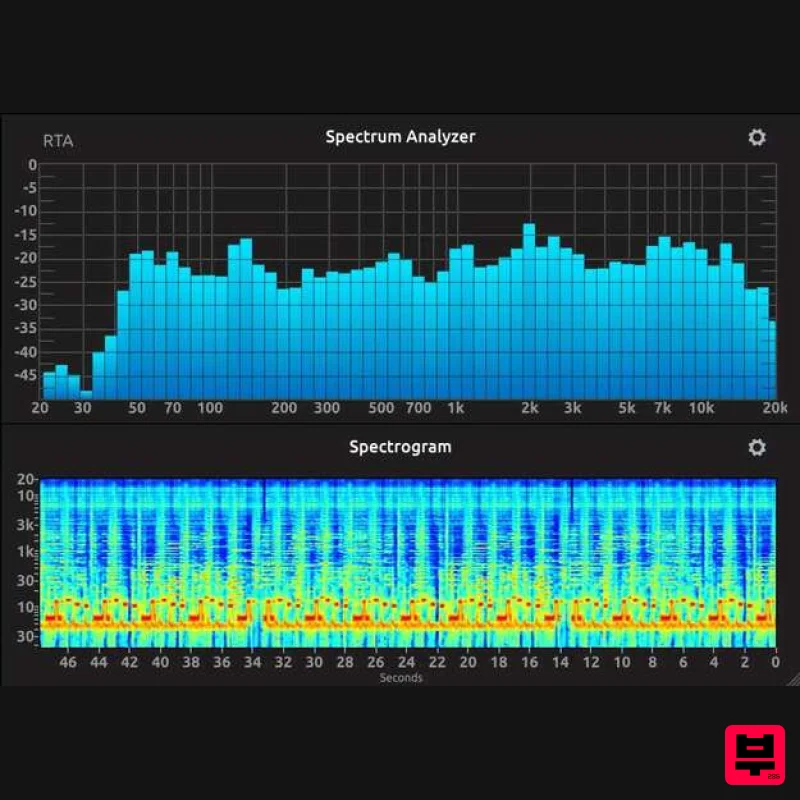
Complete Metering Suite New broadcast-ready metering suite T-RackS 6 includes a redesigned and comprehensive suite of...
Plugin Alliance SPL HawkEye
Metering
$54
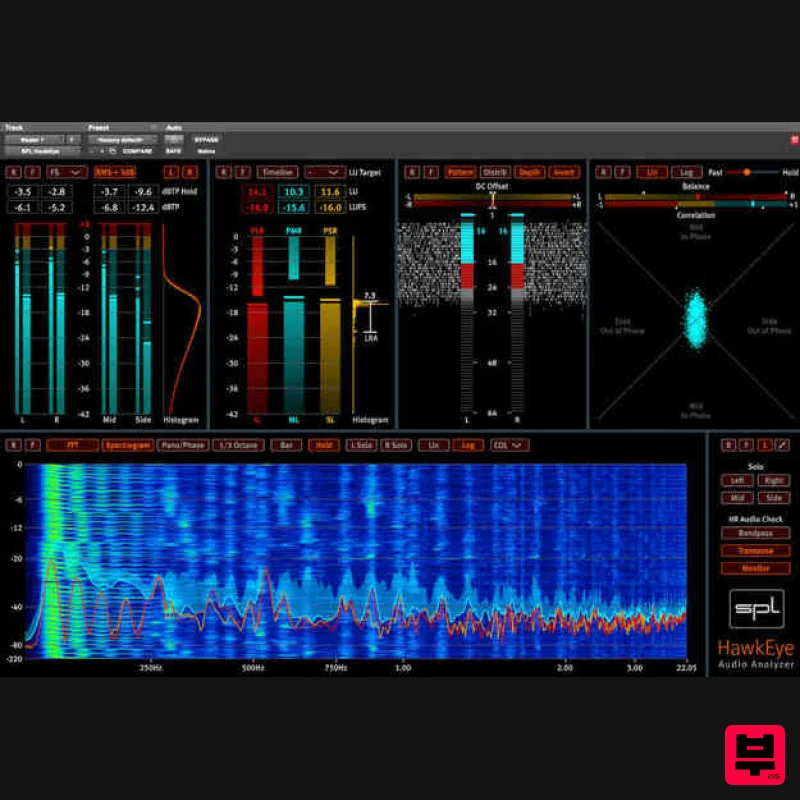
Visualize Your Mixes SPL HawkEye includes a versatile set of audio measurement instruments. Access a Level Meter,...
TBProAudio mvMeter2
Metering
Free
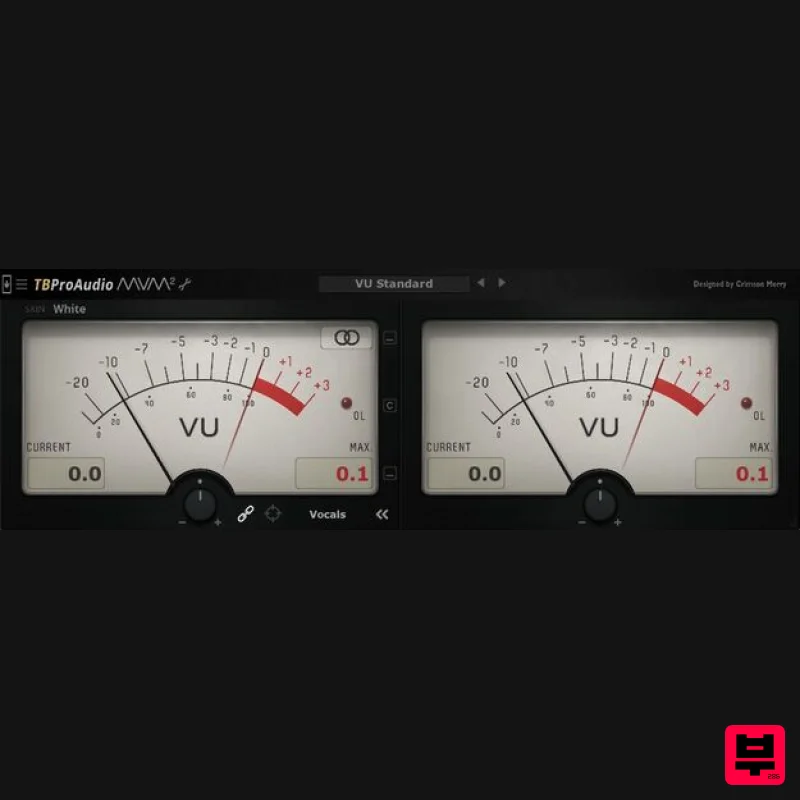
mvMeter is a multivariable meter including RMS, EBUR128, VU and PPM measurement. mvMeter2 is the successor of mvMeter...
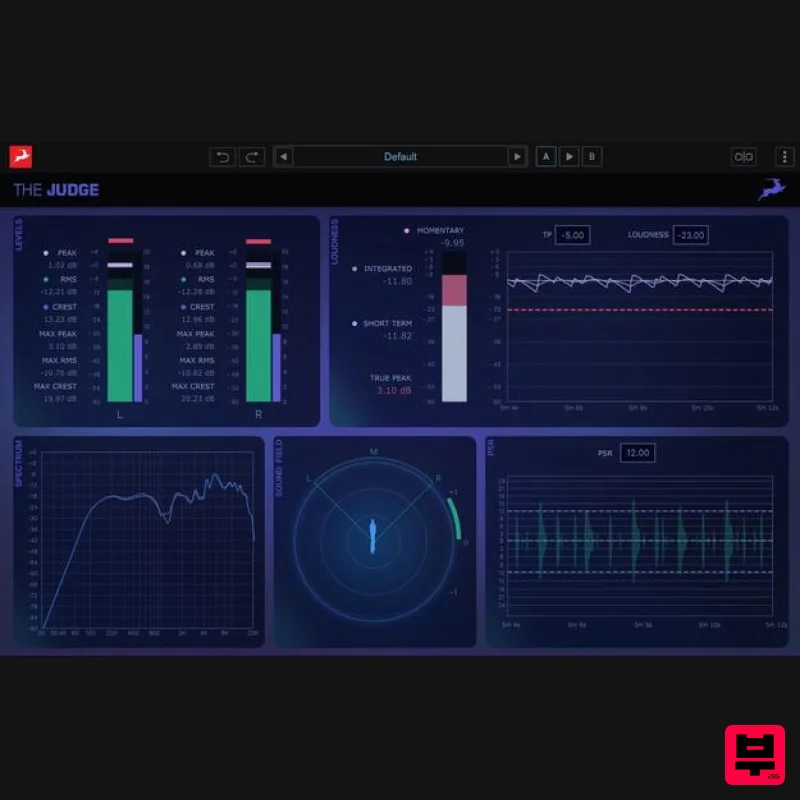
Antelope Audio The Judge
Metering
$156
The Judge is a next-generation spectral analysis and monitoring plugin designed to give producers and engineers...
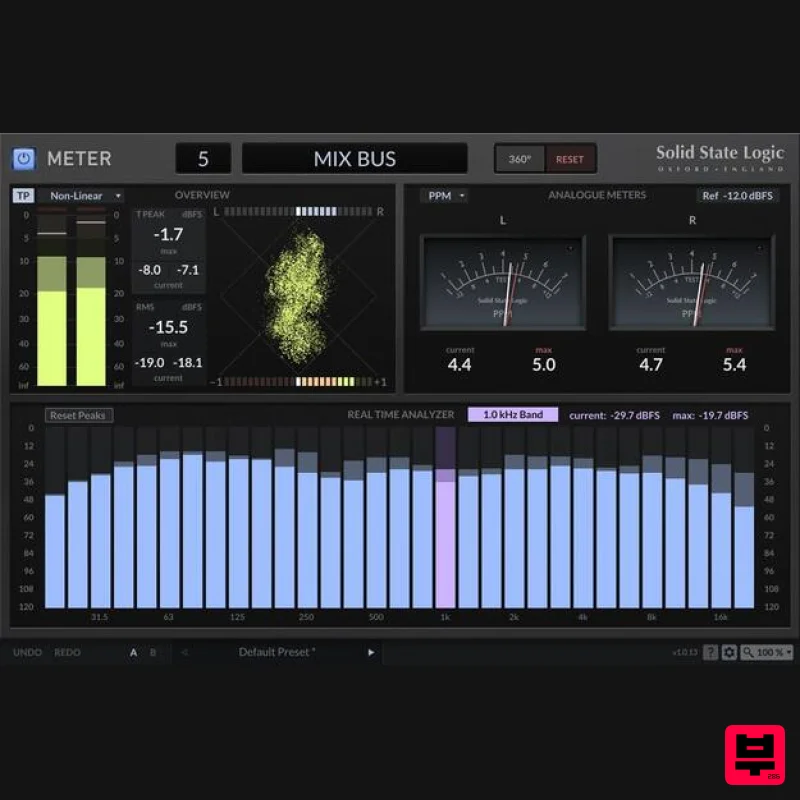
Solid State Logic SSL Meter
Metering
$53
See Your Sonic Universe Enhance your audio engineering capabilities with the SSL Meter plug-in, an essential set of...
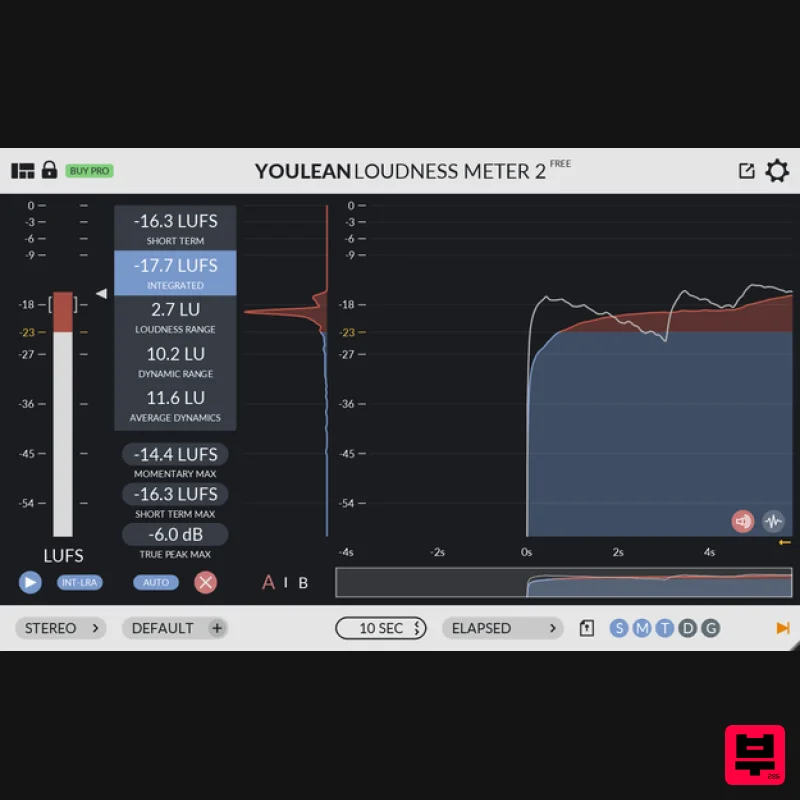
Youlean Youlean Loudness Meter
Metering
Free
Youlean Loudness Meter Free Version has everything you need to measure the true perceived loudness of your audio....
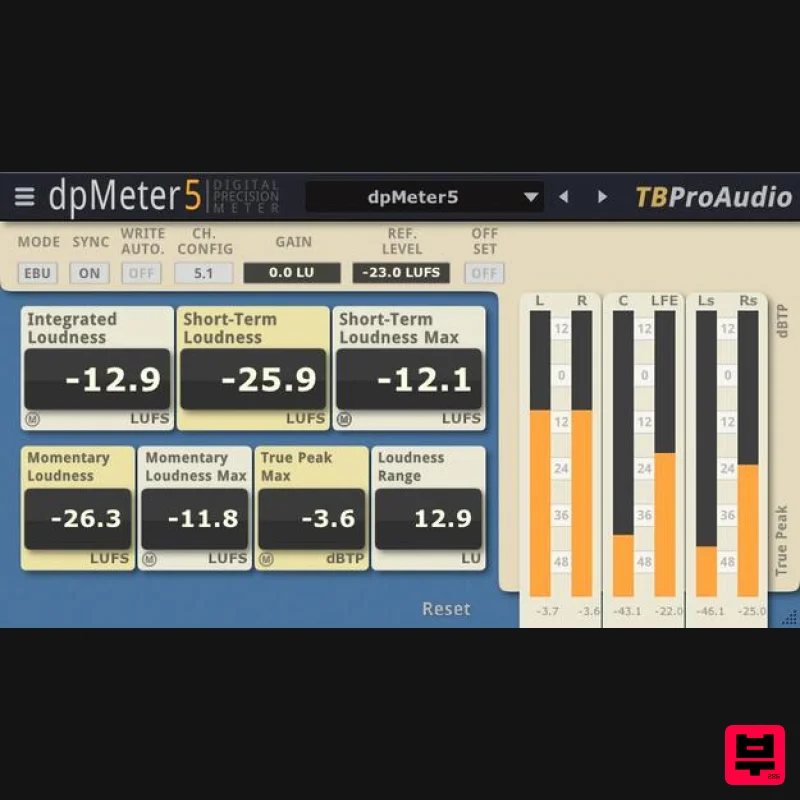
TBProAudio dpMeter5
Metering
Free
dpMeter is a precise digital audio multi-channel meter including RMS, EBU R 128, Dialog gated and TruePeak...
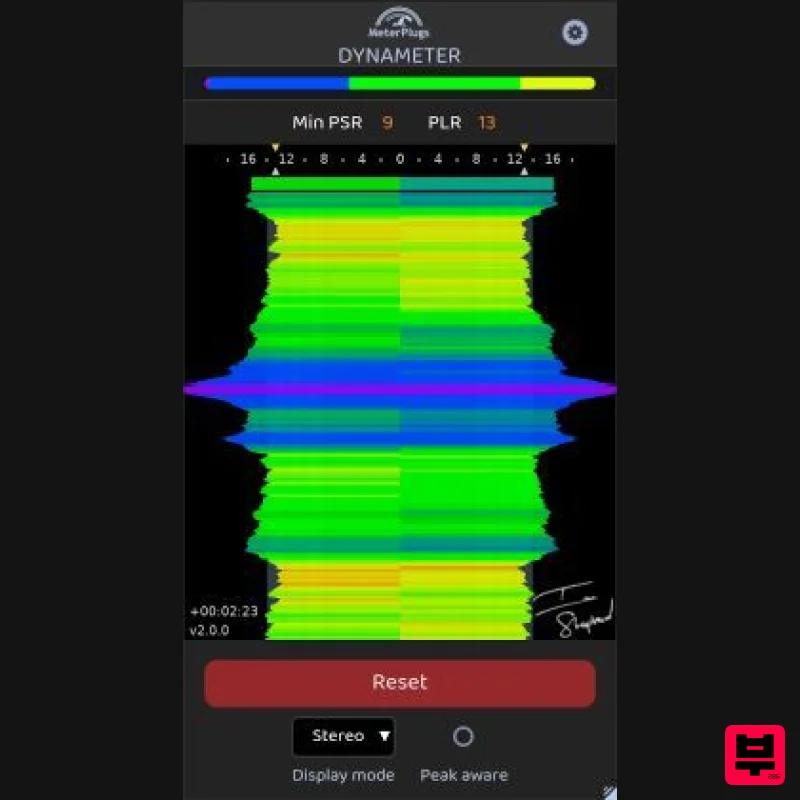
MeterPlugs Dynameter 2
Metering
$84
Discover the density and dynamics of your audio - in realtime Stop Worrying About Loudness. Start Succeeding With...
Frequently Asked Questions
The MAAT 2BusControl stands out for its exceptional MAAT craftsmanship and innovative design.
It's designed for intermediate to advanced players who appreciate professional-quality metering.
Browse the similar products section to see how it stacks up against other metering.

