
Lese Strum
Professional music gear - detailed information and where to buy
Product Description
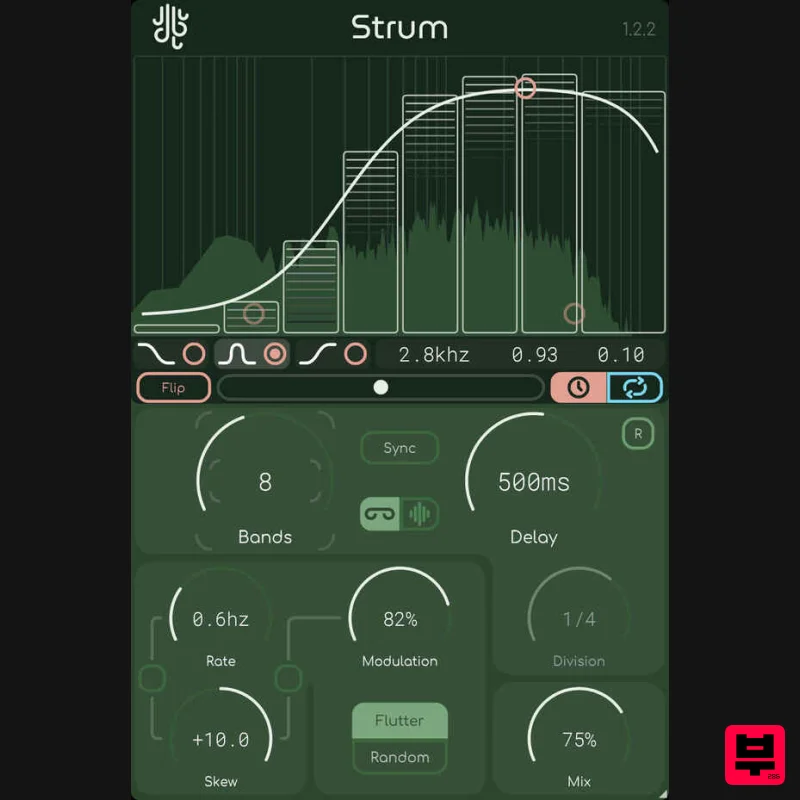
- Strum is an intuitive multiband delay. Designed to make spectral delays easier to use
- Strum splits your signal evenly and cleanly into a bunch of different bands
- and then allows you to control the delay time & feedback of each band. Strum can work either in “free” or “sync” mode
- where in “sync” mode each individual band’s delay time is synchronized to the tempo & time signature of your DAW
- allowing for rhythmically-aware strumming. Additionally
- Strum provides a modulation panel for a bit more control of the delay times
- allowing you to switch between “flutter” and “random” modes. Features Modulation Skew: Strum allows you to "skew" (or bias) the modulation based on frequency. Enabling the skew link & then adjusting the skew knob can increase / decrease the frequency / depth of your modulation as the frequency changes. Factor Band Control: Similar to Sweep and Recurse
- Strum features a "Factor Band" control system where points are adjusted similarly to how an EQ would be adjusted
- giving you comprehensive control over the frequency range. Dynamic Crossover: Strum's multi-crossover system makes use of a proprietary filter bank which has both a flat frequency and phase response. Rest easy knowing that Strum isn't coloring your sound at all when it doesn't need to be. Overlay Adjustment: Just in case the overlay that changes as the delay time & feedback are changed seems a bit too much to look at
- you can go into the menu (by clicking the Lese logo) and disable it. We'll still show you where the bands are split at
- though. System Requirements Windows: VST3
- AAX OSX (Intel / ARM): VST3
- AAX Should run fine on any recent operating system Please Note: Glow is used as an example Installation PC 1. Download the installer from your Plugin Boutique User Account > Double click the .exe file to begin installation. 2. Click 'Next'. 3. Click 'Next'. 4. Click 'Next'. 5. Click 'Next'. 6. Click 'Install'. 7. Click 'Finish'. 8. Open your DAW
- locate Glow
- and open it. 9. Enter the serial number found in your Plugin Boutique User Account > Click 'Unlock'. 10. Click 'Okay'. Your software is now activated and ready to be used within your DAW! Mac 1. Download the installer from your Plugin Boutique User Account > Double click the .pkg file to begin installation. 2. Click 'Continue'. 3. Click 'Install'. 4. Click 'Close'. 5. Open your DAW
- locate Glow
- and open it. 6. Enter the serial number found in your Plugin Boutique User Account > Click 'Unlock'. 7. Click 'Okay'. Your software is now activated and ready to be used within your DAW!
Additional Information
About the Lese Strum
The Lese Strum combines traditional design with modern performance for Delay enthusiasts.
Why Choose the Lese Strum?
- •Authentic Lese craftsmanship and design
- •Versatile sound suitable for multiple musical genres
- •Professional build quality and reliable performance
- •Part of Lese's respected Delay lineup
Compare & Explore
Browse our complete selection of Lese instruments or explore other Delay options. Use our comparison tools to find the perfect match for your musical style and budget.
Similar Products

Beastsamples Beast-DLAY
Delay
$30
Beast-Dlay is a game-changer delay VST plugin with unprecedented processing power ready to add the hardware realism and...
UnplugRed Magic Carpet
Delay
Free
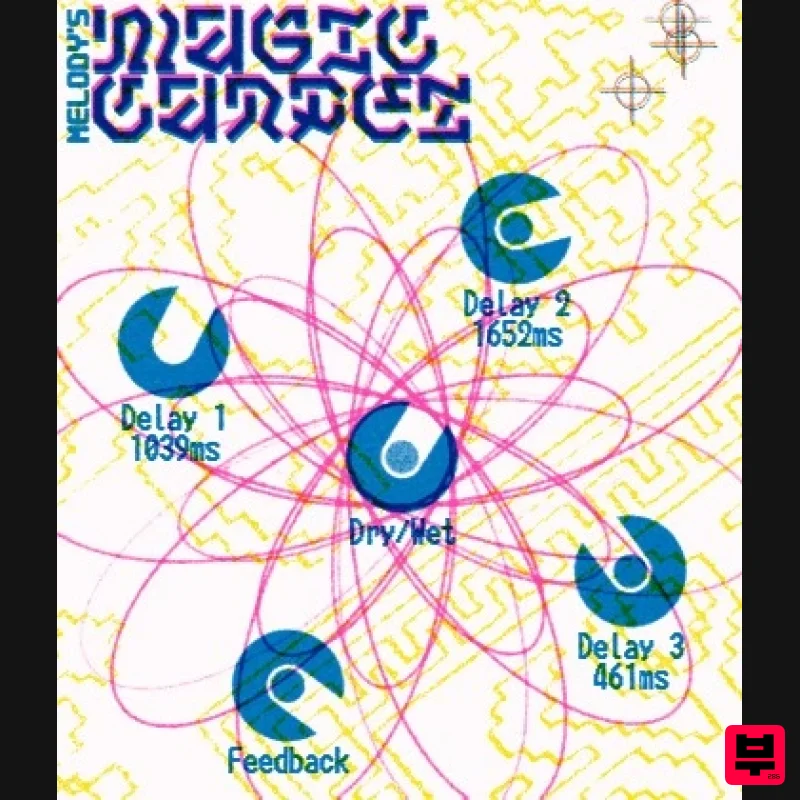
Three delay lines with a shared feedback path, makes a delay that starts sparse but continues to get denser with each...
Gooey Audio Control
Delay
$30
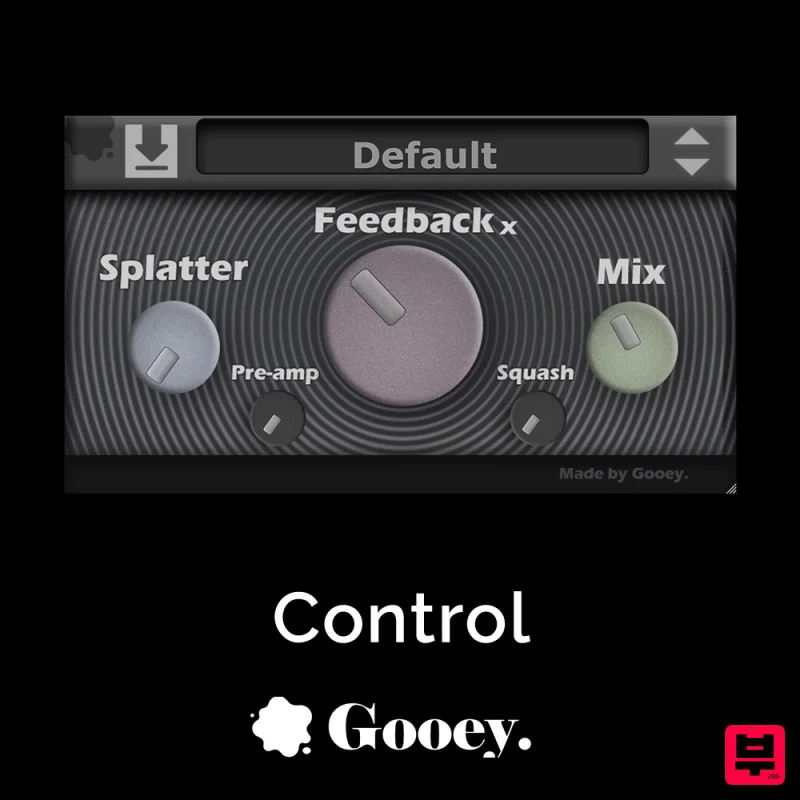
Control by Gooey Audio is a feedback delay network plugin built for experimental sound designers, ambient composers,...

Korneff Audio Micro Digital Reverberator
Delay
$30
Nerdy. Easy. Super Cool. The Micro Digital Reverberator combines killer reverb and delay effects with a super friendly...
Martinic Lem Echo Music
Delay
$30
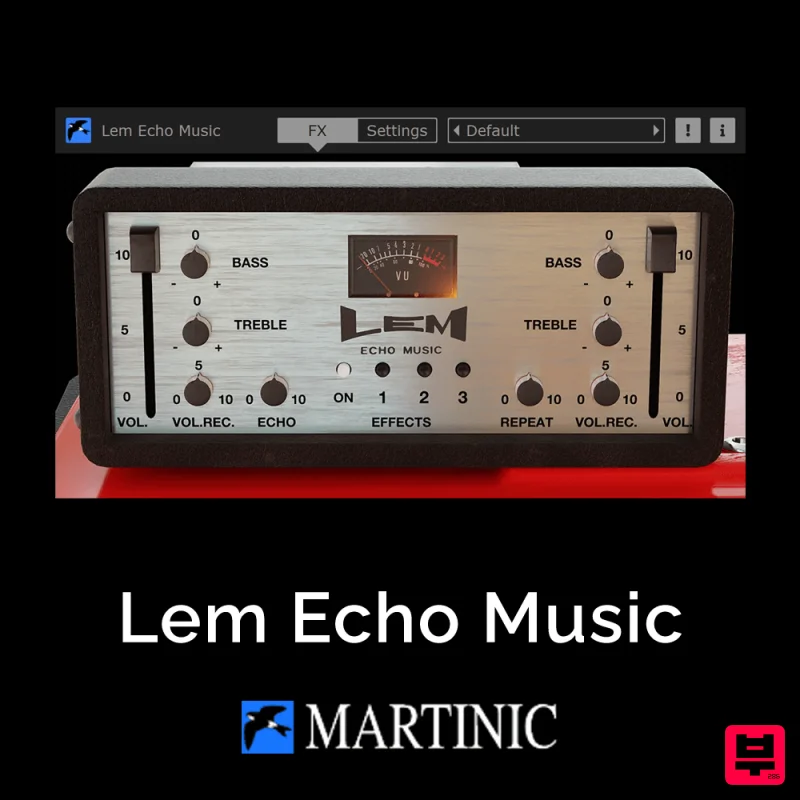
Authentic Vintage Tape Delay Emulation with Added Customization The Lem Echo Music plugin recreates the nostalgic tones...
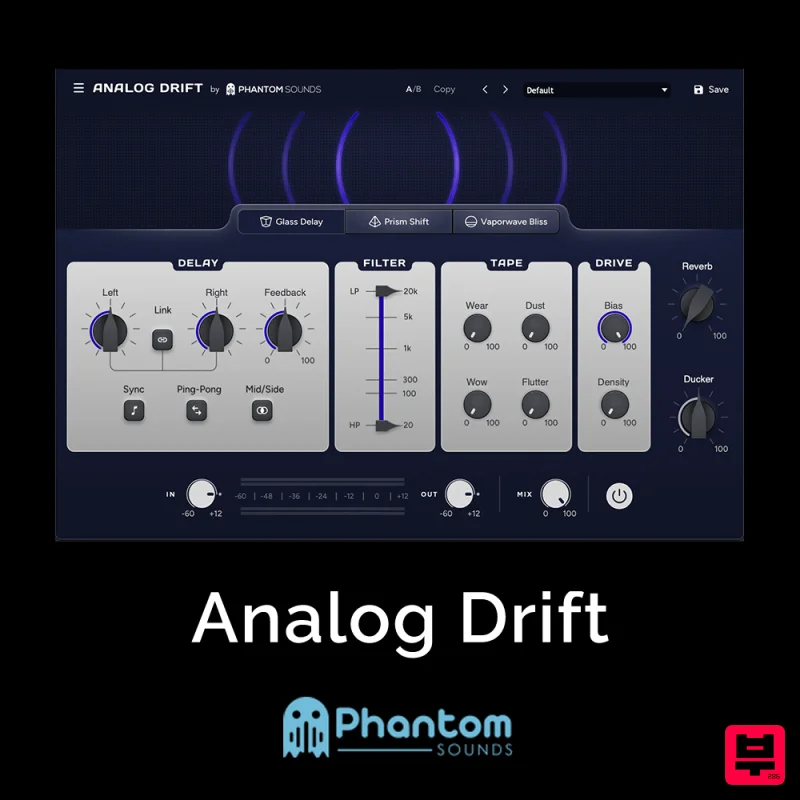
Phantom Sounds Analog Drift
Delay
$30
Redefine Your Sound with Distinctive Delays Analog Drift is a delay plugin that combines the pristine clarity of...
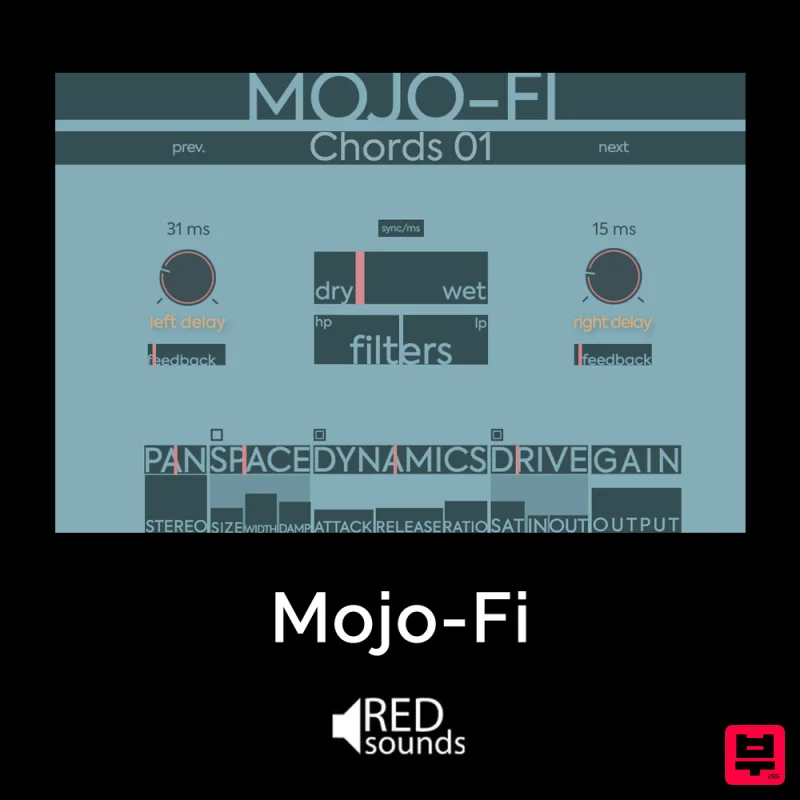
Red Sounds Mojo-Fi
Delay
$30
Multi-effect Delay Plugin On Steroids Great for adding life and texture to your boring soft synths, pianos, drums, and...
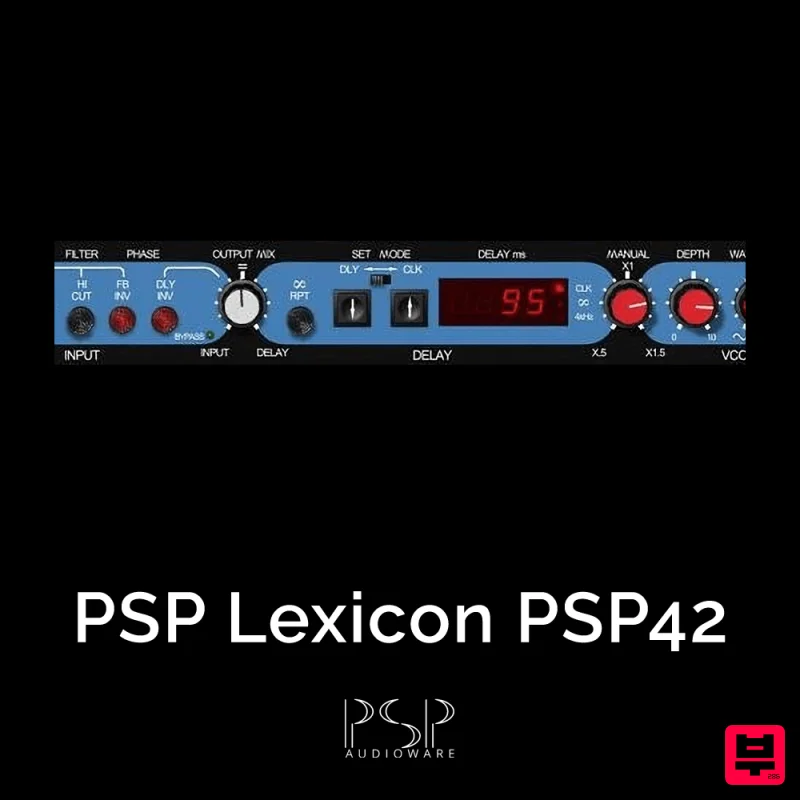
PSP Audioware PSP Lexicon PSP42x
Delay
$30
Lexicon PSP 42 is a high-quality digital stereo delay and phrase sampler plug-in based on the legendary Lexicon PCM42...
Frequently Asked Questions
The Lese Strum stands out for its exceptional Lese craftsmanship and innovative design.
Yes! With its affordable price point and quality construction, it's perfect for learning delay.
Browse the similar products section to see how it stacks up against other delay.

