
Leapwing Audio StageOne 2
Professional music gear - detailed information and where to buy

Leapwing Audio
StageOne 2
Product Info
* Prices may vary. Check retailer for current pricing and availability.
Product Description
- Leapwing is thrilled to introduce an extraordinary version 2 update to their highly regarded StageOne plugin. This groundbreaking release showcases a comprehensive overhaul
- empowering users with an array of innovative features for unparalleled stereo spreading and sound stage manipulation. StageOne 2 now presents a remarkable 3-band control
- housing five distinctive algorithms: WIDTH
- DEPTH
- PHASE RECOVERY
- MONO SPREAD
- and CENTER GRAVITY
- providing users with an unprecedented level of control and creative possibilities. The WIDTH algorithm ingeniously stretches the stereo field
- effortlessly moving off-center content towards and possibly beyond the speakers. While preserving the phantom center
- StageOne 2 dynamically expands or remaps surrounding elements
- resulting in a captivatingly wider stereo image. The immersive DEPTH algorithm
- StageOne 2 enriches the sound field with directionally optimized reflections
- adding an extraordinary sense of depth to the audio. MONO SPREAD employs a unique filter design that transforms mono signals into captivating pseudo-stereo signals. Unleash your mono tracks into a vibrant stereo panorama with StageOne 2. It can also be used to push center content in a stereo signal to the sides. With the addition of the new PHASE RECOVERY algorithm
- StageOne 2 intelligently identifies and re-aligns out-of-phase components
- skillfully avoiding information loss when summed to mono. The inclusion of CENTER GRAVITY empowers users to rebalance their stereo image
- allowing for precise tilting to the left or right. Features Widen stereo audio Add the perception of depth Add rich stereo to a mono source Wide compatibility 3-band controls over the stereo soundstage Unique visualizer Phase Recovery System Requirements Mac macOS 10.13 High Sierra and later (Intel / M1 Apple Silicon supported) (64-bit only) VST2
- VST3
- AAX (Native) Windows Windows 8 - Windows 10 (64-bit only) VST2
- VST3
- AAX (Native) Mac Registration Go to https: //www.leapwingaudio.com/redeem/ > Enter your redeem code found in the 'Serial Number' section of your Plugin Boutique User Account and click 'Continue'. 2. To create your Leapwing Audio account
- fill out all fields with an asterisk (*) next to them > Check that the order total is £0.00 then click 'Place Order'. Installation 1. In your Leapwing Audio account click the 'STAGEONE V1.2 MACOS INSTALLER' button to download your installer. 2. Double-click the .zip file to extract the contents and open the .pkg file to begin installation > Click 'Continue'. 3. Click 'Continue'. 4. Click 'Continue'. 5. Click 'Agree'. 6. Click 'Continue'. 7. Click 'Install'. 8. Enter your computer Username and Password > Click 'Install Software'. 9. Click 'Close'. Activation 1. Open your recently installed product in your DAW and enter your Leapwing Audio-registered email address and Serial Number
- found in your Leapwing Audio account > Click 'Authenticate'. Note: After registration
- you will also have received your serial number in the confirmation email from Leapwing Audio. Your software is now activated and ready to use. Windows Registration Go to https: //www.leapwingaudio.com/redeem/ > Enter your redeem code found in the 'Serial Number' section of your Plugin Boutique User Account and click 'Continue'. 2. To create your Leapwing Audio account
- fill out all fields with an asterisk (*) next to them > Check that the order total is £0.00 then click 'Place Order'. Installation 1. In your Leapwing Audio account click the 'STAGEONE V1.2 WINDOWS INSTALLER' button to download your installer. Note: After registration
- you will also have received the installer download links in your confirmation email from Leapwing Audio. 2. Double-click the .zip file to extract the contents and open the .exe file to begin installation > Select 'I Accept the Agreement' and click 'Next'. 3. Click 'Next'. 4. Click 'Next'. 5. Click 'Next'. 6. Click 'Install'. 7. Click 'Finish'. Activation 1. Open your recently installed product in your DAW and enter your Leapwing Audio-registered email address and Serial Number
- found in your Leapwing Audio account > Click 'Authenticate'. Note: After registration
- you will also have received your serial number in the confirmation email from Leapwing Audio. Your software is now activated and ready to use.
Additional Information
About the Leapwing Audio StageOne 2
Experience the quality and tone that makes the Leapwing Audio StageOne 2 a popular choice for musicians.
Why Choose the Leapwing Audio StageOne 2 ?
- •Authentic Leapwing Audio craftsmanship and design
- •Versatile sound suitable for multiple musical genres
- •Professional build quality and reliable performance
- •Part of Leapwing Audio's respected Stereo Width lineup
Compare & Explore
Browse our complete selection of Leapwing Audio instruments or explore other Stereo Width options. Use our comparison tools to find the perfect match for your musical style and budget.
Similar Products
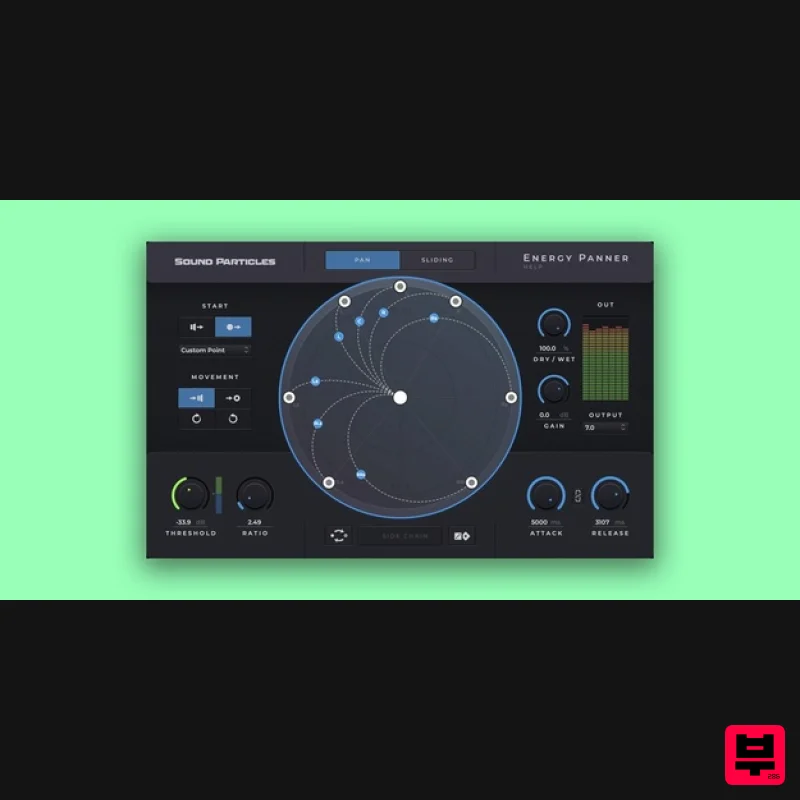
Sound Particles Energy Panner | Educational Version
Stereo Width
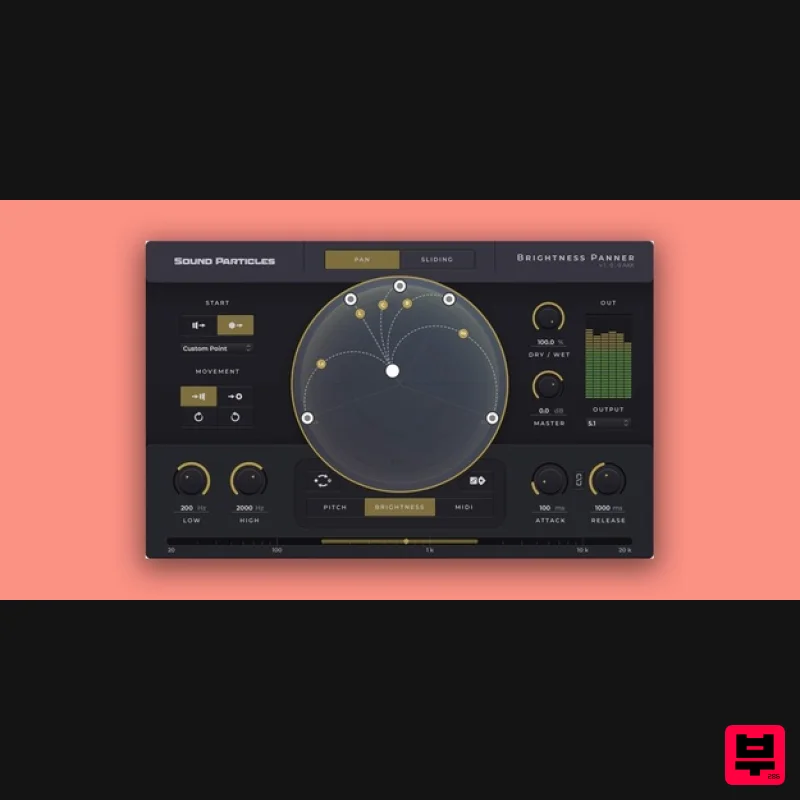
Sound Particles Brightness Panner | Educational Version
Stereo Width
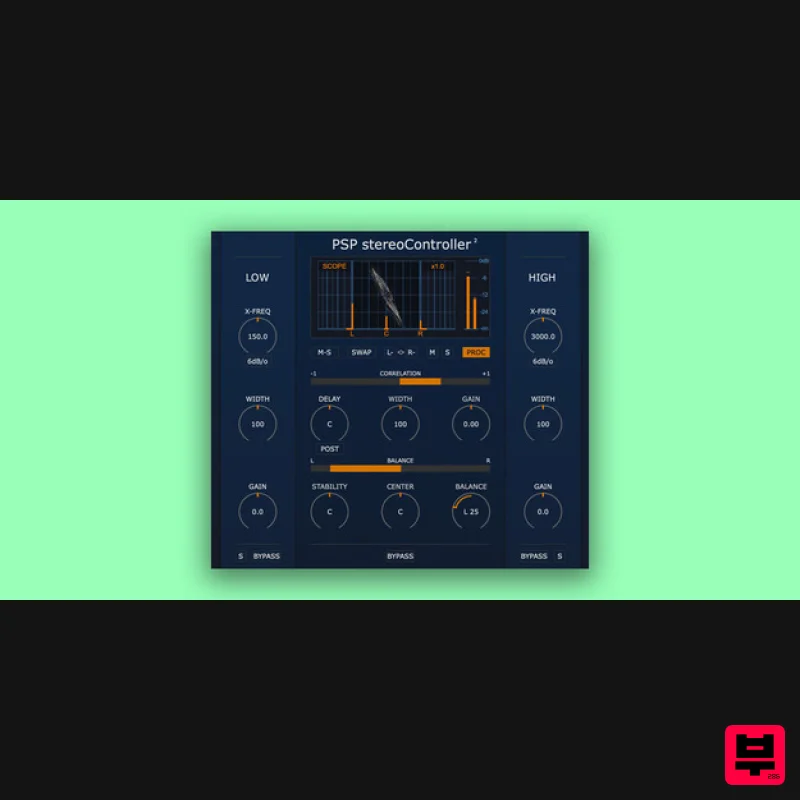
PSP Audioware PSP StereoController2
Stereo Width
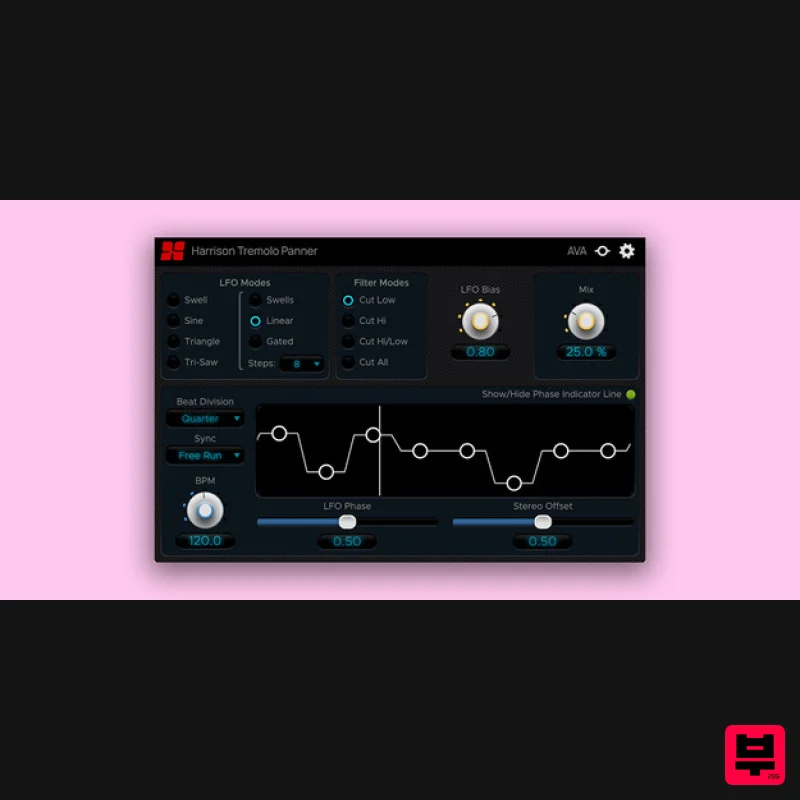
Harrison Consoles Tremolo Panner
Stereo Width
Plugin Alliance Swivel Audio Spread
Stereo Width
Polyverse Wider 2
Stereo Width
Sound Particles Space Controller Studio | Educational Version
Stereo Width
Sound Particles Space Controller Standard | Educational Version
Stereo Width

