
LANDR LANDR VoxTune
Professional music gear - detailed information and where to buy
LANDR
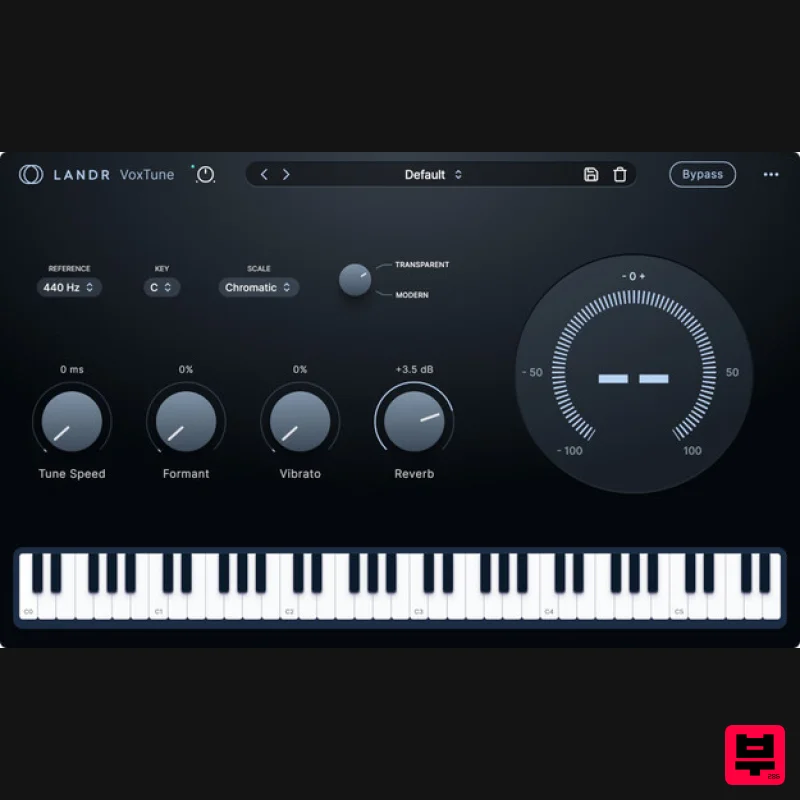
LANDR VoxTune
Product Info
* Prices may vary. Check retailer for current pricing and availability.
Product Description
- Real-time vocal tuning Correct pitch instantly with zero latency and natural sound. Choose transparent or robotic tuning
- shape tone with vibrato and formants
- and stay in key live or in the studio—with streamlined
- plug-and-play tuning. Stay in perfect pitch across every session or stage with natural
- expressive tuning that keeps your vocal performance intact. With zero latency and powerful creative controls
- VoxTune helps you sound pro without breaking your flow. Pitch perfection
- instantly Keep vocals in tune with transparent or robotic correction—delivered in real time with zero latency and no artifacts. Live-ready & latency-free Track or perform without delay or setup. VoxTune is built for speed
- stage use
- and creative momentum. Flexible vocal character control Shape tone and emotion using real-time vibrato and formant tools for expressive
- personalized vocal character. Features Transparent & modern modes Choose between natural correction or robotic styling. Formant shaping Chop samples
- play them chromatically across your keyboard
- and add texture with Similar Sound Swap. Tune speed control expressive tuning or fast
- stylized transitions. Built-in vibrato Instantly enhance expression and emotion. System Requirements macOS MacOS X 11 or higher Apple Silicon Native or Intel (VST3
- AAX) Windows Windows 10 (64 bit) or higher (VST3
- AAX) Registration 1. Head to THIS LINK
- and fill in your details to create your LANDR account. 2. Click the 'Plugins' tab within your LANDR library. 3. Click 'Use Redeem Code'. 4. Use the code from within your Plugin Boutique User Account to fill in the redeem code field. Click 'Redeem'. 5. Click 'Go to My plugins'. 6. Click 'Install' next to the LANDR Mastering plugin. 7. Click 'Show keys'
- and take note of your license key number. 8. Below this
- you will find your download items. Ensure you select the correct operating system
- and click the Download button. Installation and Activation Windows 1. Launch the downloaded installer file. 2. Check 'I accept the terms in the License Agreement'
- and click 'Install'. 3. Once installation has completed
- click 'Finish'. 4. Launch LANDR Mastering Plugin within your DAW. 5. Enter the License Key number obtained in step 7 of the Registration process to the form. Click 'Activate'. 6. Click 'Get Started'. Your plugin is now activated and ready to use! Mac 1. Launch the downloaded installer file
- and click 'Continue'. 2. Click 'Continue'. 3. Click 'Agree'. 4. Click 'Install'. 5. Once installation has completed
- click 'Close'. 6. Launch LANDR Mastering Plugin within your DAW. 7. Enter the License Key number obtained in step 7 of the Registration process to the form. Click 'Activate'. 8. Click 'Get Started'. Your plugin is now activated and ready to use!
Additional Information
About the LANDR LANDR VoxTune
Experience the quality and tone that makes the LANDR LANDR VoxTune a popular choice for musicians.
Why Choose the LANDR LANDR VoxTune?
- •Authentic LANDR craftsmanship and design
- •Versatile sound suitable for multiple musical genres
- •Professional build quality and reliable performance
- •Part of LANDR's respected Vocal Processing lineup
Compare & Explore
Browse our complete selection of LANDR instruments or explore other Vocal Processing options. Use our comparison tools to find the perfect match for your musical style and budget.
Similar Products
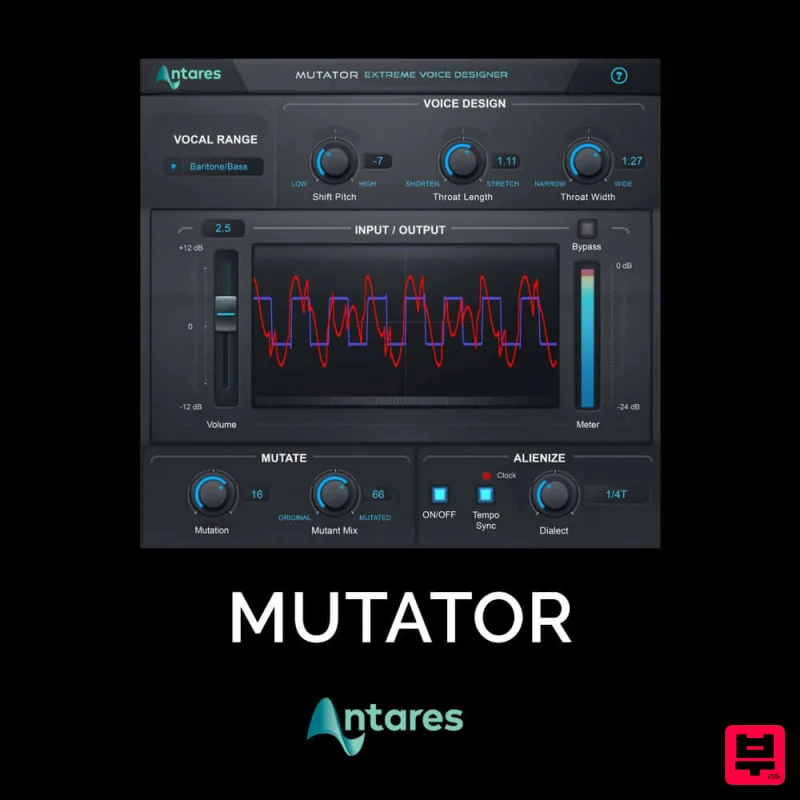
Antares MUTATOR
Vocal Processing
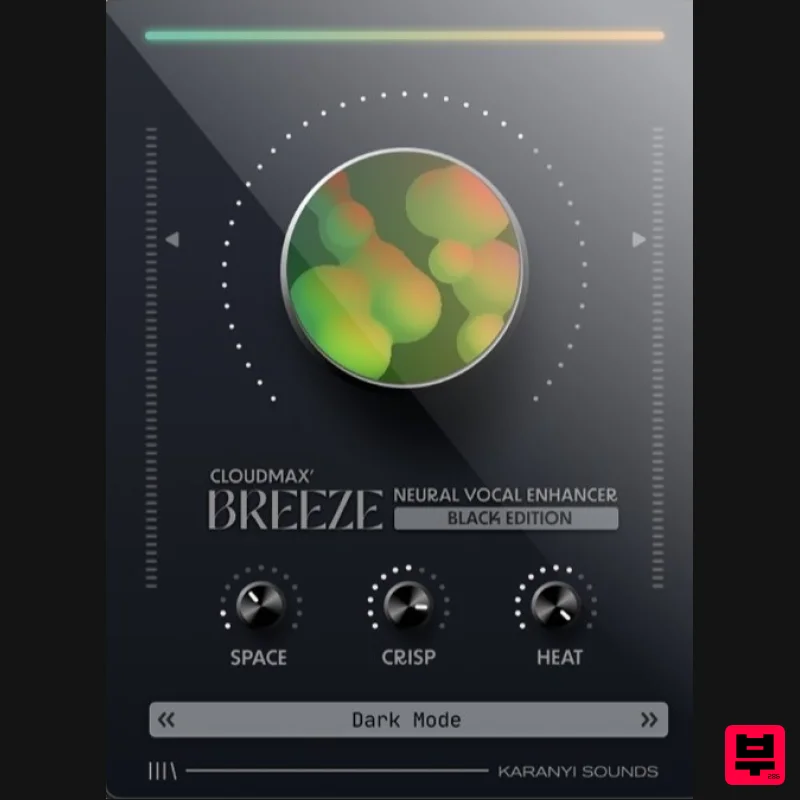
Karanyi Sounds Cloudmax Breeze Black Edition
Vocal Processing
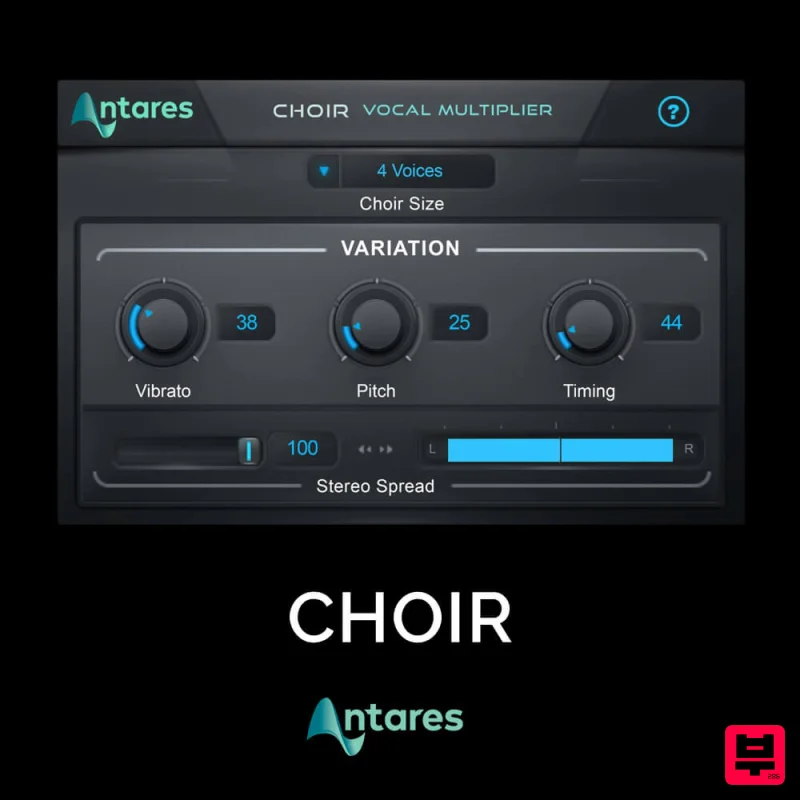
Antares CHOIR
Vocal Processing
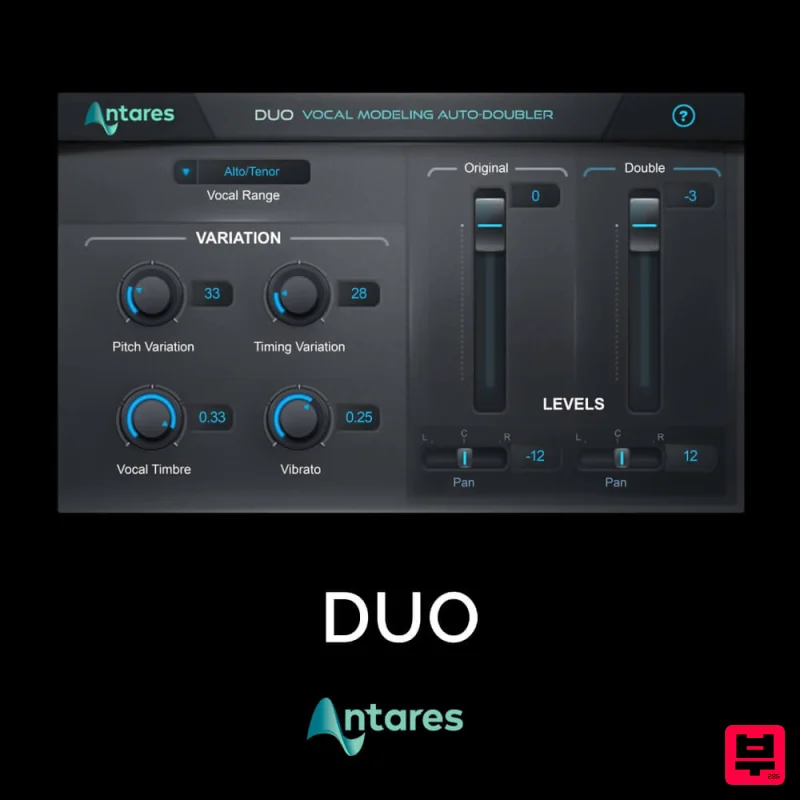
Antares DUO
Vocal Processing
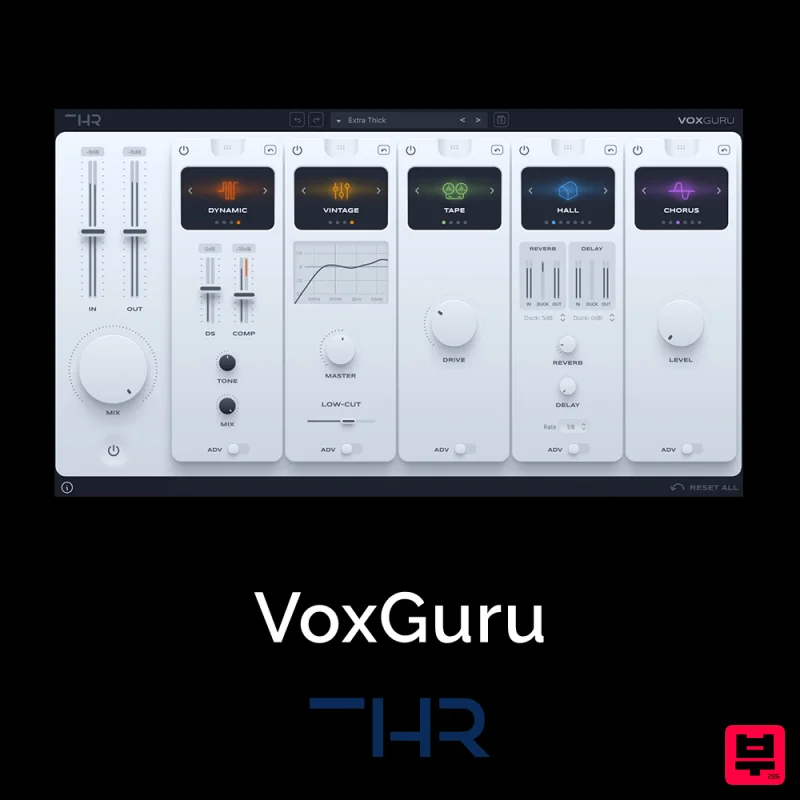
THR VoxGuru
Vocal Processing
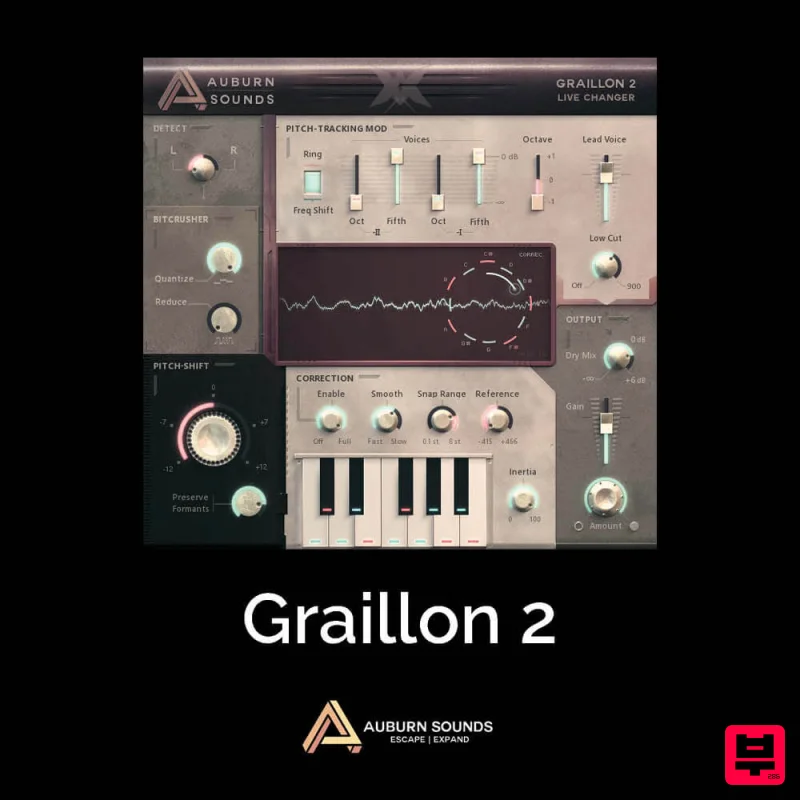
Auburn Sounds Graillon 2
Vocal Processing
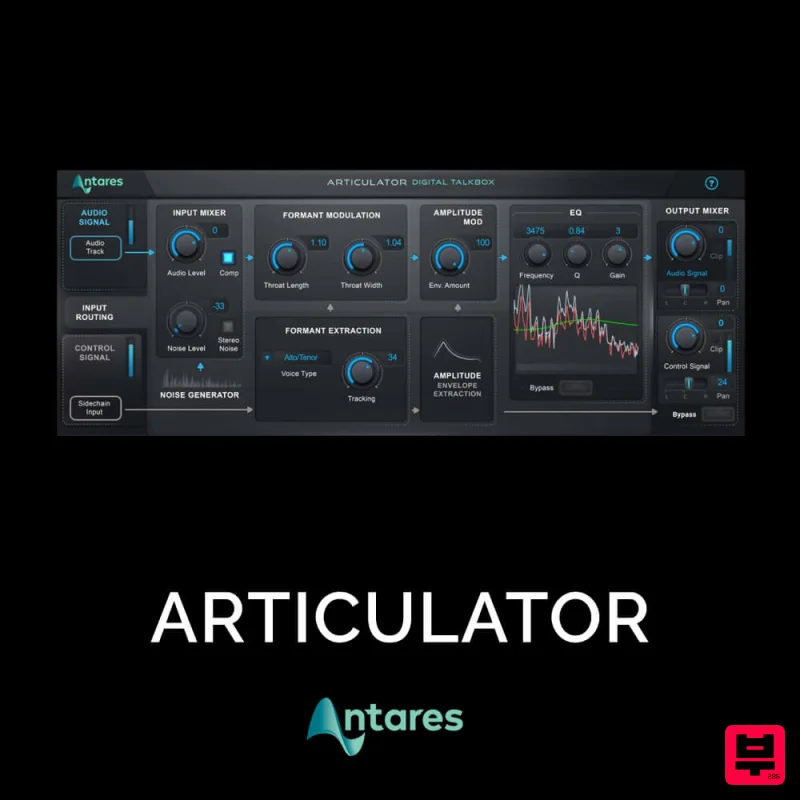
Antares ARTICULATOR
Vocal Processing

