
Kuassa EFEKTOR WF3607 Wah Filter
Professional music gear - detailed information and where to buy
Product Description
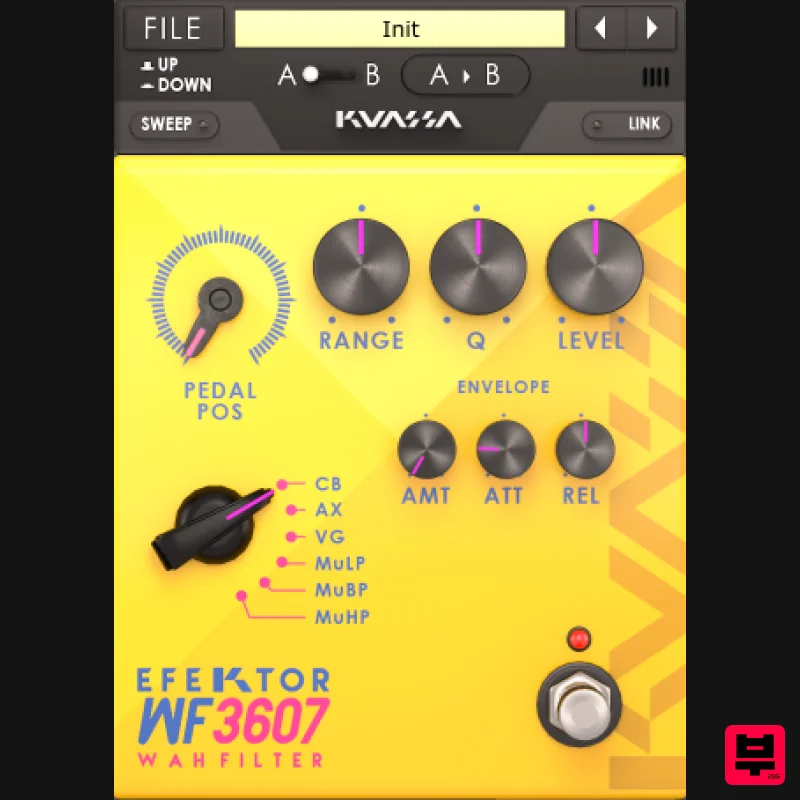
- Wa Wa Wacka Wacka Wacka Wa Wa In the 1920s guitar players were fascinated by the “wa wa wa” sound made by trumpet players by opening and closing their mutes. Its filtering effect alters the resonance of the instrument and it feels to increase the expressiveness of playing. More than 40 years later
- an accidental invention resulted in a device that continues to change the sound of the guitar. This pedal was eventually known as the Cry Baby*. Next
- in the 1970s
- an aborted synthesizer project resulted in a similar “wah wah” effect
- which later known as Mu-Tron* III envelope filter. These two devices revolutionized almost every genre of music as we know it today Select from 6 types filter modes: CB: Dunlop™ Cry Baby* VG: Vox™ Grey Wah* AX: Vertex™ Axis Wah* MuLP: Mu-Tron™ Low Pass* MuBP: Mu-Tron™ Band Pass* MuHP: Mu-Tron™ High Pass* Features Three types of wah and three envelope filters. More parameters to tweak than regular wah pedals Bypass button Stereo linking Plug a MIDI expression pedal for true wah-wah rocking action *Disclaimer: All trademarks are the property of their respective owners which are in no way associated or affiliated with Kuassa. The manufacturer names and model designations are used solely to identify the products whose tonal and sound characteristics were studied during development. System Requirements Mac Mac OS X 10.7 or later (Intel / M1 Apple Silicon supported) (64-bit only) Core2 Duo
- or better (latest Intel i3 recommended) 4 GB minimum RAM VST
- VST3
- or Audio Unit compatible host / DAW Windows Windows Vista or Later (64-bit only) Core2 Duo
- or AMD Phenom ii X4 or better (latest Intel i3
- AMD A4
- or better is recommended) 4 GB minimum RAM VST or VST3 compatible host / DAW Important Notes: Pro Tools 11 or later is required for AAX format Reason 7.1 or later is required for Rack Extension format A VST
- VST3
- AU
- or AAX compatible host / sequencer is required to run this software. Installation Instructions 1. Visit - https: //member.kuassa.com/ - and create/log into your Kuassa account. 2. After creating your account
- confirm via email and then log into your account. 3. Once you have logged in
- click 'Register New Product.' 4. Enter your product serial which is available in your User Account. 5. You will receive a notification that your registration was successful - click 'Close.' 6. Click 'Download' to obtain your licence file. 7. Now
- download and launch your installer. Click 'Next.' 8. Read the licence agreement and if happy
- click 'I Accept the Agreement' and then click 'Next. 9. Select where you wish your plugin to be installed
- then click 'Next.' 10. Select where you wish to place the programs shortcut and then click 'Next.' 11. Check you are happy with your installation and then click 'Install.' 12. Click 'Finish.' 13. Open your plugin within your DAW > click 'File' and then 'Import Licence.' 14. Locate your licence file
- highlight then click 'Open.' Your Software is Now Authorised and Ready for Use Within Your DAW!
Additional Information
About the Kuassa EFEKTOR WF3607 Wah Filter
The Kuassa EFEKTOR WF3607 Wah Filter represents excellent craftsmanship in the Filter category.
Why Choose the Kuassa EFEKTOR WF3607 Wah Filter?
- •Authentic Kuassa craftsmanship and design
- •Versatile sound suitable for multiple musical genres
- •Professional build quality and reliable performance
- •Part of Kuassa's respected Filter lineup
Compare & Explore
Browse our complete selection of Kuassa instruments or explore other Filter options. Use our comparison tools to find the perfect match for your musical style and budget.
Similar Products

Red Sounds Modern Vox Engine
Filter
$30
Please welcome a collaboration. Red Sounds x Channel Robot. Over a year in development. We recorded vocal samples for 5...
FabFilter Simplon
Filter
$30
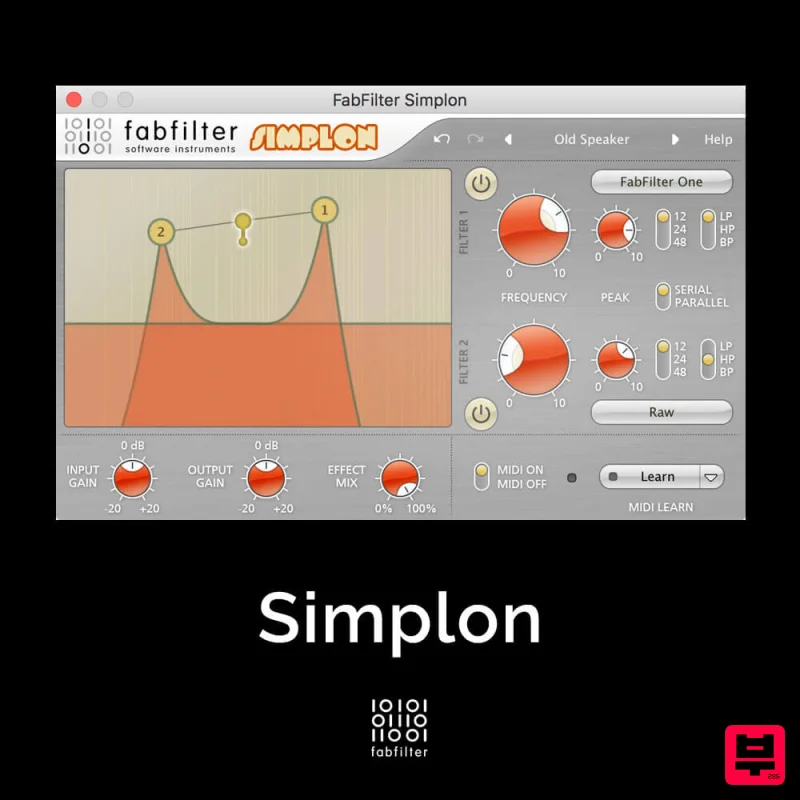
Unique Filters, Easy Display FabFilter Simplon is a simplified version of FabFilter Volcano 2 with two independent...
Gooey Audio The Snake
Filter
$30
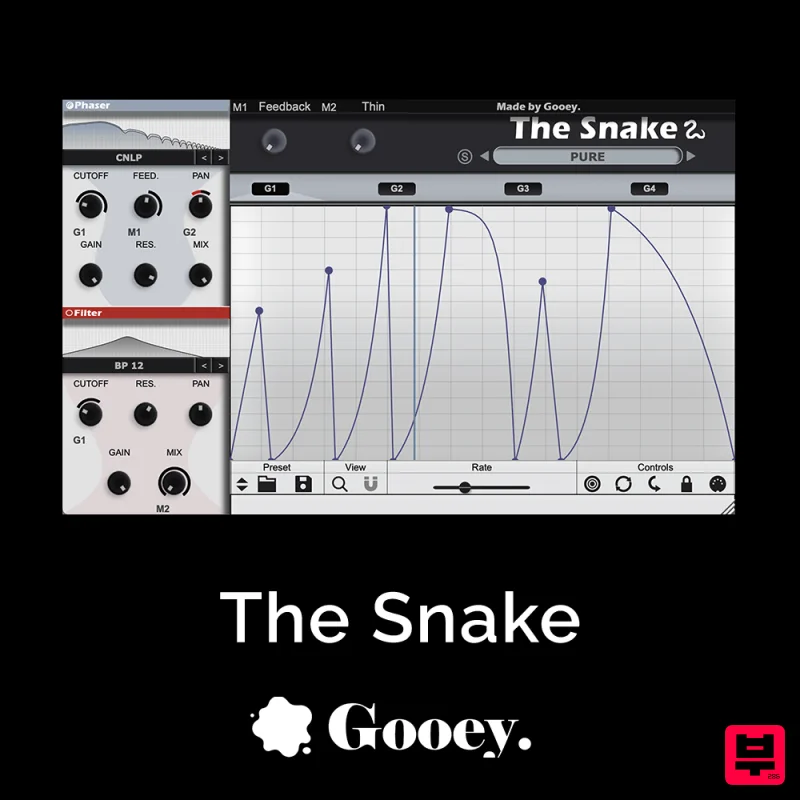
The Snake has a venomous bite with colorful comb filters, phasers, and more. With The Snake you can widen the stereo...

NoiseAsh Action Filter
Filter
$30
ANALOG FILTER ADDICTION With tons of classic filter models, unique advanced modulation options and convincing analog...
XHUN Audio Xhun FilterCult
Filter
$30
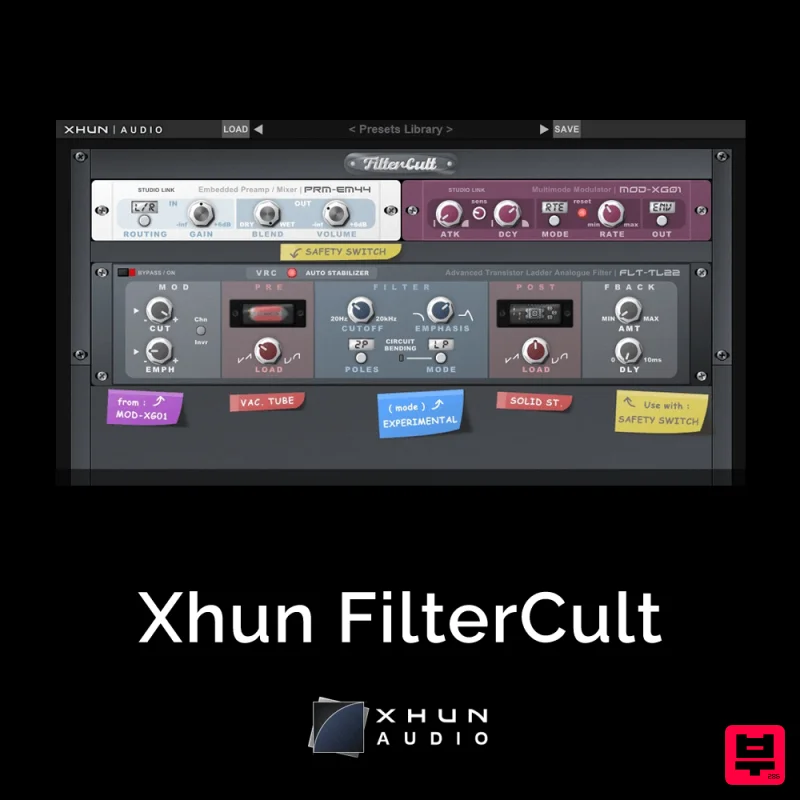
FilterCult is an accurate simulation of the infamous and iconic transistor ladder analogue filter, meticulously...
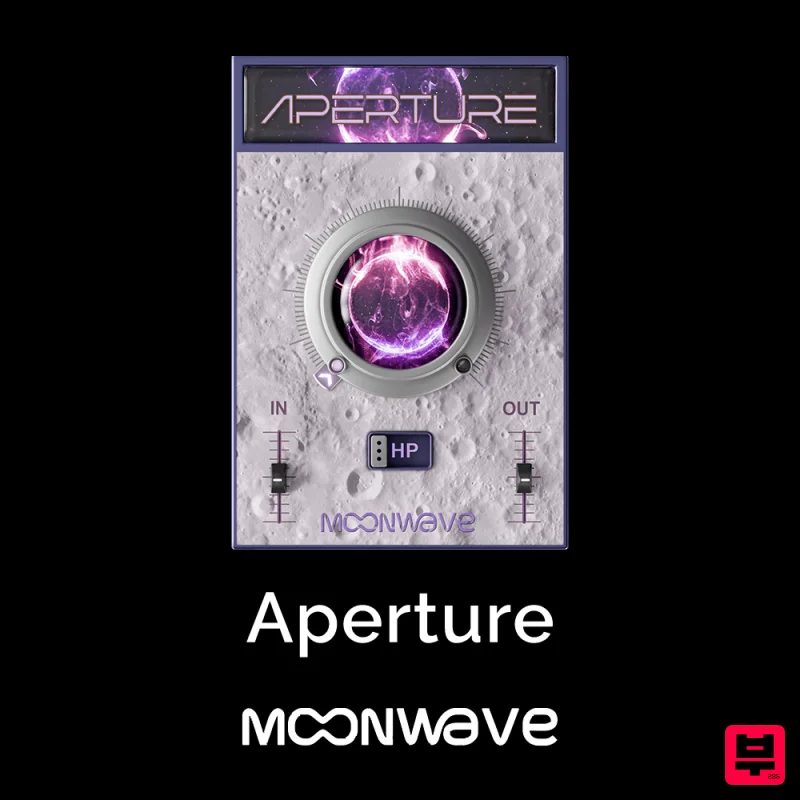
Moonwave Aperture
Filter
$30
Shape The Horizon Of Sound Unlock the gateway to precision filtering with Aperture, a powerful tool designed to give...
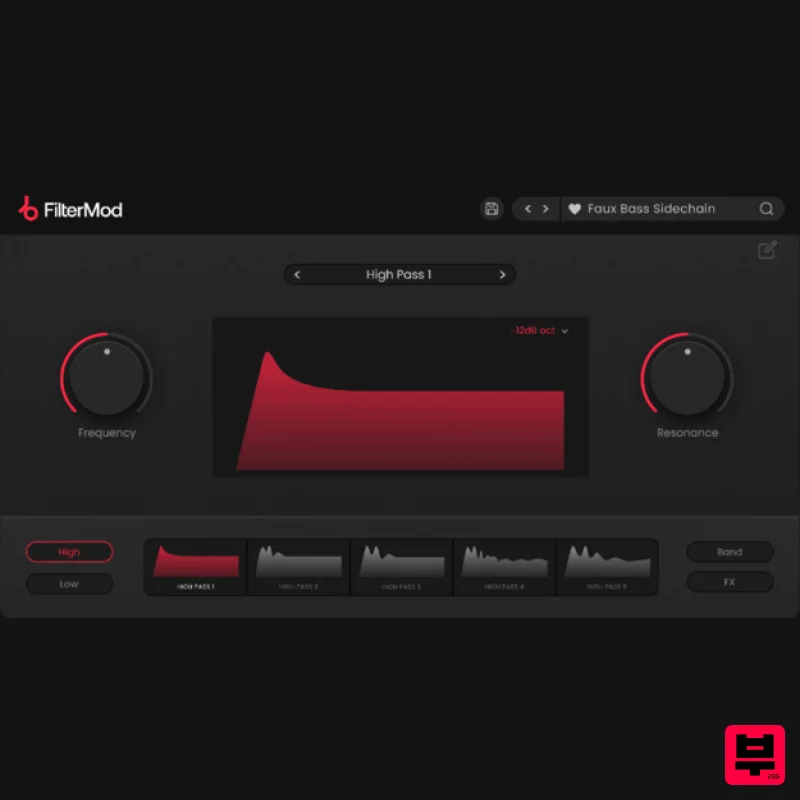
Plugin Boutique FilterMod
Filter
$51
Animate your Filtering Whether it's drums, bass, synths, pads or vocals, filtering is a key element of the production...
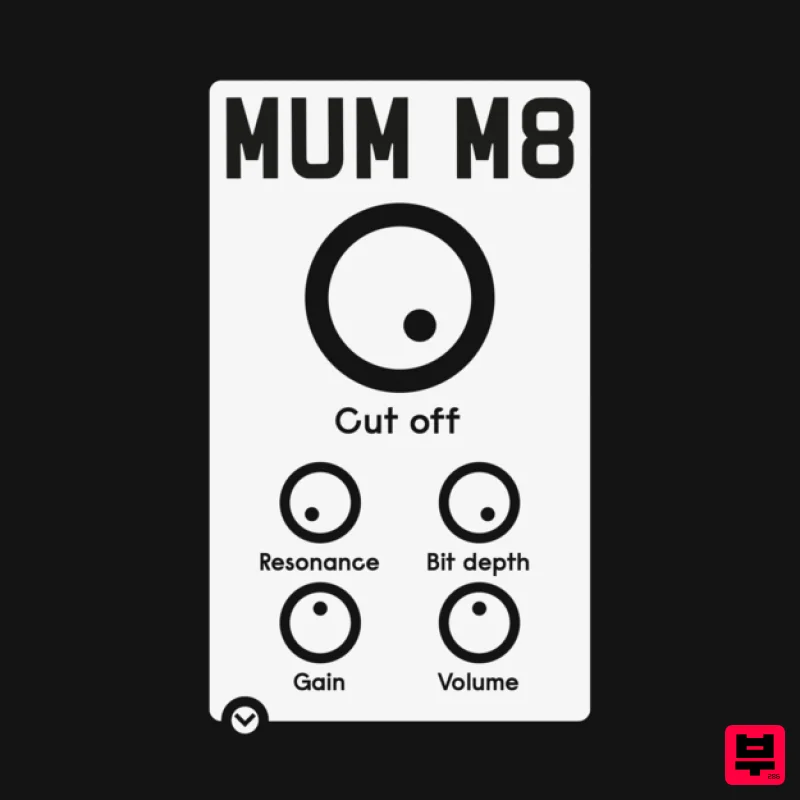
ALM / Busy Circuits MUM M8 DSP
Filter
$10
‘MUM M8 DSP’ is a low pass filter plug-in emulating the filter used in the classic Akai S950 12 bit sampler with...
Frequently Asked Questions
The Kuassa EFEKTOR WF3607 Wah Filter stands out for its exceptional Kuassa craftsmanship and innovative design.
Yes! With its affordable price point and quality construction, it's perfect for learning filter.
Browse the similar products section to see how it stacks up against other filter.

