
Kuassa Cerberus Bass Amplifikation
Professional music gear - detailed information and where to buy
Kuassa
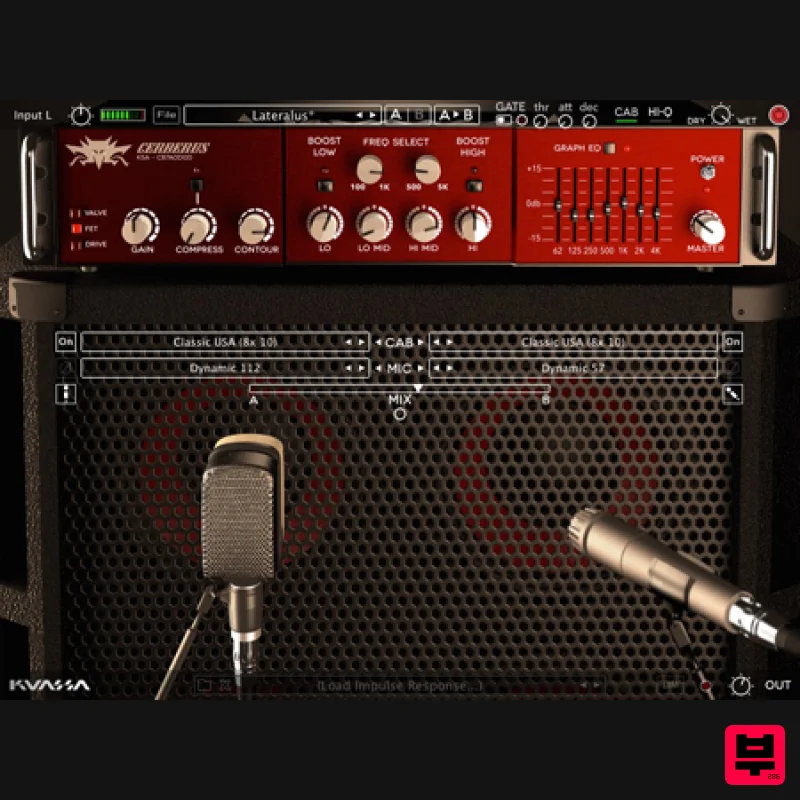
Cerberus Bass Amplifikation
Product Info
* Prices may vary. Check retailer for current pricing and availability.
Product Description
- Lo{w} & Behold The 3-Headed Bass Amp Plugin with many Characters: from Soulful to Tenacious Superb Bass Guitar Tone without Fuss! 3 amps: Valve
- and Drive Extensive sculpting with compressor
- contour
- parametric EQ
- 10-band graphic EQ
- and Limiter Dual 3D miking placement
- and impulse loader Phat & Diverse tone options Intuitive single-screen controls Cerberus Bass Amp Supports various audio plugins: VST
- VST3
- Audio Units
- which are compatible with all kind of Digital Audio Workstation softwares such as Logic Pro
- Ableton Live
- Reaper
- Nuendo
- Cubase
- Cakewalk
- FL Studio
- Propellerhead Reason
- Avid Pro Tools
- and many more. Cerberus Bass Amplifikation is a three-channel bass amplifier Rack Extension/Plug-in that will deliver thundering lows straight from your computer. With it’s intuitive single screen interface whatever your playing stye is
- pick or fingerstyle in any music you play
- Cerberus Bass Amplifikation will provide the warmth and mellowness of tube amp
- clarity and punch of solid-state power
- or turn it up to destruction on the Drive amp type. For further tweaking
- Cerberus Bass Amplifikation gives you tonal control through its compressor
- contour control
- parametric and graphic EQ
- and D.I. wetness control. Carefully tuned and carrying enough power to rumble your studio. Cerberus Bass Amplifikation also comes with features standard to Kuassa’s other amp products; noise gate
- and dual cabinet miking modeler. In addition
- the Rack Extension version features a handful of CV input controls
- while the VST/VST3/AU/AAX version will have an external IR loader and a 3D miking interface. Cerberus Bass Amplifikation: Take charge of the bottom frequency
- directly from your DAW. Features 3 Amp Types Built-in Compressor
- Noise Gate and Output Limiter 3 types of matching cabinets
- 6 microphones and Direct Mix Freely adjustable dual-miking configurations with mono/stereo options simulation a real-life bass guitar recording session. Flexible tone-shaping capability with Contour
- Semi-parametric EQ
- and Graphic EQ CV input controls for various parameters (*Rack Extension Version exclusive) External IR loader and move your microphones in 3D space (VST/VST3/AU/AAX exclusive) Straightforward and easy-to-use graphic interface. Supports up to 96000Hz Sample Rate. System Requirements Mac macOS 10.11 or later (Intel / M1 Apple Silicon supported) (64-bit only) Core2 Duo
- or better (latest Intel i3 recommended) with 4 GB minimum RAM VST
- VST3
- or Audio Units compatible host Windows Windows Vista or Later (64-bit only) Core2 Duo
- or AMD Phenom ii X4 or better (latest Intel i3
- AMD A4
- or better is recommended) with 4 GB minimum RAM VST or VST3 compatible host Notes: Pro Tools 11 or later is required for the AAX format Propellerhead Reason 10.1 or later is required for the Rack Extension format Please Note: This product is a plugin
- therefore a VST / VST3 / AU (Mac only) / AAX compatible host / sequencer is needed to run this software. Awards Tony Vincent A brilliant bass amp/cabinet plugin that really kills it. It's gives you amazing tone control
- compression options
- a D.I. wetness control and more. The sound is amazing and is versatile in many different styles. Reason Expert Cerberus is a beast
- and not just in name. Prior to trying Cerberus
- I had plenty of expectations and Cerberus fulfilled them. I was able to learn the interface very easily and get a tone that made me happy with very little fuss. Kuassa Installation Instructions 1. Visit https: //member.kuassa.com/ and create a Kuassa account. 2. After creating your account
- confirm via email and then log into your account. 3. Once you have logged in
- click REGISTER NEW PRODUCT. 4. Enter your product serial. 5. You will receive a notification that your registration was successful - click CLOSE. 6. Click DOWNLOAD to download your licence file. 7. Now
- download and launch your installer. Click NEXT. 8. Read the licence agreement and if happy
- click I ACCEPT THE AGREEMENT then click NEXT. 9. Select where you wish your plugin to be installed
- then click NEXT. 10. Select where you wish to place the programs shortcut
- then click NEXT. 11. Check you are happy with your installation
- then click INSTALL. 12. Click FINISH. 13. Open your plugin within your DAW
- click FILE and then IMPORT LICENCE. 14. Locate your licence file
- highlight then click OPEN. 15. Your plugin is now authorised!
Additional Information
About the Kuassa Cerberus Bass Amplifikation
The Kuassa Cerberus Bass Amplifikation combines traditional design with modern performance for Amp Simulator enthusiasts.
Why Choose the Kuassa Cerberus Bass Amplifikation?
- •Authentic Kuassa craftsmanship and design
- •Versatile sound suitable for multiple musical genres
- •Professional build quality and reliable performance
- •Part of Kuassa's respected Amp Simulator lineup
Compare & Explore
Browse our complete selection of Kuassa instruments or explore other Amp Simulator options. Use our comparison tools to find the perfect match for your musical style and budget.
Similar Products
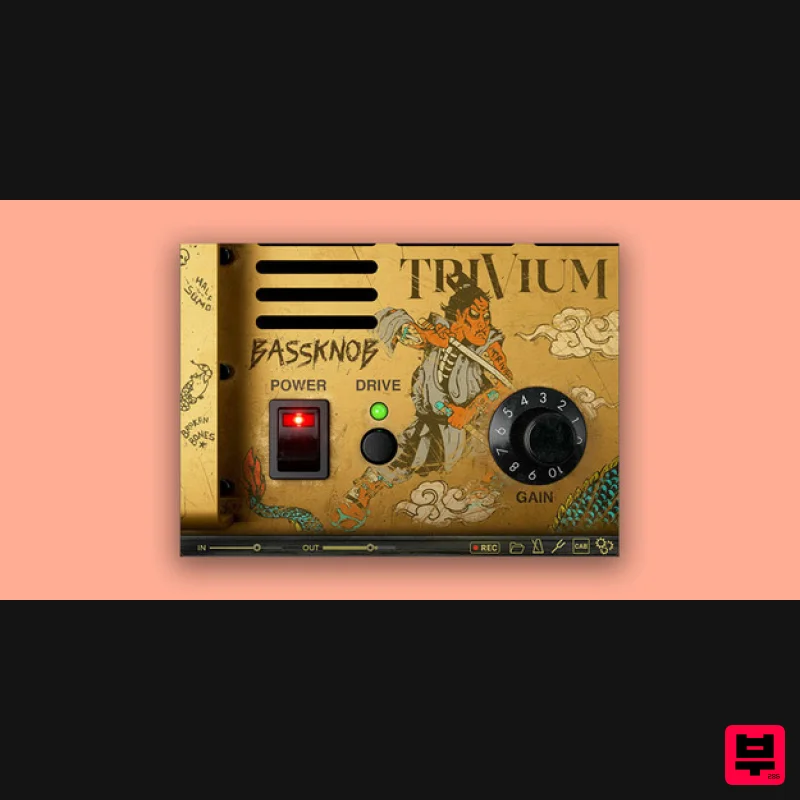
Bogren Digital BassKnob Trivium
Amp Simulator
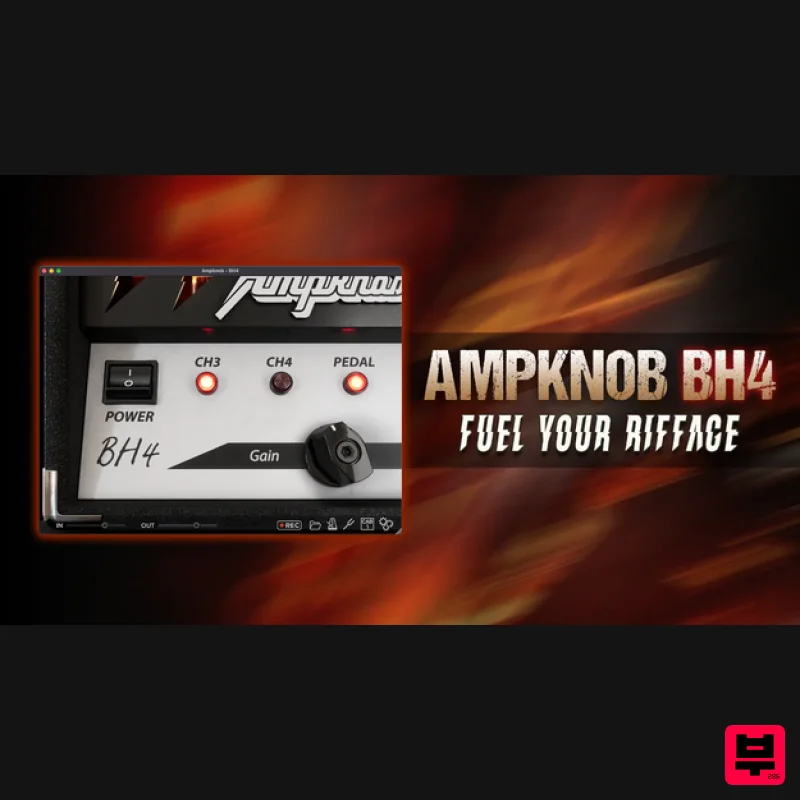
Bogren Digital AmpKnob BH4
Amp Simulator
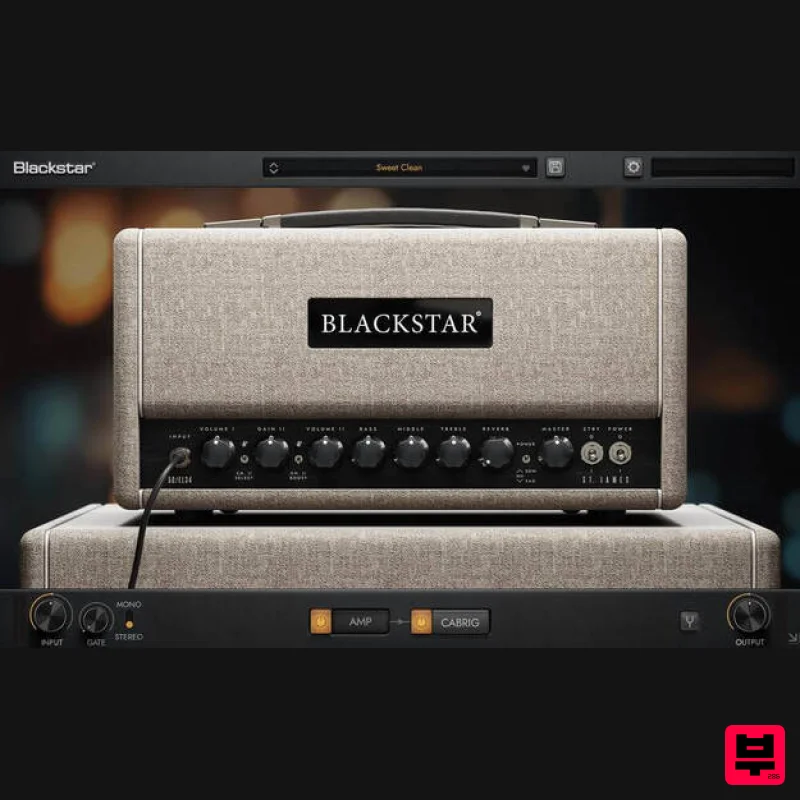
Blackstar St. James EL34
Amp Simulator
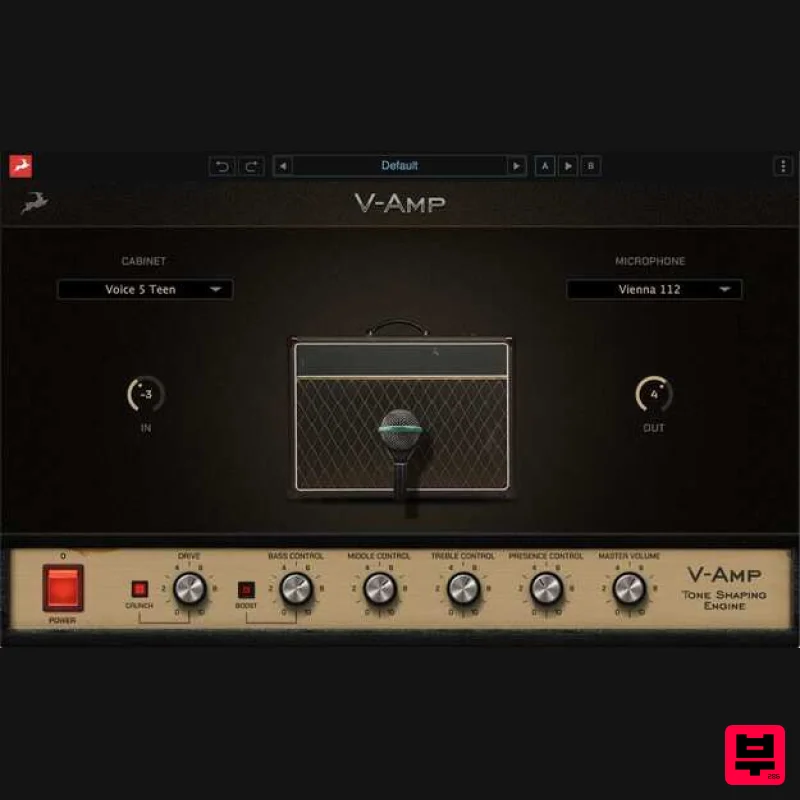
Antelope Audio V-AMP
Amp Simulator

Two Notes Audio Engineering Torpedo Wall of Sound | Plugin Boutique Edition
Amp Simulator
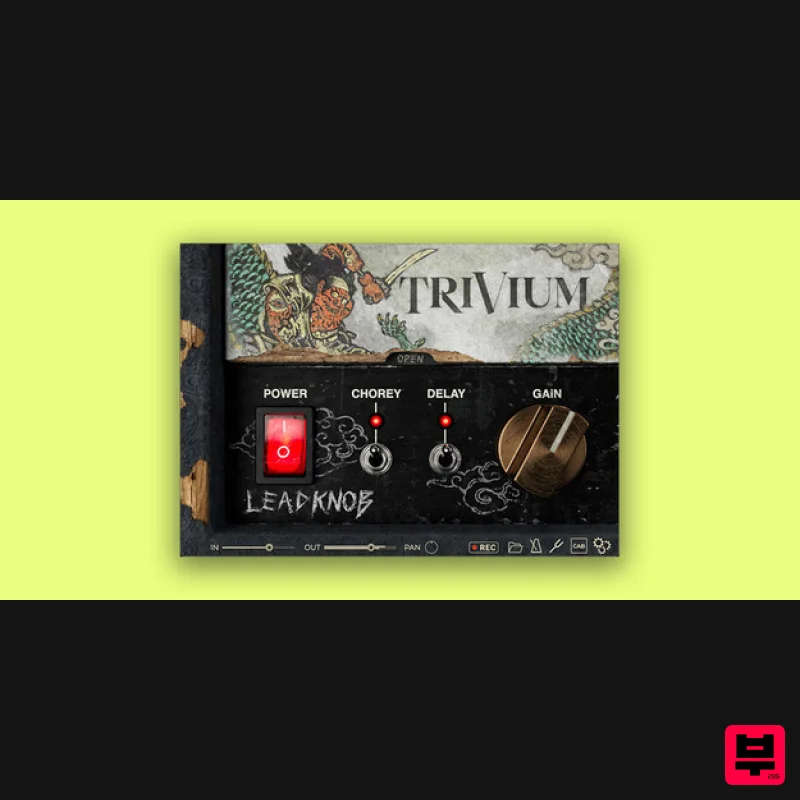
Bogren Digital AmpKnob Trivium Lead
Amp Simulator
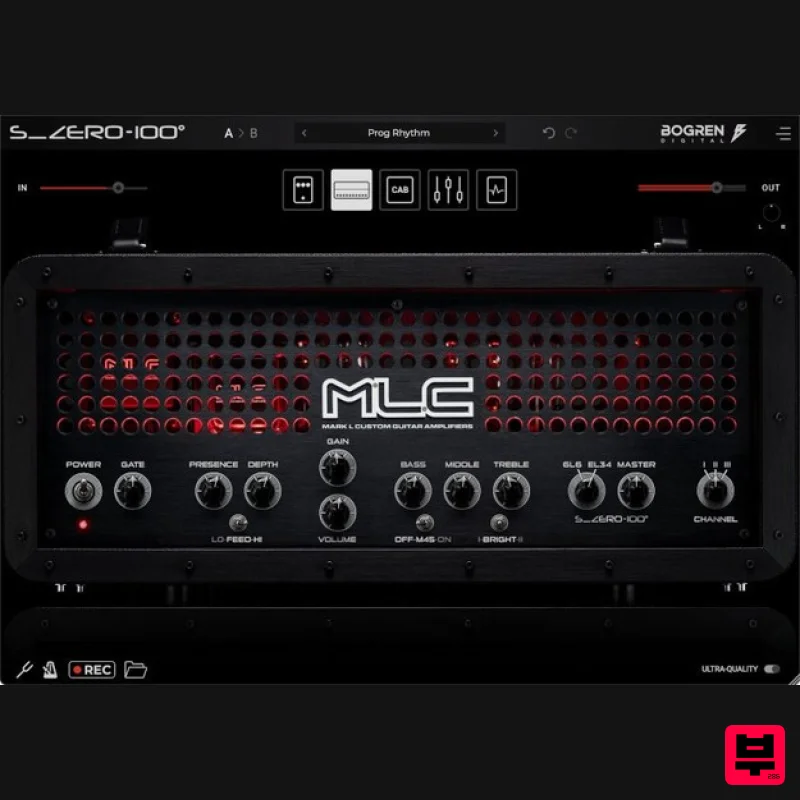
Bogren Digital MLC S_Zero 100
Amp Simulator
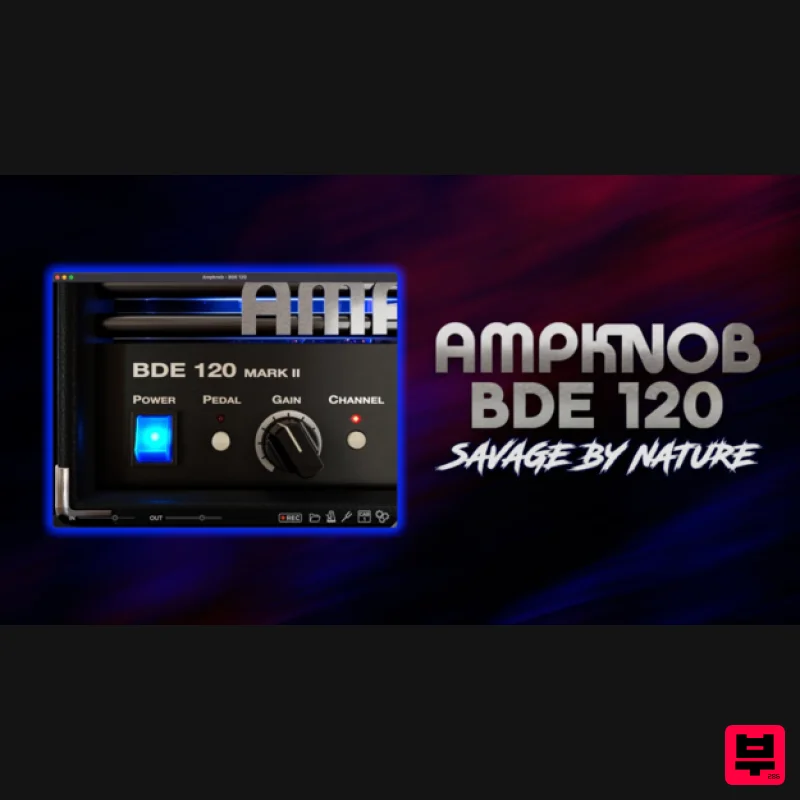
Bogren Digital AmpKnob BDE 120
Amp Simulator

