
Krotos Dehumaniser 2
Professional music gear - detailed information and where to buy
Krotos
Dehumaniser 2
Product Info
* Prices may vary. Check retailer for current pricing and availability.
Product Description
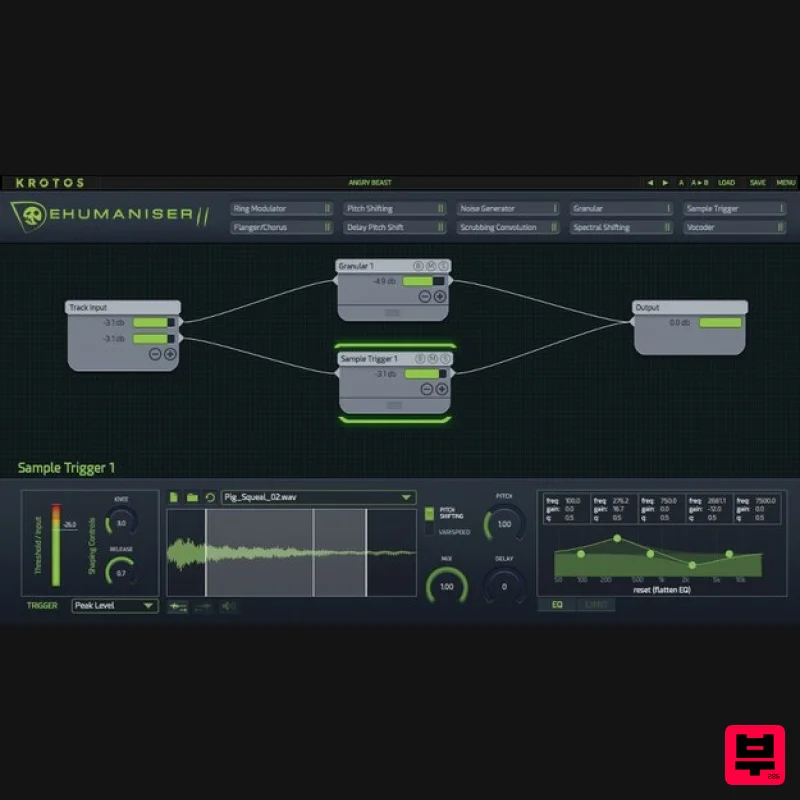
- Perform Complex Vocal Effects Instantly Process countless vocal scenarios from within one plugin. No need for additional software. Bring your Creatures to Life Dehumaniser 2 is a powerful vocal processor for designing complex vocal sound effects and processing dialogue. Create creatures
- monsters
- and robots easily and quickly with Dehumaniser 2’s intuitive and modular workflow. Customise and combine effects modules for unlimited creative possibilities
- or get started straight away with 100 ready-to-go presets. The Industry Standard Vocal Processor Dehumaniser 2 is the all-in-one solution that puts vital vocal sound design features at your fingertips
- making it the ideal plugin for use in film
- video games
- live performance
- and more. With 10 essential modules
- and over 100 impactful presets
- renowned sound designers have used Dehumaniser 2 to bring other-worldly characters to life in blockbusters like Avengers: Age of Ultron
- The Jungle Book
- Far Cry 4
- The Conjuring
- and Stranger Things. This versatile vocal processor eliminates the difficulty of setting up complex processing chains and allows designers to jump right into their creative work. Use Cases in Sound Design Creature Vocalisation Dialogue Processing Vocal Processing Get to Know Dehumaniser 2 Use Dehumaniser 2 to sound design voice processing that reacts to the dynamics of the incoming signal. Try the stereo spread control
- add a wider image or add depth to the sound. Sound Library of over 100 High-Quality Animal Recordings Trigger these samples based on amplitude
- pitch or from a range of audio descriptors
- either with a sample trigger module or as part of Krotos' scrubbing convolution module. This includes rare and unusual animals like a Bengal tiger and black leopard
- as recorded by Krotos' sound recordist in Thailand. Drag and drop a selection of sound files from the audio example folder to get you started with your sound design. These audio files ship with the plugin and are included in the installation. Perform Live Directly in Your Session Use Dehumaniser 2 in industry-standard DAWs including Pro Tools
- Logic
- Reaper
- Live and Cubase Run multiple instances of Dehumaniser 2 on different tracks or buses Automate hundreds of parameters for unprecedented control over your processing and workflow Design Complex Processing Systems Quickly and Easily for Unique Sound Design Clearly see the layout of audio routings with Krotos' modular
- node-based system Use up to two instances of each node; use multiple pitch shifters
- granular processors
- spectral or convolution processes or more in complex serial or parallel signal paths Create systems and settings which are truly performable Jam-packed with Inspiring Presets and Sounds to Get You Started Dehumaiser 2's factory library ships with over 100 thrilling presets and 133 high-quality animal recordings
- including Tigers
- Leopards
- Pigs
- Parrots and more Jump straight into creature design or create your own settings Trigger sample sounds based on amplitude
- pitch or from a range of audio descriptors Additional Features Create dynamic effects that react to the input signal; create processing engaged by pitch or amplitude settings per node Select between peak level
- RMS level
- energy difference or pitch tracking to bring your signal to life Midi control
- assign and recall Gate
- EQ and Limiters per module (including input and output) Custom ‘drawer’ macro system per node Envelope-follow based on pitch or noise content as well as amplitude
- per module in your custom system Included Modules Pitch Shifter Delay Pitch Shifting Granular Noise Generator Scrubbing Convolution Flanger / Chorus Ring Modulation Spectral Shifting Sample Trigger Vocoder System Requirements Mac macOS 10.13 - macOS 11 Big Sur (64-bit only) (M1/M2 Mac Supported) Intel computer with a minimum of 2.4 GHz Intel Dual Core Processor 4 GB of RAM VST
- VST3
- AAX Native Windows Windows 10 and later (64-bit only) 2.4 GHz Intel Dual Core Processor 4 GB of RAM VST
- VST3
- AAX Native Additional Information: This software is a digital download Minimum sample rate: 44.1 kHz Maximum sample rate: 192 kHz An internet connection is required at the time of activation Screen resolution of 1280×1024 or higher An iLok account (available for free at ilok.com) is required to activate and use both the demo and full version of the software Dehumaniser 2 can only be activated on one computer at a time An iLok 2 or later is required for dongle use Supported Host Applications: Pro Tools (11 or later) Logic Pro X Nuendo Ableton Live Cubase Reaper Studio One Please Note: This software may work on other DAWs and DAW versions apart from those listed above. However
- these will not have been tested and Krotos cannot guarantee the product will work as expected. Lora Hirschberg "I couldn't have created the voice of Ultron without it!" Important Notes: Dehumaniser Simple Monsters is used as an example. This product requires a free iLok account and a copy of iLok license manager to be installed on your computer. A physical iLok USB dongle is NOT required. Registering and logging into your Krotos account is required before activating the plugin - please follow the below registration steps before activating. Registration (Neccessary to complete first) 1. Go to https://www.krotosaudio.com/ > Click the 'user' icon in the top right corner. 2. Enter your details and click 'Register' > If you already have a Krotos account
- log in as usual. Activation Mac iLok Registration 1. Go to https: //www.ilok.com/#!registration > Fill out all of the relevant fields marked with an asterisk (*) and click 'Continue'. 2. Go to https://www.ilok.com/#!license-manager > Download and install the iLok License Manager. Krotos Registration 1. Go to your Plugin Boutique User Account and copy the URL found in the serial number section of your purchased product > Paste the URL into your web browser and press enter. 2. Fill out the relevant fields marked with an asterisk (*)
- including the iLok ID that you chose in step 1 of the iLok Registration instructions > Select 'I am a new customer' and click 'Activate'. 3. Enter your name and password of choice > Select 'I've read and accepted the terms and conditions and privacy policy' and click 'Continue'. 4. Download the Windows installer. Installation 1. Double-click the downloaded .zip file to extract the contents and open the .pkg file to begin the installation > Click 'Continue'. 2. Click 'Install'. 3. Enter your computer Username and Password > Click 'Install Software'. 4. Click 'Close'. Activation 1. Open the iLok License Manager > Click 'Sign In'. 2. Enter your iLok User ID and Password > Click 'Sign In'. 3. Select your recently installed product from the list > Click the tick icon in the top right corner of the application window. 4. Select the location you wish to activate your license - this can be your computer or an iLok USB dongle > Click 'Activate'. 5. Click 'Ok'. 6. Click 'Ok'. 7. Open the recently installed plugin in your DAW. Note: If your plugin fails to appear
- re-scan your plugin selection in your DAW. Your software is now activated and ready to use. Windows iLok Registration 1. Go to https: //www.ilok.com/#!registration > Fill out all of the relevant fields marked with an asterisk (*) and click 'Continue'. 2. Go to https://www.ilok.com/#!license-manager > Download and install the iLok License Manager. Krotos Registration 1. Go to your Plugin Boutique User Account and copy the URL found in the serial number section of your purchased product > Paste the URL into your web browser and press enter. 2. Fill out the relevant fields marked with an asterisk (*)
- including the iLok ID that you chose in step 1 of the iLok Registration instructions > Select 'I am a new customer' and click 'Activate'. 3. Enter your name and password of choice > Select 'I've read and accepted the terms and conditions and privacy policy' and click 'Continue'. 4. Download the Windows installer. Installation 1. Double-click the downloaded .zip file to extract the contents and open the .exe file to begin the installation > Select 'I accept the agreement' and click 'Next'. 2. Click 'Next'. 3. Click 'Install'. 4. Click 'Finish'. Activation 1. Open the iLok License Manager > Click 'Sign In'. 2. Enter your iLok User ID and Password > Click 'Sign In'. 3. Select your recently installed product from the list > Click the tick icon in the top right corner of the application window. 4. Select the location you wish to activate your license - this can be your computer or an iLok USB dongle > Click 'Activate'. 5. Click 'Ok'. 6. Click 'Ok'. 7. Open the recently installed plugin in your DAW. Note: If your plugin fails to appear
- re-scan your plugin selection in your DAW. Your software is now activated and ready to use. Krotos Concept Installation Instructions Mac Registration 1. Go to your Plugin Boutique User Account > Copy and paste the serial number into your web browser and press enter on your keyboard. 2. Click 'Continue'. 3. Enter your email address and check the box that states 'I've read and accepted the terms & conditions and privacy policy' > Click 'Continue'. Installation 1. Download your Windows installer by clicking the button that reads 'CONCEPT_OSX_1.0.0.ZIP'. Note: You will need your License Key for step 1 of the activation process. 2. Double-click the .zip file to extract the contents > Open the .pkg file to begin the installation and click 'Continue'. 3. Click 'Continue'. 4. Select whether you agree to share your anonymous plugin usage data or not > Click 'Continue'. 5. Click 'Install'. 6. Enter your computer User Name and Password > Click 'Install Software'. 7. Click 'Close'. Activation 1. Open the newly installed software within your DAW > Copy and paste the License Key from step 1 of the installation process > Click 'Activate'. Your software is now activated and ready to use within your DAW. Windows Registration 1. Go to your Plugin Boutique User Account > Copy and paste the serial number into your web browser and press enter on your keyboard. 2. Click 'Continue'. 3. Enter your email address and check the box that states 'I've read and accepted the terms & conditions and privacy policy' > Click 'Continue'. Installation 1. Download your Windows installer by clicking the button that reads 'CONCEPT_WIN_1.0.0.ZIP'. Note: You will need your License Key for step 1 of the activation process. 2. Double-click the .zip file to extract the contents and open the .exe file to begin the installation > Select 'I accept the agreement' and click 'Next >'. 3. Select whether you agree to share your anonymous plugin usage data or not > Click 'Next >'. 4. Select the installation location for your VST files > Click 'Next >'. 5. Click 'Install'. 6. Click 'Finish'. Activation 1. Open the newly installed software within your DAW > Copy and paste the License Key from step 1 of the installation process > Click 'Activate'. Your software is now activated and ready to use within your DAW.
Additional Information
About the Krotos Dehumaniser 2
Discover the distinctive sound and feel of the Krotos Dehumaniser 2, a standout choice among Vocal Processing.
Why Choose the Krotos Dehumaniser 2?
- •Authentic Krotos craftsmanship and design
- •Versatile sound suitable for multiple musical genres
- •Professional build quality and reliable performance
- •Part of Krotos's respected Vocal Processing lineup
Compare & Explore
Browse our complete selection of Krotos instruments or explore other Vocal Processing options. Use our comparison tools to find the perfect match for your musical style and budget.
Similar Products
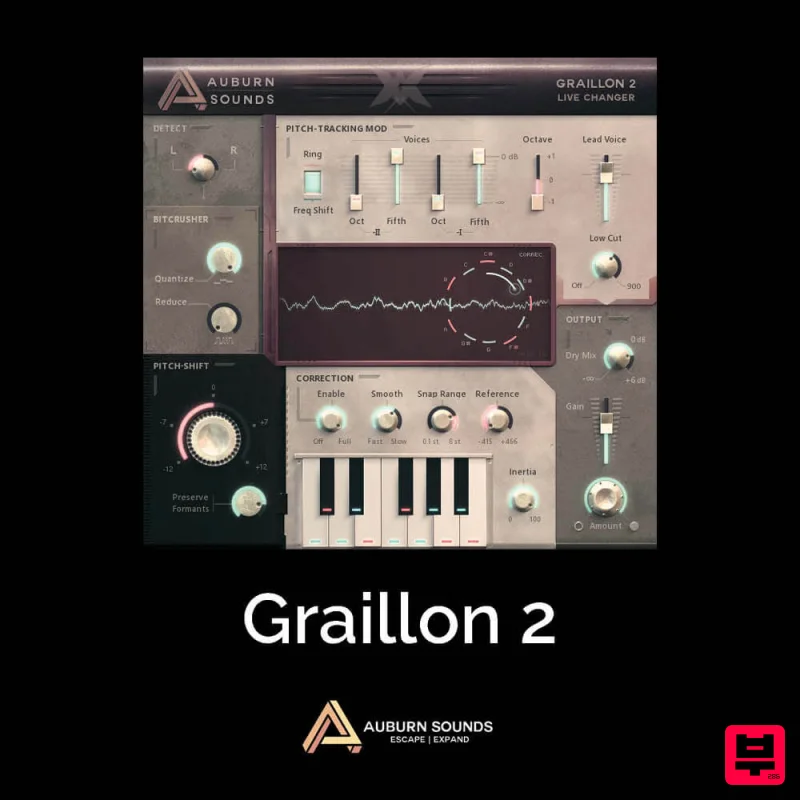
Auburn Sounds Graillon 2
Vocal Processing
Krotos Krotos Dehumaniser 2
Vocal Processing
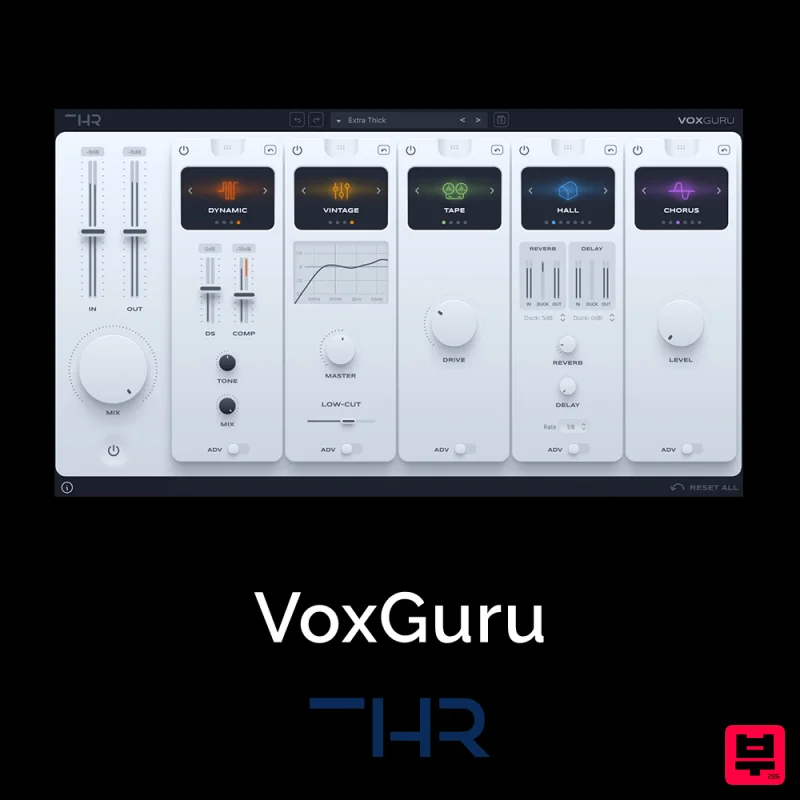
THR VoxGuru
Vocal Processing
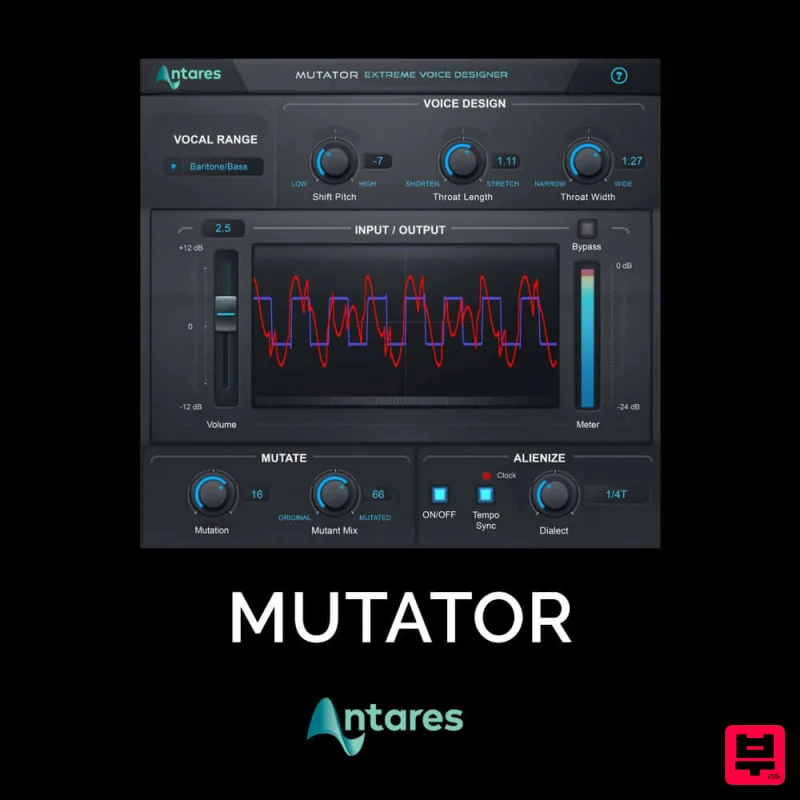
Antares MUTATOR
Vocal Processing
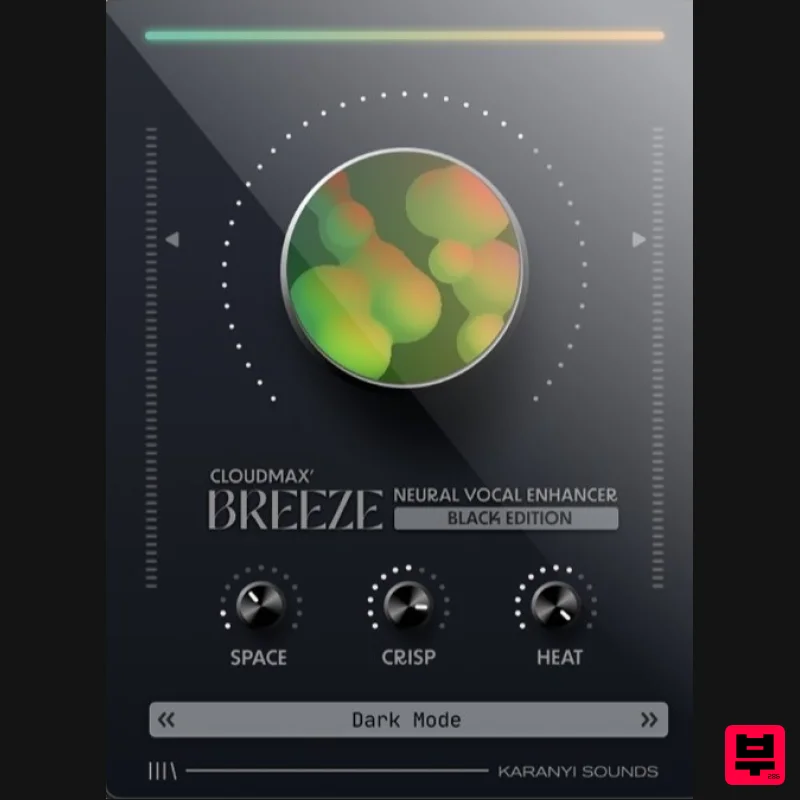
Karanyi Sounds Cloudmax Breeze Black Edition
Vocal Processing
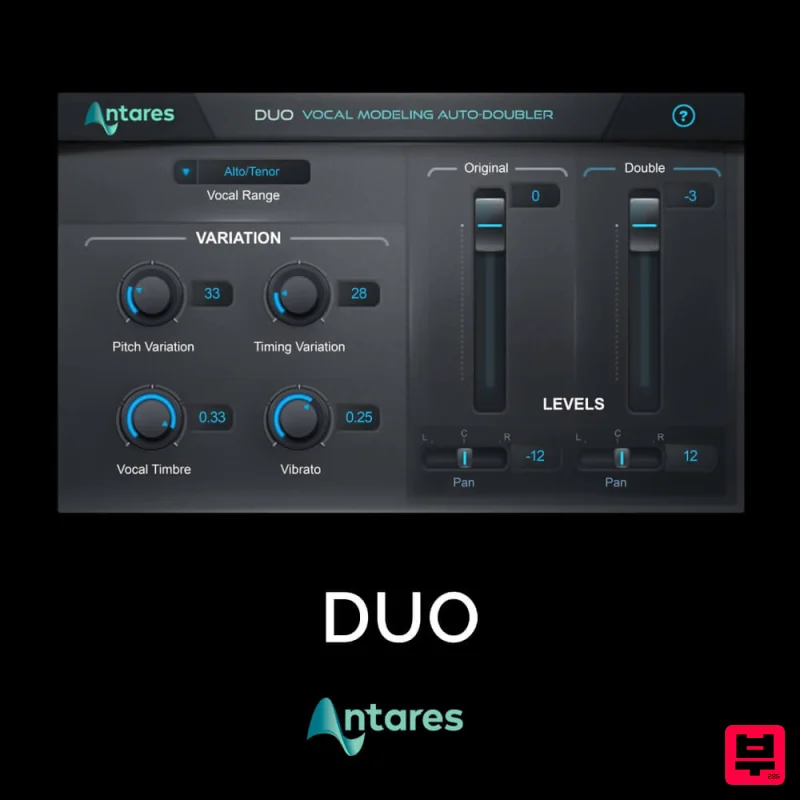
Antares DUO
Vocal Processing
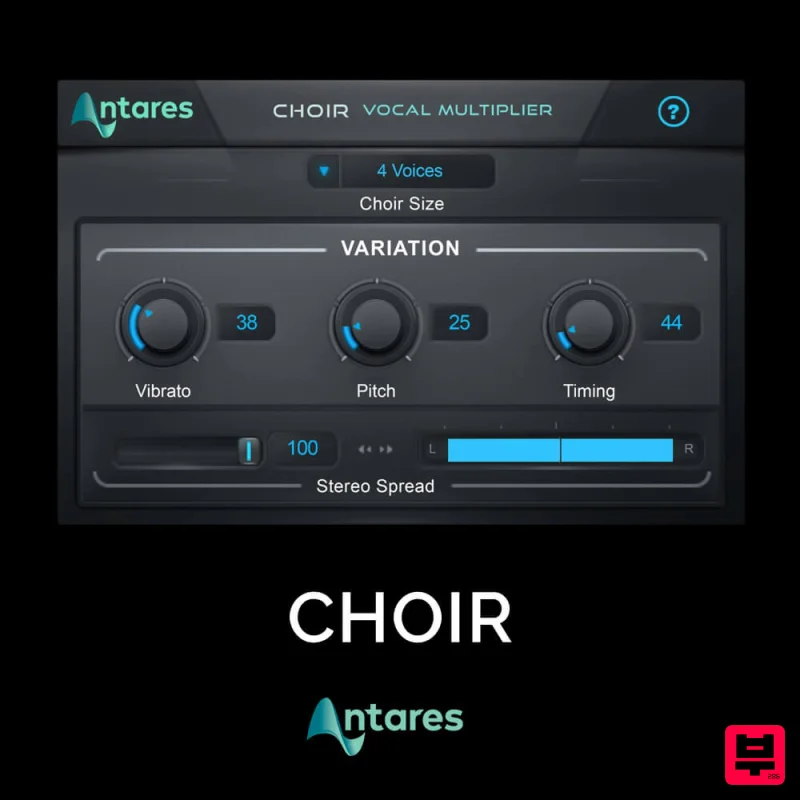
Antares CHOIR
Vocal Processing
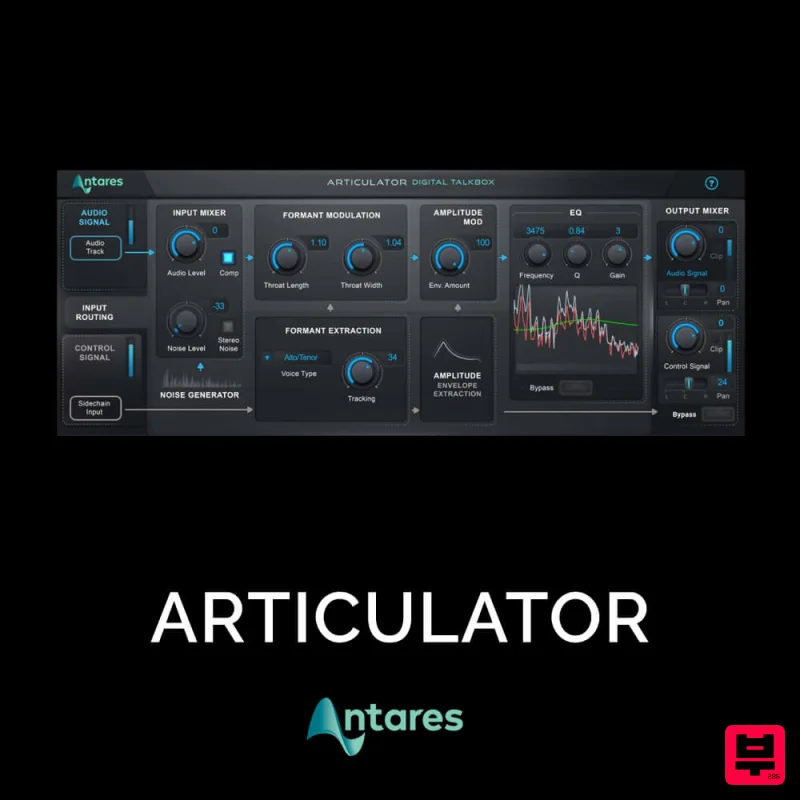
Antares ARTICULATOR
Vocal Processing

